- Yaş sınırı4+
- KategoriEğitim
- GeliştiriciGiGa infosystems GmbH
- Dillerİngilizce
- Boyut1,7 MB
Resmi App Store sayfasına bağlanır
Download.org, GST[AR] için hiçbir dosya barındırmaz. Düğme, uygulamanın App Store üzerindeki sayfasını açar; uygulamayı orada GiGa infosystems GmbH yayınlar. Sayfanın son kontrolü: 14.11.2026.
Ekran görüntüleri


Hakkında
Geliştirici bu metni dilinizde sunmamış.
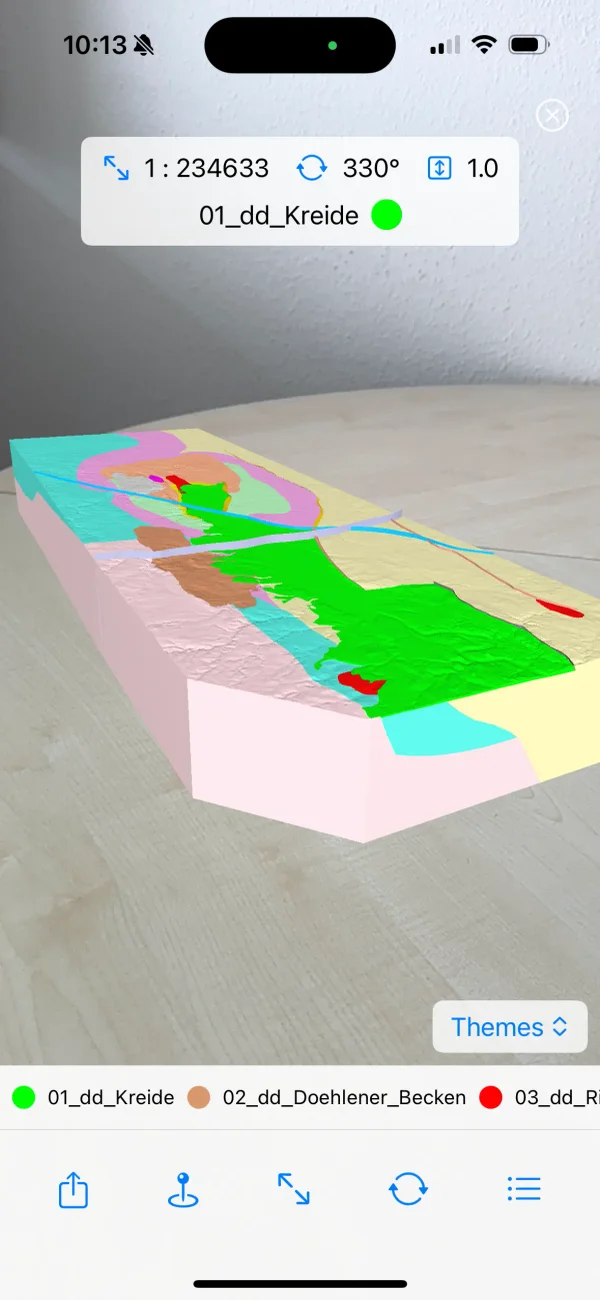
GST[AR] allows you to browse, download, view, and share geological models in augmented reality.
Browse
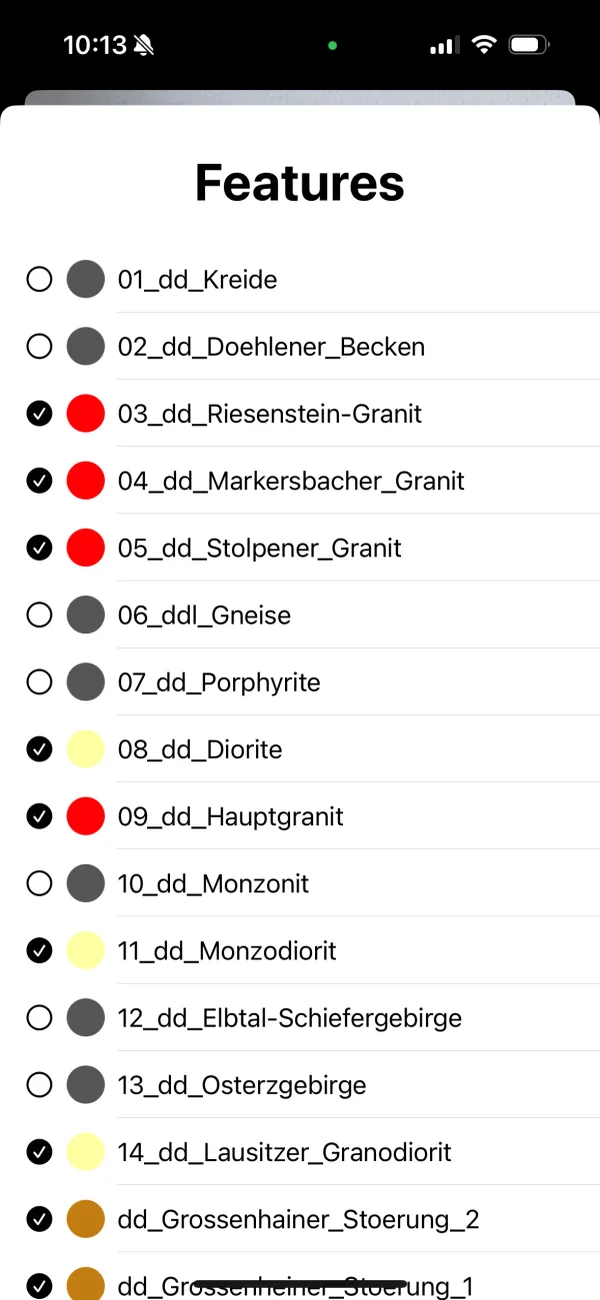
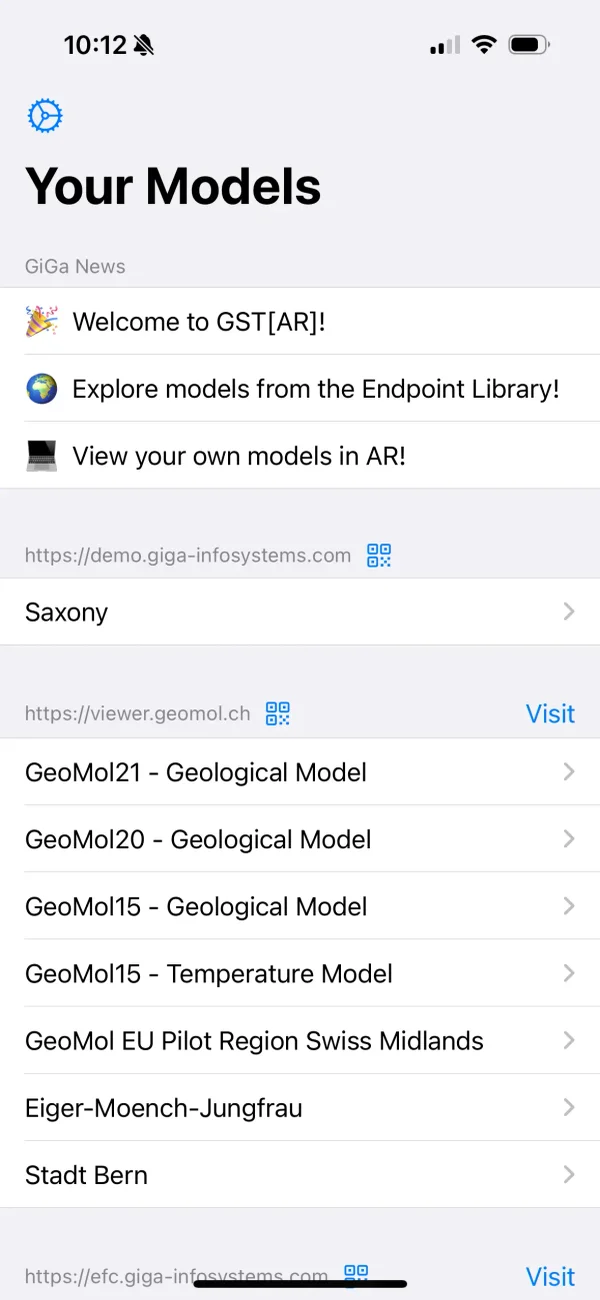
Browse through available models and their features to find a nice selection to present in AR. Models are retrieved from running instances of GST Web. Don’t worry, there are default sources added already, so you can get started right away. Hint: If you see a „Visit“ button near a section of models, you can tap it to learn more about the institution that provides these models for you! When you select a model, you will find a list of features waiting for you. Make your selection and off you go to the AR view.
View
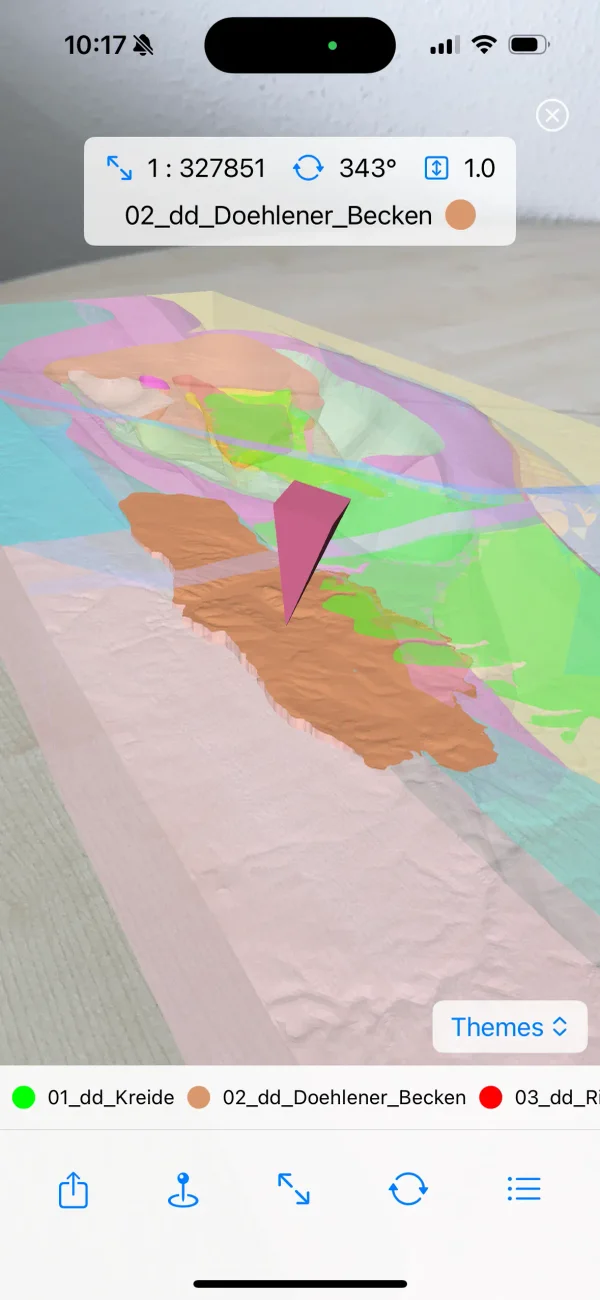
As soon as the features are downloaded, you will be able to place them on any horizontal surface in AR. Use gestures or sliders to rotate and scale your model. Tap on individual parts to learn about their name or use the legend to even highlight individual features. Superelevation is available via sliders as well!
Share
When you have placed a feature selection in AR, you get the option to share your session with others! Use the share button to let other peers join your session, synchronize your worlds and you will be looking at the same model in no time. Changes to the model rotation, scale and location will be synced automatically between all peers in the session. Hold down on a model to place your marker to point towards the feature of interest or highlight a certain feature via the legend for all other peers.
Settings and customization
Customize your experience by changing a couple of settings. In the settings menu, you will have the possibility to change aspects of scaling, how high the models float above the surface or even enable such cool features like "people occlusion" that make your AR scene even more immersive! Furthermore, if you want to access models from a GST Web instance that is not present in the app, you have the possibility to add endpoints of your own.
Yenilikler
Sürüm 1.2.0 · 27.05.2026
It took a while, but GST[AR] finally makes use of Liquid Glass on iOS 26. Now you see more of your models with less space occupied by the user interface, especially on iPad.
Uygulama gizliliği
Bu uygulamanın verileri nasıl işlediği hakkında GiGa infosystems GmbH tarafından App Store üzerinde yapılan beyan.
-
Veri toplanmıyor
Geliştirici bu uygulamadan hiçbir veri toplamıyor.
Gizlilik uygulamaları, örneğin kullandığınız özelliklere veya yaşınıza göre değişiklik gösterebilir.
Bilgiler
- Satıcı
- GiGa infosystems GmbH
- Kategori
- Eğitim
- Sürüm
- 1.2.0
- Güncellendi
- 27.05.2026
- Yayın tarihi
- 24.10.2020
- Boyut
- 1,7 MB
- Gereksinim
- iOS 16.4 veya sonrası
- Yaş sınırı
- 4+
- Fiyat
- Ücretsiz
- Diller
- İngilizce
- Telif hakkı
- © 2021 GiGa infosystems GmbH