- 対象年齢4+
- カテゴリミュージック
- 開発元Peter Hafner
- 言語英語
- サイズ20.1 MB
App Storeの公式ページにリンクしています
Download.orgはHarmonizer - AUv3のファイルを一切ホストしていません。ボタンを押すと、Peter Hafnerが公開しているApp Storeのアプリページが開きます。ページの最終確認:2026/11/17。
スクリーンショット

概要
開発元はこのテキストをお使いの言語で提供していません。
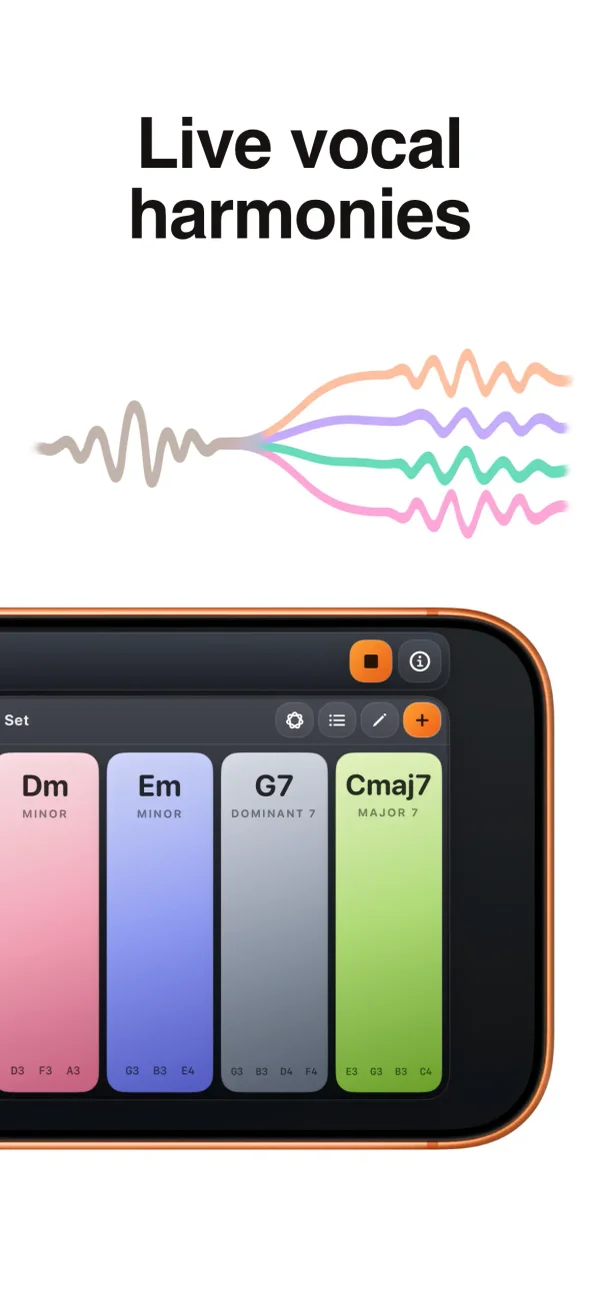
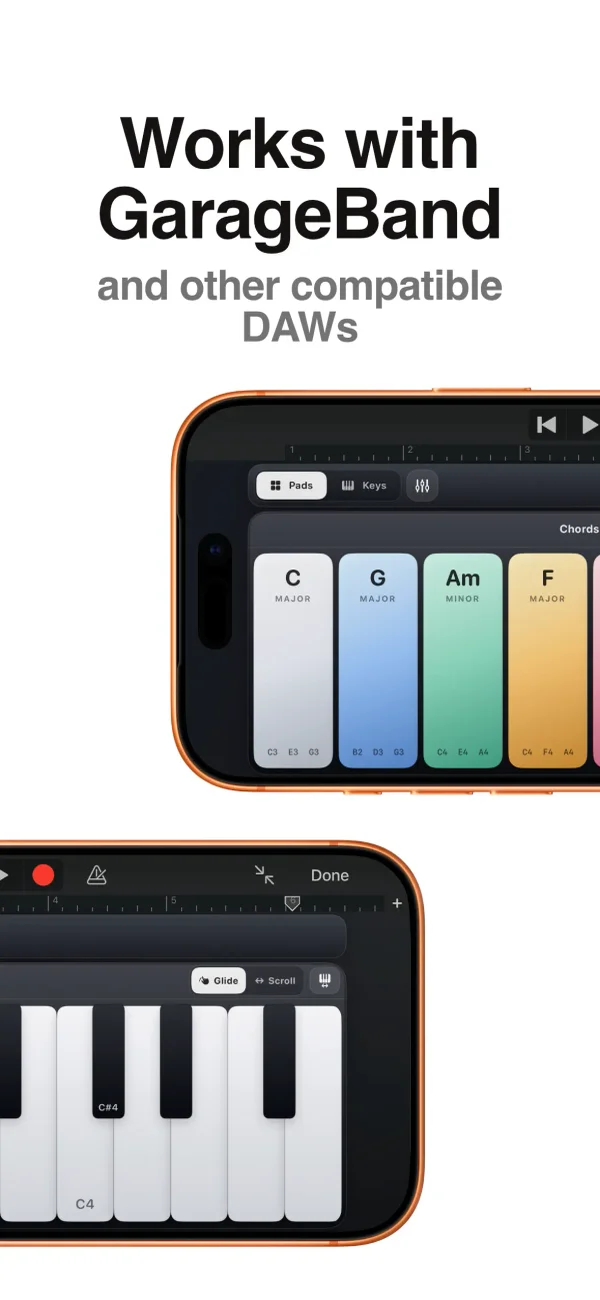
Harmonizer - AUv3 is a real-time vocal harmonizer for iPhone and iPad. Sing into a microphone, select piano keys or chord pads, and hear live harmonies with low latency. Use it as a standalone instrument or load it as an AUv3 effect in compatible hosts such as GarageBand and Logic Pro for iPad.
Key Features:
- Live Vocal Harmonies: Process your voice in real time with harmonies based on held notes, piano keys, chord pads, or connected MIDI input.
- Standalone and AUv3: Use Harmonizer as a standalone app or as an AUv3 audio effect in compatible music apps. Record the harmonized result directly in your host project.
- Chord Pads: Play and hold chords with touch pads. Move between pads naturally, prepare the next chord while another is held, and use multiple octave ranges within each pad.
- Audio Controls: Adjust dry vocal level, harmony level, output gain, and, in the standalone app, reverb amount and space preset.
- Custom Chord Sets: Create, rename, duplicate, edit, and delete chord sets for different songs or performances. Choose the number of pads, chord roots, qualities, octaves, and pad layouts.
- Piano Keyboard: Play with a multitouch piano keyboard designed for live performance. Choose Glide mode for sliding notes or Scroll mode to move across the keyboard while continuing to play.
- iPad Dual Keyboard: On iPad, use two independent keyboard rows with separate positions for wider playing ranges.
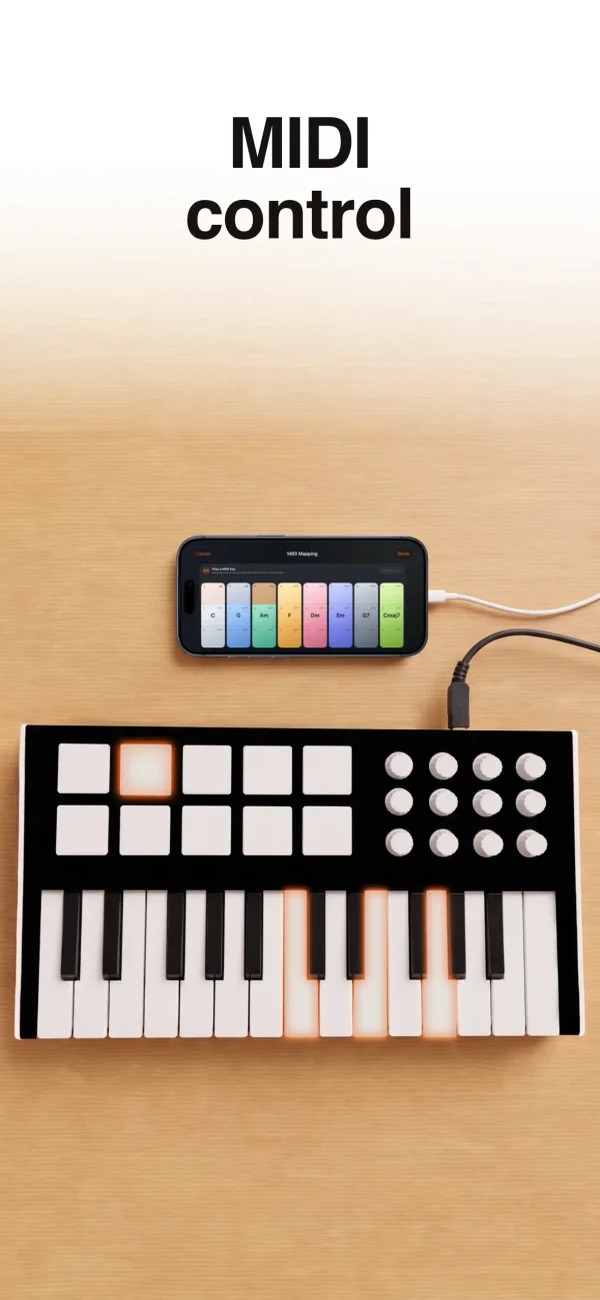
- MIDI Input: Use connected MIDI keyboards and controllers to play harmonies. MIDI works with chord pads and keys, including AUv3 host MIDI where supported.
- MIDI Mapping: Map MIDI notes to chord pad positions and map MIDI knobs to key mixing controls such as Dry, Harmony, Reverb, and Output level.
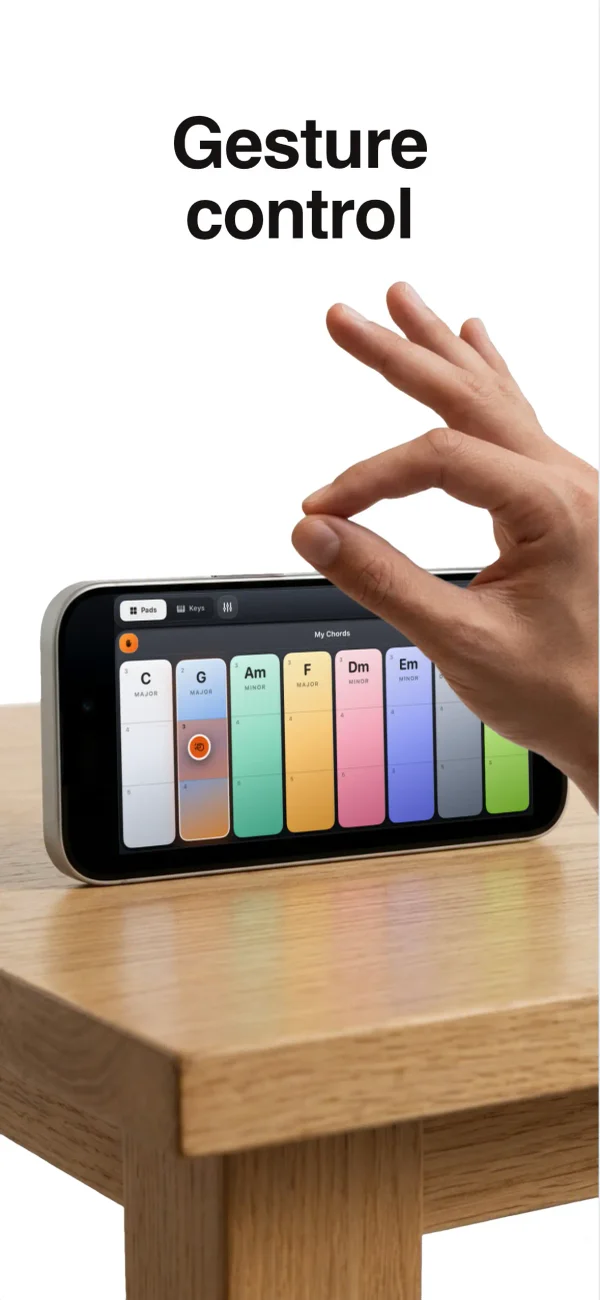
- Hand Control: Optionally control chord pads using the front camera. Hover over a pad with your hand and pinch to hold its chord. Includes a short tutorial plus low-light, no-hand, and multiple-hand guidance.
- Local Processing: Microphone audio, camera input, chord sets, and performance settings stay on your device. Harmonizer does not upload or sell your audio or camera data.
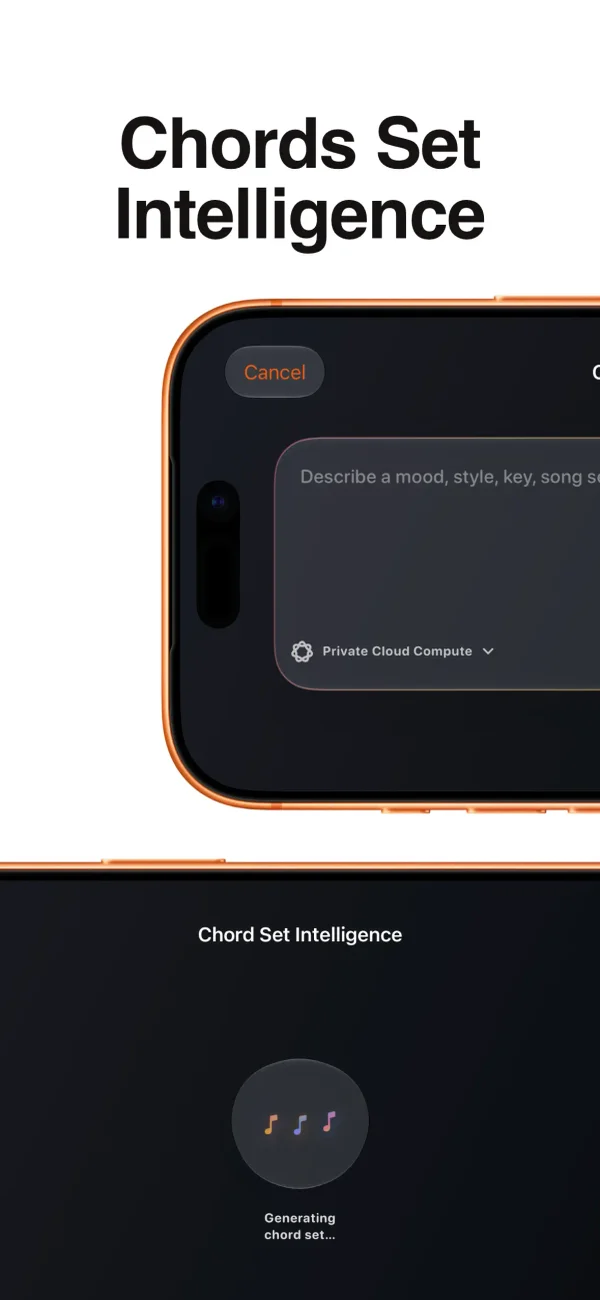
- Apple Intelligence Chord Progressions - Describe a mood, style, key, or progression idea to generate a named playable chord set with a short description; preview each chord, edit it, then save and use it live in Harmonizer. Requires a compatible device with Apple Intelligence enabled and availability may vary by language and region.
Enjoy!
新機能
バージョン 1.1 · 2026/10/15
Apple Intelligence Chord Progressions
Describe a mood, style, key, or progression idea to generate a named playable chord set with a short description; preview each chord, edit it, then save and use it live in Harmonizer.
*Requires a compatible device with Apple Intelligence enabled and availability may vary by language and region.
アプリのプライバシー
このアプリのデータの取り扱いについて、Peter HafnerがApp Storeで申告している内容です。
-
データの収集なし
開発元はこのアプリからデータを収集しません。
プライバシーの取り扱いは、ご利用の機能やお客様の年齢などに応じて異なる場合があります。
情報
- 販売元
- Peter Hafner
- カテゴリ
- ミュージック
- バージョン
- 1.1
- 更新日
- 2026/10/15
- リリース
- 2026/8/27
- サイズ
- 20.1 MB
- 必要条件
- iOS 17.0以降
- 対象年齢
- 4+
- 価格
- 無料
- 言語
- 英語
- 著作権
- © Peter Hafner
こちらもおすすめ
-
 Sampledex Effect Shiftミュージック
-
 Roboto AUv3 Singing Synth歌声シンセサイザー
-
 J.J.Moon AUv3 Pluginミュージック
-
 Pixelsynth: AUv3 Visual Synthミュージック
-
 Atmospheres 2: Magic Reverbミュージック
-
 Q BIT Crusherタイムホールド機能搭載ビットクラッシャー
-
 OR-2 Granular Machineミュージック
-
 M/S Processor 2ミッド/サイド・プロセッサー AUv3
-
 KAGARIBI:AUv3シンセ音作りがわかるMPEシンセ
-
 DJFX Looper (AUv3)ミュージック