- Age rating4+
- CategoryMusic
- DeveloperPeter Hafner
- LanguagesEnglish
- Size20.1 MB
Links to the official App Store page
Download.org hosts no file of Harmonizer - AUv3. The button opens its official App Store page, published by Peter Hafner. Listing last checked on Nov 17, 2026.
Screenshots

About
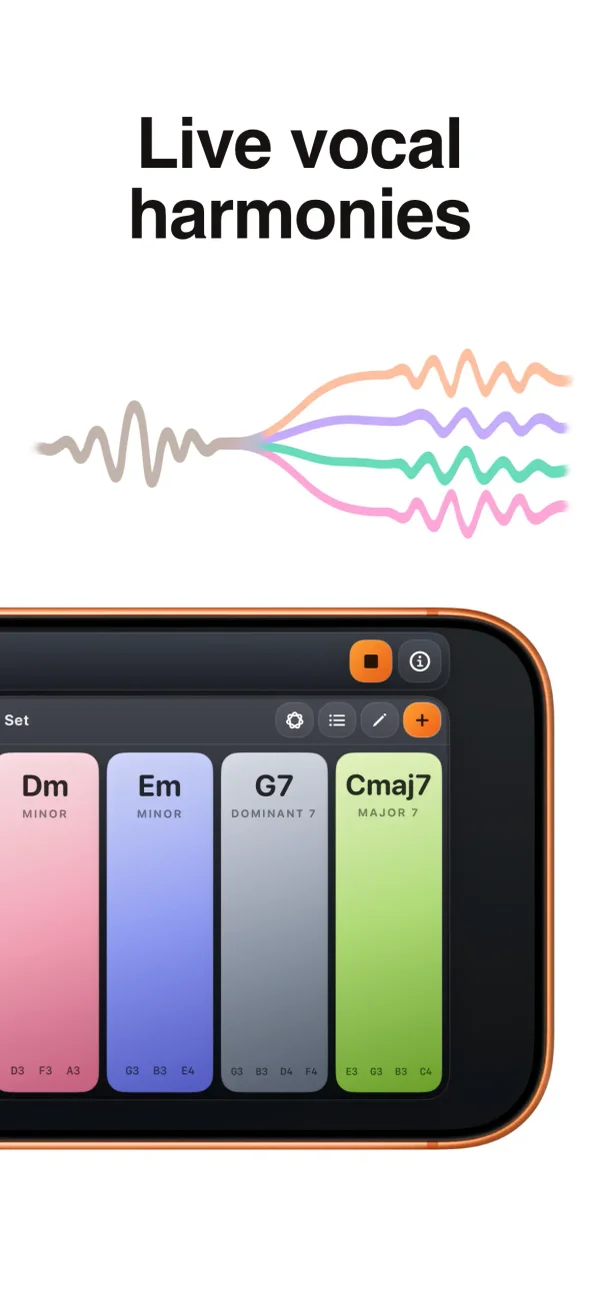
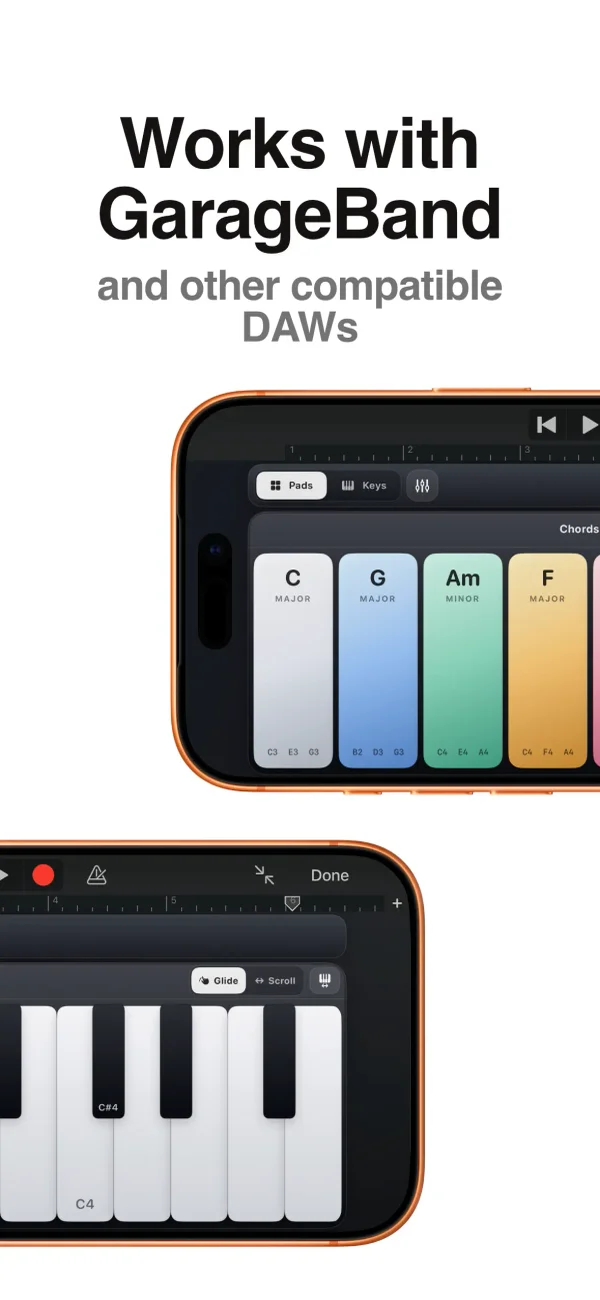
Harmonizer - AUv3 is a real-time vocal harmonizer for iPhone and iPad. Sing into a microphone, select piano keys or chord pads, and hear live harmonies with low latency. Use it as a standalone instrument or load it as an AUv3 effect in compatible hosts such as GarageBand and Logic Pro for iPad.
Key Features:
- Live Vocal Harmonies: Process your voice in real time with harmonies based on held notes, piano keys, chord pads, or connected MIDI input.
- Standalone and AUv3: Use Harmonizer as a standalone app or as an AUv3 audio effect in compatible music apps. Record the harmonized result directly in your host project.
- Chord Pads: Play and hold chords with touch pads. Move between pads naturally, prepare the next chord while another is held, and use multiple octave ranges within each pad.
- Audio Controls: Adjust dry vocal level, harmony level, output gain, and, in the standalone app, reverb amount and space preset.
- Custom Chord Sets: Create, rename, duplicate, edit, and delete chord sets for different songs or performances. Choose the number of pads, chord roots, qualities, octaves, and pad layouts.
- Piano Keyboard: Play with a multitouch piano keyboard designed for live performance. Choose Glide mode for sliding notes or Scroll mode to move across the keyboard while continuing to play.
- iPad Dual Keyboard: On iPad, use two independent keyboard rows with separate positions for wider playing ranges.
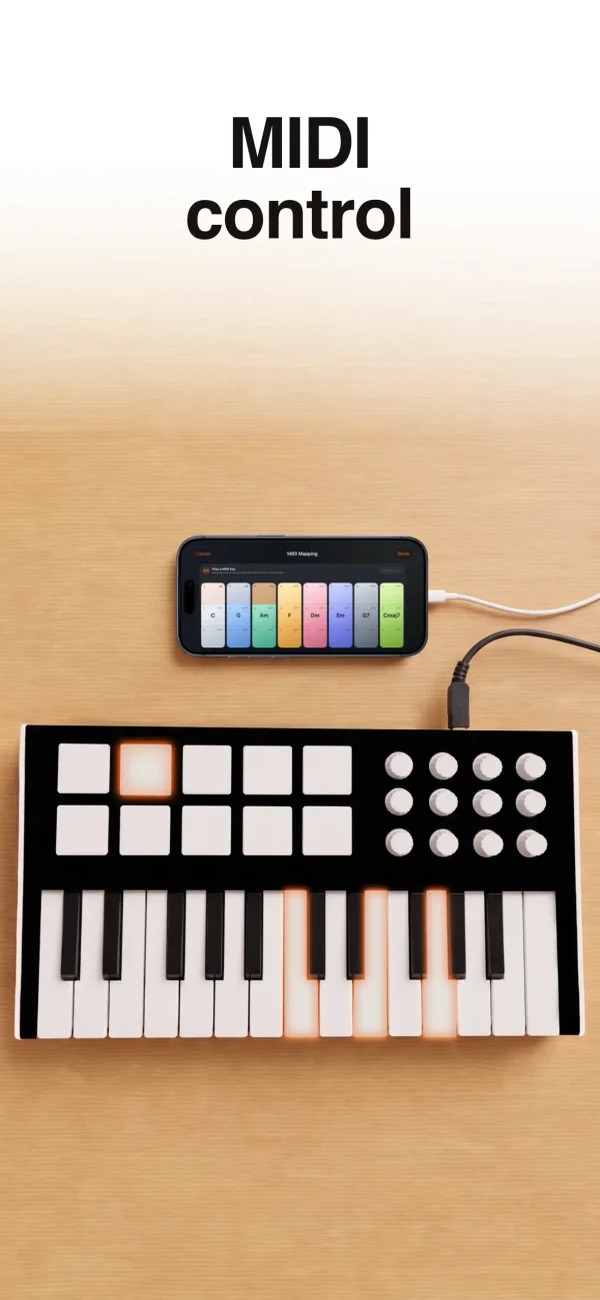
- MIDI Input: Use connected MIDI keyboards and controllers to play harmonies. MIDI works with chord pads and keys, including AUv3 host MIDI where supported.
- MIDI Mapping: Map MIDI notes to chord pad positions and map MIDI knobs to key mixing controls such as Dry, Harmony, Reverb, and Output level.
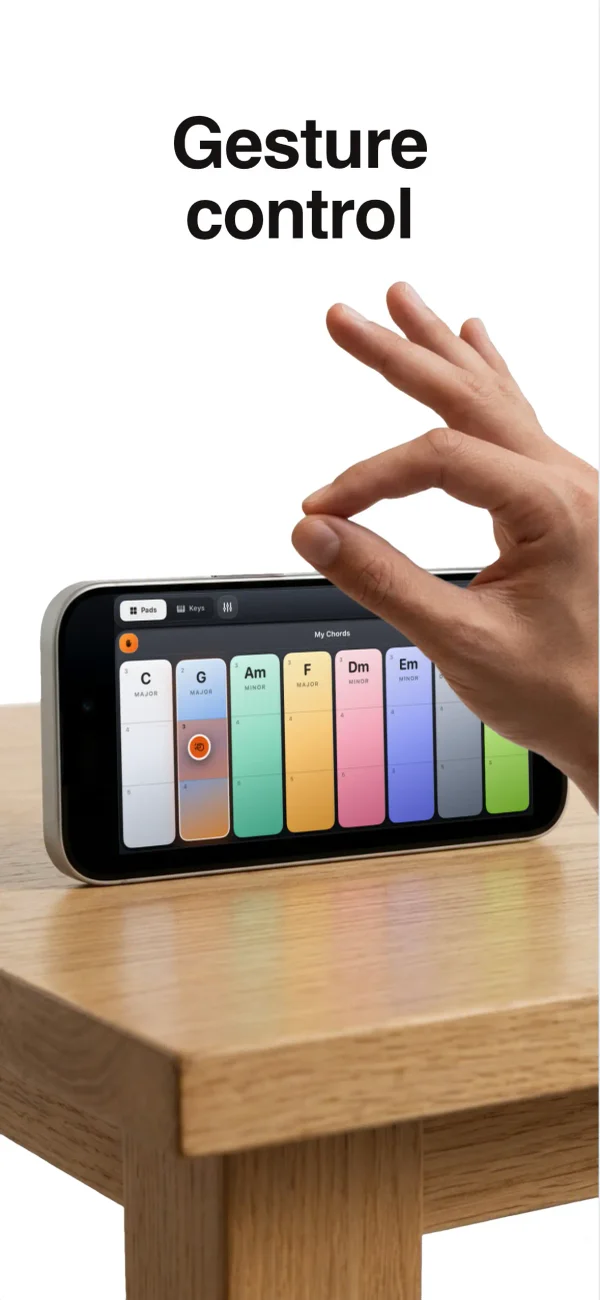
- Hand Control: Optionally control chord pads using the front camera. Hover over a pad with your hand and pinch to hold its chord. Includes a short tutorial plus low-light, no-hand, and multiple-hand guidance.
- Local Processing: Microphone audio, camera input, chord sets, and performance settings stay on your device. Harmonizer does not upload or sell your audio or camera data.
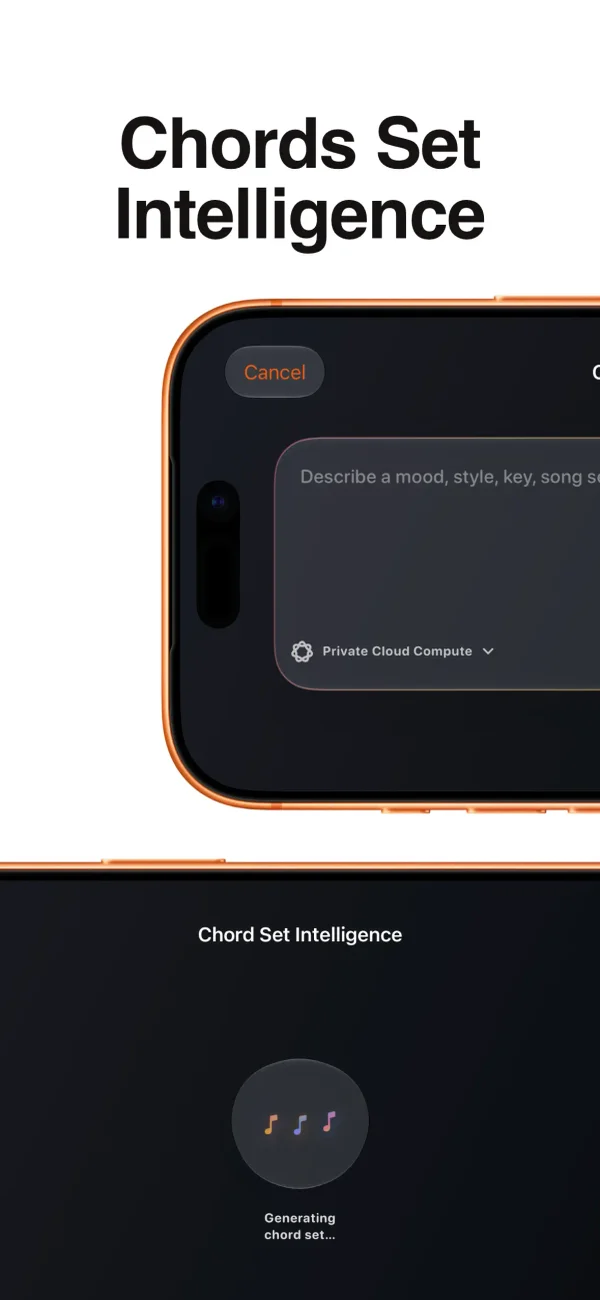
- Apple Intelligence Chord Progressions - Describe a mood, style, key, or progression idea to generate a named playable chord set with a short description; preview each chord, edit it, then save and use it live in Harmonizer. Requires a compatible device with Apple Intelligence enabled and availability may vary by language and region.
Enjoy!
What’s new
Version 1.1 · Oct 15, 2026
Apple Intelligence Chord Progressions
Describe a mood, style, key, or progression idea to generate a named playable chord set with a short description; preview each chord, edit it, then save and use it live in Harmonizer.
*Requires a compatible device with Apple Intelligence enabled and availability may vary by language and region.
App privacy
What Peter Hafner declares on the App Store about how this app handles data.
-
Data not collected
The developer does not collect any data from this app.
Privacy practices may vary, for example with the features you use or your age.
Information
- Seller
- Peter Hafner
- Category
- Music
- Version
- 1.1
- Updated
- Oct 15, 2026
- Released
- Aug 27, 2026
- Size
- 20.1 MB
- Requires
- iOS 17.0 or later
- Age rating
- 4+
- Price
- Free
- Languages
- English
- Copyright
- © Peter Hafner
You might also like
-
 Sampledex Effect ShiftMusic
-
 Roboto AUv3 Singing SynthSinging Voice Synthesizer
-
 J.J.Moon AUv3 PluginAcoustic guitar FX for AUv3
-
 Pixelsynth: AUv3 Visual SynthPlay, shape & see your sound
-
 Atmospheres 2: Magic ReverbCreative reverb from text
-
 Q BIT CrusherBit Crusher with Time Hold
-
 OR-2 Granular MachineEvolving ambient soundscapes
-
 M/S Processor 2AUv3 mid/side stereo processor
-
 KAGARIBI: AUv3 SynthShape, play, understand sound
-
 DJFX Looper (AUv3)Free loop effect for audio