- 対象年齢4+
- カテゴリ写真/ビデオ
- 開発元Juergen Frosch
- 言語英語ほか1言語
- サイズ68.0 MB
App Storeの公式ページにリンクしています
Download.orgはHigh Five Studioのファイルを一切ホストしていません。ボタンを押すと、Juergen Froschが公開しているApp Storeのアプリページが開きます。ページの最終確認:2026/11/18。
スクリーンショット



概要
開発元はこのテキストをお使いの言語で提供していません。
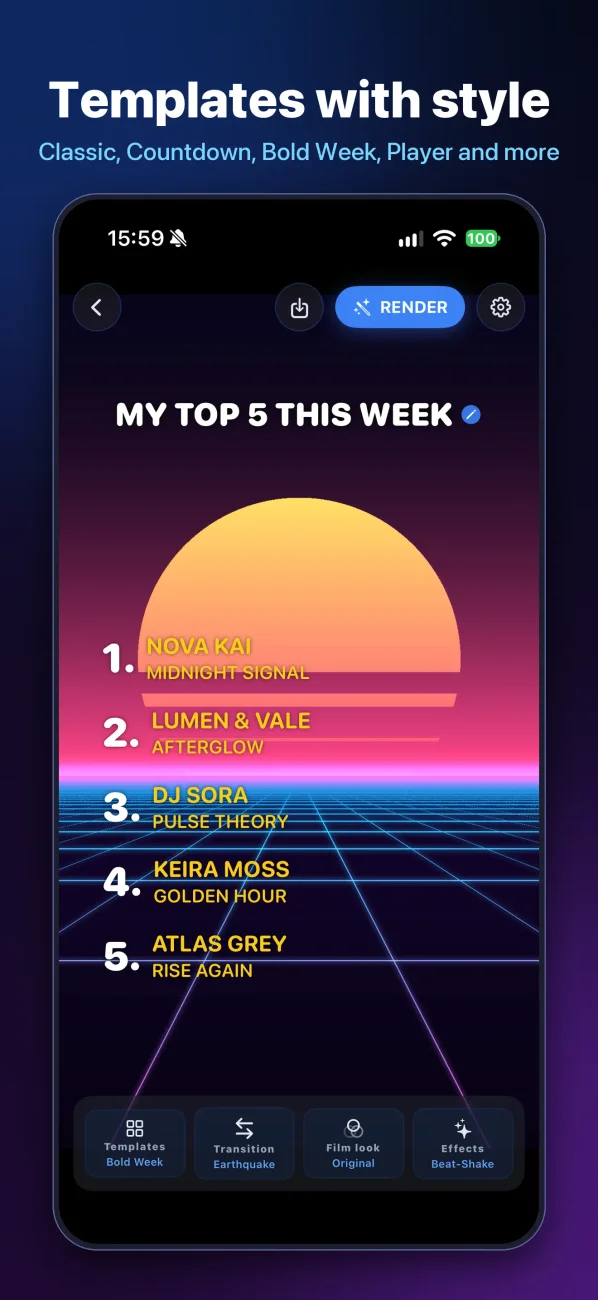
High Five Studio turns your favourite songs into a Top 5 reel – with you in the shot. Made for DJs, producers and anyone who wants to share their charts of the week.
How it works:
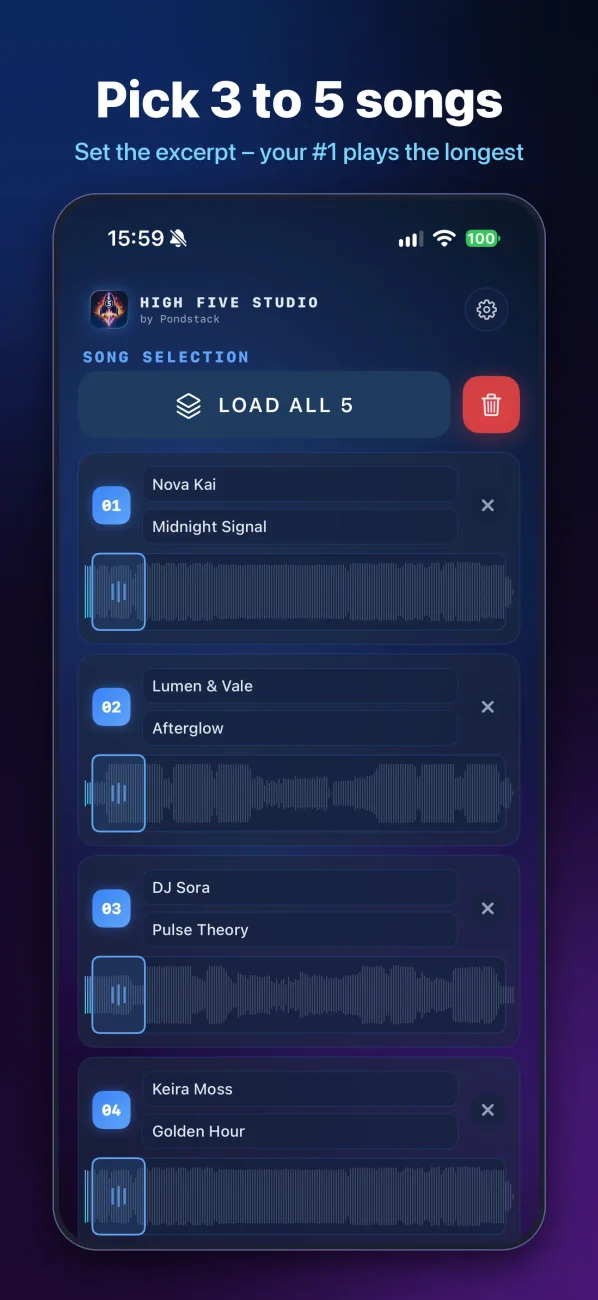
1. Pick 3 to 5 songs from your files and set the excerpt
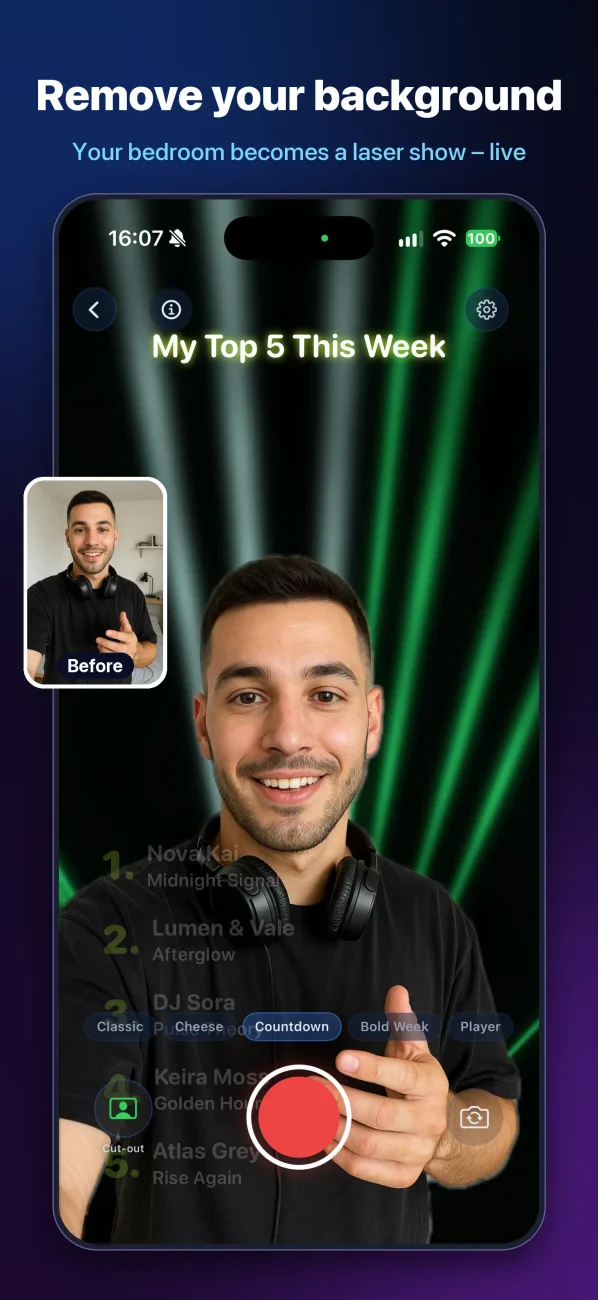
2. Film yourself with the camera – the titles run live
3. Adjust template, background and effects, then tap Render
FEATURES
- Top 3, Top 4 or Top 5 – time is split automatically, your #1 plays the longest
- Remove your background – cut-out right on your iPhone, no green screen needed
- 18 animated backgrounds – seamless loops from techno to lounge, from an Ibiza club to a starship cockpit and a lagoon, plus your own photos and videos
- Templates – Classic, Cheese, Countdown, Bold Week and Player
- Film looks, transitions and beat effects
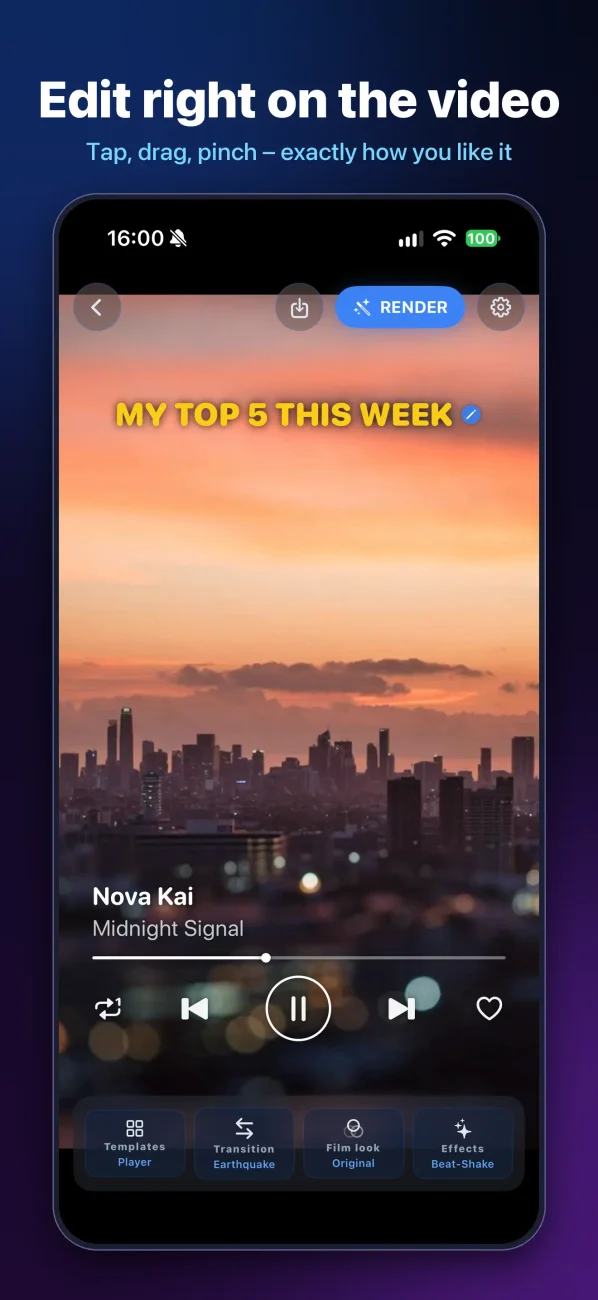
- Edit right on the video – tap, drag and pinch your text
- Start recording with a hand gesture – peace sign, open hand or thumbs up
- Countdown before recording and between tracks
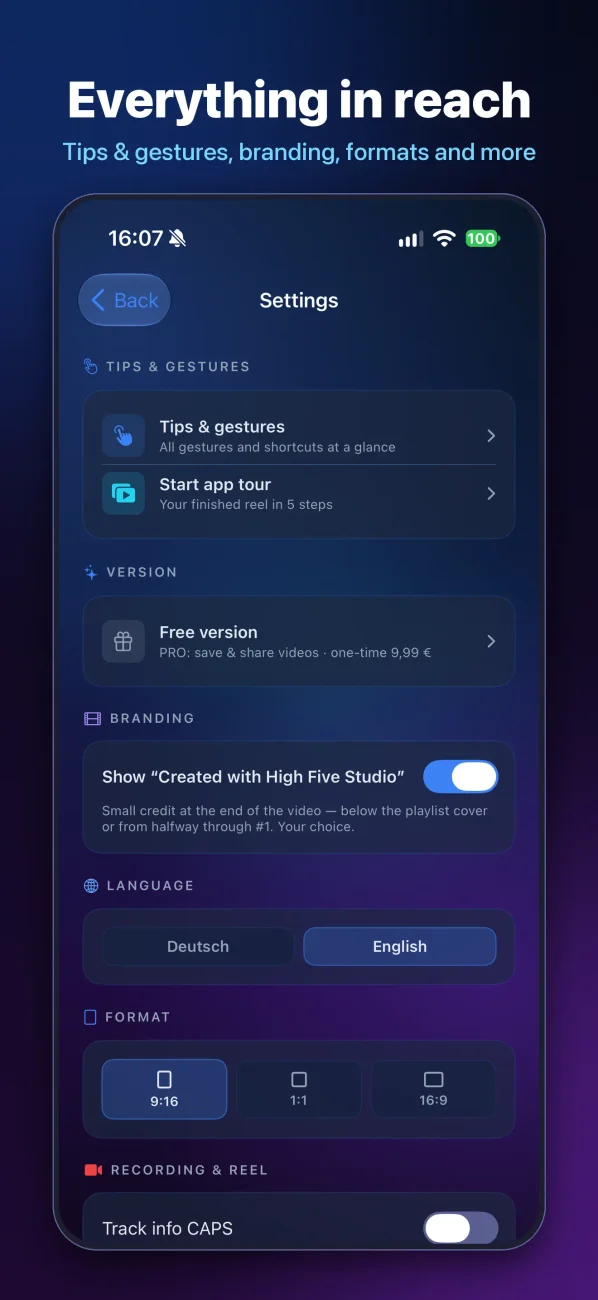
- 9:16, 1:1 and 16:9 formats
- English and German
FREE & PRO
Free: try everything, render and watch the preview.
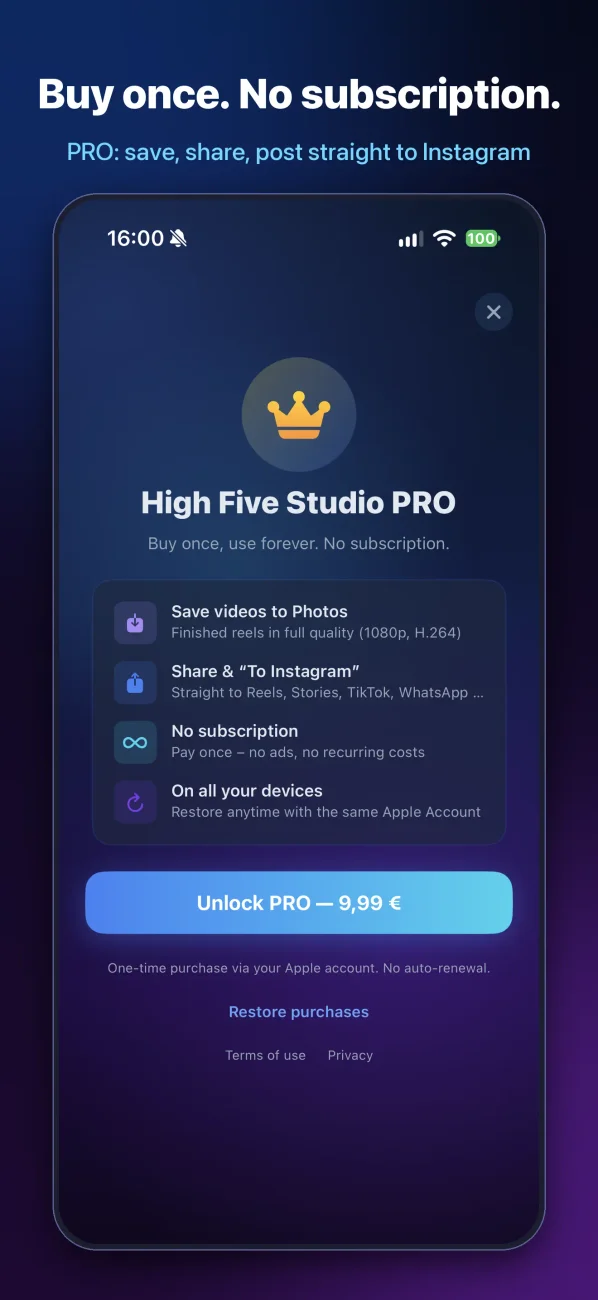
PRO (one-time purchase, no subscription): save videos to Photos, share them and send them straight to Instagram. Your purchase covers iPhone and Mac – pay once, use it on both.
No accounts, no ads. Please only use music you have the rights to.
新機能
バージョン 1.3 · 2026/11/12
What's new in version 1.3
SONGS FROM YOUR MUSIC LIBRARY
- Load tracks straight from the Music app into your slots: purchased songs and your own tracks stored on your iPhone.
- When loading, simply pick the source: Files (iCloud Drive, Dropbox …) or Music library – also for "Load all 5" and "Replace track".
- Artist, title and artwork are taken over automatically.
- Note: Apple Music subscription tracks are copy-protected and can't be used. Download tracks from your iCloud Music Library in the Music app first.
アプリのプライバシー
このアプリのデータの取り扱いについて、Juergen FroschがApp Storeで申告している内容です。
-
データの収集なし
開発元はこのアプリからデータを収集しません。
プライバシーの取り扱いは、ご利用の機能やお客様の年齢などに応じて異なる場合があります。
情報
- 販売元
- Juergen Frosch
- カテゴリ
- 写真/ビデオ
- バージョン
- 1.3
- 更新日
- 2026/11/12
- リリース
- 2026/9/24
- サイズ
- 68.0 MB
- 必要条件
- iOS 17.0以降
- 対象年齢
- 4+
- 価格
- 無料
- アプリ内課金
- あり
- 言語
- 英語, ドイツ語
- 著作権
- © 2026 PondStack Software / Maui Media ART