High Five Studio
Top 5 Music Reels for DJs
Designed for iPhone, Mac
Free · In-app purchases
- Age rating4+
- CategoryPhoto & Video
- DeveloperJuergen Frosch
- LanguagesEnglish+ 1 more
- Size68.0 MB
Links to the official App Store page
Download.org hosts no file of High Five Studio. The button opens its official App Store page, published by Juergen Frosch. Listing last checked on Nov 18, 2026.
Screenshots



About
High Five Studio turns your favourite songs into a Top 5 reel – with you in the shot. Made for DJs, producers and anyone who wants to share their charts of the week.
How it works:
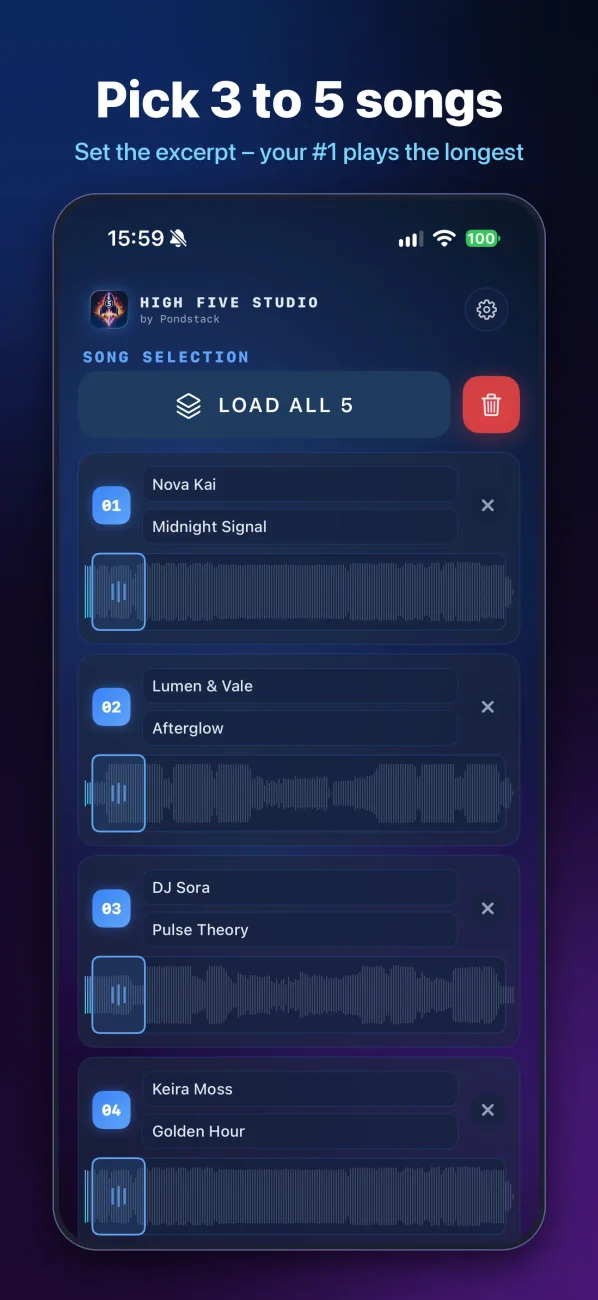
1. Pick 3 to 5 songs from your files and set the excerpt
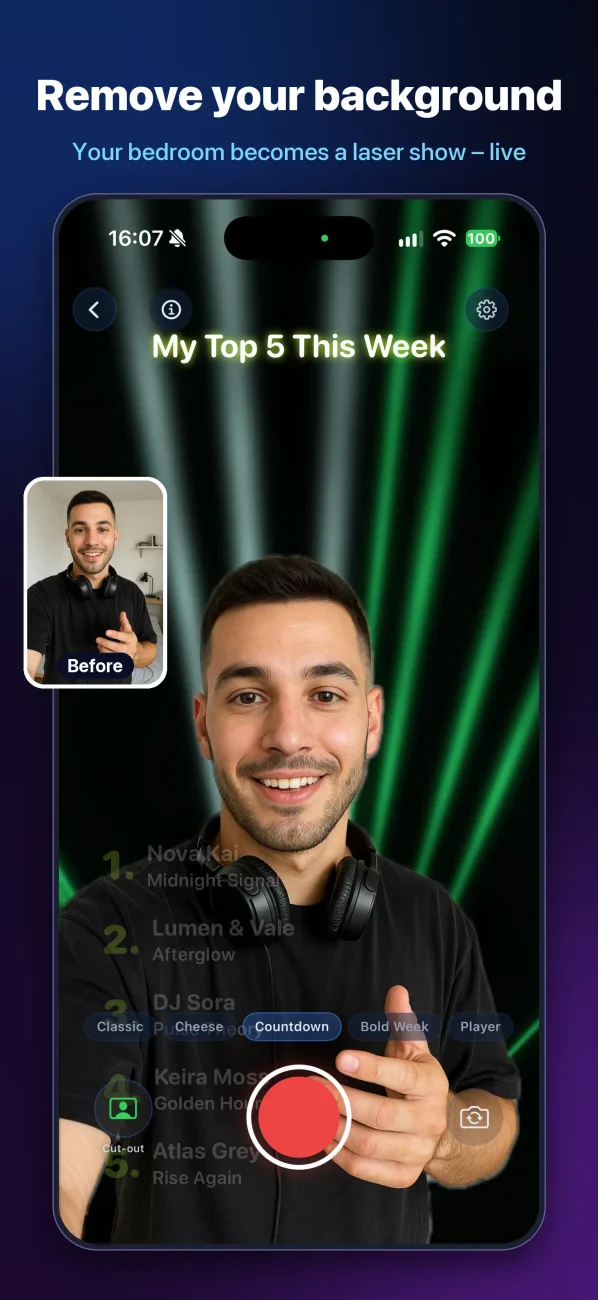
2. Film yourself with the camera – the titles run live
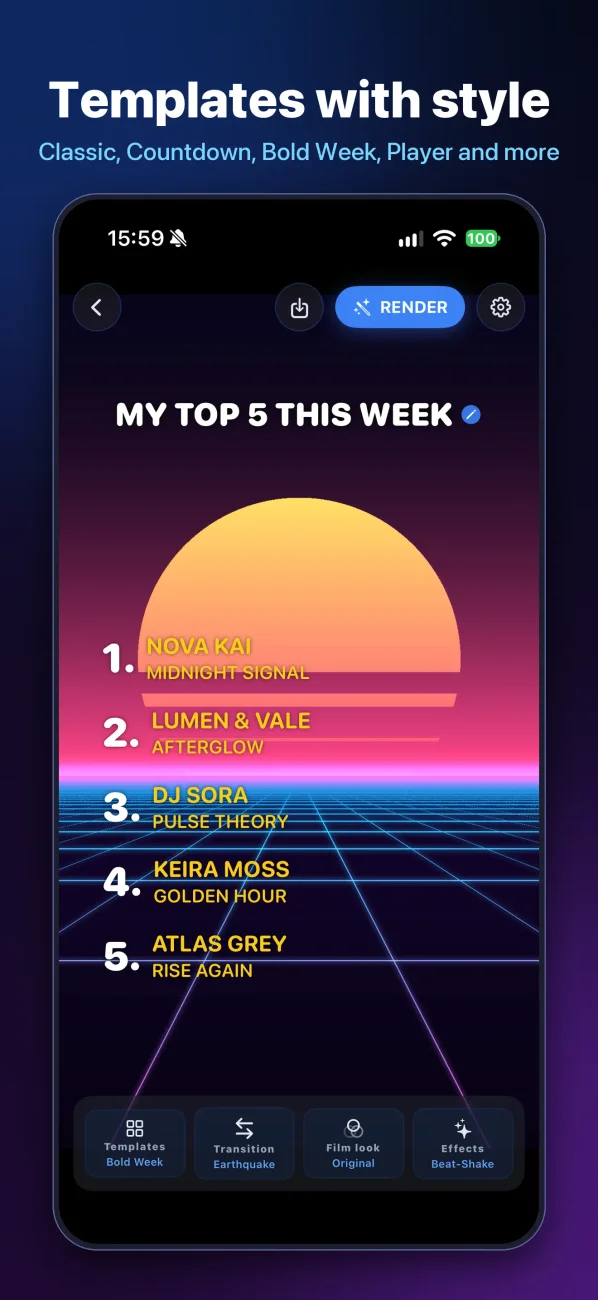
3. Adjust template, background and effects, then tap Render
FEATURES
- Top 3, Top 4 or Top 5 – time is split automatically, your #1 plays the longest
- Remove your background – cut-out right on your iPhone, no green screen needed
- 18 animated backgrounds – seamless loops from techno to lounge, from an Ibiza club to a starship cockpit and a lagoon, plus your own photos and videos
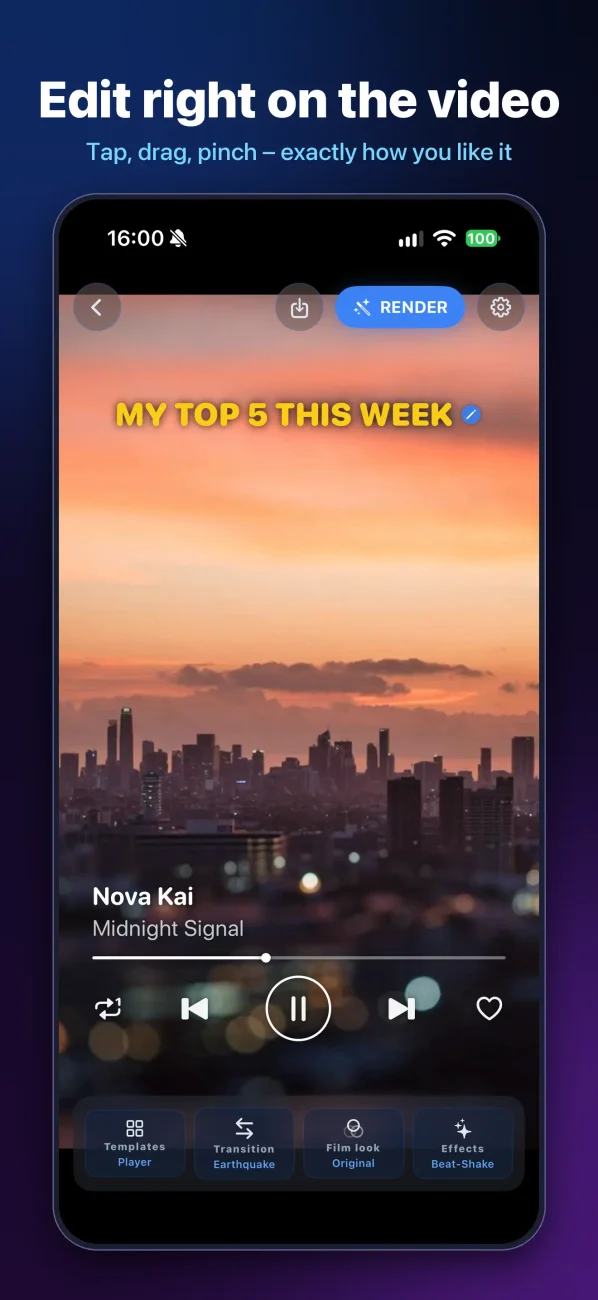
- Templates – Classic, Cheese, Countdown, Bold Week and Player
- Film looks, transitions and beat effects
- Edit right on the video – tap, drag and pinch your text
- Start recording with a hand gesture – peace sign, open hand or thumbs up
- Countdown before recording and between tracks
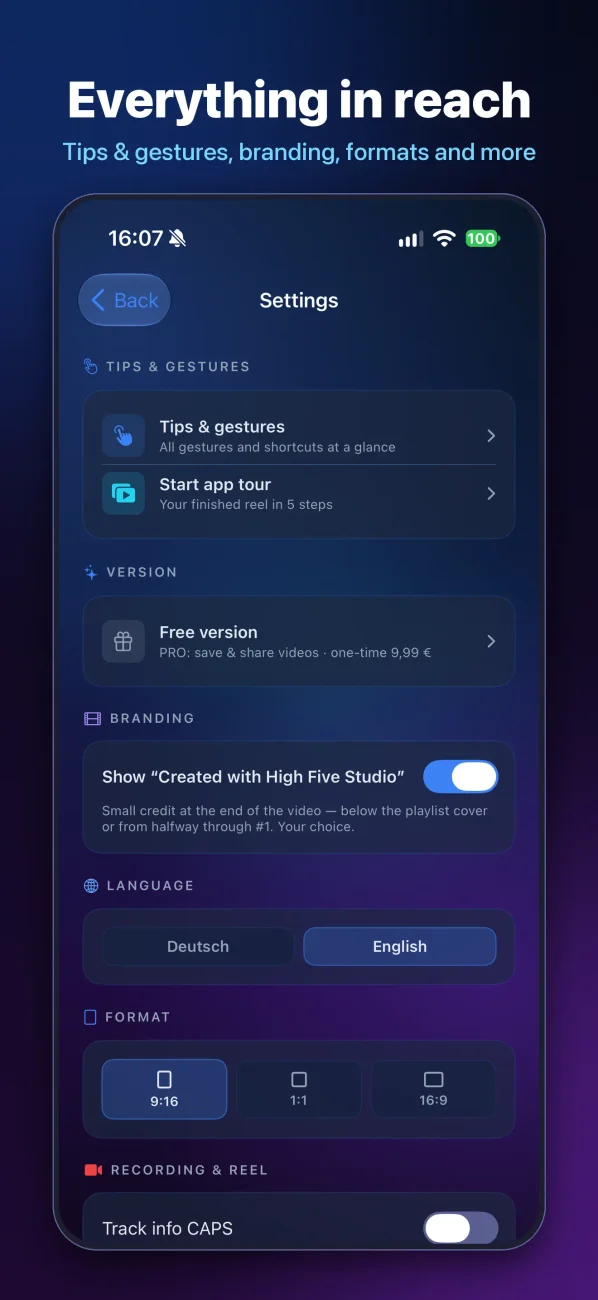
- 9:16, 1:1 and 16:9 formats
- English and German
FREE & PRO
Free: try everything, render and watch the preview.
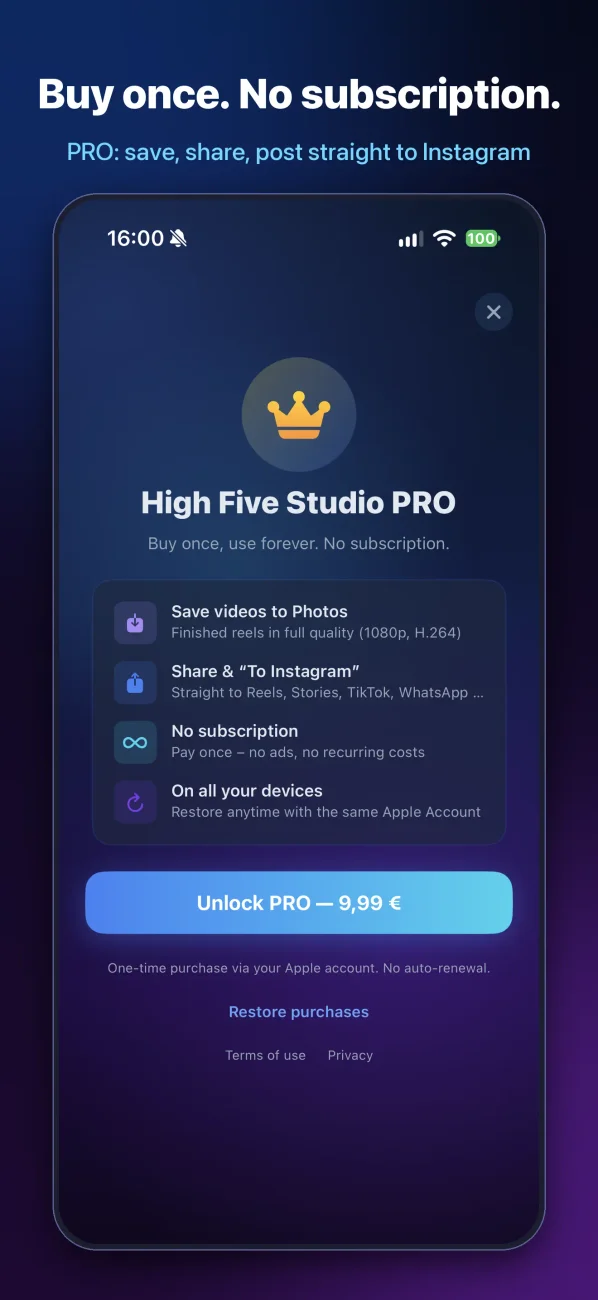
PRO (one-time purchase, no subscription): save videos to Photos, share them and send them straight to Instagram. Your purchase covers iPhone and Mac – pay once, use it on both.
No accounts, no ads. Please only use music you have the rights to.
What’s new
Version 1.3 · Nov 12, 2026
What's new in version 1.3
SONGS FROM YOUR MUSIC LIBRARY
- Load tracks straight from the Music app into your slots: purchased songs and your own tracks stored on your iPhone.
- When loading, simply pick the source: Files (iCloud Drive, Dropbox …) or Music library – also for "Load all 5" and "Replace track".
- Artist, title and artwork are taken over automatically.
- Note: Apple Music subscription tracks are copy-protected and can't be used. Download tracks from your iCloud Music Library in the Music app first.
App privacy
What Juergen Frosch declares on the App Store about how this app handles data.
-
Data not collected
The developer does not collect any data from this app.
Privacy practices may vary, for example with the features you use or your age.
Information
- Seller
- Juergen Frosch
- Category
- Photo & Video
- Version
- 1.3
- Updated
- Nov 12, 2026
- Released
- Sep 24, 2026
- Size
- 68.0 MB
- Requires
- iOS 17.0 or later
- Age rating
- 4+
- Price
- Free
- In-app purchases
- Yes
- Languages
- English, German
- Copyright
- © 2026 PondStack Software / Maui Media ART
You might also like
-
 ReactionVidReact to videos, sites & life
-
 Template CameraRefer images take great photos
-
 PoseShotTrack Body Progress Privately
-
 Portrait PainterAuto paint a gallery portrait
-
 camAround2Film&foto - front&back!
-
 SoleGraphic - DJ Video MakerSave Hours Music Text Editing
-
 PhotoSweeper MobilePhotos library cleaner
-
 Vizion: AI Video GeneratorCinematic Results
-
 Pro Camera Photo & Video - AIRManual controls, RAW, LUTs, 4K
-
 FlowstageThe camera app for artists