Image Converter - FormatFlow
Image Upscale,resize & Convert
iPhone, iPad向けに設計
無料 · アプリ内課金
- 対象年齢4+
- カテゴリユーティリティ
- 開発元Mahmoud Suliman
- 言語英語
- サイズ8.8 MB
App Storeの公式ページにリンクしています
Download.orgはImage Converter - FormatFlowのファイルを一切ホストしていません。ボタンを押すと、Mahmoud Sulimanが公開しているApp Storeのアプリページが開きます。ページの最終確認:2026/11/20。
スクリーンショット

概要
開発元はこのテキストをお使いの言語で提供していません。
FormatFlow – Batch Image Converter, Compressor & Photo Toolkit
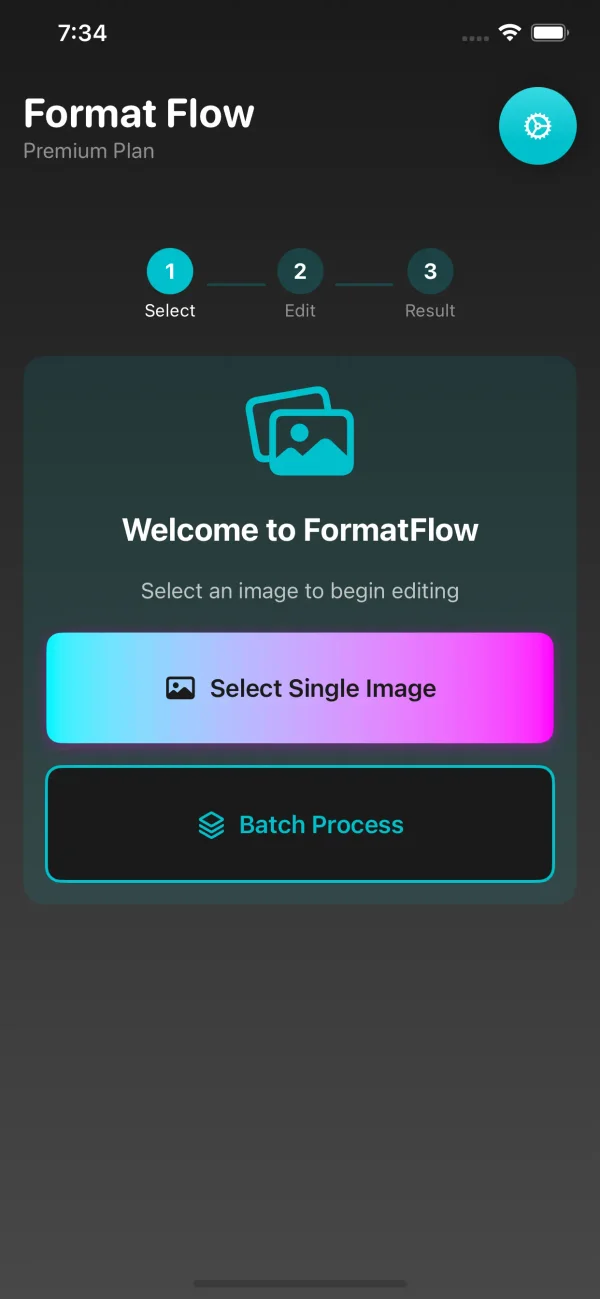
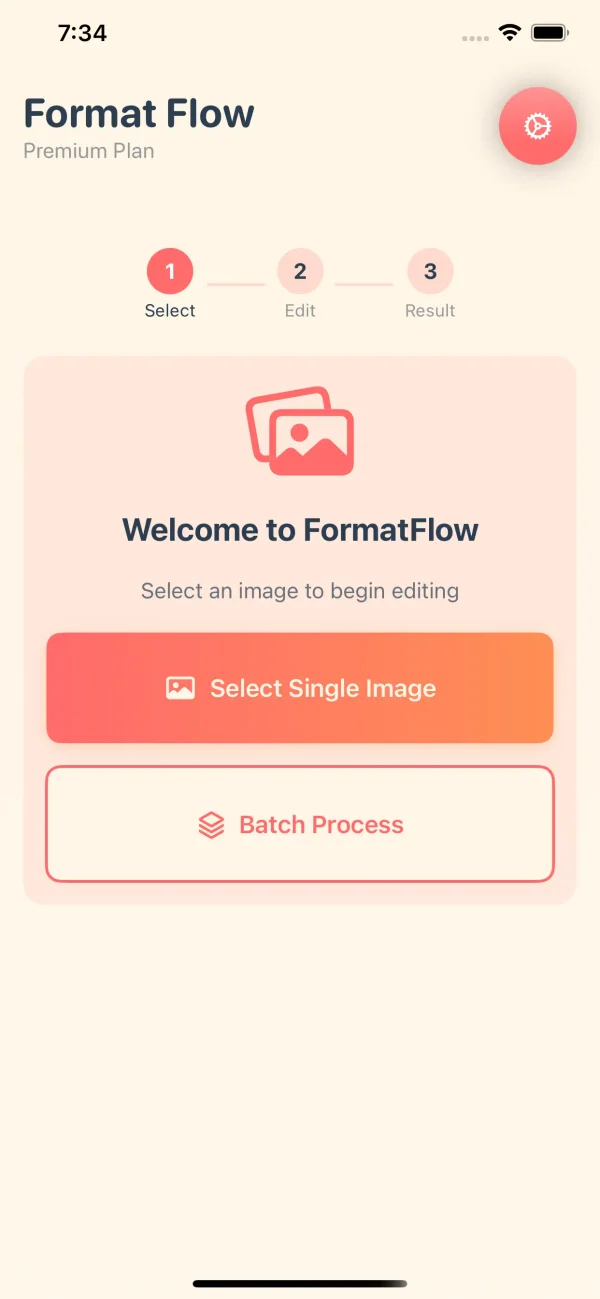
FormatFlow is your essential iOS app for fast, simple, and private photo editing. Effortlessly convert, compress, resize, and manage your photos in batches — all from your iPhone or iPad, with full photo library integration.
Designed for speed, privacy, and ease of use, FormatFlow gives you everything you need to edit smarter, faster, and with complete control.
Key Features
# Batch Image Processing (Need Premium Subscription)
• Batch convert, compress, and upscale multiple images at once. Save time with efficient batch workflows, progress tracking, and error recovery.
• Merge multiple images into a single, high-quality PDF.
# Smart Format Conversion
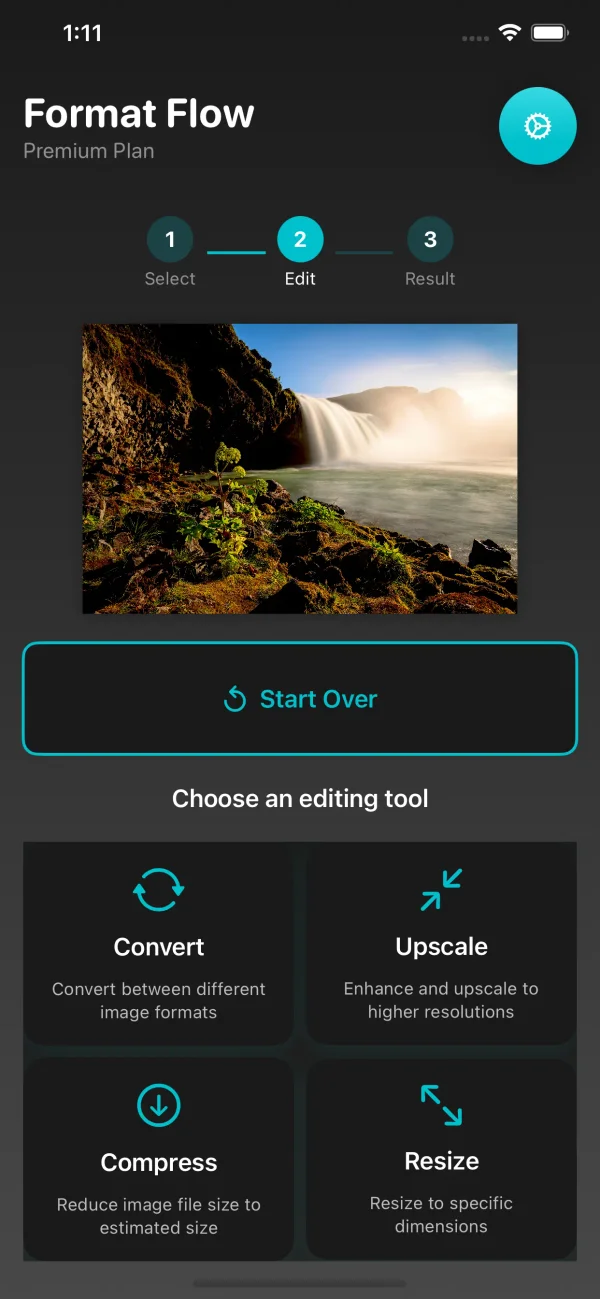
• Convert photos between JPEG, PNG, HEIC, HEIF, and PDF
• Preserve image quality and important photo details
• Keep all your photo metadata intact
• Perfect for sharing, storage, and cross-platform compatibility
# Premium Image Enhancement
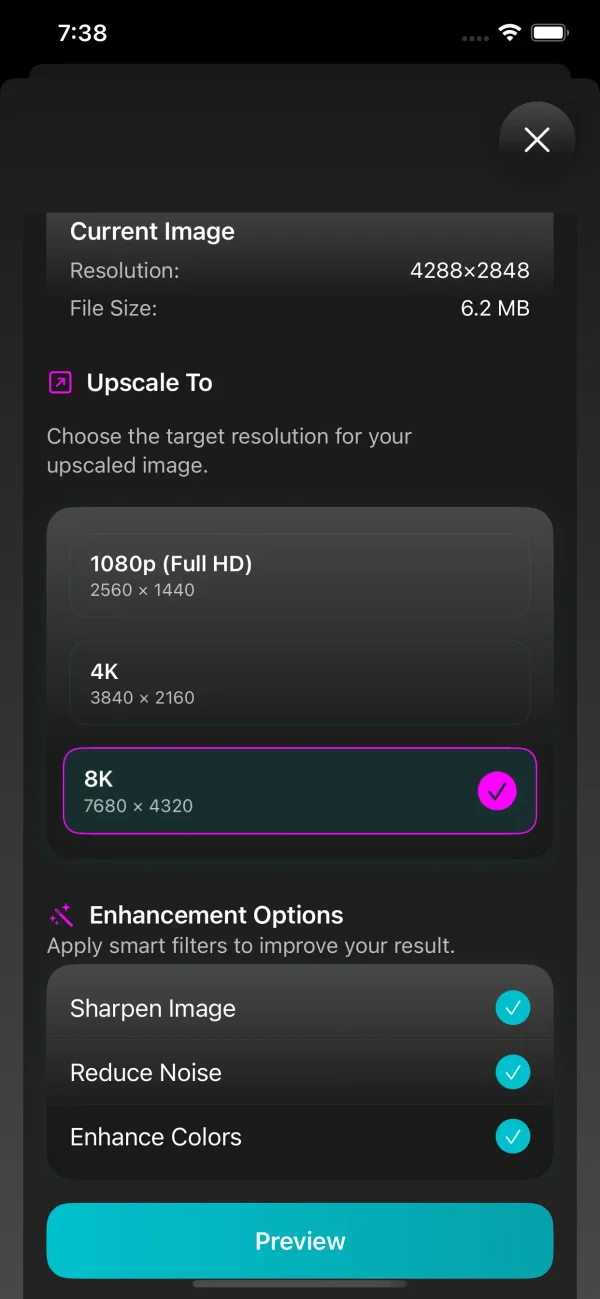
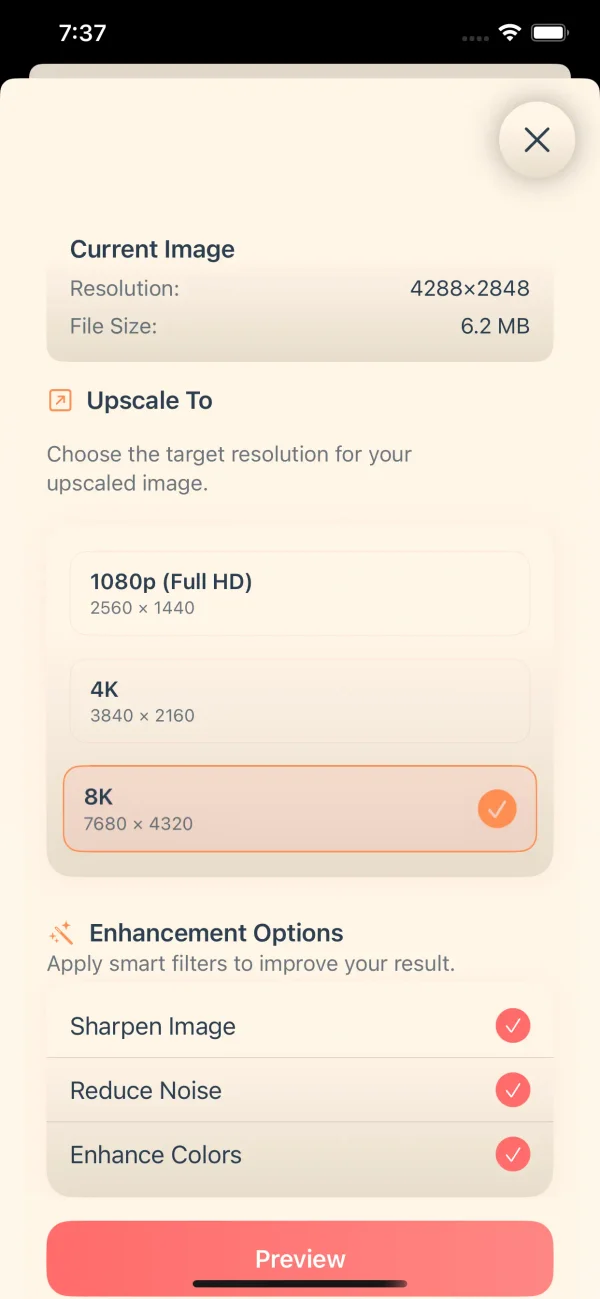
• Enlarge images using AI CoreML- powered upscaling .
• Upscale photos to stunning 4K and 8K quality
• Perfect for printing, professional presentations, and digital displays
• Real-time preview of enhanced photos
• Ideal for restoring old photos or improving low-resolution images
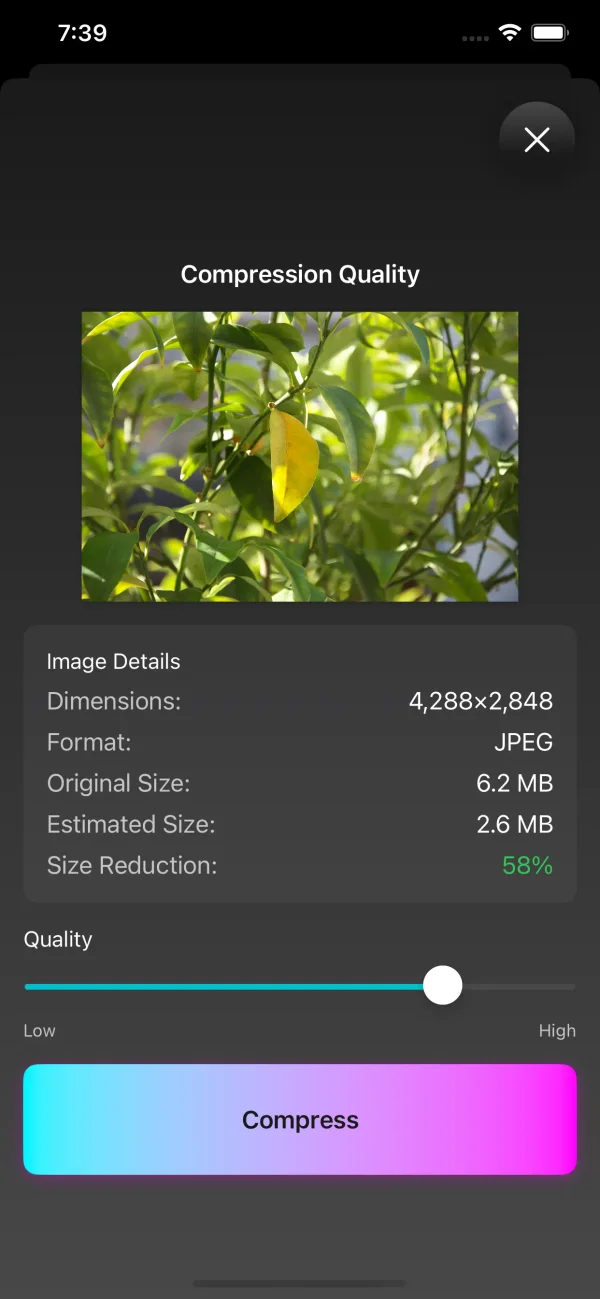
# Intelligent Photo Compression
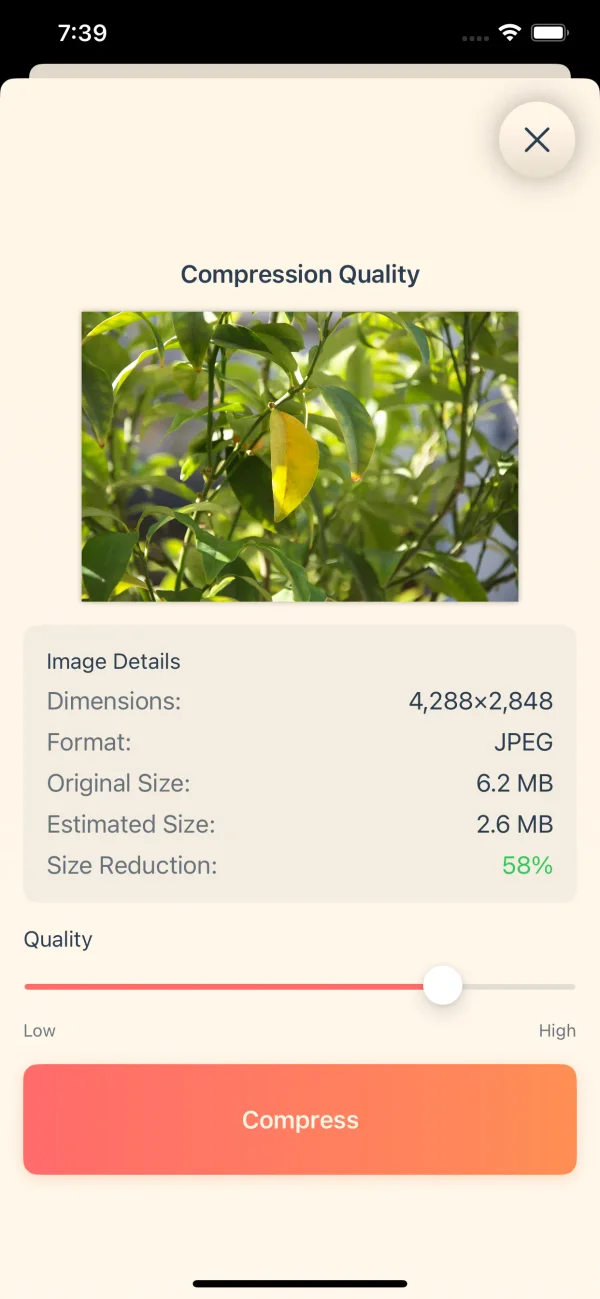
• Reduce file size by up to 90% while keeping photos crystal clear
• Smart compression automatically balances quality and size
• Perfect for email attachments, messaging, and cloud storage
• Free up space on your iPhone without losing photo quality
# Image Resizing
• Resize photos to any dimension with perfect clarity
• Ready-made presets for Instagram, Facebook, Twitter, and LinkedIn
• Custom sizes for websites, printing, and professional use
• Maintain aspect ratios automatically
• Create perfect thumbnails and profile pictures
# Photo Library Integration
• Seamlessly access and manage your photos. Save processed images directly into your albums.
# Privacy First
• All image processing is done locally on your device for maximum privacy. An internet connection is required only for app logging and future ad services.
• 100% offline processing - your photos never leave your device
• No cloud uploads, no data collection
• Complete control over your photos
# Beautiful & Easy to Use
• Clean, modern interface designed for iOS
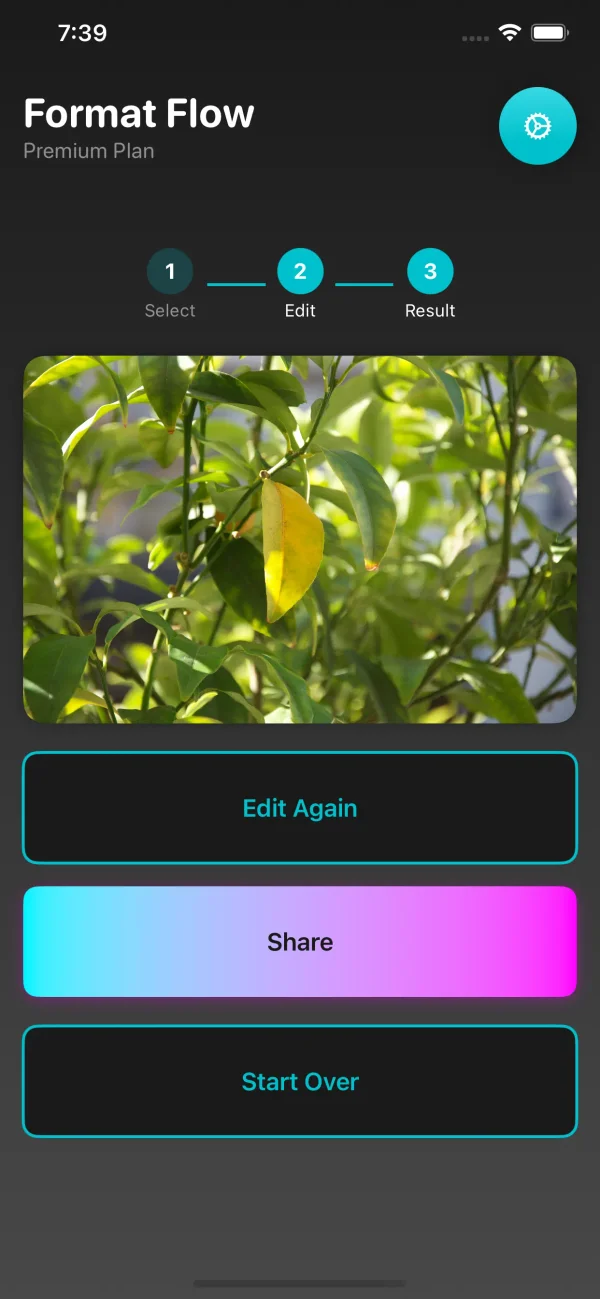
• Quick actions for common tasks
• Real-time previews of all changes
• Multi Themes support
• Premium themes available
# Subscription Support
• Subscribe for unlimited photo edits and exclusive access to powerful batch processing, image upscaling, format conversion, and theme options — with no ads.
# Why Choose FormatFlow?
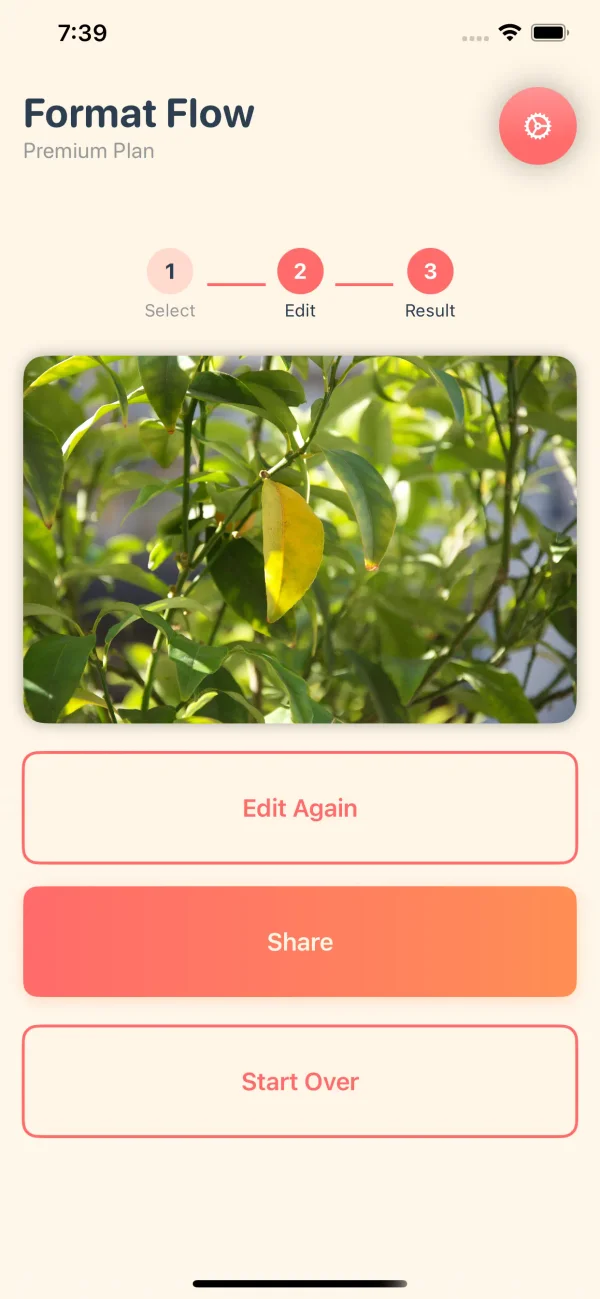
• Batch convert, resize, and compress images effortlessly
• Supports JPEG, PNG, HEIC, HEIF, PDF, and more
• Fast offline photo processing for speed and privacy
• Unlimited photo editing and batch features with Premium
• No data collection, no unnecessary tracking
• Simple to use, modern design, built for iPhone and iPad
# Perfect for:
• Social media creators and influencers
• Photographers and content creators
• Business professionals
• Anyone who wants to organize and optimize their photo collection
• Web developers and designers
• Digital artists and hobbyists
Terms of use:
https://www.apple.com/legal/internet-services/itunes/dev/stdeula/
Privacy Policy:
https://formatflow.digitalrockhub.com/privacy.html
新機能
バージョン 1.3 · 2025/9/23
What’s New in Image Converter - FormatFlow
Enhanced Image Processing
• Smart PNG Conversion: Automatically suggests optimal resolutions to prevent overly large files
• Improved Format Detection: More accurate recognition of JPEG, PNG, and HEIF formats with better size reporting
• Realistic File Size Estimates: Fixed calculations to display true file sizes instead of inflated values
Advanced Resize Tool
• Aspect Ratio Control: Choose between cropping to fit or stretching to exact dimensions
• Better Preview: Enhanced preview shows exactly how your final result will look
• Predefined Sizes: TikTok, Instagram, and other social media presets now work correctly
• Format Preservation: Images stay in their original format (JPEG stays JPEG, PNG stays PNG)
Batch Processing Improvements
• Smart Error Handling: Skips failed images while continuing with the rest
• Comprehensive Progress Tracking: Real-time overlay shows progress and status
• Detailed Processing Reports: Full breakdown of each batch with clear results
New Batch Report System
• Complete Success/Failure Statistics: Know exactly how many images were processed, failed, or skipped
• Individual Error Details: Clear explanation for each failed image
• Processing Time Tracking: See how long each batch operation takes
Bug Fixes
• Fixed batch processing crashes caused by single image failures
• Improved error messages and recovery options
• Clearer progress indicators during long operations
アプリのプライバシー
このアプリのデータの取り扱いについて、Mahmoud SulimanがApp Storeで申告している内容です。
-
ユーザーに関連付けられないデータ
収集される場合がありますが、ユーザーの識別情報には関連付けられません。
- 使用状況データ
- 診断
プライバシーの取り扱いは、ご利用の機能やお客様の年齢などに応じて異なる場合があります。
情報
- 販売元
- Mahmoud Suliman
- カテゴリ
- ユーティリティ
- バージョン
- 1.3
- 更新日
- 2025/9/23
- リリース
- 2025/5/3
- サイズ
- 8.8 MB
- 必要条件
- iOS 17.6以降
- 対象年齢
- 4+
- 価格
- 無料
- アプリ内課金
- あり
- 言語
- 英語
- 著作権
- © Digital Rock 2025
こちらもおすすめ
-
 Image Converter & Toolsユーティリティ
-
 JPG to PDF: Image Converterユーティリティ
-
 PhotoBench : AI Photo Toolsユーティリティ
-
 Image Compressor - Shrinkrユーティリティ
-
 Clearify: AI Photo Labユーティリティ
-
 iGoTerra Pocketユーティリティ
-
 オーディオ編集・音声抽出・Audio Editor録音・MP3変換・着信音作成
-
 anyPWAユーティリティ
-
 Image Upscaler - Upscale Photoユーティリティ
-
 Mono BrowserFast monochromatic browser