- 対象年齢9+
- カテゴリユーティリティ
- 開発元Harihar Creation
- 言語英語
- サイズ48.9 MB
App Storeの公式ページにリンクしています
Download.orgはImage Converter & Toolsのファイルを一切ホストしていません。ボタンを押すと、Harihar Creationが公開しているApp Storeのアプリページが開きます。ページの最終確認:2026/11/20。
スクリーンショット

概要
開発元はこのテキストをお使いの言語で提供していません。
Convert, compress, resize and edit your images — all in one app.
Image Converter & Editor gives you the essential image tools you need to prepare photos for sharing, uploading, storing, publishing and everyday use.
Convert image formats, reduce file size, resize photos, edit images, remove metadata, add watermarks and process multiple images at once — without sending your photos to a server.
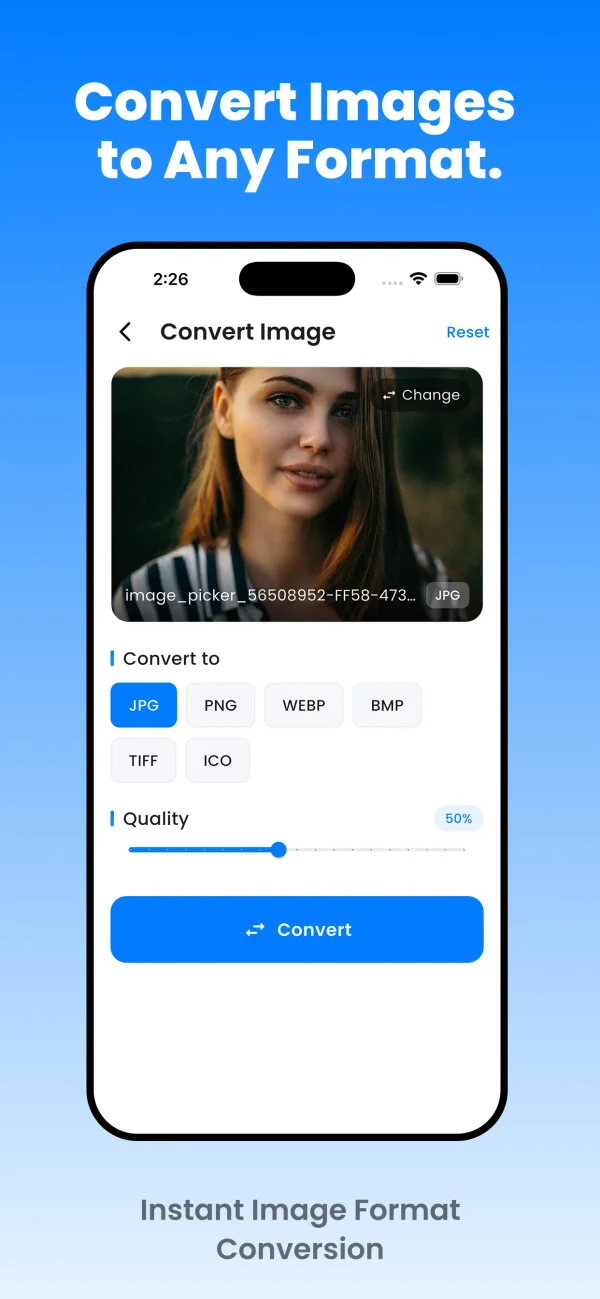
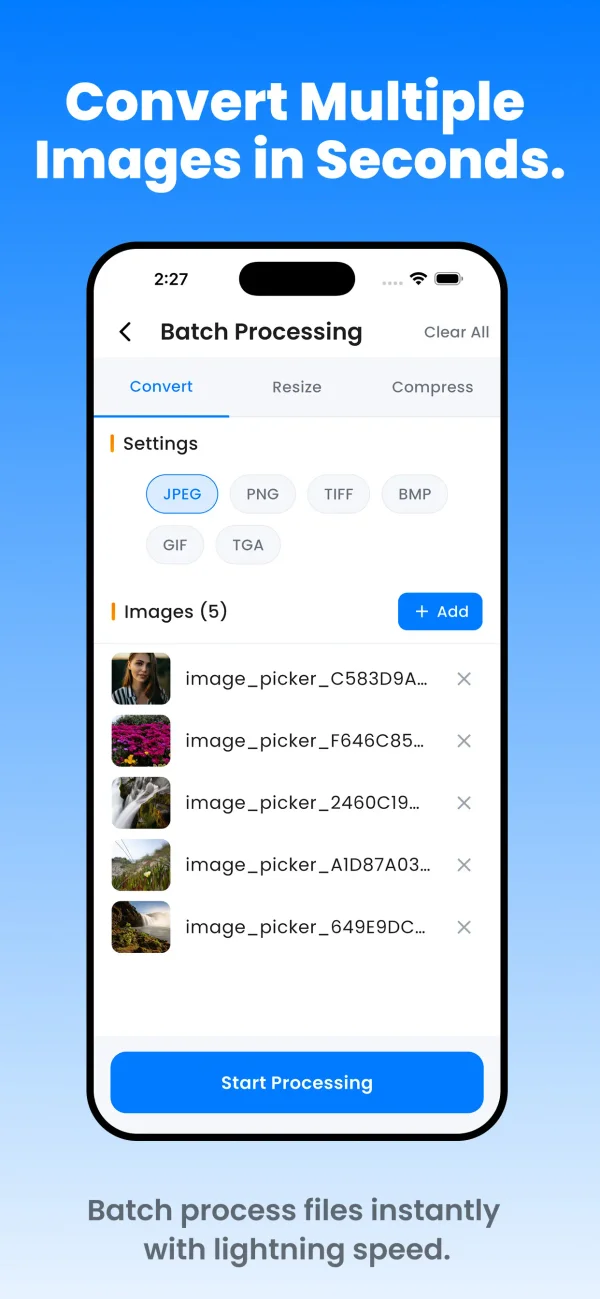
IMAGE FORMAT CONVERTER
Convert your images between popular formats quickly and easily.
• JPG and JPEG
• PNG
• HEIC
• WebP
• BMP
• TIFF
• Convert images for sharing, uploading or compatibility
• Process multiple images in batch
Need to convert HEIC to JPG? PNG to JPG? WebP to PNG? Choose your output format and convert in a few taps.
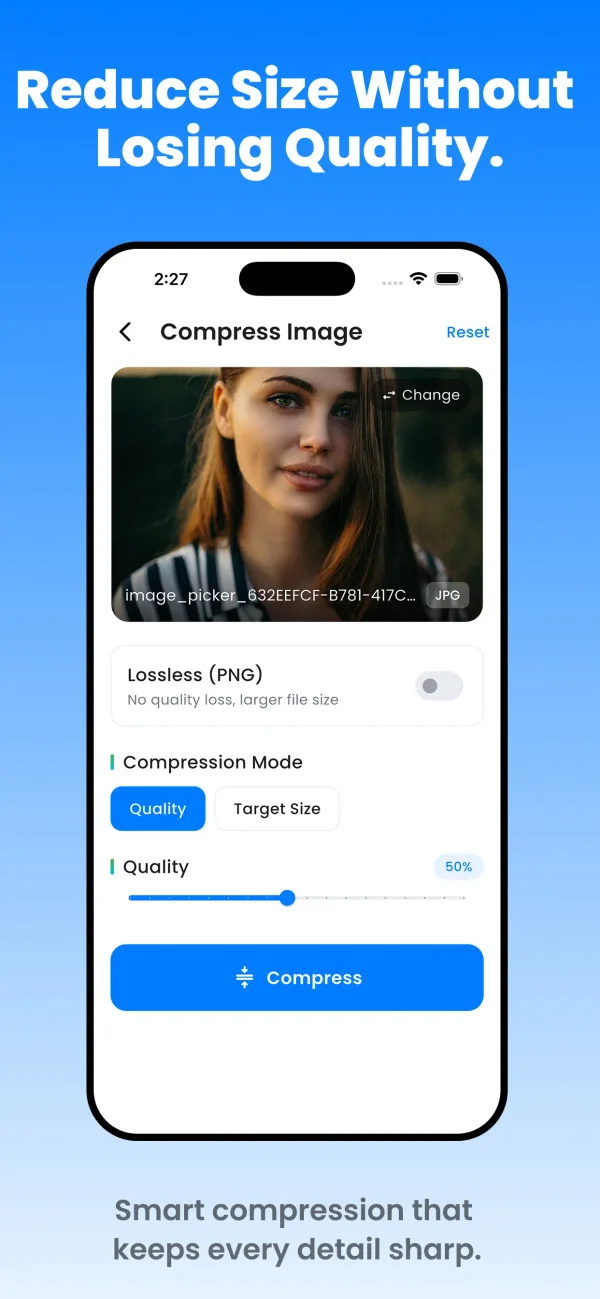
COMPRESS IMAGES
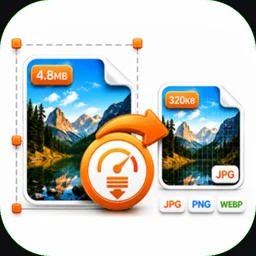
Reduce image file size while keeping the quality you need.
• Compress large photos
• Adjust compression quality
• Reduce file size before sharing
• Prepare images for uploads and forms
• Preview your results before saving
Make large MB images easier to send, upload and store.
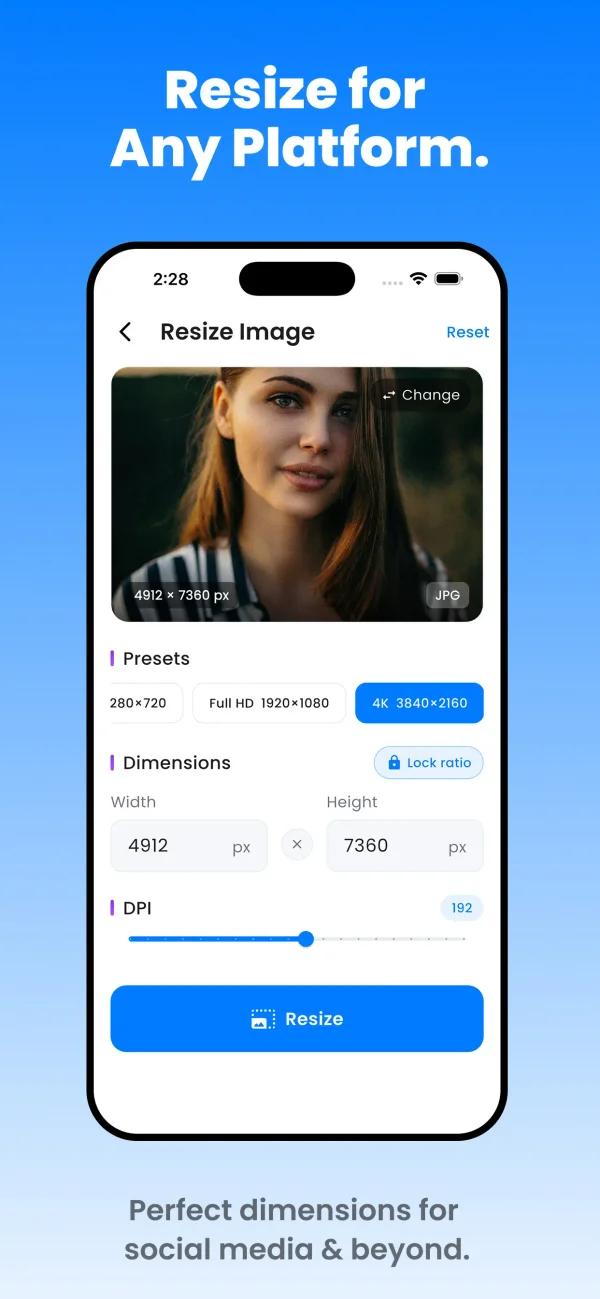
RESIZE PHOTOS
Change image dimensions quickly and precisely.
• Set custom width and height
• Resize by percentage
• Adjust image resolution
• Maintain aspect ratio
• Prepare images for different platforms and requirements
Resize photos for websites, documents, marketplaces, social media and more.
BATCH IMAGE PROCESSING
Work with multiple images at the same time.
• Batch convert images
• Batch compress photos
• Batch resize images
• Process large groups of photos faster
Perfect when you need to prepare an entire collection instead of editing images one by one.
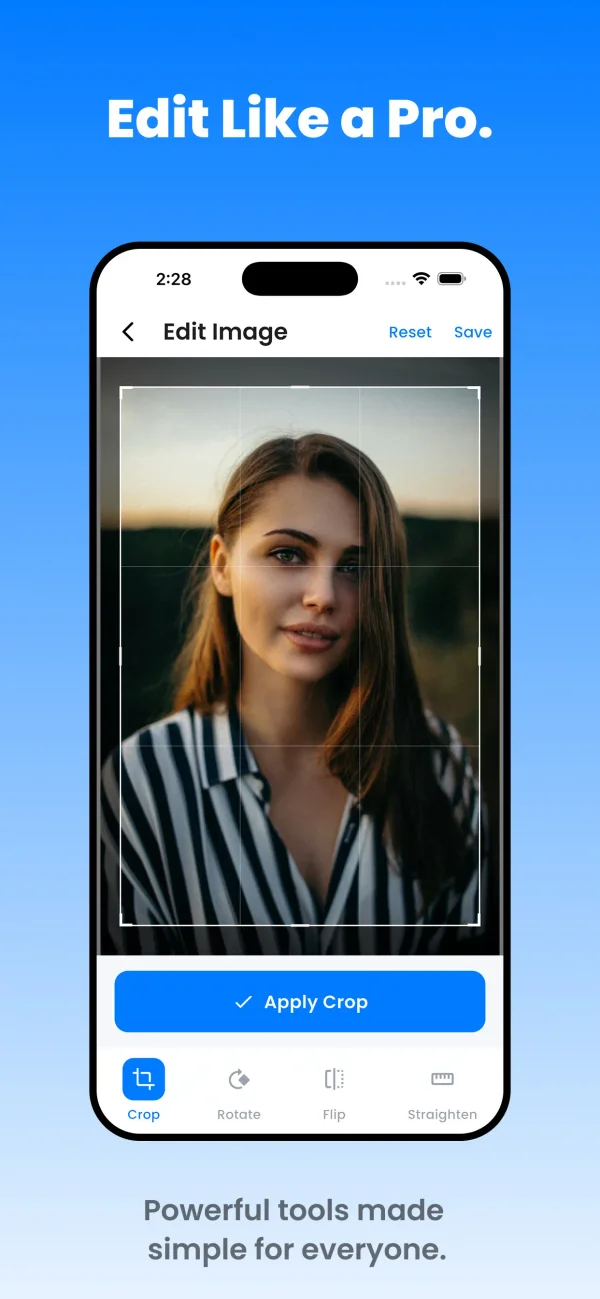
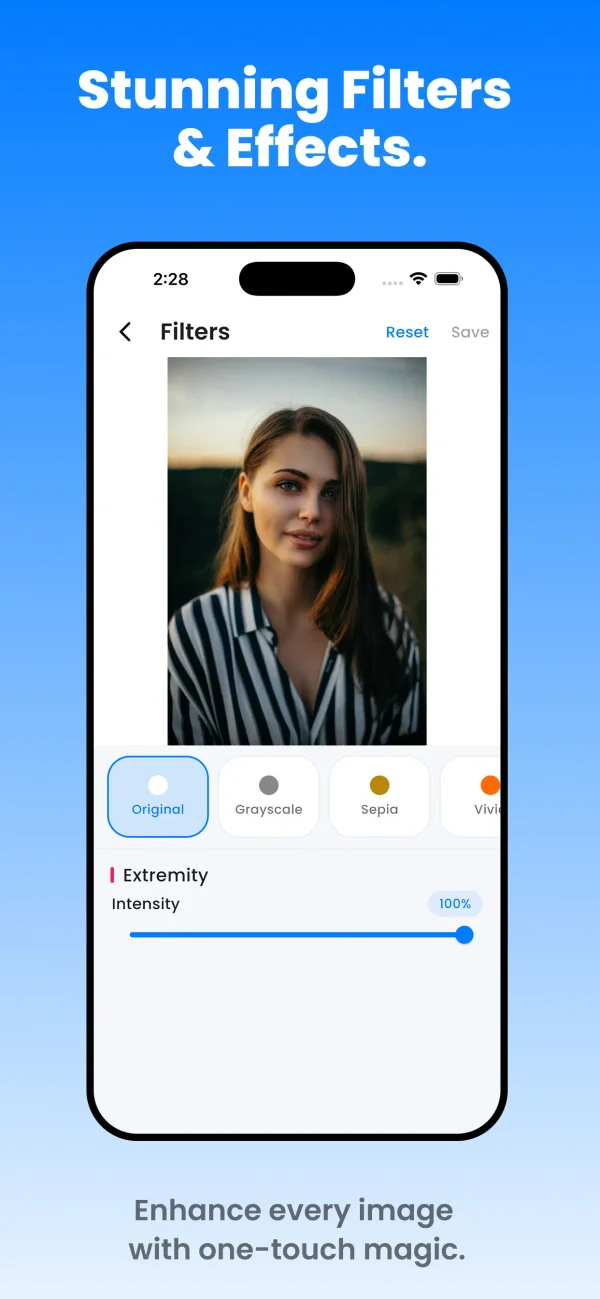
EDIT & ENHANCE PHOTOS
Make quick adjustments without opening a complicated photo editor.
• Crop images
• Rotate photos
• Adjust brightness and contrast
• Apply filters and effects
• Draw and annotate
• Add custom watermarks
Make simple image edits in seconds.
EXIF & METADATA TOOLS
See and manage information stored inside your images.
• View image metadata
• View EXIF information
• Edit supported metadata
• Remove sensitive metadata before sharing
• Help protect location and camera information
Keep control over the information attached to your photos.
QR CODE GENERATOR
Create QR codes quickly and export them as images.
Generate useful QR codes for links, text and other supported content, then save or share them directly.
BASE64 IMAGE TOOLS
Convert supported images to Base64 and decode Base64 image data when you need it.
Useful for developers, websites, testing and technical workflows.
FAST & PRIVATE
Your images stay on your device.
Image Converter & Editor processes your images directly on-device, so you don't need to upload your personal photos to a remote server.
That means:
• No image uploads
• No server processing
• Works without an internet connection for supported tools
• Faster processing
• Better privacy for your personal images
BUILT FOR EVERYDAY IMAGE TASKS
Whether you're converting an iPhone HEIC photo to JPG, reducing a large image for an upload, resizing product photos, preparing images for a website or processing hundreds of photos at once, Image Converter & Editor gives you the tools in one place.
Convert. Compress. Resize. Edit.
Your complete image toolkit, right on your device.
新機能
バージョン 1.0.1 · 2026/8/18
- Bug Fix!!!
アプリのプライバシー
このアプリのデータの取り扱いについて、Harihar CreationがApp Storeで申告している内容です。
-
ユーザーのトラッキングに使用されるデータ
他社のアプリやウェブサイトを横断してユーザーをトラッキングする目的で使用される場合があります。
- 使用状況データ
- 診断
- その他のデータ
-
ユーザーに関連付けられないデータ
収集される場合がありますが、ユーザーの識別情報には関連付けられません。
- 使用状況データ
- 診断
- その他のデータ
プライバシーの取り扱いは、ご利用の機能やお客様の年齢などに応じて異なる場合があります。
情報
- 販売元
- Harihar Creation
- カテゴリ
- ユーティリティ
- バージョン
- 1.0.1
- 更新日
- 2026/8/18
- リリース
- 2026/7/21
- サイズ
- 48.9 MB
- 必要条件
- iOS 16.6以降
- 対象年齢
- 9+
- 価格
- 無料
- 言語
- 英語
- 著作権
- © @HariharImageTools