
- 対象年齢4+
- カテゴリグラフィック/デザイン
- 開発元Cengiz Bodur
- 言語英語
- サイズ3.8 MB
App Storeの公式ページにリンクしています
Download.orgはImage to Vectorのファイルを一切ホストしていません。ボタンを押すと、Cengiz Bodurが公開しているApp Storeのアプリページが開きます。ページの最終確認:2026/11/13。
スクリーンショット

概要
開発元はこのテキストをお使いの言語で提供していません。
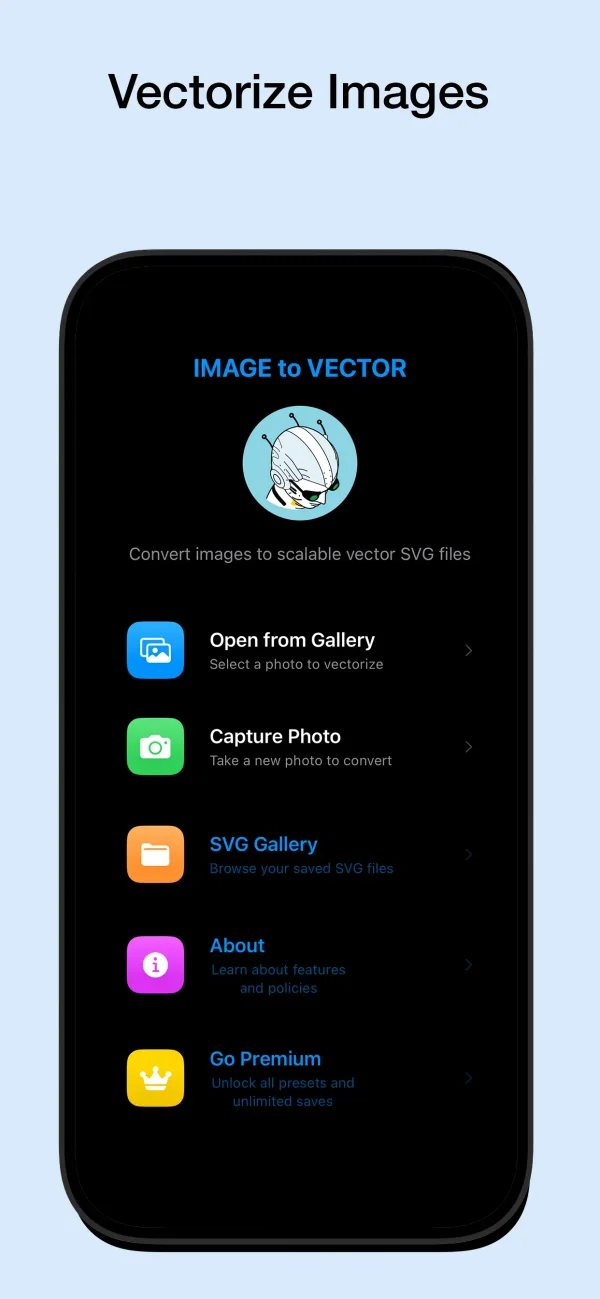
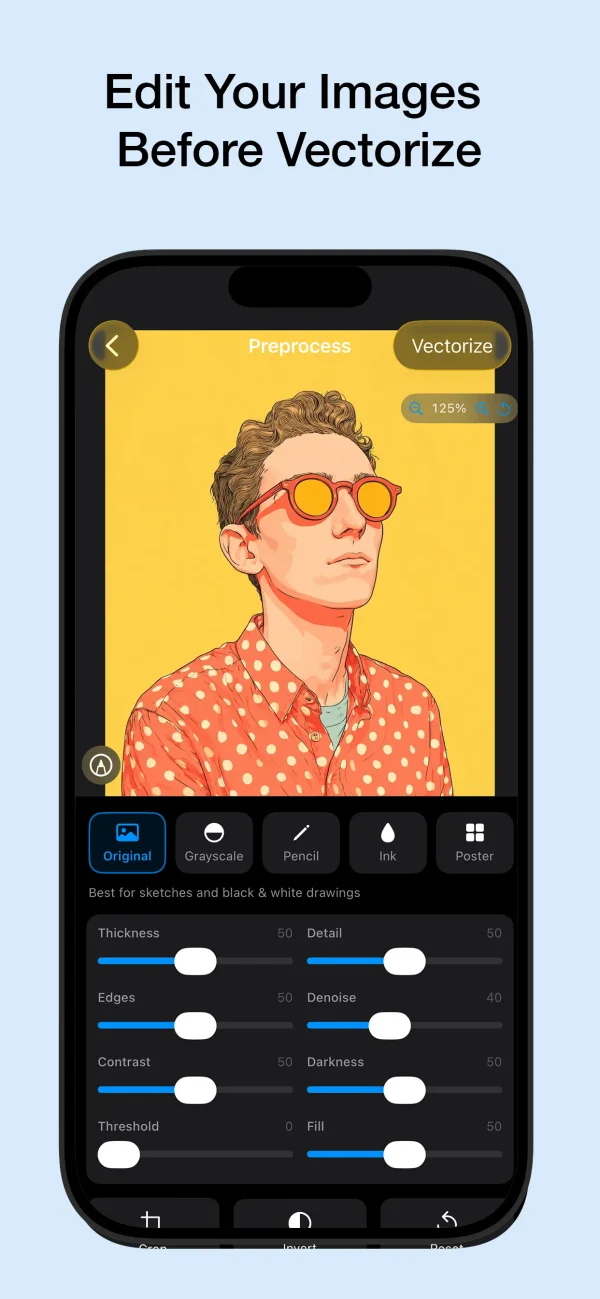
SVG Vector Converter helps you transform your sketches, drawings, photos, and artwork into professional SVG vector graphics in just seconds.
With powerful tools and presets, SVG Vectorizer makes it simple for designers, artists, and creatives to generate scalable vector images ready for use in logos, icons, illustrations, and digital projects.
Why Use SVG Vectorizer?
Unlike online converters, this app works 100% offline—all processing happens locally on your device, keeping your artwork private, secure, and fast. Perfect for professionals and hobbyists who need instant vector graphics anywhere.
Key Features
Instant SVG Conversion – Convert images, photos, or drawings into clean vector graphics instantly
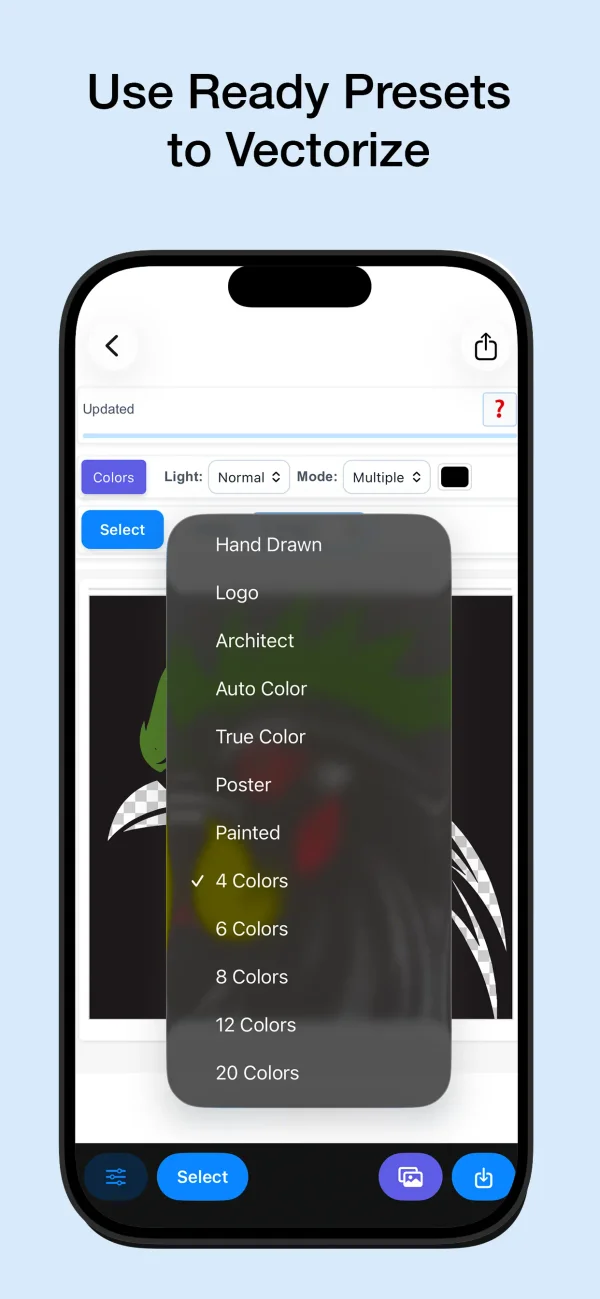
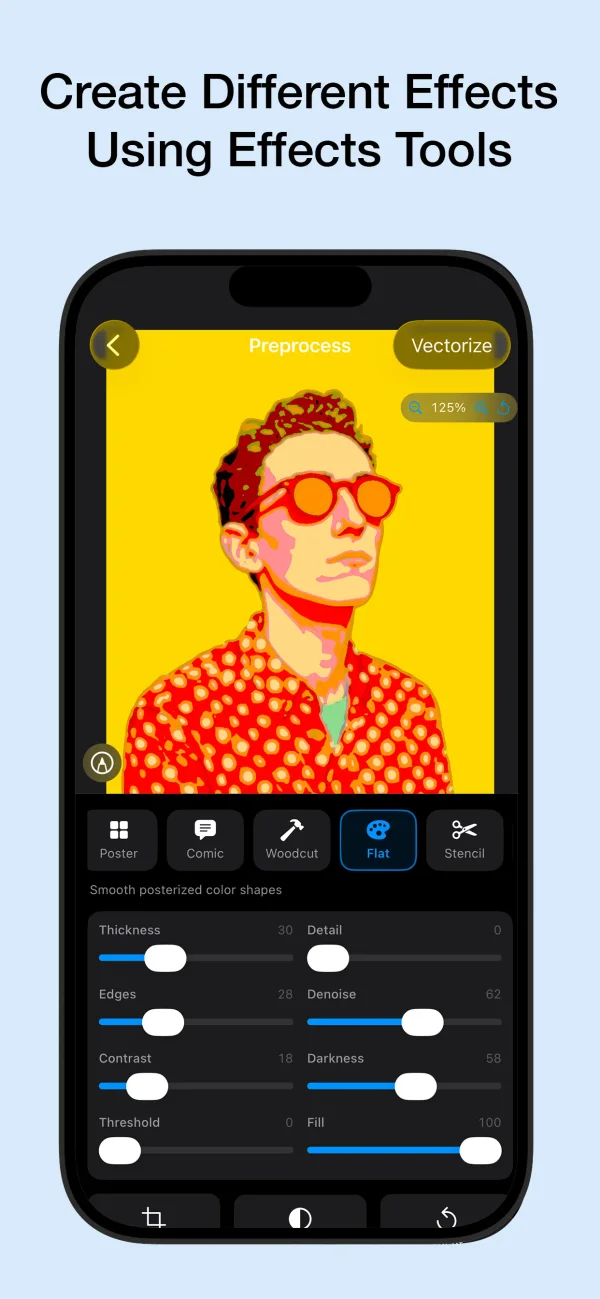
Multiple Artistic Presets – Choose from:
• Smooth & Ultra-smooth (for crisp line art)
• Hand-drawn style (natural sketch feel)
• Posterized & Artistic effects (bold design styles)
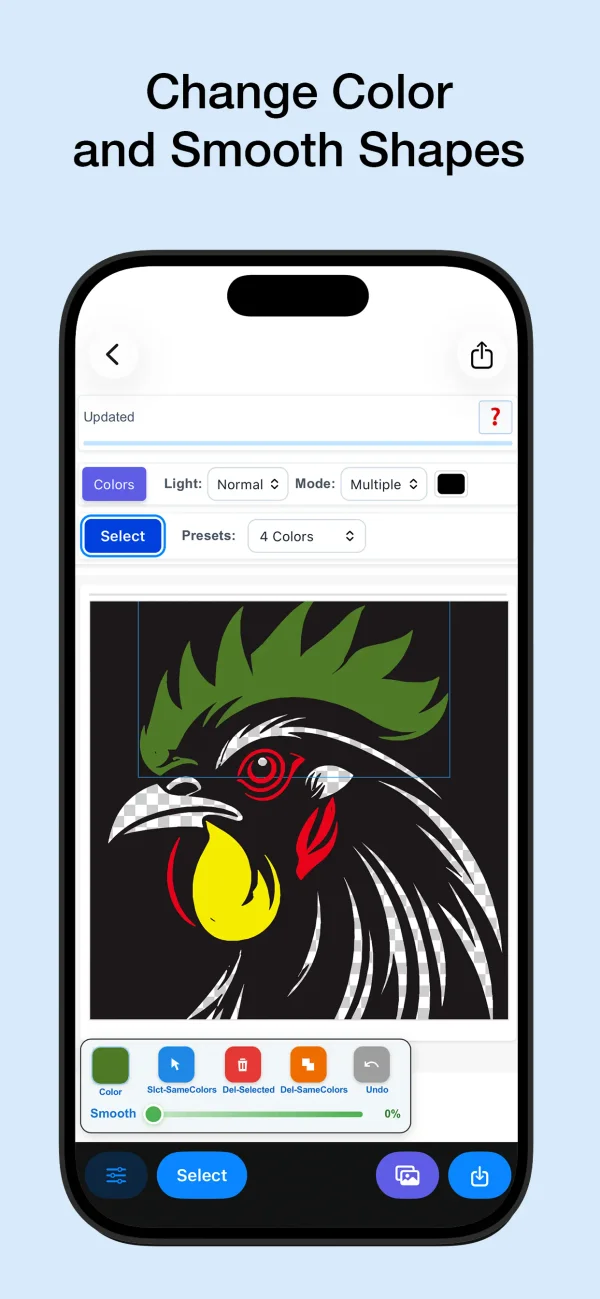
• Color preservation (4, 8, or 20 colors for flexible output)
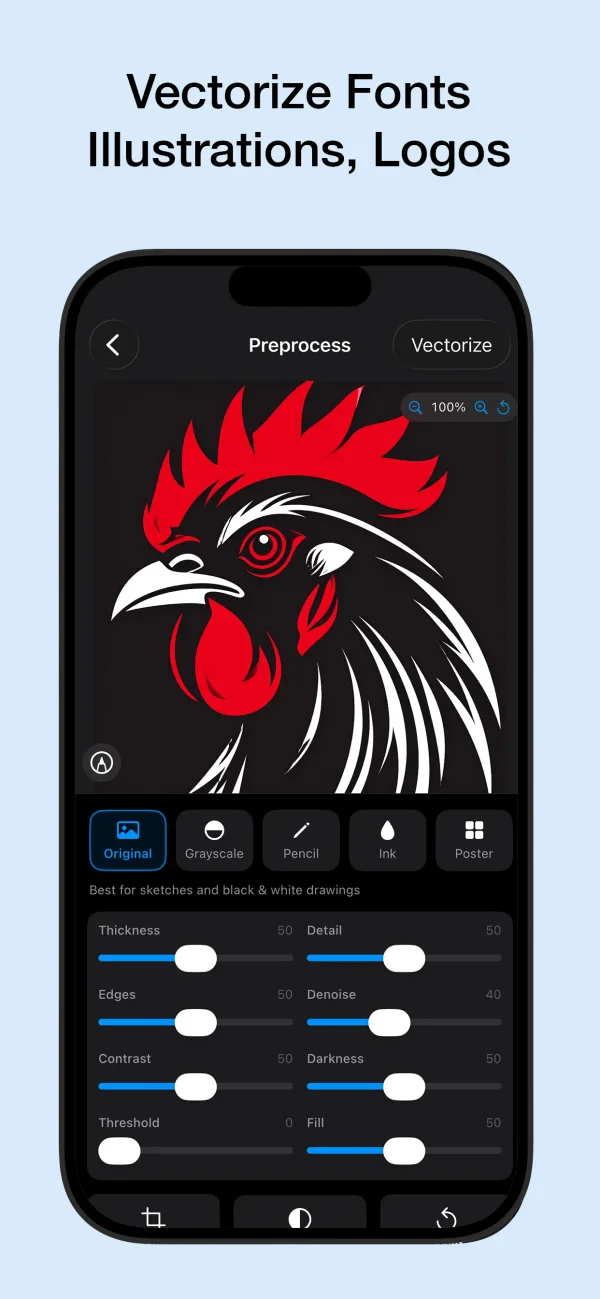
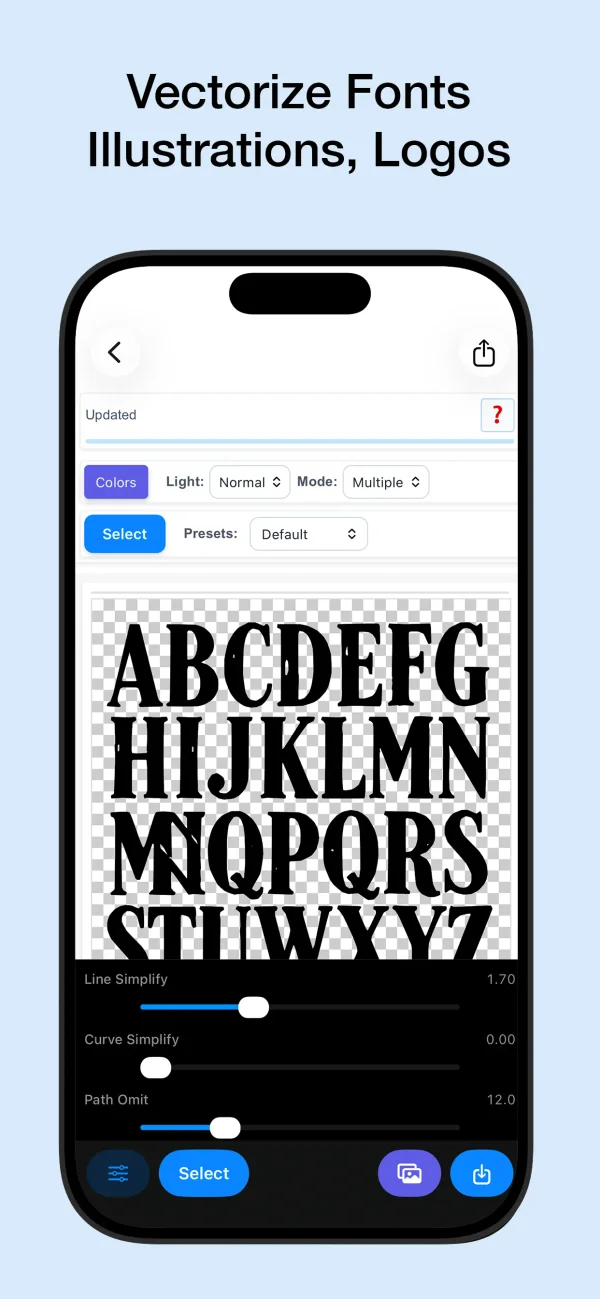
Advanced Vector Controls – Fine-tune every detail:
• Adjustable line smoothness
• Curve precision & path simplification
• Stroke width customization
• Edge detection sensitivity
Professional Vector Output
• High-quality SVG files
• Transparent background support
• Optimized file size
• Maintains aspect ratio
• Ready for print, web, or app design
User-Friendly Experience
• Real-time preview of vectorized results
• Pinch-to-zoom for detailed editing
• Quick preset selection
• Progress tracking
• Simple, intuitive interface
Perfect For
• Graphic designers creating logos & icons
• Illustrators and digital artists
• UI/UX designers working with scalable assets
• Logo creators and branding professionals
• Anyone needing a vector graphics converter
Use Your Vector Files In
• Logo design & branding projects
• Digital illustrations & sketches
• Web & app graphics
• Print-ready designs
• Scalable icons & UI assets
• Animation & motion graphics
Private & Secure
All images are processed offline on your device. Your sketches, photos, and designs never leave your phone—ensuring your work remains private and secure.
Privacy Policy
https://sites.google.com/view/imagevector
Terms of Use
https://sites.google.com/view/imagestovectorterms
新機能
バージョン 1.0.9 · 2026/11/10
Significant improvement in color vectorization.
After uploading your color image, please try all the color presets to find the best match.
アプリのプライバシー
このアプリのデータの取り扱いについて、Cengiz BodurがApp Storeで申告している内容です。
-
データの収集なし
開発元はこのアプリからデータを収集しません。
プライバシーの取り扱いは、ご利用の機能やお客様の年齢などに応じて異なる場合があります。
情報
- 販売元
- Cengiz Bodur
- カテゴリ
- グラフィック/デザイン
- バージョン
- 1.0.9
- 更新日
- 2026/11/10
- リリース
- 2026/4/8
- サイズ
- 3.8 MB
- 必要条件
- iOS 17.6以降
- 対象年齢
- 4+
- 価格
- 無料
- アプリ内課金
- あり
- 言語
- 英語
- 著作権
- © @SvgVector 2026
こちらもおすすめ
-
 PicSvg: Logo & Image Tracerグラフィック/デザイン
-
 SVG Converter: Image to SVGグラフィック/デザイン
-
 AI SVGメーカー - ベクターロゴデザイナーAIデザインとロゴ作成- 写真・PNG・JPGをSVGに変換
-
 Boxy SVG for iOSグラフィック/デザイン
-
 SVGR画像とデザインをPNGからSVGに変換する
-
 Image to SVGグラフィック/デザイン
-
 AI SVGコンバータ– 画像をSVG、jpg,pngに変換PNG・JPGをSVGベクター化
-
 SVG コンバーター: TrueSVGAI で画像をベクトル化
-
 SVG Viewer Editorグラフィック/デザイン
-
 AI ベクターロゴデザイナーデザイン アプリ・ベクター・ポップ作成・グラフィック 作成