- 対象年齢4+
- カテゴリブック
- 開発元ACS JSC,.
- 言語英語
- サイズ20.6 MB
App Storeの公式ページにリンクしています
Download.orgはInkleaf: EPUB Readerのファイルを一切ホストしていません。ボタンを押すと、ACS JSC,.が公開しているApp Storeのアプリページが開きます。ページの最終確認:2026/11/25。
スクリーンショット
概要
開発元はこのテキストをお使いの言語で提供していません。
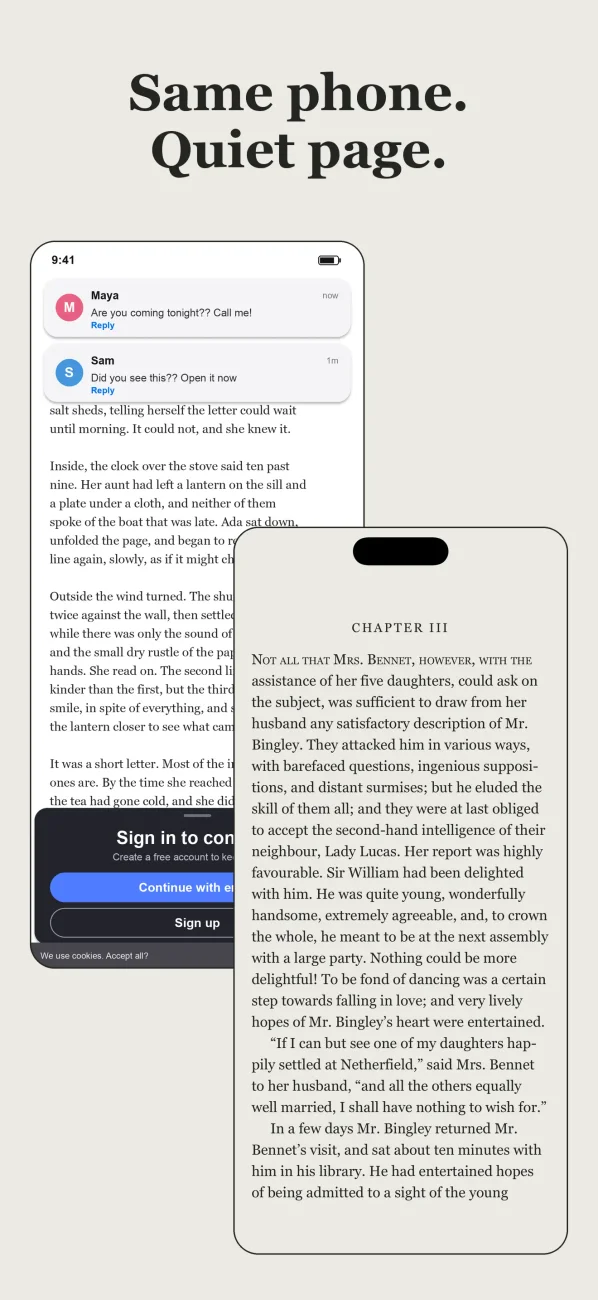
Your phone is loud. Your book does not have to be.
Inkleaf turns the DRM-free EPUB files you already own into a quiet paper page. No account, no scrolling, and never an ad on the page: just tap to turn it.
Same phone. Quiet page.
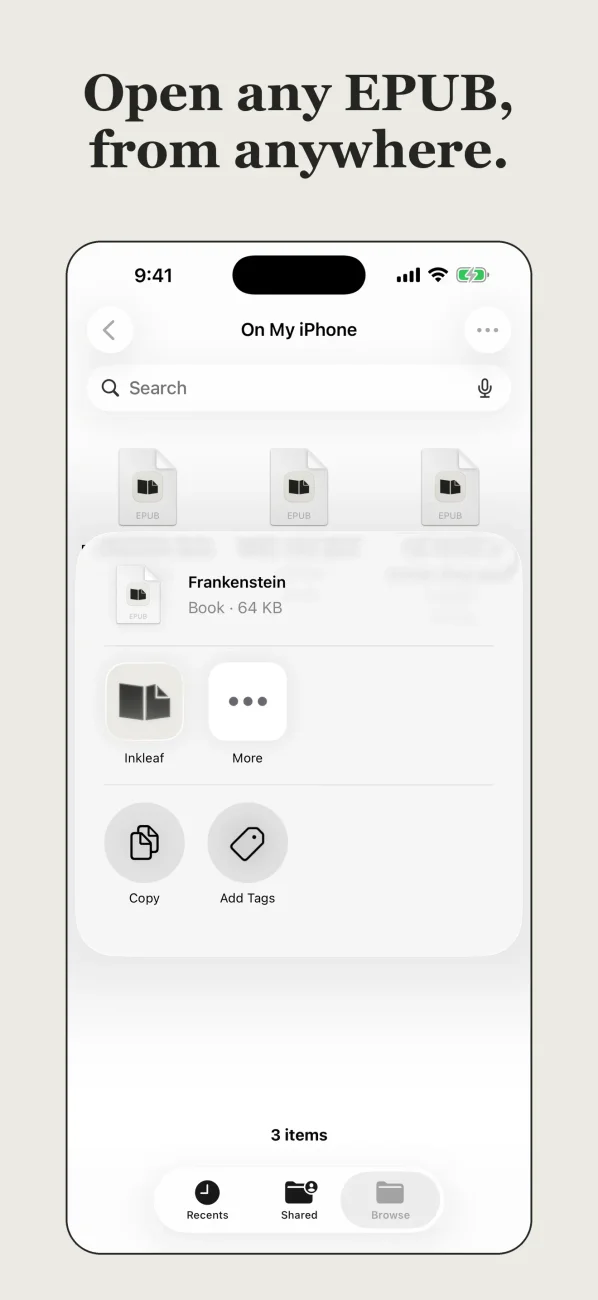
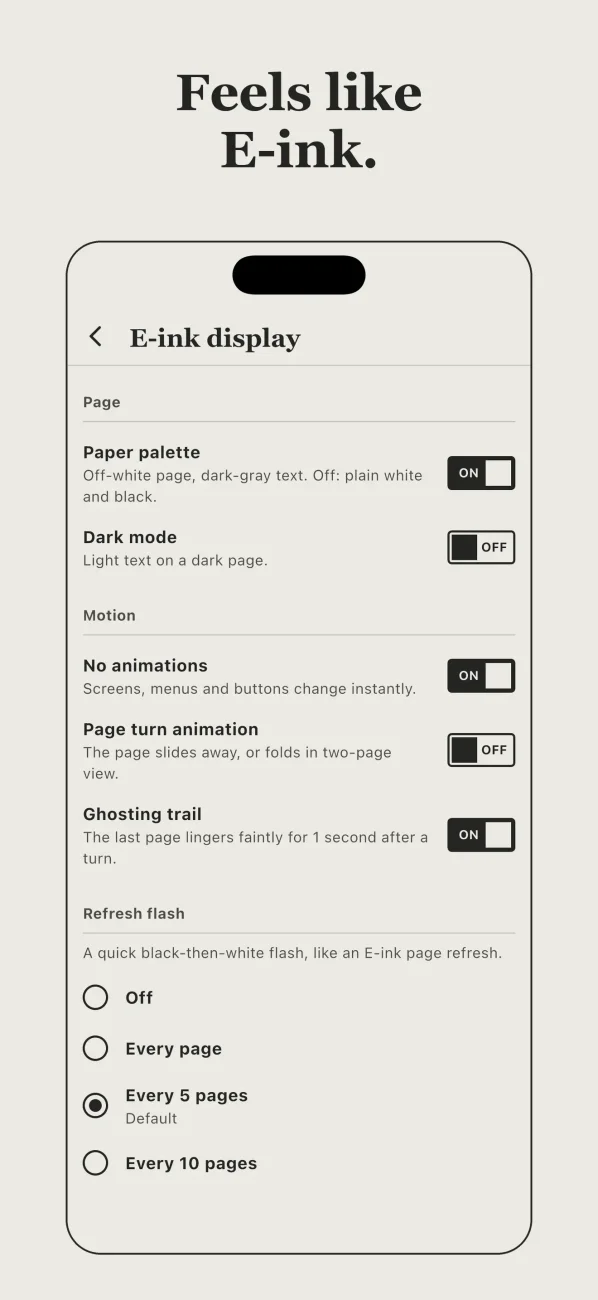
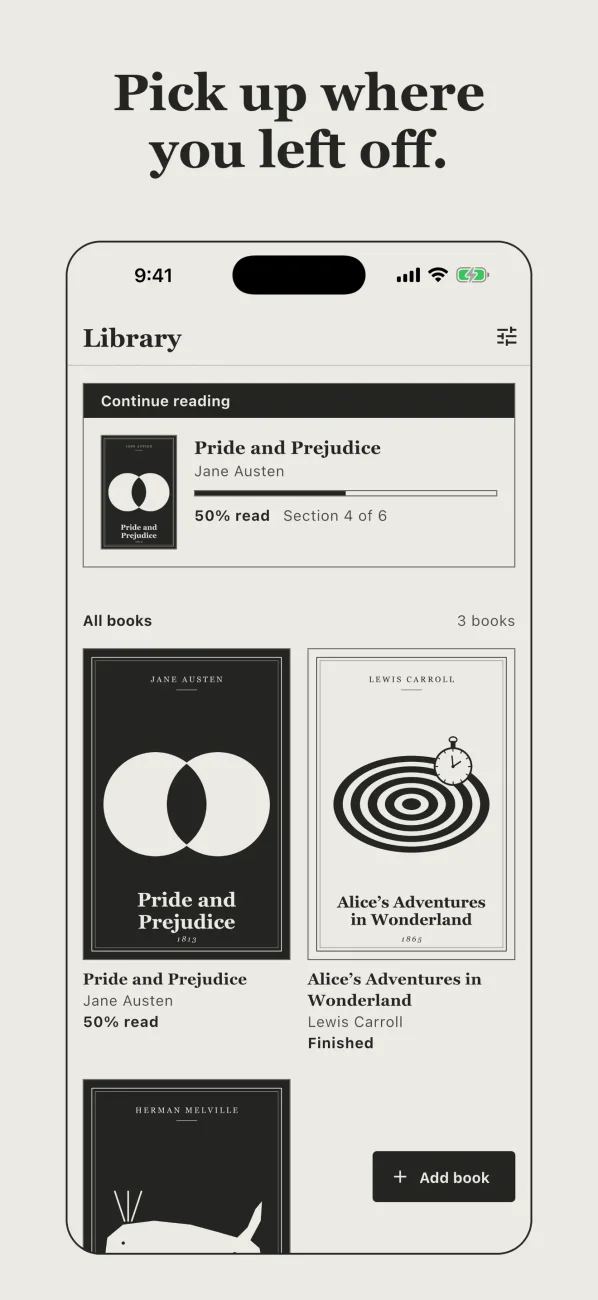
Open the app and two classic books are already on your shelf. Add your own from Files, Safari, Mail or the Share sheet, tap the edge of the screen to turn the page, and read. The look is inspired by E-ink screens: an off-white paper page, dark-gray text, no animations, and an optional refresh flash you can tune or turn off.
Why you might like it
• Your own EPUBs, at home. Add your files and they become covers in one grid. No store to browse, no account to make.
• Paper-calm. An off-white page with dark-gray text, never pure black on pure white. Prefer plain white and black? Switch the paper palette off.
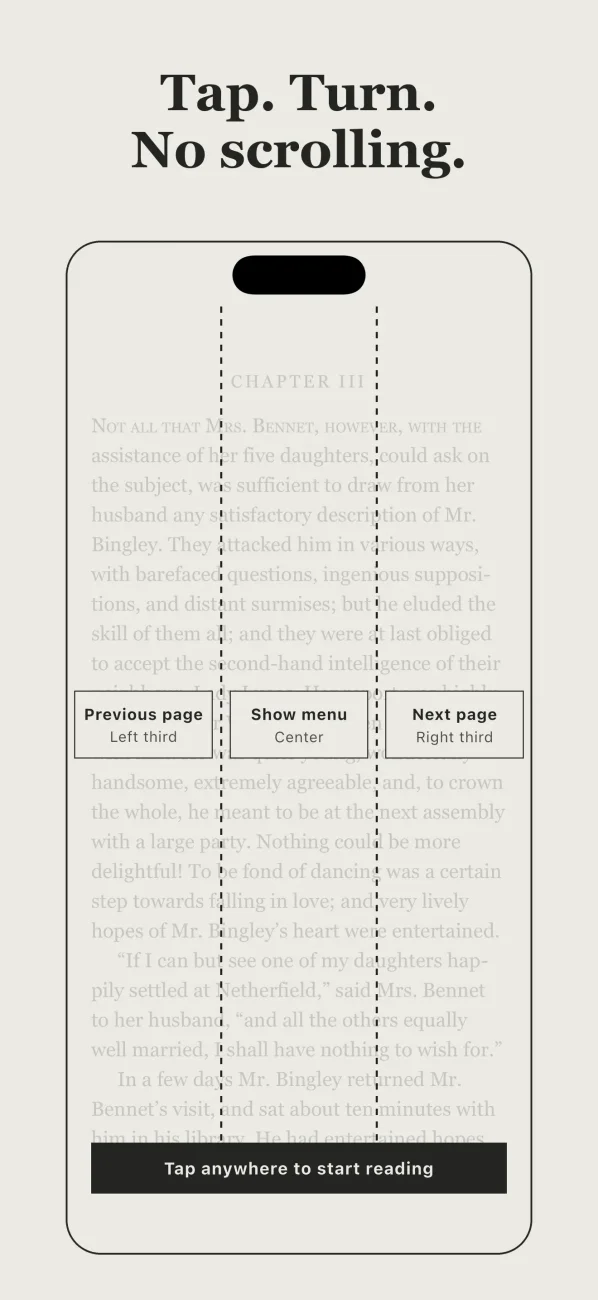
• Pages, not scrolling. Tap the right third of the screen for the next page, the left third to go back, and the centre for the menu.
• Highlights and notes. Press and hold to select a passage, then highlight it or add a note. Find them all in one list, and export them as Markdown.
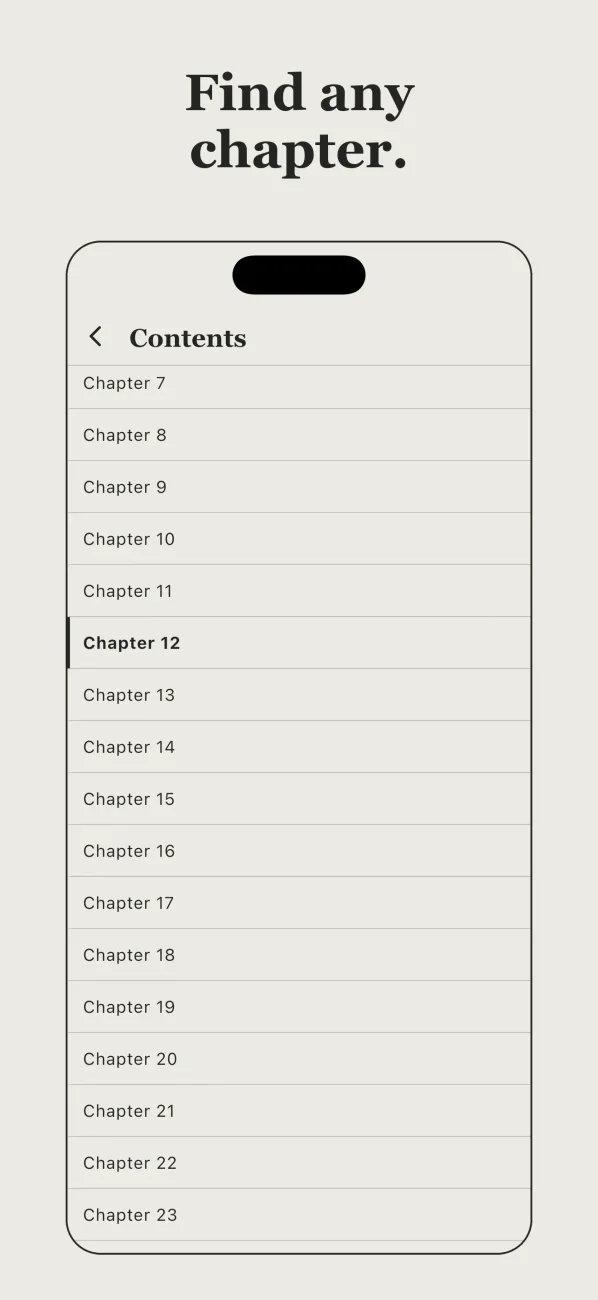
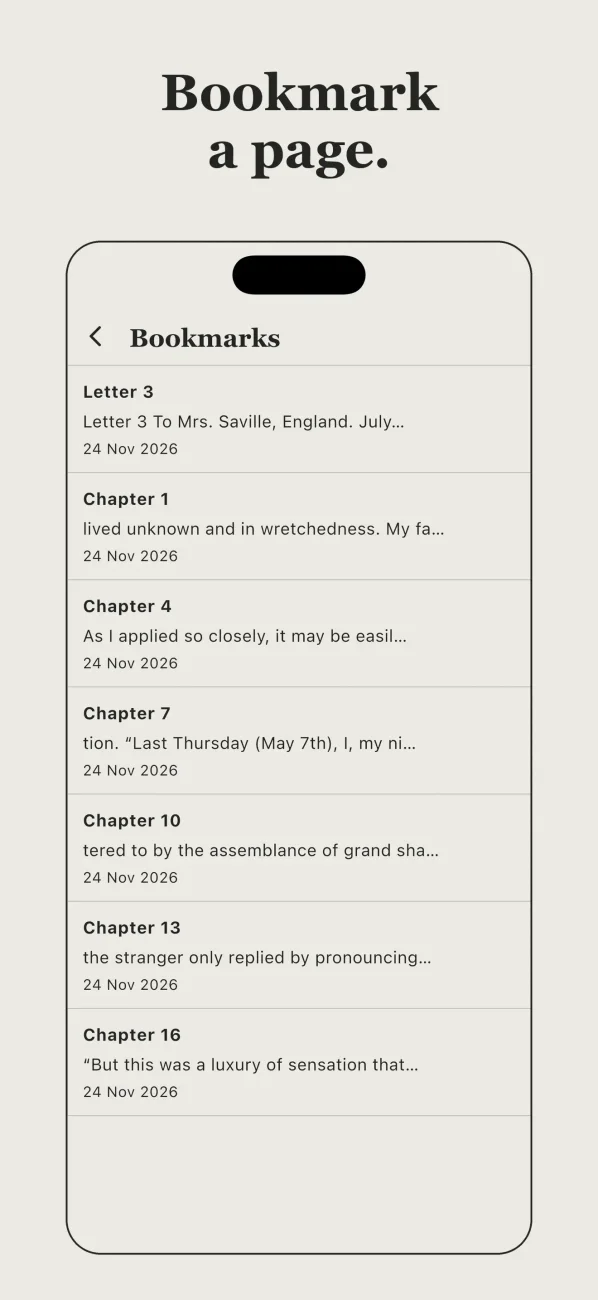
• Find your way. A contents page takes you straight to any chapter. Bookmark a page and come back to it later.
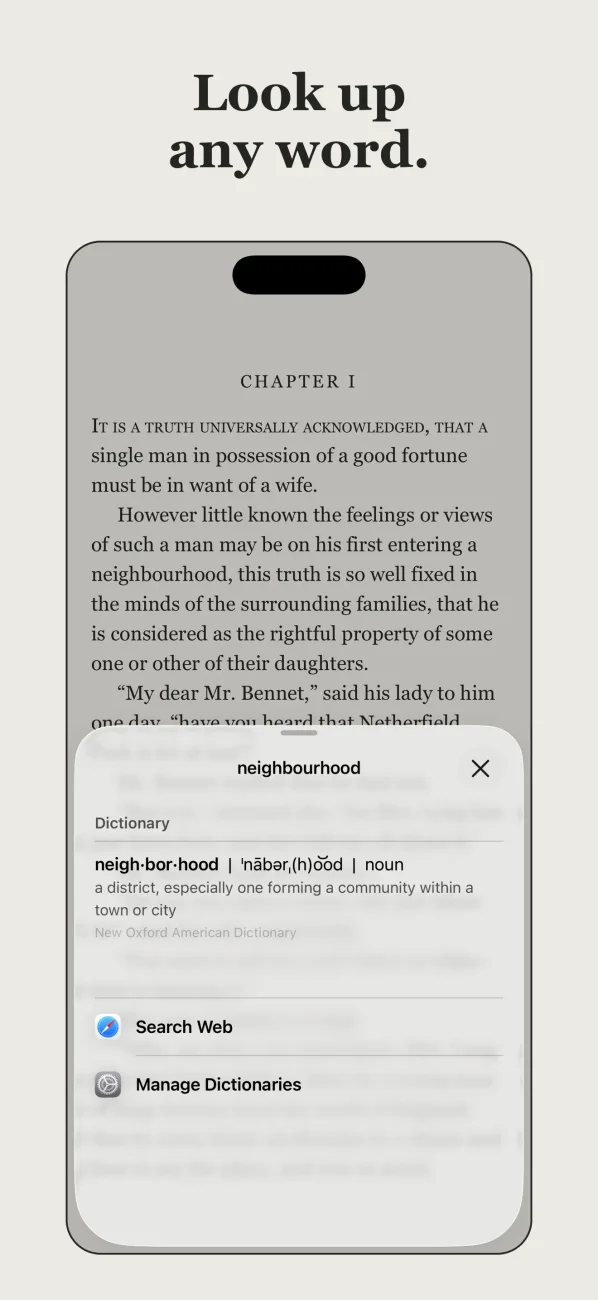
• Look up a word. Press and hold a word and tap Look Up for the built-in dictionary, without leaving the page.
• Focus mode. The status bar hides while you read, so only the page is left.
• The E-ink feel. Pages change instantly, with no sliding or fading. If you like, add a quick black-then-white refresh flash every page, every 5 pages or every 10 pages, and a faint ghosting trail of the previous page. Each part has its own switch.
• Make it yours. Change the text size, choose serif or sans, and set the line spacing and margins. Your place stays on the same text when the page re-flows.
• Dark mode, E-ink style. Light text on a dark page, with the same no-animation rules.
• iPhone and iPad. On iPad and in landscape, read two pages side by side.
• Right where you left off. Inkleaf remembers your page in every book, and a Continue reading card brings back the book you opened last.
Your books stay yours
No account. No cloud. Your books, bookmarks, highlights, notes and reading places are stored only on your device and never leave it.
Inkleaf is free and sells nothing. A muted banner sits at the bottom of the library, and now and then one ad may appear when you close a book after a long read. Never on, over or next to the page you are reading, and none in your first three days. You choose whether ads may use your data.
Good to know
• Inkleaf opens DRM-free EPUB files. Books with copy protection (DRM), fixed-layout EPUBs and PDFs are not supported.
• There is no book store: you bring your own books.
Inkleaf is a small, independent app. If a book will not open or something feels off, please write to us from the support page.
新機能
バージョン 1.2.0 · 2026/11/24
New in 1.2
• Highlights and notes: press and hold, select a passage, then tap Highlight or Note.
• All your highlights and notes in one list, in reading order. Tap one to jump back to it.
• Export Markdown: save a book's highlights and notes as a .md file.
• Contents page: jump straight to any chapter.
• Bookmarks: mark a page and come back to it. Your place stays on the same text even after you change the font or margins.
• Dictionary: press and hold a word, then tap Look Up.
• Open in Inkleaf: send an EPUB from Files, Safari, Mail or the Share sheet.
• Two classic books are on your shelf the first time you open the app.
• Focus mode: the status bar hides while you read.
• iPad, and two pages side by side in landscape.
• A chapter that fails to load no longer stops the whole book.
Inkleaf is free and sells nothing. A small muted banner in the library, and now and then one ad when you close a book after a long read, help keep it that way. Never on the page you are reading, and none in your first three days.
アプリのプライバシー
このアプリのデータの取り扱いについて、ACS JSC,.がApp Storeで申告している内容です。
-
ユーザーのトラッキングに使用されるデータ
他社のアプリやウェブサイトを横断してユーザーをトラッキングする目的で使用される場合があります。
- ID
-
ユーザーに関連付けられないデータ
収集される場合がありますが、ユーザーの識別情報には関連付けられません。
- 位置情報
- ID
- 使用状況データ
- 診断
プライバシーの取り扱いは、ご利用の機能やお客様の年齢などに応じて異なる場合があります。
情報
- 販売元
- ACS VIETNAM SOLUTION AND TECHNOLOGY JOINT STOCK COMPANY
- カテゴリ
- ブック
- バージョン
- 1.2.0
- 更新日
- 2026/11/24
- リリース
- 2026/10/11
- サイズ
- 20.6 MB
- 必要条件
- iOS 17.0以降
- 対象年齢
- 4+
- 価格
- 無料
- 言語
- 英語
- 著作権
- © 2026 Bui Doan Dung