- 対象年齢4+
- カテゴリ仕事効率化
- 開発元Gianluca Natalini
- 言語英語
- サイズ5.9 MB
App Storeの公式ページにリンクしています
Download.orgはiNotePad PROのファイルを一切ホストしていません。ボタンを押すと、Gianluca Nataliniが公開しているApp Storeのアプリページが開きます。ページの最終確認:2026/11/17。
スクリーンショット
概要
開発元はこのテキストをお使いの言語で提供していません。
"iNotePad PRO" is a powerful word processor ("rich text editor") that will transform your device in a professional typewriter.
"iNotePad PRO" was designed to load RTF, TXT, HTML files, edit them and save the modified document.
Useful for journalists, students, writers, office work, for reports, to take fast notes, etc...
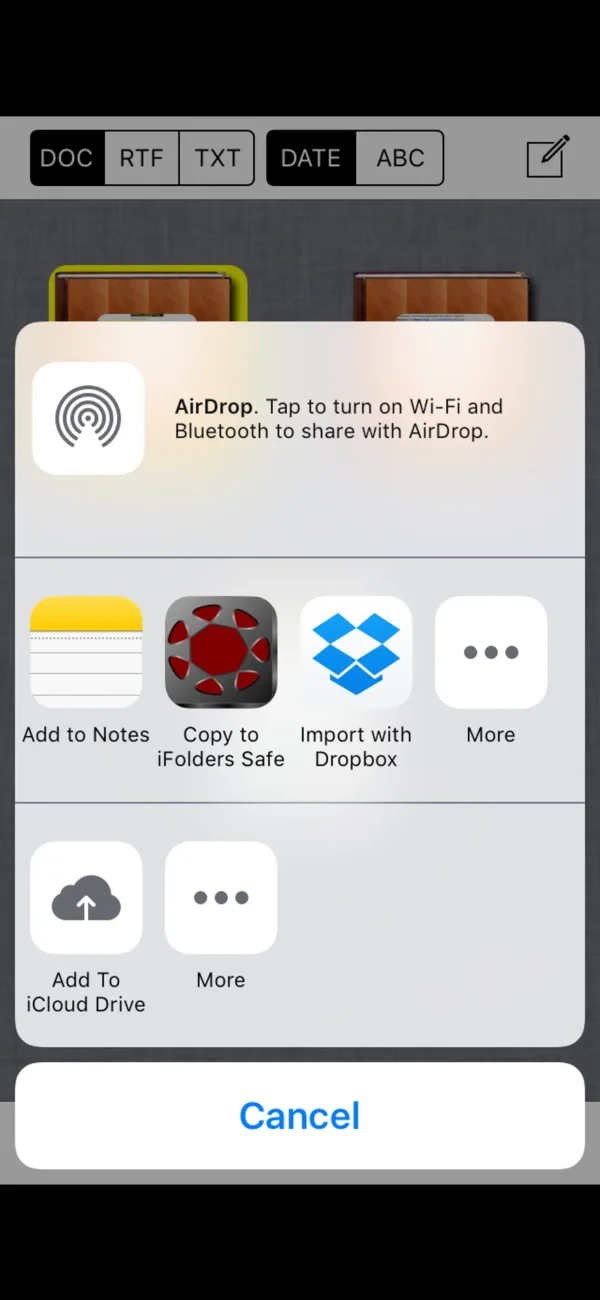
"iNotePad PRO" can share the written documents using remote storage and sharing systems (e.g. cloud systems, using "Open In").
Using the export to HTML and share function you can also use "iNotePad PRO" to create simple web pages (rich text web pages).
Also, by pressing the "Speech To Text" button on the keyboard (devices compatible with "Siri") you can dictate text to be written ... "Speech To Text" will insert for You the dictated text in the document, at the position where the cursor is displayed.
Turn your device in a typewriter that can be used sitting on the couch at home, at work or during a trip.
Features:
- "iNotePad PRO" + "Speech To Text": dictate the text to be written and "Speech To Text" will write automatically for You the dictated text in the document
- Intuitive interface: start the program, and in a few seconds you're already writing
- Automatic Indentation
- AutoFormat Lists
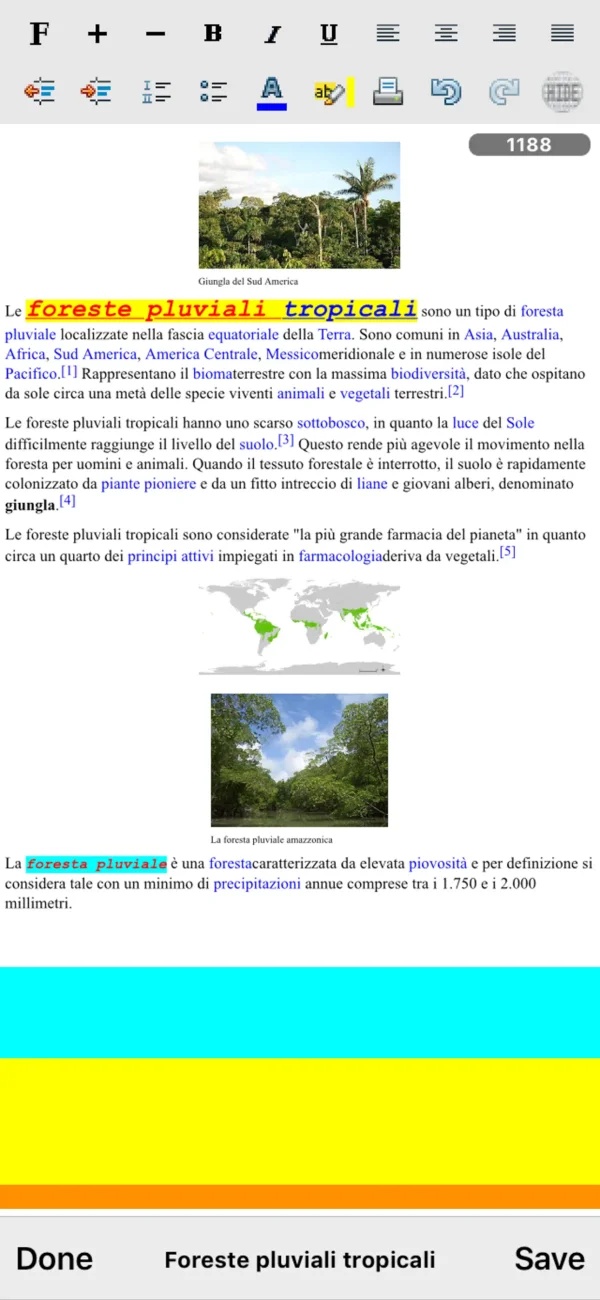
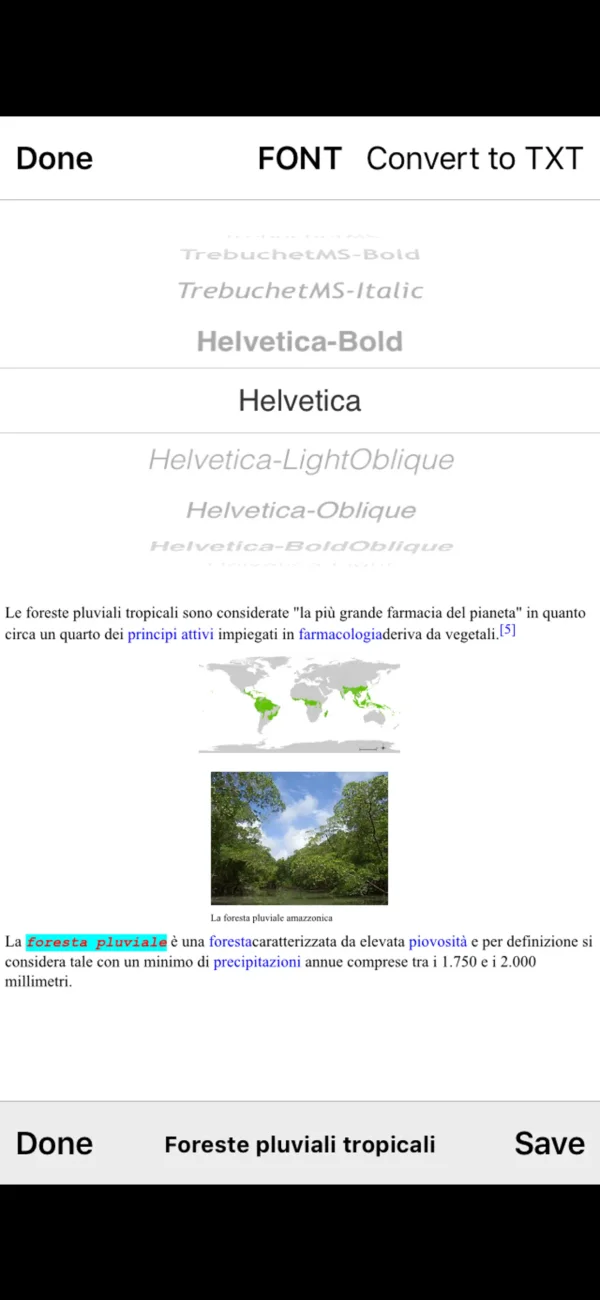
- Highlighting text (infinite numbers of colors)
- Coloring of text (infinite numbers of colors)
- Indentation of the text: left, center, right, justified
- Lots of available fonts (all fonts supported by the device)
- Bold, Italic, Underline
- Font Size
- Undo and redo
- Export and share the written document using the HTML, RTF, TXT file formats with the ability to send them via email
- Sharing files between iPad and iPhone
- Sharing remote documents: share your written documents with colleagues or friends far away or work together with Your friends on a cloud system shared document
- Ability to convert the rich text into a simple text format and save it in a .TXT file
- Automatic counter for the number of the characters written in the document
Management for the documents stored in the "iNotePad PRO" Archive":
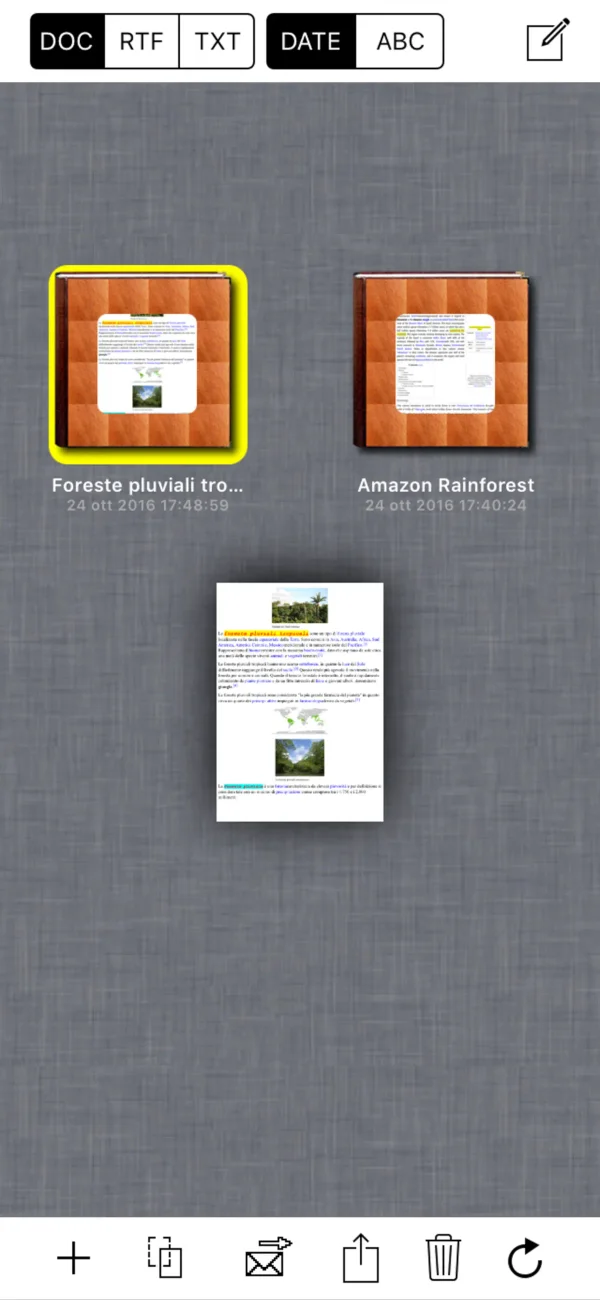
- DOC, RTF, TXT filters to search by type the documents saved in the archive
- Creation date and alphabetical sorting documents visualization
- Archiving an infinite number of documents and document management: load, edit, save, duplicate, delete, archive, share, etc..
- Import for RTF, TXT, HTML documents via file sharing, copy/paste, Open In, email attachments, etc.. (with the ability to modify them once imported)
COPY / PASTE:
- Select and copy web pages (or parts of them) using Safari and paste them in the "iNotePad PRO" rich text area (this feature is also compatible with other installed apps like rtfManager, documentsManager, sheetsManager, presentationsManager, megaDownloader Web Browser, secretReader, secret Notes HD, iNotePad, etc…)
Import RTF, TXT, HTML, MS Office e iWork documents:
Using rtfManager, documentsManager, sheetsManager, presentationsManager, megaDownloader Web Browser and the copy/paste feature of "iNotePad PRO" You can import the RTF, TXT, HTML, MS Office, iWork documents or parts of the documents in the "iNotePad PRO" rich text area, modify and save or export them in the HTML file format
Sharing (IN/OUT) documents with:
- Dropbox (remote storage systems, cloud)
- Open In
- iTunes File Sharing
- email attachments
Display:
- Retina display supported
"iNotePad PRO" + "Speech To Text":
- Write speaking, without using the keyboard
Supported device orientations:
- Portrait and Landscape (iPad version)
Print:
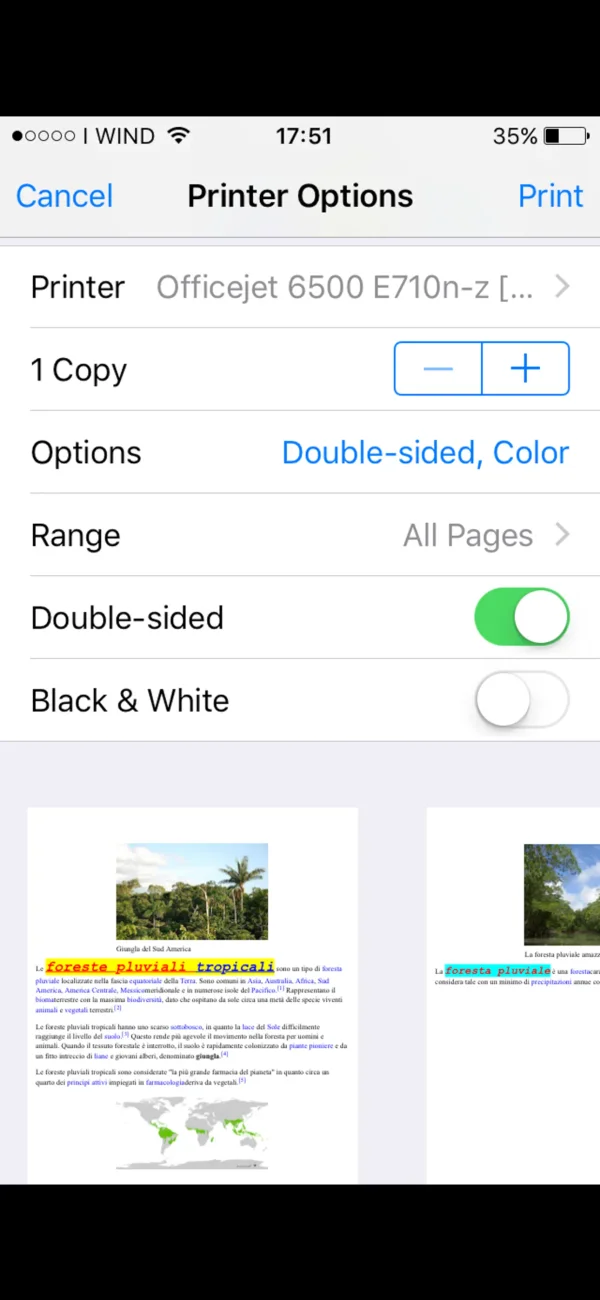
- AirPrint
App type:
- UNIVERSAL APP (you pay only once and runs on all Your devices)
Documentation (HTML -> RTF):
http://www.ngcybit.it/iTunesApp/inotepad-pro/html-to-rtf-using-cloudconvert.html
新機能
バージョン 2.3 · 2026/4/29
* Minor bugs fixed
アプリのプライバシー
このアプリのデータの取り扱いについて、Gianluca NataliniがApp Storeで申告している内容です。
-
データの収集なし
開発元はこのアプリからデータを収集しません。
プライバシーの取り扱いは、ご利用の機能やお客様の年齢などに応じて異なる場合があります。
情報
- 販売元
- Gianluca Natalini
- カテゴリ
- 仕事効率化
- バージョン
- 2.3
- 更新日
- 2026/4/29
- リリース
- 2012/11/17
- サイズ
- 5.9 MB
- 必要条件
- iOS 16.6以降
- 対象年齢
- 4+
- 価格
- ¥150
- 言語
- 英語
- 著作権
- © 2012 Gianluca Natalini - NGCYBIT Robotics
こちらもおすすめ
-
 電卓 あま仕事効率化
-
 Daily Routine Tracker - Dayful仕事効率化
-
 PomoLite - Focus Timer Keeper仕事効率化
-
 Bridges: Link Formatting仕事効率化
-
 Remote Print 無線プリンターPDF・写真を印刷&スキャン
-
 Zen Study: 集中 情熱タイマー 日記 習慣 学生ポモドーロ 勉強計画 一日予定表 学習記録帳 時間 時空
-
 Paste Keyboard | MagicBoard AIText Shortcuts, Mail Template
-
 Time Tracker : Timy仕事効率化
-
 Habit Tracker - Haby仕事効率化
-
 カレンダー手帳 CircleTime時間全体を理解する