- 対象年齢4+
- カテゴリ教育
- 開発元Netfilter
- 言語英語ほか1言語
- サイズ11.1 MB
App Storeの公式ページにリンクしています
Download.orgはiSurf BrainViewのファイルを一切ホストしていません。ボタンを押すと、Netfilterが公開しているApp Storeのアプリページが開きます。ページの最終確認:2026/11/12。
スクリーンショット
概要
開発元はこのテキストをお使いの言語で提供していません。
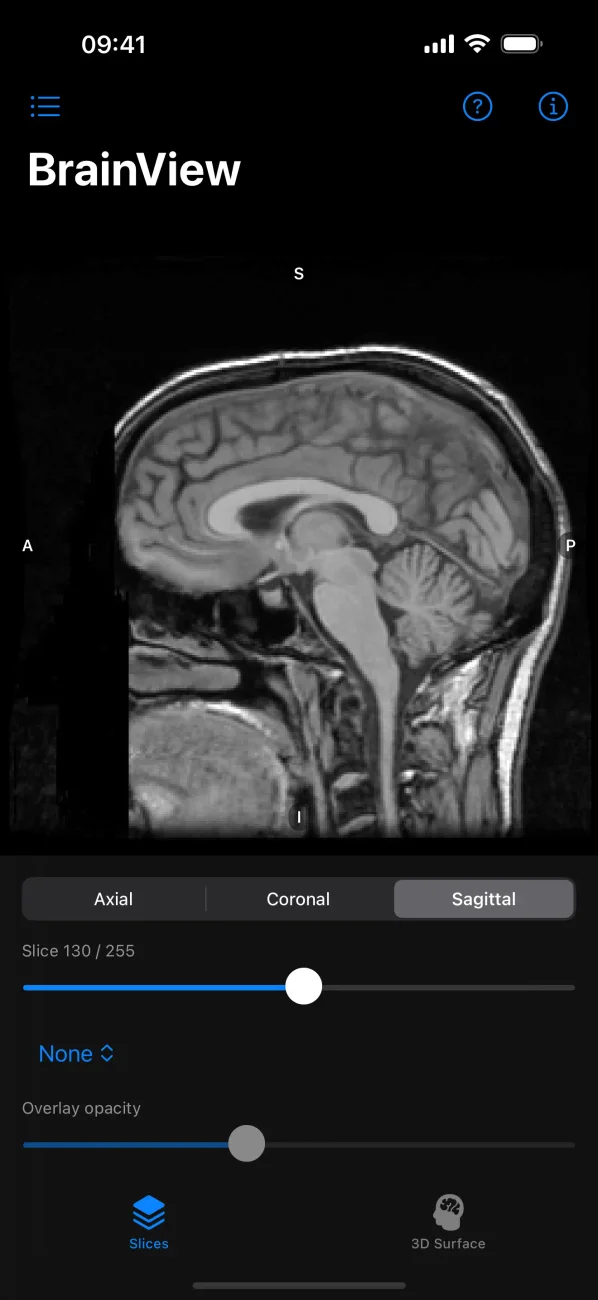
BrainView is an educational MRI viewer built around a real brain scan, segmented with FreeSurfer. Explore it slice by slice, learn the anatomy, and test yourself.
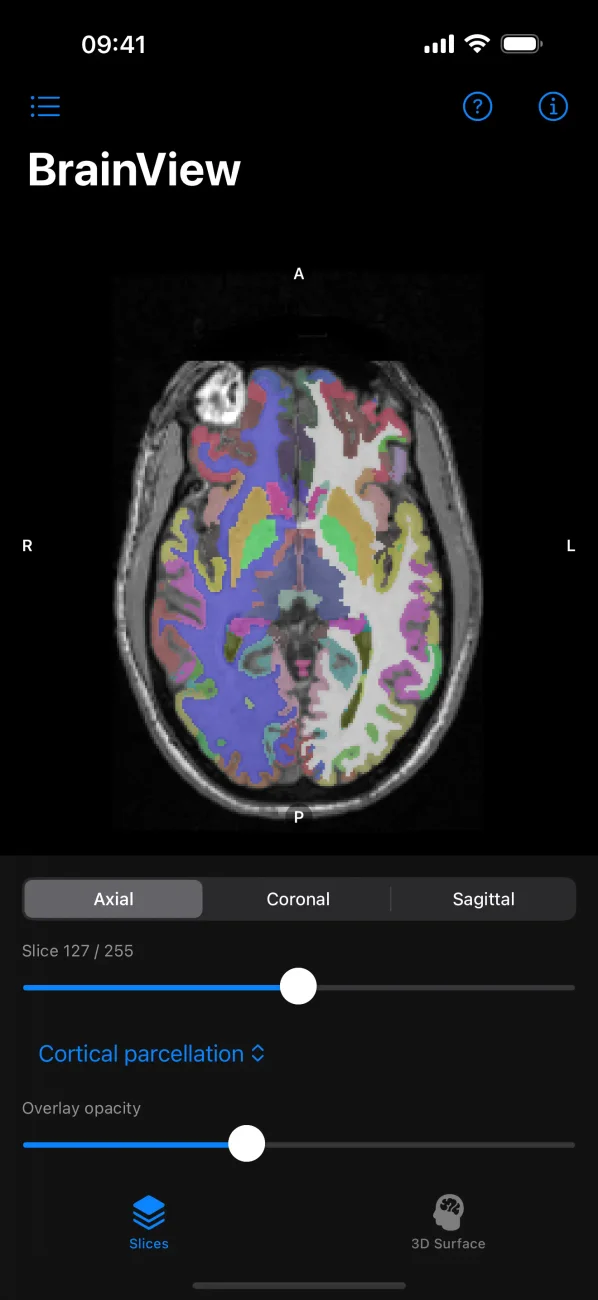
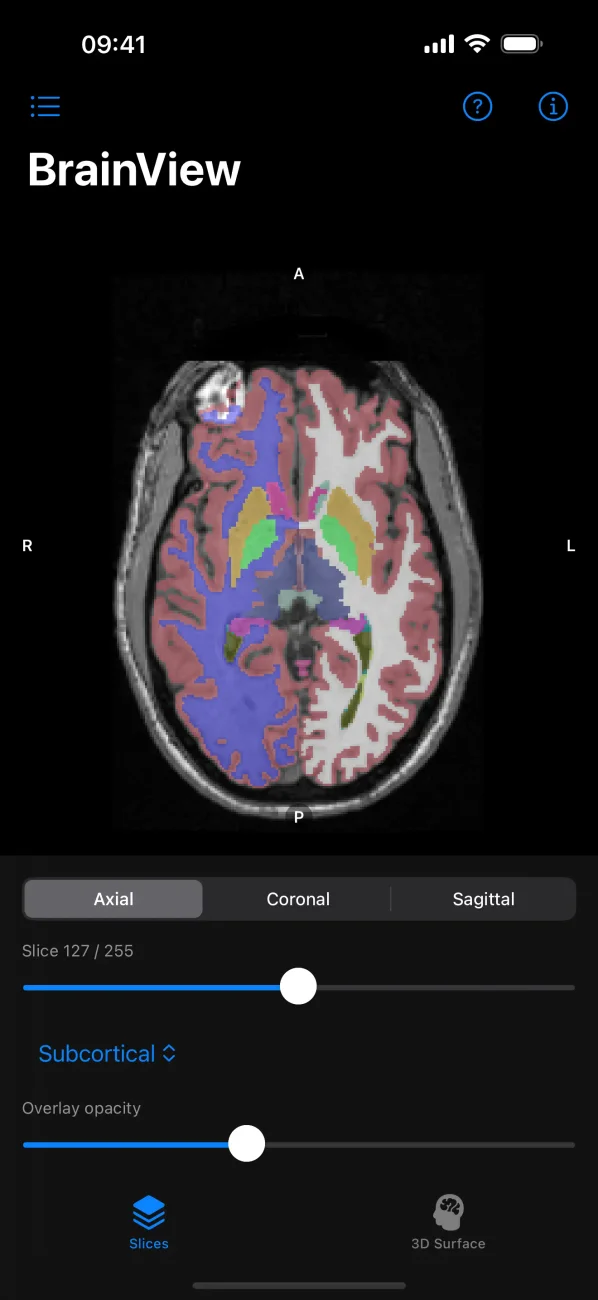
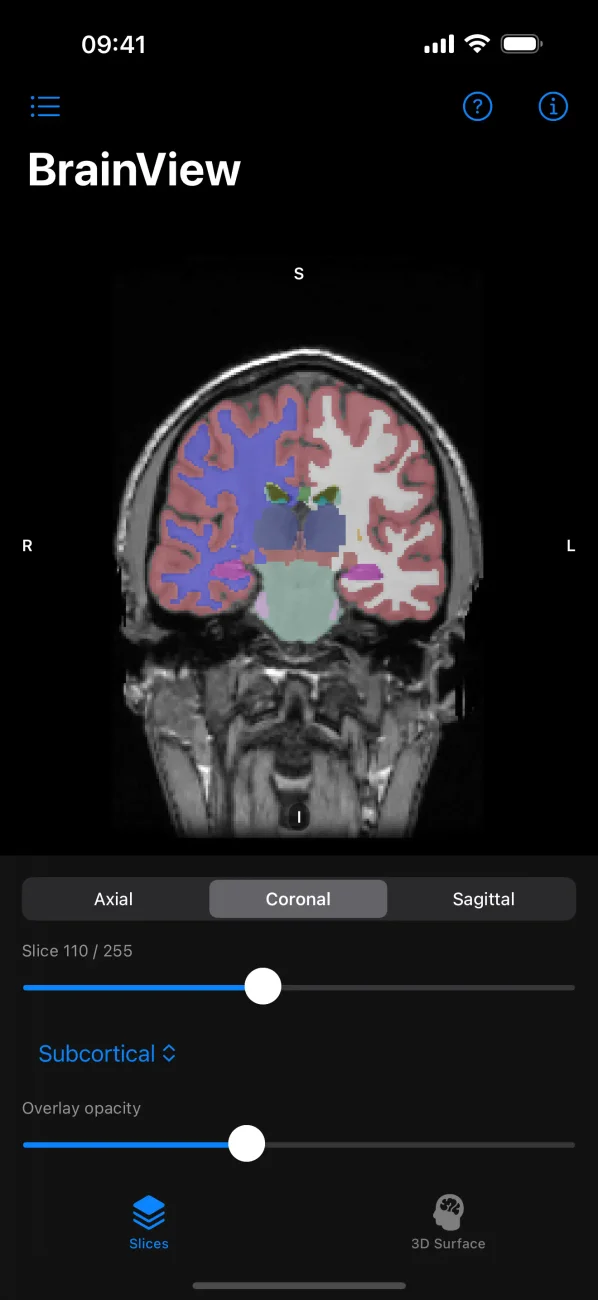
Three viewing planes. Scroll through axial, coronal, and sagittal slices with a simple slider, all the way through the volume.
Two anatomical overlays. Turn on the subcortical segmentation to see structures like the hippocampus, thalamus, and ventricles, or switch to the Destrieux cortical parcellation to see the folding pattern of the cerebral cortex broken into named gyri and sulci.
Tap to identify. Tap anywhere on the scan to name the structure under your finger, with a link to learn more on Wikipedia.
Browse every structure. A searchable, alphabetical list of every subcortical structure jumps straight to it.
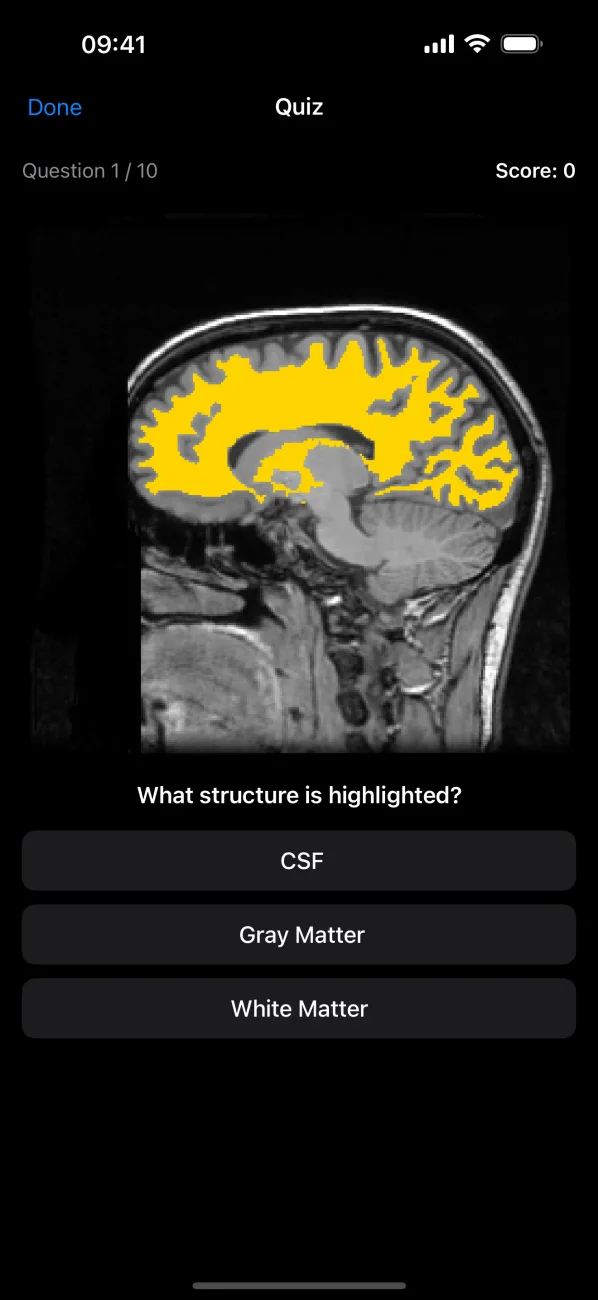
Quiz yourself. Ten random questions per round: a structure is highlighted, you pick its name from three choices, and your score is tracked as you go.
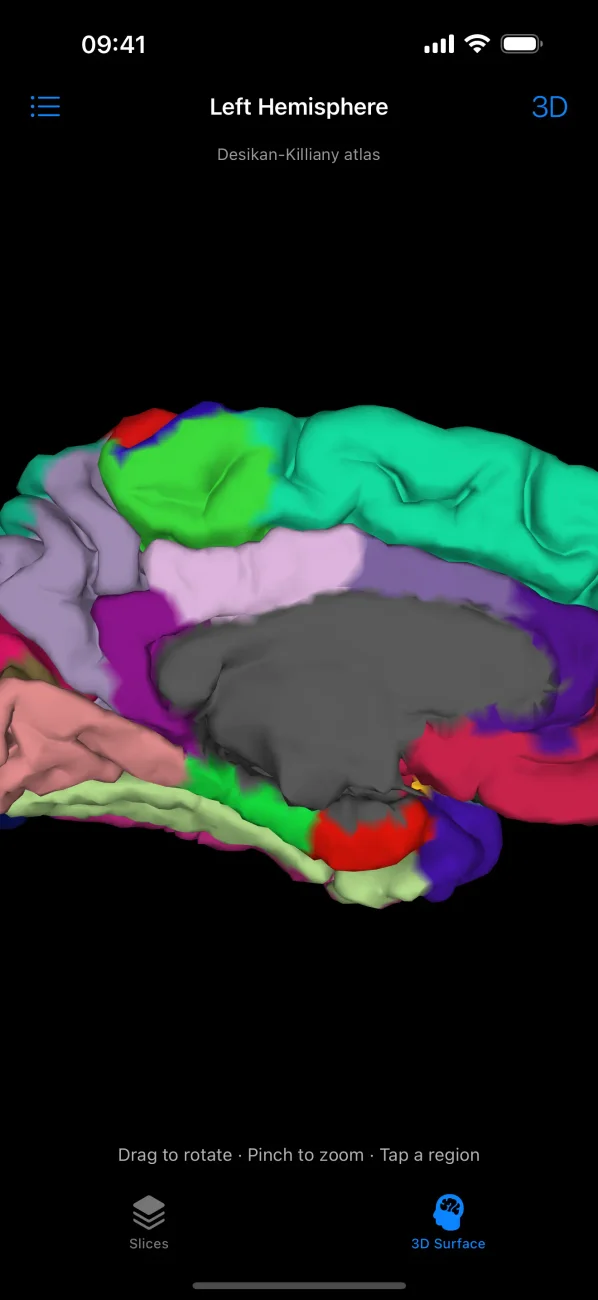
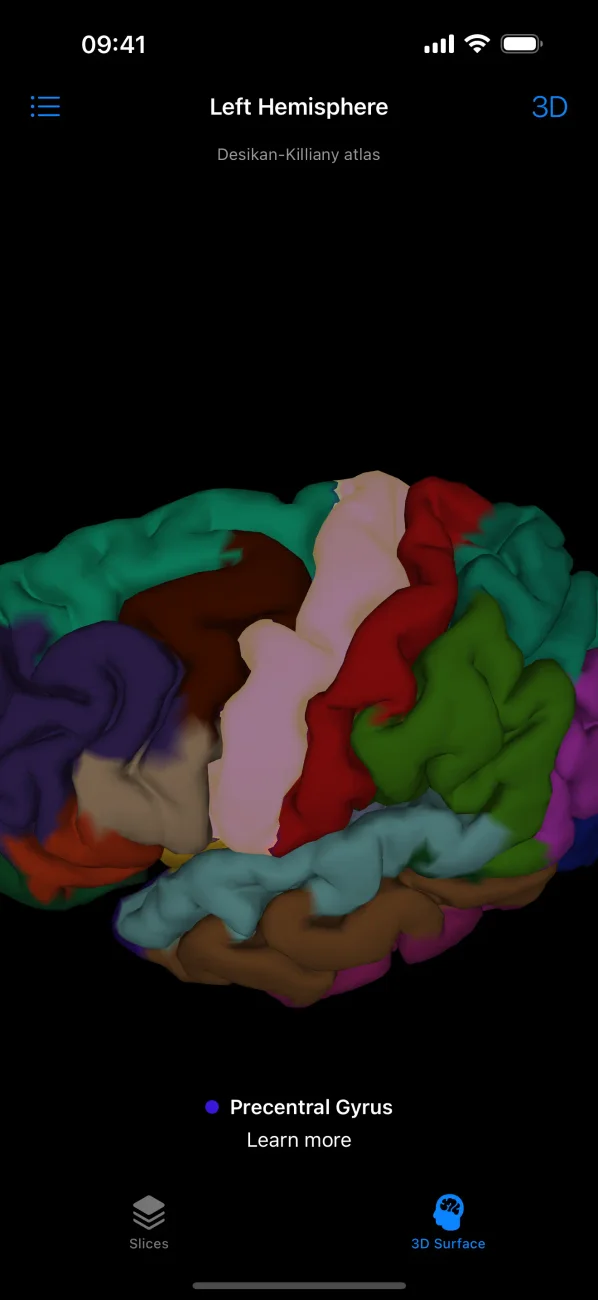
Rotate a 3D cortical surface. Drag to orbit, pinch to zoom, and tap a region to name it -- the left hemisphere, colored by the Desikan-Killiany atlas (developed by Rahul Desikan and Ron Killiany; the app's About screen honors Dr. Desikan's memory), with six standard views and a searchable region list. Tap a spot on the surface and jump straight to that point in the slice viewer.
Pinch to zoom, double-tap to jump in, and everything works offline -- the scan and every label are bundled with the app. No account, no ads, no tracking, no network access except the optional "Learn more" links.
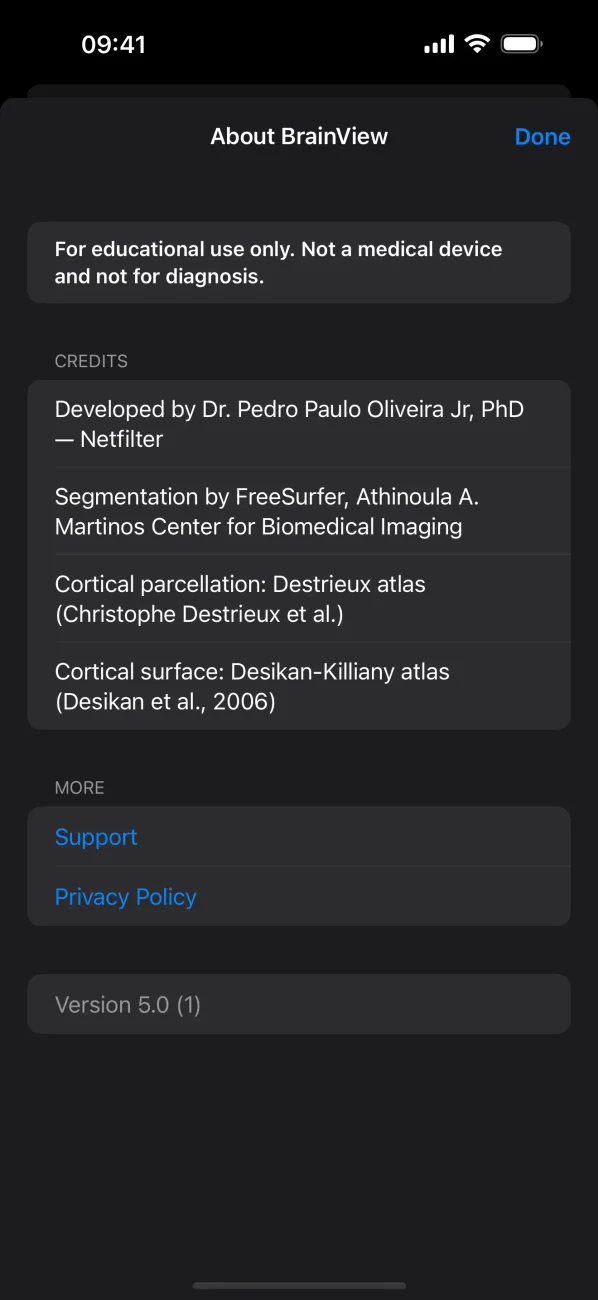
For educational use only. BrainView is not a medical device and is not intended for diagnosis.
新機能
バージョン 5.4 · 2026/10/14
- Subcortical structures in 3D: the thalamus, caudate, putamen, pallidum, hippocampus, amygdala, accumbens, ventricles and brainstem, both sides, as rotatable 3D models. Tap one to see its name and jump to it in the slices.
- From a slice, "Show on surface" now also works for deep structures: it opens that structure in the 3D model.
- Annotate a slice: draw on it with a finger or Apple Pencil, pick a color, erase or undo. Two fingers pan and zoom.
- Marks stay on the slice they were drawn on, are kept on the device, and are included when you share the slice.
アプリのプライバシー
このアプリのデータの取り扱いについて、NetfilterがApp Storeで申告している内容です。
-
データの収集なし
開発元はこのアプリからデータを収集しません。
プライバシーの取り扱いは、ご利用の機能やお客様の年齢などに応じて異なる場合があります。
情報
- 販売元
- Netfilter LTDA
- カテゴリ
- 教育
- バージョン
- 5.4
- 更新日
- 2026/10/14
- リリース
- 2010/7/14
- サイズ
- 11.1 MB
- 必要条件
- iOS 18.0以降
- 対象年齢
- 4+
- 価格
- 無料
- 言語
- 英語, ポルトガル語
- 著作権
- © 2026 Netfilter Ltda