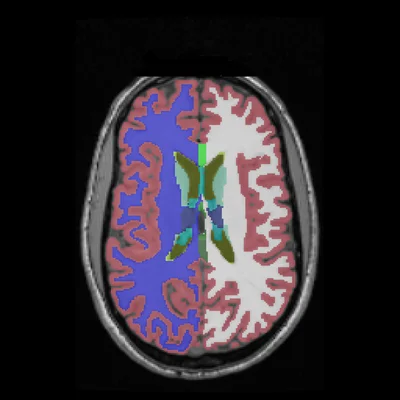
- Độ tuổi4+
- Danh mụcGiáo Dục
- Nhà phát triểnNetfilter
- Ngôn ngữTiếng Anh+ 1 ngôn ngữ khác
- Kích thước11,1 MB
iSurf BrainView hiện có thể không có trên App Store
Ở lần kiểm tra gần nhất, chúng tôi không truy cập được trang trên cửa hàng. Liên kết vẫn dẫn đến trang App Store chính thức.
Ảnh chụp màn hình
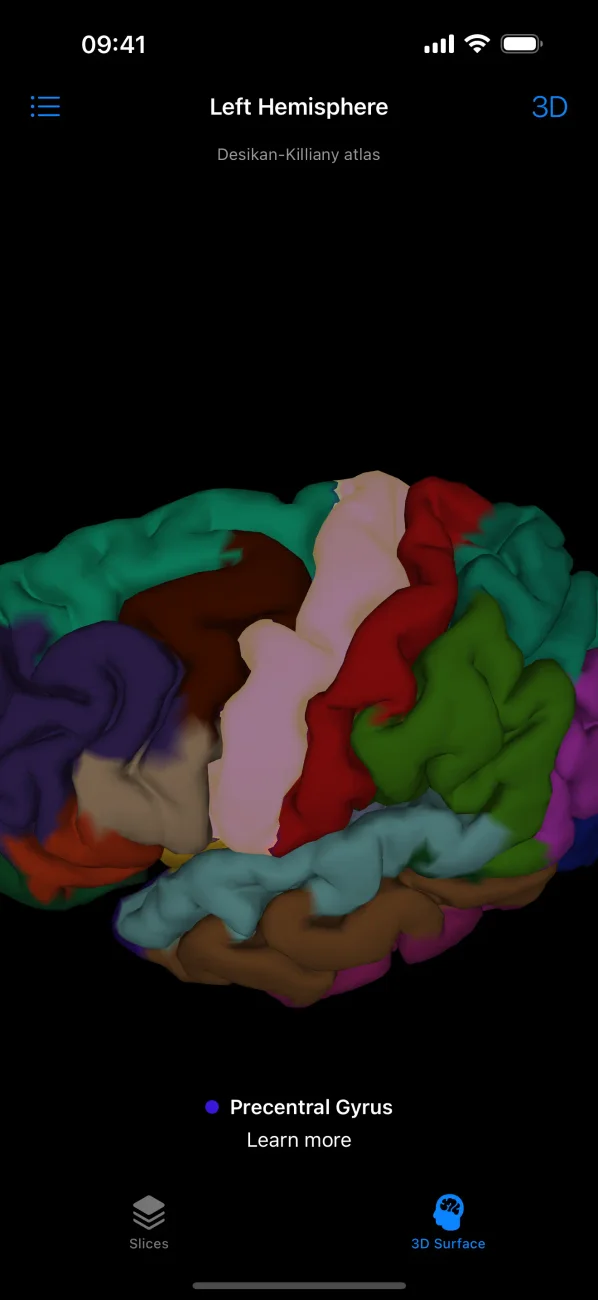
Giới thiệu
Nhà phát triển chưa cung cấp nội dung này bằng ngôn ngữ của bạn.
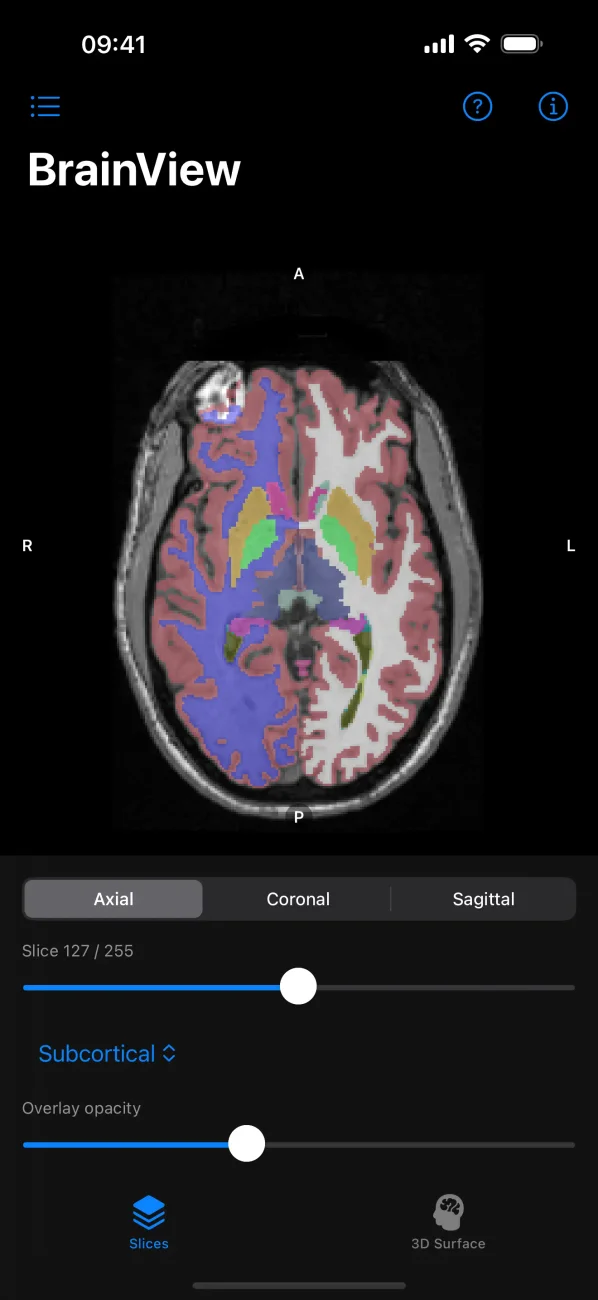
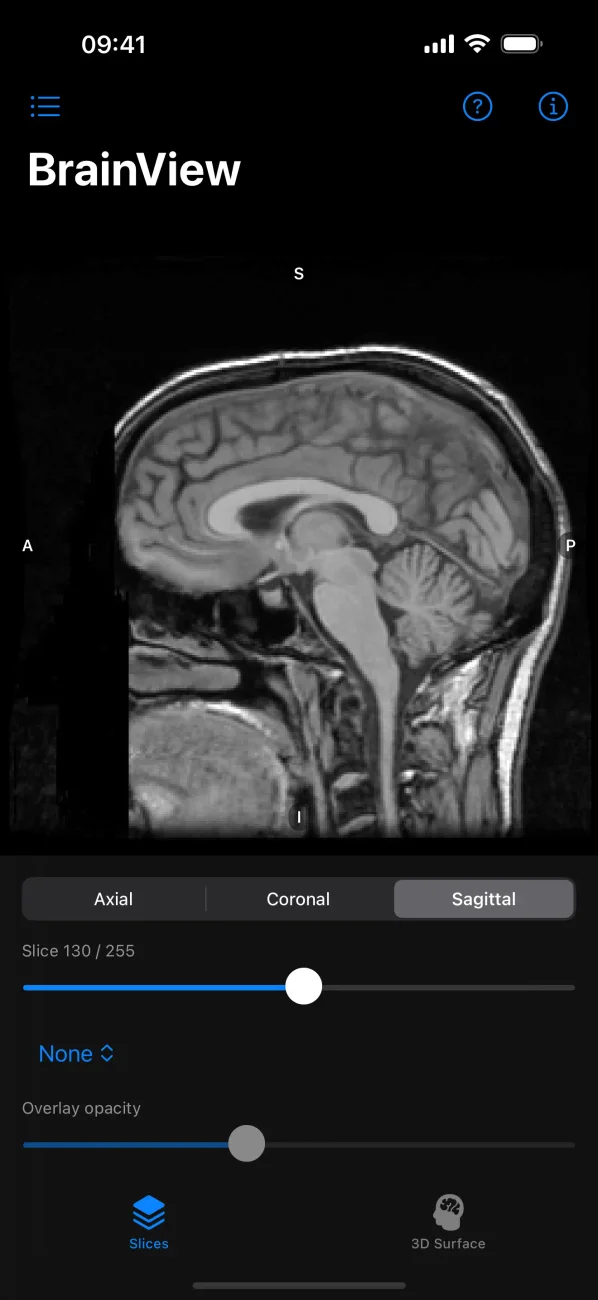
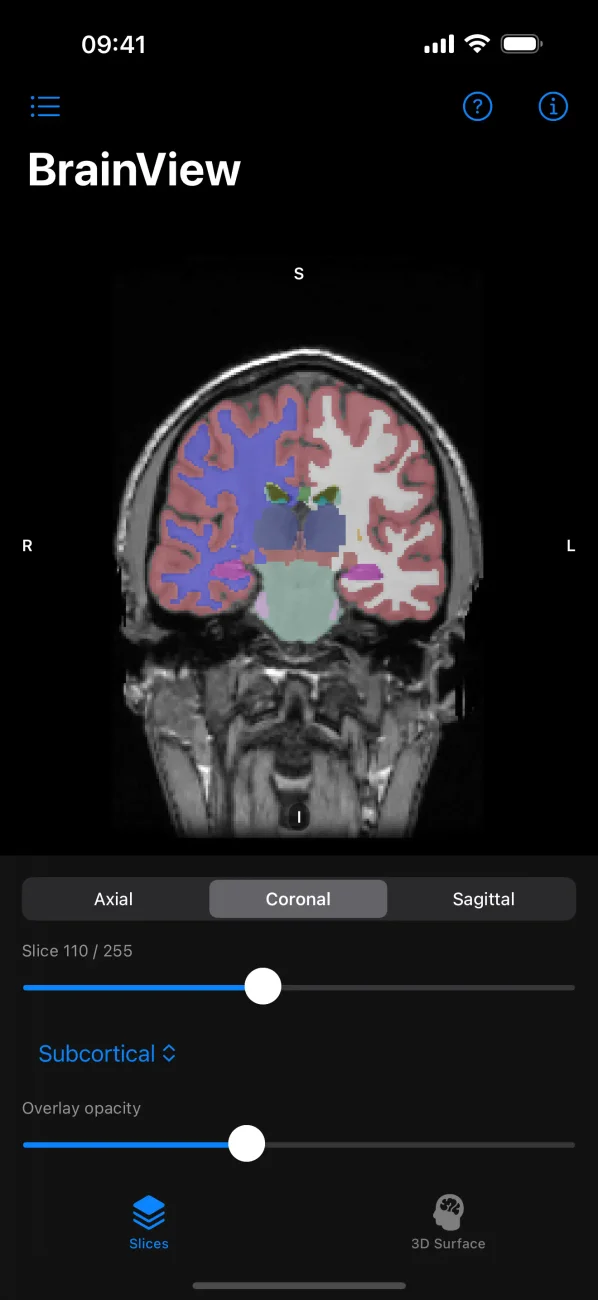
BrainView is an educational MRI viewer built around a real brain scan, segmented with FreeSurfer. Explore it slice by slice, learn the anatomy, and test yourself.
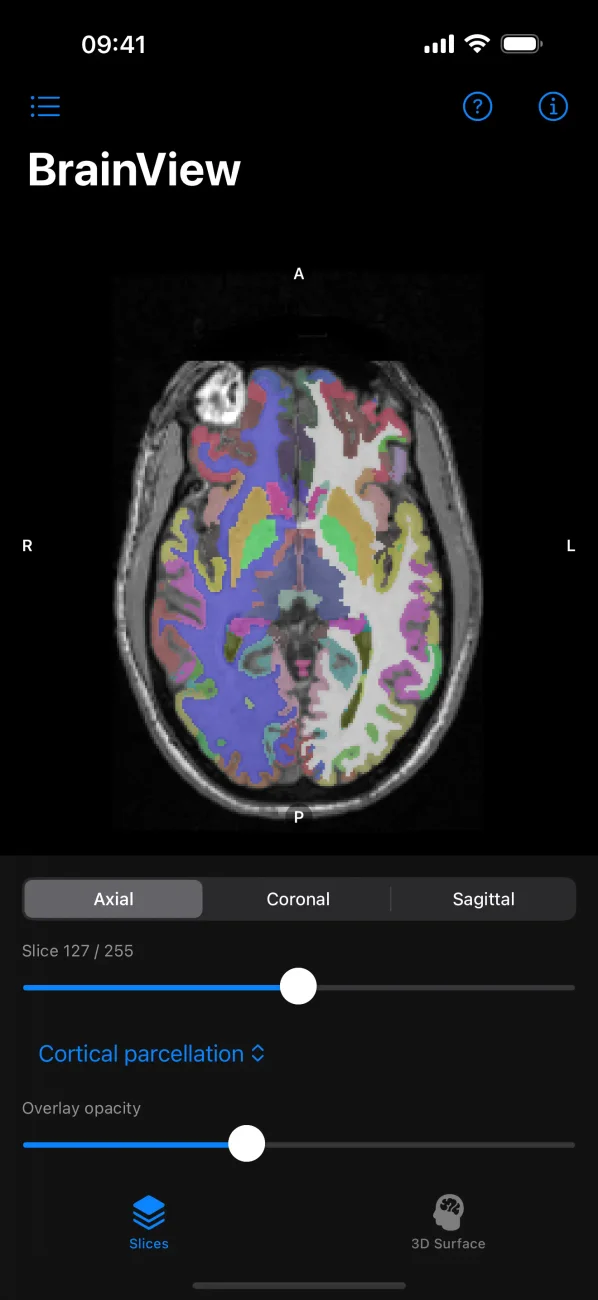
Three viewing planes. Scroll through axial, coronal, and sagittal slices with a simple slider, all the way through the volume.
Two anatomical overlays. Turn on the subcortical segmentation to see structures like the hippocampus, thalamus, and ventricles, or switch to the Destrieux cortical parcellation to see the folding pattern of the cerebral cortex broken into named gyri and sulci.
Tap to identify. Tap anywhere on the scan to name the structure under your finger, with a link to learn more on Wikipedia.
Browse every structure. A searchable, alphabetical list of every subcortical structure jumps straight to it.
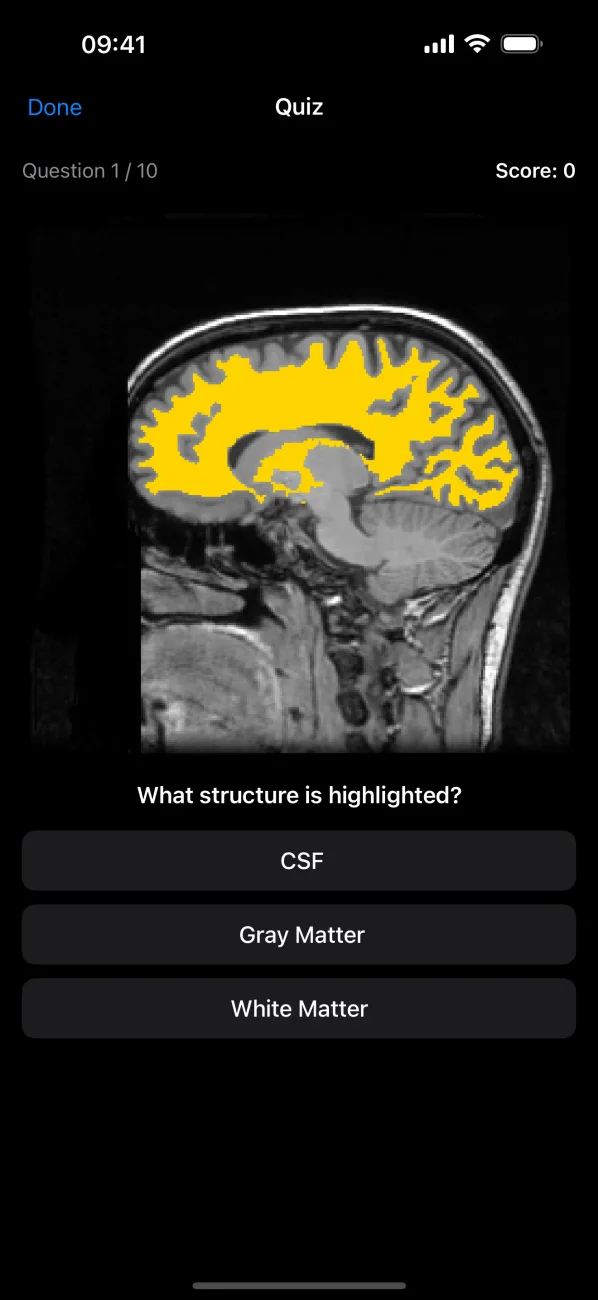
Quiz yourself. Ten random questions per round: a structure is highlighted, you pick its name from three choices, and your score is tracked as you go.
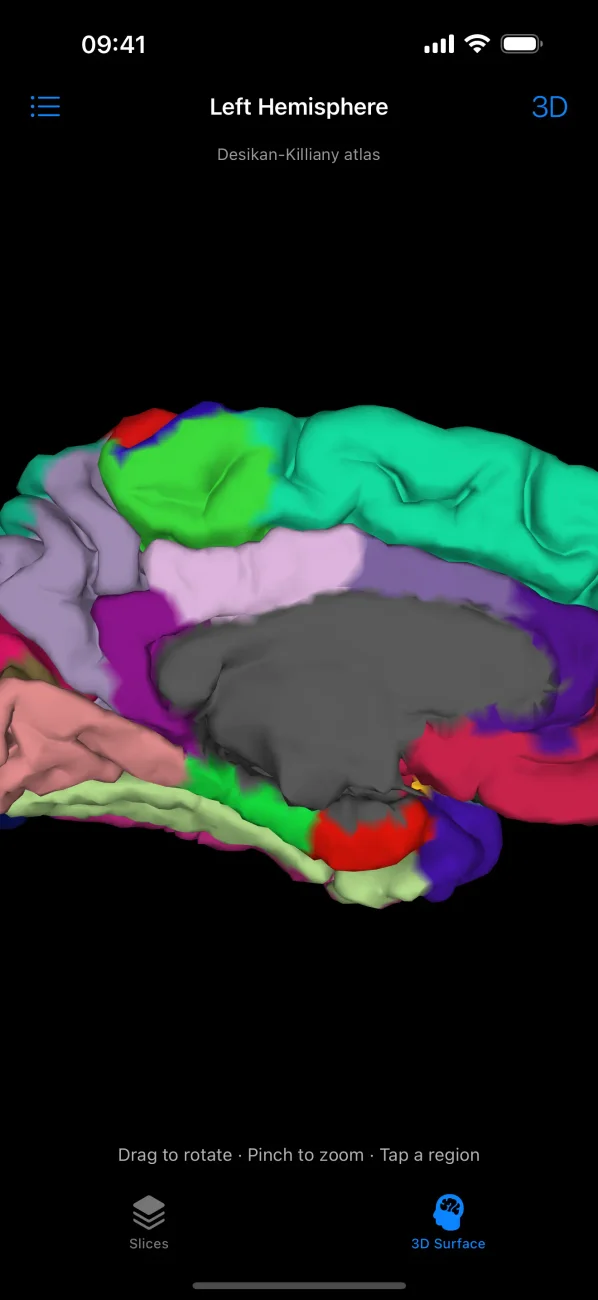
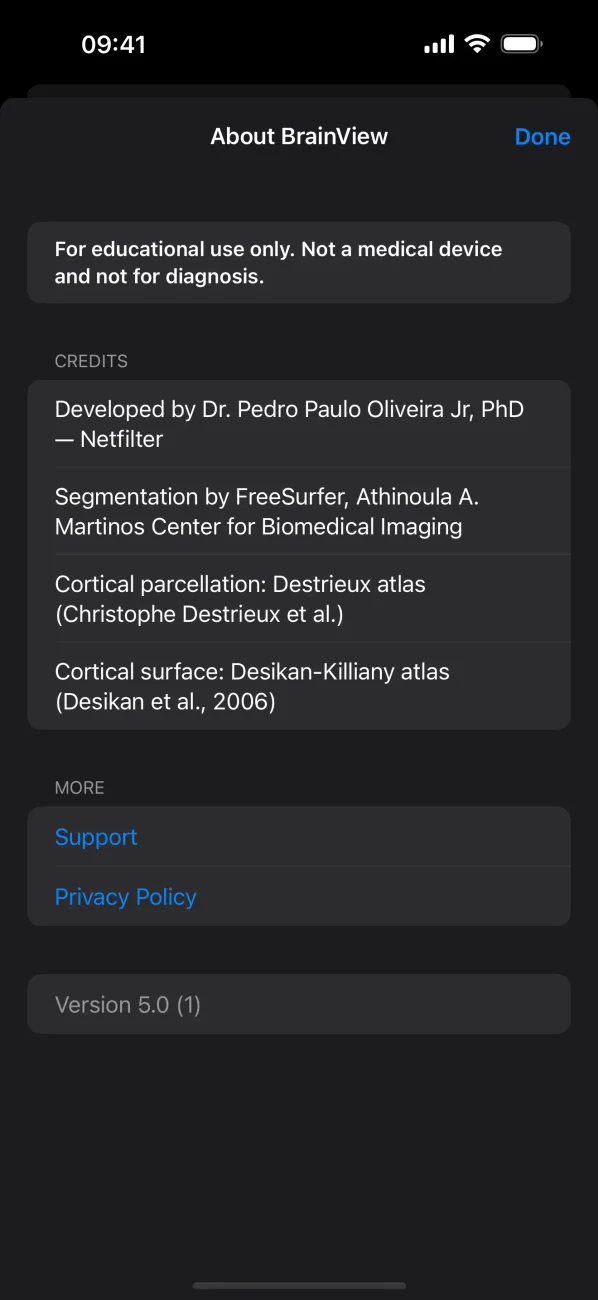
Rotate a 3D cortical surface. Drag to orbit, pinch to zoom, and tap a region to name it -- the left hemisphere, colored by the Desikan-Killiany atlas (developed by Rahul Desikan and Ron Killiany; the app's About screen honors Dr. Desikan's memory), with six standard views and a searchable region list. Tap a spot on the surface and jump straight to that point in the slice viewer.
Pinch to zoom, double-tap to jump in, and everything works offline -- the scan and every label are bundled with the app. No account, no ads, no tracking, no network access except the optional "Learn more" links.
For educational use only. BrainView is not a medical device and is not intended for diagnosis.
Có gì mới
Phiên bản 5.4 · 14/10/2026
- Subcortical structures in 3D: the thalamus, caudate, putamen, pallidum, hippocampus, amygdala, accumbens, ventricles and brainstem, both sides, as rotatable 3D models. Tap one to see its name and jump to it in the slices.
- From a slice, "Show on surface" now also works for deep structures: it opens that structure in the 3D model.
- Annotate a slice: draw on it with a finger or Apple Pencil, pick a color, erase or undo. Two fingers pan and zoom.
- Marks stay on the slice they were drawn on, are kept on the device, and are included when you share the slice.
Quyền riêng tư của ứng dụng
Những gì Netfilter khai báo trên App Store về cách ứng dụng này xử lý dữ liệu.
-
Dữ liệu không được thu thập
Nhà phát triển không thu thập bất kỳ dữ liệu nào từ ứng dụng này.
Phương thức đảm bảo quyền riêng tư có thể khác nhau, chẳng hạn như tuỳ theo các tính năng bạn sử dụng hoặc độ tuổi của bạn.
Thông tin
- Người bán
- Netfilter LTDA
- Danh mục
- Giáo Dục
- Phiên bản
- 5.4
- Cập nhật
- 14/10/2026
- Phát hành
- 14/07/2010
- Kích thước
- 11,1 MB
- Yêu cầu
- iOS 18.0 trở lên
- Độ tuổi
- 4+
- Ngôn ngữ
- Tiếng Anh, Tiếng Bồ Đào Nha
- Bản quyền
- © 2026 Netfilter Ltda
Có thể bạn cũng thích
-
 Brain Anatomy Quiz: 3D AtlasGiáo Dục
-
 Klick CapGiáo Dục
-
 NOURAKU - Thần kinh họcXem bộ não tính toán
-
 Radiologia Mamária Ruth BoniniGiáo Dục
-
 RadioanatoGiáo Dục
-
 Aardman AcademyGiáo Dục
-
 Neurology Exam Prep Q&A 2026Giáo Dục
-
 SOILHEALTHGiáo Dục
-
 CARE Arthritis MobileGiáo Dục
-
 Truth About Drugs EducationGiáo Dục