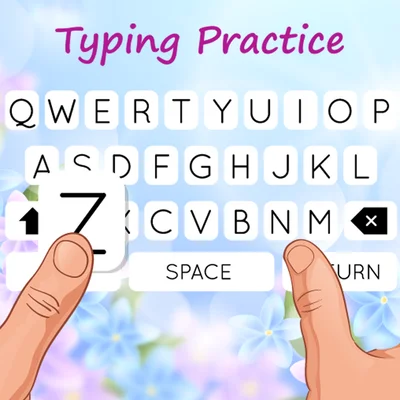
Keypad Typing Practice :Master
Improve your typing speed
iPhone, iPad, iPod touch向けに設計
無料 · アプリ内課金
- 対象年齢4+
- カテゴリユーティリティ
- 開発元Merbin Joe
- 言語英語
- サイズ10.7 MB
App Storeの公式ページにリンクしています
Download.orgはKeypad Typing Practice :Masterのファイルを一切ホストしていません。ボタンを押すと、Merbin Joeが公開しているApp Storeのアプリページが開きます。ページの最終確認:2026/11/12。
スクリーンショット
概要
開発元はこのテキストをお使いの言語で提供していません。
Make time for a little typing practice. Keyboard Typing Practice combines guided lessons, personal practice passages, and timed tests so you can work on accurate input and see how each attempt went. Begin with the fundamentals or go straight to text you want to rehearse.
A clear starting point
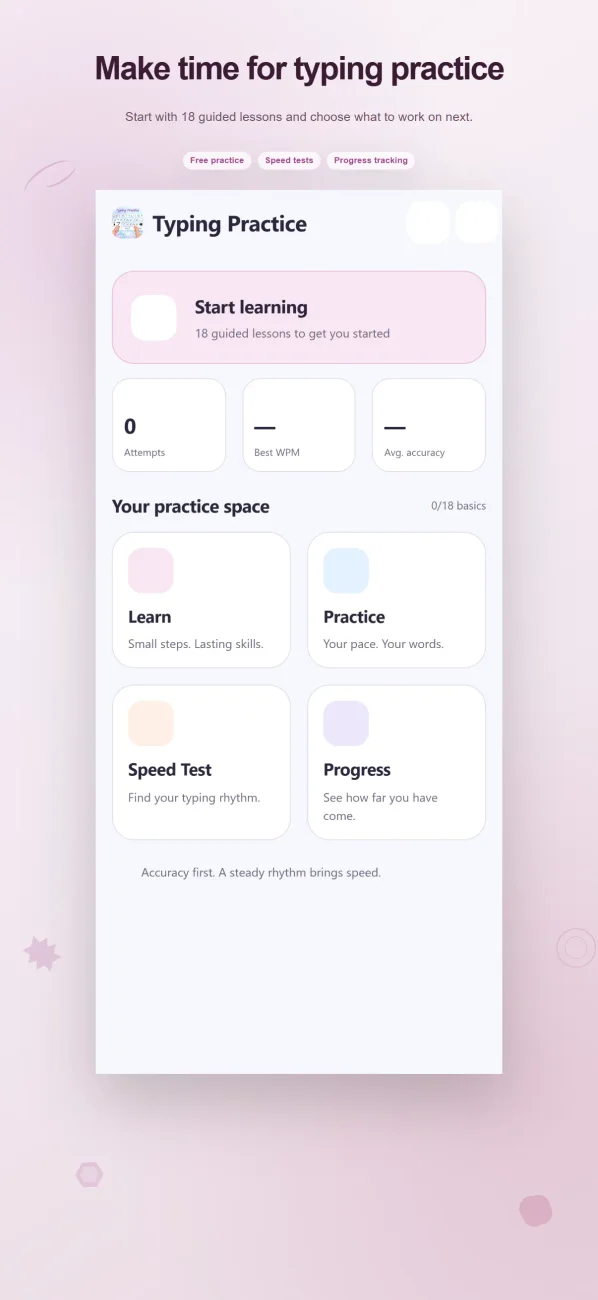
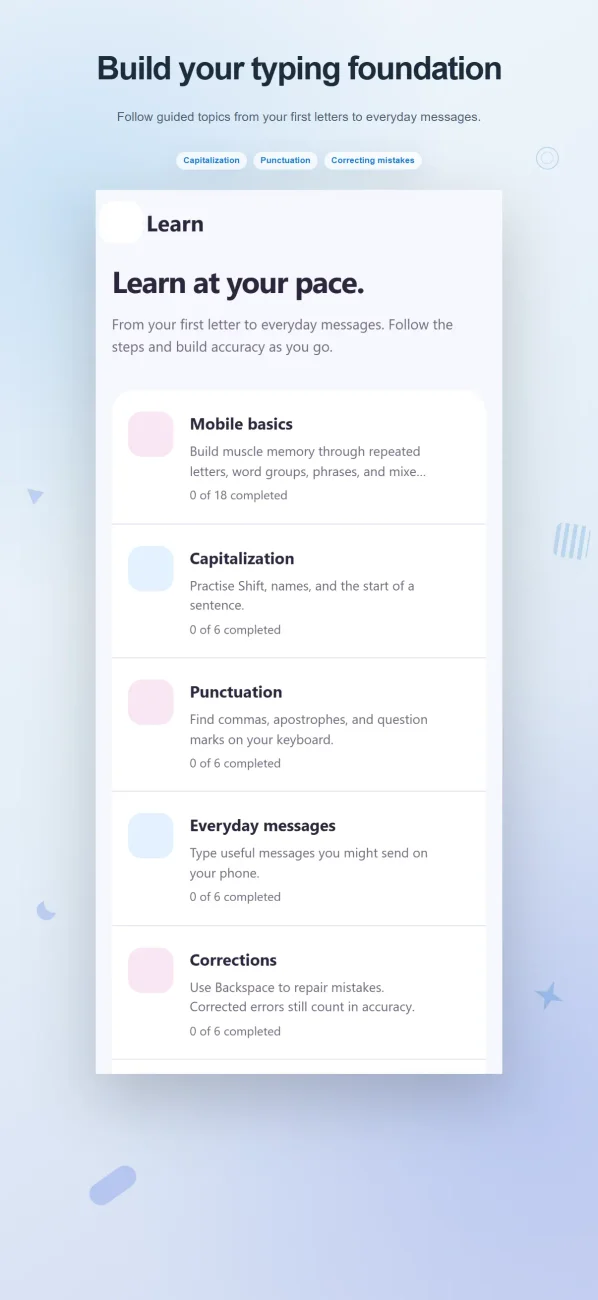
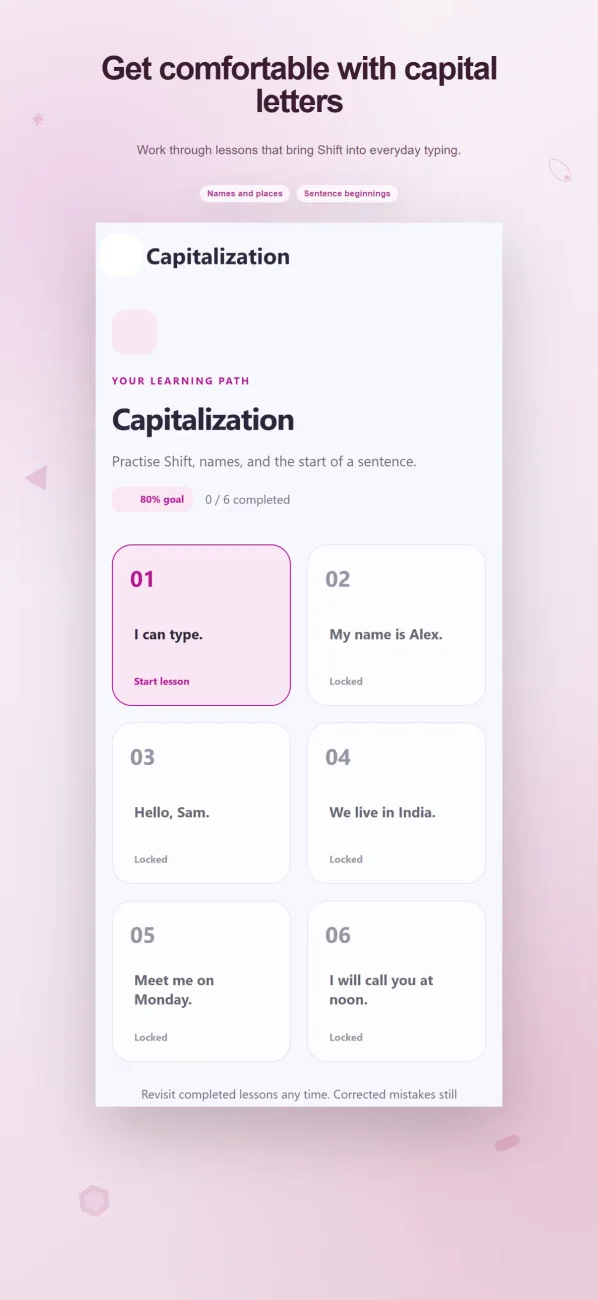
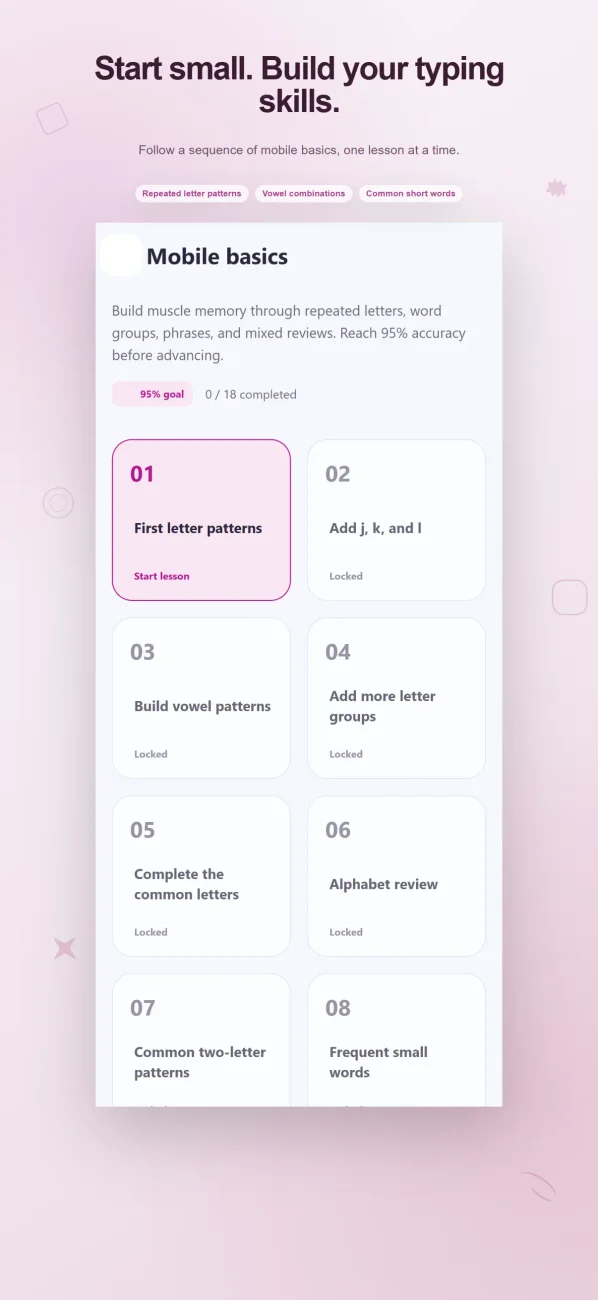
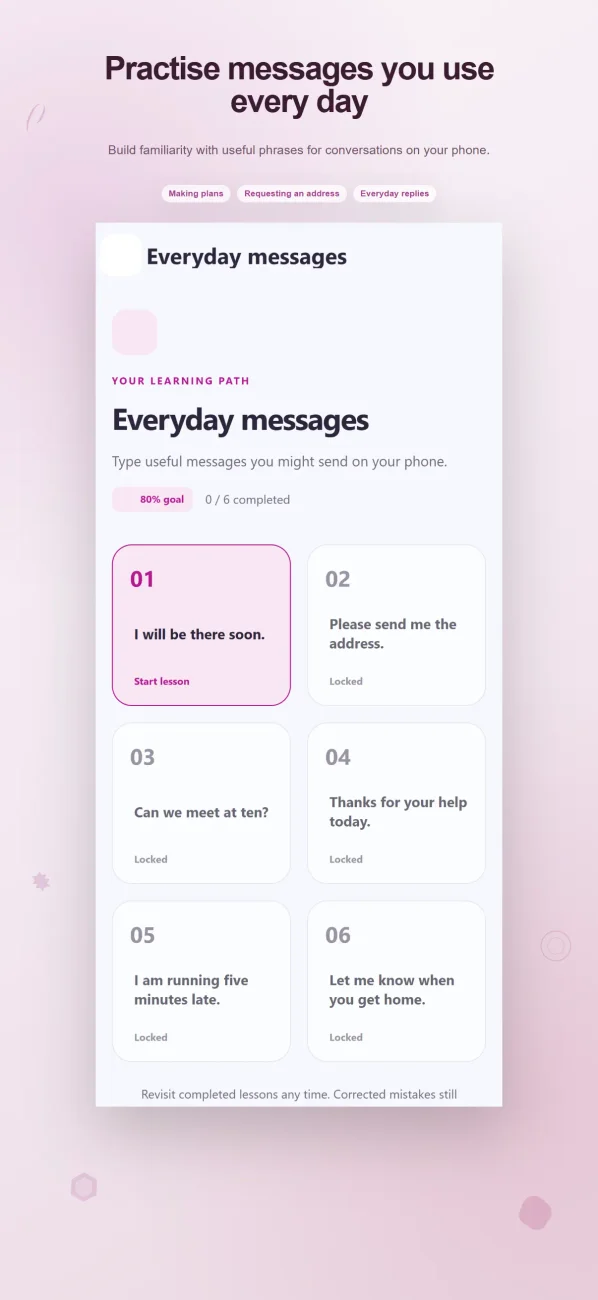
The Learn section offers Mobile basics, Capitalization, Punctuation, Everyday messages, and Corrections. Its 18 basics exercises move from repeated letters to word groups, phrases, and mixed reviews. A 95% accuracy goal helps keep that first course focused on careful typing rather than rushing through it.
Each course shows completed exercises and the next available lesson. Revisit an earlier lesson whenever you need another pass. Continue learning on the home screen opens your saved exercise position, while the basics counter shows how much of the introductory course you have completed.
Room for different keyboards
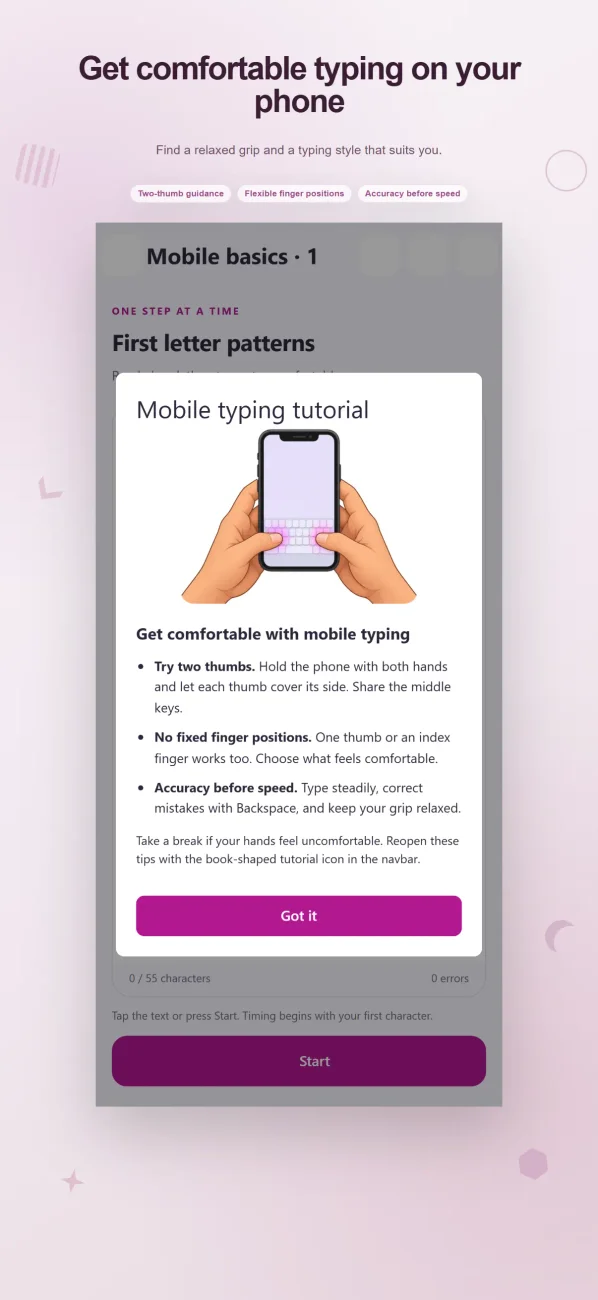
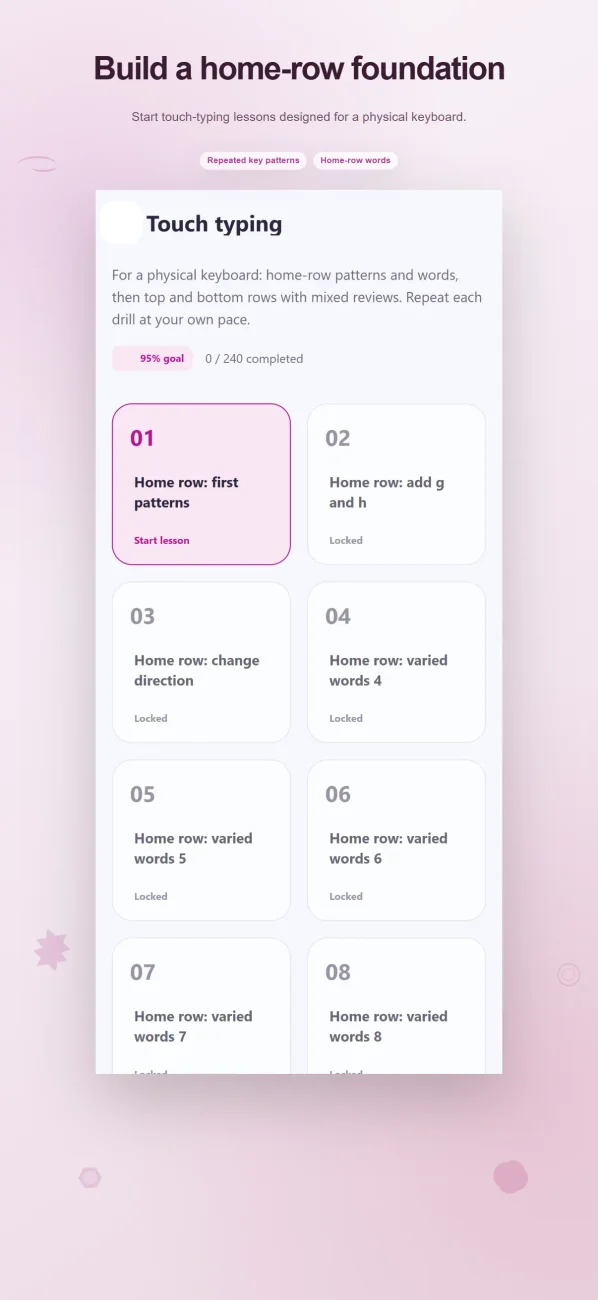
Mobile typing guidance illustrates a two-thumb approach and explains alternatives such as using one thumb or an index finger. Optional number and symbol exercises help you find characters on different keyboard layers. For a physical keyboard, the 240-exercise Touch typing course and dedicated row drills offer another way to practise.
Your text, your pace
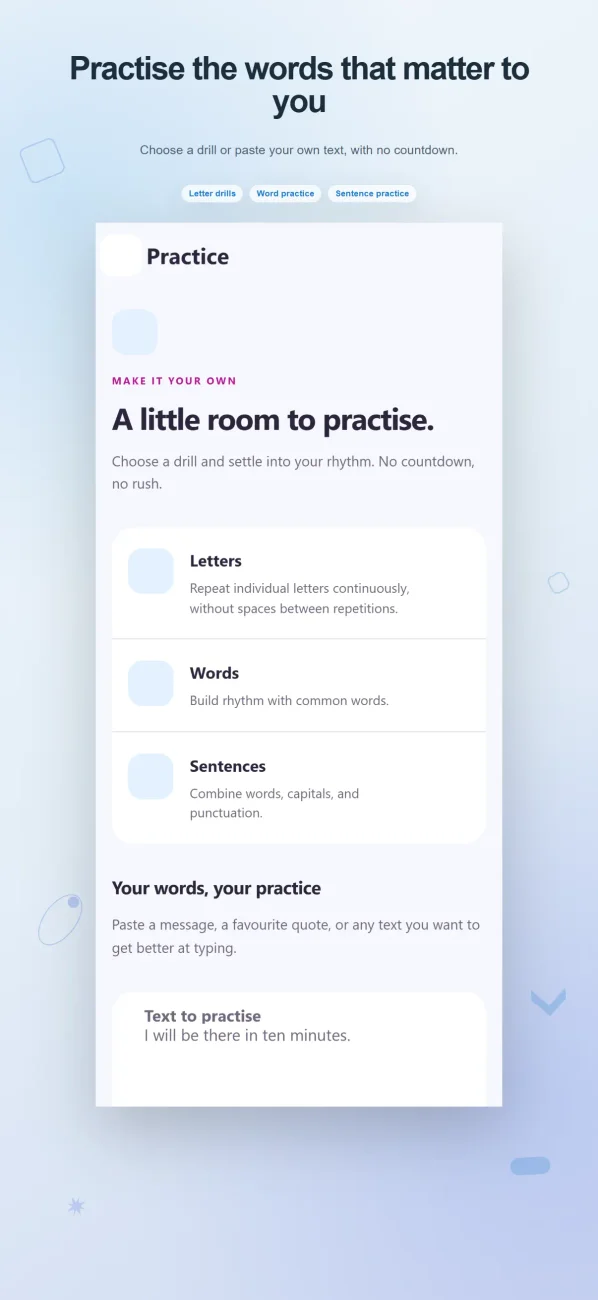
Choose letters, words, or sentences in Practice for sessions without a countdown. Where repetition options are available, select a short, standard, or extended drill. You can also enter or paste your own text, choose 1 to 10 repetitions, and start a custom exercise. The text field accepts up to 2,000 characters, with a 10,000-character limit for the full repeated passage.
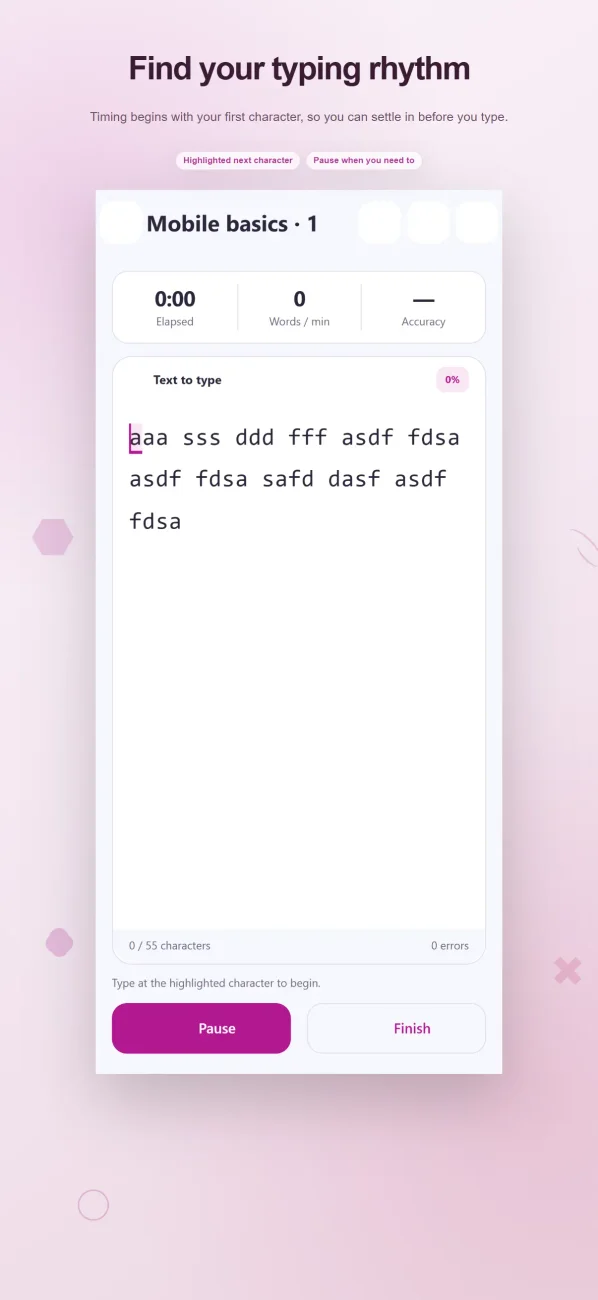
As you type, a highlighted position guides you through the target. Green and red feedback distinguish correct characters from errors. You can correct a mistake with Backspace, but that error remains part of your accuracy calculation. Pause when you need to stop, resume the same attempt, or reset it for a fresh start.
A measured speed check
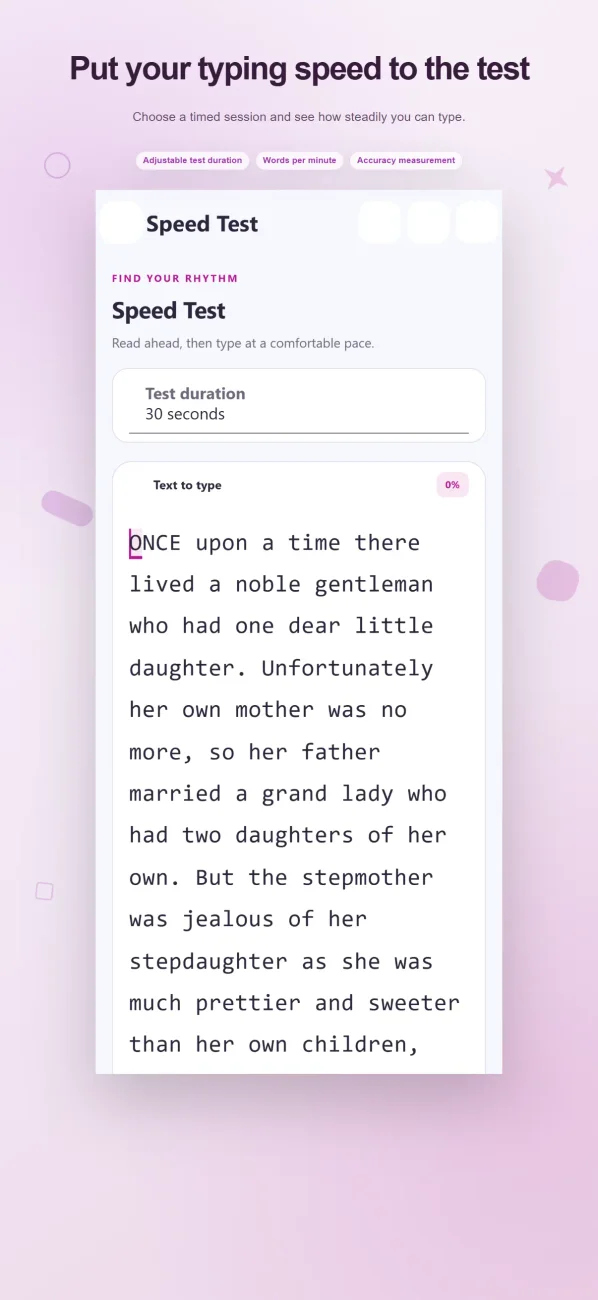
Speed Test offers 30, 60, and 120 second durations. Read the passage before starting: the clock begins with your first character. Follow live WPM, accuracy, and remaining time. Test input is intended for manual typing, with pasting disabled.
The results display elapsed time, correct characters, errors, accuracy, and words per minute. WPM is calculated using five correct characters per word. Finish the full timed test to make it available for completed-test comparisons in Progress.
Useful feedback after each attempt
Up to 100 recent attempts are saved locally on this device. Open Progress to see the passage, date, elapsed time, WPM, accuracy, and errors for saved sessions. Retry a passage directly from its result card. Completed tests of the same duration can be compared to show the change between your latest comparable attempts.
Repeatedly missed characters appear in the focus section, where you can start a drill using those characters. The home summary also shows your saved attempt count, best completed-test WPM, and average accuracy from recent attempts.
Set the appearance to light, dark, or follow the system. Lessons and results are stored locally; advertising and external services may need an internet connection. The app includes advertising, with optional subscriptions for removing ads.
Terms of Use
https://www.apple.com/legal/internet-services/itunes/dev/stdeula/
新機能
バージョン 2.5 · 2026/11/4
Bug fixes and improvement
Whole design changed
Many tutorials added
アプリのプライバシー
このアプリのデータの取り扱いについて、Merbin JoeがApp Storeで申告している内容です。
-
ユーザーのトラッキングに使用されるデータ
他社のアプリやウェブサイトを横断してユーザーをトラッキングする目的で使用される場合があります。
- 使用状況データ
-
ユーザーに関連付けられないデータ
収集される場合がありますが、ユーザーの識別情報には関連付けられません。
- 使用状況データ
プライバシーの取り扱いは、ご利用の機能やお客様の年齢などに応じて異なる場合があります。
情報
- 販売元
- Merbin Joe
- カテゴリ
- ユーティリティ
- バージョン
- 2.5
- 更新日
- 2026/11/4
- リリース
- 2023/10/23
- サイズ
- 10.7 MB
- 必要条件
- iOS 15.0以降
- 対象年齢
- 4+
- 価格
- 無料
- アプリ内課金
- あり
- 言語
- 英語
- 著作権
- © Codeplay
こちらもおすすめ
-
 Typing Practice Masterユーティリティ
-
 Typing Practice - Masterユーティリティ
-
 Typing Speed Checkユーティリティ
-
 TypeMaster - AI Keyboardユーティリティ
-
 CYD:キーボード、フォントiPhone用フォント、キーボード
-
 Black Keyboard: Dark Themesユーティリティ
-
 Hindi Keyboard - Translatorユーティリティ
-
 英語タイピング速度テスト WPM測定 ブラインドタッチ正確率と打鍵数を毎回記録 S〜Dグレード判定
-
 Phone Pad URL Keyboardユーティリティ
-
 Urdu Keyboard & Translatorユーティリティ