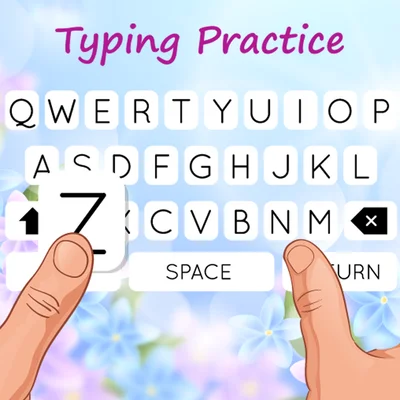
Keypad Typing Practice :Master
Improve your typing speed
Được thiết kế cho iPhone, iPad, iPod touch
Miễn phí · Mua hàng trong ứng dụng
- Độ tuổi4+
- Danh mụcTiện Ích
- Nhà phát triểnMerbin Joe
- Ngôn ngữTiếng Anh
- Kích thước10,7 MB
Liên kết đến trang App Store chính thức
Download.org không lưu trữ tệp nào của Keypad Typing Practice :Master. Nút này mở trang ứng dụng trên App Store, nơi Merbin Joe phát hành ứng dụng. Trang được kiểm tra lần cuối: 12/11/2026.
Ảnh chụp màn hình
Giới thiệu
Nhà phát triển chưa cung cấp nội dung này bằng ngôn ngữ của bạn.
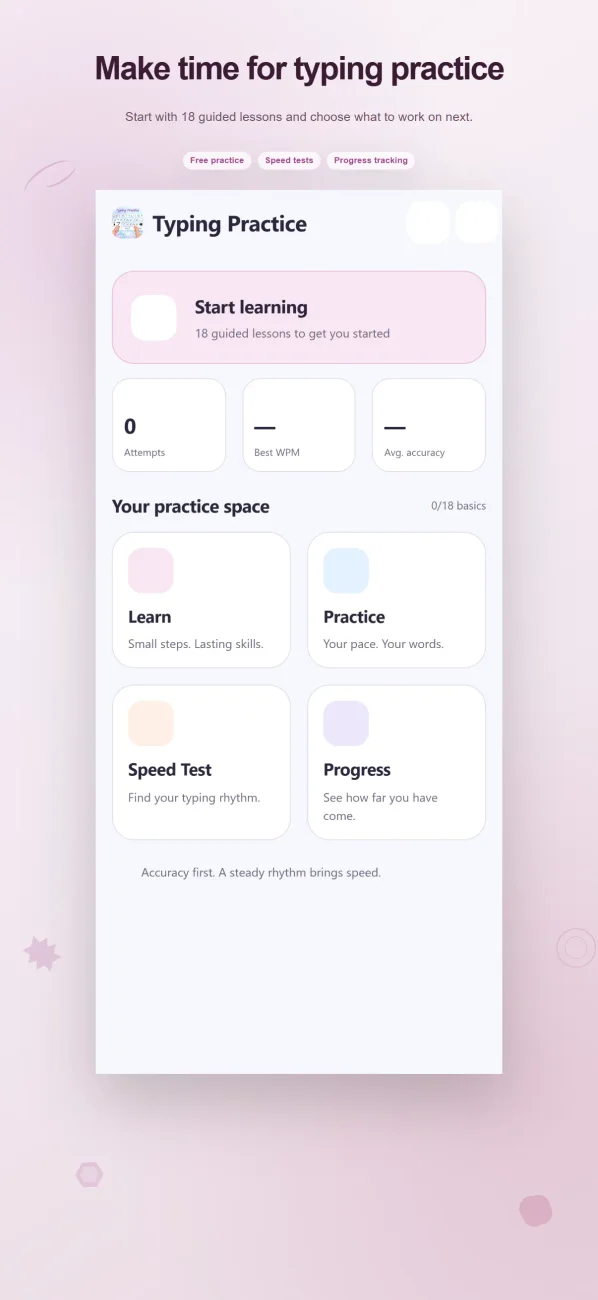
Make time for a little typing practice. Keyboard Typing Practice combines guided lessons, personal practice passages, and timed tests so you can work on accurate input and see how each attempt went. Begin with the fundamentals or go straight to text you want to rehearse.
A clear starting point
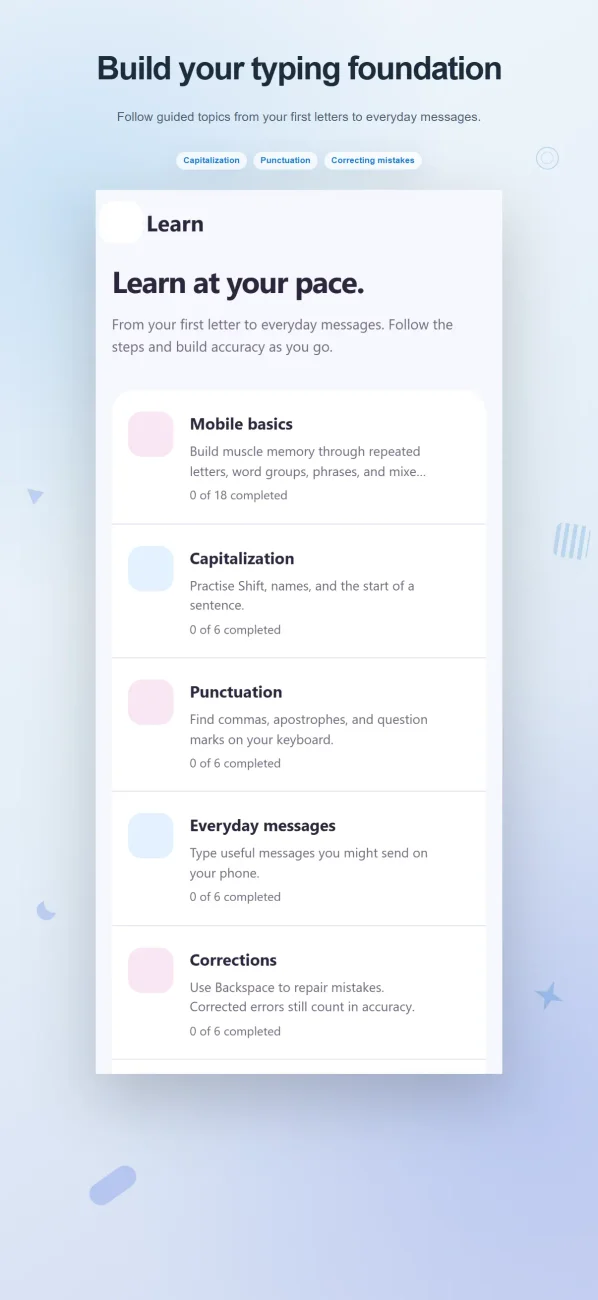
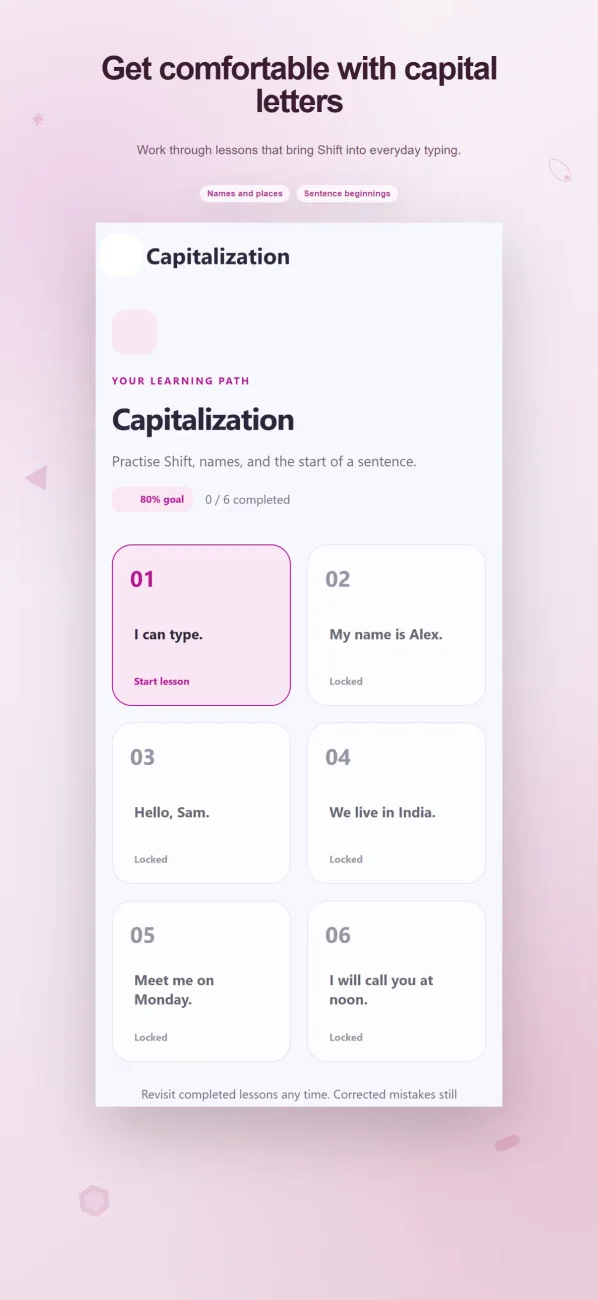
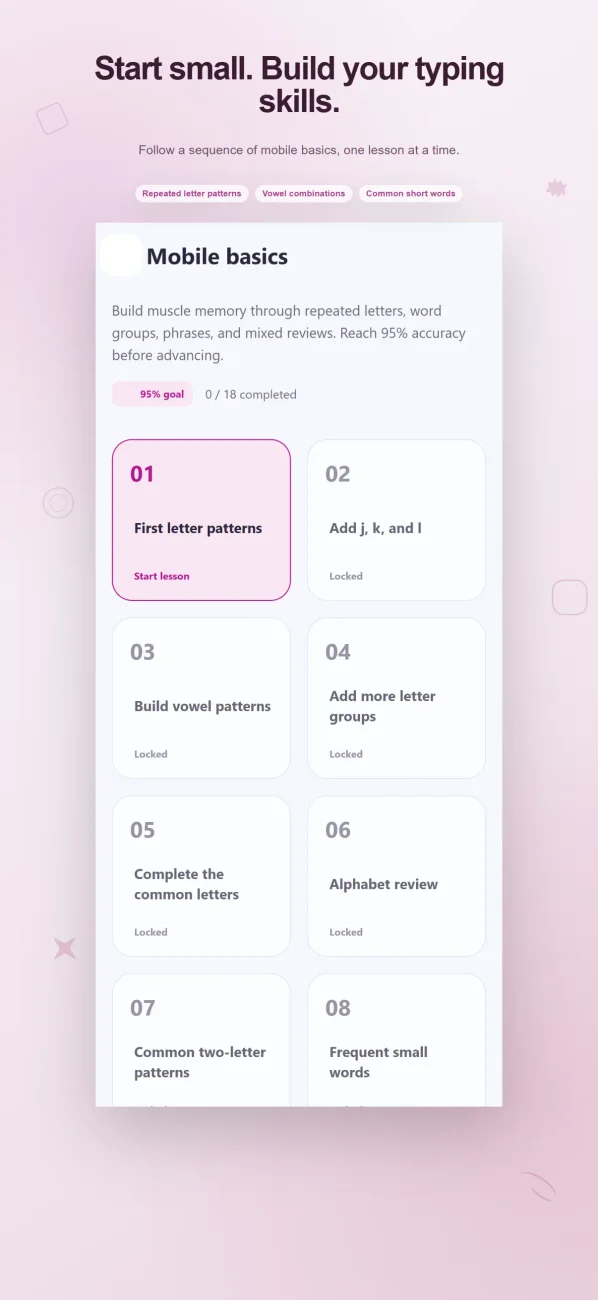
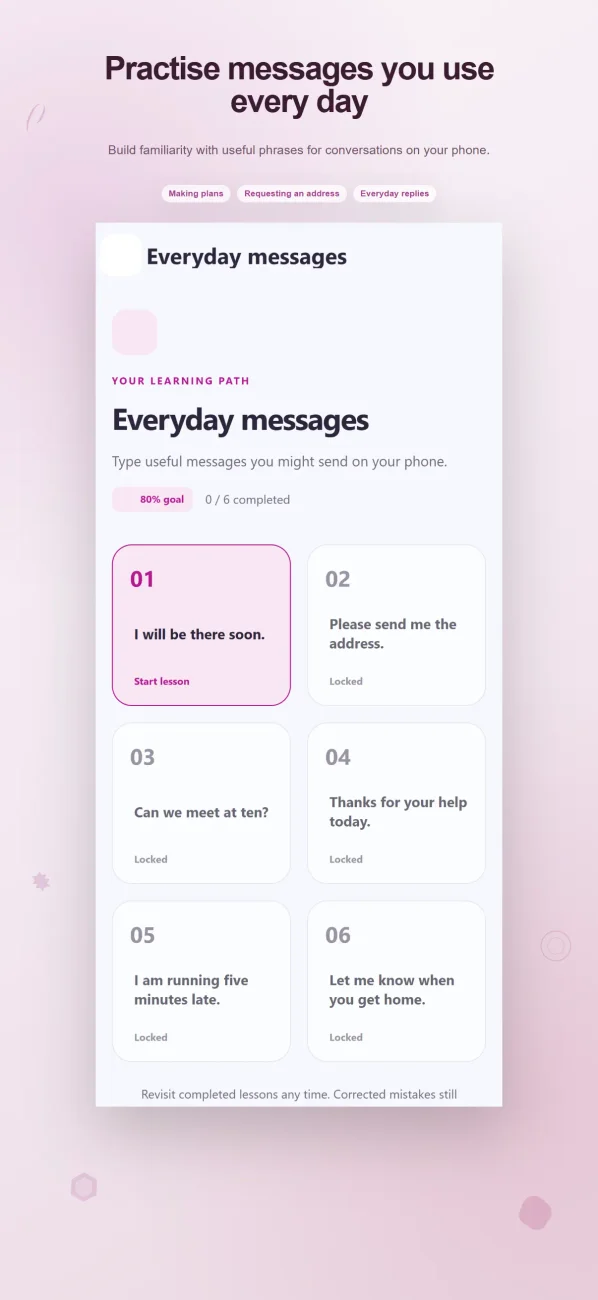
The Learn section offers Mobile basics, Capitalization, Punctuation, Everyday messages, and Corrections. Its 18 basics exercises move from repeated letters to word groups, phrases, and mixed reviews. A 95% accuracy goal helps keep that first course focused on careful typing rather than rushing through it.
Each course shows completed exercises and the next available lesson. Revisit an earlier lesson whenever you need another pass. Continue learning on the home screen opens your saved exercise position, while the basics counter shows how much of the introductory course you have completed.
Room for different keyboards
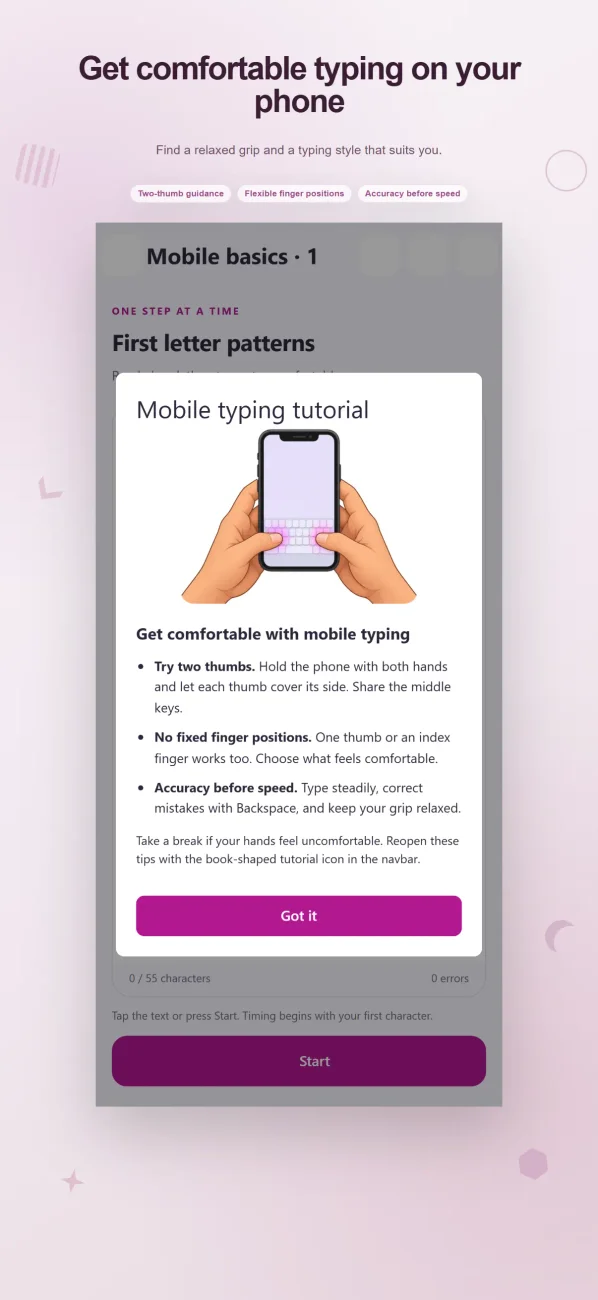
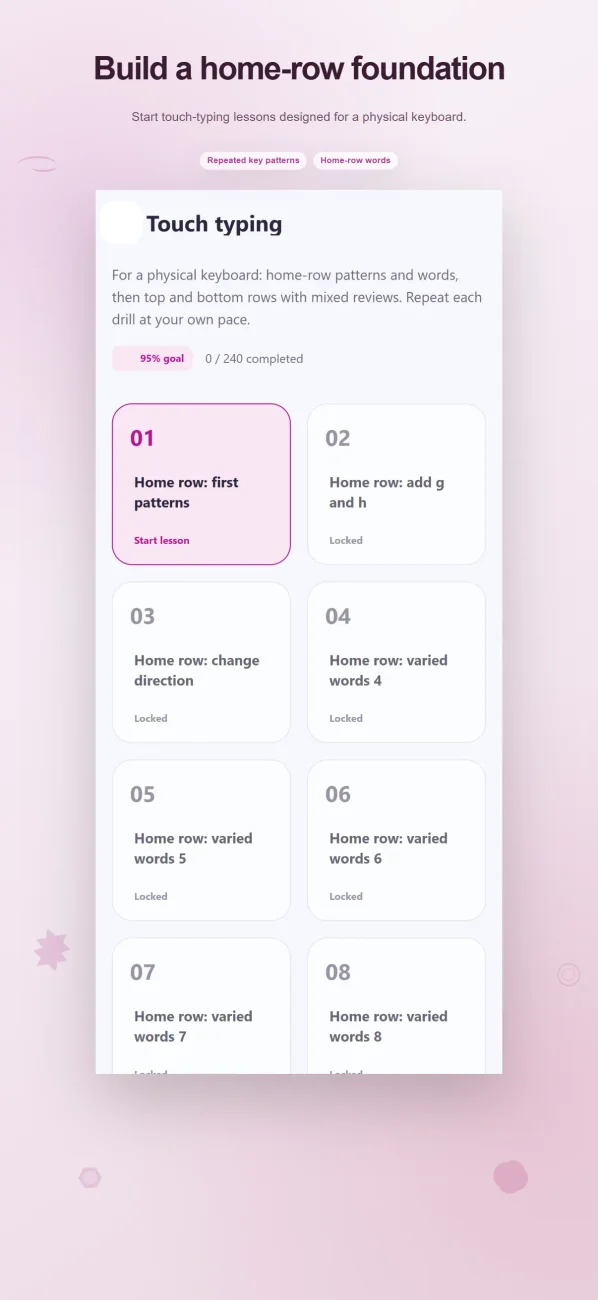
Mobile typing guidance illustrates a two-thumb approach and explains alternatives such as using one thumb or an index finger. Optional number and symbol exercises help you find characters on different keyboard layers. For a physical keyboard, the 240-exercise Touch typing course and dedicated row drills offer another way to practise.
Your text, your pace
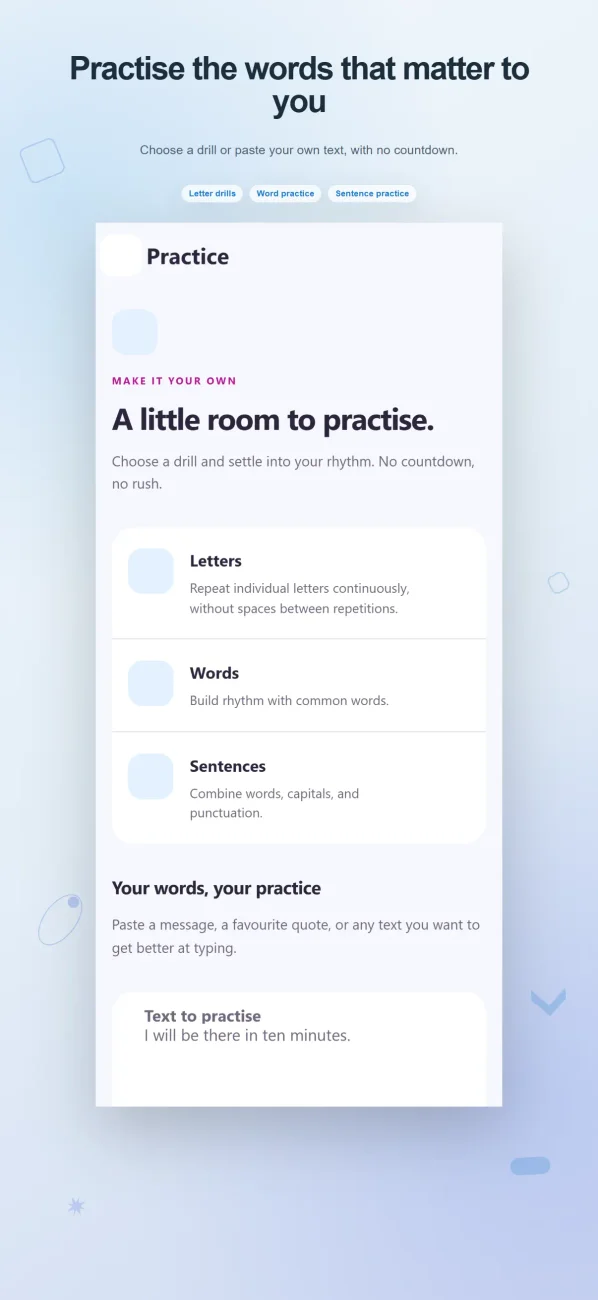
Choose letters, words, or sentences in Practice for sessions without a countdown. Where repetition options are available, select a short, standard, or extended drill. You can also enter or paste your own text, choose 1 to 10 repetitions, and start a custom exercise. The text field accepts up to 2,000 characters, with a 10,000-character limit for the full repeated passage.
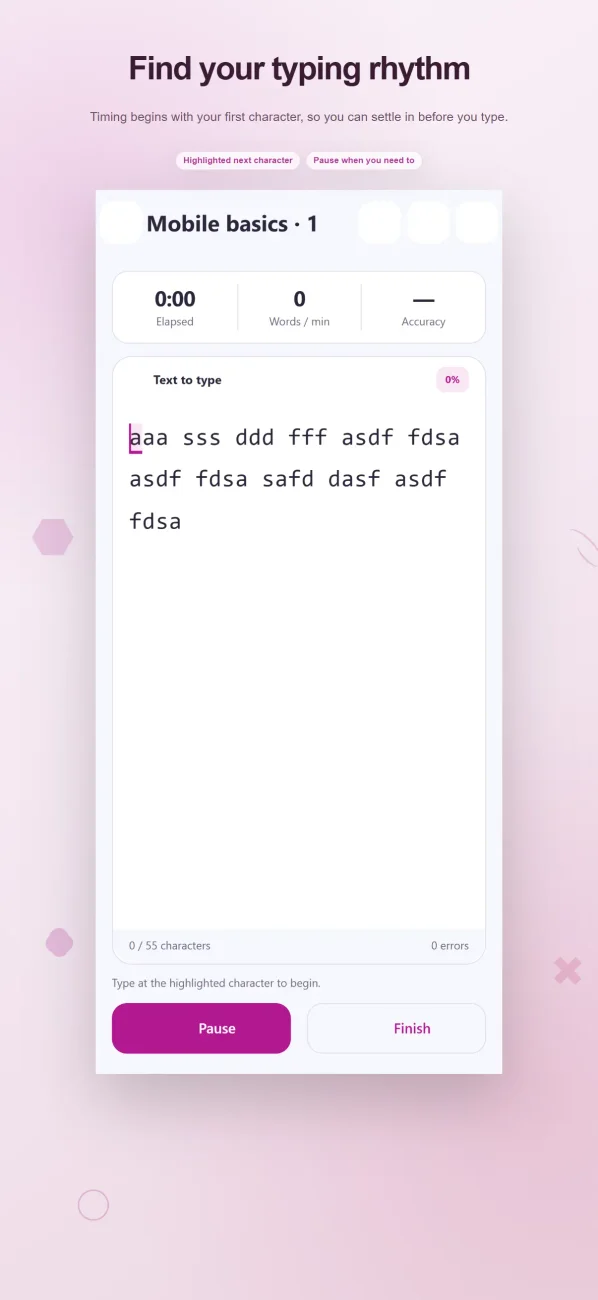
As you type, a highlighted position guides you through the target. Green and red feedback distinguish correct characters from errors. You can correct a mistake with Backspace, but that error remains part of your accuracy calculation. Pause when you need to stop, resume the same attempt, or reset it for a fresh start.
A measured speed check
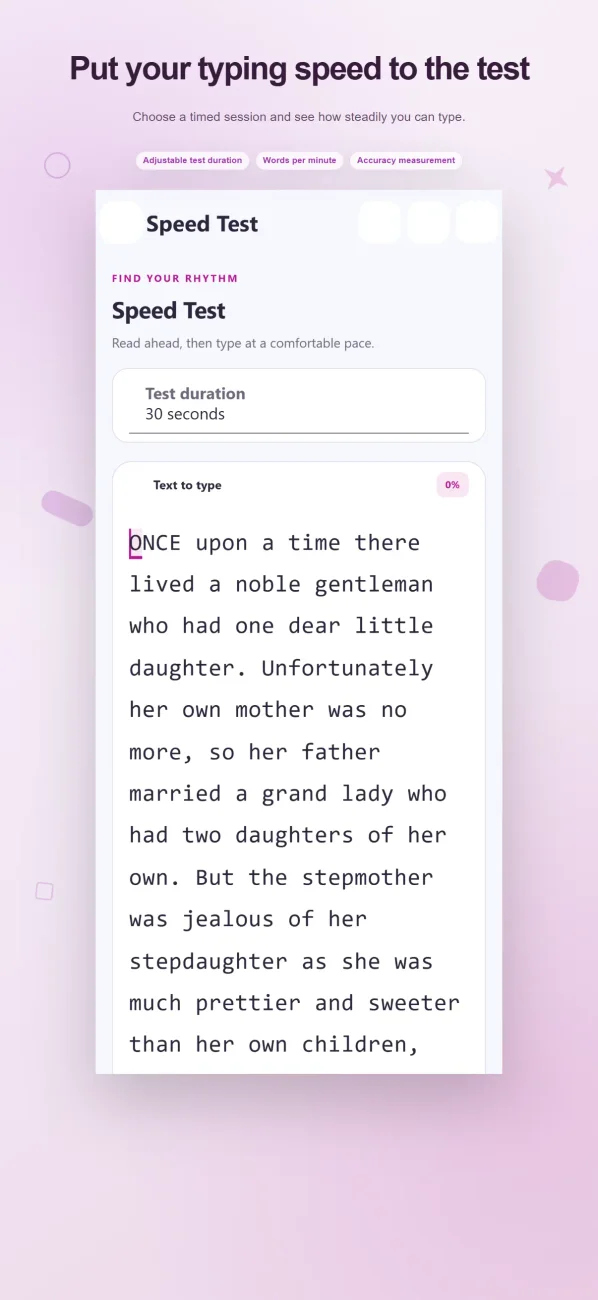
Speed Test offers 30, 60, and 120 second durations. Read the passage before starting: the clock begins with your first character. Follow live WPM, accuracy, and remaining time. Test input is intended for manual typing, with pasting disabled.
The results display elapsed time, correct characters, errors, accuracy, and words per minute. WPM is calculated using five correct characters per word. Finish the full timed test to make it available for completed-test comparisons in Progress.
Useful feedback after each attempt
Up to 100 recent attempts are saved locally on this device. Open Progress to see the passage, date, elapsed time, WPM, accuracy, and errors for saved sessions. Retry a passage directly from its result card. Completed tests of the same duration can be compared to show the change between your latest comparable attempts.
Repeatedly missed characters appear in the focus section, where you can start a drill using those characters. The home summary also shows your saved attempt count, best completed-test WPM, and average accuracy from recent attempts.
Set the appearance to light, dark, or follow the system. Lessons and results are stored locally; advertising and external services may need an internet connection. The app includes advertising, with optional subscriptions for removing ads.
Terms of Use
https://www.apple.com/legal/internet-services/itunes/dev/stdeula/
Có gì mới
Phiên bản 2.5 · 04/11/2026
Bug fixes and improvement
Whole design changed
Many tutorials added
Quyền riêng tư của ứng dụng
Những gì Merbin Joe khai báo trên App Store về cách ứng dụng này xử lý dữ liệu.
-
Dữ liệu được sử dụng để theo dõi bạn
Có thể được sử dụng để theo dõi bạn trên các ứng dụng và trang web do công ty khác sở hữu.
- Dữ liệu sử dụng
-
Dữ liệu không liên kết với bạn
Có thể được thu thập nhưng không liên kết với danh tính của bạn.
- Dữ liệu sử dụng
Phương thức đảm bảo quyền riêng tư có thể khác nhau, chẳng hạn như tuỳ theo các tính năng bạn sử dụng hoặc độ tuổi của bạn.
Thông tin
- Người bán
- Merbin Joe
- Danh mục
- Tiện Ích
- Phiên bản
- 2.5
- Cập nhật
- 04/11/2026
- Phát hành
- 23/10/2023
- Kích thước
- 10,7 MB
- Yêu cầu
- iOS 15.0 trở lên
- Độ tuổi
- 4+
- Giá
- Miễn phí
- Mua hàng trong ứng dụng
- Có
- Ngôn ngữ
- Tiếng Anh
- Bản quyền
- © Codeplay
Có thể bạn cũng thích
-
 Typing Practice MasterTiện Ích
-
 Typing Practice - MasterTiện Ích
-
 Typing Speed CheckTiện Ích
-
 TypeMaster - Bàn phím AIDịch, chính tả ngữ pháp
-
 CYD: Keyboards, font changerTiện Ích
-
 Black Keyboard: Dark ThemesTiện Ích
-
 Hindi Keyboard - TranslatorTiện Ích
-
 Kiểm Tra Tốc Độ Gõ Phím WPMLuyện đánh máy 10 ngón chuẩn
-
 Phone Pad URL KeyboardTiện Ích
-
 Urdu Keyboard & TranslatorTiện Ích