- 対象年齢4+
- カテゴリミュージック
- 開発元Ali Gokturk
- 言語英語
- サイズ61.4 MB
App Storeの公式ページにリンクしています
Download.orgはKeyStageのファイルを一切ホストしていません。ボタンを押すと、Ali Gokturkが公開しているApp Storeのアプリページが開きます。ページの最終確認:2026/11/14。
スクリーンショット



概要
開発元はこのテキストをお使いの言語で提供していません。
TRY THE FREE LITE VERSION:
https://apps.apple.com/us/app/keystage-lite/id1437899019
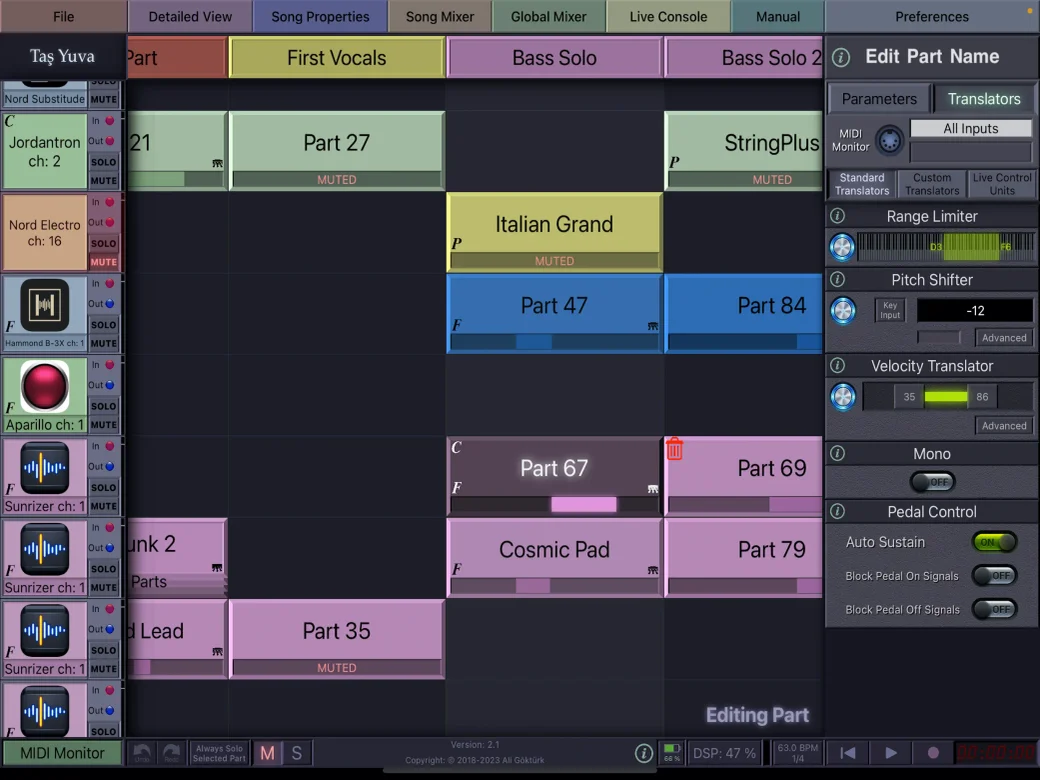
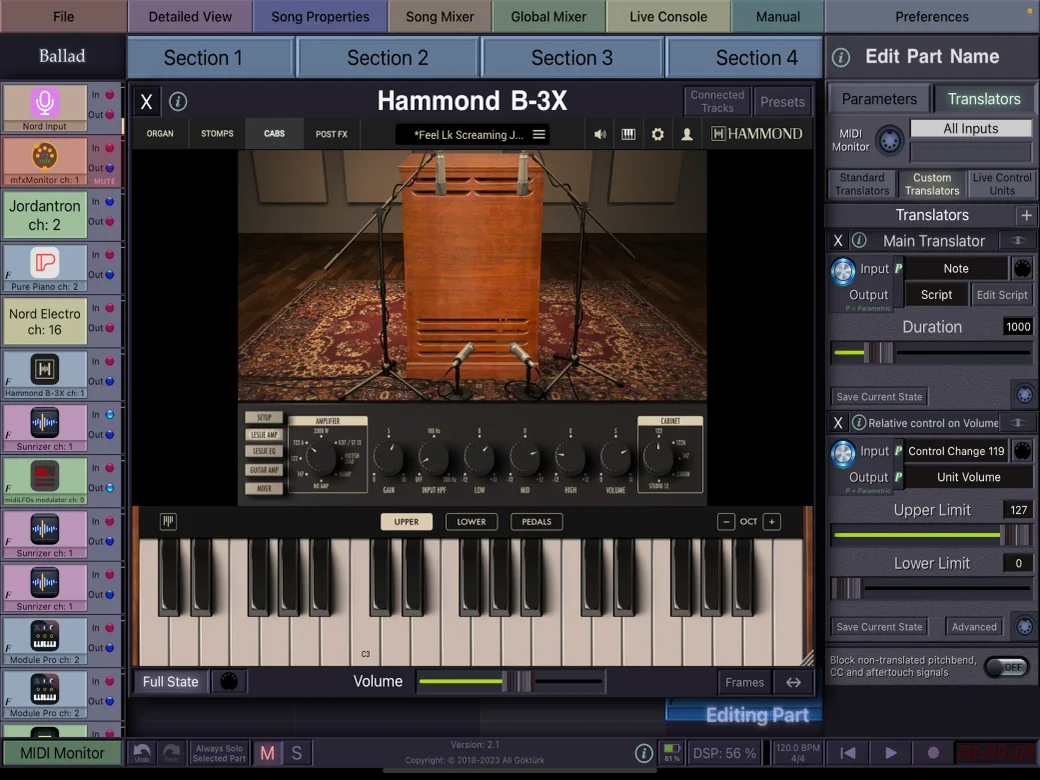
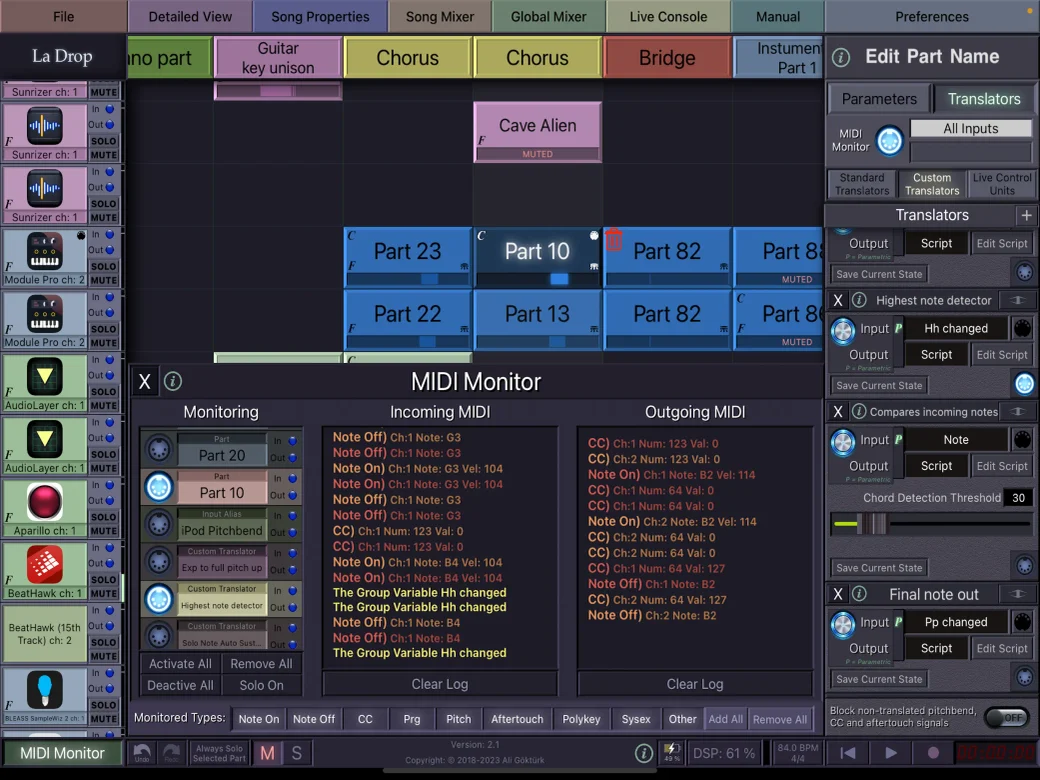
KeyStage is a master controller, AUv3 host, and audio mixer app designed mainly for keyboard players. With KeyStage, you can simultaneously control any number of hardware and software instruments using any number of MIDI controllers in an organized way.
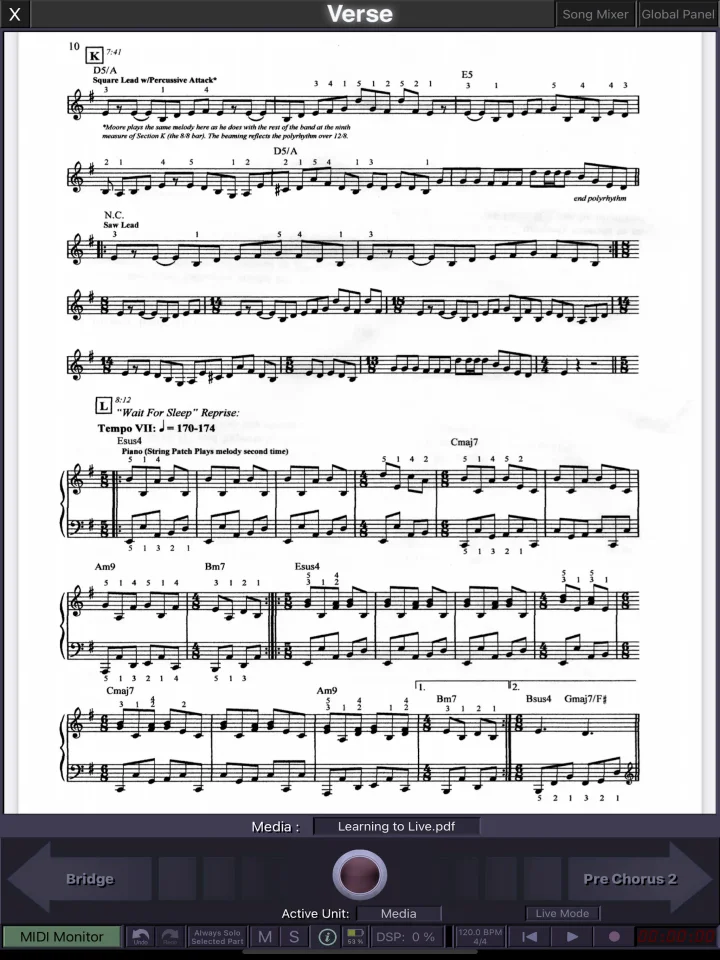
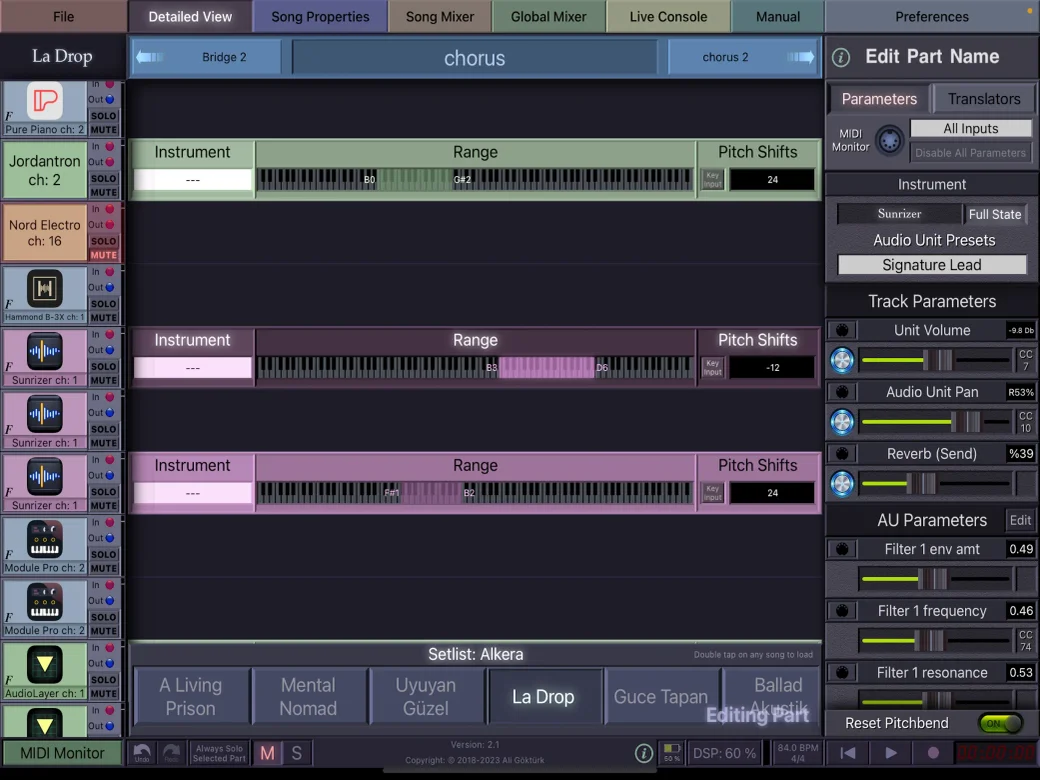
Each project consists of sections (which corresponds to sections of a song). In each section you can change sounds and sound parameters of connected instruments, create complex splits and layers of your keyboard(s), change the functionalities of sliders/knobs/pedals of your MIDI controllers by creating advanced MIDI mappings, write your own scripts, view PDF and JPG files (e.g. sheet music) and lyrics, and much more.
LIST OF FEATURES
• Connect any number of MIDI controller to any number of MIDI instruments by creating tracks.
• Load AUv3 instruments, effects, and MIDI Processors.
• Assign any region of your keyboard(s) to any connected instrument.
• Change velocity curve and velocity limits, and create velocity splits and layers.
• Transpose notes and restrict notes to any key using pitch shifter.
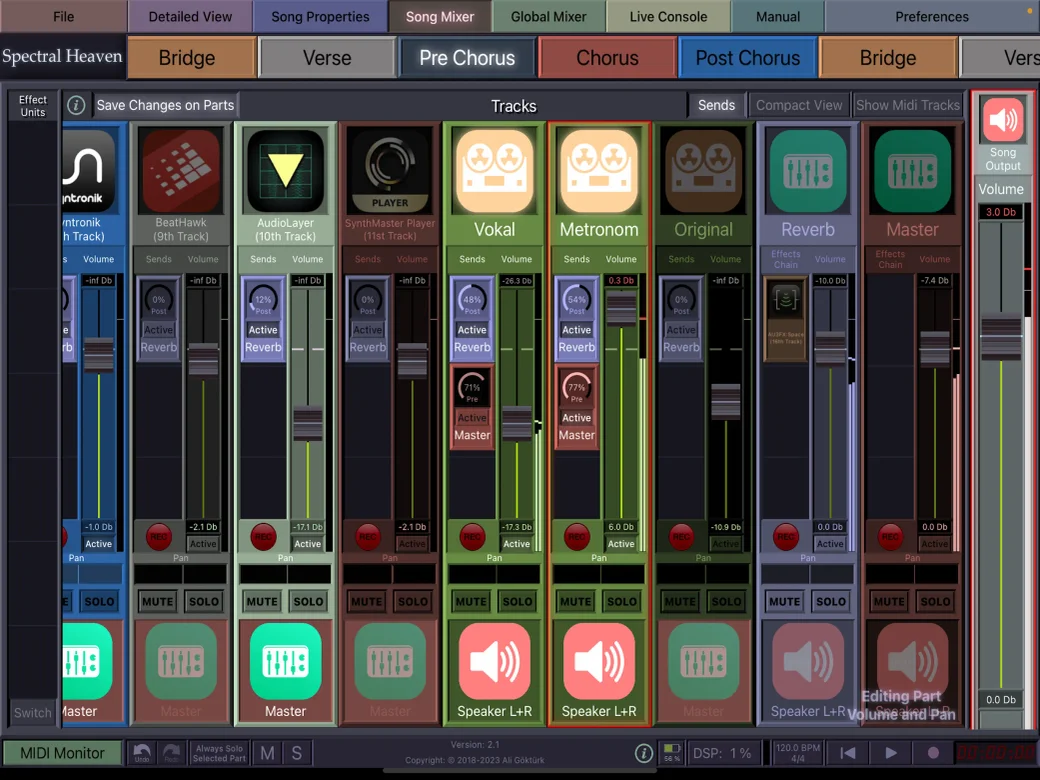
• Create mixer units to combine audio signals, turning KeyStage into an audio mixer.
• With the player units, you can play wav, mp3, and m4a files, add marker points, automate actions (like play, stop, move to a marker etc.) using custom translators, or trigger certain events (like changing sections) when the player reaches a certain marker.
• Input units allows you to use the microphone input, or the hardware inputs of a connected audio interface.
• The Main Mixer view allows you to control volume levels and pans of all tracks, connect effect units, and connect units to mixer units.
• Create instrument presets to easily change sounds of instruments by choosing patch names from patch lists.
• KeyStage can also import Cubase Patch Scripts to automatically create instrument presets for your MIDI instruments.
• KeyStage automatically detects new MIDI connections and recommends matching instrument presets from a database.
• Simulate auto-sustain on any connected instrument.
• KeyStage has a multi-track recorder, which lets you record any number of tracks simultaneously.
• Change or filter any MIDI signal using custom translators. Use “Relative Control” switch to smoothly change the parameters of your instruments without any jumps.
• Use XY control unit to send control change and pitch bend messages to any connected MIDI instrument.
• Create setlists, quick access all the songs in a setlist from a setlist bar, move to previous/next songs from live console or using external MIDI.
• Create virtual MIDI inputs/outputs for KeyStage.
• Use virtual MIDI piano controller to play connected instruments.
• View PDF and JPG files. Link any page or region of any file to any section.
• Backup and restore your songs and global properties to Dropbox.
• Map special actions (like changing octaves, switching sections, changing pages of a PDF file) to notes and controllers using custom translators.
• You can write your own scripts in custom translators, which opens up endless possibilities.
• Use MPE routing to control any MIDI instrument using MPE controllers like Seaboard. Use custom translators to change the functionalities of each MPE dimension.
• KeyStage supports smooth transitions between sections. Pressed notes will continue to sound when you switch sections.
You can access demo videos and video tutorials on my Youtube channel.
新機能
バージョン 2.2.3 · 2024/6/27
Bug Fixes.
アプリのプライバシー
このアプリのデータの取り扱いについて、Ali GokturkがApp Storeで申告している内容です。
-
データの収集なし
開発元はこのアプリからデータを収集しません。
プライバシーの取り扱いは、ご利用の機能やお客様の年齢などに応じて異なる場合があります。
情報
- 販売元
- Ali Gokturk
- カテゴリ
- ミュージック
- バージョン
- 2.2.3
- 更新日
- 2024/6/27
- リリース
- 2018/10/18
- サイズ
- 61.4 MB
- 必要条件
- iOS 13.0以降
- 対象年齢
- 4+
- 価格
- ¥5,000
- アプリ内課金
- あり
- 言語
- 英語
- 著作権
- © 2018 Ali Göktürk