- 対象年齢4+
- カテゴリユーティリティ
- 開発元Richard McKenna
- 言語英語
- サイズ195.8 MB
App Storeの公式ページにリンクしています
Download.orgはLabel Printer • Print Labelsのファイルを一切ホストしていません。ボタンを押すと、Richard McKennaが公開しているApp Storeのアプリページが開きます。ページの最終確認:2026/11/27。
スクリーンショット


概要
開発元はこのテキストをお使いの言語で提供していません。
Print address and mailing labels directly from your iPhone or iPad with Label Printer. Create and print entire sheets of labels using addresses from your Contacts — no computer, Word document or complicated mail merge required.
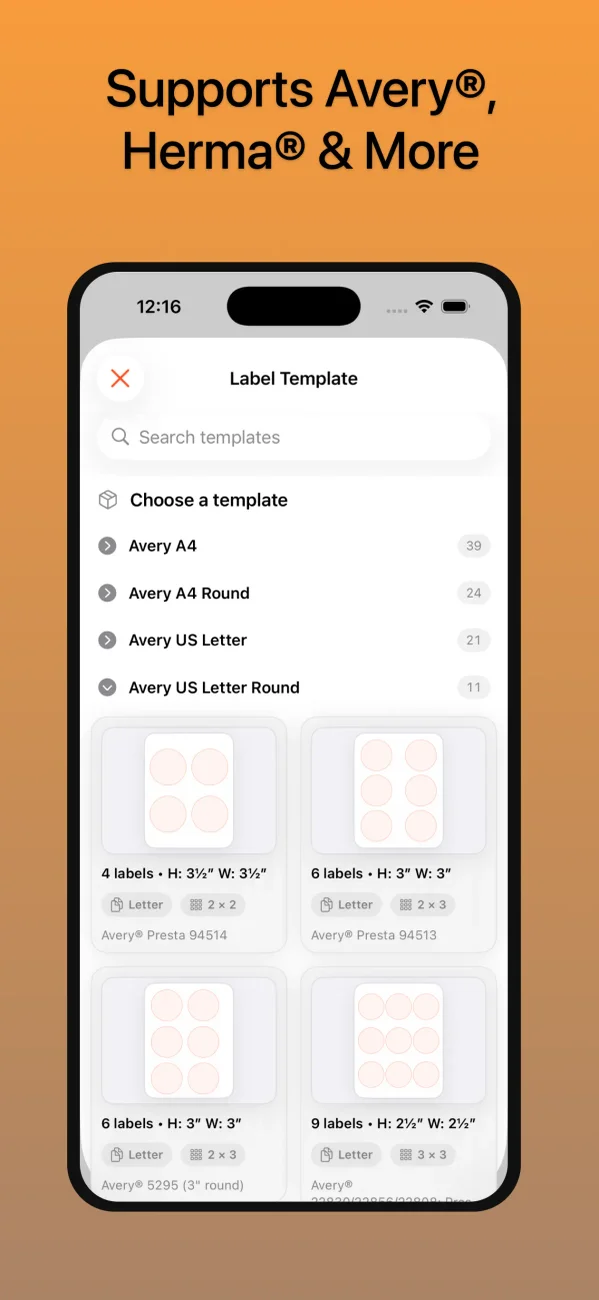
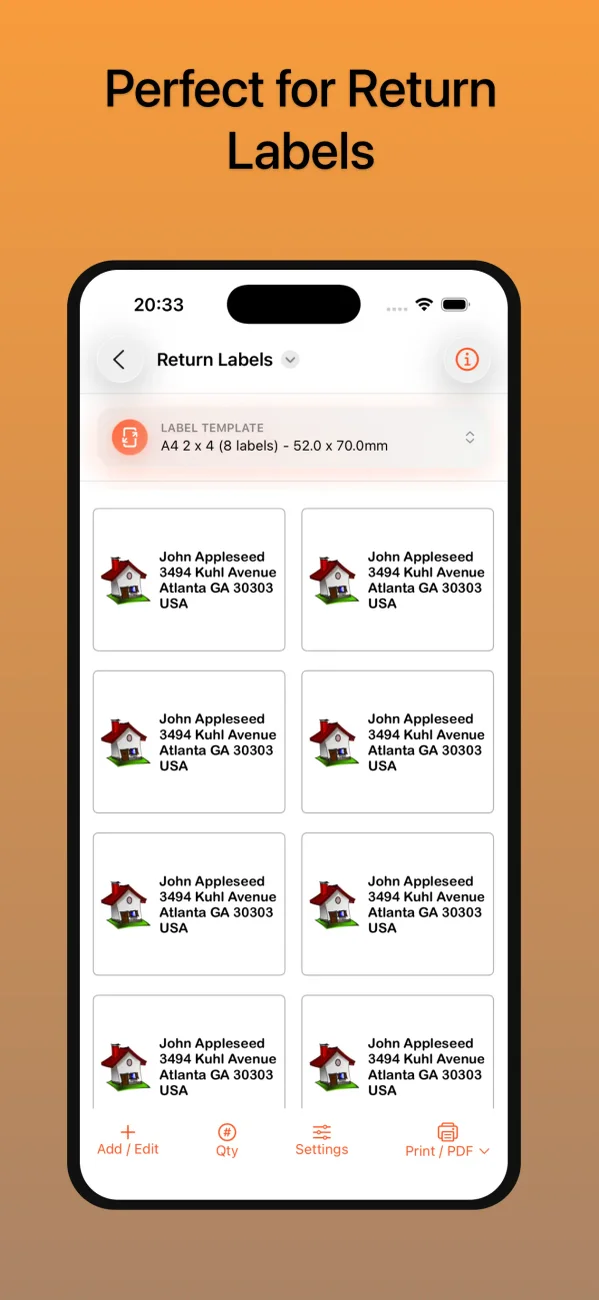
Perfect for Christmas cards, holiday cards, invitations, return address labels, parcels, business mailings and everyday post. Label Printer supports popular Avery®, Herma and Unistat label sheet sizes.
EASY ADDRESS LABELS
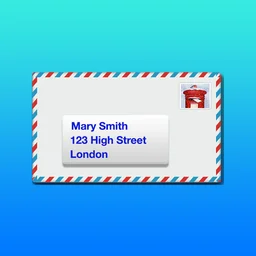
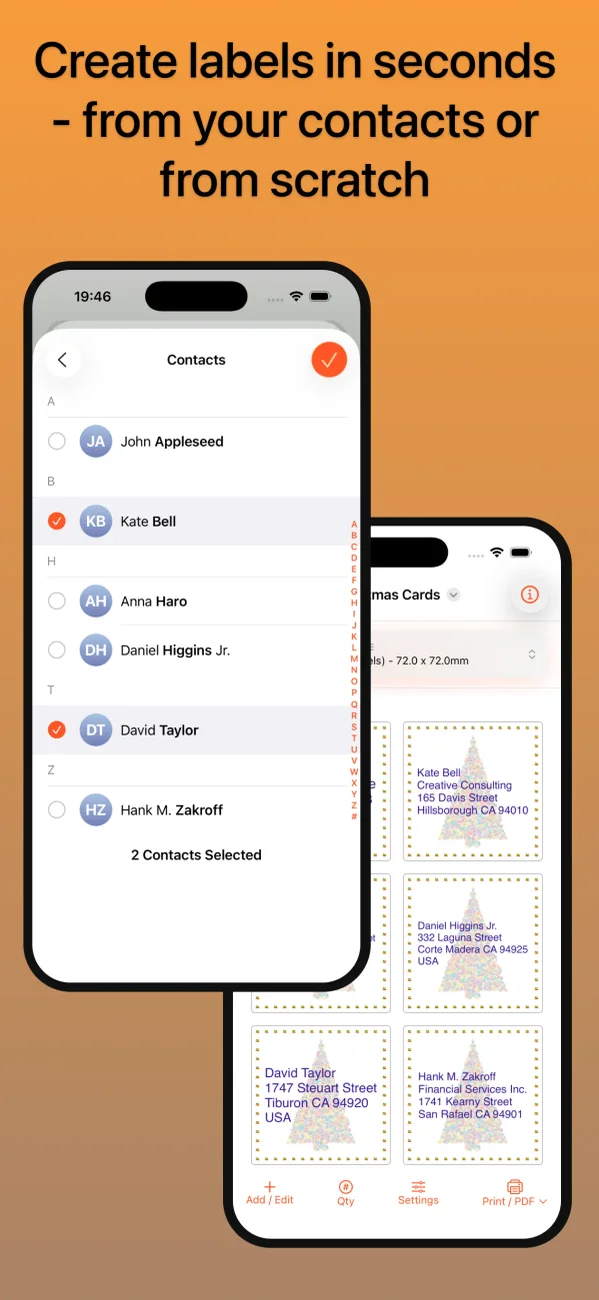
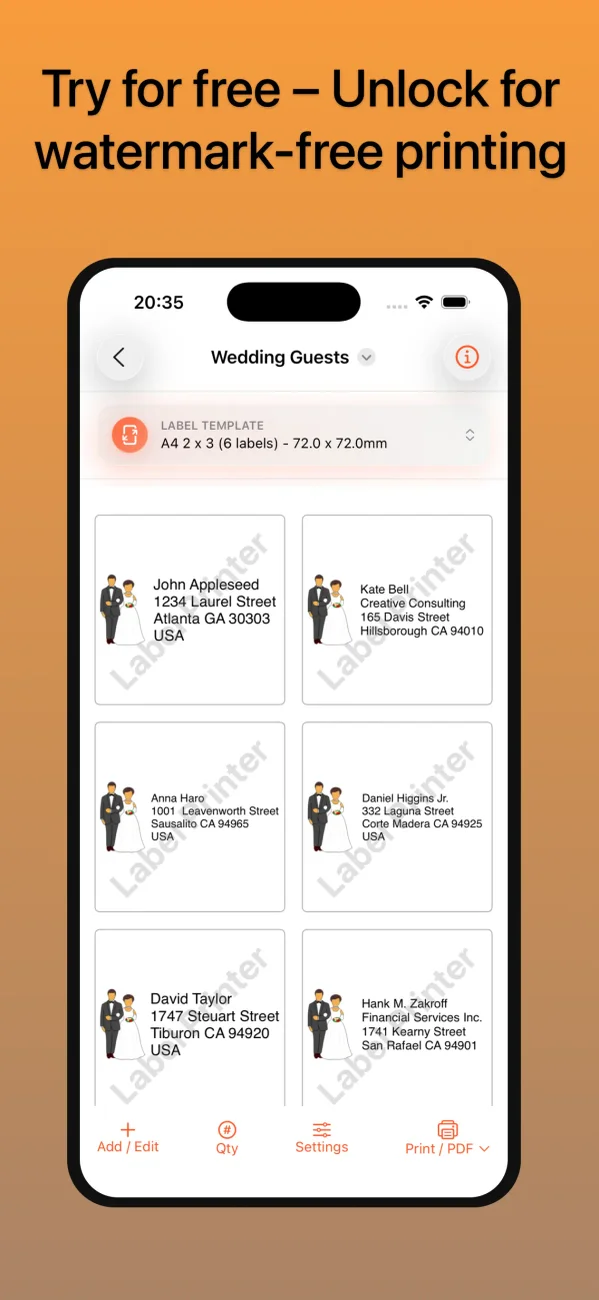
Select people directly from your iPhone or iPad Contacts and quickly turn their addresses into ready-to-print labels. Edit individual labels where needed and create a whole mailing list in minutes.
PERFECT FOR CHRISTMAS CARDS
Save time addressing Christmas and holiday cards. Choose the people you want from Contacts, create your address labels and print an entire sheet at once.
WORKS WITH POPULAR LABEL SHEETS
Choose from a wide range of common Avery®, Herma and Unistat label formats.
USE EVERY LABEL ON THE SHEET
Already used part of a sheet? Choose where printing should start so you can use the remaining labels rather than wasting the whole sheet.
MORE THAN JUST ADDRESS LABELS
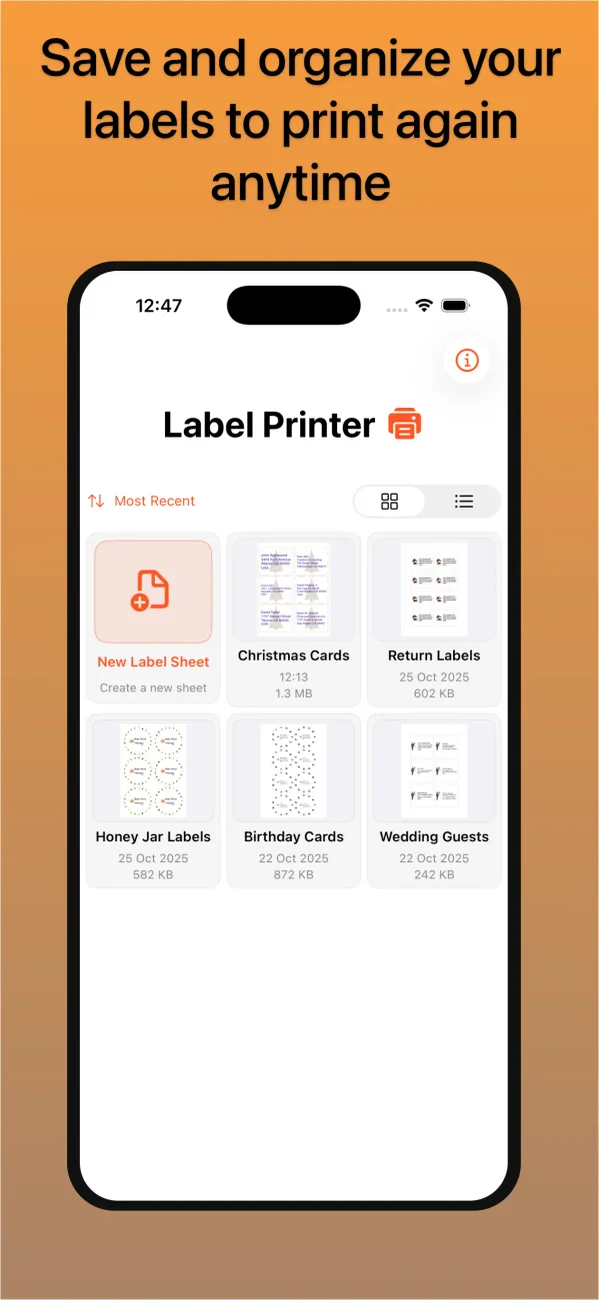
Create labels containing your own text and images for organising, products, boxes, name labels, return addresses and much more. Save reusable designs and templates for labels you print regularly.
PRINT OR SAVE AS PDF
Print directly from your iPhone or iPad using an AirPrint-compatible printer, or create a PDF that you can save, share or print elsewhere.
SIMPLE, FLEXIBLE LABEL DESIGN
• Add and format text
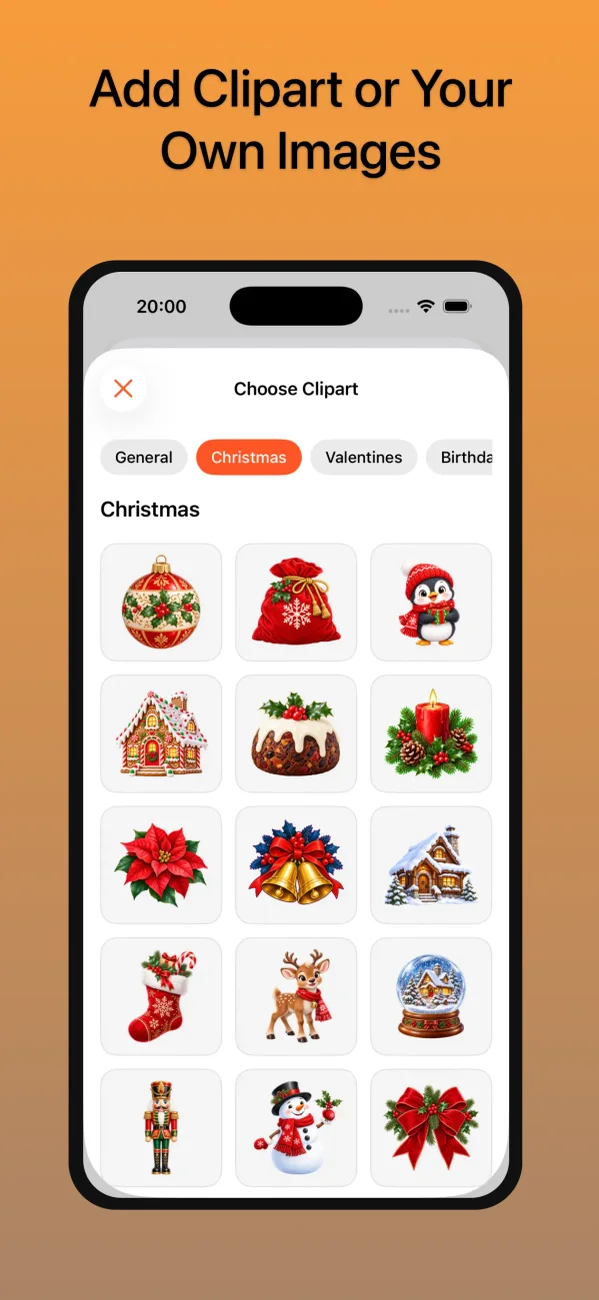
• Add a photo or one of the included clipart images
• Import names and addresses from Contacts
• Create reusable label templates
• Choose from popular label sheet sizes
• Print full or partially used sheets
• Print multiple copies
• Preview before printing
• Print with AirPrint
• Save and share as PDF
NO COMPUTER REQUIRED
Everything can be done directly on your iPhone or iPad. Whether you're printing a few return address labels or hundreds of Christmas card labels, Label Printer makes printing label sheets quick and straightforward.
Label Printer is an independent app and is not affiliated with or endorsed by Avery, Herma or Unistat. Avery, Herma and Unistat are trademarks of their respective owners.
新機能
バージョン 2.12 · 2026/10/6
Modernised the clipart selector and refreshed the clipart.
Improved navigation when returning to your label files.
Label Printer now also has an optional tip jar for anyone who’d like to support its continued development. Thank you for using the app—and for any support you choose to give.
アプリのプライバシー
このアプリのデータの取り扱いについて、Richard McKennaがApp Storeで申告している内容です。
-
データの収集なし
開発元はこのアプリからデータを収集しません。
プライバシーの取り扱いは、ご利用の機能やお客様の年齢などに応じて異なる場合があります。
情報
- 販売元
- Richard McKenna
- カテゴリ
- ユーティリティ
- バージョン
- 2.12
- 更新日
- 2026/10/6
- リリース
- 2016/1/22
- サイズ
- 195.8 MB
- 必要条件
- iOS 17以降
- 対象年齢
- 4+
- 価格
- 無料
- アプリ内課金
- あり
- 言語
- 英語
- 著作権
- © 2026 Richard McKenna