
- 対象年齢4+
- カテゴリユーティリティ
- 開発元Ciparu Troja SIA
- 言語ロシア語ほか1言語
- サイズ118.9 MB
App Storeの公式ページにリンクしています
Download.orgはLama Clientのファイルを一切ホストしていません。ボタンを押すと、Ciparu Troja SIAが公開しているApp Storeのアプリページが開きます。ページの最終確認:2026/11/12。
スクリーンショット
概要
開発元はこのテキストをお使いの言語で提供していません。
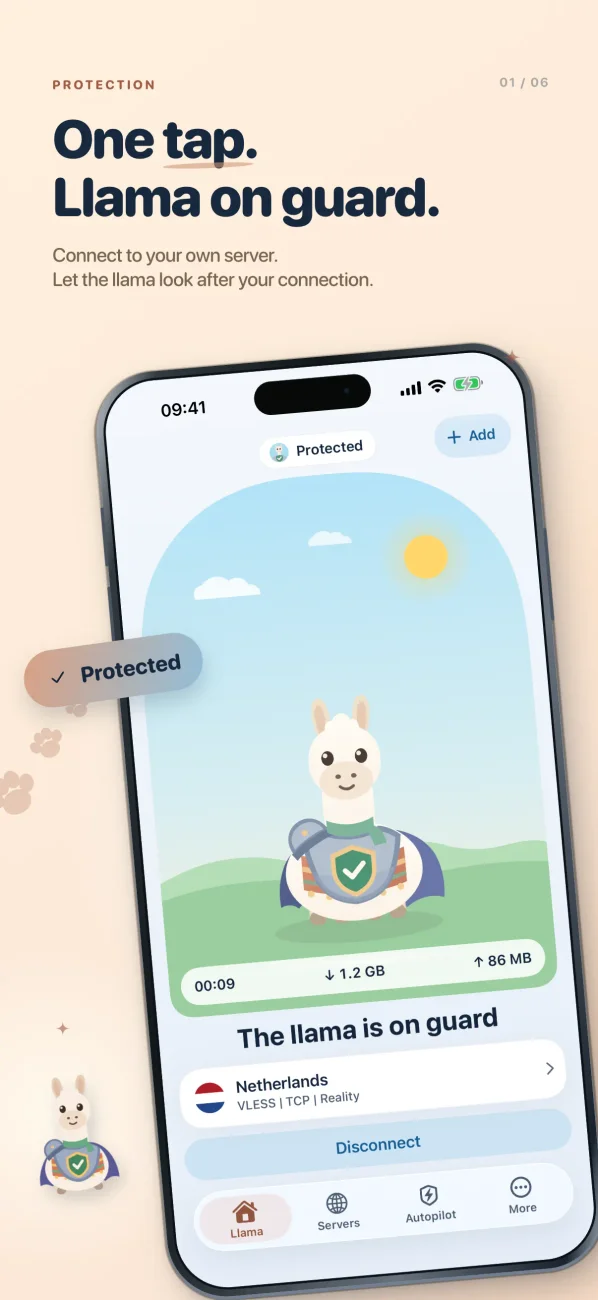
Lama Client is a VPN client for your own access keys. Add one key or several, and the llama keeps the connection going.
IMPORTANT: you need an access key from your provider — a vless://, vmess://, trojan:// or ss:// link, or a subscription URL. The app does not sell or provide VPN servers.
SEVERAL KEYS, ONE QUEUE
Keys from different providers live in one list, in the order you choose. Turn on Autopilot, and if the active key drops or the internet stops working through it, the llama connects the next one. You don't have to tap anything.
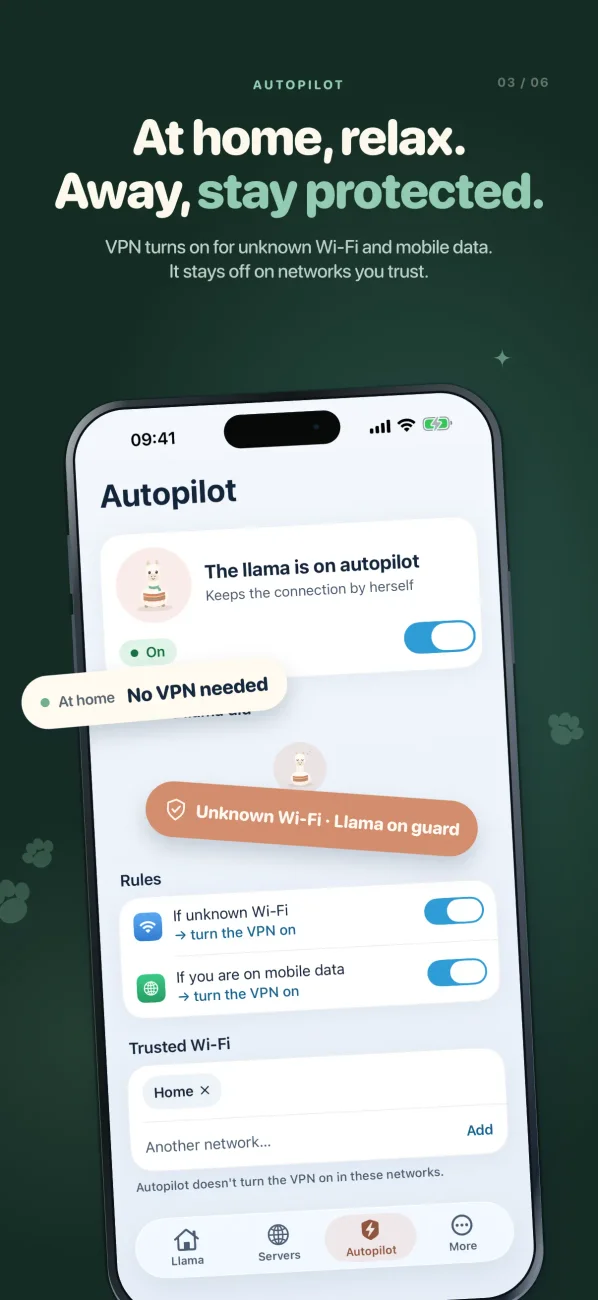
AUTOPILOT
• Turns the VPN on by itself on unfamiliar Wi-Fi and on cellular
• Trusted networks: no VPN at home or at work
• Regularly checks that the connection through the key is alive, and switches keys if it isn't
EASY TO ADD A KEY
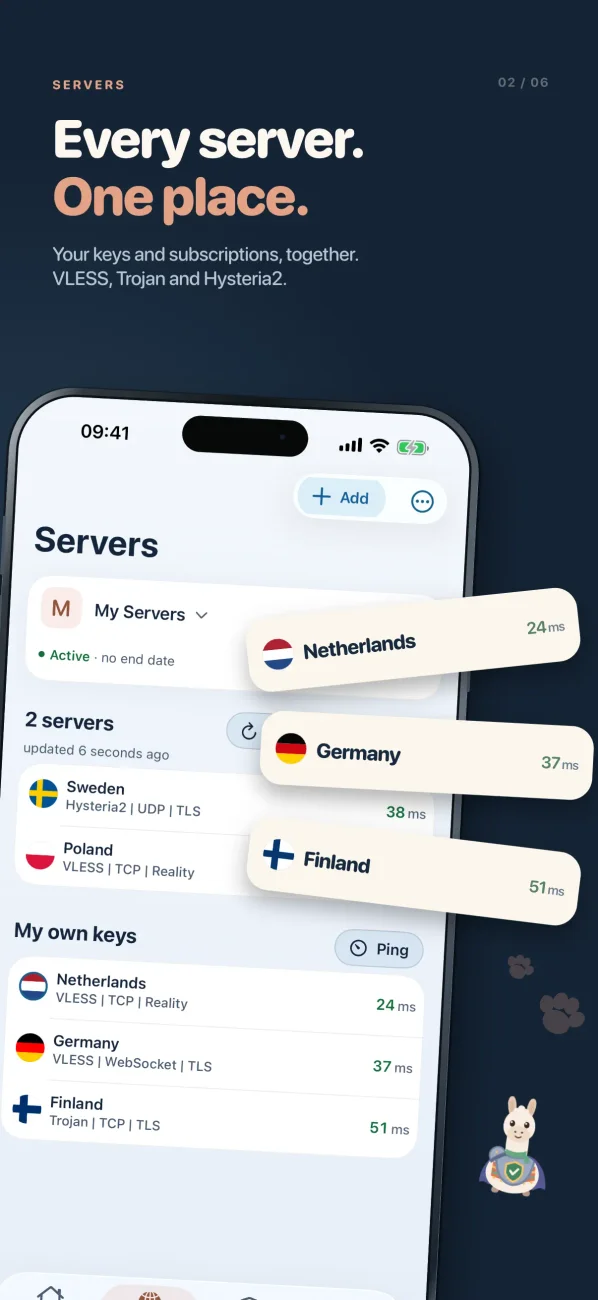
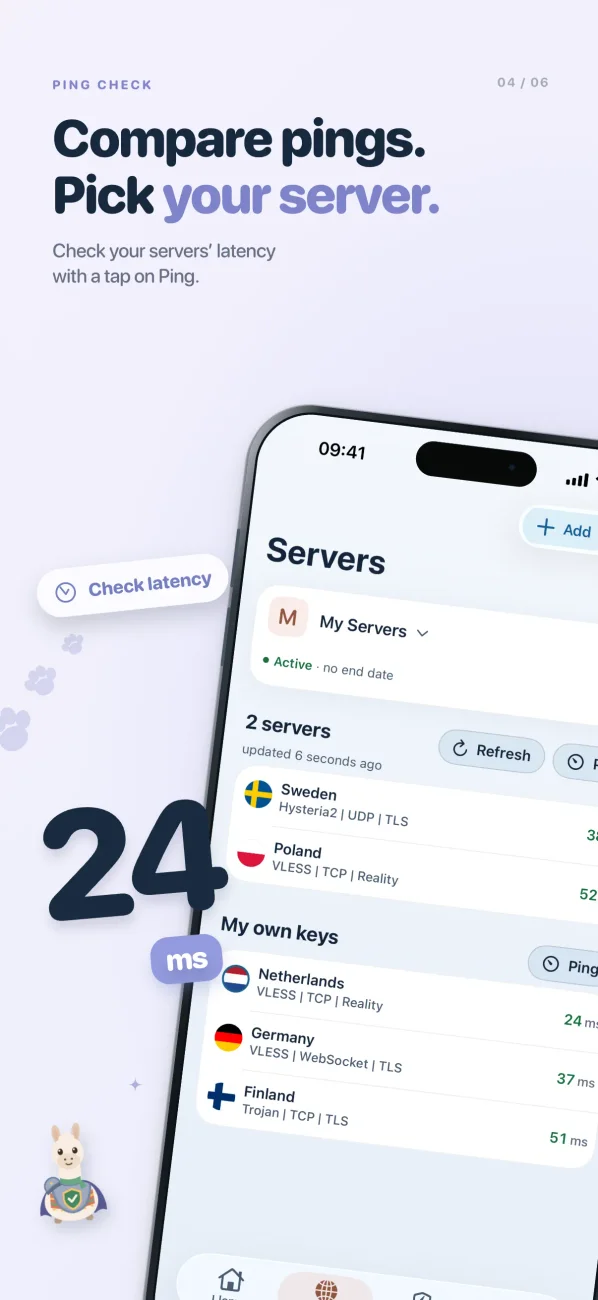
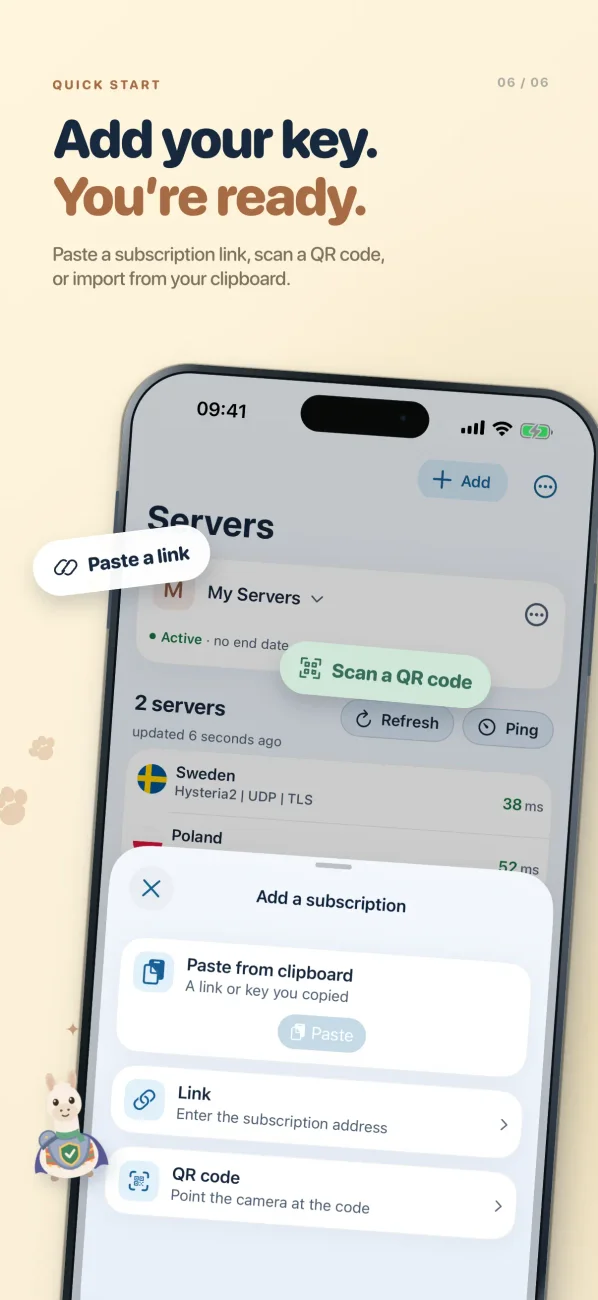
Paste a link from the clipboard, scan a QR code, or load every key from your provider's subscription. Each key shows its latency, and the list can be sorted by speed. Keep a note on a key — for example, when it expires.
ROUTES
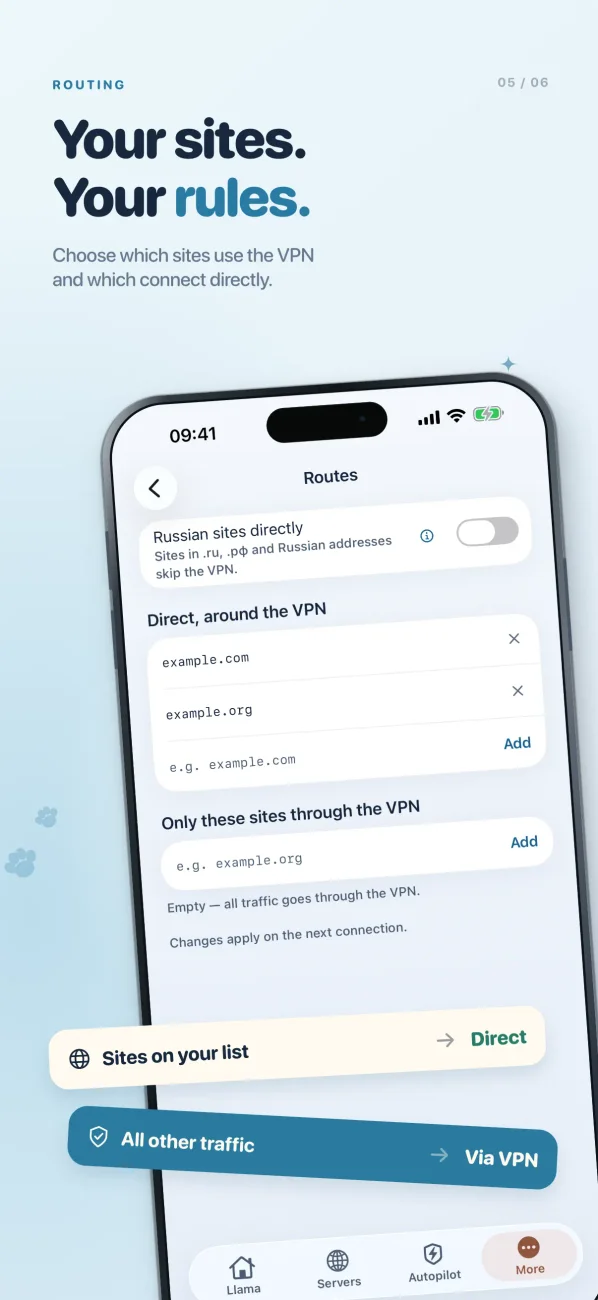
Pick sites that should open directly, outside the VPN — your bank, for example. Or the other way round: send only selected sites through the key.
THE LLAMA
The llama dozes while the VPN is off and stands guard once you're connected. A Home Screen widget turns the VPN on and off without opening the app, and a Live Activity shows the status on the Lock Screen and in the Dynamic Island.
PRIVACY
• No account, no registration, no ads
• No analytics or third-party trackers
• Keys are stored in the iPhone's encrypted Keychain and never leave the device
• We run no servers of our own: traffic goes to your provider's server
Protocols: VLESS, VMess, Trojan, Shadowsocks; TLS and Reality; TCP, WebSocket, gRPC, HTTP/2, HTTPUpgrade and XHTTP transports.
The connection uses Apple's system VPN mechanism. On first connection iOS asks permission to add a VPN configuration.
Requires an iPhone with iOS 17 or later.
新機能
バージョン 1.1.2 · 2026/11/7
• VPN turned off in Control Center no longer turns itself back on.
• Errors when adding a subscription now show right away.
• With Autopilot off, your chosen server stays put. If it isn’t answering, the app tells you.
• If a server in a group stops working, the app moves to a working one without dropping your connection.
アプリのプライバシー
このアプリのデータの取り扱いについて、Ciparu Troja SIAがApp Storeで申告している内容です。
-
データの収集なし
開発元はこのアプリからデータを収集しません。
プライバシーの取り扱いは、ご利用の機能やお客様の年齢などに応じて異なる場合があります。
情報
- 販売元
- Ciparu Troja SIA
- カテゴリ
- ユーティリティ
- バージョン
- 1.1.2
- 更新日
- 2026/11/7
- リリース
- 2026/9/25
- サイズ
- 118.9 MB
- 必要条件
- iOS 17.0以降
- 対象年齢
- 4+
- 価格
- 無料
- 言語
- ロシア語, 英語
- 著作権
- © SUPORTE TECN ADM DISALL LTDA