- 対象年齢4+
- カテゴリユーティリティ
- 開発元嗨兴科技
- 言語英語ほか7言語
- サイズ74.9 MB
App Storeの公式ページにリンクしています
Download.orgはLaserPeckerのファイルを一切ホストしていません。ボタンを押すと、嗨兴科技が公開しているApp Storeのアプリページが開きます。ページの最終確認:2026/11/17。
スクリーンショット
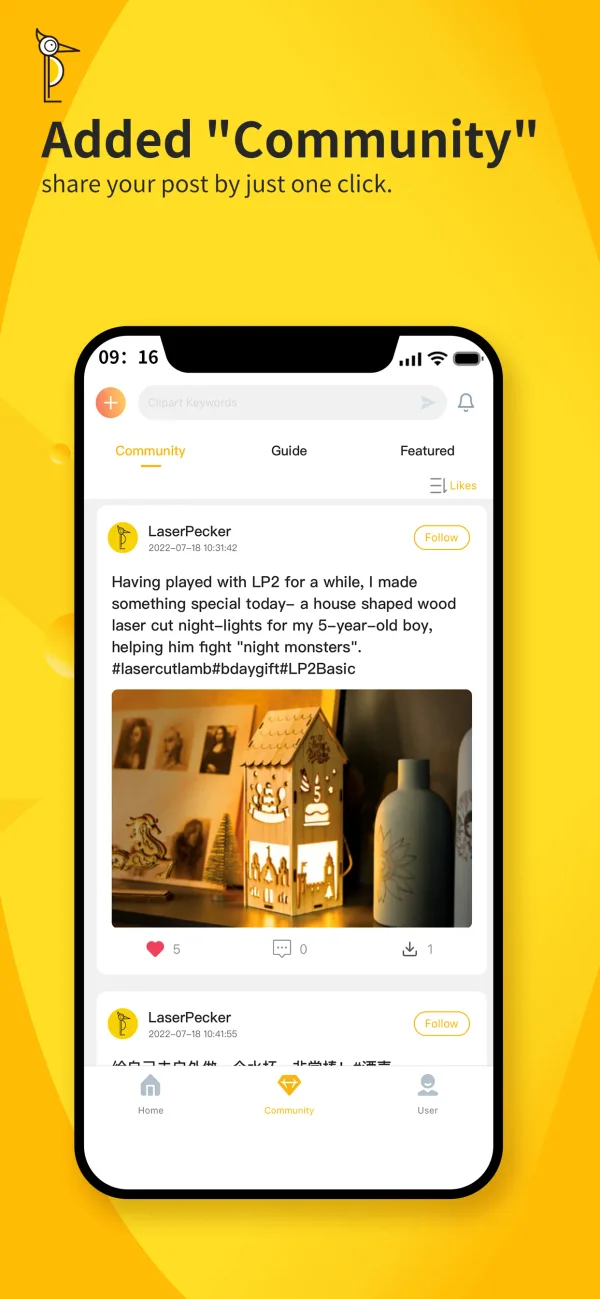

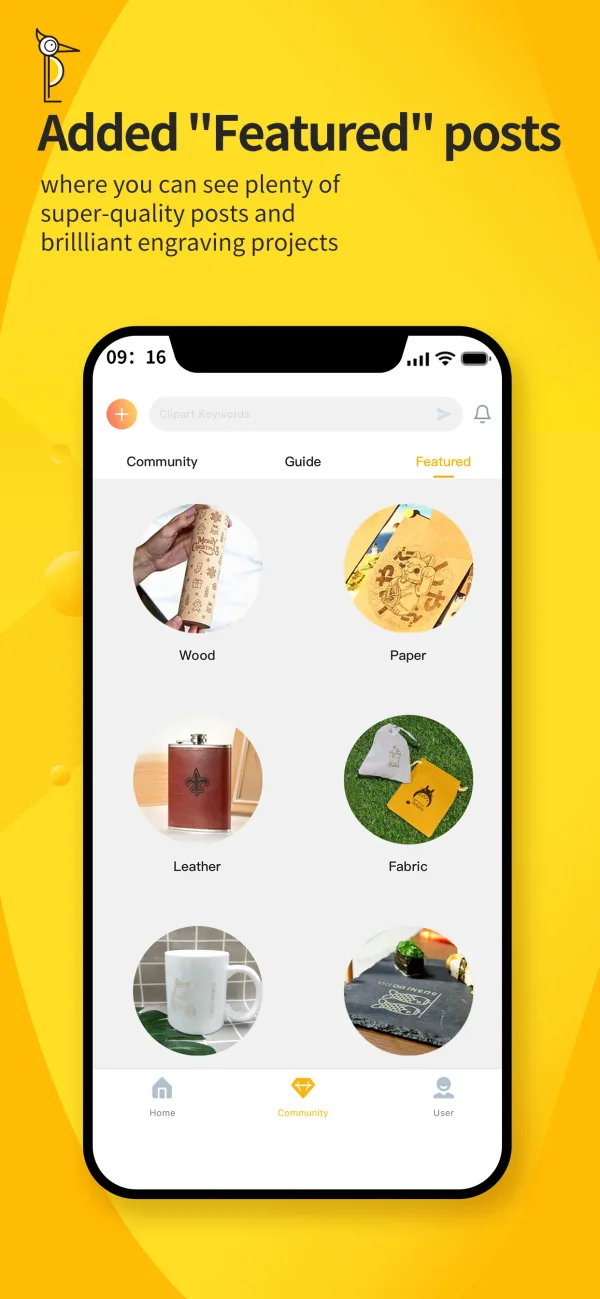
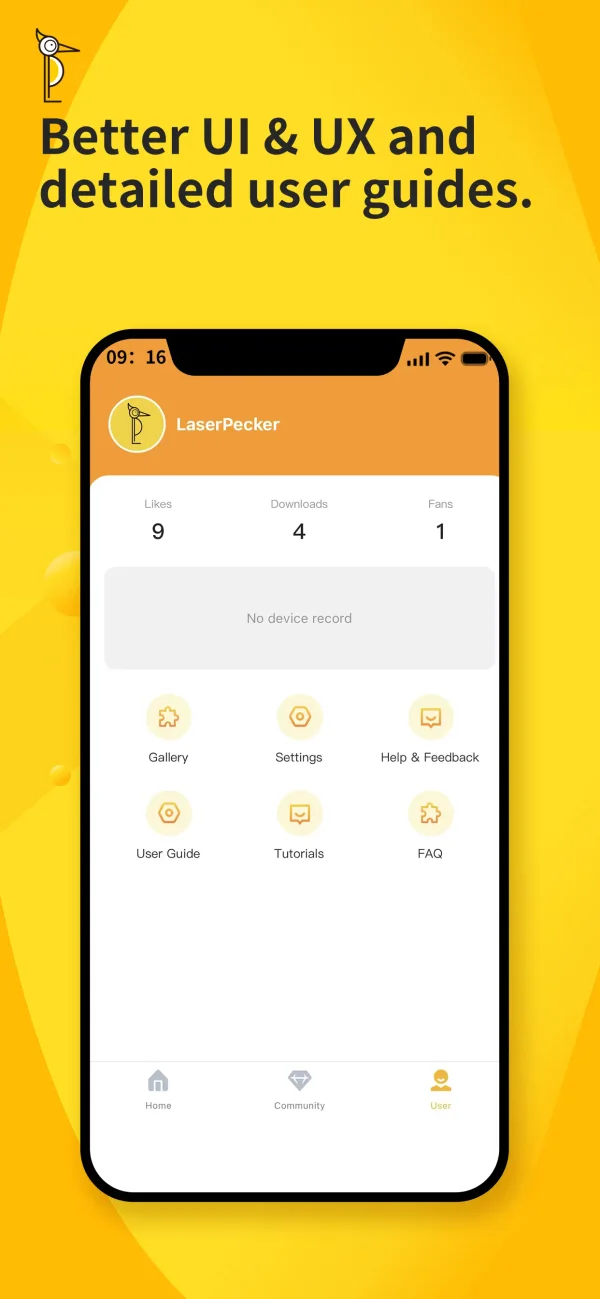
概要
開発元はこのテキストをお使いの言語で提供していません。
激光啄木鸟
面对个人或小型商业应用的智能激光雕刻设备,可以通过APP操作设备在一般非金属表面打印图片、雕刻轨迹、或者进行切割
一 . 雕刻:
1.通过APP将照片、图案等任意形式的静态图片转换成单色素描效果
2.通过手机app控制镭雕设备,雕刻到木材、塑料、皮质、纸张、织物、毛毡纸、果皮等非金属、非透明等吸光材质材质或不反光涂层上;
即暂时不支持 在金属,陶瓷,石块等较为坚硬质材料上镭雕
二 . 裁切修改图片:
将材料切割出镂空文字,图案等效果:
1. 切割出图案(窗花,物品剪影等)
2.切割出镂空图案,将镂空图案作为模板,通过喷漆的方式将镂空图案转印
LaserPecker
Intelligent laser engraving equipment for personal or small business applications can print pictures, engrave tracks or cut on general non-metallic surfaces by operating the equipment through the APP
- Sculpture:
1. Convert static pictures in any form, such as photos and patterns, into monochrome sketch effect through the APP.
2. Use mobile app to control radium engraving equipment to engraving wood, plastic, leather, paper, fabric, felt paper, peel and other non-metallic and non-transparent light-absorbing materials or non-reflective coatings.
That is, temporarily do not support the metal, ceramics, stones and other hard materials on radium engraving.
- Cutting and modifying pictures:
Cut the material into hollow words, patterns and other effects:
1. Cut patterns (window patterns, object silhouettes, etc.)
2. Cut out the hollow pattern, take the hollow pattern as the template, and transfer the hollow pattern through spray painting.
新機能
バージョン 4.3.0 · 2023/12/26
Historical engraving correctly displayed
アプリのプライバシー
このアプリのデータの取り扱いについて、嗨兴科技がApp Storeで申告している内容です。
-
データの収集なし
開発元はこのアプリからデータを収集しません。
プライバシーの取り扱いは、ご利用の機能やお客様の年齢などに応じて異なる場合があります。
情報
- 販売元
- Shenzhen Hingin Tech Co., Ltd.
- カテゴリ
- ユーティリティ
- バージョン
- 4.3.0
- 更新日
- 2023/12/26
- リリース
- 2019/5/11
- サイズ
- 74.9 MB
- 必要条件
- iOS 12.0以降
- 対象年齢
- 4+
- 価格
- 無料
- 言語
- 英語, フランス語, ドイツ語, 日本語, 韓国語, 簡体字中国語, スペイン語, 繁体字中国語
- 著作権
- © Shenzhen Hingin Tech Co.,Ltd.