
- 対象年齢4+
- カテゴリ仕事効率化
- 開発元Niko Inas
- 言語英語
- サイズ80.1 MB
App Storeの公式ページにリンクしています
Download.orgはLaTeX Math Notes: Ink2TeXのファイルを一切ホストしていません。ボタンを押すと、Niko Inasが公開しているApp Storeのアプリページが開きます。ページの最終確認:2026/11/18。
スクリーンショット

概要
開発元はこのテキストをお使いの言語で提供していません。
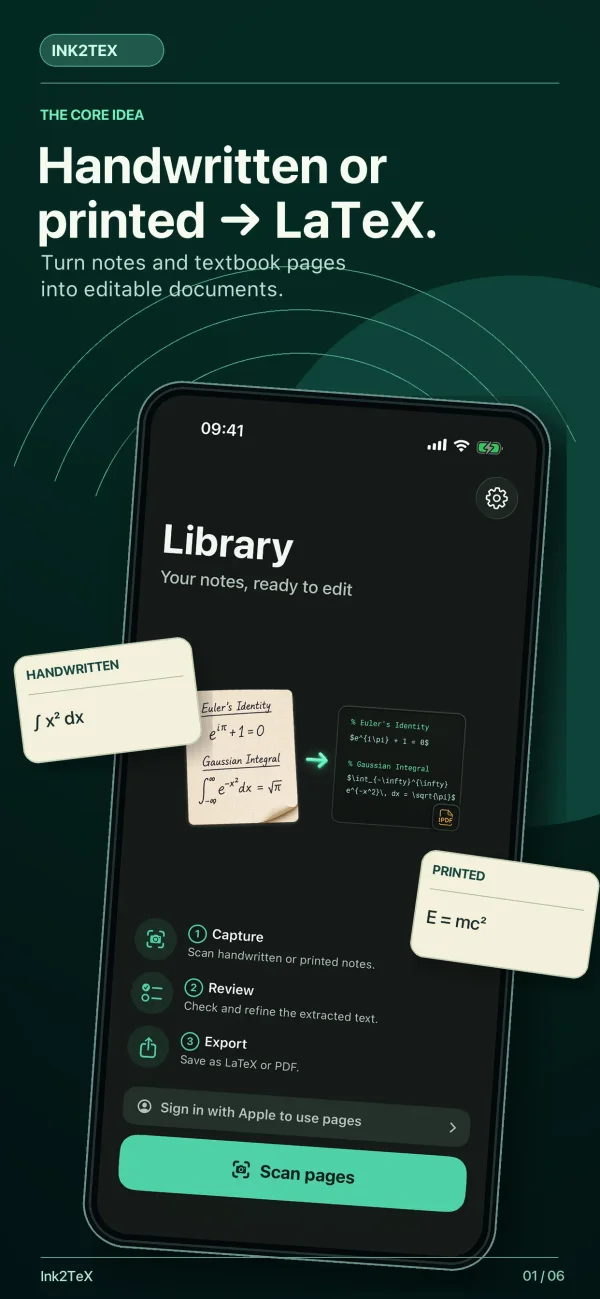
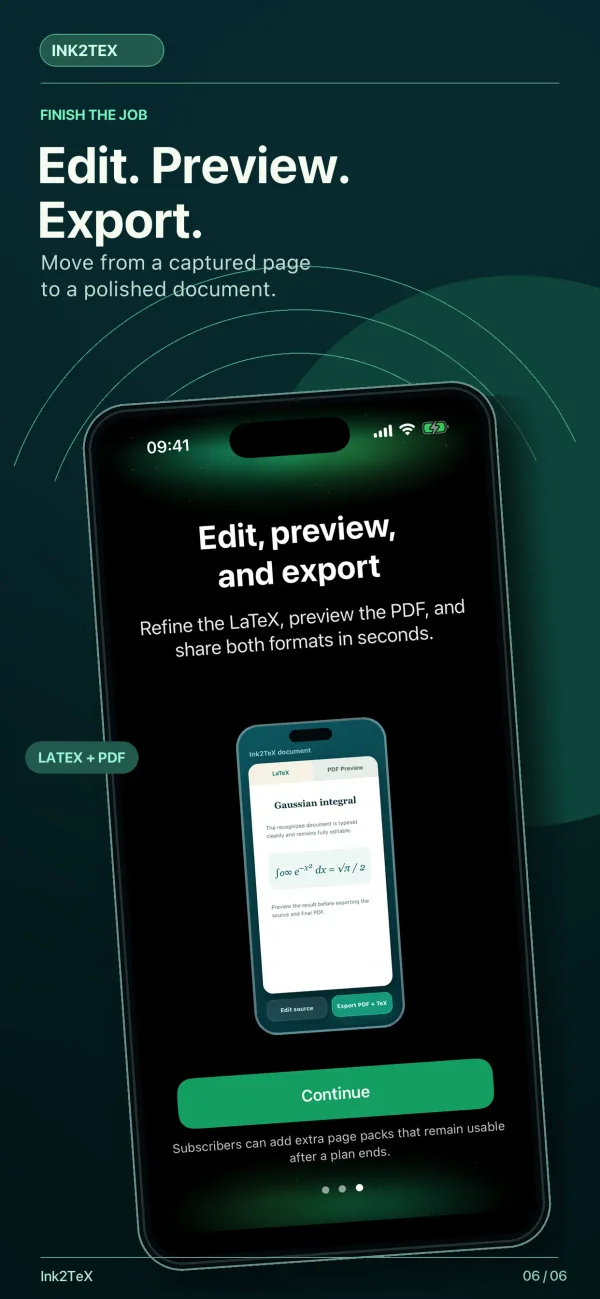
Ink2TeX turns handwritten and printed pages into editable LaTeX. Scan equations, formulas, text, and scientific notes with your iPhone, then review the result before adding it to your work.
Writing mathematics on paper is often the quickest way to think. Recreating every symbol in a digital document takes time. Ink2TeX helps you move from a notebook, worksheet, or printed page to LaTeX you can inspect, correct, and continue editing.
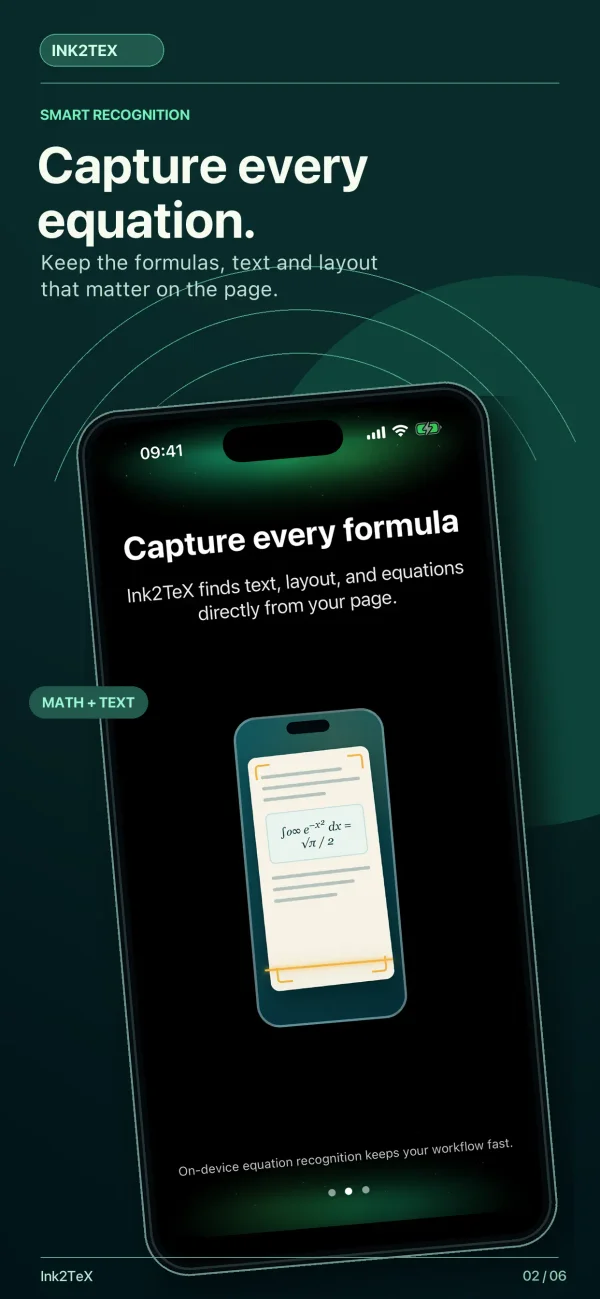
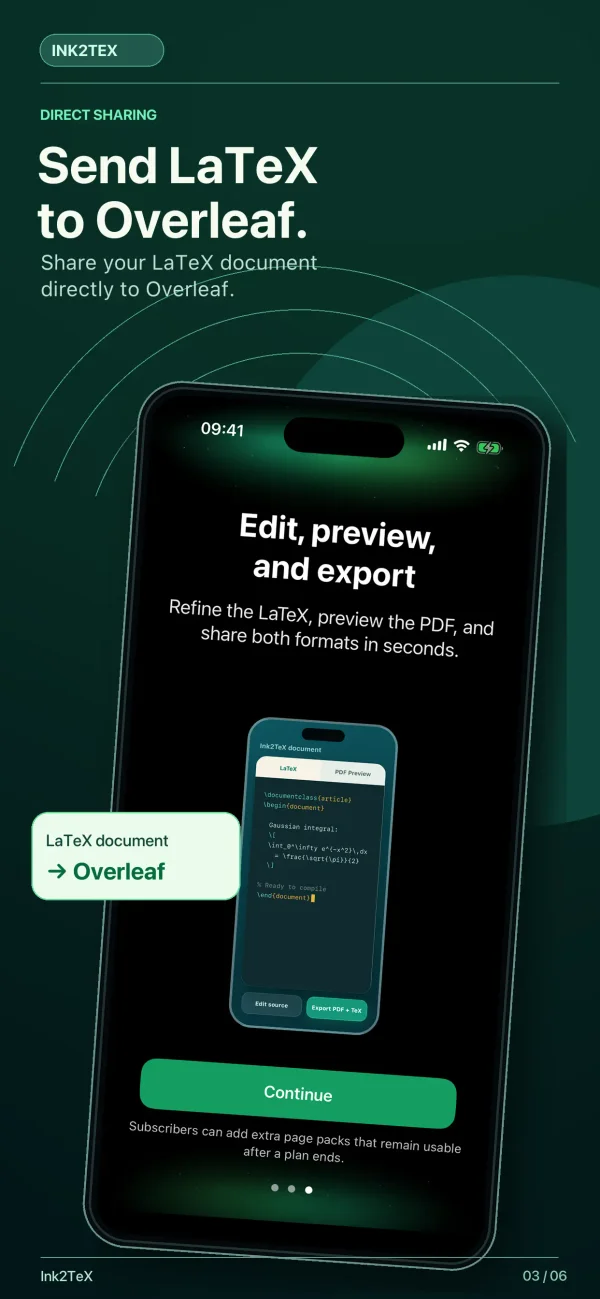
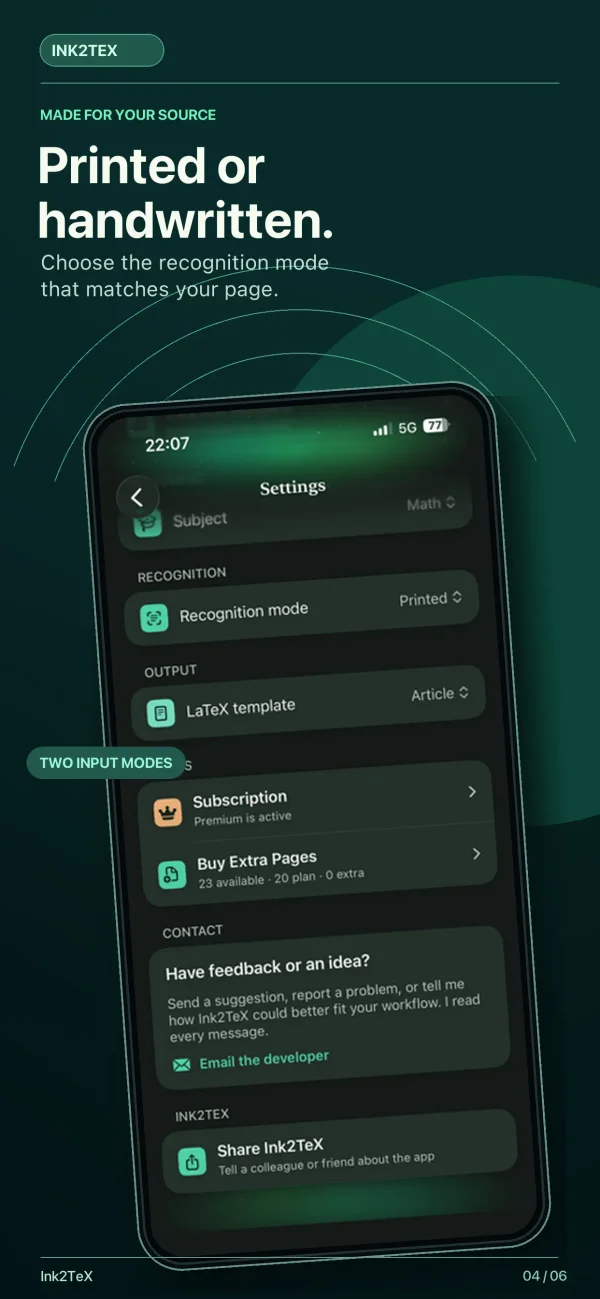
Scan a page, choose the recognition mode that fits your source, and review the generated LaTeX. Edit the source directly, preview the document, and make corrections before you export or share it.
With Ink2TeX, you can:
• Scan handwritten and printed pages
• Recognize equations, formulas, text, and page layout
• Convert your pages into editable LaTeX
• Review and correct the LaTeX source
• Create and preview multi-page documents
• Copy LaTeX code into your preferred editor
• Export LaTeX and PDF files
• Send a LaTeX document directly to Overleaf
• Save documents in your library and return to them later
• Sign in with Apple to restore your page balance
• Get additional pages with a subscription or page pack
Ink2TeX is built for students, researchers, teachers, and engineers working with mathematical or scientific material. Use it to digitize class notes, prepare lecture material, capture calculations, or bring handwritten research notes into an editable document.
Recognition gives you a starting point. You can check each result, refine the LaTeX, and keep control of the finished document.
Ink2TeX is not affiliated with or endorsed by Overleaf.
Terms of Use: https://www.apple.com/legal/internet-services/itunes/dev/stdeula/
新機能
バージョン 1.0.1 · 2026/11/16
Fixes and improvements:
• Documents that quote text with « » or ‹ › — common in scanned and translated papers — no longer fail to compile. Those marks, along with „ and the prime symbols ′ and ″, are now converted automatically so the page produces a PDF.
• The Overleaf view can be zoomed, making the editor easier to read on iPhone.
• Internal cleanups and additional tests.
アプリのプライバシー
このアプリのデータの取り扱いについて、Niko InasがApp Storeで申告している内容です。
-
ユーザーに関連付けられたデータ
収集され、ユーザーの識別情報に関連付けられる場合があります。
- 購入
- 連絡先情報
- ID
プライバシーの取り扱いは、ご利用の機能やお客様の年齢などに応じて異なる場合があります。
情報
- 販売元
- Niko Inas
- カテゴリ
- 仕事効率化
- バージョン
- 1.0.1
- 更新日
- 2026/11/16
- リリース
- 2026/11/9
- サイズ
- 80.1 MB
- 必要条件
- iOS 18.0以降
- 対象年齢
- 4+
- 価格
- 無料
- アプリ内課金
- あり
- 言語
- 英語
- 著作権
- © 2026 Inas Group
こちらもおすすめ
-
 Book Scanner - 本をテキストに紙の本をスキャンして電子書籍に
-
 BlockMyApps: ブロック・集中・アプリ制限スクリーンタイム・習慣・自己管理
-
 WriteTex - 数式OCRとLaTeX手書き数式をLaTeXやMarkdownに
-
 PDFスキャナー:ScanlyGoPDF変換・OCR検索・署名
-
 MathWrite Notes仕事効率化
-
 PDF OCR:スキャナー&PDF編集署名、書き込み、変換、圧縮、結合
-
 VerbTeX LaTeX Editor仕事効率化
-
 LaTeX Editor Tex Pro仕事効率化
-
 Mathpix Snip仕事効率化
-
 Orange Max it - RDC仕事効率化