- 対象年齢4+
- カテゴリ仕事効率化
- 開発元Prakash Chaudhary
- 言語英語
- サイズ19.5 MB
App Storeの公式ページにリンクしています
Download.orgはLazyflowのファイルを一切ホストしていません。ボタンを押すと、Prakash Chaudharyが公開しているApp Storeのアプリページが開きます。ページの最終確認:2026/11/12。
スクリーンショット


概要
開発元はこのテキストをお使いの言語で提供していません。
Your tasks, your calendar, one app — powered by on-device AI that keeps your data private. Lazyflow is free, open source, and built for people who want to get things done without subscriptions or cloud lock-in.
AI-POWERED PRODUCTIVITY
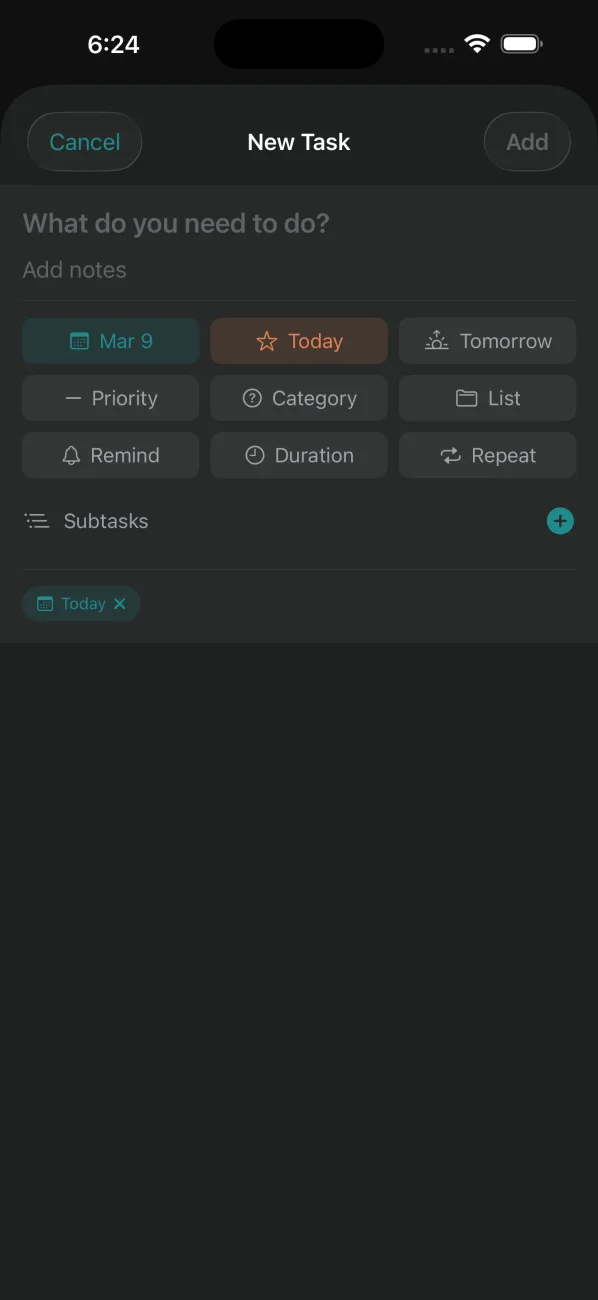
- Quick Capture: jot down rough notes and let AI extract structured tasks with due dates, priorities, and subtasks
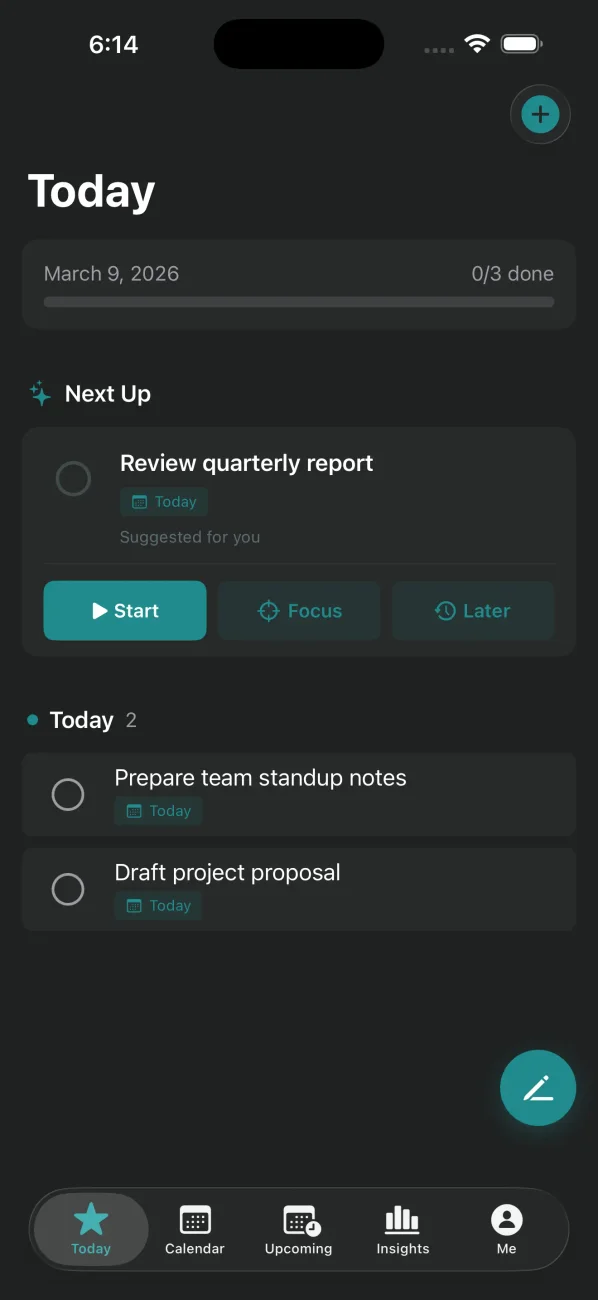
- Next Up: a single focused task suggestion that learns what you skip, snooze, and complete
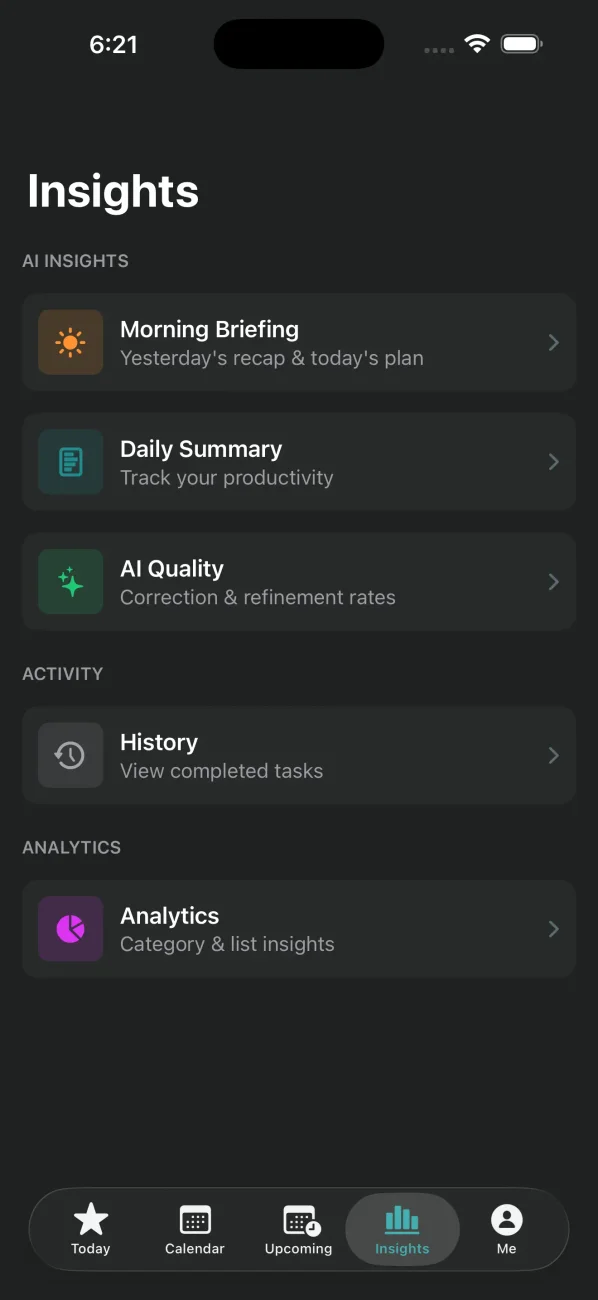
- Morning Briefing: start each day with a personalized plan based on your schedule and priorities
- Daily Summary with automatic carryover from yesterday
- Automatic categorization powered by Apple Intelligence
- Connect Ollama or custom AI providers for advanced workflows
- AI runs on-device by default — your data stays on your phone
FOCUS MODE
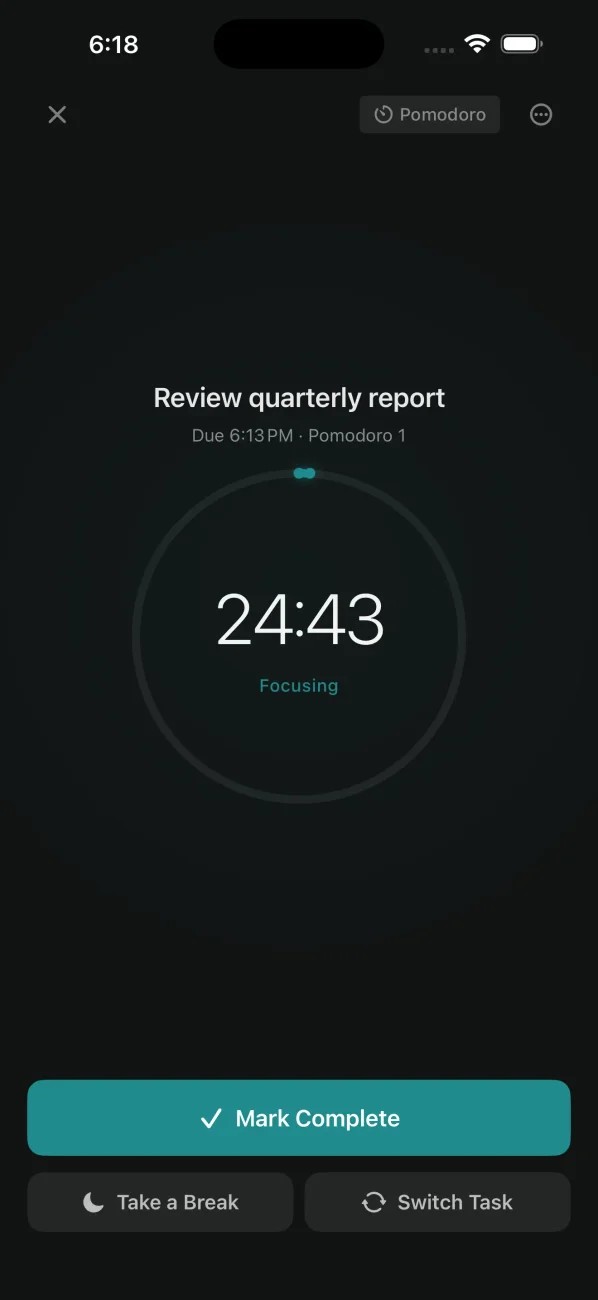
- Immersive full-screen timer with animated progress ring
- Pomodoro mode with configurable work and break intervals
- Subtasks and notes panel — see everything without leaving focus
- Lock in on one task at a time with no distractions
- Sessions persist across app restarts — pick up where you left off
- Track focus streaks and build consistent habits
CALENDAR INTEGRATION
- Dedicated Lazyflow calendar with two-way task-event sync
- Day view (default on iPhone) and week view with persistent preference
- Set scheduled start and end times for event-like task planning
- Long-press any event to instantly create a task
- Supported recurring tasks sync as recurring calendar events
TASK MANAGEMENT
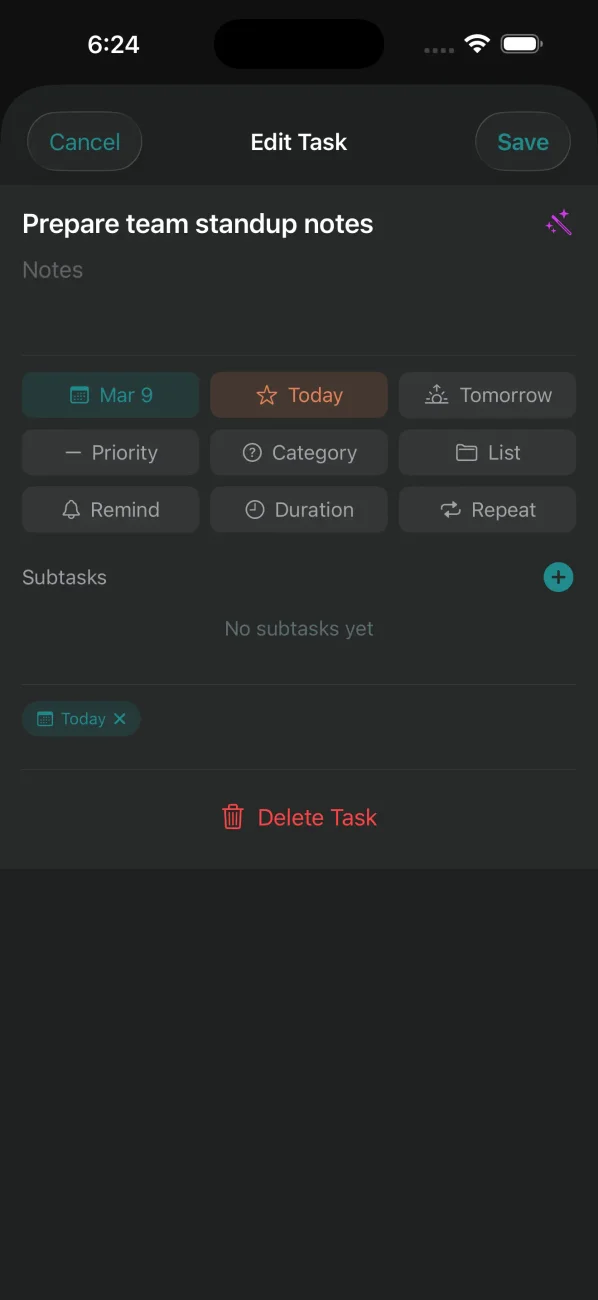
- Task lists for projects and categories with custom colors and icons
- Due dates, smart reminders, and recurring tasks
- Priority levels with color coding
- Subtasks with automatic completion tracking
- Swipe actions for quick edits
- Full task history with search and filters
SIRI SHORTCUTS
- "Add a task in Lazyflow"
- "Complete my next task"
- "What's on my agenda today"
- Hands-free task management
WIDGETS & LIVE ACTIVITIES
- Home Screen widgets (Small, Medium, Large)
- Lock Screen Live Activity with Dynamic Island support
- Real-time progress updates throughout your day
APPLE WATCH
- Today's tasks on your wrist
- Tap to complete tasks
- Real-time sync with iPhone
- Watch complications for at-a-glance progress
iPAD OPTIMIZED
- Sidebar navigation with adaptive layouts
- Full keyboard shortcuts
- Split View multitasking
PRIVACY FIRST
- All data stored locally on your device
- Optional iCloud sync across your devices
- No tracking, no analytics, no ads
- AI runs on-device by default with Apple Intelligence
OPEN SOURCE
Lazyflow is free and open source under the MIT License. View the code, report issues, and contribute on GitHub.
新機能
バージョン 1.10.0 · 2026/3/13
What's New in v1.10
Quick Capture
• Jot down rough notes and let AI extract structured tasks
• Draggable capture button — move it out of the way of swipe actions
Focus Mode
• Pomodoro timer with configurable work and break intervals
• Subtasks and notes panel inside Focus Mode
• Sessions persist across app restarts
Calendar Integration
• Two-way sync between tasks and calendar events
• Set scheduled start and end times for event-like planning
• Recurring tasks sync as recurring calendar events
Accessibility & Polish
• Accessibility labels and hints on all views
• Day view default on iPhone with persistent view mode
• AI features now check device capability before appearing
Under the Hood
• Improved iCloud sync reliability and conflict resolution
• Hardened Core Data migration and error handling
• Performance and crash monitoring with MetricKit
アプリのプライバシー
このアプリのデータの取り扱いについて、Prakash ChaudharyがApp Storeで申告している内容です。
-
データの収集なし
開発元はこのアプリからデータを収集しません。
プライバシーの取り扱いは、ご利用の機能やお客様の年齢などに応じて異なる場合があります。
情報
- 販売元
- Prakash Chaudhary
- カテゴリ
- 仕事効率化
- バージョン
- 1.10.0
- 更新日
- 2026/3/13
- リリース
- 2026/1/7
- サイズ
- 19.5 MB
- 必要条件
- iOS 17.0以降
- 対象年齢
- 4+
- 価格
- 無料
- 言語
- 英語
- 著作権
- © 2026 Prakash Chaudhary