Lede: Transcript & AI Summary
Turn videos into text & notes
iPhone, iPad, iPod touch向けに設計
無料 · アプリ内課金
- 対象年齢4+
- カテゴリ仕事効率化
- 開発元Zheng Pan Lim
- 言語英語
- サイズ26.0 MB
App Storeの公式ページにリンクしています
Download.orgはLede: Transcript & AI Summaryのファイルを一切ホストしていません。ボタンを押すと、Zheng Pan Limが公開しているApp Storeのアプリページが開きます。ページの最終確認:2026/11/12。
スクリーンショット
概要
開発元はこのテキストをお使いの言語で提供していません。
Some videos are worth watching. Most are worth reading in two minutes.
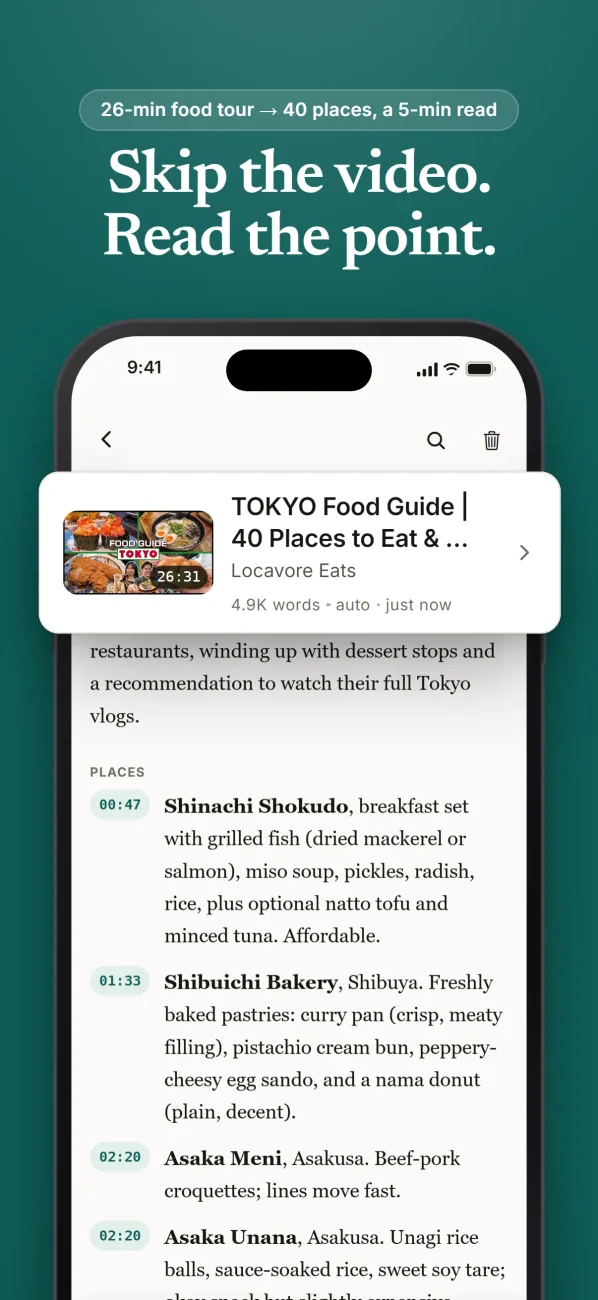
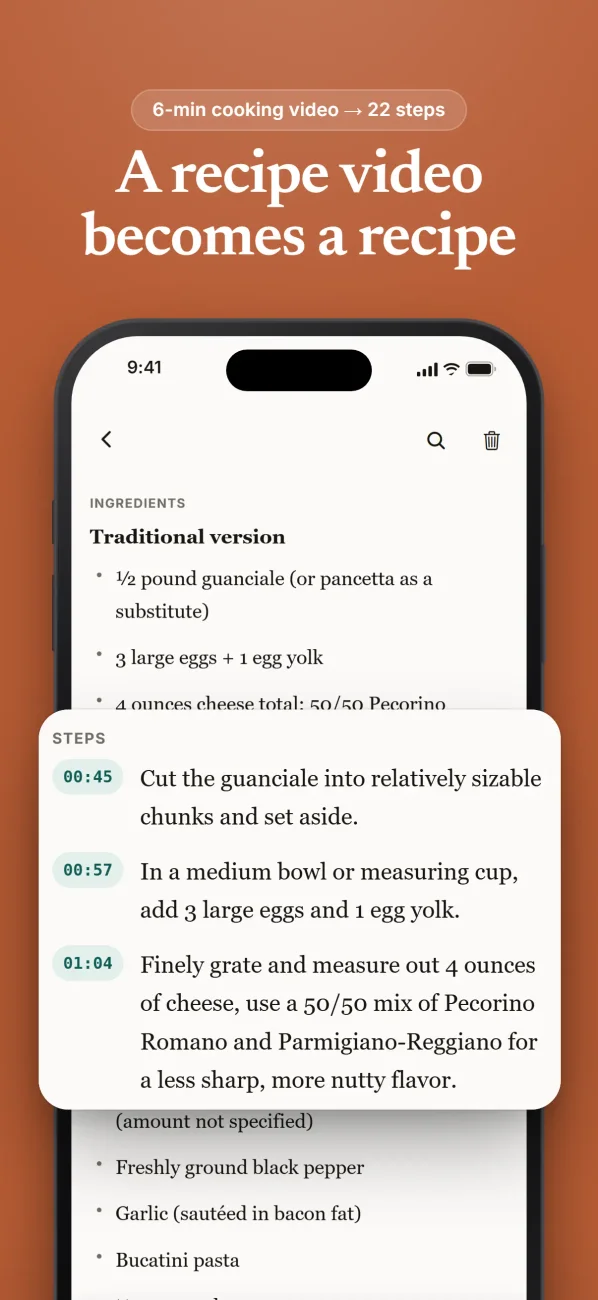
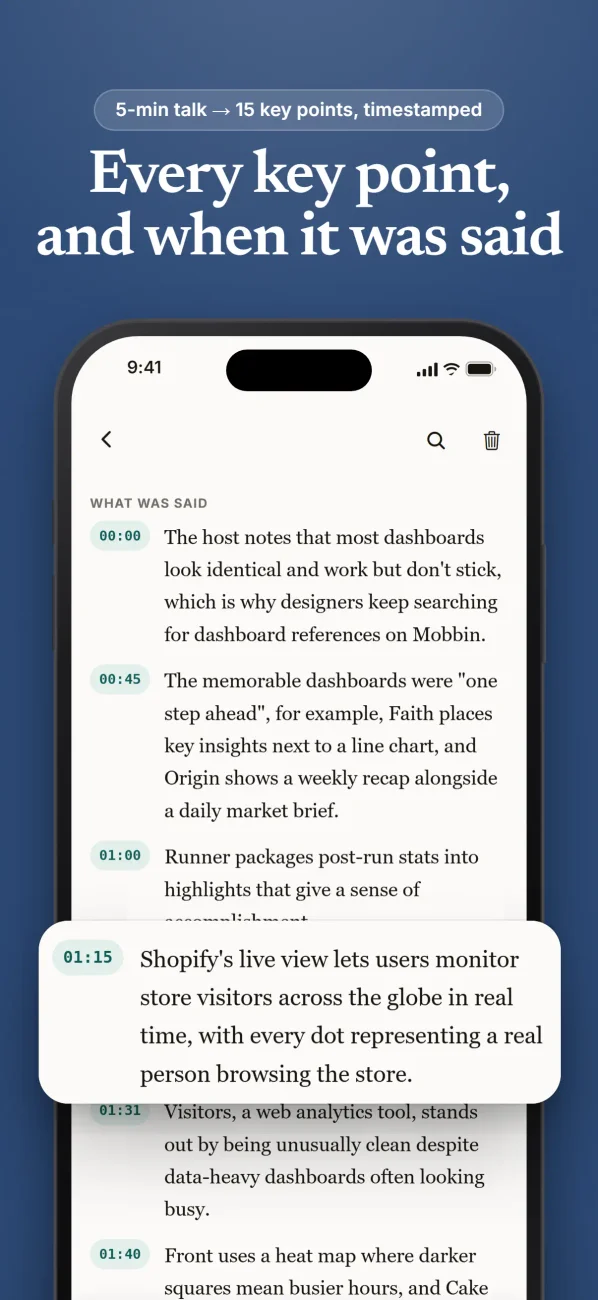
Lede turns a video link into a clean, searchable transcript, then writes an AI summary shaped to what the video actually is. A recipe becomes ingredients and steps. A review ends with the verdict. A travel vlog becomes a list of places with prices. A lecture becomes the points that matter, each with a timestamp that jumps you to the moment it was said.
HOW IT WORKS
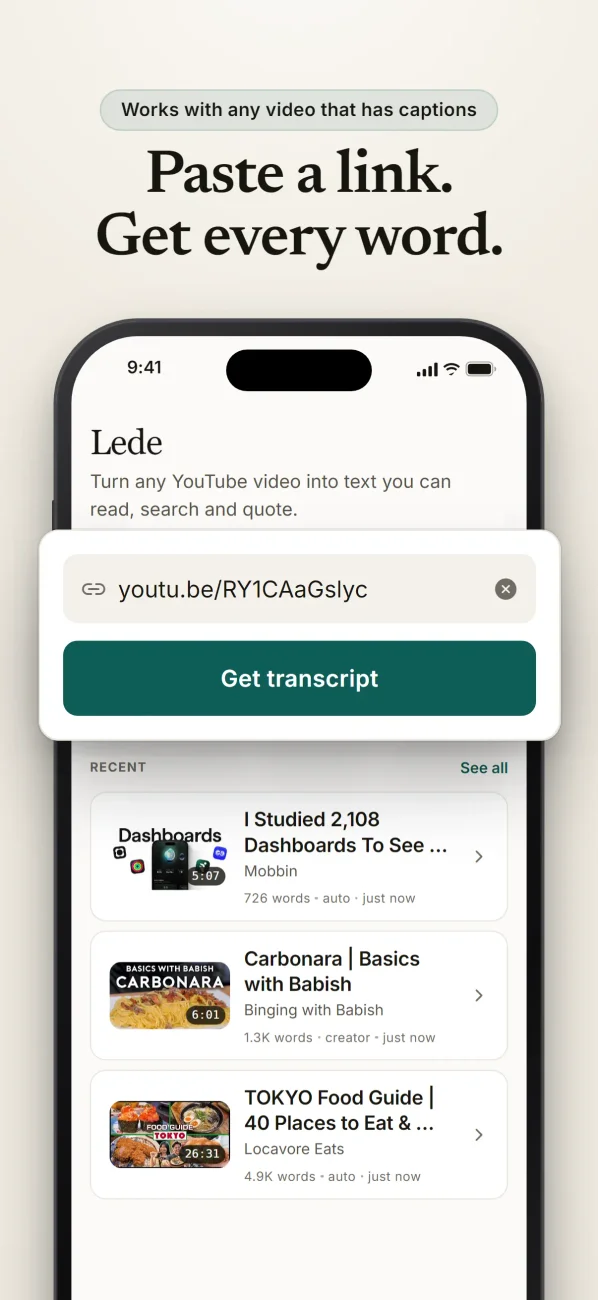
1. Copy a YouTube link and open Lede. The full transcript appears in seconds.
2. Read it, search it, or jump around by timestamp.
3. Tap Summarise when you want the short version. Summaries are written in your device's language, whatever language the video is in.
TRANSCRIPTS ARE UNLIMITED AND FREE
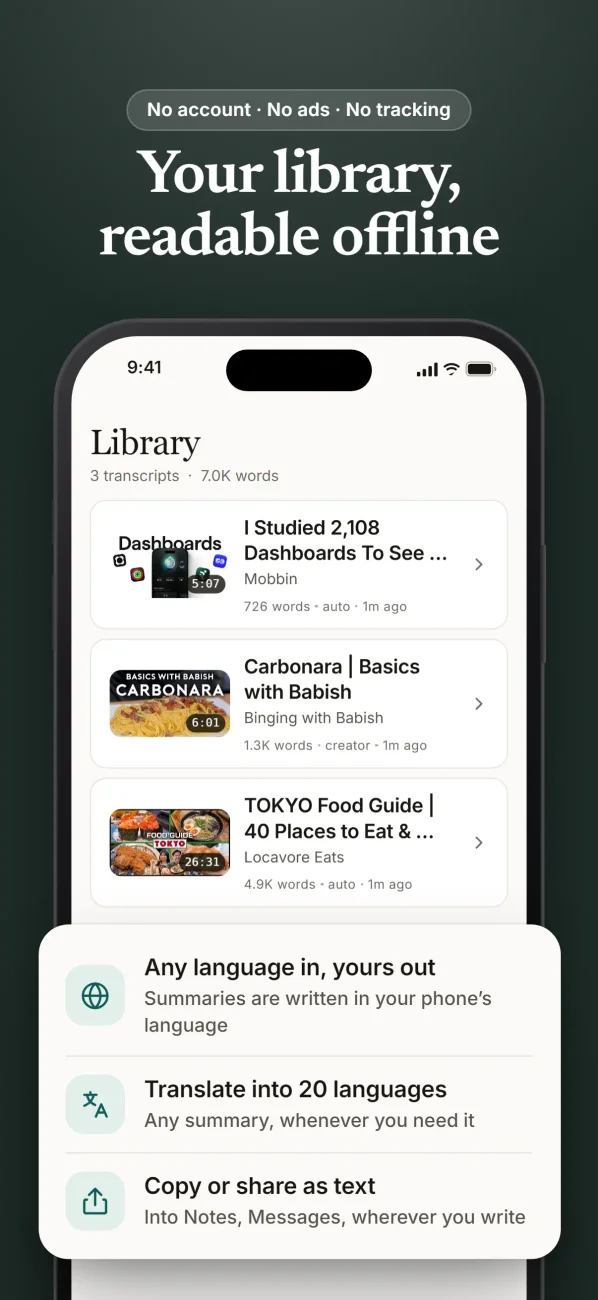
Every transcript, every video, every day. No account, no sign-up, no ads, no tracking. Extraction happens on your phone, and your library is stored on your phone, readable offline.
SUMMARIES THAT KNOW WHAT THEY ARE SUMMARISING
Most summary tools flatten everything into the same bullet soup. Lede reads the video first and picks a shape:
- Recipes: ingredients, then steps
- Reviews: what was tested, what stood out, the verdict
- Travel: places, areas, prices
- Tutorials: the steps, in order
- Talks and podcasts: the arguments, with timestamps
Summaries use credits. Each new device includes 3 free credits, and packs are available if you want more. Repeating a summary you have already generated is always free.
READS ANY LANGUAGE, WRITES IN YOURS
A Japanese interview, a Spanish tutorial, a French lecture: the transcript comes through in the video's language, and the summary is written in yours. You can also translate any finished summary into 20 languages.
BUILT FOR READING
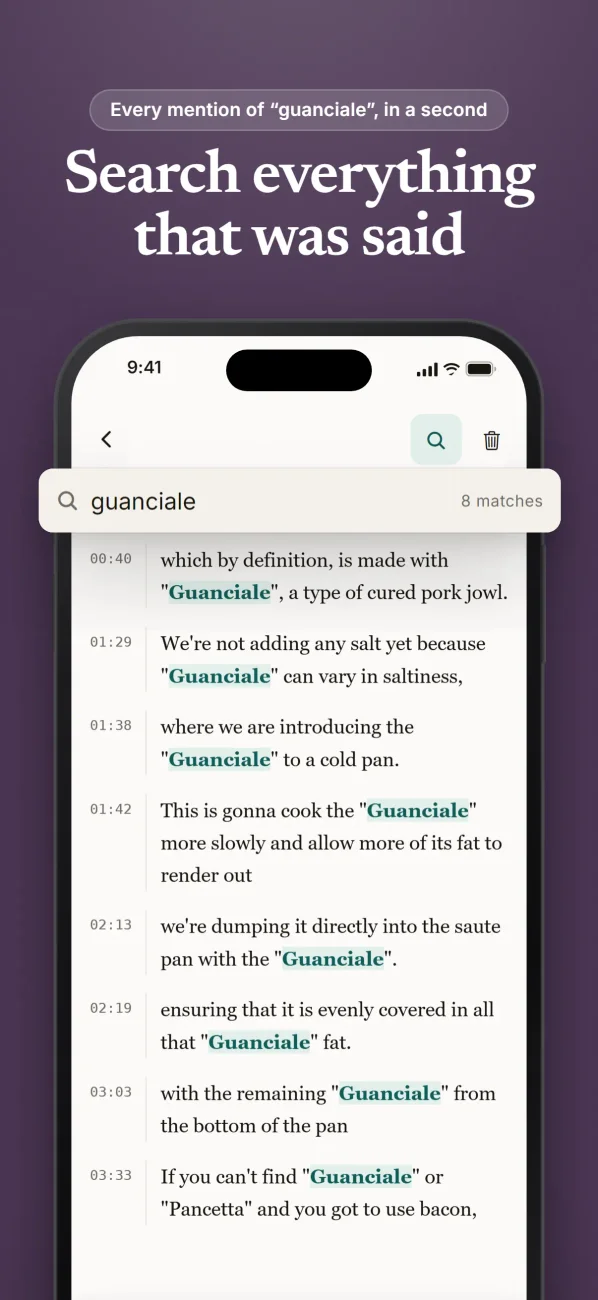
- Full-text search inside any transcript
- Tap a timestamp to jump to that moment in the video
- Offline library: everything you save is readable without a connection
- Copy or share transcripts and summaries as text
WHAT LEDE IS NOT
Lede works with the caption text a video already has. It does not save video or audio, and it cannot transcribe videos that have no captions. Text in, text out, that is the whole idea.
One more thing about the name: the lede is journalism's word for the part of the story you must not bury. That is what this app is for.
新機能
バージョン 1.0.5 · 2026/11/5
Summarise a video straight from the top of its page, no tab switching needed. Plus small fixes and improvements.
アプリのプライバシー
このアプリのデータの取り扱いについて、Zheng Pan LimがApp Storeで申告している内容です。
-
ユーザーに関連付けられないデータ
収集される場合がありますが、ユーザーの識別情報には関連付けられません。
- 購入
- ユーザーコンテンツ
- ID
- 使用状況データ
プライバシーの取り扱いは、ご利用の機能やお客様の年齢などに応じて異なる場合があります。
情報
- 販売元
- Zheng Pan Lim
- カテゴリ
- 仕事効率化
- バージョン
- 1.0.5
- 更新日
- 2026/11/5
- リリース
- 2026/9/21
- サイズ
- 26.0 MB
- 必要条件
- iOS 15.1以降
- 対象年齢
- 4+
- 価格
- 無料
- アプリ内課金
- あり
- 言語
- 英語
- 著作権
- © 2026 Zheng Pan Lim
こちらもおすすめ
-
 Youbrain - Video Intelligence仕事効率化
-
 Pinotes - Video Note Taker仕事効率化
-
 DeepSRT MobileYouTubeリアルタイムAI字幕・要約、日本語最適化
-
 SumTube: AIで動画を要約講義やポッドキャストを要点まとめ
-
 GeniePod - Create AI Podcast仕事効率化
-
 Mockify – スクリーンショット作成App Store プレビュー
-
 YouTube向け文字起こし&字幕:動画をテキスト化ボイスレコーダー・ボイスメモ・音声ファイル、AI要約と翻訳
-
 BloopBrowser仕事効率化
-
 Brainbubble: Ace your Job仕事効率化
-
 Text Multiplier Repeater 2026仕事効率化