- 対象年齢4+
- カテゴリ仕事効率化
- 開発元培培 王
- 言語英語
- サイズ9.6 MB
App Storeの公式ページにリンクしています
Download.orgはLexa Readerのファイルを一切ホストしていません。ボタンを押すと、培培 王が公開しているApp Storeのアプリページが開きます。ページの最終確認:2026/11/20。
スクリーンショット


概要
開発元はこのテキストをお使いの言語で提供していません。
Lexa Reader — Read beyond your first language.
Open PDFs, Word documents, or images and read with the original close at hand. Move from translation to editing, bilingual notes, and Word export in one reading workflow.
SUPPORTED TRANSLATION LANGUAGES
Choose from Chinese, English, Arabic, Japanese, Korean, Thai, French, Spanish, German, Russian, Indonesian, and more.
READ WITH THE ORIGINAL
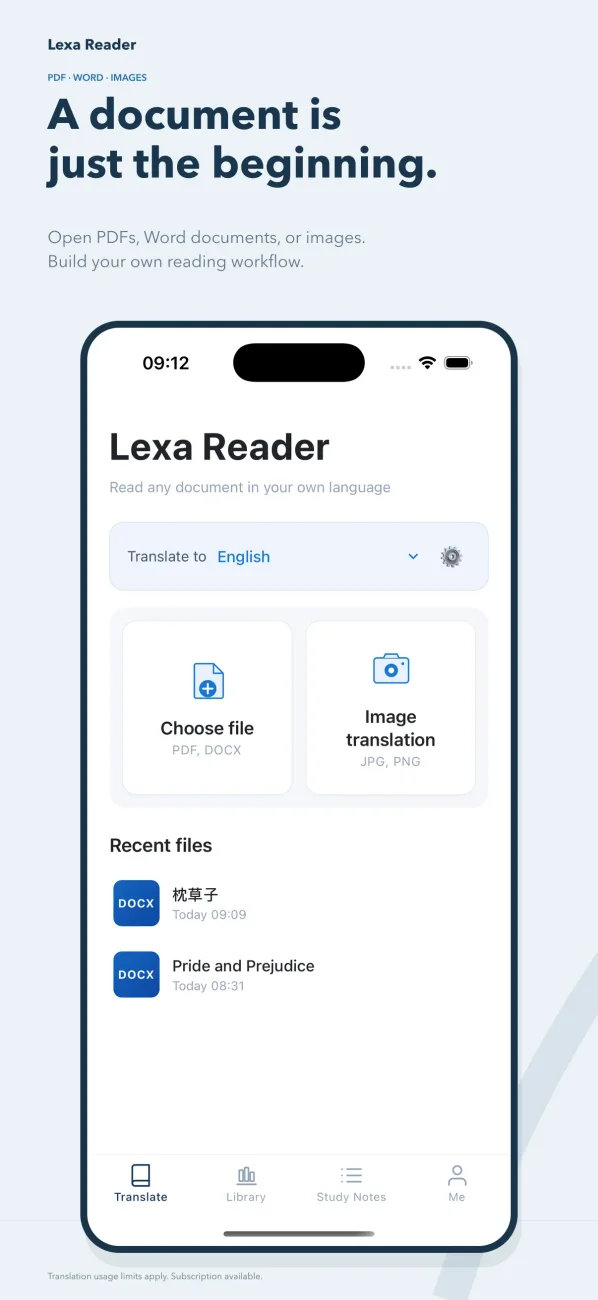
• Import PDFs, Word documents, and images.
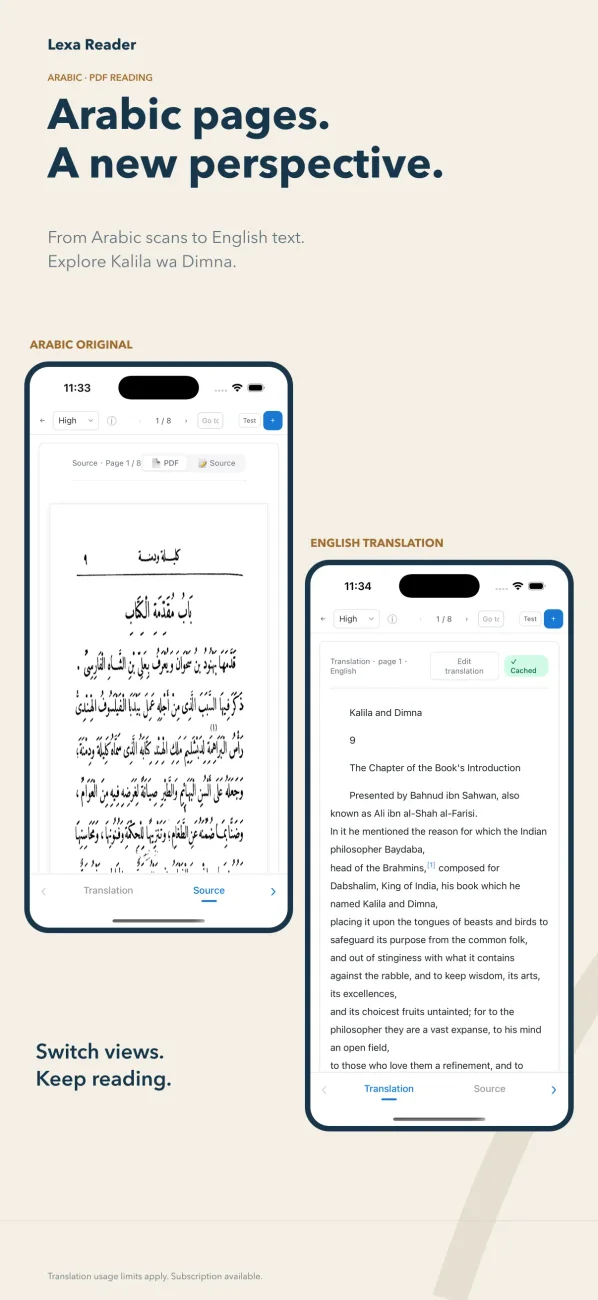
• Recognize and translate text from scanned pages.
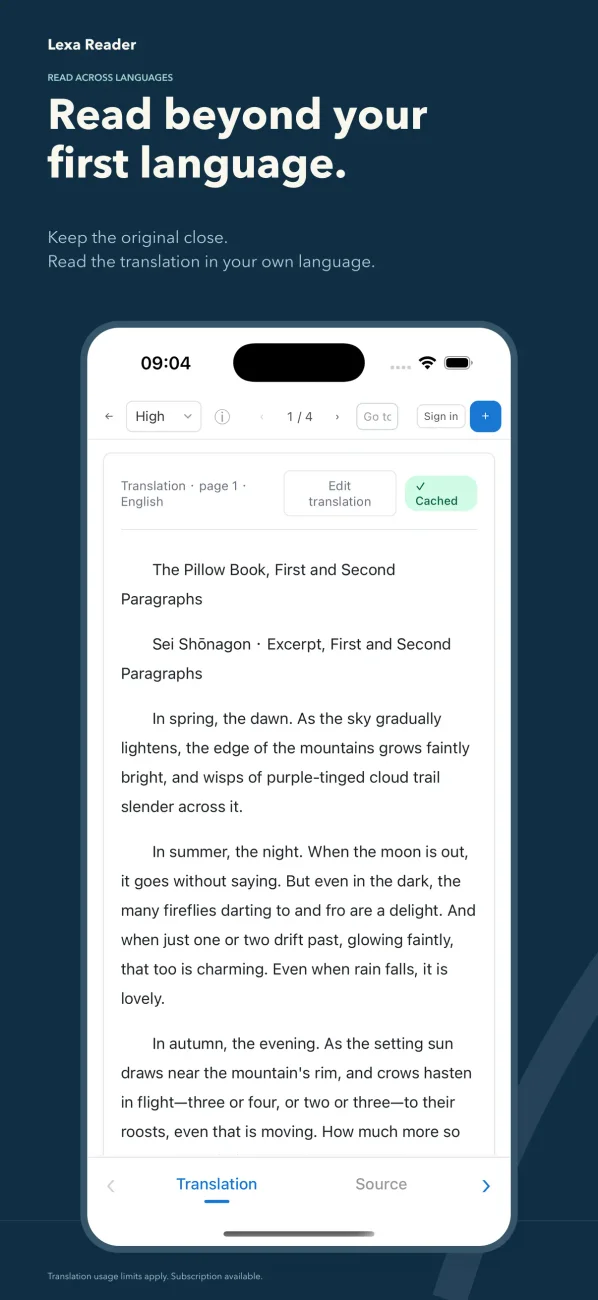
• Read side by side or switch between source and translation, depending on your device and document.
• Choose Smart, Advanced, or Visual translation modes.
• Use cross-page context for continuity, with the next translation prepared after the current page.
REFINE AS YOU READ
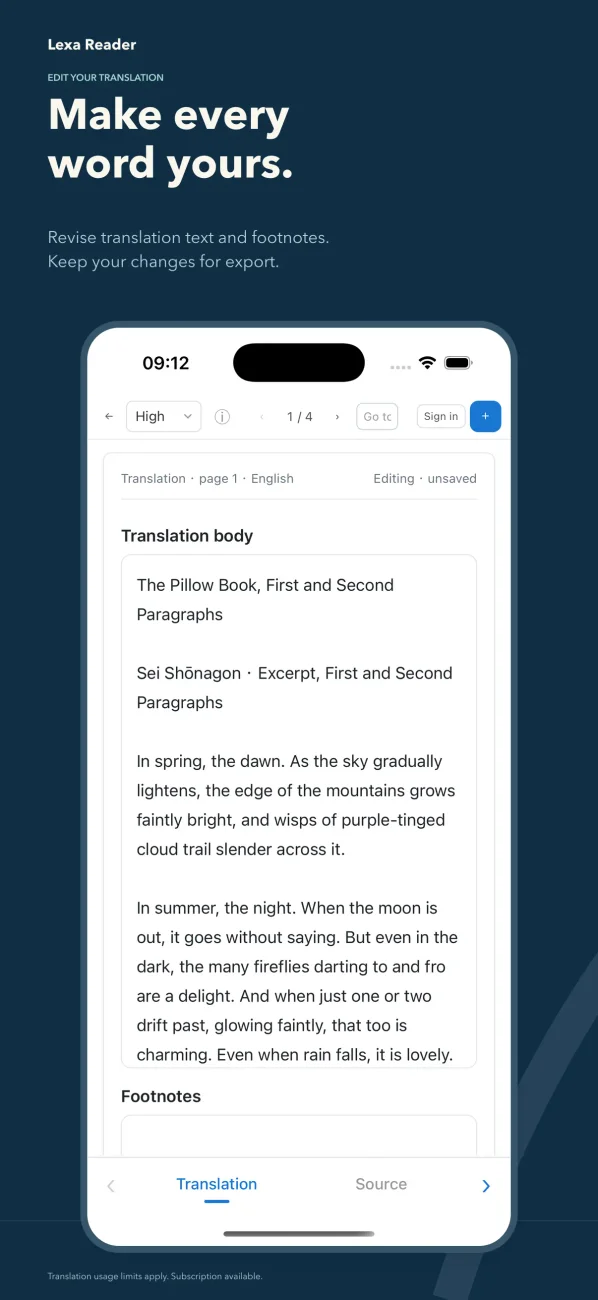
• Edit translated text and footnotes directly in the reader.
• Save your changes or restore the original translation.
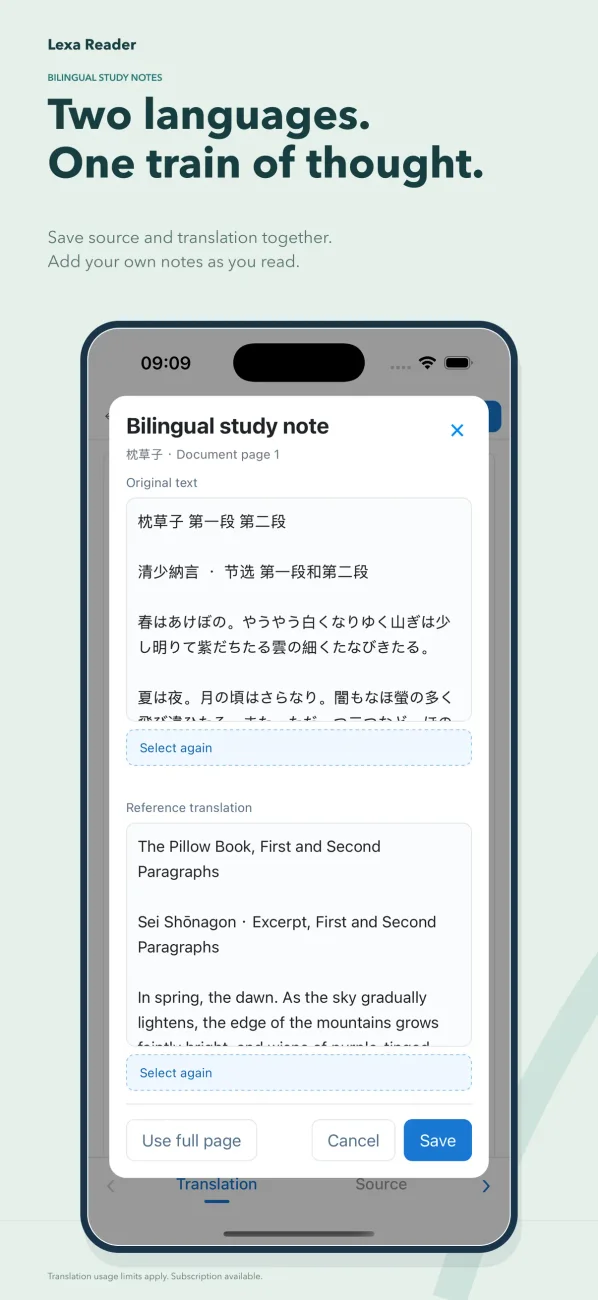
• Pair source and translation excerpts in bilingual study notes.
• Add your own comments for later reference.
KEEP YOUR READING ORGANIZED
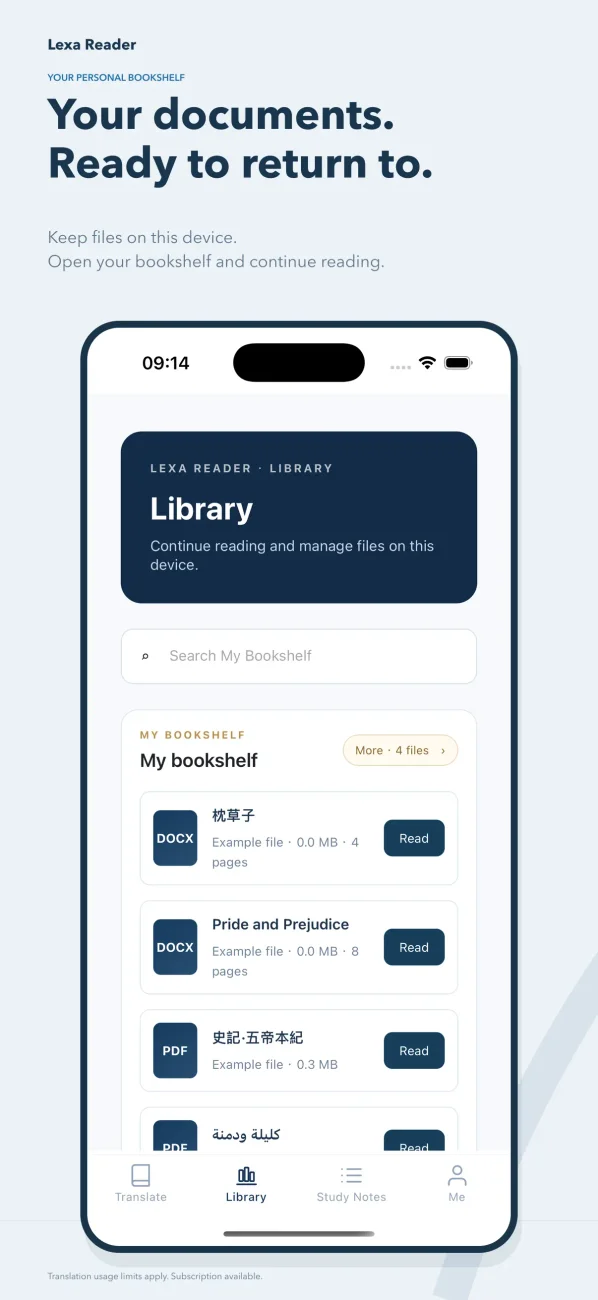
• Add documents to your device’s bookshelf and continue reading.
• Build a personal glossary to help maintain consistent terminology.
• Listen to source text or translations with read-aloud tools.
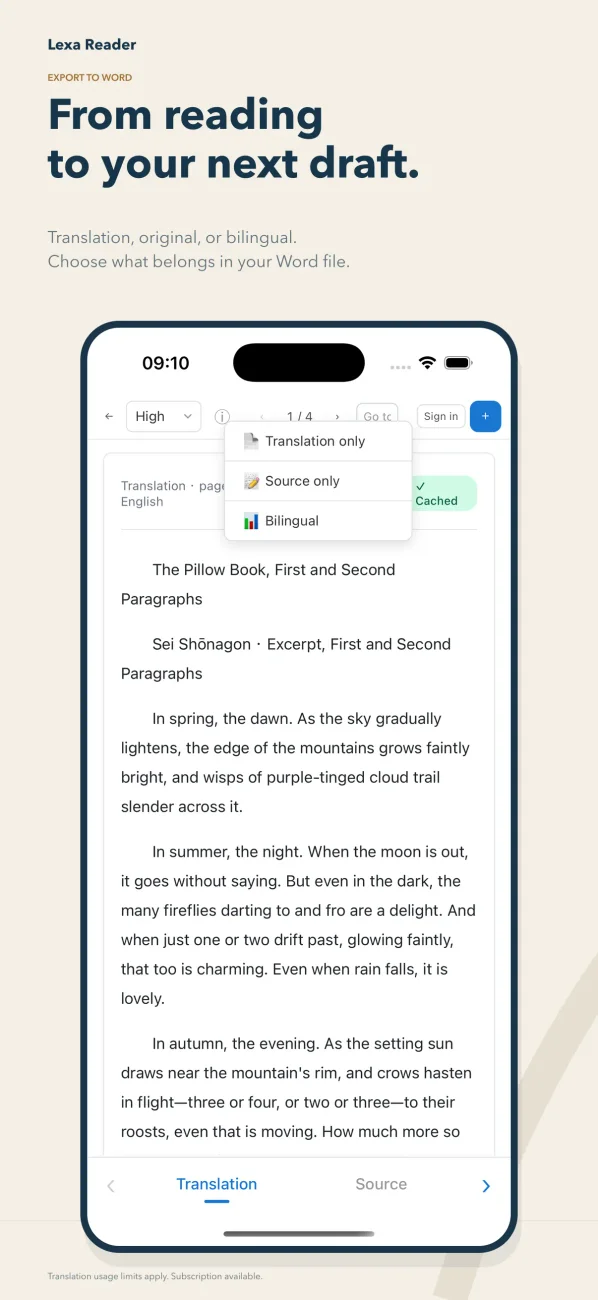
EXPORT TO WORD
Export source text, translations, or bilingual content, including saved translation edits. Supported headings, paragraphs, and footnotes can be carried into the export. Continue refining the layout in Word or another compatible editor.
INTERFACE AND USAGE
The interface is available in English and Simplified Chinese. New users confirm their translation language on first launch and can change it later.
Translation and OCR require an internet connection and send relevant page text or images for processing. Automatically preparing upcoming translations may use the allowance for the selected tier.
Translation and recognition results may contain errors. Check important passages against the original.
SUBSCRIPTIONS
Three monthly subscription plans provide different usage allowances. Plan names, prices, and allowances are displayed in the app before purchase.
Payment is charged to your Apple Account. Subscriptions renew automatically unless cancelled at least 24 hours before the current subscription period ends. Manage or cancel your subscription in your Apple Account settings. Cancelling renewal does not end access during the current paid period.
Privacy Policy:
https://aybeidanci.com/privacy.html
Terms of Use:
https://aybeidanci.com/terms.html
新機能
バージョン 2.0.1 · 2026/11/3
• Improved subscription purchase and restore flows, including more reliable handling of unfinished transactions.
• Clearer subscription status messages, with less interference from historical transactions.
• Improved continuous translation across consecutive pages.
• Improved cross-page context for Word document translation.
アプリのプライバシー
このアプリのデータの取り扱いについて、培培 王がApp Storeで申告している内容です。
-
ユーザーに関連付けられたデータ
収集され、ユーザーの識別情報に関連付けられる場合があります。
- 連絡先情報
- ID
- 使用状況データ
プライバシーの取り扱いは、ご利用の機能やお客様の年齢などに応じて異なる場合があります。
情報
- 販売元
- 培培 王
- カテゴリ
- 仕事効率化
- バージョン
- 2.0.1
- 更新日
- 2026/11/3
- リリース
- 2026/7/1
- サイズ
- 9.6 MB
- 必要条件
- iOS 15.0以降
- 対象年齢
- 4+
- 価格
- 無料
- アプリ内課金
- あり
- 言語
- 英語
- 著作権
- © 2026 黄起旺