
Lost Bluetooth Device Tracker
Find & Locate My Lost Device
iPhone, iPad向けに設計
無料 · アプリ内課金
- 対象年齢4+
- カテゴリユーティリティ
- 開発元Sule Demir
- 言語英語ほか5言語
- サイズ16.2 MB
App Storeの公式ページにリンクしています
Download.orgはLost Bluetooth Device Trackerのファイルを一切ホストしていません。ボタンを押すと、Sule Demirが公開しているApp Storeのアプリページが開きます。ページの最終確認:2026/11/18。
スクリーンショット
概要
開発元はこのテキストをお使いの言語で提供していません。
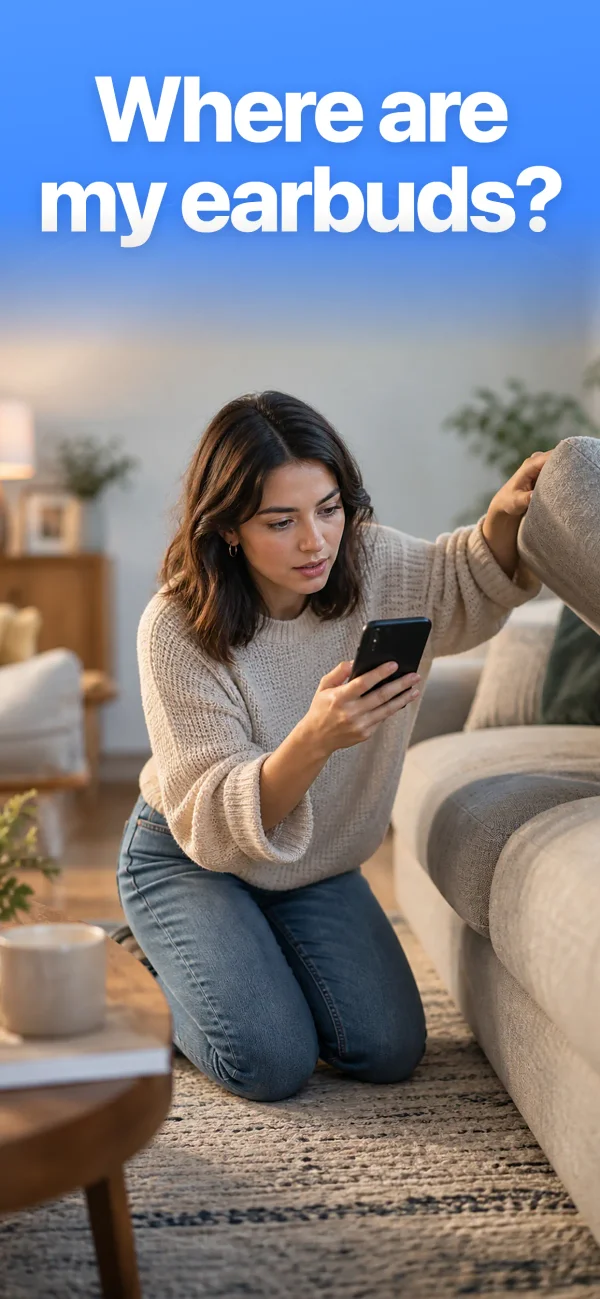
Lost your earbuds, speaker, tracker or keyboard? If it's switched on and nearby, this app walks you right to it.
HOW IT WORKS
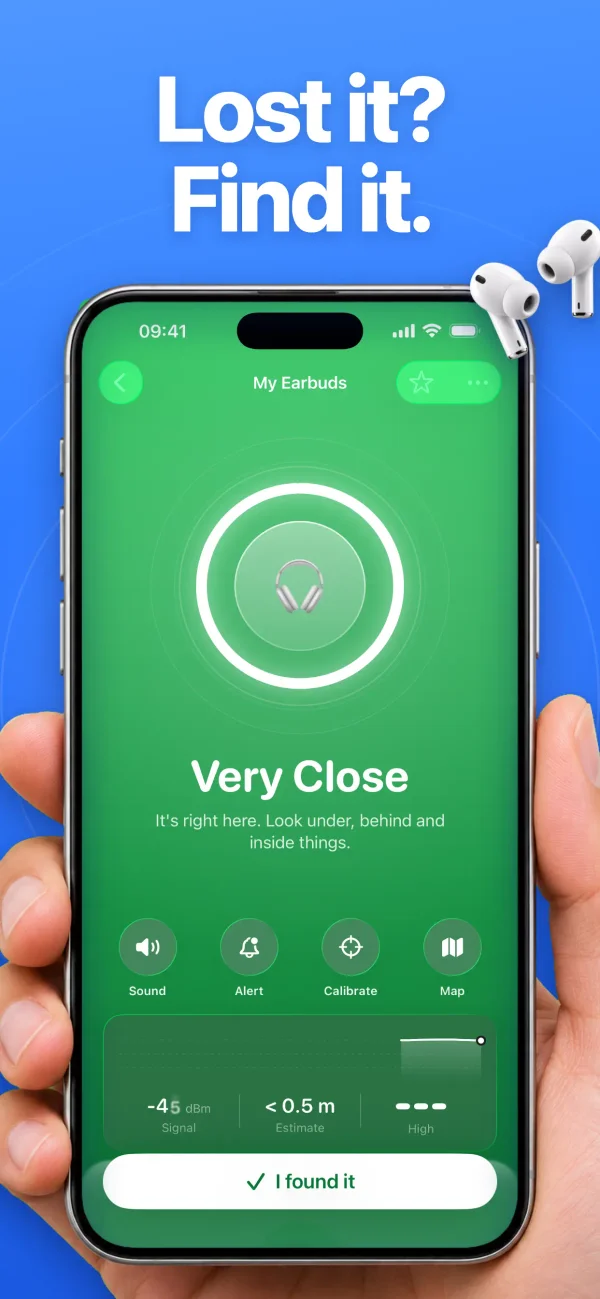
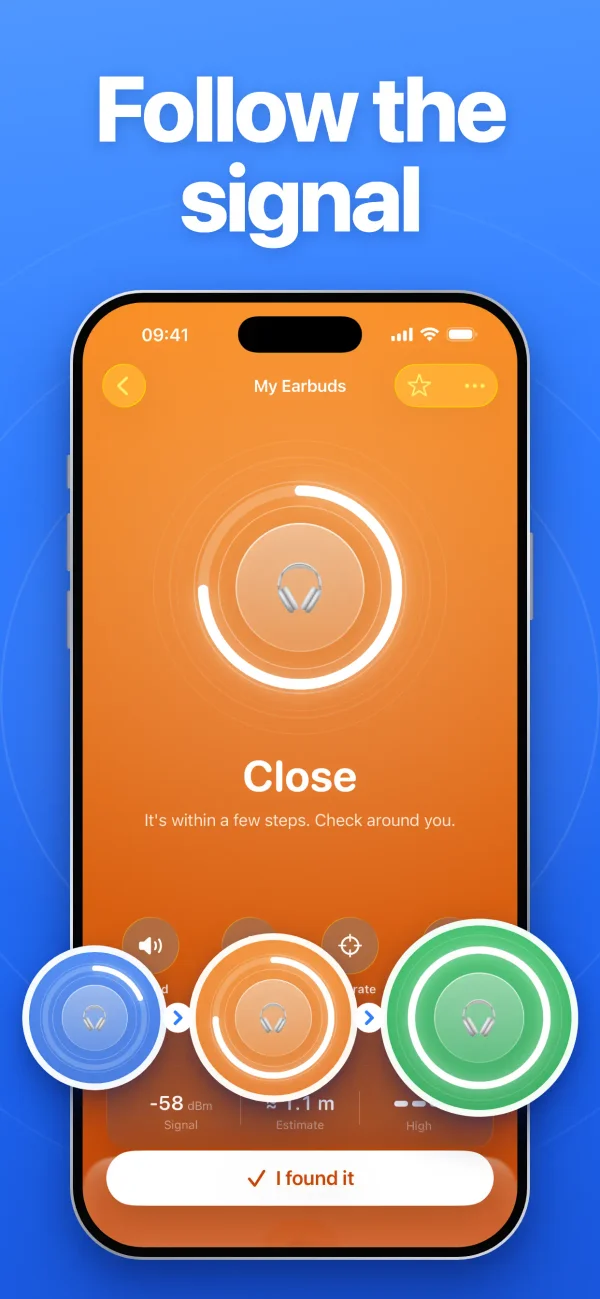
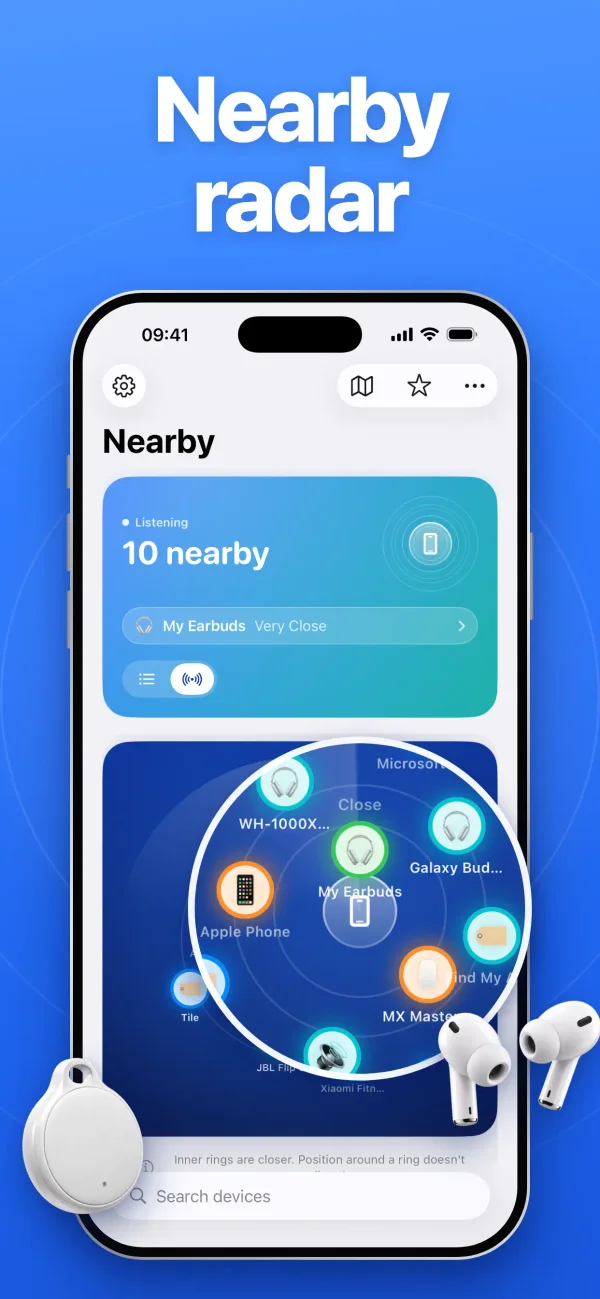
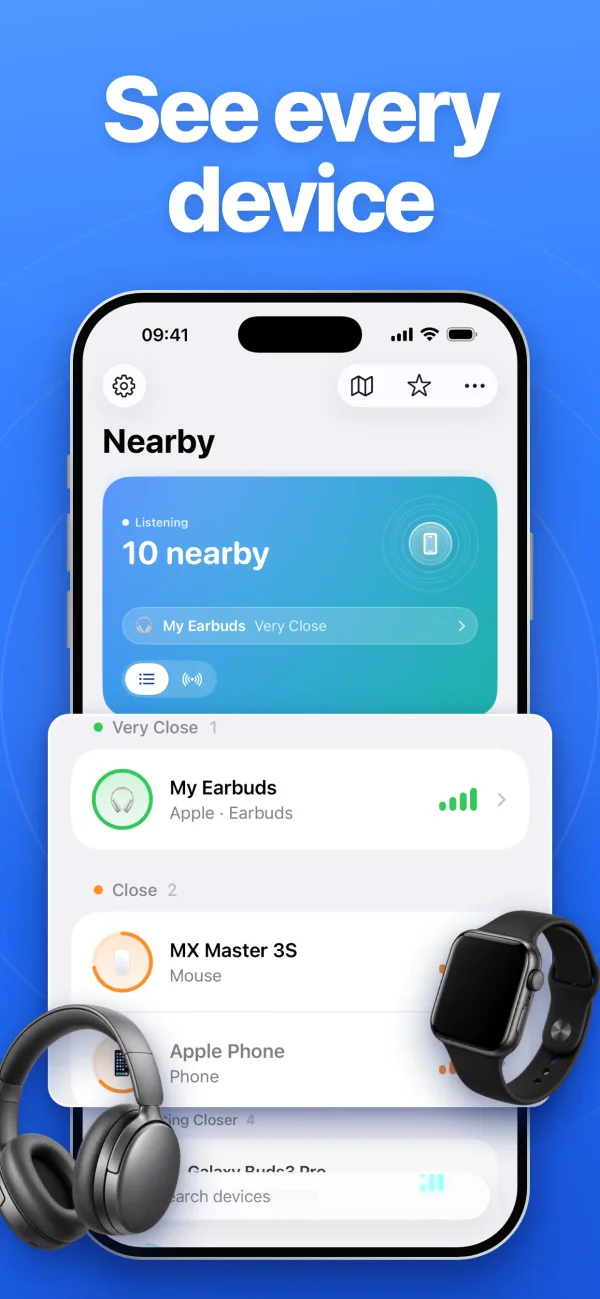
Open the app and every Bluetooth device around you appears within seconds. Tap the one you're looking for. A large ring fills as you get closer and tells you in plain words: Far, Getting Closer, Close, Very Close. No confusing numbers, no guesswork. Walk, watch the ring, and press "I found it" when it's in your hand.
FEEL IT, HEAR IT
• Progressive haptics: gentle taps that get faster and stronger as you approach, like a metal detector in your pocket.
• Audio guidance: an optional tone that rises in pitch as you get closer, so you can search with the phone in your pocket or alongside VoiceOver.
• Live Activity: the state word and ring stay on your Lock Screen and in the Dynamic Island while you search.
SMART DEVICE LIST
• Recognises earbuds, headphones, speakers, watches, item trackers, keyboards, mice, phones, computers and more, and names them even when they don't broadcast a name.
• List view or rings view, where closer devices sit nearer the centre.
• Search, hide unnamed devices, and star your favorites.
MADE FOR YOUR DEVICES
• Calibration: hold a device against your phone for three seconds and "Very Close" is tuned to that exact device.
• Play a sound through headphones or speakers that are connected to your iPhone.
• Left-behind alerts: get a warning when a watched device drops out of range while the app is open.
• Nicknames, favorites, recently seen devices, and a history of your finds.
REMEMBER WHERE YOU SEARCHED
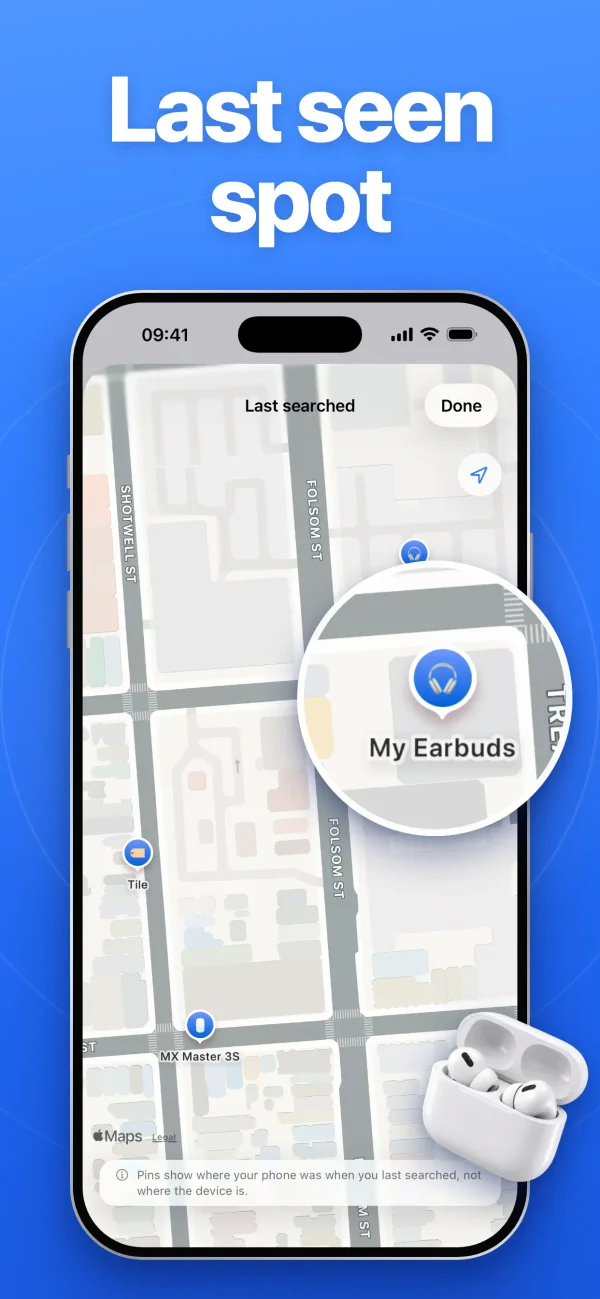
Turn on "Remember where I searched" and the app saves your phone's location each time you start a find. See it on a map later. It's where you were, not where the device is, and the app says so.
RIGHT FROM YOUR HOME SCREEN
• Widgets: your favorite devices on the Home Screen and Lock Screen. One tap opens the finder.
• Siri and Shortcuts: "Find my AirPods with Bluetooth Finder."
• Spotlight: search a saved device's name and jump straight to it.
• Control Center: a Scan Nearby control (iOS 18 and later).
SIGNAL DETAILS WHEN YOU WANT THEM
A live signal chart with strength, estimated distance and confidence sits under the ring. Turn it off in Settings if you prefer words only.
HONEST ABOUT BLUETOOTH
• Bluetooth tells you how near a device is, not which direction. The app never fakes a compass.
• Only devices that are switched on and broadcasting can be found. A dead battery or a closed case means silence.
• iOS pauses this kind of scanning in the background, so keep the app open while you search.
PRIVACY FIRST
No account. No ads. No data collected. Devices, favorites and places stay on your phone.
ACCESSIBLE
VoiceOver announces each state change, audio guidance works without looking at the screen, and the layout adapts to larger text sizes and Reduce Motion.
Privacy: https://suleapp.vercel.app/privacy
Terms: https://suleapp.vercel.app/privacy
アプリのプライバシー
このアプリのデータの取り扱いについて、Sule DemirがApp Storeで申告している内容です。
-
データの収集なし
開発元はこのアプリからデータを収集しません。
プライバシーの取り扱いは、ご利用の機能やお客様の年齢などに応じて異なる場合があります。
情報
- 販売元
- Sule Demir
- カテゴリ
- ユーティリティ
- バージョン
- 1.0
- 更新日
- 2026/9/21
- リリース
- 2026/9/21
- サイズ
- 16.2 MB
- 必要条件
- iOS 17.0以降
- 対象年齢
- 4+
- 価格
- 無料
- アプリ内課金
- あり
- 言語
- 英語, フランス語, ドイツ語, 日本語, スペイン語, トルコ語
- 著作権
- © @sule 2026
こちらもおすすめ
-
 Find Lost Devicesユーティリティ
-
 Bluetooth Finder, Scannerユーティリティ
-
 lithium connectユーティリティ
-
 デバイス検索 Bluetooth スキャナーワイヤレスイヤホンの追跡・検索
-
 LuckyNote: Banknote Collectingユーティリティ
-
 FindSniff - Find Lost Deviceユーティリティ
-
 Device Scanner Find: 1-Detectユーティリティ
-
 BLE Beacon Toolkitユーティリティ
-
 Bluetooth Device Finder: Trackユーティリティ
-
 Firmware Updaterユーティリティ