- 対象年齢4+
- カテゴリユーティリティ
- 開発元MINISOFT E.E.
- 言語英語
- サイズ69.3 MB
App Storeの公式ページにリンクしています
Download.orgはLUTifyのファイルを一切ホストしていません。ボタンを押すと、MINISOFT E.E.が公開しているApp Storeのアプリページが開きます。ページの最終確認:2026/11/12。
スクリーンショット

概要
開発元はこのテキストをお使いの言語で提供していません。
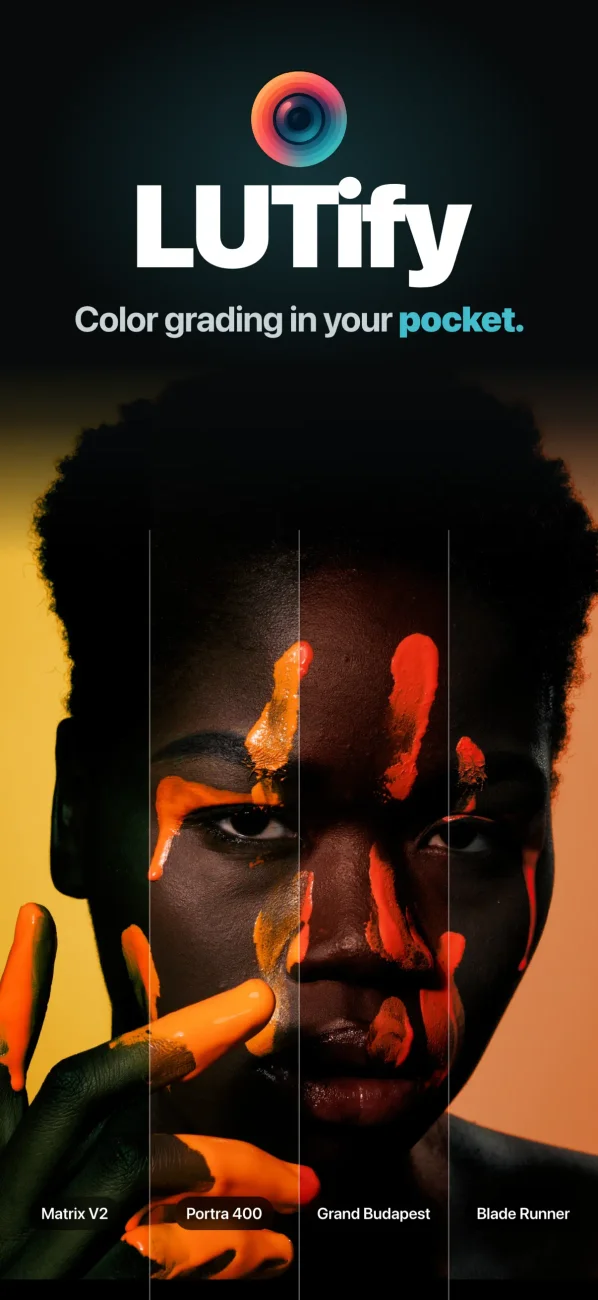
LUTify makes professional color grading simple, fast, and accessible to everyone.
Easily apply LUT (.cube) filters to your photos—completely offline and free.
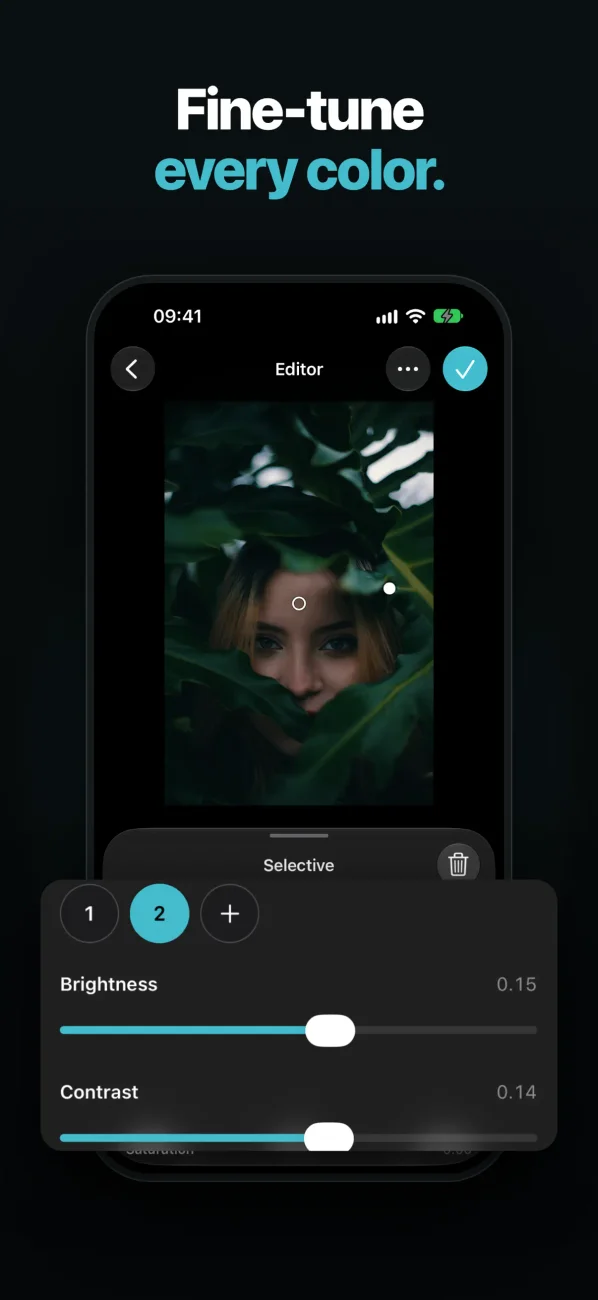
Whether you’re a photographer, content creator, or just love editing, LUTify lets you transform your images with a single tap. Preview different LUTs, fine-tune the result, and save your edited photos in full resolution—all without any internet connection.
Features
Apply LUT (.cube) files directly to your photos
100% offline processing for privacy and speed
Free and intuitive interface—no ads, no subscriptions
Real-time preview of LUT effects
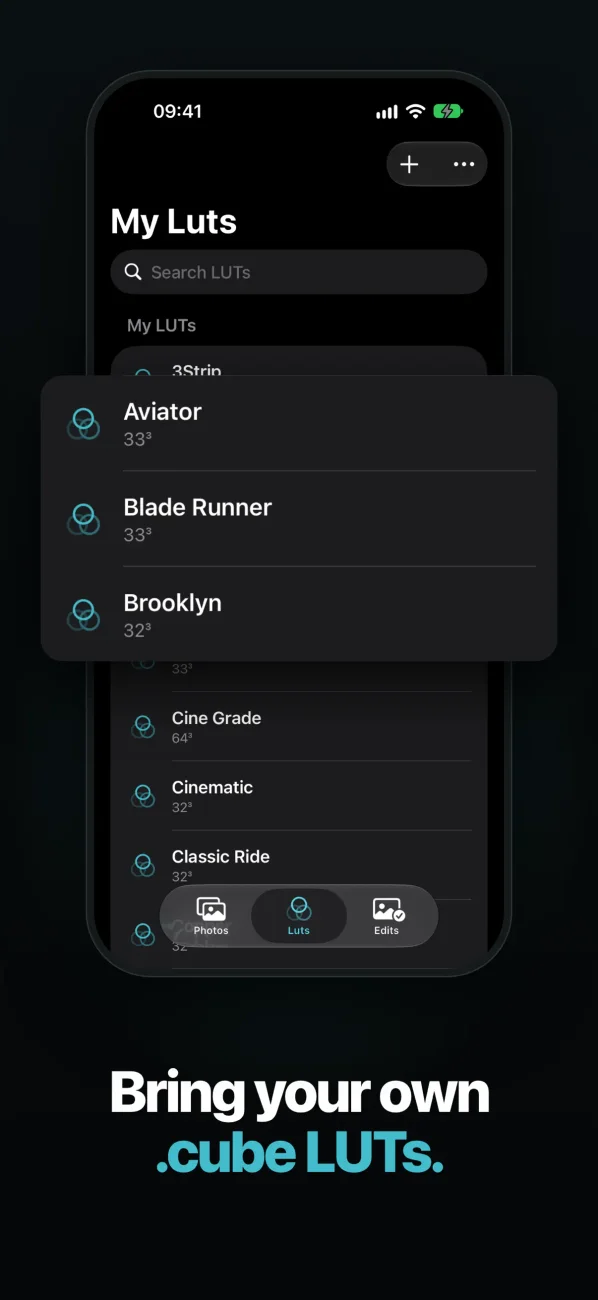
Import your own LUTs for full creative control
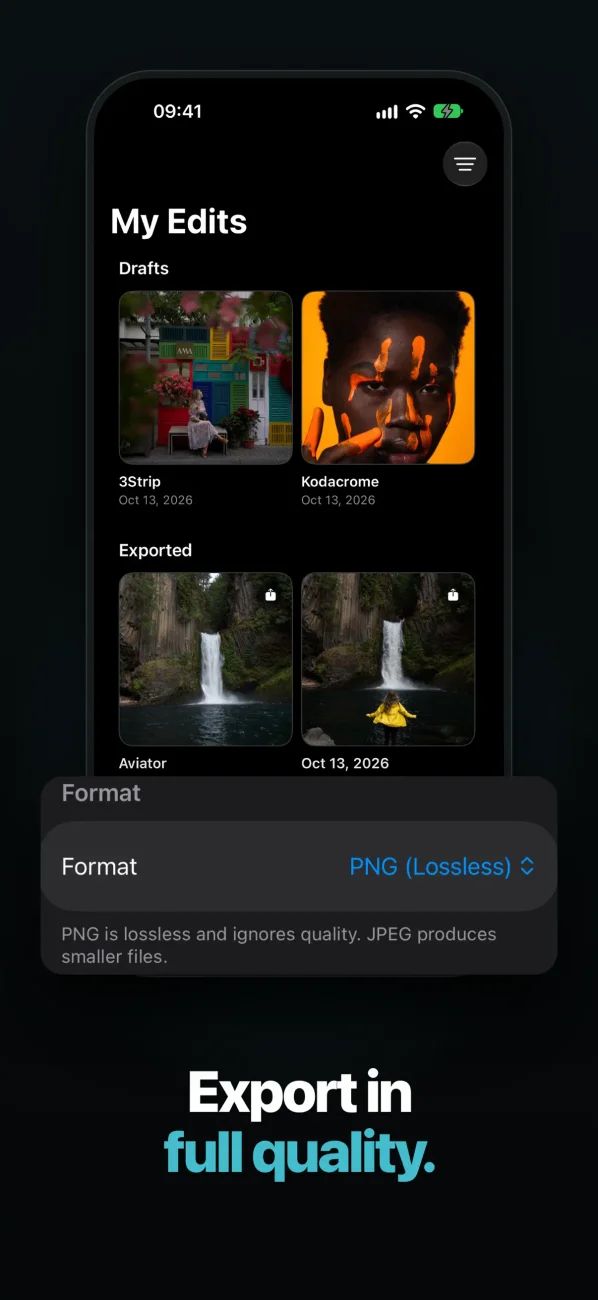
Save and share high-quality results instantly
Perfect for color grading, cinematic looks, and quick photo styling on the go.
Why LUTify?
Most LUT apps require internet access or paid plans. LUTify keeps it simple: fast, local, and free.
新機能
バージョン 2.6.0 · 2026/10/15
• Exported photos now keep their original details: camera, settings, date and location.
• Choose whether to include the location in Settings > Export.
• Sort your LUTs by name or date.
• Put your LUTs in your own order: tap ⋯ › Sort By › Arrange Custom Order…, then drag them into place.
アプリのプライバシー
このアプリのデータの取り扱いについて、MINISOFT E.E.がApp Storeで申告している内容です。
-
データの収集なし
開発元はこのアプリからデータを収集しません。
プライバシーの取り扱いは、ご利用の機能やお客様の年齢などに応じて異なる場合があります。
情報
- 販売元
- MINISOFT E.E.
- カテゴリ
- ユーティリティ
- バージョン
- 2.6.0
- 更新日
- 2026/10/15
- リリース
- 2025/10/28
- サイズ
- 69.3 MB
- 必要条件
- iOS 16.4以降
- 対象年齢
- 4+
- 価格
- 無料
- 言語
- 英語
- 著作権
- © MINISOFT E.E.