- 対象年齢4+
- カテゴリ仕事効率化
- 開発元Pedro Jose Pereira Vieito
- 言語英語
- サイズ12.5 MB
App Storeの公式ページにリンクしています
Download.orgはMakePDF: Document Mergerのファイルを一切ホストしていません。ボタンを押すと、Pedro Jose Pereira Vieitoが公開しているApp Storeのアプリページが開きます。ページの最終確認:2026/11/12。
スクリーンショット

概要
開発元はこのテキストをお使いの言語で提供していません。
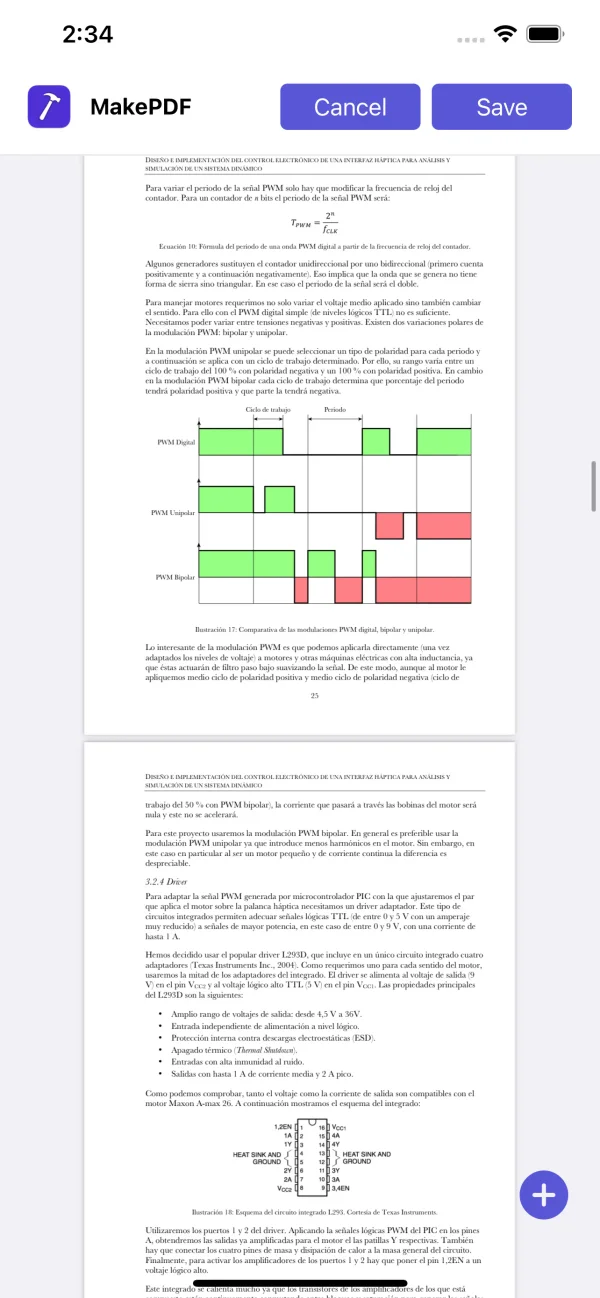
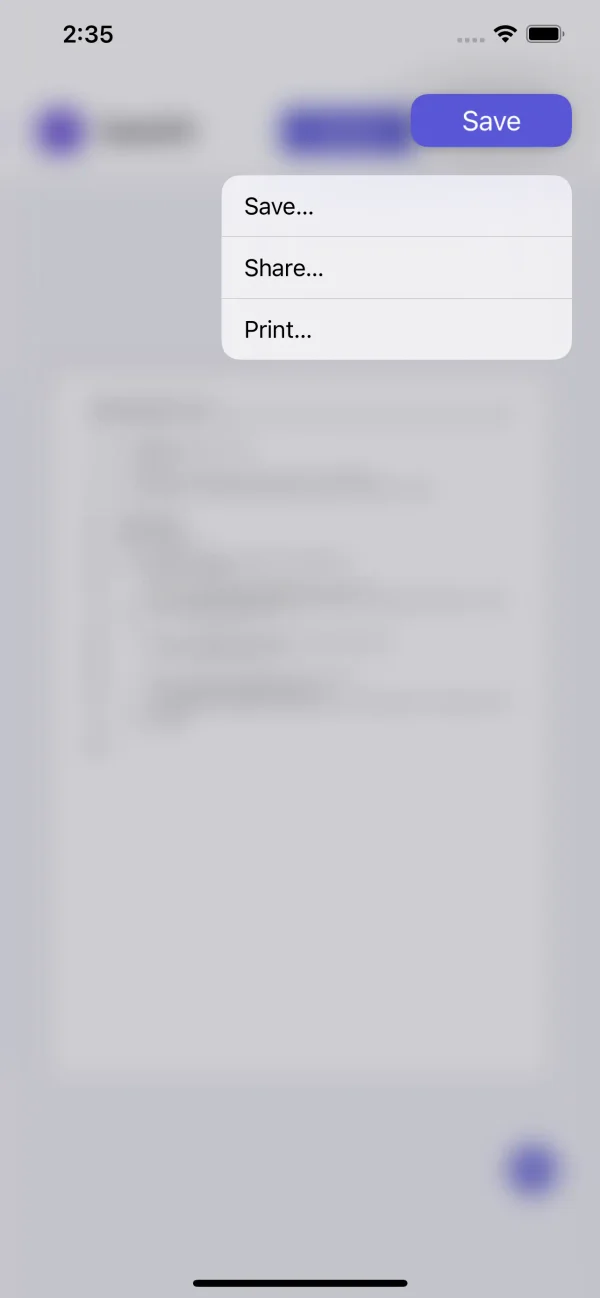
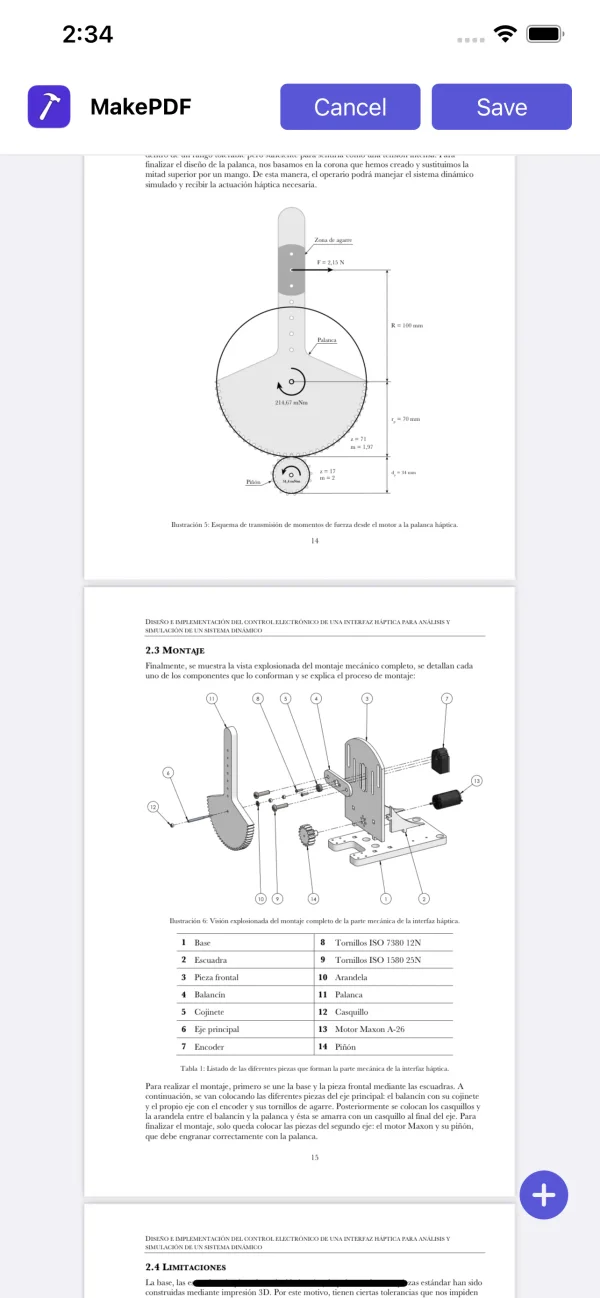
MakePDF allows you to merge multiple files into a single PDF quickly by selecting or dropping documents and images.
MakePDF supports a wide variety of files:
• Any plain text file.
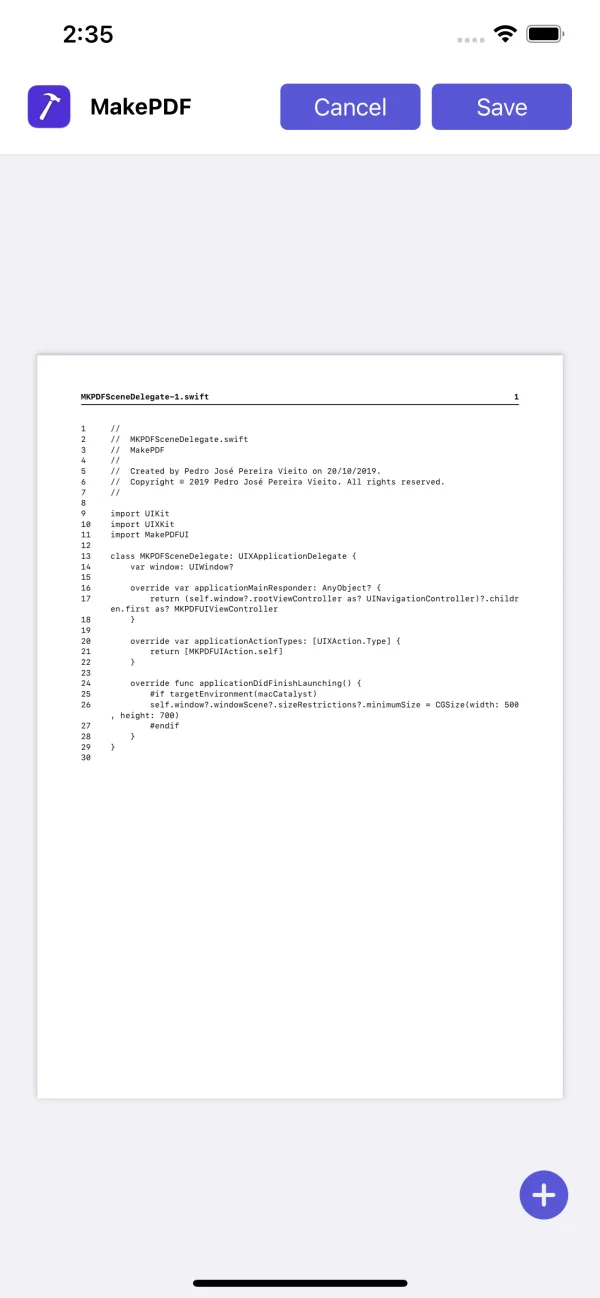
• Source code files (MakePDF will render them with line numbers!).
• HTML files.
• Images and photos.
• Word and Pages documents (supported on macOS).
• PowerPoint and Keynote presentations (supported on macOS).
• Excel and Numbers spreadsheets (supported on macOS).
• And of course, PDFs.
On macOS, MakePDF uses Apple Events to automate the native apps for each file format to ensure the best quality in the final PDF.
MakePDF is designed to create PDFs quickly: when you select a folder, it automatically sorts the files alphabetically and uses SmartPath technology to suggest the output file name and save location.
MakePDF also includes advanced features like multiple window support, keyboard shortcuts, and automation with Shortcuts.
MakePDF supports macOS, iOS, and iPadOS.
Notes:
• On macOS, MakePDF can automate the following native apps to achieve the best PDF quality: Microsoft Word, Microsoft Excel, Microsoft PowerPoint, Pages, Numbers, Keynote, and Preview.
Privacy by Design: MakePDF works completely on-device and never stores or sends any information outside of the protected app sandbox.
新機能
バージョン 2.3.1 · 2026/9/18
• Improved compatibility with the latest operating system updates.
• Bug fixes and stability improvements.
アプリのプライバシー
このアプリのデータの取り扱いについて、Pedro Jose Pereira VieitoがApp Storeで申告している内容です。
-
データの収集なし
開発元はこのアプリからデータを収集しません。
プライバシーの取り扱いは、ご利用の機能やお客様の年齢などに応じて異なる場合があります。
情報
- 販売元
- Pedro Jose Pereira Vieito
- カテゴリ
- 仕事効率化
- バージョン
- 2.3.1
- 更新日
- 2026/9/18
- リリース
- 2017/2/9
- サイズ
- 12.5 MB
- 必要条件
- iOS 17.0以降
- 対象年齢
- 4+
- 価格
- ¥1,000
- 言語
- 英語
- 著作権
- Pedro José Pereira Vieito © 2017