- 対象年齢4+
- カテゴリ仕事効率化
- 開発元Onloft Software LLC
- 言語英語
- サイズ28.1 MB
App Storeの公式ページにリンクしています
Download.orgはPaperlogix - Document Scannerのファイルを一切ホストしていません。ボタンを押すと、Onloft Software LLCが公開しているApp Storeのアプリページが開きます。ページの最終確認:2026/11/25。
スクリーンショット


概要
開発元はこのテキストをお使いの言語で提供していません。
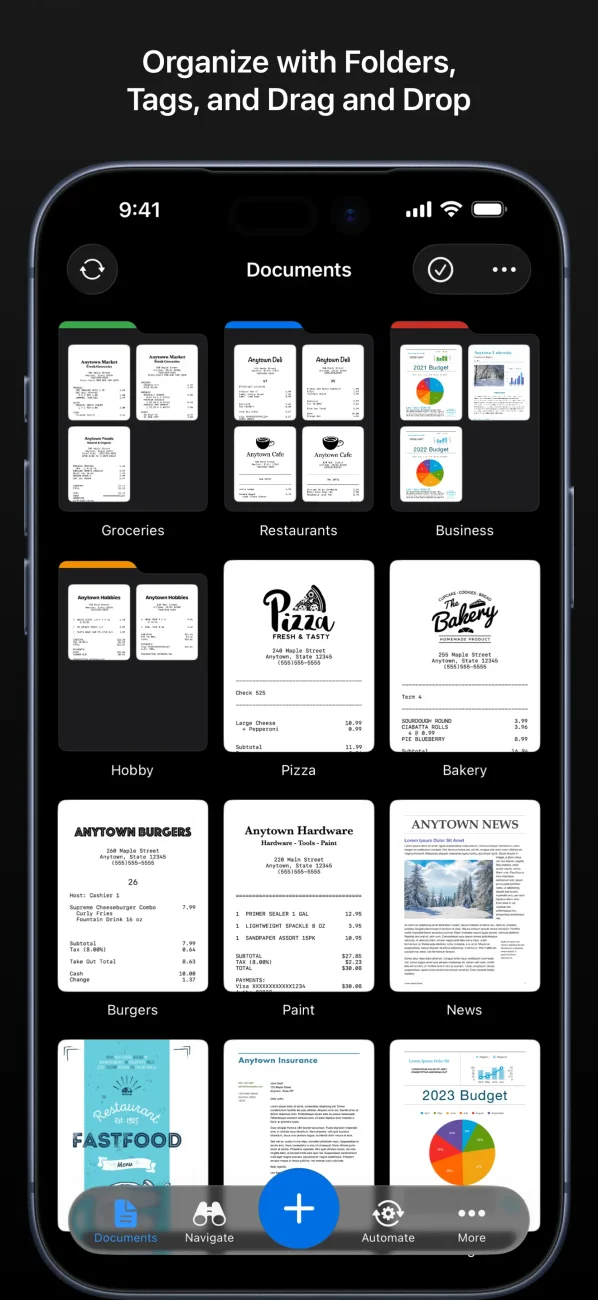
Get organized with Paperlogix Document Scanner. Capture beautiful, high quality scans of your receipts and documents. Easily organize your scans with folders, tags, and convenient drag and drop.
Upgrade to Paperlogix Pro to enable automation, text recognition (OCR), cloud upload, capture presets, customizable color themes, and more. Powerful automation workflows and rules let you automatically sort, organize, and archive your scans.
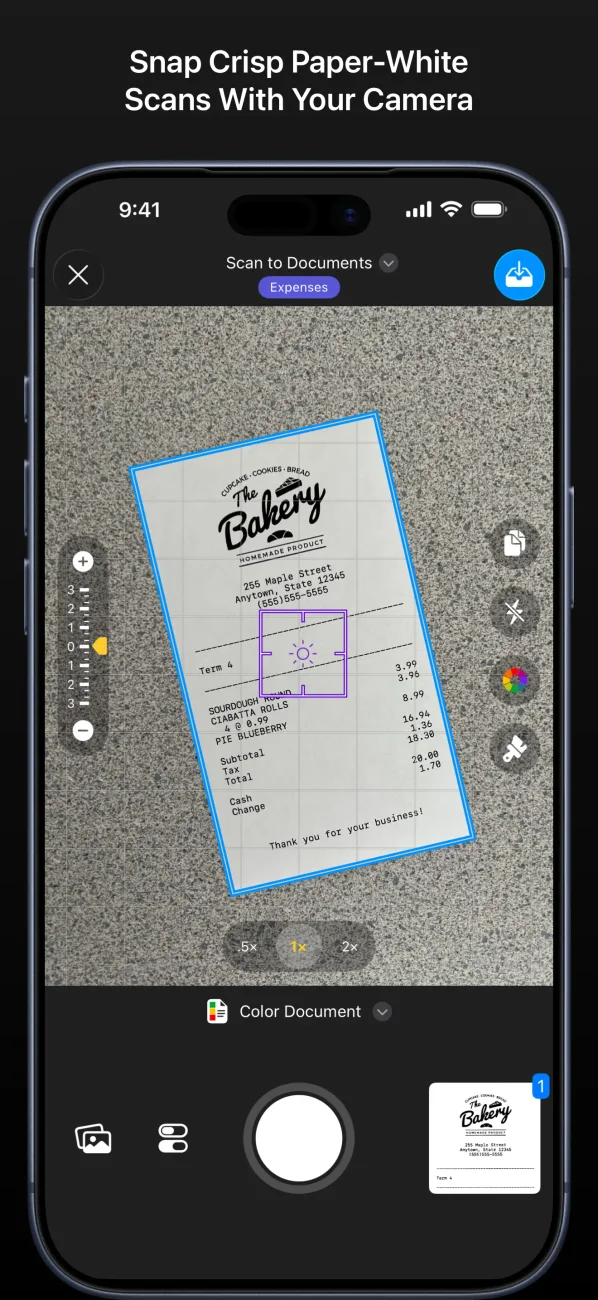
Capture Scans with Your Camera
• Automatic cropping detects document edges
• Correction for skew and perspective distortion
• Background whitening for clean, paper-white scans
• Fine tune camera exposure
• Scan using any of your device's back cameras
• Scan in color, grayscale, or black & white
• Scan multi-page documents
• Snap scans automatically with Auto Capture
• Easily change scanning configuration with Capture Presets
• Edit and create your own Capture Presets (Pro)
Organize Scans
• Organize with nested folders (Basic or Pro)
• Create tags to quickly access your documents or folders (Basic or Pro)
• Move or tag items with iOS drag and drop
View and Edit Scans
• Browse multi-page scans
• Adjust colors, brightness, contrast, and rotation
• Whiten backgrounds
• Precision crop tool with magnifier
• Instantly revert back to your original camera images
• Peek into scans with 3D or Haptic Touch
• Merge scans
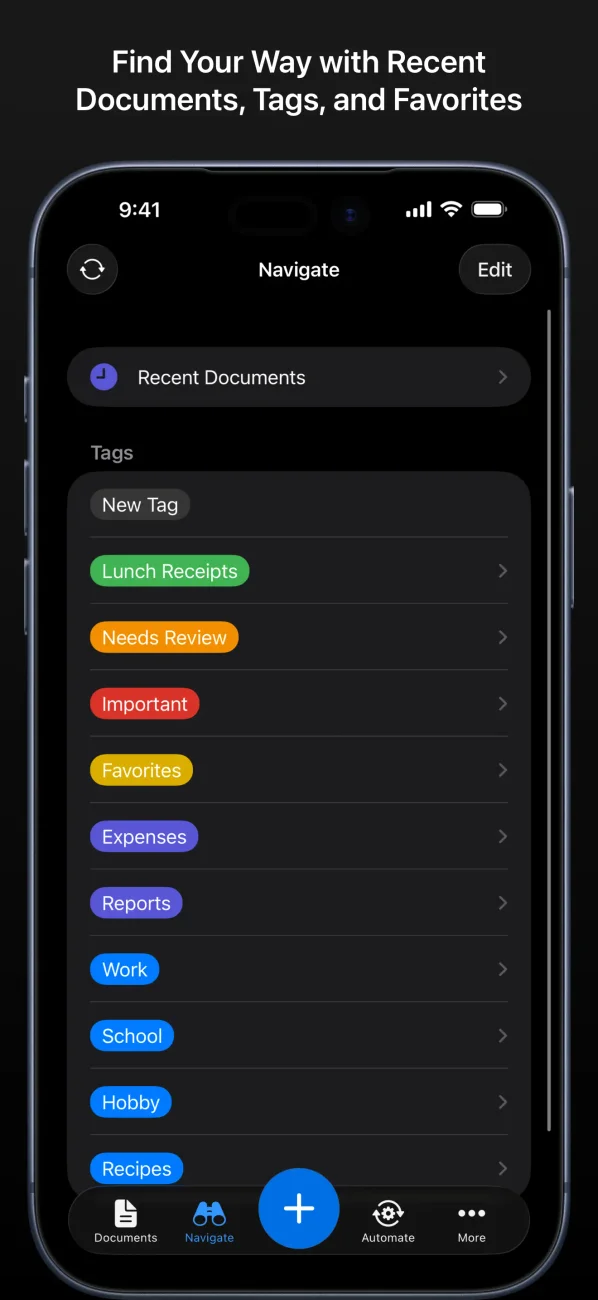
Navigate
• Instantly access recent documents
• Instantly access tagged items and favorites
• Find documents and folders with pull down search bar
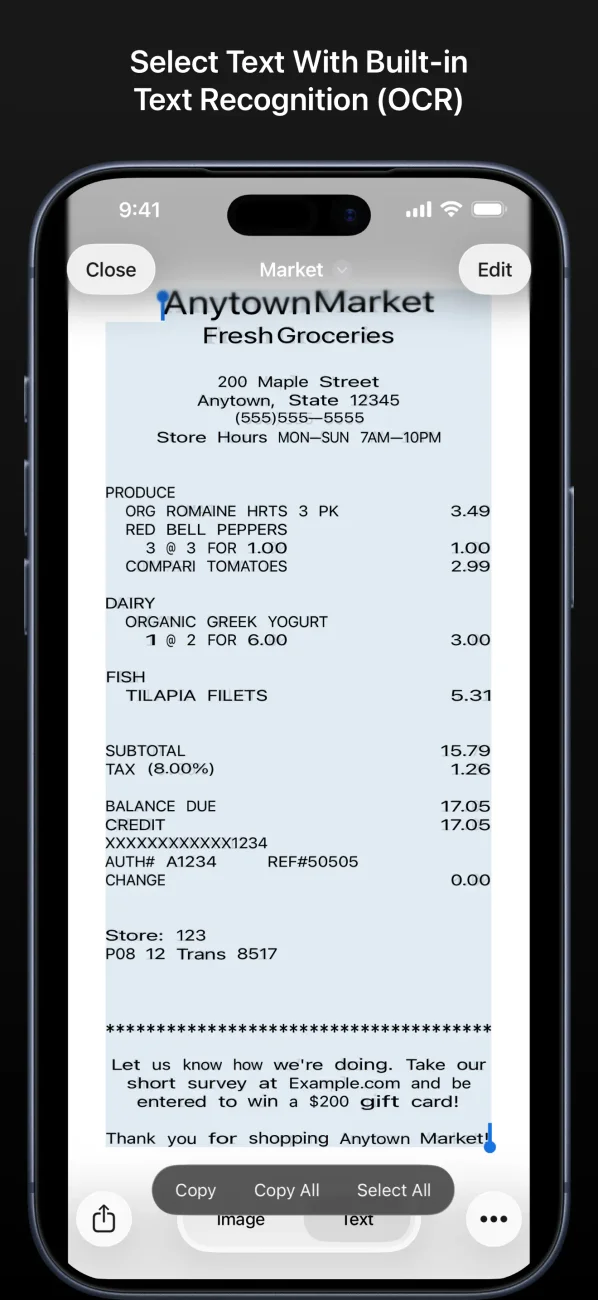
Text Recognition (Pro)
• Convert documents to selectable text
• Built-in text recognition executes directly on your device
Cloud Services (Pro)
• Share to Dropbox, Google Drive, Box, Evernote, or OneDrive
• Upload to cloud services from workflows and rules
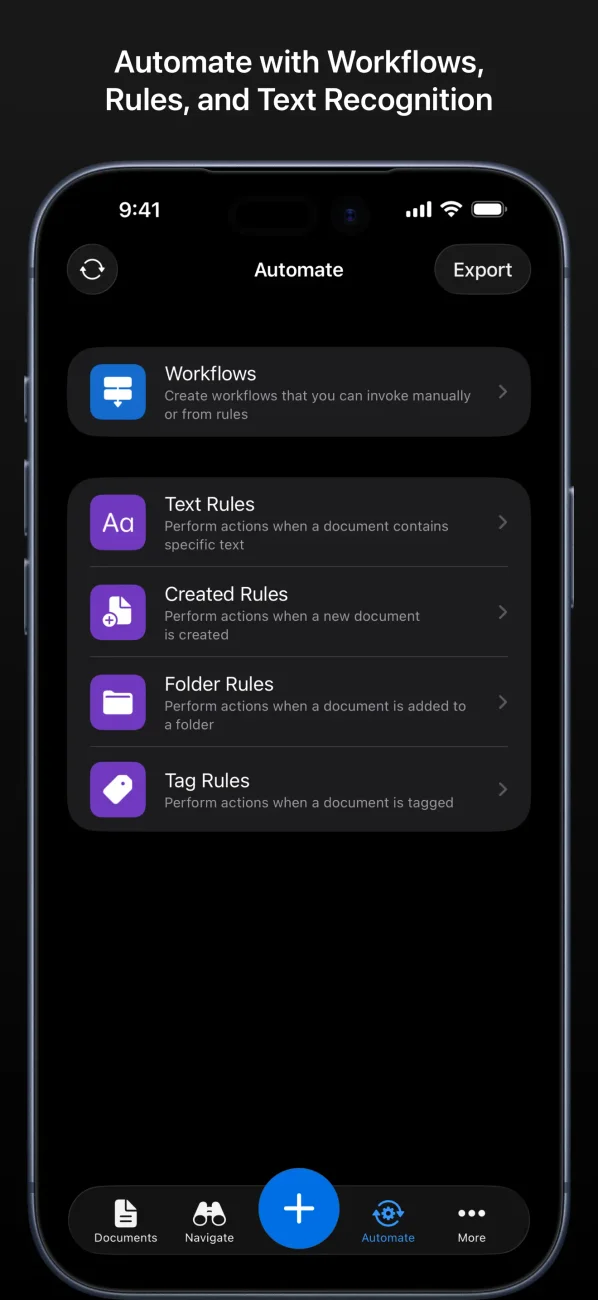
Automation (Pro)
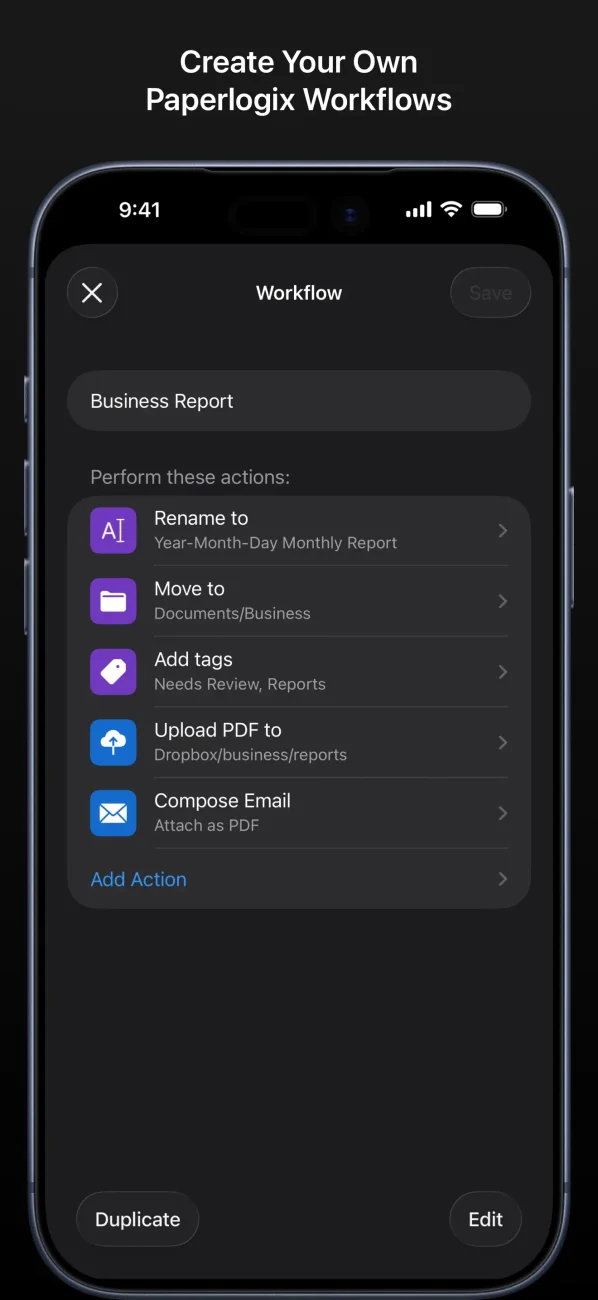
• Create workflows to automate common actions such as renaming, moving, or uploading documents
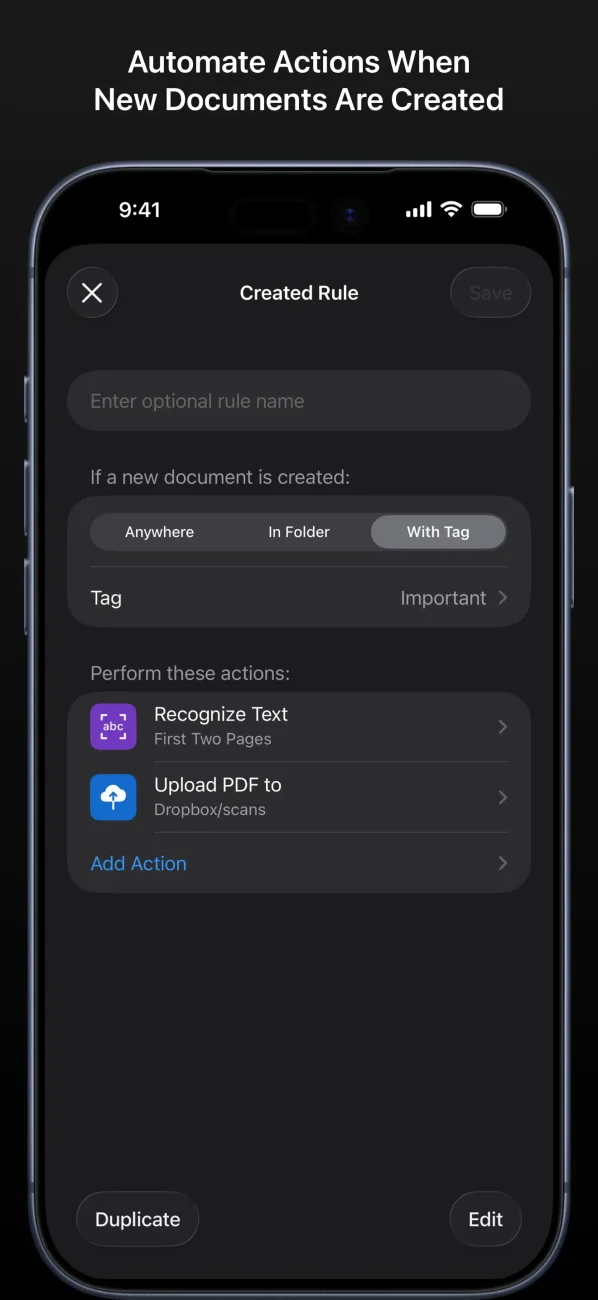
• Create rules to perform actions automatically
• Automatic text recognition for processing text rules
• View the status of all your automation actions
• Export and Import your workflows and rules
Automation Rules (Pro)
• Perform actions when documents contain specific text
• Perform actions when documents are created
• Perform actions when documents are added to a folder
• Perform actions when documents are tagged
Automation Actions (Pro)
• Rename document
• Move to folder
• Tag document
• Recognize Text
• Upload to Dropbox, Google Drive, Box, Evernote, or OneDrive cloud services
• Save to Photos
• Compose Email
• Compose Message
Share Your Scans
• Export scans as JPEG images
• Export scans as PDF documents (Basic or Pro)
• Encrypt exported PDF documents (Basic or Pro)
Color Themes
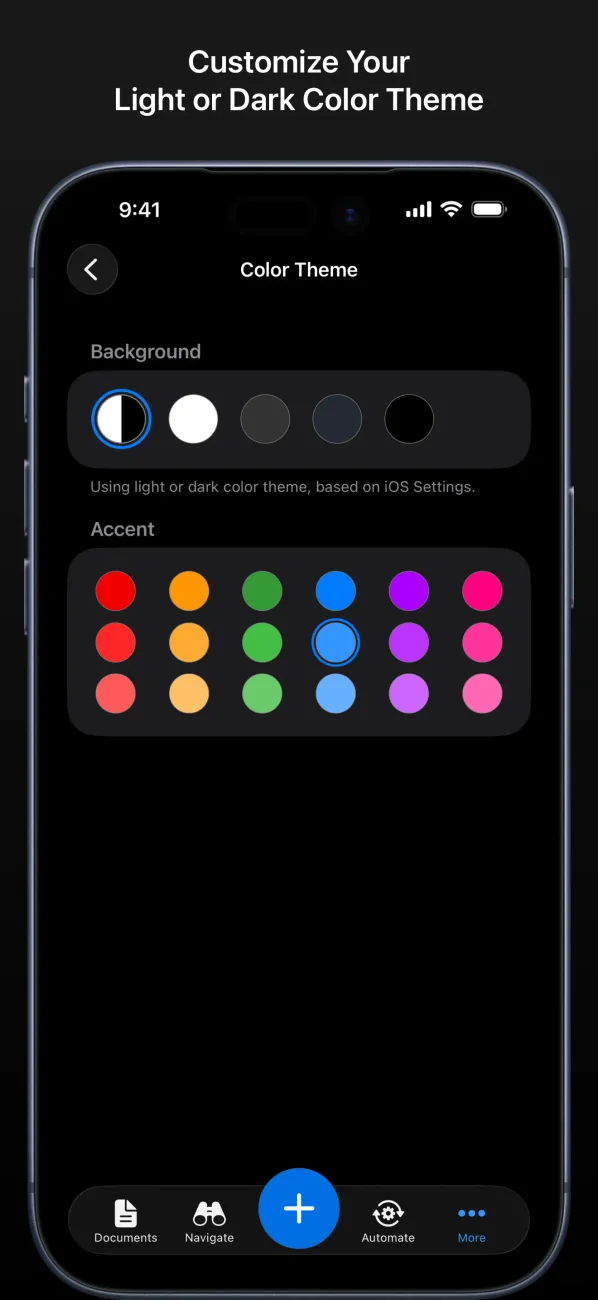
• Support for dark mode
• Customizable color themes (Basic or Pro)
新機能
バージョン 1.17.1 · 2026/2/21
Paperlogix 1.17.1 fixes a login issue with OneDrive and Box cloud services that appeared in our recent 1.17 update.
アプリのプライバシー
このアプリのデータの取り扱いについて、Onloft Software LLCがApp Storeで申告している内容です。
-
データの収集なし
開発元はこのアプリからデータを収集しません。
プライバシーの取り扱いは、ご利用の機能やお客様の年齢などに応じて異なる場合があります。
情報
- 販売元
- Onloft Software LLC
- カテゴリ
- 仕事効率化
- バージョン
- 1.17.1
- 更新日
- 2026/2/21
- リリース
- 2017/10/12
- サイズ
- 28.1 MB
- 必要条件
- iOS 18.0以降
- 対象年齢
- 4+
- 価格
- 無料
- アプリ内課金
- あり
- 言語
- 英語
- 著作権
- © 2017-2026 Onloft Software LLC