- 対象年齢4+
- カテゴリ辞書/辞典/その他
- 開発元Monmouth University
- 言語英語
- サイズ114.3 MB
App Storeの公式ページにリンクしています
Download.orgはMARCO Ocean Dataのファイルを一切ホストしていません。ボタンを押すと、Monmouth Universityが公開しているApp Storeのアプリページが開きます。ページの最終確認:2026/11/16。
スクリーンショット


概要
開発元はこのテキストをお使いの言語で提供していません。
This app serves as a mobile friendly version of the Mid-Atlantic Ocean Data Portal’s “Marine Planner” GIS web app, developed by the Mid-Atlantic Regional Council on the Ocean (MARCO). Visit www.portal.midatlanticocean.org to use the web app.
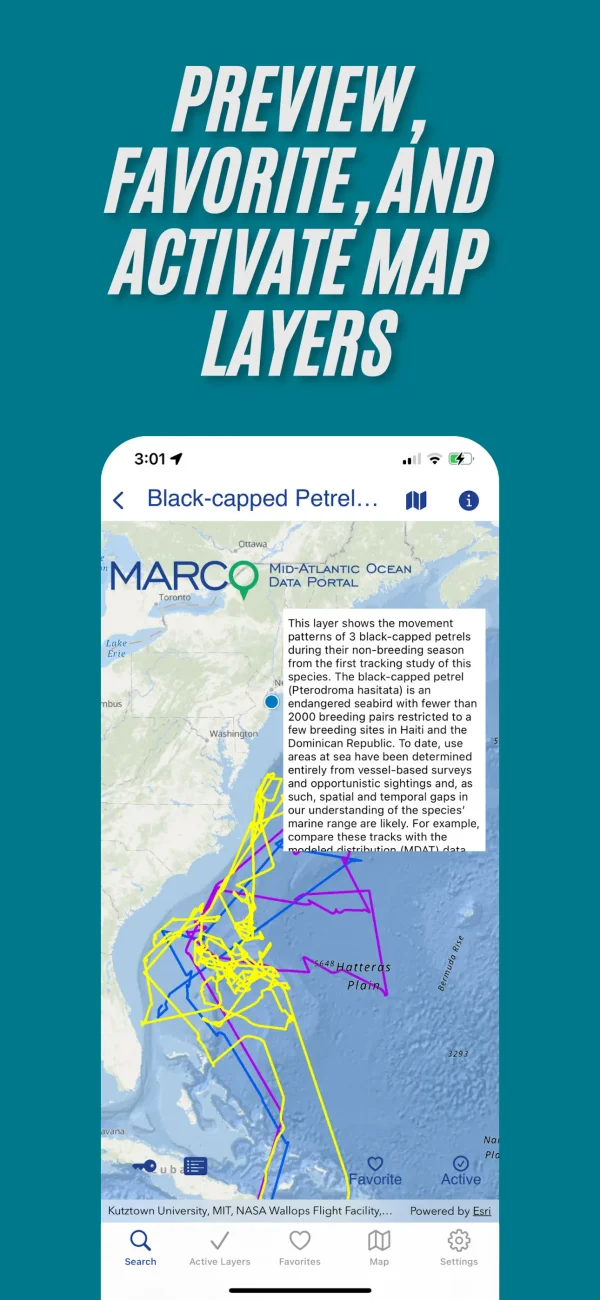
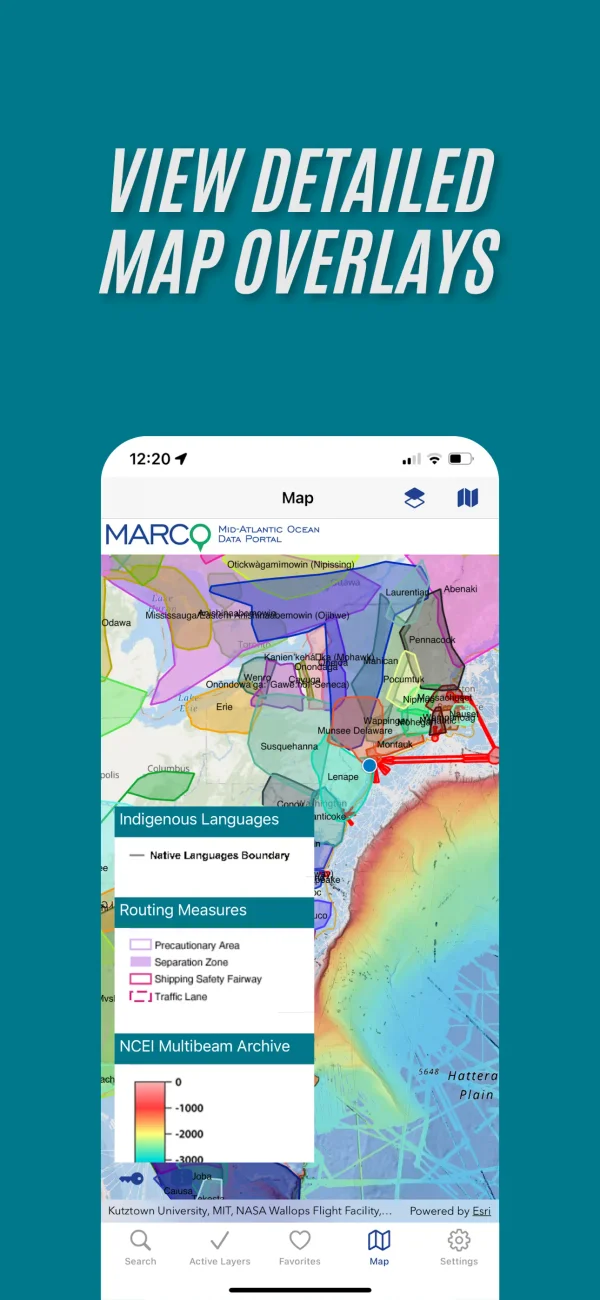
Map: The map displays all of your active layers. You can view each layer’s description, legend, and more. You can also deactivate, reorder, change the opacity of, and toggle the visibility of each layer while viewing the map and see your changes instantly. Enabling the tap function on the map lets you view information about layers’ features at the tapped location. Each informational popup is draggable; Customize the screen to your liking!
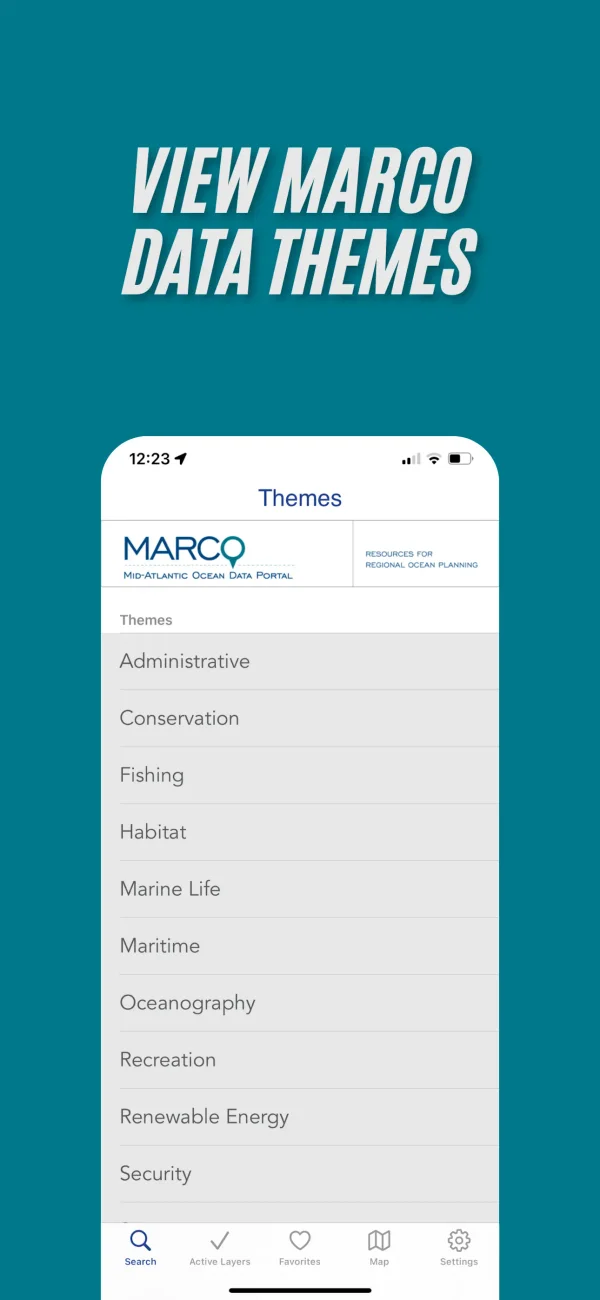
Layers: Explore thousands of layers by browsing various themes or performing a search, either across all layers or within your selected theme. Tap a layer to preview it individually and view its information. You can also activate a layer to add it to your Map or add it to your favorites to access it later. Some layers have specific functionality: A slider layer may let you change a layer’s appearance based on the month or year, for example.
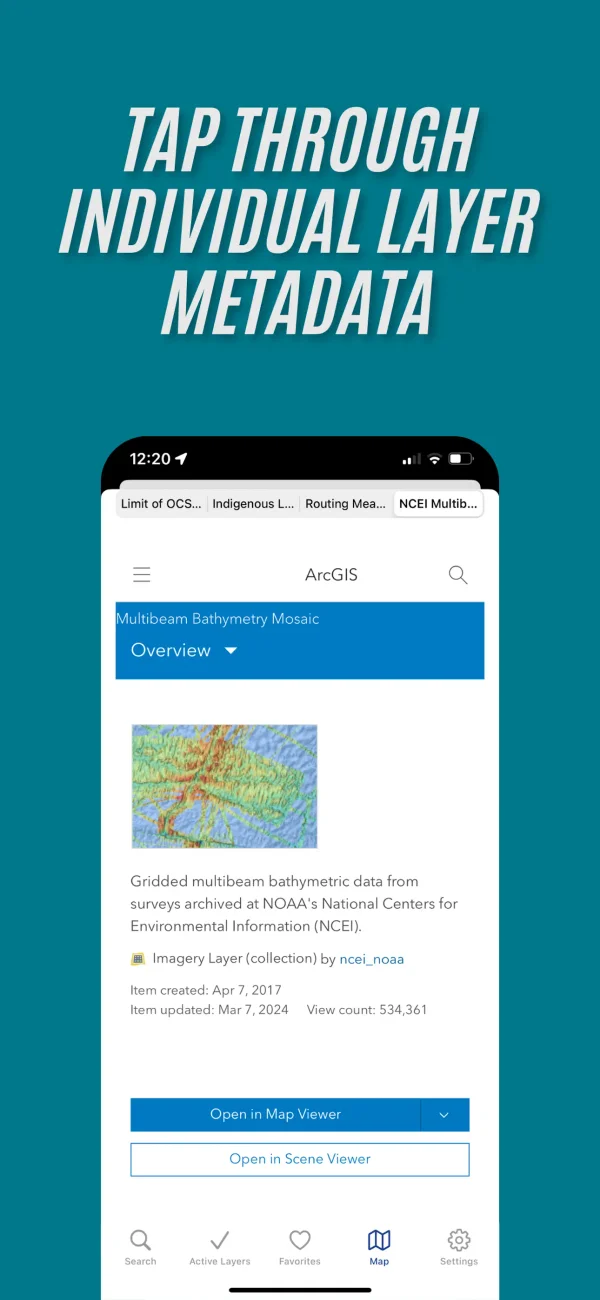
Preview: Select a layer in the Layers tab to view a map preview of that layer. In this focused view, you can view an individual layer’s source, description, metadata, and tap to view feature information, just like in the main map. You can also choose to view it alongside your other layers by activating it or add it to your favorites.
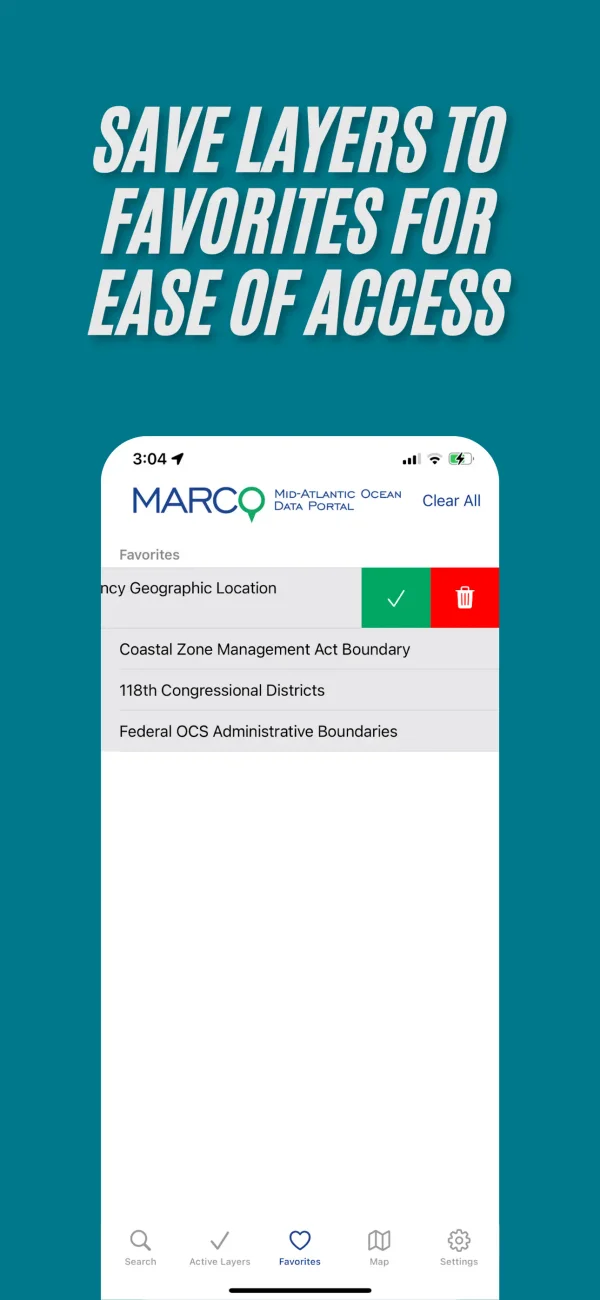
Actives and Favorites: View your active and favorite layers on their own screen through the Preferences page. You can also choose to bookmark these pages in your Preferences to add them to your navigation bar for easier access. These pages provide an easy way to reorder, preview, favorite/unfavorite, and activate/deactivate your saved layers.
Contact: For questions, comments, or to report an issue, please email portal@midatlanticocean.org.
新機能
バージョン 2.5 · 2026/7/29
New Feature - Add tagging to record multi-modal data consisting of notes, photos, videos, and audio to a user specified location. The collected data is saved locally on user's device for viewing at a later time.
アプリのプライバシー
このアプリのデータの取り扱いについて、Monmouth UniversityがApp Storeで申告している内容です。
-
ユーザーに関連付けられないデータ
収集される場合がありますが、ユーザーの識別情報には関連付けられません。
- 使用状況データ
プライバシーの取り扱いは、ご利用の機能やお客様の年齢などに応じて異なる場合があります。
情報
- 販売元
- Monmouth University
- カテゴリ
- 辞書/辞典/その他
- バージョン
- 2.5
- 更新日
- 2026/7/29
- リリース
- 2024/11/7
- サイズ
- 114.3 MB
- 必要条件
- iOS 26.0以降
- 対象年齢
- 4+
- 価格
- 無料
- 言語
- 英語
- 著作権
- © 2024-26, Monmouth University