MARCO Ocean Data
5,000+ Maps of Ocean Resources
Được thiết kế cho iPhone
Miễn phí
- Độ tuổi4+
- Danh mụcTham Khảo
- Nhà phát triểnMonmouth University
- Ngôn ngữTiếng Anh
- Kích thước114,3 MB
Liên kết đến trang App Store chính thức
Download.org không lưu trữ tệp nào của MARCO Ocean Data. Nút này mở trang ứng dụng trên App Store, nơi Monmouth University phát hành ứng dụng. Trang được kiểm tra lần cuối: 16/11/2026.
Ảnh chụp màn hình


Giới thiệu
Nhà phát triển chưa cung cấp nội dung này bằng ngôn ngữ của bạn.
This app serves as a mobile friendly version of the Mid-Atlantic Ocean Data Portal’s “Marine Planner” GIS web app, developed by the Mid-Atlantic Regional Council on the Ocean (MARCO). Visit www.portal.midatlanticocean.org to use the web app.
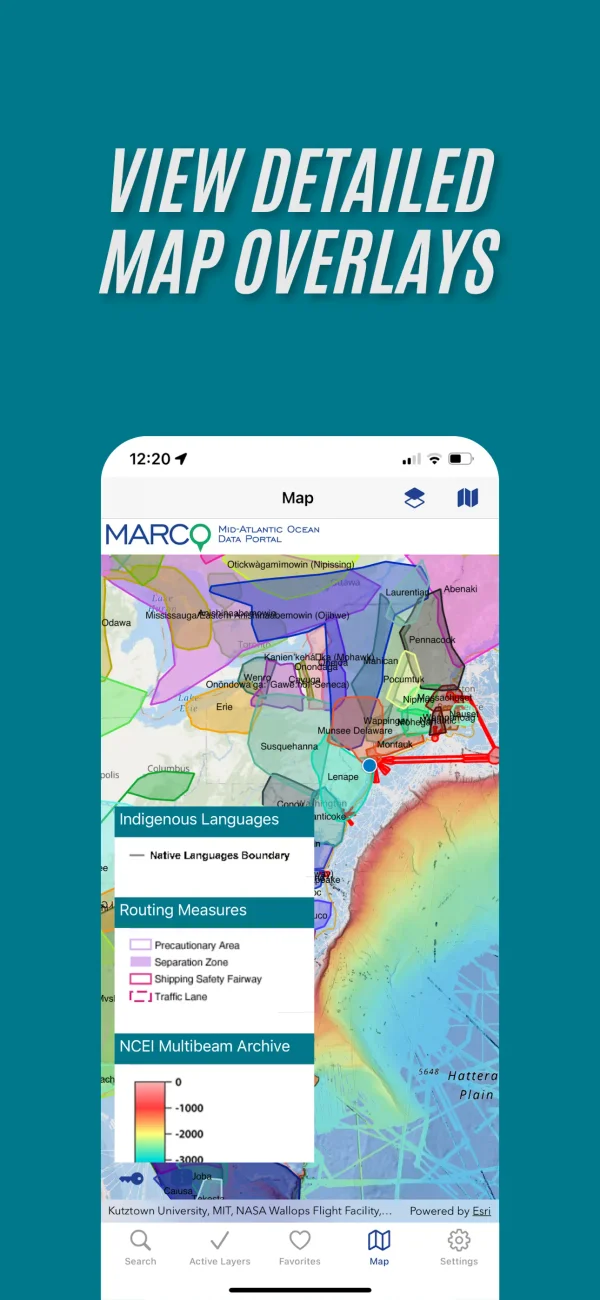
Map: The map displays all of your active layers. You can view each layer’s description, legend, and more. You can also deactivate, reorder, change the opacity of, and toggle the visibility of each layer while viewing the map and see your changes instantly. Enabling the tap function on the map lets you view information about layers’ features at the tapped location. Each informational popup is draggable; Customize the screen to your liking!
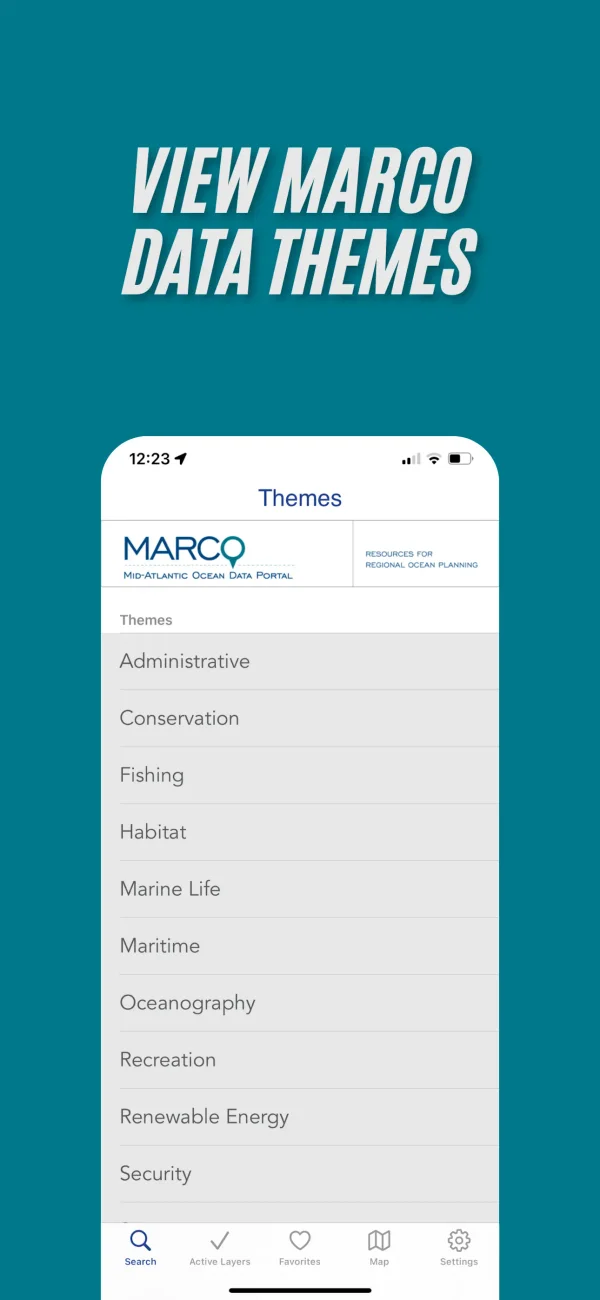
Layers: Explore thousands of layers by browsing various themes or performing a search, either across all layers or within your selected theme. Tap a layer to preview it individually and view its information. You can also activate a layer to add it to your Map or add it to your favorites to access it later. Some layers have specific functionality: A slider layer may let you change a layer’s appearance based on the month or year, for example.
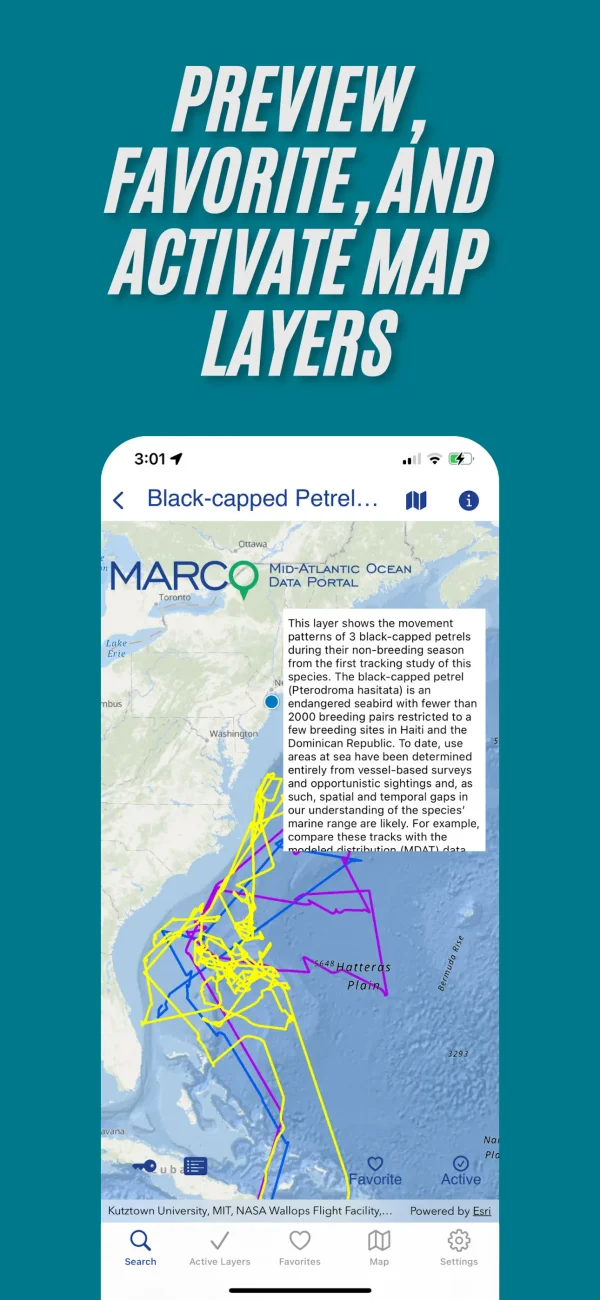
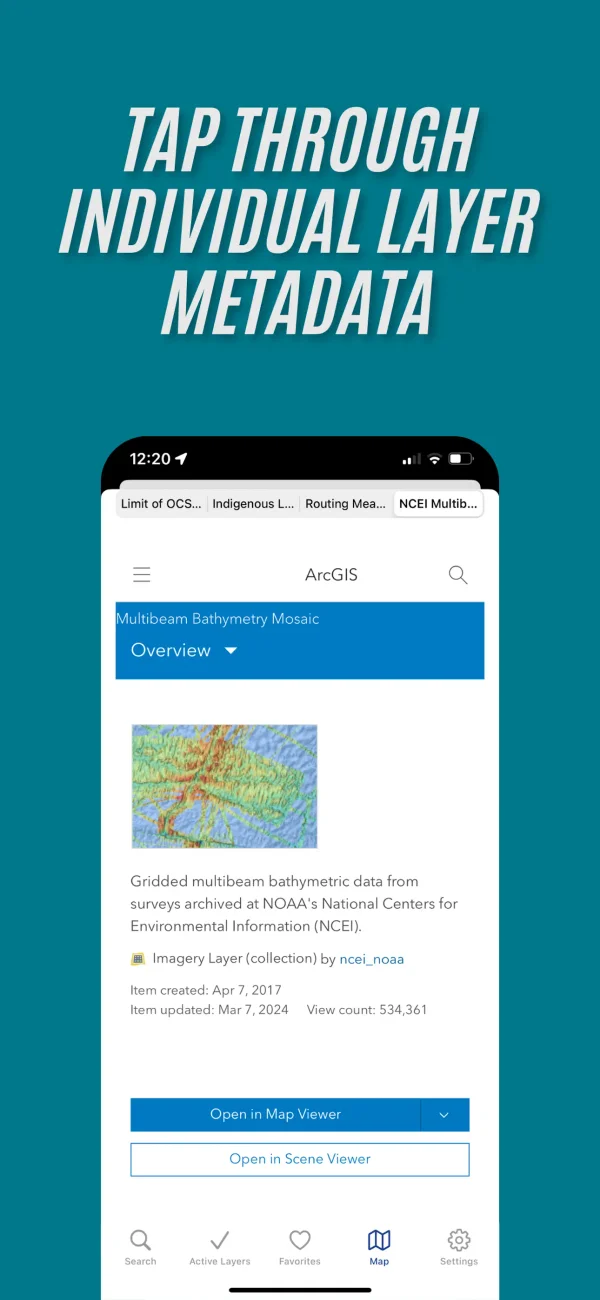
Preview: Select a layer in the Layers tab to view a map preview of that layer. In this focused view, you can view an individual layer’s source, description, metadata, and tap to view feature information, just like in the main map. You can also choose to view it alongside your other layers by activating it or add it to your favorites.
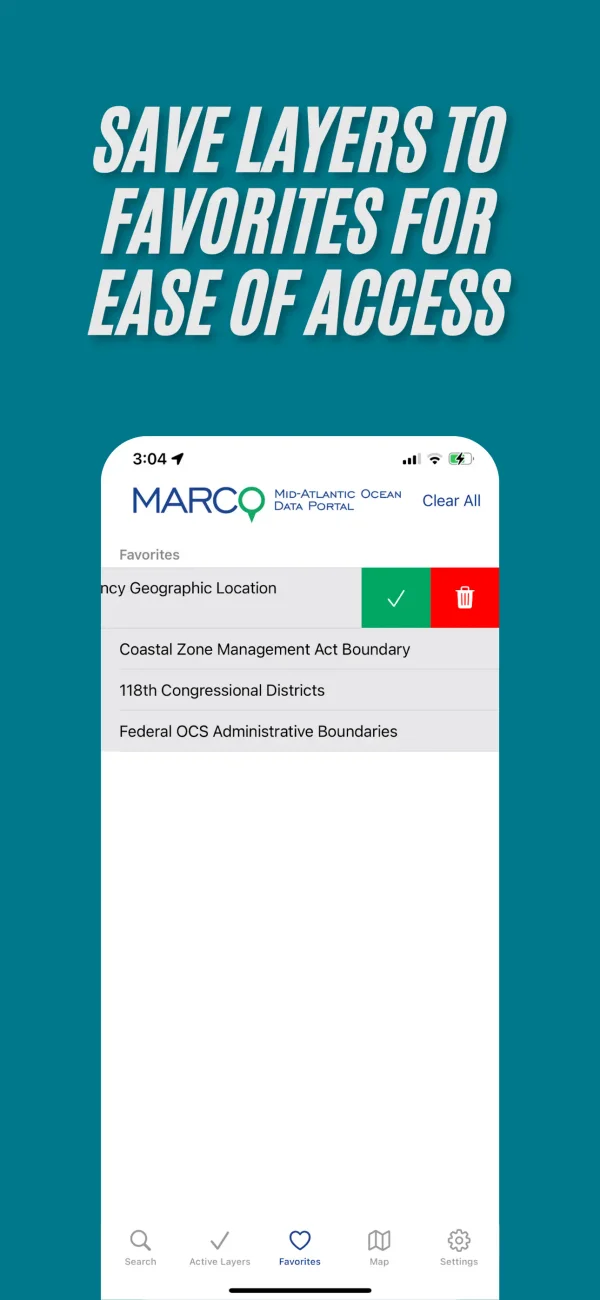
Actives and Favorites: View your active and favorite layers on their own screen through the Preferences page. You can also choose to bookmark these pages in your Preferences to add them to your navigation bar for easier access. These pages provide an easy way to reorder, preview, favorite/unfavorite, and activate/deactivate your saved layers.
Contact: For questions, comments, or to report an issue, please email portal@midatlanticocean.org.
Có gì mới
Phiên bản 2.5 · 29/07/2026
New Feature - Add tagging to record multi-modal data consisting of notes, photos, videos, and audio to a user specified location. The collected data is saved locally on user's device for viewing at a later time.
Quyền riêng tư của ứng dụng
Những gì Monmouth University khai báo trên App Store về cách ứng dụng này xử lý dữ liệu.
-
Dữ liệu không liên kết với bạn
Có thể được thu thập nhưng không liên kết với danh tính của bạn.
- Dữ liệu sử dụng
Phương thức đảm bảo quyền riêng tư có thể khác nhau, chẳng hạn như tuỳ theo các tính năng bạn sử dụng hoặc độ tuổi của bạn.
Thông tin
- Người bán
- Monmouth University
- Danh mục
- Tham Khảo
- Phiên bản
- 2.5
- Cập nhật
- 29/07/2026
- Phát hành
- 07/11/2024
- Kích thước
- 114,3 MB
- Yêu cầu
- iOS 26.0 trở lên
- Độ tuổi
- 4+
- Giá
- Miễn phí
- Ngôn ngữ
- Tiếng Anh
- Bản quyền
- © 2024-26, Monmouth University