- 対象年齢9+
- カテゴリユーティリティ
- 開発元贺 周
- 言語英語
- サイズ1.9 MB
App Storeの公式ページにリンクしています
Download.orgはMarkUp Proのファイルを一切ホストしていません。ボタンを押すと、贺 周が公開しているApp Storeのアプリページが開きます。ページの最終確認:2026/11/17。
スクリーンショット
概要
開発元はこのテキストをお使いの言語で提供していません。
MarkUp brings back the photo annotation features that disappeared in iOS 17 and 18. If you miss the Magnifier tool, hollow shape outlines, free-angle arrows, and a color picker that just works -- this app is for you.
NOW WITH SELECT & MOVE
- Select & Move: Tap any annotation to select it, then drag to reposition. Works with all annotation types -- shapes, arrows, text, drawings, highlights, and more. Full undo/redo support for every move.
- Adjustable Font Size: Choose from 12pt to 120pt for text annotations. Your last font size is remembered between sessions.
CORE FEATURES
- Select & Move: Tap to select any annotation, drag to reposition. Visual selection feedback with dashed border and corner handles.
- Loupe / Magnifier: Zoom into any detail with adjustable magnification. The tool Apple removed, brought back better than ever.
- Hollow Shapes: Draw circles, rectangles, triangles, stars, and chat bubbles with clean outlines -- not filled blocks. Toggle between outline and filled mode.
- Free-Angle Arrows: Point precisely where you want with arrows at any angle, not just preset directions.
- Drawing Tools: Pen, marker, and pencil with adjustable width and opacity for every situation.
- Highlight: Semi-transparent overlay that emphasizes without obscuring, perfect for screenshots and documents.
- Blur and Pixelate: Obscure sensitive information like faces, license plates, and personal data with gaussian blur or pixelation.
- Text Annotations: Add labels, notes, and callouts with customizable font size (12-120pt) and color. Font size is remembered between sessions.
- Color Picker: A reliable, full-featured color picker with presets and custom colors -- no more fighting with the system picker.
- Undo and Redo: Full history support so you never lose your work.
- Eraser: Tap any annotation to remove it instantly.
DESIGNED FOR iOS
- Native SwiftUI interface that feels right at home
- Full iPhone and iPad support with optimized layouts
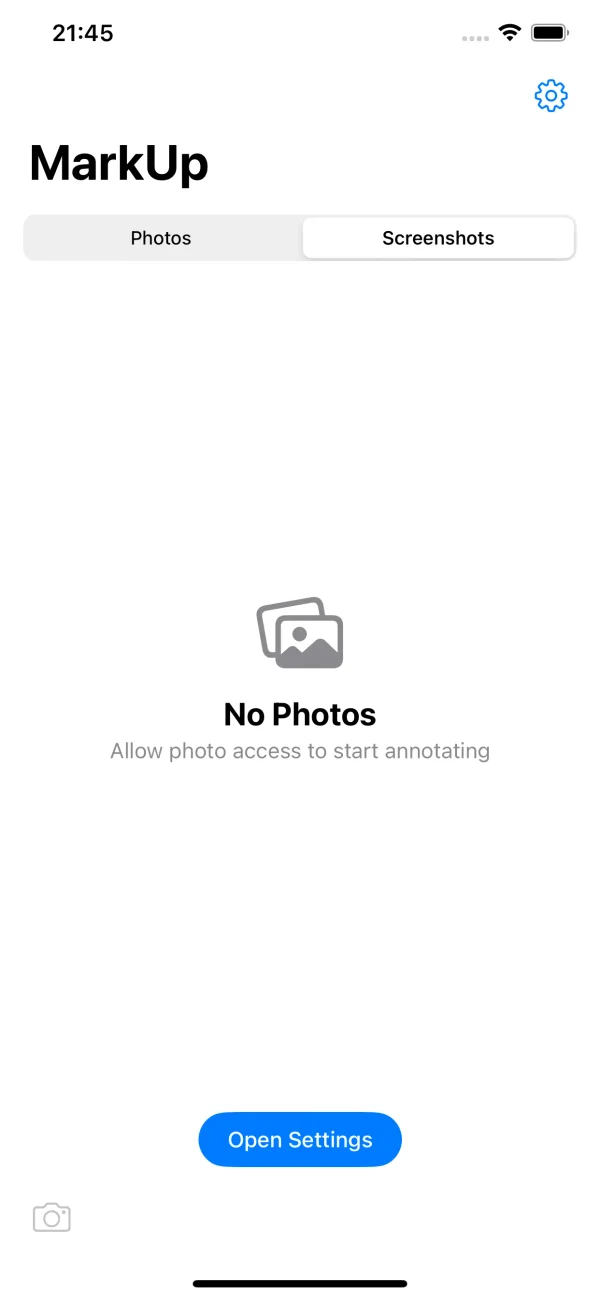
- Camera integration for instant photo capture and annotation
- Photo library access with screenshot album filtering
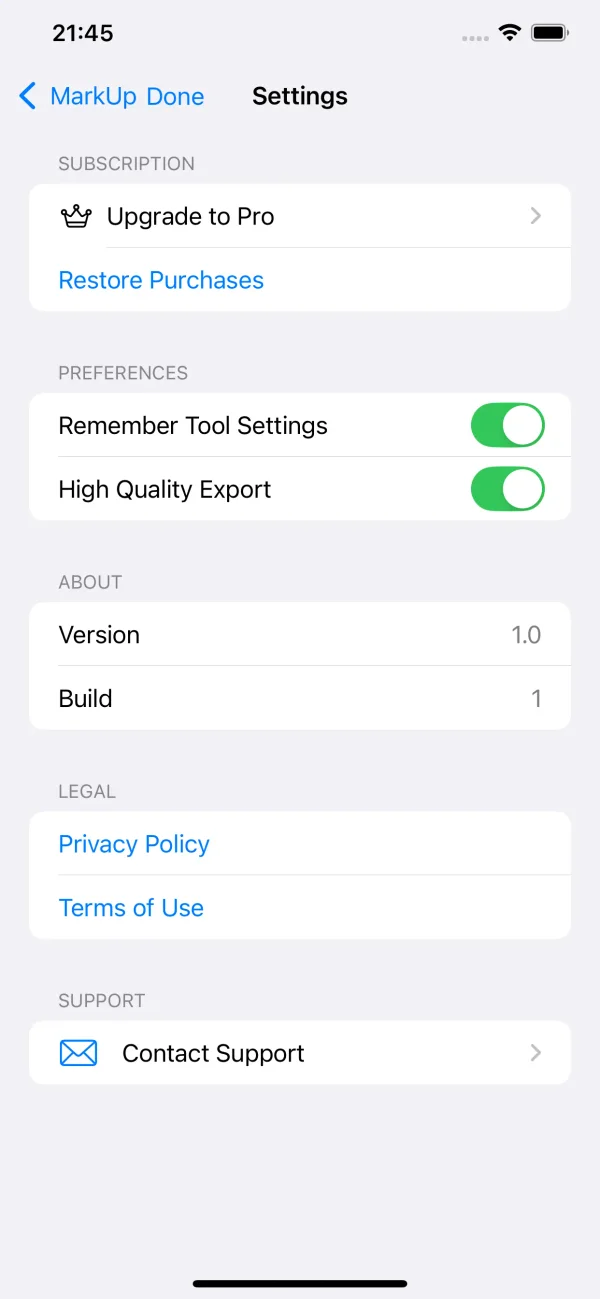
- Tool memory that remembers your last settings between sessions, including font size
MARKUP PRO
- Template System: Save your favorite annotation setups and reuse them across multiple images.
- Batch Editing: Apply the same annotations to multiple images at once for consistent documentation.
- PDF Export: Save annotated images as PDF documents for professional sharing.
- Export Options: Save as PNG, JPEG, or PDF. Share directly to Photos, Messages, Mail, or any app via Share Sheet.
PERFECT FOR
- Developers annotating bug reports and screenshots
- Designers providing visual feedback
- Educators highlighting key information in images
- Professionals creating annotated documentation
- Anyone who wants the markup tools Apple took away
SUBSCRIPTION INFORMATION:
MarkUp offers three purchase options:
- Monthly Subscription: $2.99/month with 7-day free trial
- Yearly Subscription: $14.99/year with 7-day free trial (58% savings)
- Lifetime Purchase: $29.99 one-time, no recurring charges
- Payment will be charged to your Apple ID account at confirmation of purchase.
- Subscriptions automatically renew unless canceled at least 24 hours before the end of the current period.
- You can manage and cancel your subscriptions by going to your account settings on the App Store after purchase.
- Any unused portion of a free trial period will be forfeited when you purchase a subscription.
新機能
バージョン 1.2 · 2026/7/30
- Select & Move Tool: Tap any annotation to select it, then drag to reposition. Move shapes, arrows, text, drawings, highlights, and more with full undo/redo support.
- Adjustable Font Size: Text annotations now support 12pt to 120pt font size. A dedicated Font Size slider appears when using the Text tool or when a text annotation is selected.
- Font Size Memory: Your last font size is automatically saved and restored between editing sessions.
- Visual Selection Feedback: Selected annotations show a blue dashed border with corner handles for clear visual feedback.
- Improved Text Rendering: Text annotations now display at the correct size across all image resolutions.
アプリのプライバシー
このアプリのデータの取り扱いについて、贺 周がApp Storeで申告している内容です。
-
データの収集なし
開発元はこのアプリからデータを収集しません。
プライバシーの取り扱いは、ご利用の機能やお客様の年齢などに応じて異なる場合があります。
情報
- 販売元
- 贺 周
- カテゴリ
- ユーティリティ
- バージョン
- 1.2
- 更新日
- 2026/7/30
- リリース
- 2026/5/26
- サイズ
- 1.9 MB
- 必要条件
- iOS 17以降
- 対象年齢
- 9+
- 価格
- 無料
- アプリ内課金
- あり
- 言語
- 英語
- 著作権
- © 202605252135