
- 対象年齢4+
- カテゴリ仕事効率化
- 開発元Lucas Exequiel Di Tomase
- 言語英語
- サイズ724.0 KB
App Storeの公式ページにリンクしています
Download.orgはMaxShortcutのファイルを一切ホストしていません。ボタンを押すと、Lucas Exequiel Di Tomaseが公開しているApp Storeのアプリページが開きます。ページの最終確認:2026/11/20。
スクリーンショット

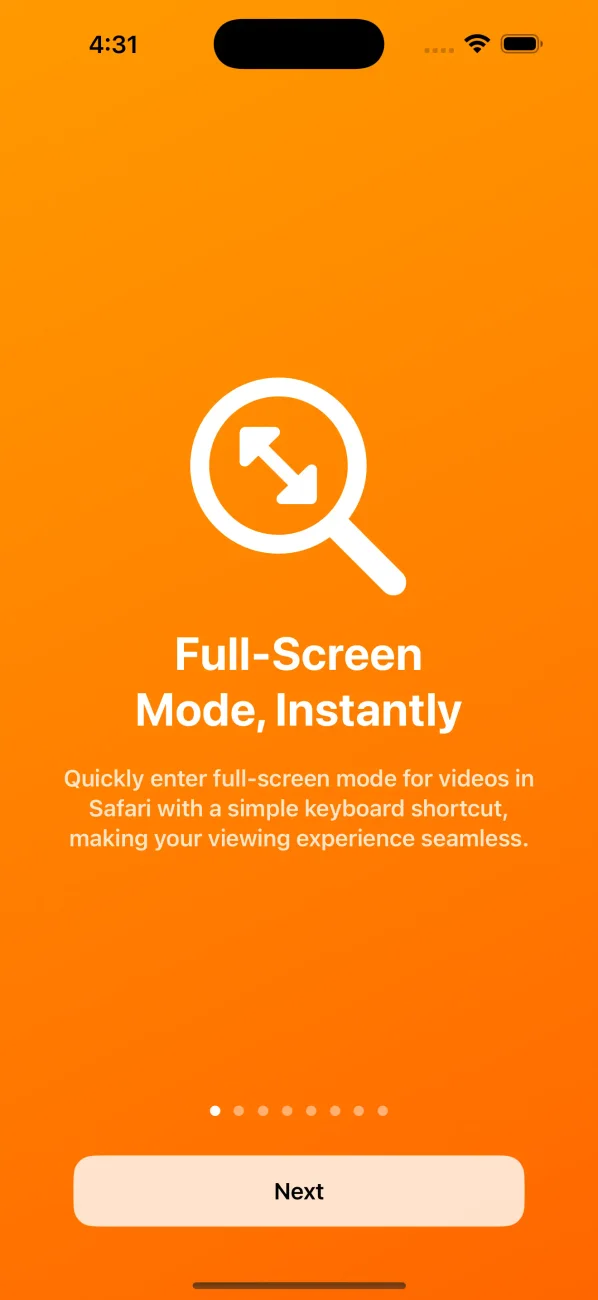
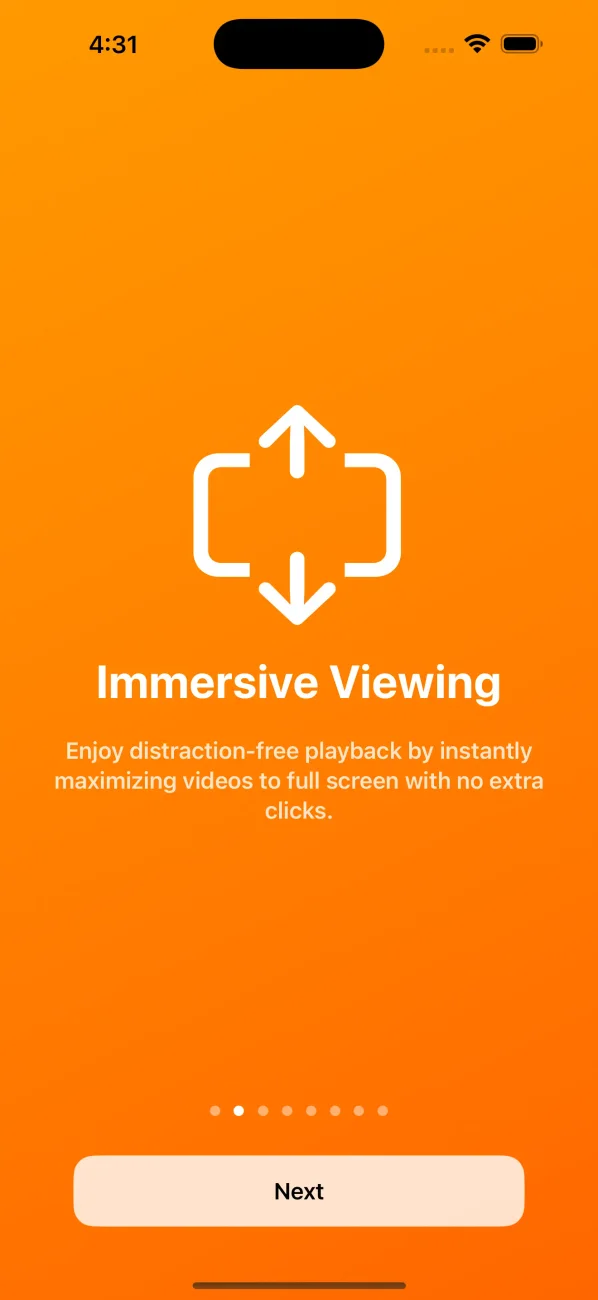
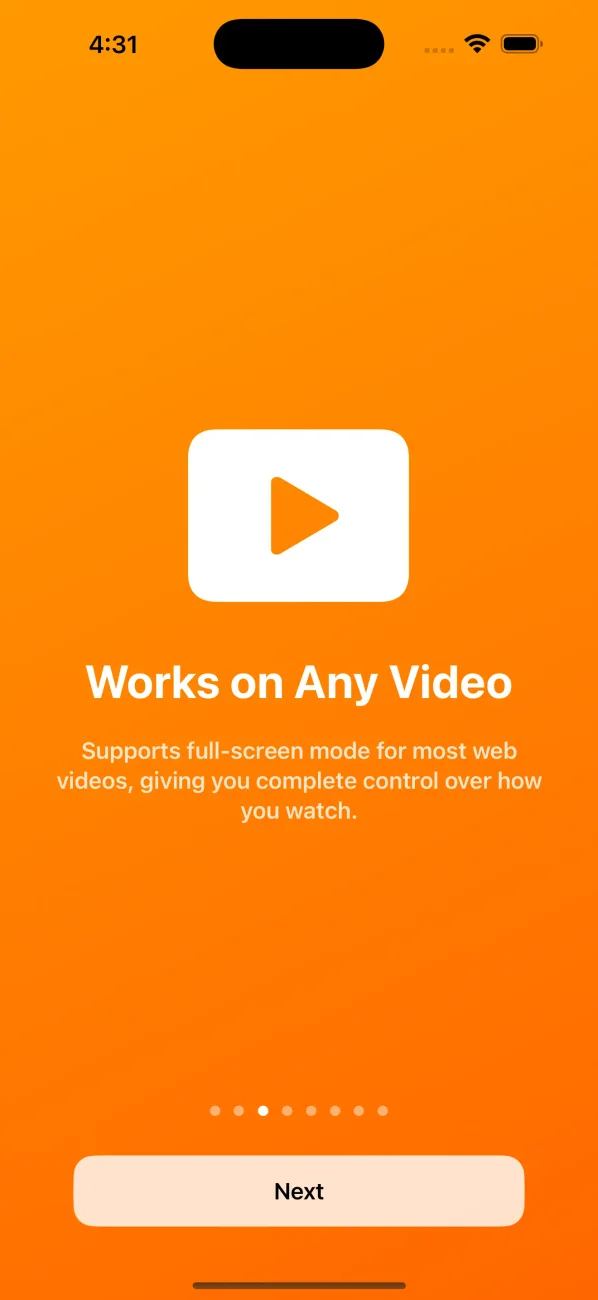
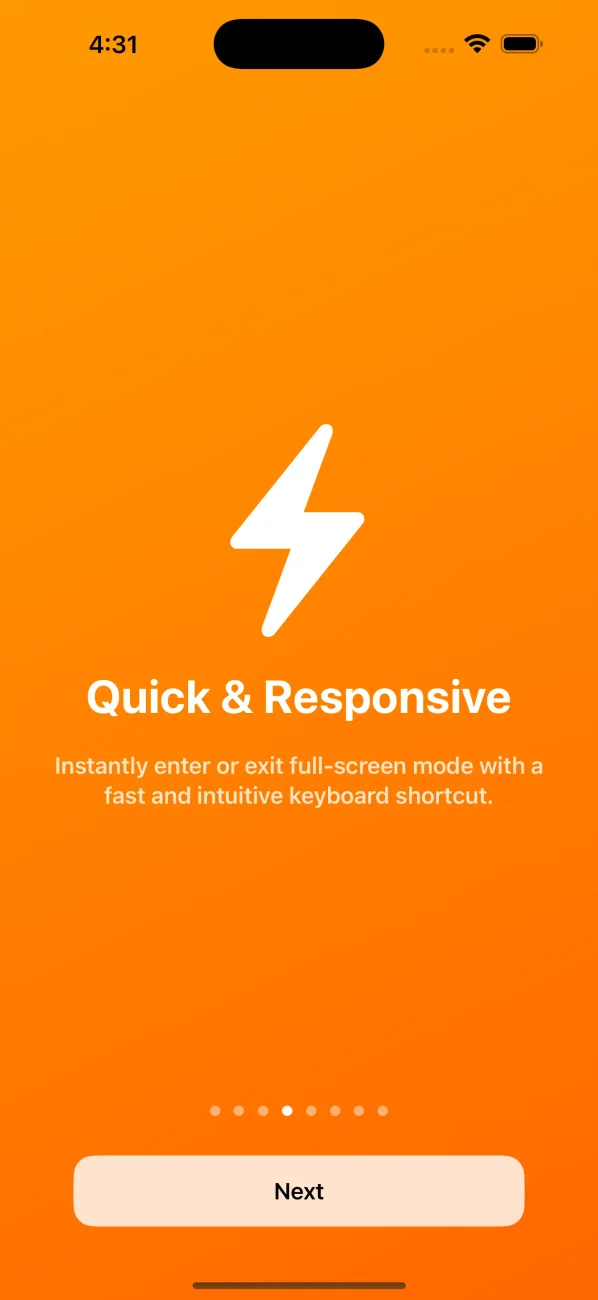

概要
開発元はこのテキストをお使いの言語で提供していません。
MaxShortcut – Seamless Full-Screen Video Playback in Safari
MaxShortcut is the ultimate solution for premium, uninterrupted video playback in Safari. With a simple yet powerful keyboard shortcut (⌘ + ⇧ + K), you can instantly toggle videos to full screen on any supported platform—no more fiddling with on-screen buttons or interruptions to your viewing experience. Designed for those who value efficiency and ease, MaxShortcut transforms the way you enjoy videos online.
In today’s fast-paced world, convenience and time are everything. MaxShortcut eliminates the need to waste precious seconds hunting for fullscreen icons, providing a streamlined and effortless way to dive directly into full-screen mode. Whether you're watching your favorite videos on YouTube, streaming movies, or enjoying educational content, MaxShortcut offers a superior, distraction-free experience.
With its intuitive functionality, MaxShortcut ensures that your browsing remains smooth and uninterrupted. Enjoy true fullscreen immersion with the press of a button—an elegant, efficient solution that enhances your digital lifestyle.
Key Features:
• Instant Full-Screen Toggling – With the simple keyboard shortcut ⌘ + ⇧ + K, instantly switch to full screen and back—no clicks, no hassle.
• Seamless Integration with Safari – Works perfectly with all supported video platforms directly in Safari, offering smooth transitions for a premium viewing experience.
• Eliminates Redundant Clicks – Forget about manually searching for fullscreen buttons. MaxShortcut saves you time and keeps your focus on the content.
• Designed for a Clean Experience – Exclusively created for Safari, MaxShortcut ensures a distraction-free environment, so you can enjoy videos without interruptions or clutter.
• Effortless Browsing – Simplifies your workflow and speeds up video consumption, whether you're watching a tutorial, entertainment, or live streaming content.
Why MaxShortcut is a Must-Have:
MaxShortcut is engineered for professionals, creators, and video enthusiasts who demand efficiency and elegance in their online experience. In a world where multitasking and seamless functionality are key, MaxShortcut lets you focus on what matters—your content—without any unnecessary distractions. With just a keystroke, you’ll have control over your viewing experience, allowing you to enjoy videos in full-screen mode instantly.
Whether you’re using Safari for work, learning, or entertainment, MaxShortcut adapts to your needs. It’s the perfect productivity tool for anyone who frequently watches videos online and values a seamless, professional experience.
Important Notes:
• Safari Exclusivity – MaxShortcut is designed exclusively for Safari. Other browsers, including Chrome, Firefox, and Edge, are not supported.
• Keyboard Required – This extension requires the use of a physical keyboard to function.
MaxShortcut is not just an app; it’s a premium tool that elevates your digital experience. With its flawless performance and sophisticated design, MaxShortcut sets a new standard in video viewing on Safari.
Upgrade your video browsing today and experience the future of full-screen viewing with MaxShortcut.
新機能
バージョン 2.1 · 2025/2/18
What’s New in Version 2.1
• Further refinements to the modern, streamlined UI for an even smoother experience.
• Expanded compatibility with additional video platforms for improved playback support.
• Optimized keyboard shortcut handling for faster and more precise execution.
• Performance improvements and bug fixes to ensure greater stability and reliability.
Thank you for using MaxShortcut! Your feedback drives our continuous improvements.
アプリのプライバシー
このアプリのデータの取り扱いについて、Lucas Exequiel Di TomaseがApp Storeで申告している内容です。
-
データの収集なし
開発元はこのアプリからデータを収集しません。
プライバシーの取り扱いは、ご利用の機能やお客様の年齢などに応じて異なる場合があります。
情報
- 販売元
- Lucas Exequiel Di Tomase
- カテゴリ
- 仕事効率化
- バージョン
- 2.1
- 更新日
- 2025/2/18
- リリース
- 2024/8/26
- サイズ
- 724.0 KB
- 必要条件
- iOS 15.6以降
- 対象年齢
- 4+
- 価格
- ¥500
- 言語
- 英語
- 著作権
- © 2025 Lucas Di Tomase
こちらもおすすめ
-
 SceneEscape|StayFocused仕事効率化
-
 Focus Timer: 集中・勉強タイマーポモドーロで作業に集中、瞑想も
-
 Be Focused Pro: Pomodoro Timer仕事と勉強に集中するためのポモドーロタイマー
-
 Authe for Google Authenticator仕事効率化
-
 Gobble: Cold Turkey Detox仕事効率化
-
 習慣化アプリ - HabitPal習慣トラッカー・目標・ルーティン
-
 UltraNotes - ノート作成&PDFノート、文章作成&PDF注釈
-
 Visual To-Do List仕事効率化
-
 Stratword - Script Writing脚本・シナリオ執筆ガイド
-
 人間 化 ライティングツールAI - ヒューマナイザー仕事効率化