
MaxShortcut
Seamless full-screen control
iPhone, iPad, Mac, iPod touch için tasarlandı
₺149,99
- Yaş sınırı4+
- KategoriÜretkenlik
- GeliştiriciLucas Exequiel Di Tomase
- Dillerİngilizce
- Boyut724,0 KB
Resmi App Store sayfasına bağlanır
Download.org, MaxShortcut için hiçbir dosya barındırmaz. Düğme, uygulamanın App Store üzerindeki sayfasını açar; uygulamayı orada Lucas Exequiel Di Tomase yayınlar. Sayfanın son kontrolü: 20.11.2026.
Ekran görüntüleri


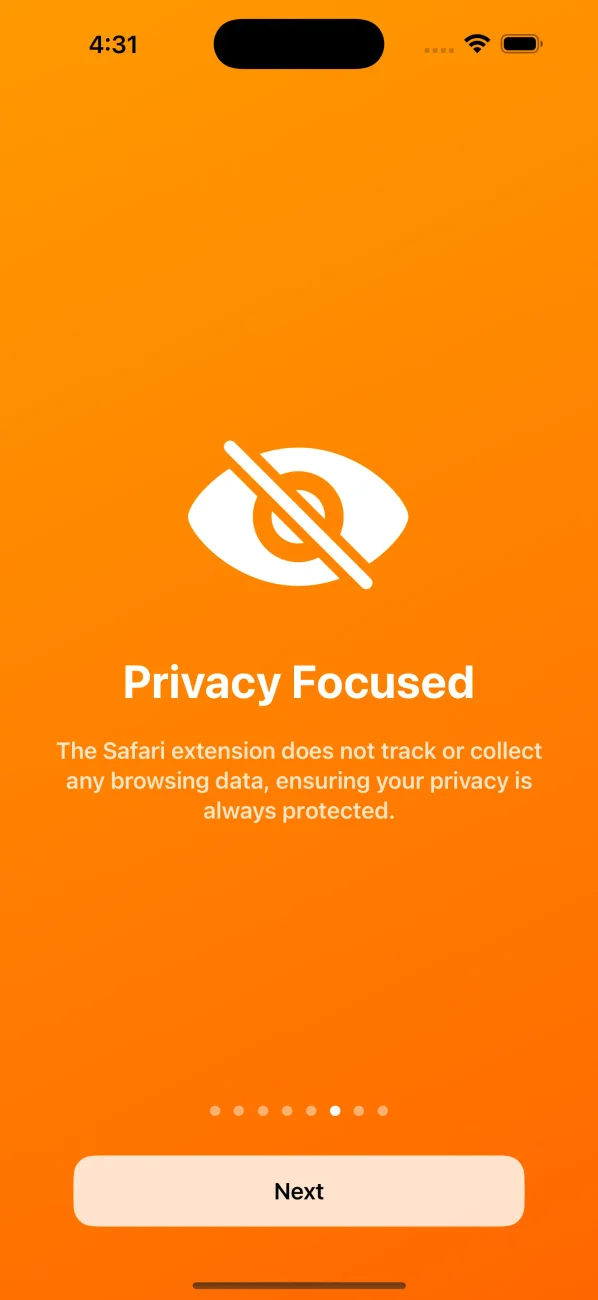
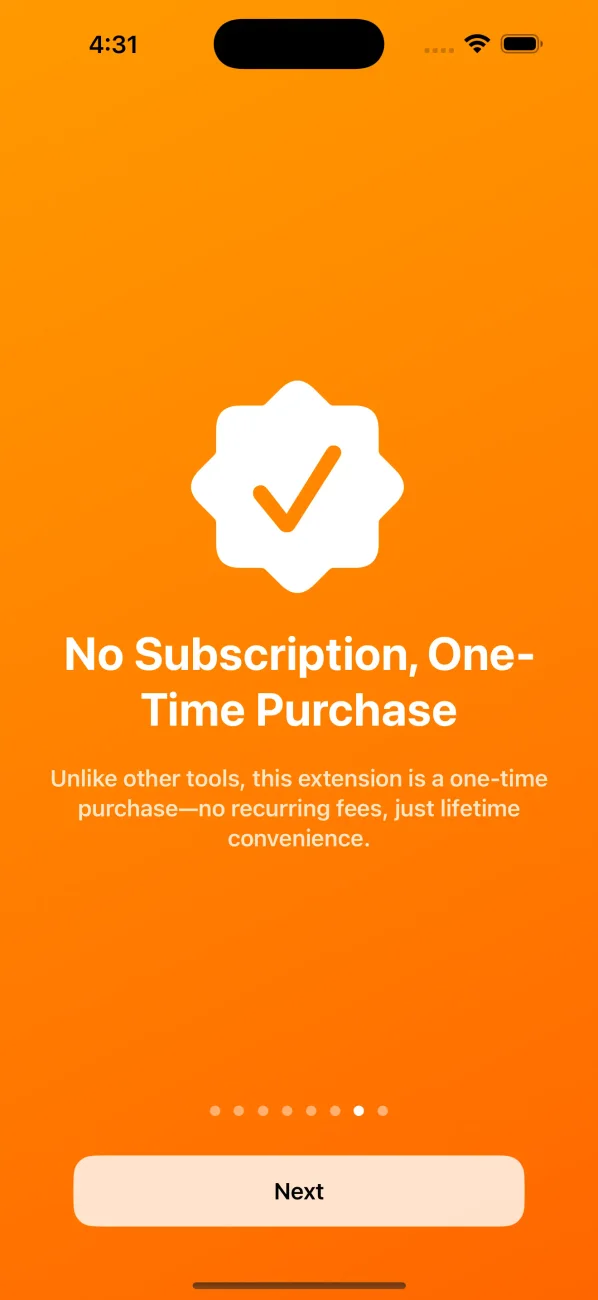
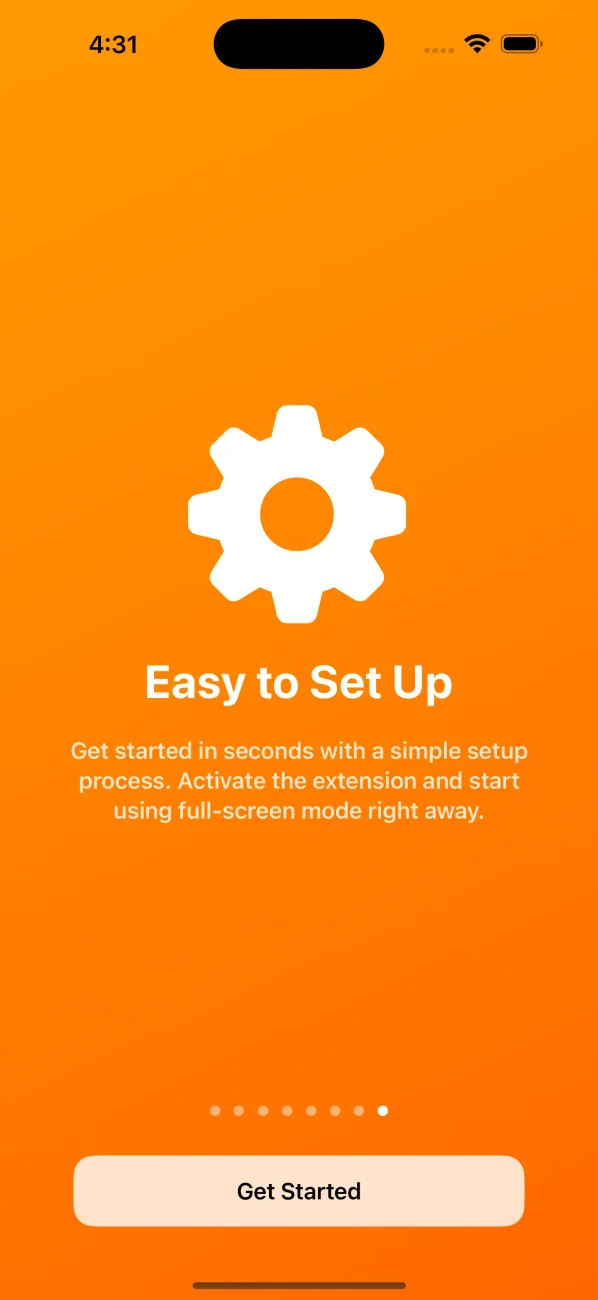
Hakkında
Geliştirici bu metni dilinizde sunmamış.
MaxShortcut – Seamless Full-Screen Video Playback in Safari
MaxShortcut is the ultimate solution for premium, uninterrupted video playback in Safari. With a simple yet powerful keyboard shortcut (⌘ + ⇧ + K), you can instantly toggle videos to full screen on any supported platform—no more fiddling with on-screen buttons or interruptions to your viewing experience. Designed for those who value efficiency and ease, MaxShortcut transforms the way you enjoy videos online.
In today’s fast-paced world, convenience and time are everything. MaxShortcut eliminates the need to waste precious seconds hunting for fullscreen icons, providing a streamlined and effortless way to dive directly into full-screen mode. Whether you're watching your favorite videos on YouTube, streaming movies, or enjoying educational content, MaxShortcut offers a superior, distraction-free experience.
With its intuitive functionality, MaxShortcut ensures that your browsing remains smooth and uninterrupted. Enjoy true fullscreen immersion with the press of a button—an elegant, efficient solution that enhances your digital lifestyle.
Key Features:
• Instant Full-Screen Toggling – With the simple keyboard shortcut ⌘ + ⇧ + K, instantly switch to full screen and back—no clicks, no hassle.
• Seamless Integration with Safari – Works perfectly with all supported video platforms directly in Safari, offering smooth transitions for a premium viewing experience.
• Eliminates Redundant Clicks – Forget about manually searching for fullscreen buttons. MaxShortcut saves you time and keeps your focus on the content.
• Designed for a Clean Experience – Exclusively created for Safari, MaxShortcut ensures a distraction-free environment, so you can enjoy videos without interruptions or clutter.
• Effortless Browsing – Simplifies your workflow and speeds up video consumption, whether you're watching a tutorial, entertainment, or live streaming content.
Why MaxShortcut is a Must-Have:
MaxShortcut is engineered for professionals, creators, and video enthusiasts who demand efficiency and elegance in their online experience. In a world where multitasking and seamless functionality are key, MaxShortcut lets you focus on what matters—your content—without any unnecessary distractions. With just a keystroke, you’ll have control over your viewing experience, allowing you to enjoy videos in full-screen mode instantly.
Whether you’re using Safari for work, learning, or entertainment, MaxShortcut adapts to your needs. It’s the perfect productivity tool for anyone who frequently watches videos online and values a seamless, professional experience.
Important Notes:
• Safari Exclusivity – MaxShortcut is designed exclusively for Safari. Other browsers, including Chrome, Firefox, and Edge, are not supported.
• Keyboard Required – This extension requires the use of a physical keyboard to function.
MaxShortcut is not just an app; it’s a premium tool that elevates your digital experience. With its flawless performance and sophisticated design, MaxShortcut sets a new standard in video viewing on Safari.
Upgrade your video browsing today and experience the future of full-screen viewing with MaxShortcut.
Yenilikler
Sürüm 2.1 · 18.02.2025
What’s New in Version 2.1
• Further refinements to the modern, streamlined UI for an even smoother experience.
• Expanded compatibility with additional video platforms for improved playback support.
• Optimized keyboard shortcut handling for faster and more precise execution.
• Performance improvements and bug fixes to ensure greater stability and reliability.
Thank you for using MaxShortcut! Your feedback drives our continuous improvements.
Uygulama gizliliği
Bu uygulamanın verileri nasıl işlediği hakkında Lucas Exequiel Di Tomase tarafından App Store üzerinde yapılan beyan.
-
Veri toplanmıyor
Geliştirici bu uygulamadan hiçbir veri toplamıyor.
Gizlilik uygulamaları, örneğin kullandığınız özelliklere veya yaşınıza göre değişiklik gösterebilir.
Bilgiler
- Satıcı
- Lucas Exequiel Di Tomase
- Kategori
- Üretkenlik
- Sürüm
- 2.1
- Güncellendi
- 18.02.2025
- Yayın tarihi
- 26.08.2024
- Boyut
- 724,0 KB
- Gereksinim
- iOS 15.6 veya sonrası
- Yaş sınırı
- 4+
- Fiyat
- ₺149,99
- Diller
- İngilizce
- Telif hakkı
- © 2025 Lucas Di Tomase
Bunları da beğenebilirsiniz
-
 SceneEscape|StayFocusedÜretkenlik
-
 Focus Timer: Pomodoro StudyÜretkenlik
-
 Be Focused Pro: Pomodoro Timerİş ve Ders için Derin Odak
-
 Authe for Google AuthenticatorÜretkenlik
-
 Gobble: Cold Turkey DetoxÜretkenlik
-
 Alışkanlık Takibi - HabitPalGünlük rutin, hedef, disiplin
-
 UltraNotes - Note Taking & PDFÜretkenlik
-
 Visual To-Do ListÜretkenlik
-
 Stratword - Script WritingSenaryo yazım kılavuzu
-
 Paraphrase AI: Reword ToolÜretkenlik