- 対象年齢4+
- カテゴリユーティリティ
- 開発元Jack Richmond
- 言語英語
- サイズ1.5 MB
App Storeの公式ページにリンクしています
Download.orgはMesh Mapperのファイルを一切ホストしていません。ボタンを押すと、Jack Richmondが公開しているApp Storeのアプリページが開きます。ページの最終確認:2026/11/13。
スクリーンショット

概要
開発元はこのテキストをお使いの言語で提供していません。
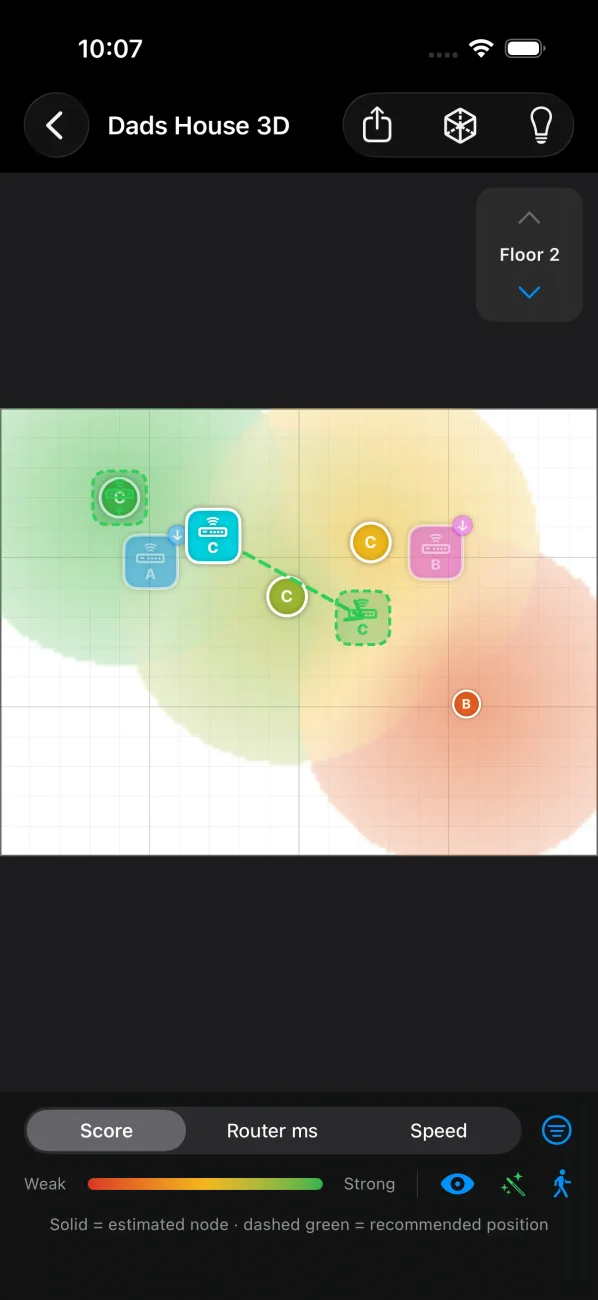
Mesh Mapper helps you understand home Wi-Fi coverage the way a field survey tool would, without extra hardware.
Create a survey from a floor plan photo, a blank grid, or a LiDAR RoomPlan scan. Then walk around your home and tap where you are standing to measure what your Wi-Fi actually delivers at each spot.
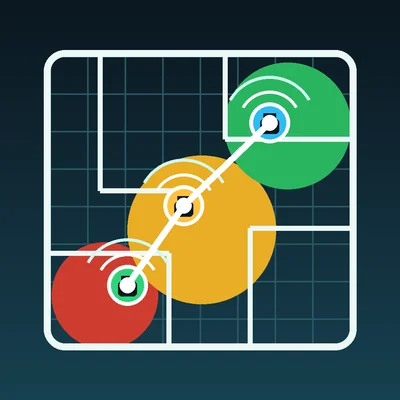
Mesh Mapper turns those measurements into clear coverage heat maps and practical placement advice:
- Score, router latency, internet latency, and throughput maps
- Mesh node labels based on the Wi-Fi access point serving each sample
- Multi-floor surveys with 3D house visualization
- LiDAR floor plan scanning on supported devices
- Placement advisor for weak spots and suggested node moves
- Shareable PNG reports for comparing layouts
iOS does not expose raw Wi-Fi signal strength to third-party apps, so Mesh Mapper focuses on real-world network behavior: router response time, internet latency, download throughput, and serving-node identity. That makes it useful for finding dead zones, diagnosing sticky roaming, and deciding where a mesh router or satellite should move next.
Mesh Mapper stores surveys locally on your device and does not require an account.
新機能
バージョン 1.4 · 2026/8/11
This release focuses on measurement accuracy.
More accurate Wi-Fi speed readings. Speeds are now measured as sustained throughput rather than averaged over the whole test, which removes the slow start at the beginning of every transfer. Quick walk-by samples and full measurements now agree about the same spot.
Consistent scoring. A spot no longer scores differently depending on whether it was measured by tapping, walking, or scanning.
Better router detection. If your router isn't at the usual address, Mesh Mapper now finds it instead of reporting your whole home as a dead zone.
Honest coverage. The Advisor now tells you when part of the area you walked has no measurements behind it, when your speeds are capped by your internet plan rather than your Wi-Fi, and when a survey accidentally mixes two networks.
More accurate mesh node diagnostics, including per-node backhaul timing.
アプリのプライバシー
このアプリのデータの取り扱いについて、Jack RichmondがApp Storeで申告している内容です。
-
データの収集なし
開発元はこのアプリからデータを収集しません。
プライバシーの取り扱いは、ご利用の機能やお客様の年齢などに応じて異なる場合があります。
情報
- 販売元
- Jack Richmond
- カテゴリ
- ユーティリティ
- バージョン
- 1.4
- 更新日
- 2026/8/11
- リリース
- 2026/7/30
- サイズ
- 1.5 MB
- 必要条件
- iOS 17.0以降
- 対象年齢
- 4+
- 価格
- 無料
- 言語
- 英語
- 著作権
- © 2026 Jack Richmond