- 対象年齢4+
- カテゴリミュージック
- 開発元Rodney Wilson
- 言語英語
- サイズ19.8 MB
App Storeの公式ページにリンクしています
Download.orgはMidiAssistant Remoteのファイルを一切ホストしていません。ボタンを押すと、Rodney Wilsonが公開しているApp Storeのアプリページが開きます。ページの最終確認:2026/11/22。
スクリーンショット


概要
開発元はこのテキストをお使いの言語で提供していません。
MidiAssistant Remote is the "Free" iPad companion to BackStage MidiAssistant, the MIDI routing and live-performance control hub for Apple MainStage keyboardists and midi power users on the Mac. Through its companion it gives user the power of custom screen designs and controls without the any limits on the number of midi ports a user might desire.
REQUIRES THE MAC APP. This is a remote control surface, not a standalone MIDI utility. It needs BackStage MidiAssistant running on a Mac on the same local Wi-Fi network. On its own it has nothing to control.
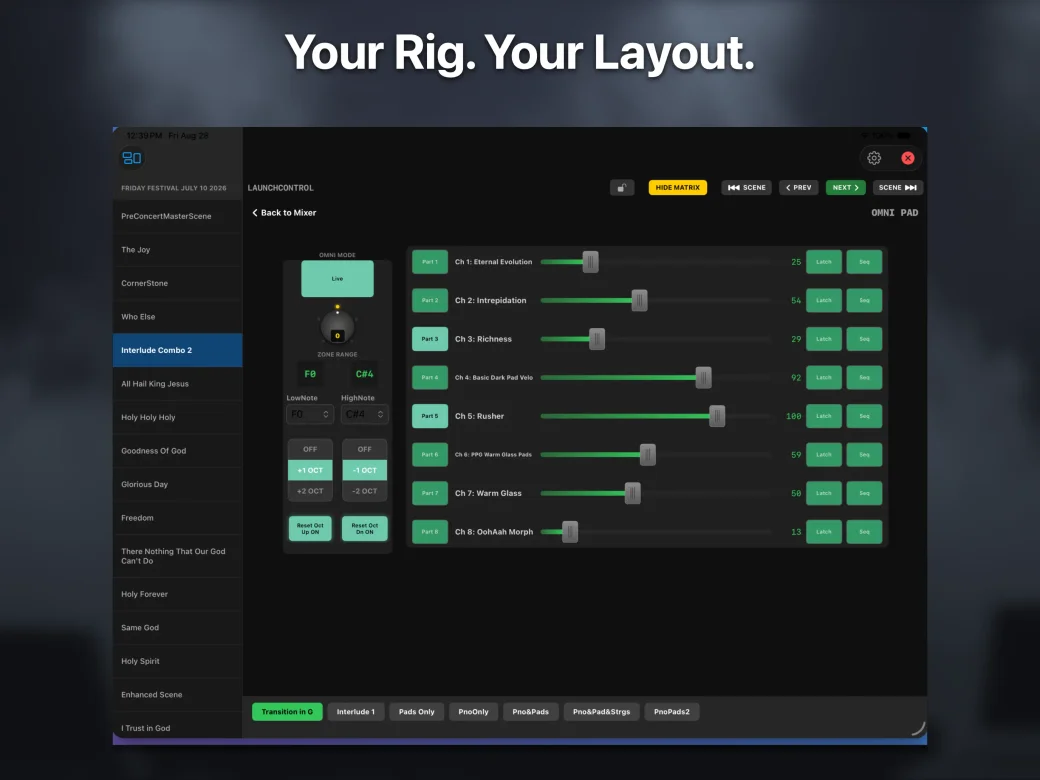
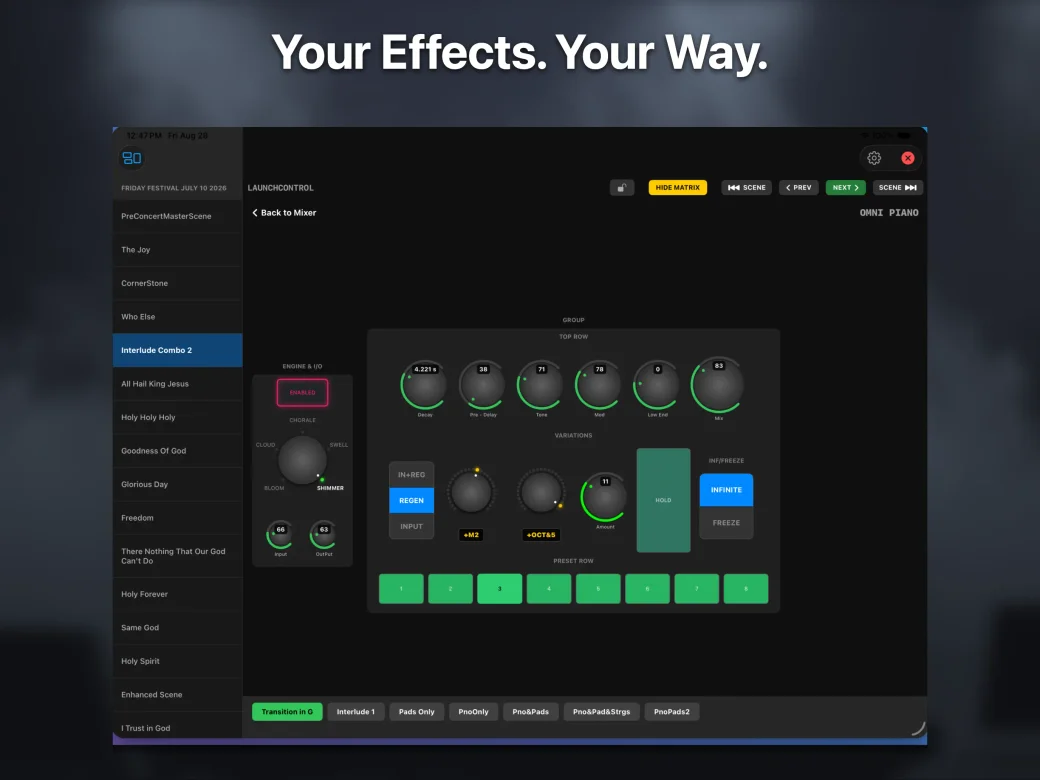
Put the iPad on your keyboard stand and run the show from where your hands already are. Every control you see is built from your own Concert on the Mac, so the layout is yours, not a fixed template someone else designed.
FOUR DISPLAY MODES, SWITCHED FROM THE TOOLBAR
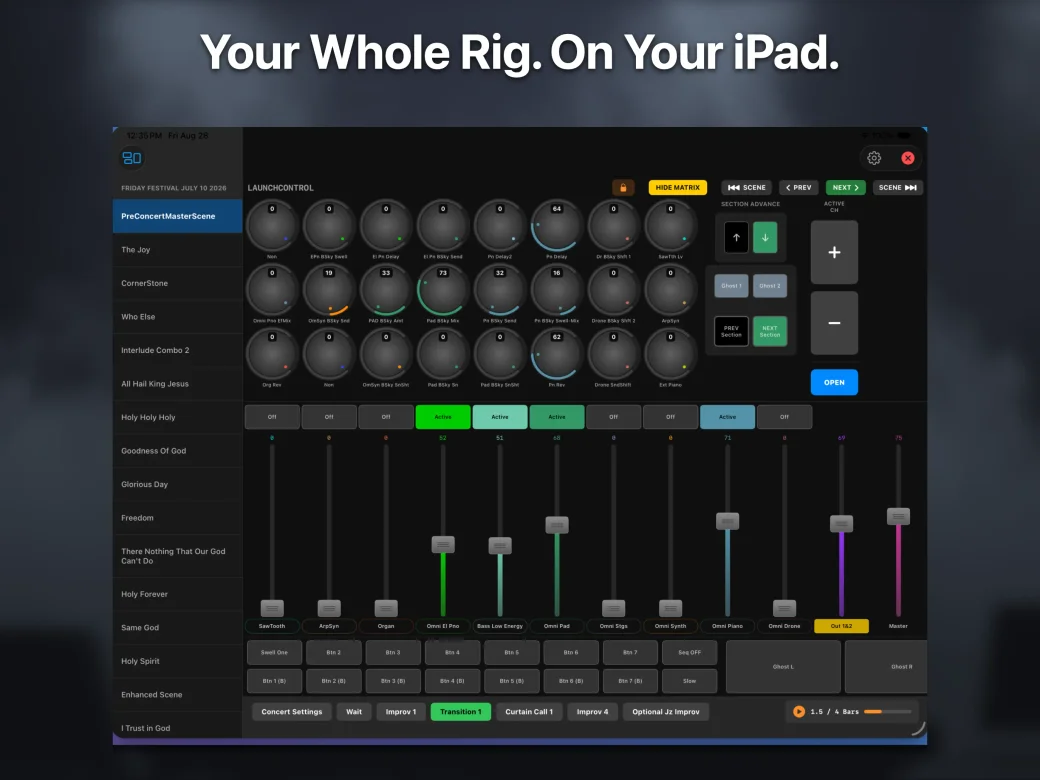
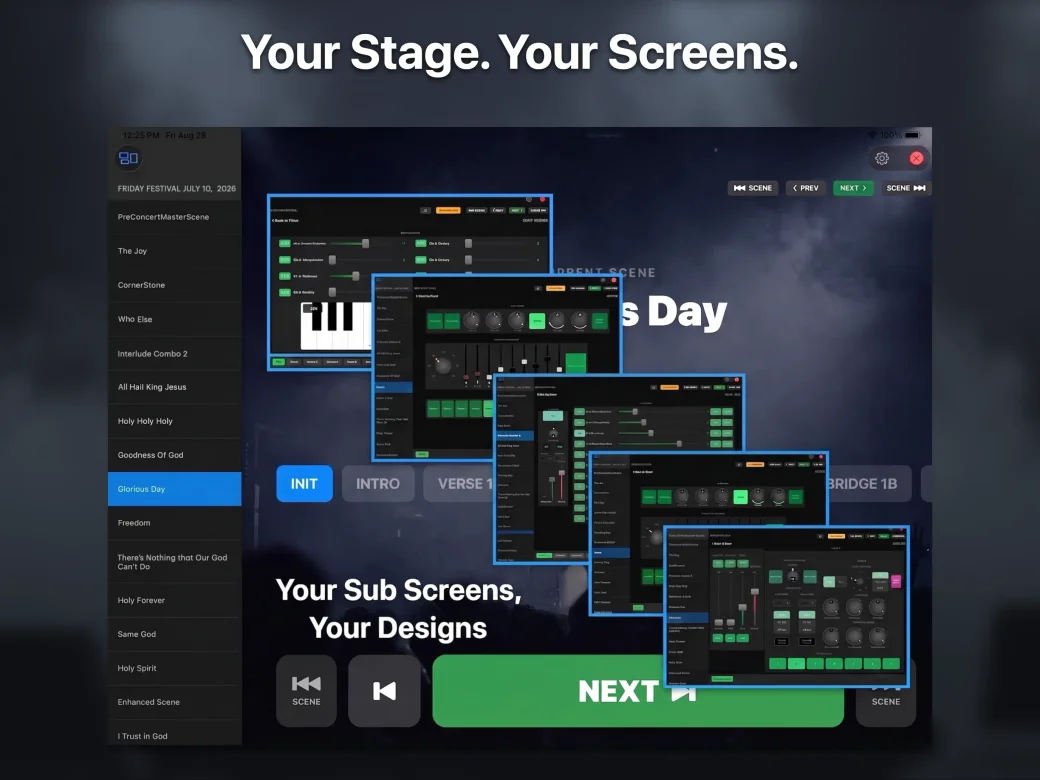
• Stage — The complete live dashboard. Current Scene, the Sections within it, the next Scene queued up, per-Section countdown timers with an approaching-transition warning, and an instant Panic control. Built to be read at a glance under stage lighting.
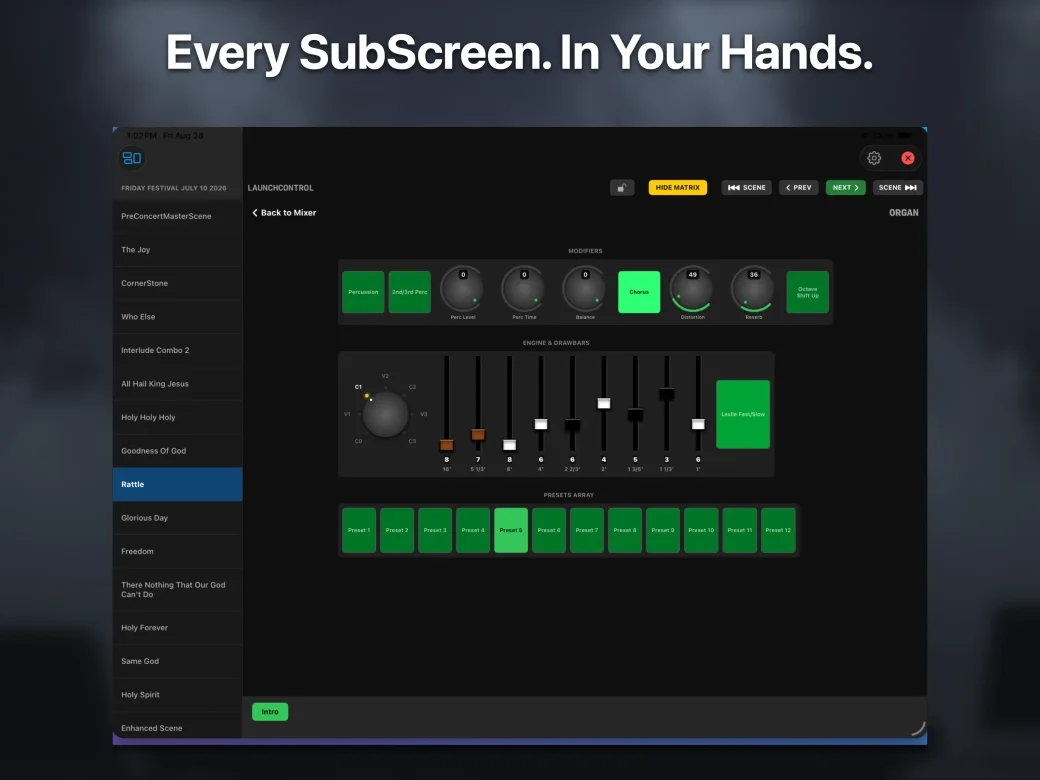
• Mixer — Your fader-and-knob control surface, rendered from your Concert. Faders, knobs, toggles, keyboard-split displays and SubScreens all behave exactly as they do on the Mac.
• Compact — A single low-footprint bar in Small, Medium or Large, for when you want the screen back but still need Scene control within reach.
• Setlist — Just the setlist, for straightforward song-to-song navigation.
ALWAYS IN SYNC, IN BOTH DIRECTIONS
Move a fader on the iPad and the Mac follows. Change a Scene on the Mac and the iPad follows. There is no "push" or "sync" button to remember and no state to reconcile — the two apps hold the same picture of your rig continuously, so nothing surprises you between songs.
FINDS YOUR MAC ON ITS OWN
MidiAssistant Remote discovers the Mac automatically over Bonjour on your local network. If your network blocks discovery, or you would rather be explicit, type the Mac's address and port directly. No account, no login, no cloud service in between.
BUILT FOR THE iPAD
Full Stage Manager and multi-window support: open a second window and give each one its own display mode and bar size — the setlist in one, the mixer in the other. Portrait and landscape are both supported, on a stand or in your lap.
TRY IT BEFORE YOU CONNECT
Demo Mode loads a complete sample Concert with a working setlist, the real Mixer and its SubScreens, entirely offline. Press NEXT and a song plays by itself, moving faders and opening a SubScreen on cue. Every control is interactive, so you can see exactly how the app behaves before you set up a Mac at all.
PRIVACY
MidiAssistant Remote operates entirely on your device and your own local network. It does not collect, store or transmit personal data, and it uses no third-party analytics or advertising frameworks. Nothing it sends ever leaves your Wi-Fi.
新機能
バージョン 0.3.4 · 2026/11/10
Demo Mode is rebuilt: try the Remote on the real Mixer and watch a song run itself, touch widgets and controls, move faders , image the possibilities of your own screen designs, explore the sub screens that already exist with no Mac APP needed for the demo.
DEMO MODE, REBUILT
- Demo opens on the real Mixer and its Sub-Screens, with a full setlist, live values, lit buttons, instrument names and a tempo. Double-tap or Press a fader's name to open its sub screens and pages. A "double tap" takes you to the default Sub Screen while a "press" list the Sub Screens that are available for that fader.
- Press NEXT once and the "Automation Demo" song plays by itself: the Sections change, the faders move, and a Sub-Screen opens and closes on cue. Touch anything to stop it.
- Seven more songs can be chosen. MUTE shows Look, don't leap: browse ahead without moving the song.
ALSO IN 0.3.4
- A new window opens on the Mixer. A window you left in Compact, Setlist or Stage stays that way.
- The display menu lists Mixer first, then Compact, Setlist and Stage.
Works with MidiAssistant 0.3.3 or later for Mac.
アプリのプライバシー
このアプリのデータの取り扱いについて、Rodney WilsonがApp Storeで申告している内容です。
-
データの収集なし
開発元はこのアプリからデータを収集しません。
プライバシーの取り扱いは、ご利用の機能やお客様の年齢などに応じて異なる場合があります。
情報
- 販売元
- Rodney Wilson
- カテゴリ
- ミュージック
- バージョン
- 0.3.4
- 更新日
- 2026/11/10
- リリース
- 2026/9/4
- サイズ
- 19.8 MB
- 必要条件
- iOS 18.0以降
- 対象年齢
- 4+
- 価格
- 無料
- 言語
- 英語
- 著作権
- © 2026 Rodney Wilson