- Classificação etária4+
- CategoriaMúsica
- DesenvolvedorRodney Wilson
- IdiomasInglês
- Tamanho20,6 MB
Leva à página oficial na App Store
O Download.org não hospeda nenhum arquivo de MidiAssistant Remote. O botão abre a página do app na App Store, onde Rodney Wilson o publica. Página verificada pela última vez em 26/11/2026.
Capturas de tela


Sobre
O desenvolvedor não forneceu este texto no seu idioma.
MidiAssistant Remote is the "Free" iPad companion to BackStage MidiAssistant, the MIDI routing and live-performance control hub for Apple MainStage keyboardists and midi power users on the Mac. Through its companion it gives user the power of custom screen designs and controls without the any limits on the number of midi ports a user might desire.
REQUIRES THE MAC APP. This is a remote control surface, not a standalone MIDI utility. It needs BackStage MidiAssistant running on a Mac on the same local Wi-Fi network. On its own it has nothing to control.
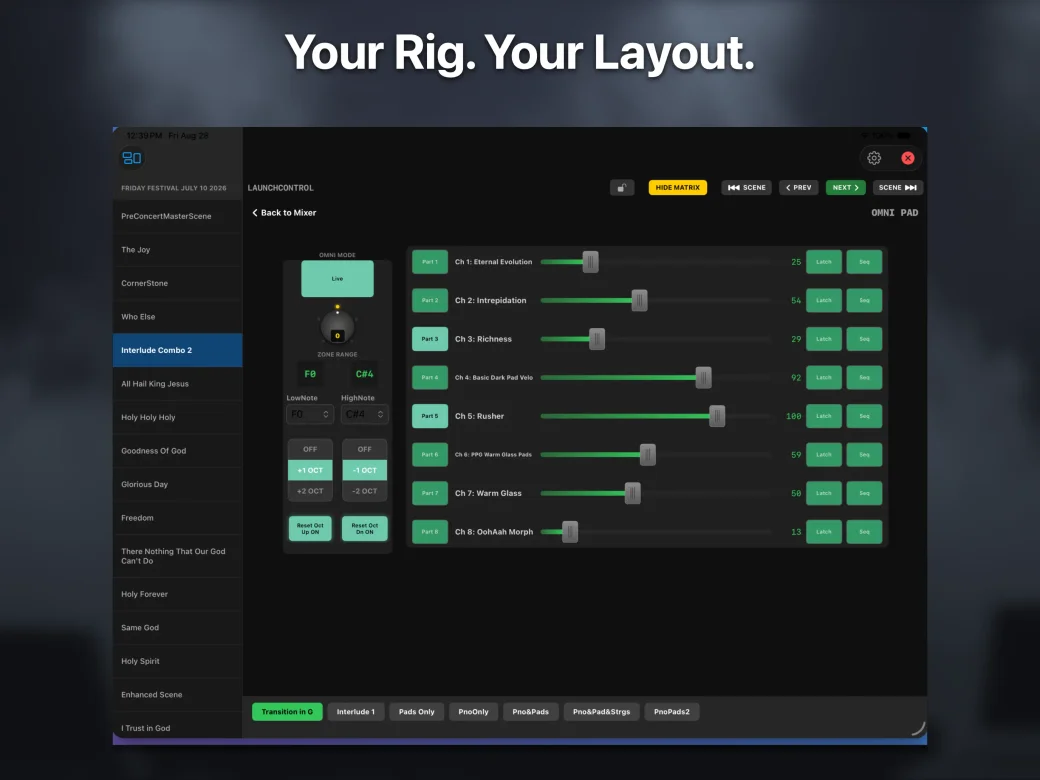
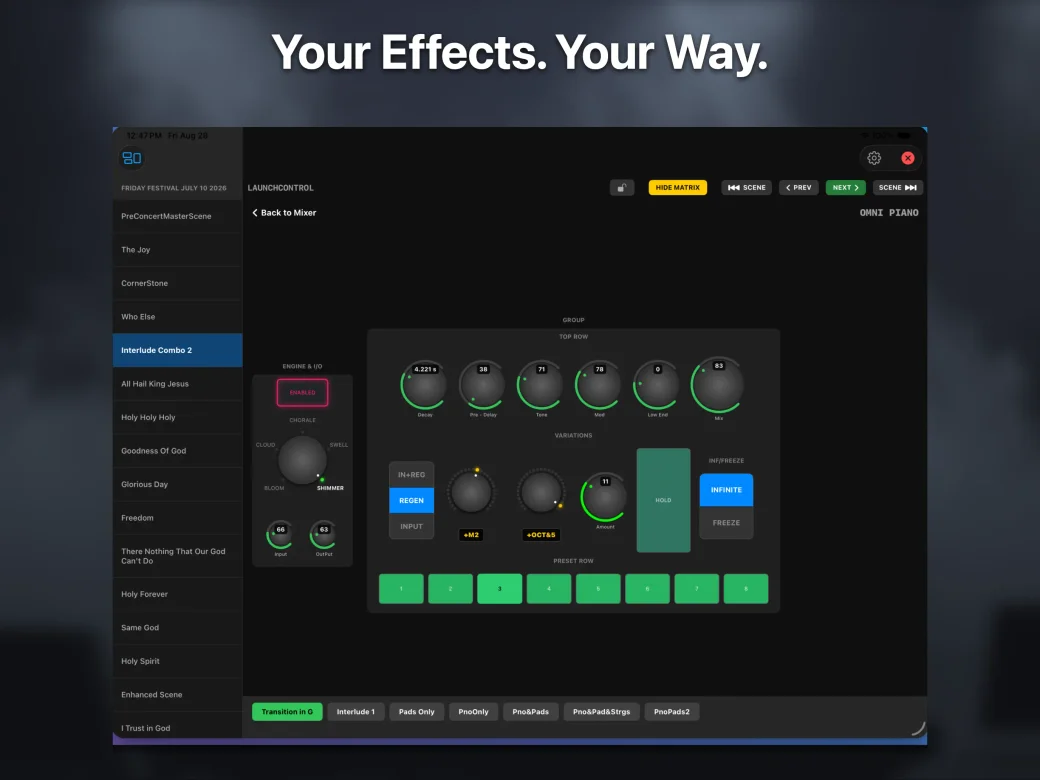
Put the iPad on your keyboard stand and run the show from where your hands already are. Every control you see is built from your own Concert on the Mac, so the layout is yours, not a fixed template someone else designed.
FOUR DISPLAY MODES, SWITCHED FROM THE TOOLBAR
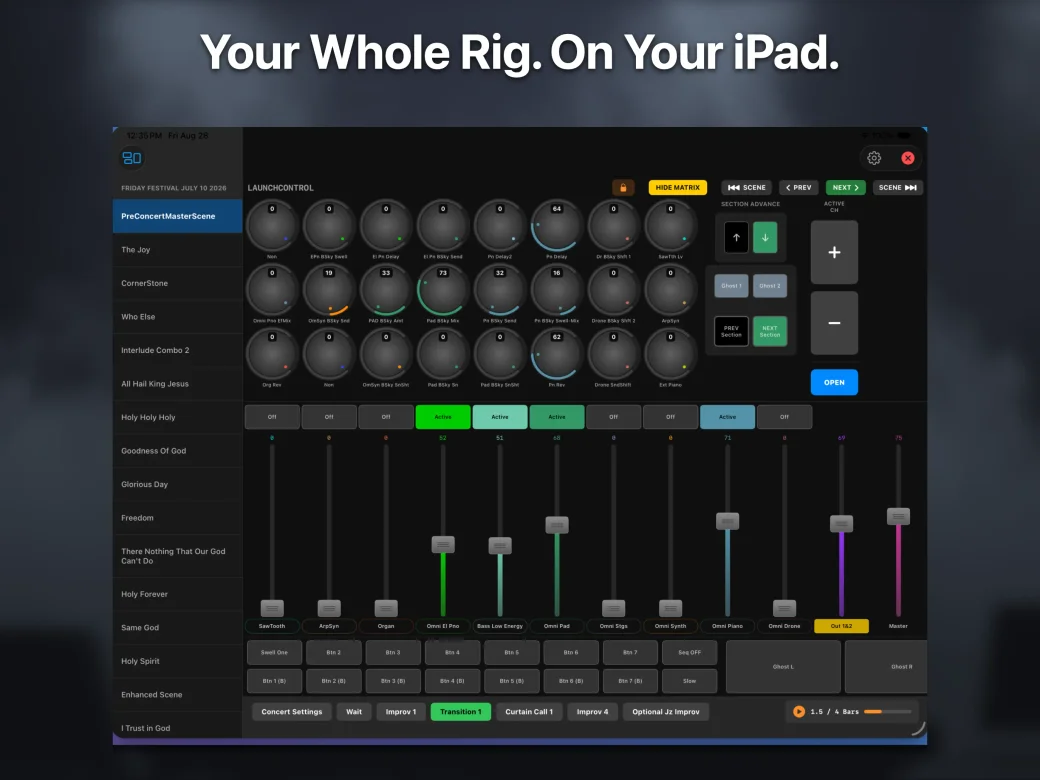
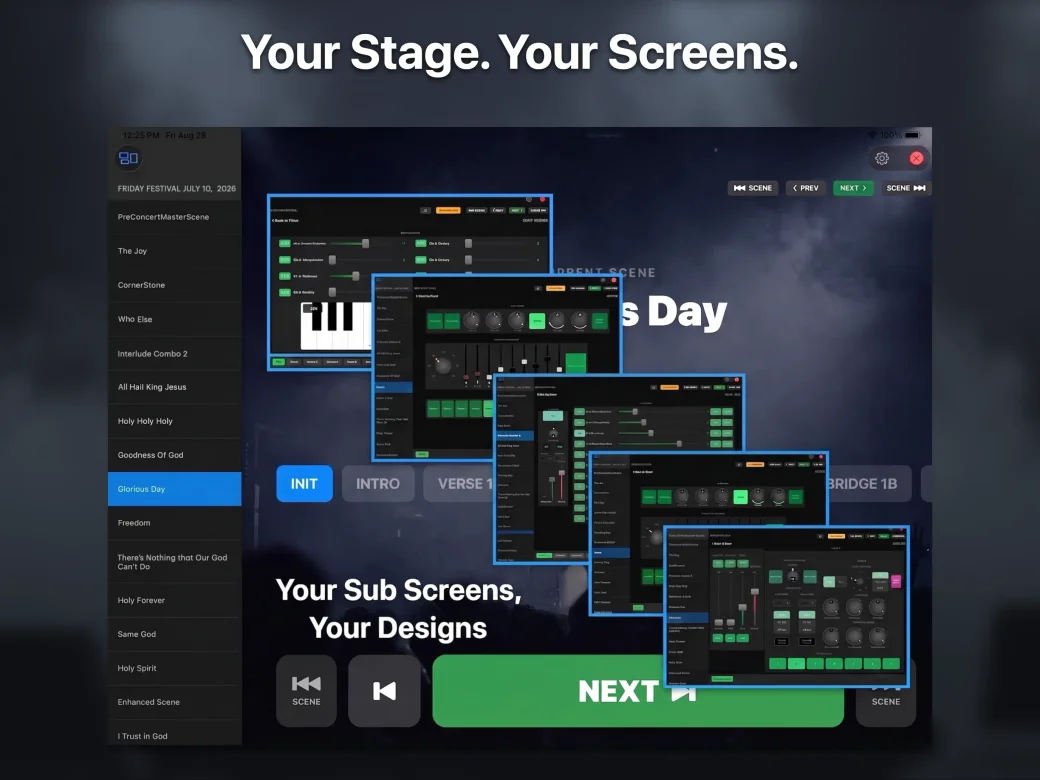
• Stage — The complete live dashboard. Current Scene, the Sections within it, the next Scene queued up, per-Section countdown timers with an approaching-transition warning, and an instant Panic control. Built to be read at a glance under stage lighting.
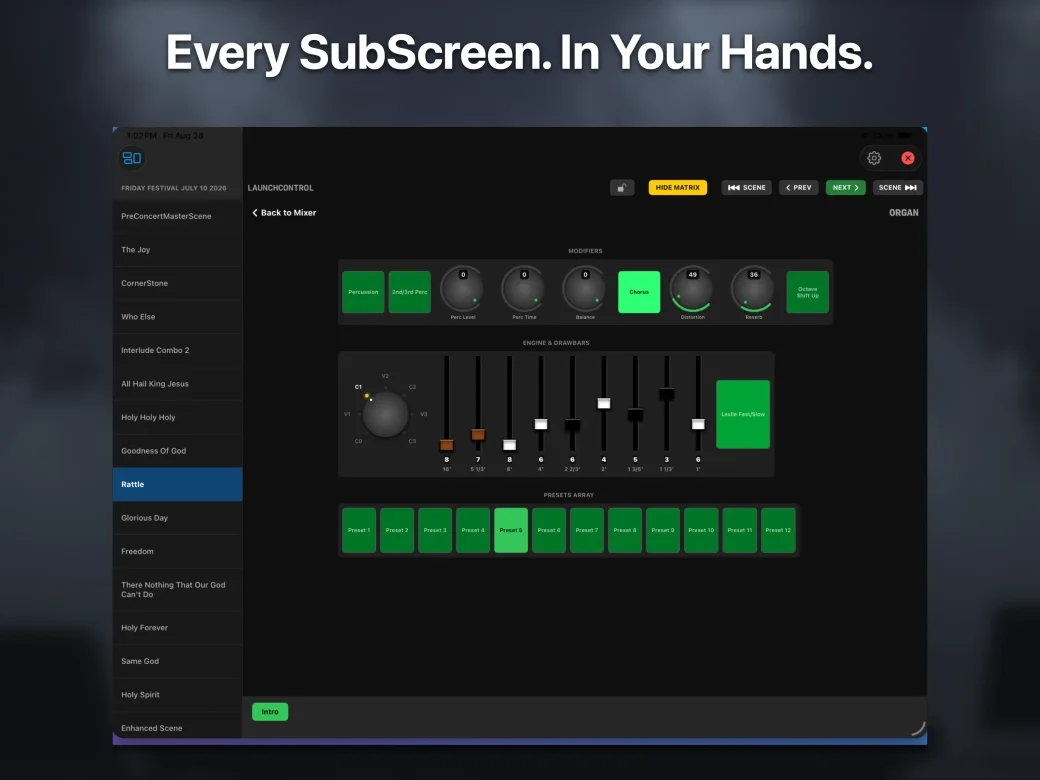
• Mixer — Your fader-and-knob control surface, rendered from your Concert. Faders, knobs, toggles, keyboard-split displays and SubScreens all behave exactly as they do on the Mac.
• Compact — A single low-footprint bar in Small, Medium or Large, for when you want the screen back but still need Scene control within reach.
• Setlist — Just the setlist, for straightforward song-to-song navigation.
ALWAYS IN SYNC, IN BOTH DIRECTIONS
Move a fader on the iPad and the Mac follows. Change a Scene on the Mac and the iPad follows. There is no "push" or "sync" button to remember and no state to reconcile — the two apps hold the same picture of your rig continuously, so nothing surprises you between songs.
FINDS YOUR MAC ON ITS OWN
MidiAssistant Remote discovers the Mac automatically over Bonjour on your local network. If your network blocks discovery, or you would rather be explicit, type the Mac's address and port directly. No account, no login, no cloud service in between.
BUILT FOR THE iPAD
Full Stage Manager and multi-window support: open a second window and give each one its own display mode and bar size — the setlist in one, the mixer in the other. Portrait and landscape are both supported, on a stand or in your lap.
TRY IT BEFORE YOU CONNECT
Demo Mode loads a complete sample Concert with a working setlist, the real Mixer and its SubScreens, entirely offline. Press NEXT and a song plays by itself, moving faders and opening a SubScreen on cue. Every control is interactive, so you can see exactly how the app behaves before you set up a Mac at all.
PRIVACY
MidiAssistant Remote operates entirely on your device and your own local network. It does not collect, store or transmit personal data, and it uses no third-party analytics or advertising frameworks. Nothing it sends ever leaves your Wi-Fi.
Novidades
Versão 0.3.5 · 25/11/2026
NEW IN 0.3.5
- Resend: on a Sub-Screen, press and hold a Part button and choose Resend to send MainStage the state the button shows. The button does not change. Resend in the Sub-Screen's title bar sends every Part on the screen.
- BANK on the mode strip shows your controller's live knob bank (lit from Bank 2 up) and steps to the next one. It appears when the controller on your Mac has knob banks.
ALSO IN 0.3.5
- Fixed: a Frame whose controls sit three or more levels deep was hidden. It now shows.
Resend and BANK need MidiAssistant 0.3.5 for Mac. Everything else works with 0.3.4 or later.
```
Privacidade do app
O que Rodney Wilson declara na App Store sobre como este app lida com os dados.
-
Dados não coletados
O desenvolvedor não coleta nenhum dado deste app.
As práticas de privacidade podem variar, por exemplo, com base nos recursos que você usa ou na sua idade.
Informações
- Vendedor
- Rodney Wilson
- Categoria
- Música
- Versão
- 0.3.5
- Atualizado
- 25/11/2026
- Lançamento
- 04/09/2026
- Tamanho
- 20,6 MB
- Requer
- iOS 18.0 ou posterior
- Classificação etária
- 4+
- Preço
- Grátis
- Idiomas
- Inglês
- Copyright
- © 2026 Rodney Wilson