- 対象年齢4+
- カテゴリミュージック
- 開発元jason merrill
- 言語英語
- サイズ341.3 MB
App Storeの公式ページにリンクしています
Download.orgはmidiOSのファイルを一切ホストしていません。ボタンを押すと、jason merrillが公開しているApp Storeのアプリページが開きます。ページの最終確認:2026/11/25。
スクリーンショット

概要
開発元はこのテキストをお使いの言語で提供していません。
Before installing, visit midios.app/setup for setup instructions.
midiOS is a new kind of instrument.
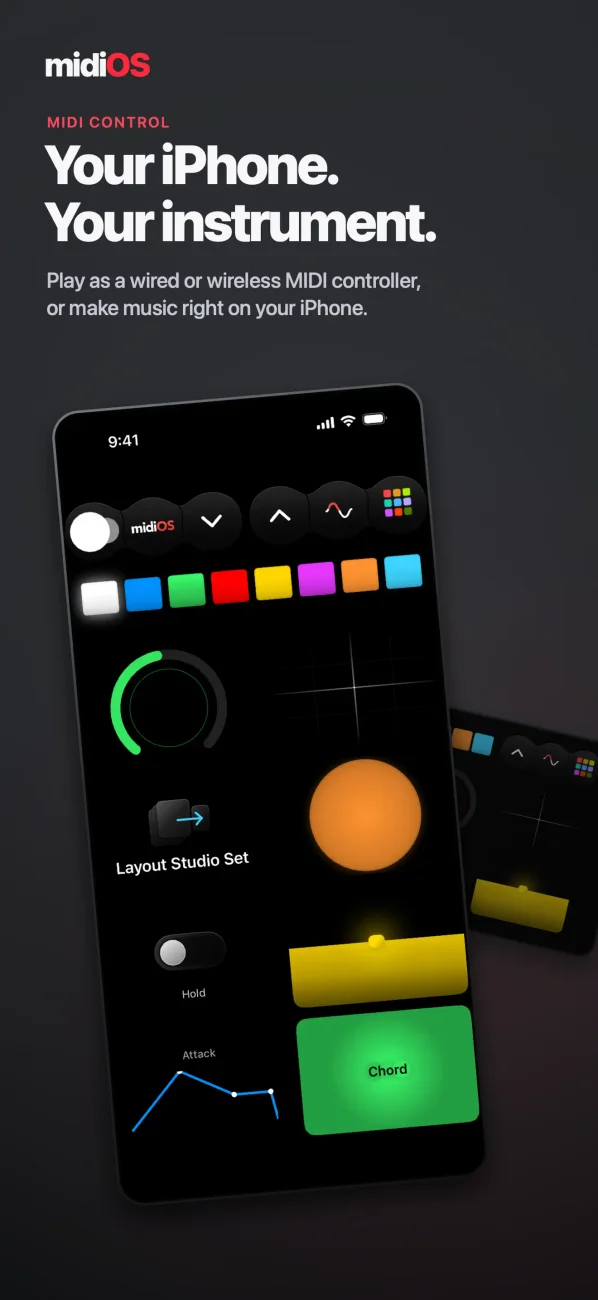
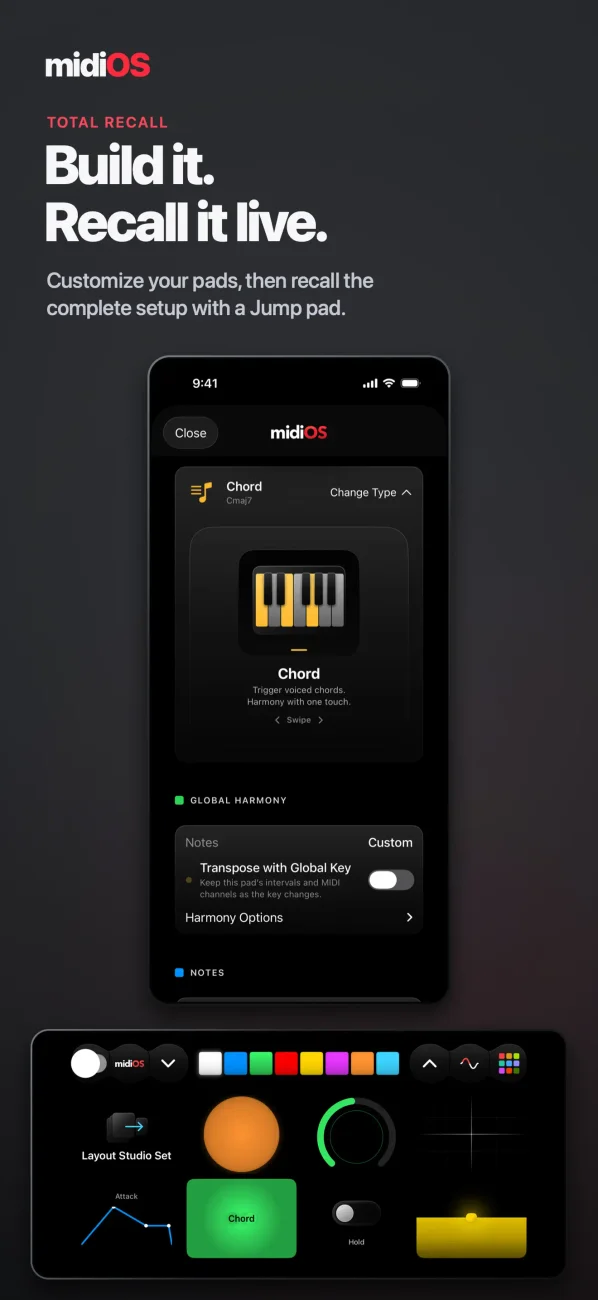
Transform your iPhone into an expressive MIDI instrument with advanced harmony, multidimensional performance control, and deep DAW integration. Play notes, chords, scales, arpeggios, modulation, and complete live performances from the device you already carry.
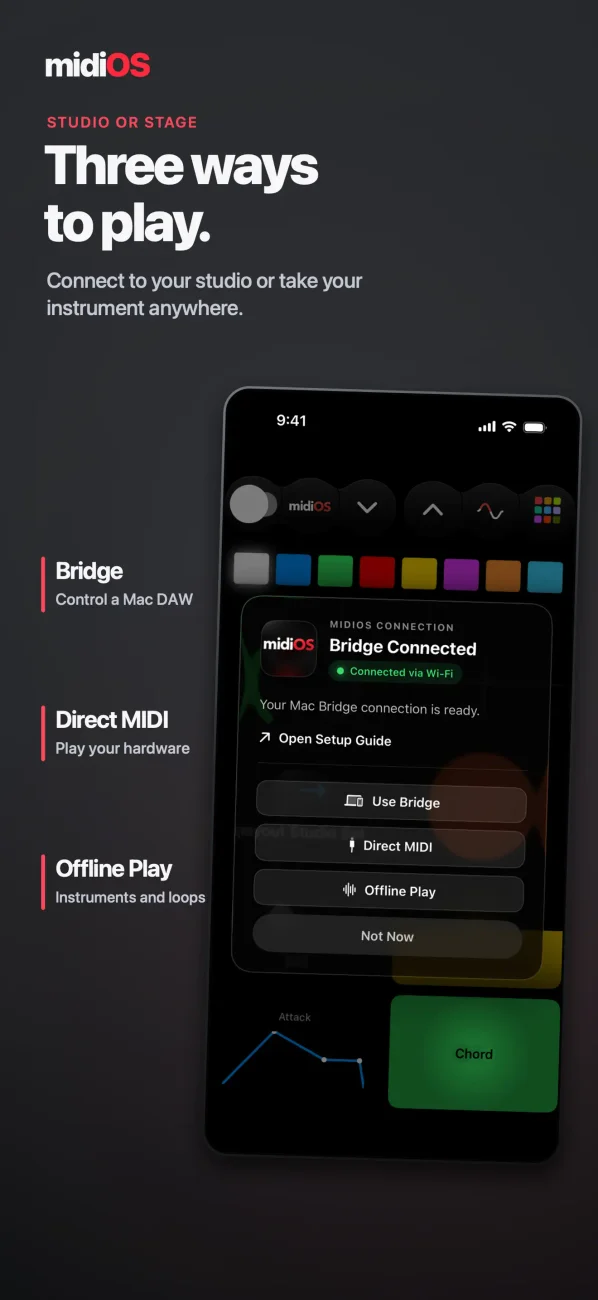
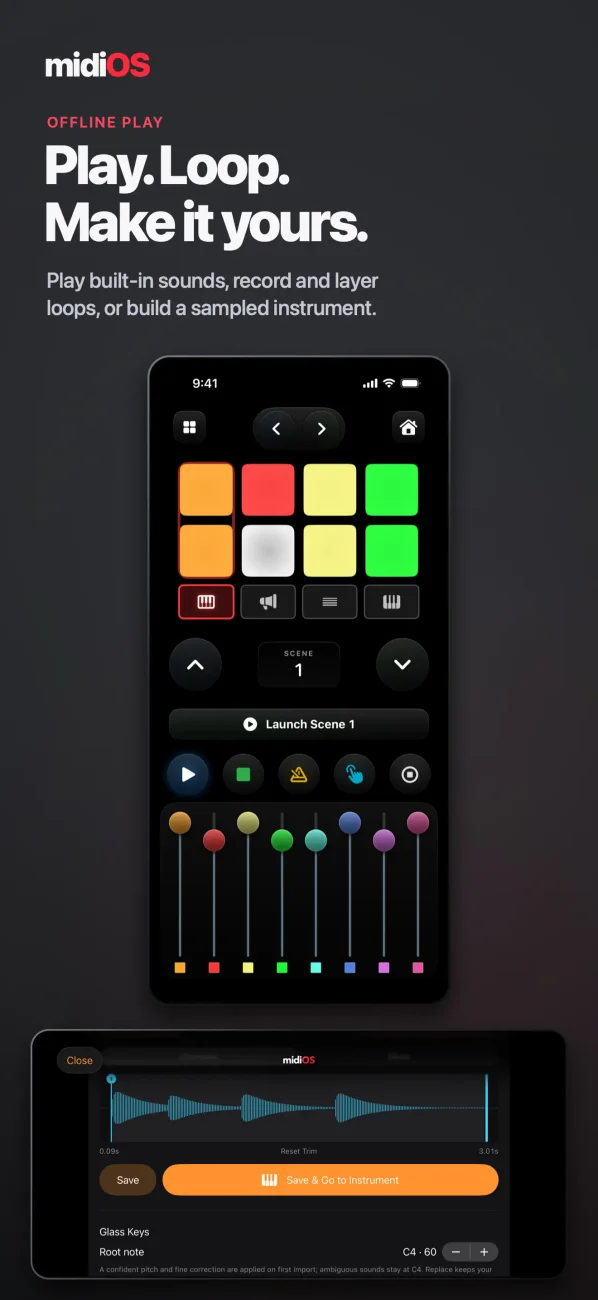
With Offline Play, midiOS becomes a self-contained instrument. Choose from built-in sounds, create an instrument rack, record or import personal samples, and capture performances in Offline LiveGrid—without a Mac, DAW, account, or network connection.
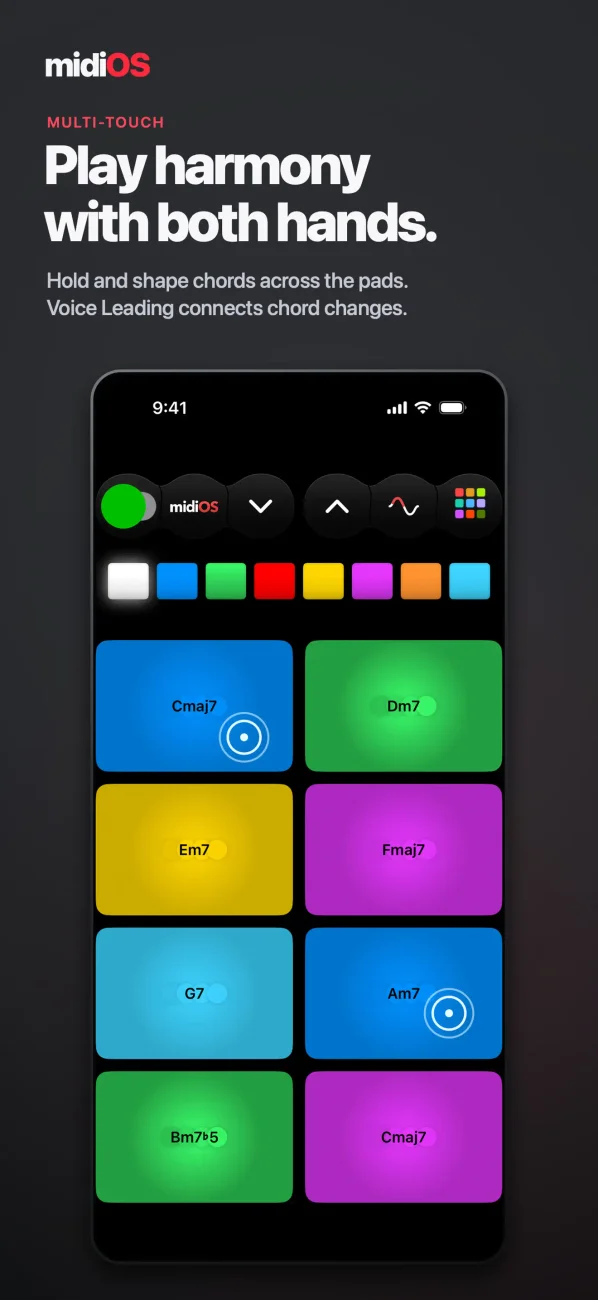
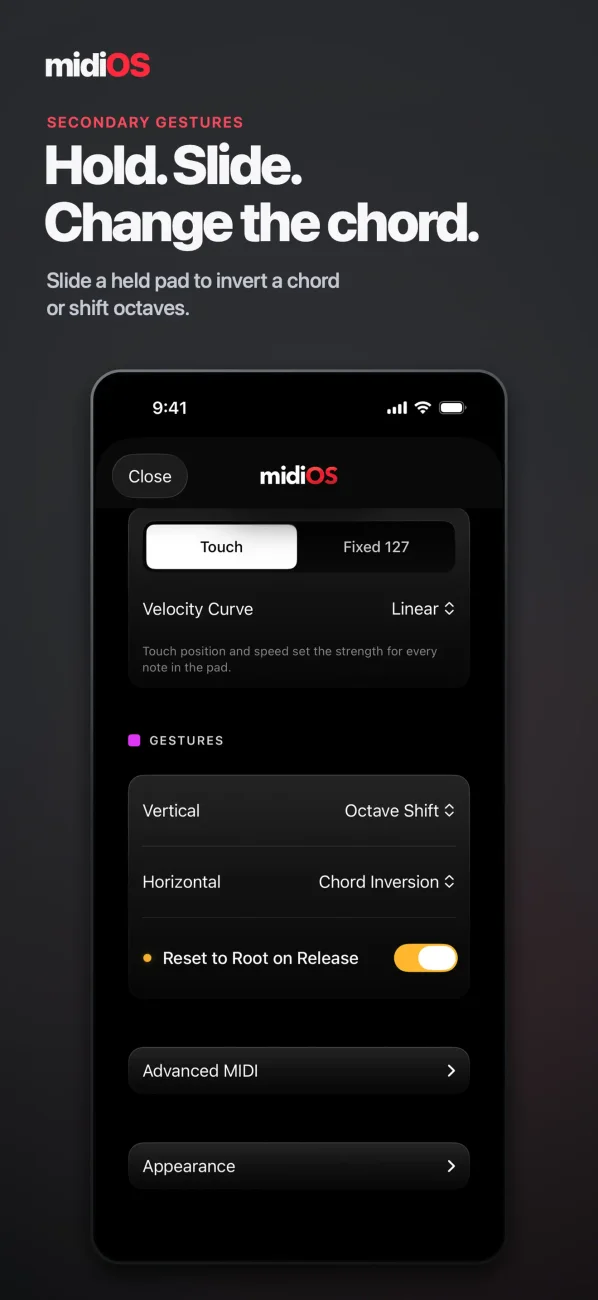
Designed for musicians, midiOS opens ready to perform. Tap pads to play notes, chords, and scales. Change keys, modes, voicings, and tonal centers without interrupting your flow. Swipe across pads to explore inversions, chord qualities, suspensions, secondary dominants, chromatic movement, and harmonic variations.
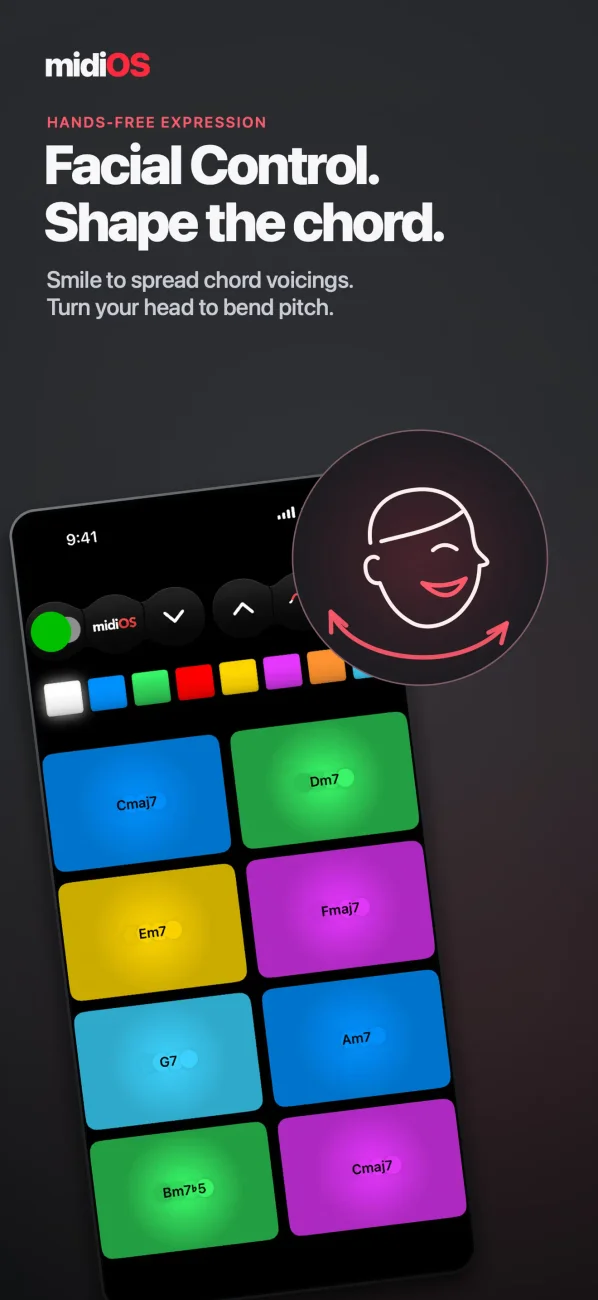
Every gesture can become musical. Shape your performance with multi-touch, directional gestures, device motion, aftertouch, pitch movement, XY pads, sliders, knobs, and macros. Optional facial controls let head and expression movements influence harmony, modulation, register, and other performance destinations in real time.
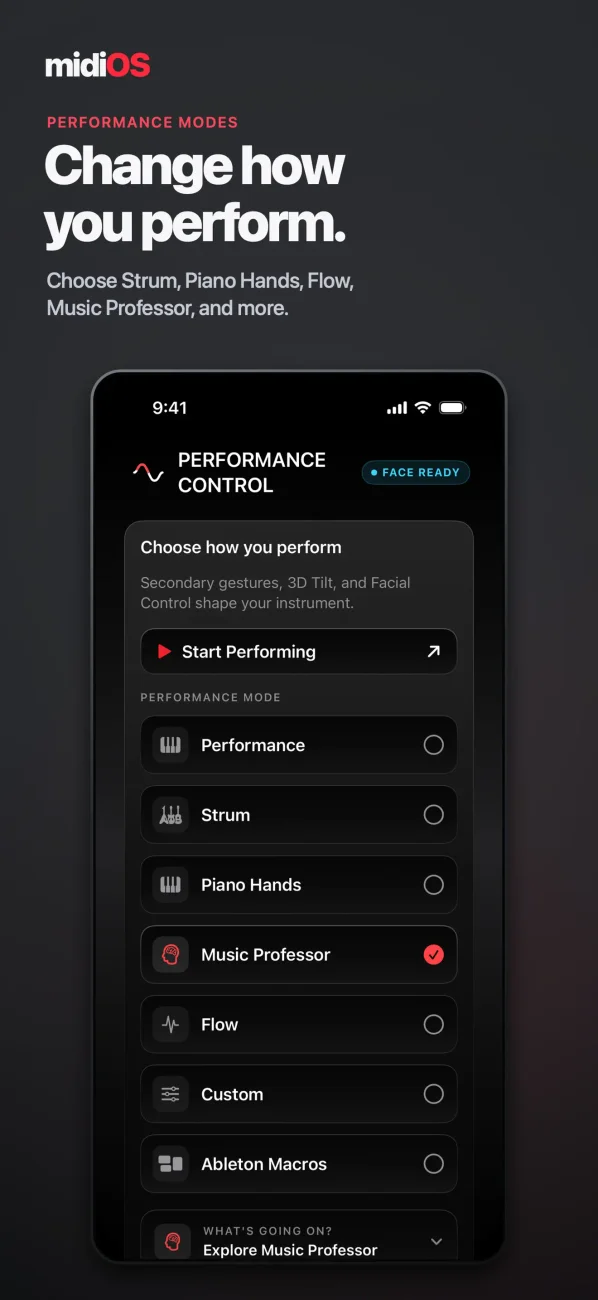
Performance Modes transform these inputs into coordinated musical systems. Intelligent voice leading keeps chords connected, expressive harmony controls create fluid transitions, and synchronized arpeggiation follows your DAW’s tempo and phase without restarting the pattern. Built-in modes provide focused setups for piano performance, harmony exploration, musical learning, generative flow, and Ableton control, while Custom Mode lets you create your own instrument.
Save complete instruments and performance setups in the Layout Library, then switch between them quickly. Discover and install compatible instruments through the midiOS Marketplace, or transfer your own layouts securely between midiOS and the midiOS Bridge.
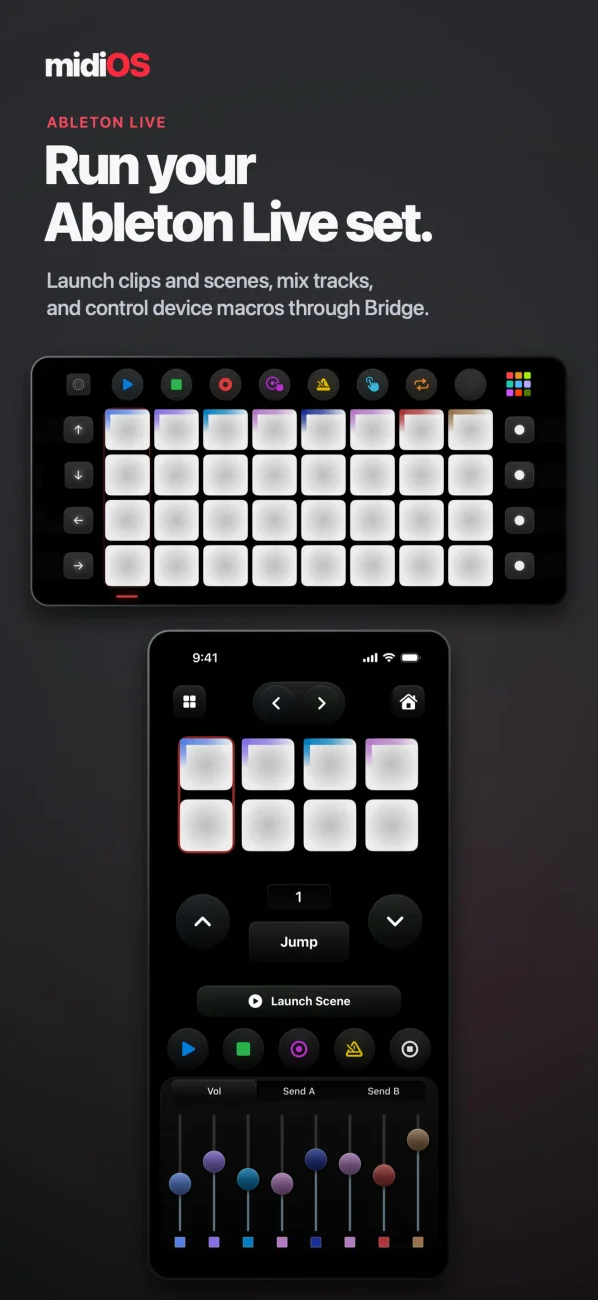
Using the free midiOS Bridge for Mac, connect over USB or Wi-Fi for a fast, authenticated MIDI connection to your computer. midiOS works with MIDI-compatible software and offers deep Ableton Live integration, including clip and scene launching, transport, session navigation, mixer controls, macros, and real-time visual feedback on your iPhone.
Rotate your device to enter LiveGrid and transform your iPhone into a live performance controller. Launch clips and scenes, navigate your session, control transport, and manage your performance from across the stage or studio.
Built for live performance, midiOS combines responsive MIDI, intelligent harmony, stable note ownership, fast layout switching, haptic feedback, visual feedback, and automatic reconnection in a workflow designed to keep you focused on making music.
Most MIDI apps give you buttons.
midiOS gives you an instrument that responds to how you play.
Learn more at midios.app.
新機能
バージョン 2.7.7 · 2026/11/24
Fixed an issue where reopening an XY pad with one axis unassigned could reset the MIDI assignments on the other axis.
アプリのプライバシー
このアプリのデータの取り扱いについて、jason merrillがApp Storeで申告している内容です。
-
データの収集なし
開発元はこのアプリからデータを収集しません。
プライバシーの取り扱いは、ご利用の機能やお客様の年齢などに応じて異なる場合があります。
情報
- 販売元
- jason merrill
- カテゴリ
- ミュージック
- バージョン
- 2.7.7
- 更新日
- 2026/11/24
- リリース
- 2025/11/28
- サイズ
- 341.3 MB
- 必要条件
- iOS 26.0以降
- 対象年齢
- 4+
- 価格
- ¥4,000
- 言語
- 英語
- 著作権
- © Jason W. Merrill