- Độ tuổi4+
- Danh mụcNhạc
- Nhà phát triểnjason merrill
- Ngôn ngữTiếng Anh
- Kích thước341,3 MB
Liên kết đến trang App Store chính thức
Download.org không lưu trữ tệp nào của midiOS. Nút này mở trang ứng dụng trên App Store, nơi jason merrill phát hành ứng dụng. Trang được kiểm tra lần cuối: 25/11/2026.
Ảnh chụp màn hình

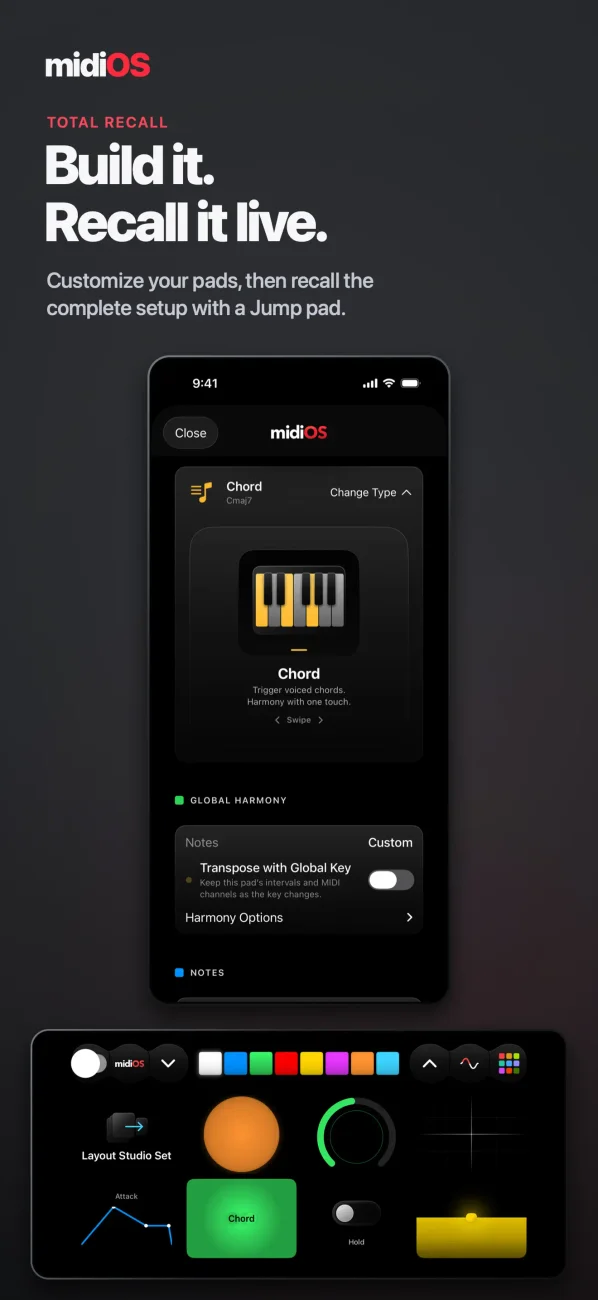
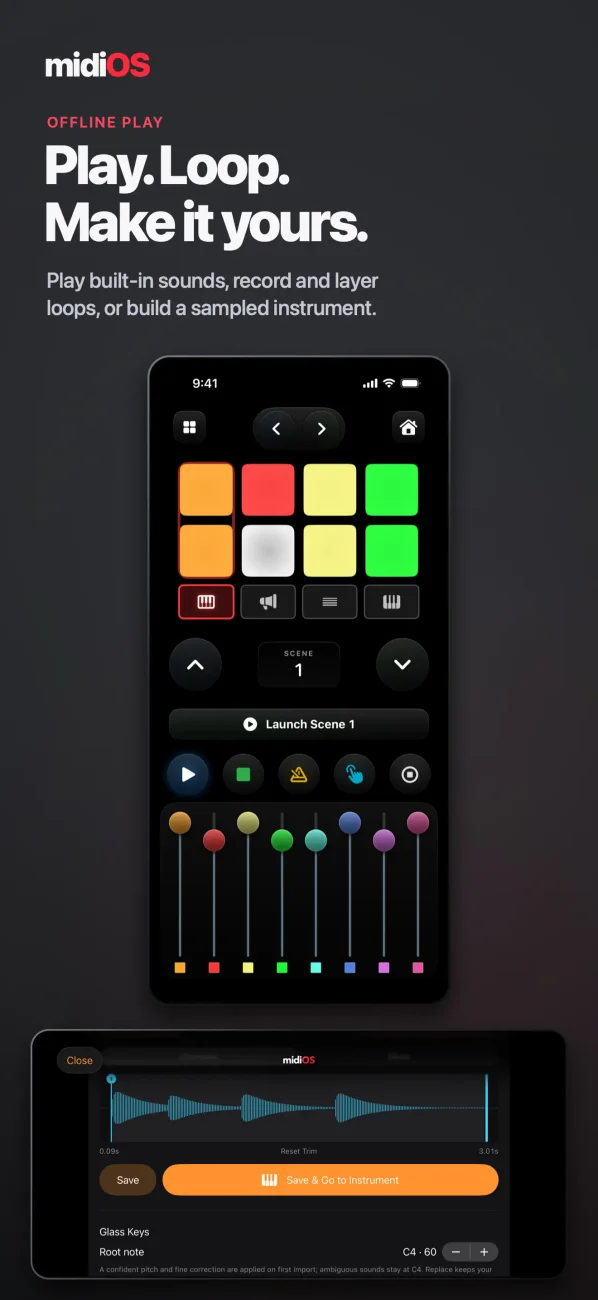
Giới thiệu
Nhà phát triển chưa cung cấp nội dung này bằng ngôn ngữ của bạn.
Before installing, visit midios.app/setup for setup instructions.
midiOS is a new kind of instrument.
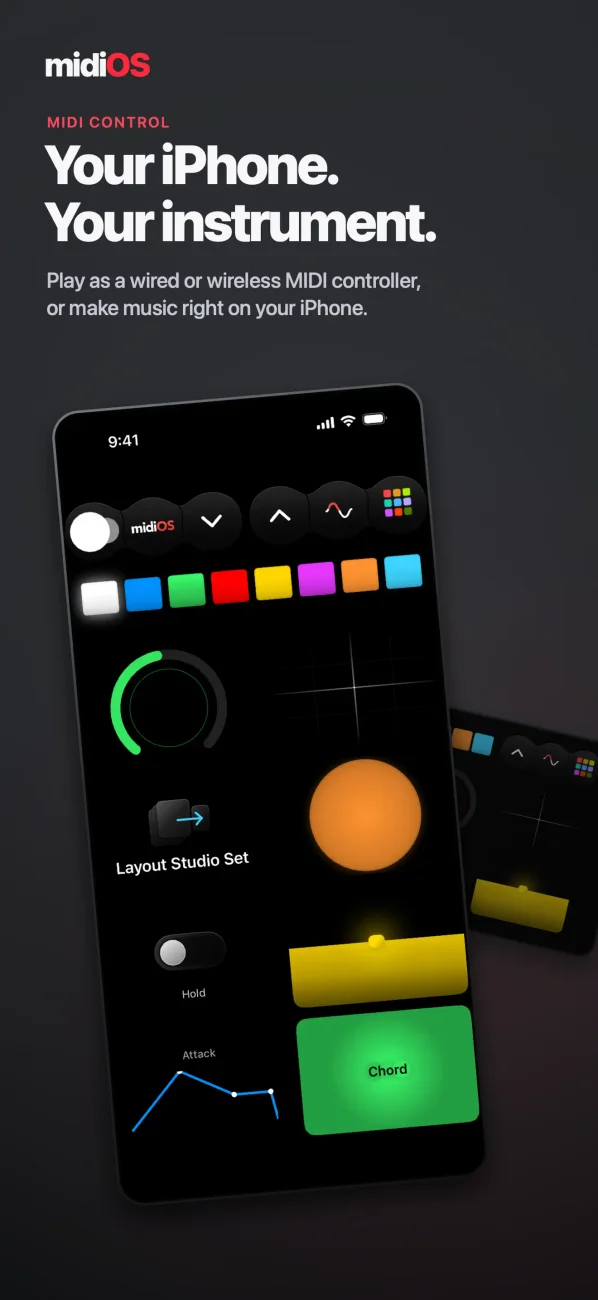
Transform your iPhone into an expressive MIDI instrument with advanced harmony, multidimensional performance control, and deep DAW integration. Play notes, chords, scales, arpeggios, modulation, and complete live performances from the device you already carry.
With Offline Play, midiOS becomes a self-contained instrument. Choose from built-in sounds, create an instrument rack, record or import personal samples, and capture performances in Offline LiveGrid—without a Mac, DAW, account, or network connection.
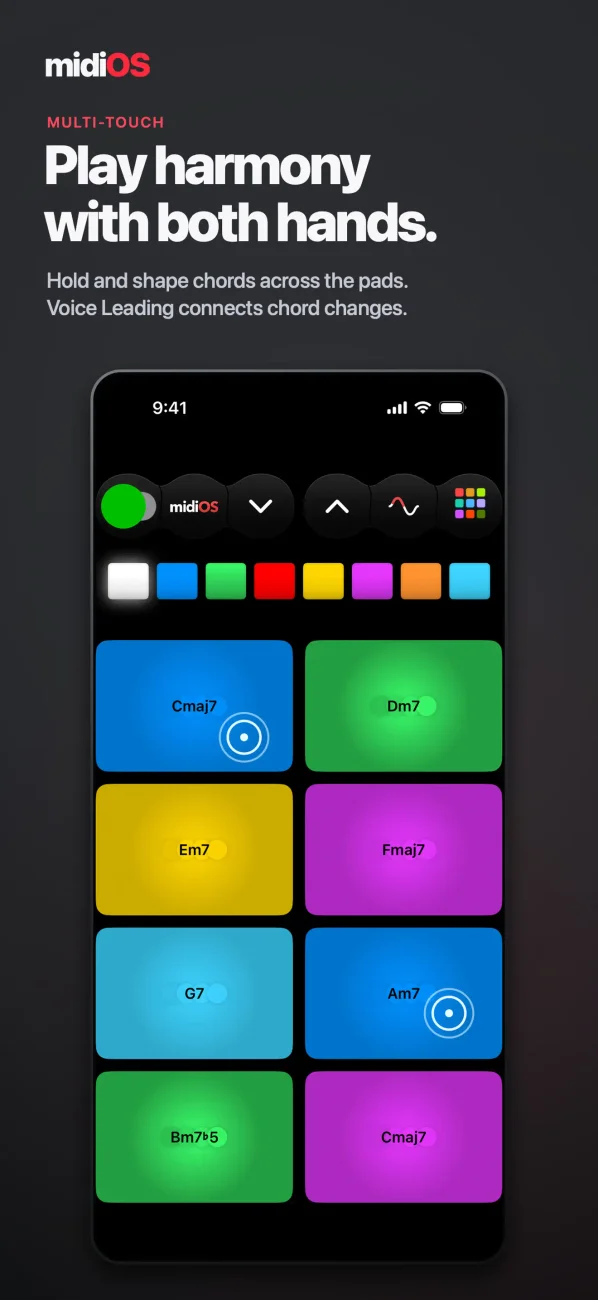
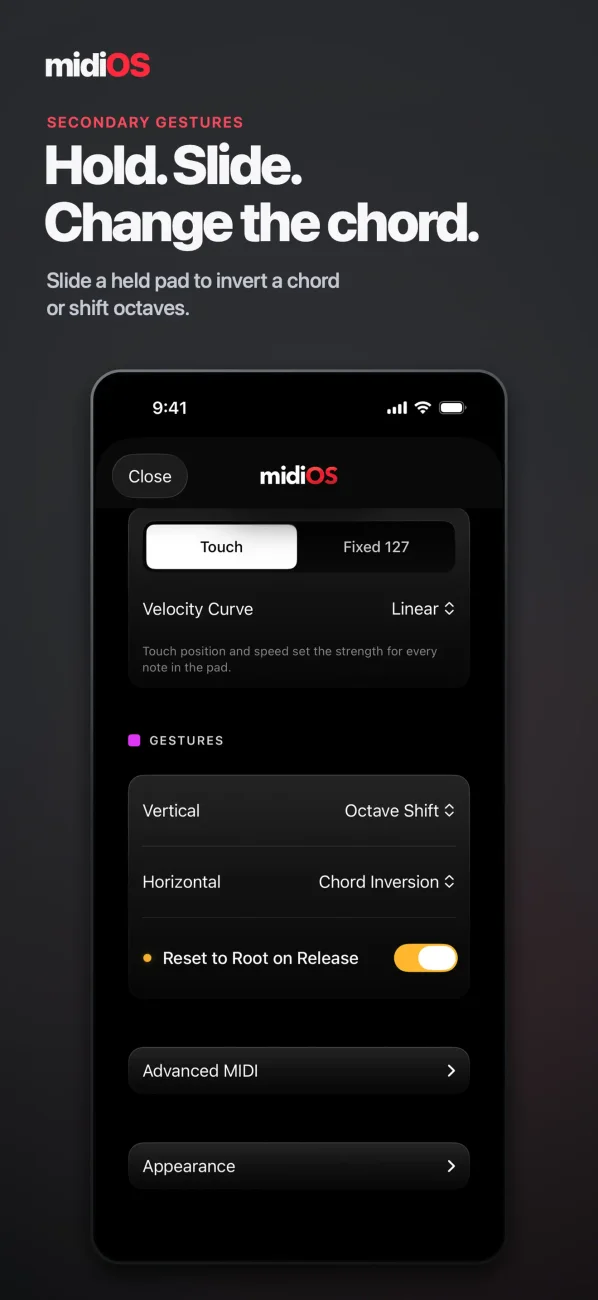
Designed for musicians, midiOS opens ready to perform. Tap pads to play notes, chords, and scales. Change keys, modes, voicings, and tonal centers without interrupting your flow. Swipe across pads to explore inversions, chord qualities, suspensions, secondary dominants, chromatic movement, and harmonic variations.
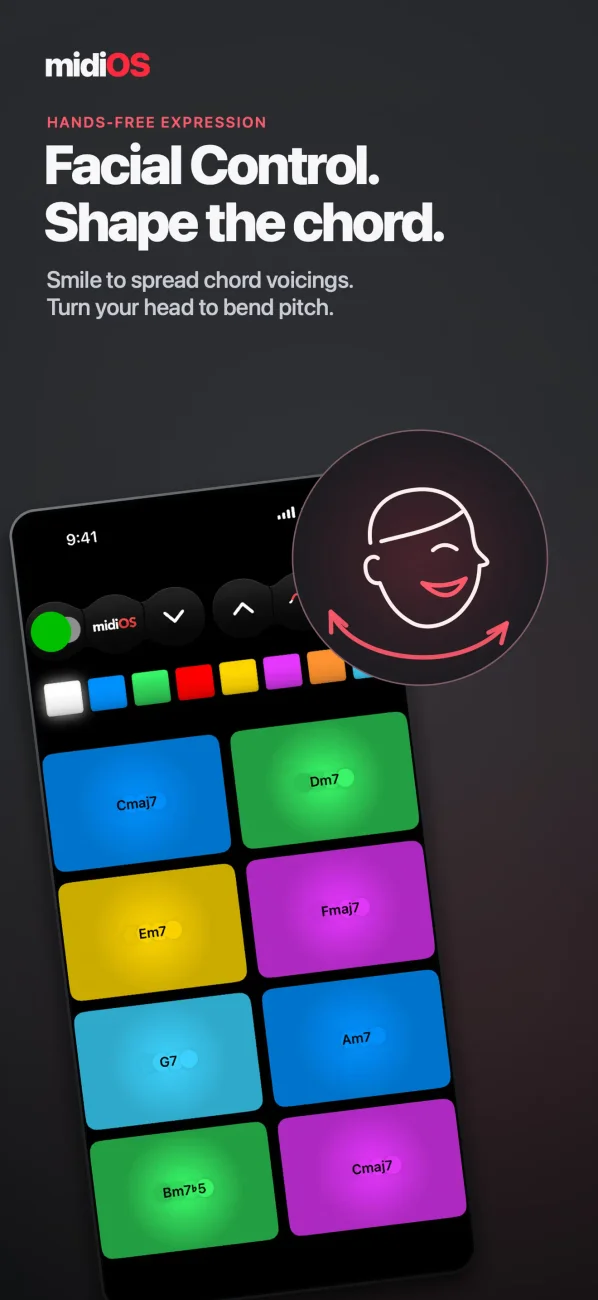
Every gesture can become musical. Shape your performance with multi-touch, directional gestures, device motion, aftertouch, pitch movement, XY pads, sliders, knobs, and macros. Optional facial controls let head and expression movements influence harmony, modulation, register, and other performance destinations in real time.
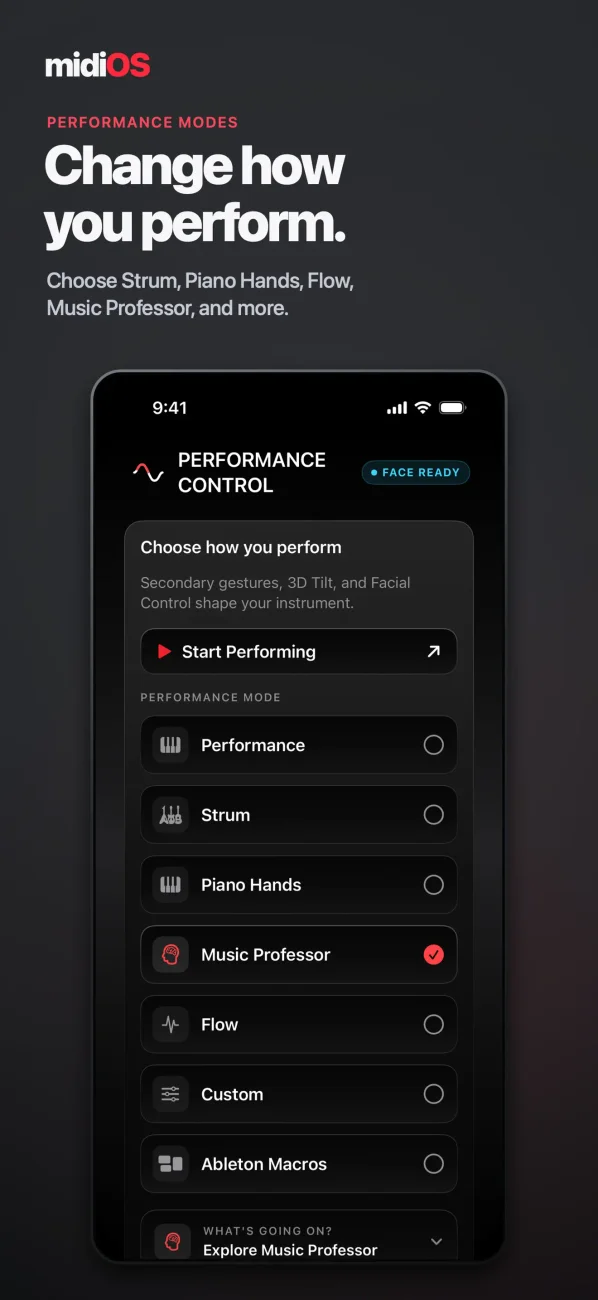
Performance Modes transform these inputs into coordinated musical systems. Intelligent voice leading keeps chords connected, expressive harmony controls create fluid transitions, and synchronized arpeggiation follows your DAW’s tempo and phase without restarting the pattern. Built-in modes provide focused setups for piano performance, harmony exploration, musical learning, generative flow, and Ableton control, while Custom Mode lets you create your own instrument.
Save complete instruments and performance setups in the Layout Library, then switch between them quickly. Discover and install compatible instruments through the midiOS Marketplace, or transfer your own layouts securely between midiOS and the midiOS Bridge.
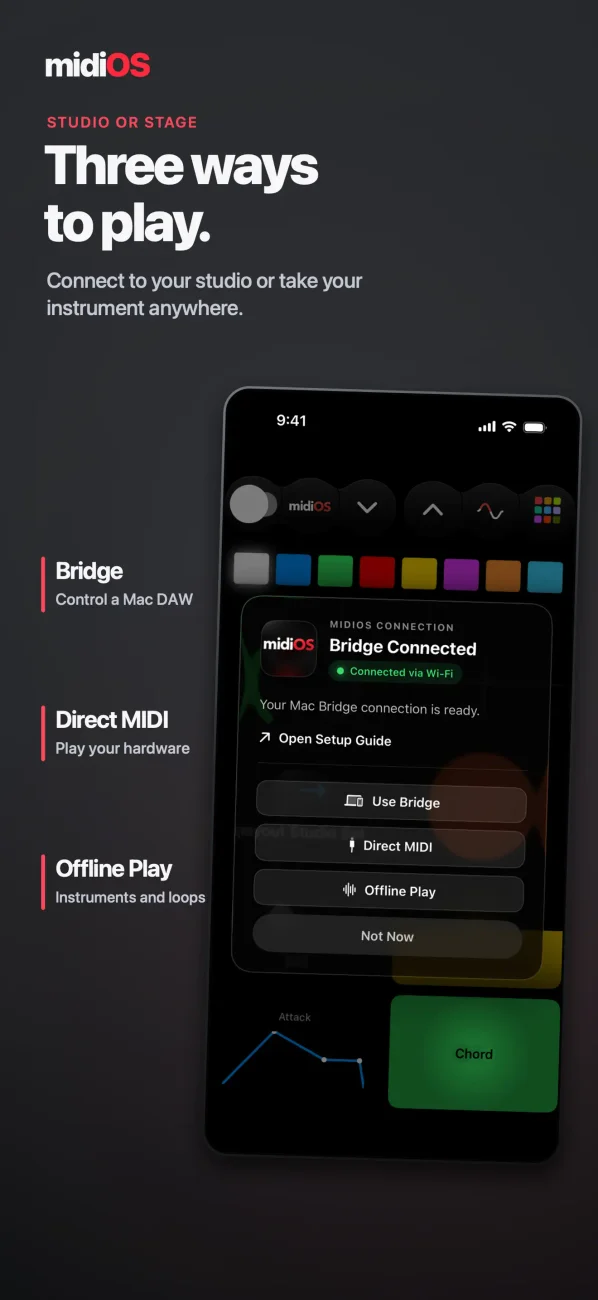
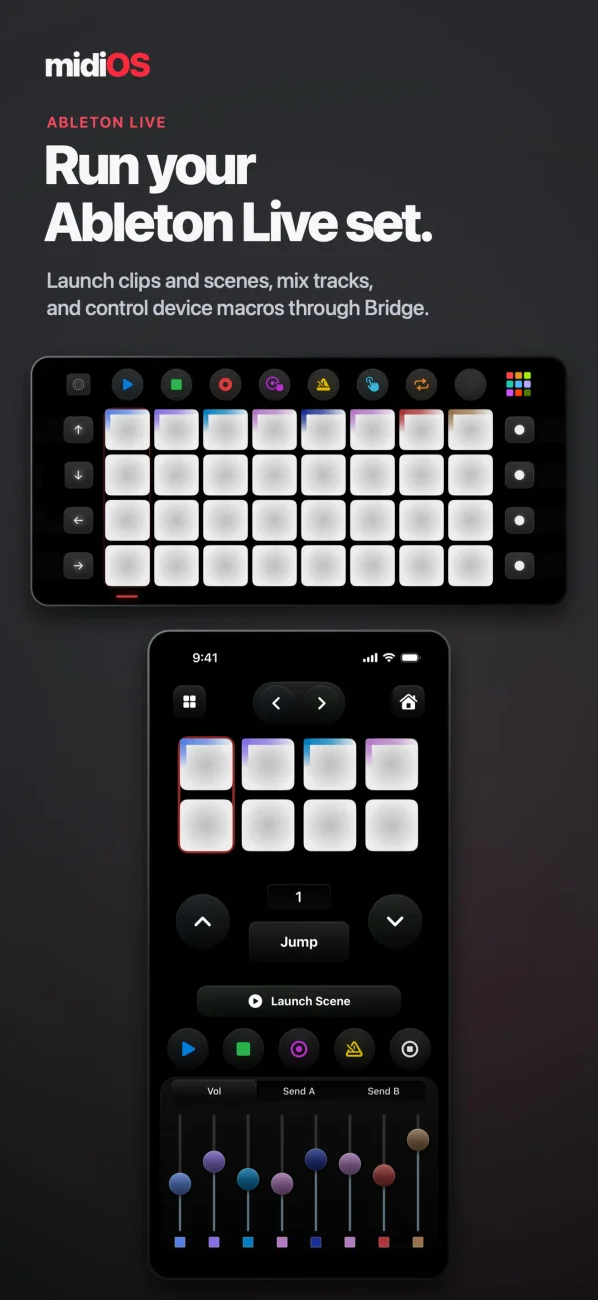
Using the free midiOS Bridge for Mac, connect over USB or Wi-Fi for a fast, authenticated MIDI connection to your computer. midiOS works with MIDI-compatible software and offers deep Ableton Live integration, including clip and scene launching, transport, session navigation, mixer controls, macros, and real-time visual feedback on your iPhone.
Rotate your device to enter LiveGrid and transform your iPhone into a live performance controller. Launch clips and scenes, navigate your session, control transport, and manage your performance from across the stage or studio.
Built for live performance, midiOS combines responsive MIDI, intelligent harmony, stable note ownership, fast layout switching, haptic feedback, visual feedback, and automatic reconnection in a workflow designed to keep you focused on making music.
Most MIDI apps give you buttons.
midiOS gives you an instrument that responds to how you play.
Learn more at midios.app.
Có gì mới
Phiên bản 2.7.7 · 24/11/2026
Fixed an issue where reopening an XY pad with one axis unassigned could reset the MIDI assignments on the other axis.
Quyền riêng tư của ứng dụng
Những gì jason merrill khai báo trên App Store về cách ứng dụng này xử lý dữ liệu.
-
Dữ liệu không được thu thập
Nhà phát triển không thu thập bất kỳ dữ liệu nào từ ứng dụng này.
Phương thức đảm bảo quyền riêng tư có thể khác nhau, chẳng hạn như tuỳ theo các tính năng bạn sử dụng hoặc độ tuổi của bạn.
Thông tin
- Người bán
- jason merrill
- Danh mục
- Nhạc
- Phiên bản
- 2.7.7
- Cập nhật
- 24/11/2026
- Phát hành
- 28/11/2025
- Kích thước
- 341,3 MB
- Yêu cầu
- iOS 26.0 trở lên
- Độ tuổi
- 4+
- Giá
- 799.000đ
- Ngôn ngữ
- Tiếng Anh
- Bản quyền
- © Jason W. Merrill