- 対象年齢4+
- カテゴリユーティリティ
- 開発元R.P.A. Tech
- 言語英語
- サイズ8.6 MB
Mobile Mouse Bluetooth Remoteは現在App Storeで入手できない可能性があります
前回の確認時、ストアのページにアクセスできませんでした。リンク先は引き続きApp Storeの公式ページです。
スクリーンショット
概要
開発元はこのテキストをお使いの言語で提供していません。
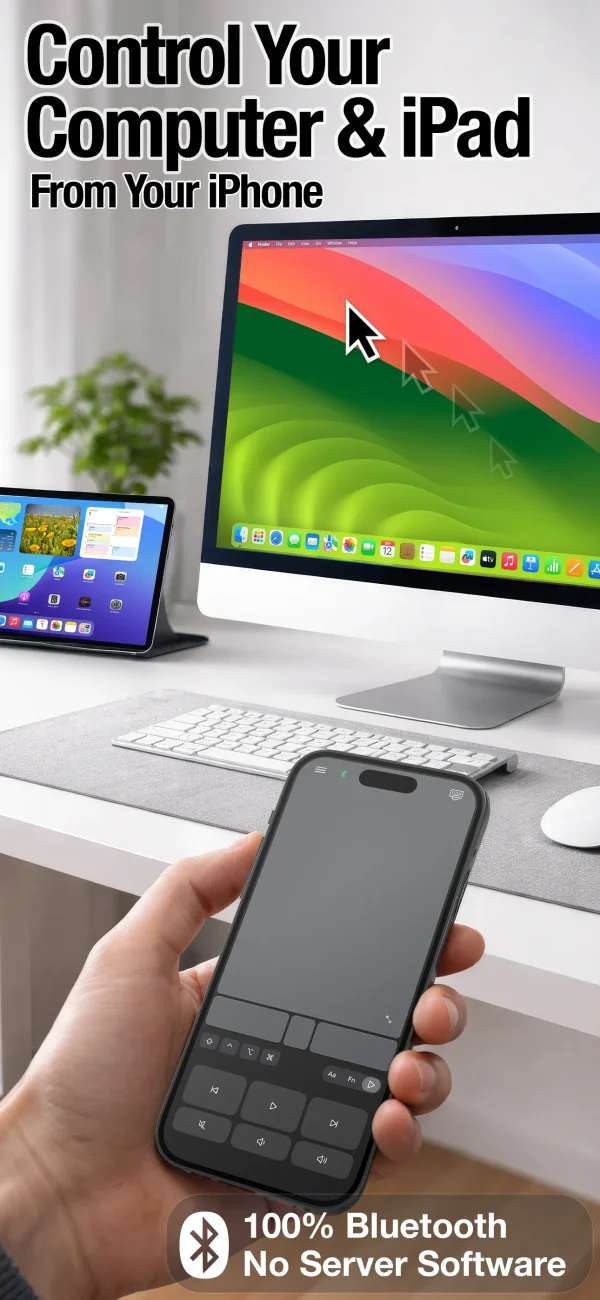
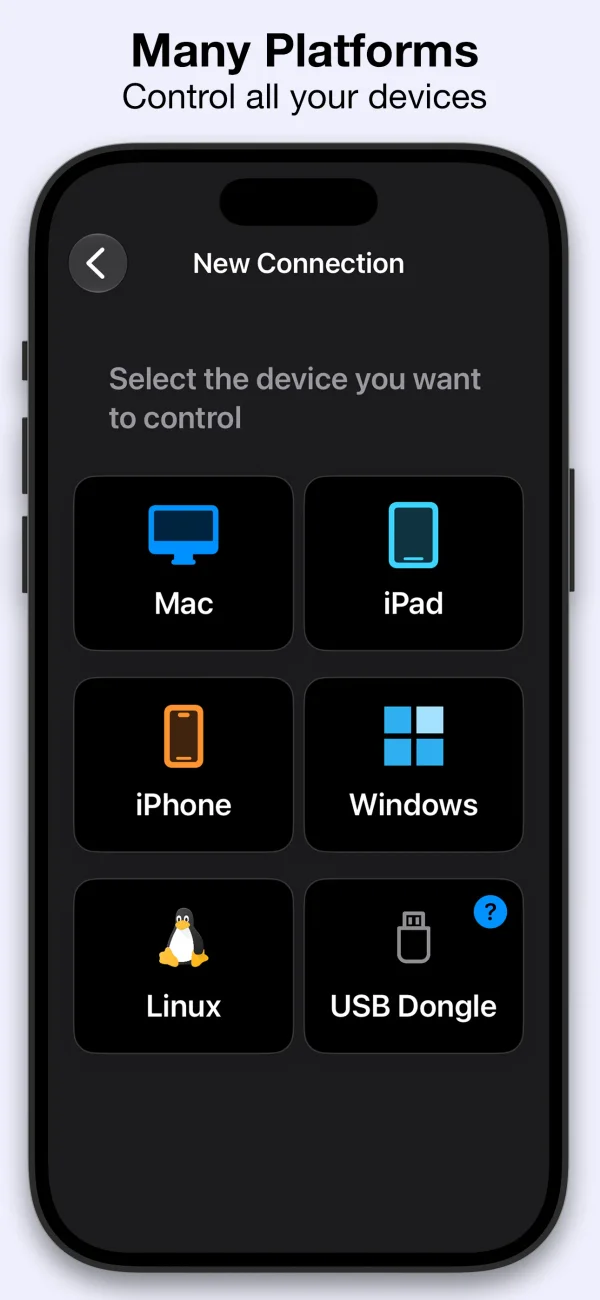
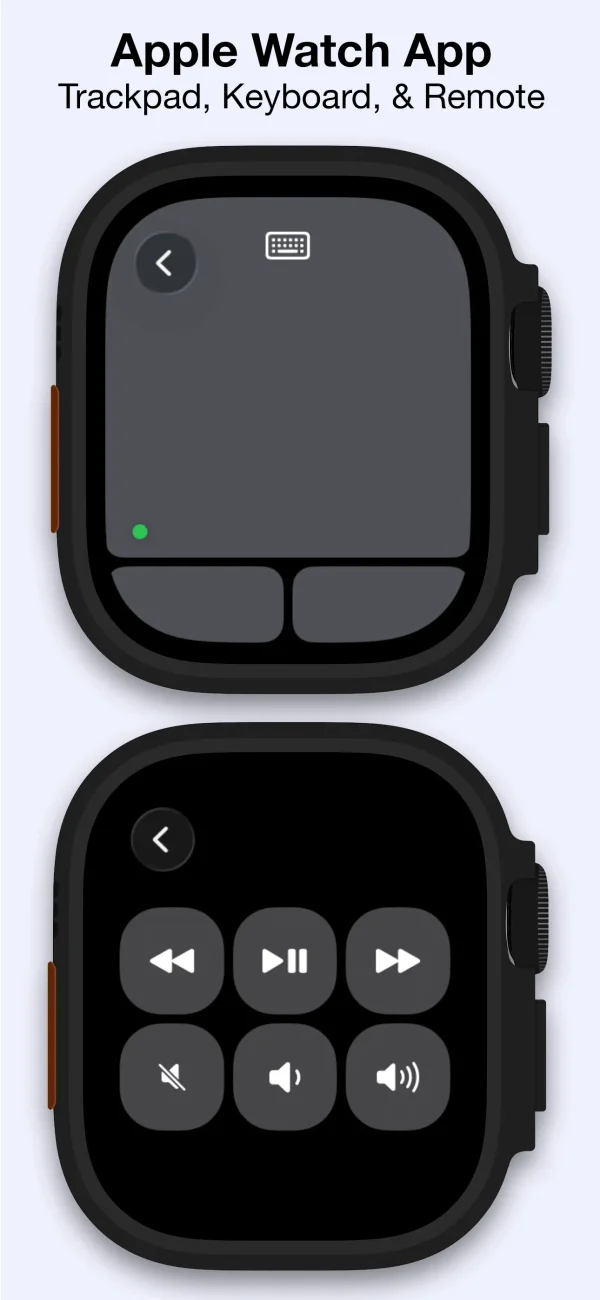
Turn your iPhone, iPad, or Apple Watch into a Bluetooth mouse, wireless keyboard, touchpad, and remote control for your Mac, Windows PC, Linux PC, or iPad.
A paid subscription or lifetime purchase is required to use Mobile Mouse.
Enjoy responsive control wherever you work or play, even without an internet connection. Navigate your computer from the couch, deliver presentations, control music and movies, or travel with one less accessory.
• Connect directly over Bluetooth — No Wi-Fi network, internet connection, or companion server software required on the device you control.
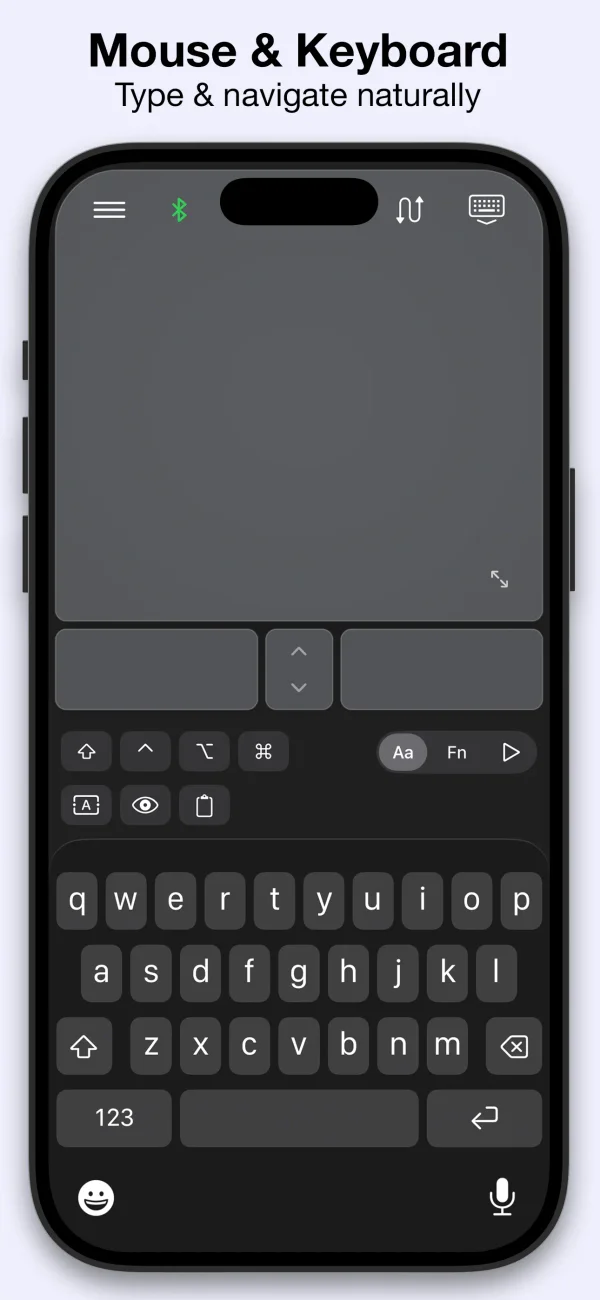
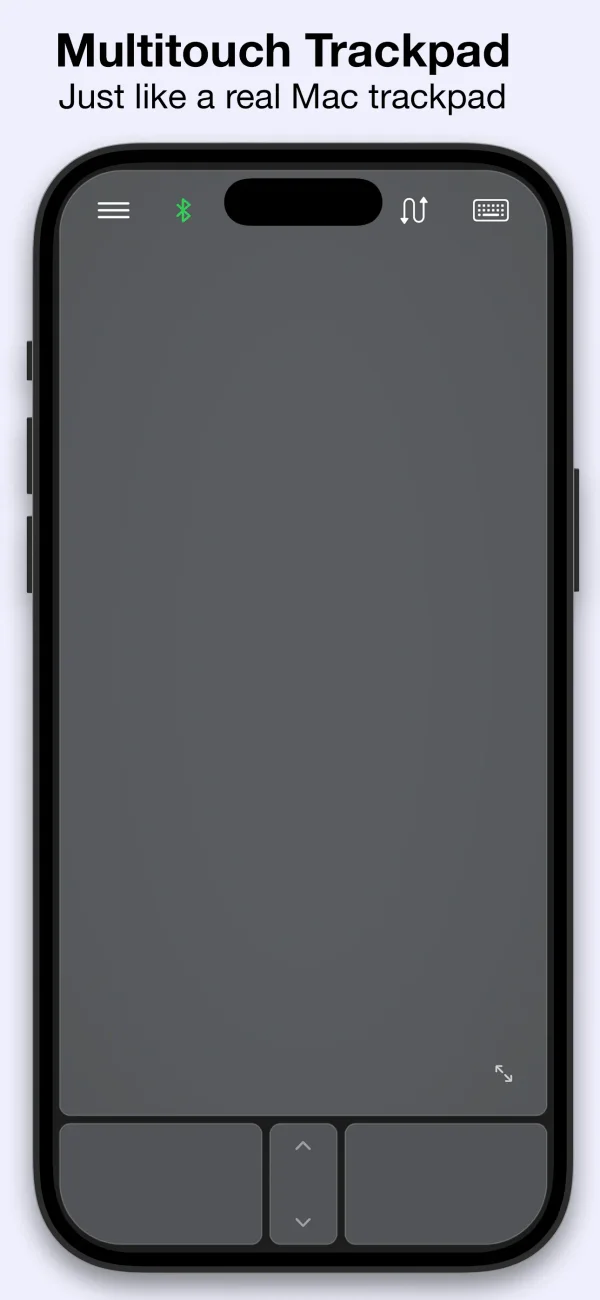
• Multitouch Trackpad — Move the cursor, scroll, swipe, and tap with intuitive touch gestures.
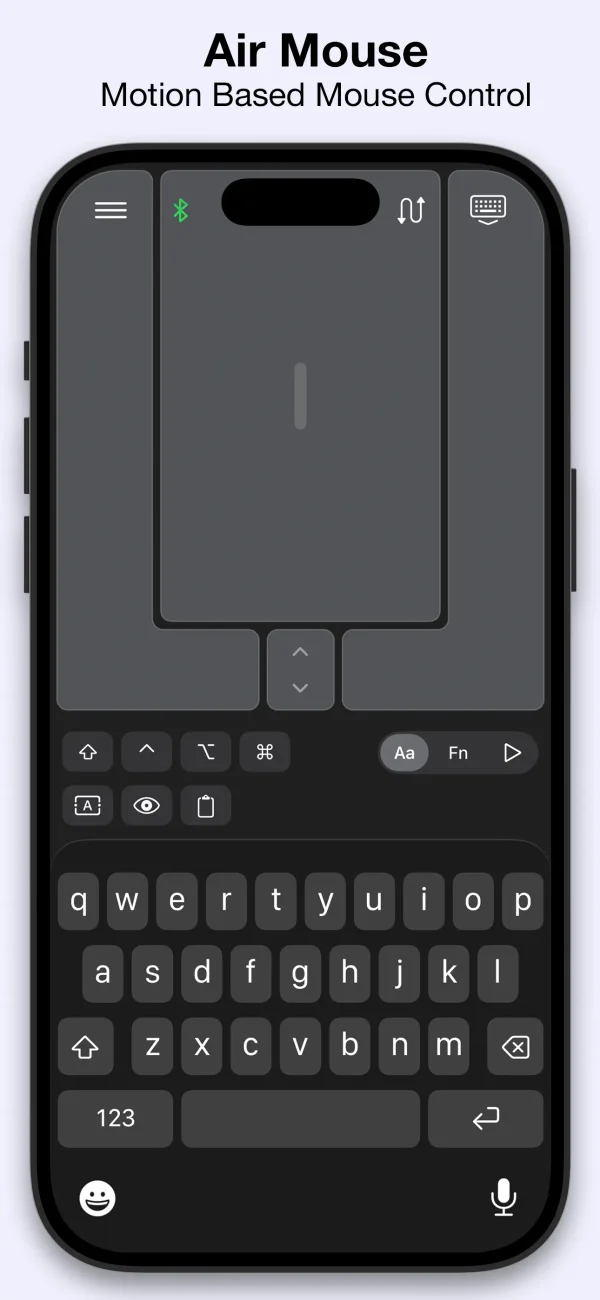
• Air Mouse — Control your cursor by moving your iPhone in the air. Great for presentations and controlling your computer from across the room.
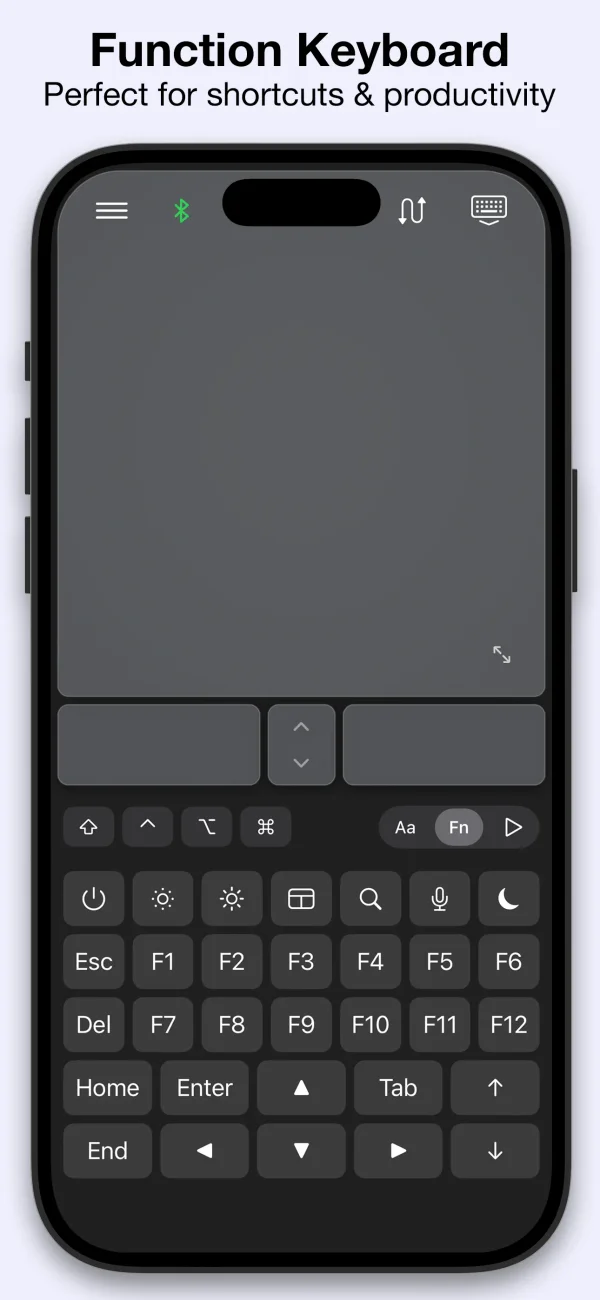
• Full Keyboard & Number Pad — Type wirelessly with standard keys, function keys, modifier keys, and shortcuts for brightness, sleep, and more.
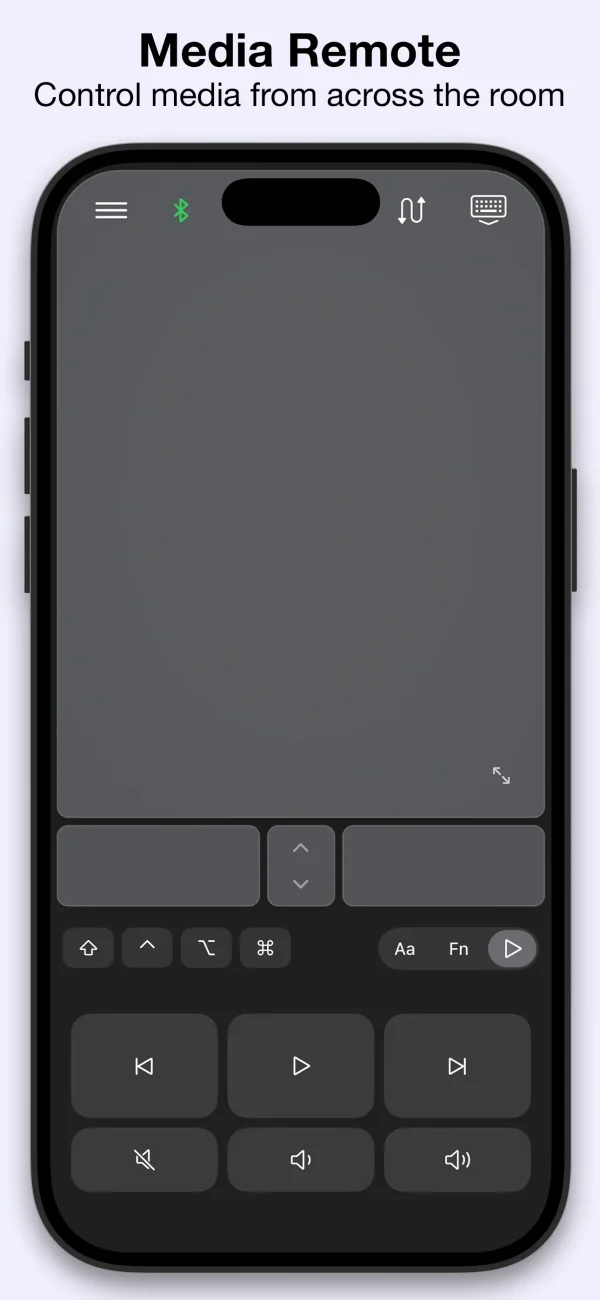
• Media, Presentation & TV Remotes — Play and pause media, skip tracks, adjust volume, and control slides with dedicated remotes.
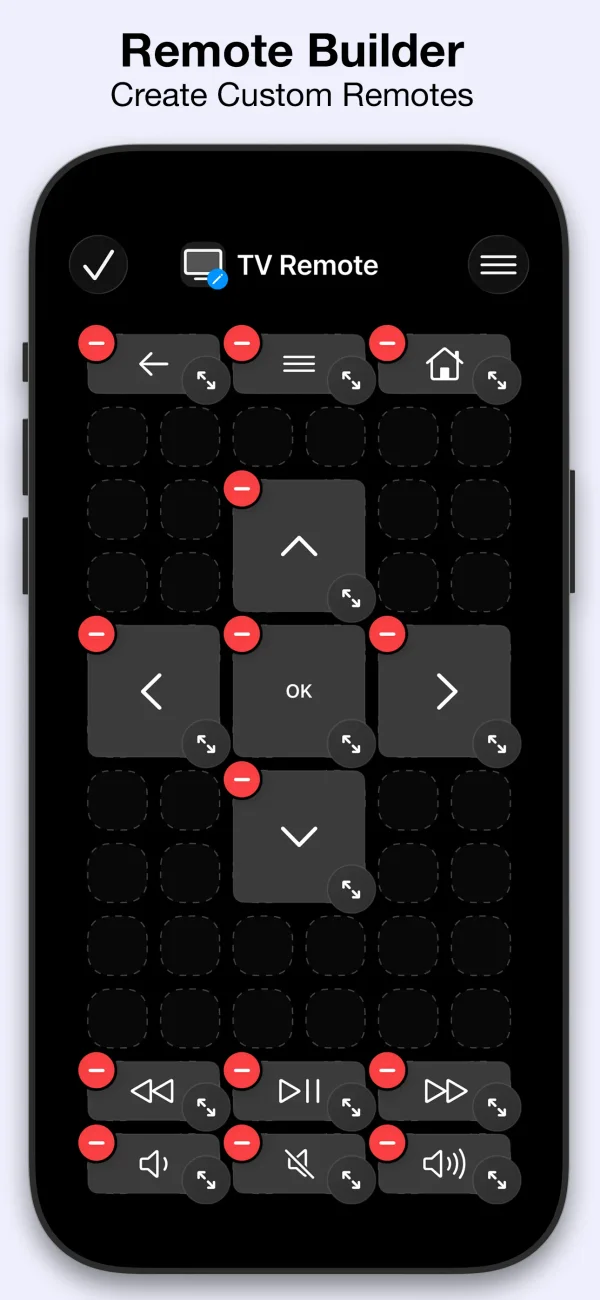
• Custom Remote Builder — Create and share remotes tailored to your favorite apps and workflows. Sync your custom remotes across your devices.
• Mouse Jiggler — Keep your computer awake with automatic mouse movement.
• Multiple Devices — Use one controller with your compatible computers, iPads, iPhones, and Apple TV. Your iPad can serve as either a controller or the device being controlled.
• Text Editor - Compose large messages to send at once. Quick Text lets you save frequently used snippets of text.
• Encrypted Keyboard Input — Type securely over an encrypted Bluetooth connection.
WHY MOBILE MOUSE?
• Works Wherever You Are — Control nearby devices at home, in the office, in a classroom, or while traveling. Mobile Mouse connects directly over Bluetooth, so you don’t need a local area network, private Wi-Fi, or internet access.
• No Companion Software — Nothing to install on the computer you control. Ideal for work or shared computers where you can’t install additional software.
• No Pairing necessary on Apple Devices — Connect to compatible Apple devices without going through Bluetooth pairing. Just connect and take control.
• Independent of Wi-Fi — Keep control when Wi-Fi is unavailable, unreliable, or prevents devices from communicating with each other.
• Ready for Presentations and Travel — Skip the hassle of joining an unfamiliar network or setting up server software. Your mouse, keyboard, and presentation remote are already with you.
• A Backup Within Reach — Mouse batteries dead? Keyboard unavailable? Use your iPhone or iPad to get back in control.
• Nearly Two Decades of Experience — We created the first mobile mouse app in 2009. Since then, we’ve continued to innovate, embracing new technologies and shaping our apps around the needs and feedback of our users.
Use Mobile Mouse with your favorite apps, from YouTube, Netflix, Spotify, and Apple Music to Keynote, PowerPoint, and Google Slides. Browse the web, manage your home theater PC, or keep presentation controls close at hand.
OPTIONAL USB DONGLE
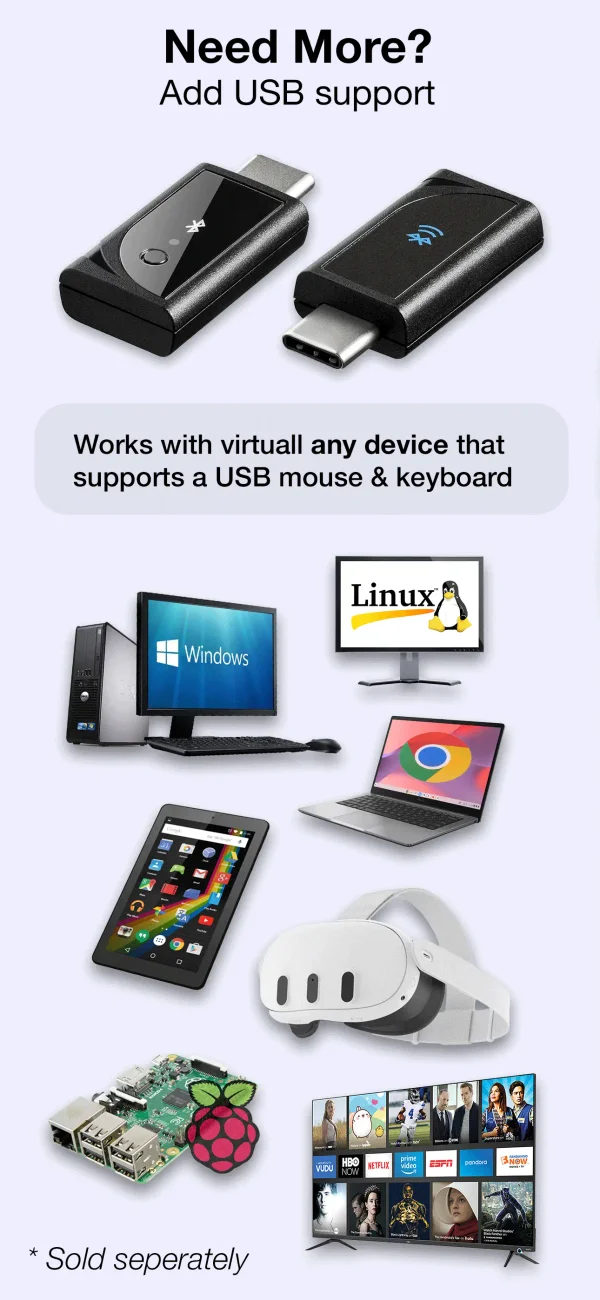
Expand compatibility with the optional Bluetooth USB-C dongle. It receives your controls and acts as a standard USB mouse and keyboard for compatible Windows PCs, Linux systems, Raspberry Pi, Meta Quest, ChromeOS devices, and Smart TVs. On supported systems, the dongle also enables control at login screens, in BIOS/UEFI settings, and before the operating system loads.
Privacy Policy: https://bluetooth.mobilemouse.com/privacy
Terms of Service: https://bluetooth.mobilemouse.com/terms
新機能
バージョン 2.2.0 · 2026/11/25
• Use the new Navigator Remote to switch apps, move between desktops, show the desktop, or open Mission Control on Mac or Task View on Windows.
• Give a custom remote button different actions for Mac and Windows. The button automatically uses the actions for the connected computer.
• Keep modifier keys held between taps. For example, keep Command or Alt held while you tap through open apps. Choose a release delay from 0.5 to 5 seconds.
• Fixed Command-Tab to cycle through applications
• Type in Persian (Farsi) with five keyboard layouts
アプリのプライバシー
このアプリのデータの取り扱いについて、R.P.A. TechがApp Storeで申告している内容です。
-
データの収集なし
開発元はこのアプリからデータを収集しません。
プライバシーの取り扱いは、ご利用の機能やお客様の年齢などに応じて異なる場合があります。
情報
- 販売元
- RPA Tech, INC
- カテゴリ
- ユーティリティ
- バージョン
- 2.2.0
- 更新日
- 2026/11/25
- リリース
- 2026/1/15
- サイズ
- 8.6 MB
- 必要条件
- iOS 17.6以降
- 対象年齢
- 4+
- アプリ内課金
- あり
- 言語
- 英語
- 著作権
- © RPA Tech, Inc
こちらもおすすめ
-
 HY300 4K Smart Projector Guideユーティリティ
-
 DP Smart Controlユーティリティ
-
 Tracepad - Mouse & Trackpadユーティリティ
-
 BT Remote: Keyboard & Trackpadユーティリティ
-
 Remote, Mouse and KeyboardApple TV・Mac・PCを手元で操作
-
 AirBoard ProBluetooth・Wi-Fi キーボード
-
 Remote Mouse便利なパソコン用リモコン
-
 btkbdユニバーサルフルサイズBluetoothキーボード
-
 プロジェクターリモコンスマホでプロジェクター操作
-
 Zank Remote for Smart TVs, Boxユーティリティ