Mobile Mouse Bluetooth Remote
Wireless Touchpad & Keyboard
iPhone, iPad için tasarlandı
Ücretsiz · Uygulama içi satın alma
- Yaş sınırı4+
- KategoriYardımcılar
- GeliştiriciR.P.A. Tech
- Dillerİngilizce
- Boyut8,6 MB
Resmi App Store sayfasına bağlanır
Download.org, Mobile Mouse Bluetooth Remote için hiçbir dosya barındırmaz. Düğme, uygulamanın App Store üzerindeki sayfasını açar; uygulamayı orada R.P.A. Tech yayınlar. Sayfanın son kontrolü: 26.11.2026.
Ekran görüntüleri
Hakkında
Geliştirici bu metni dilinizde sunmamış.
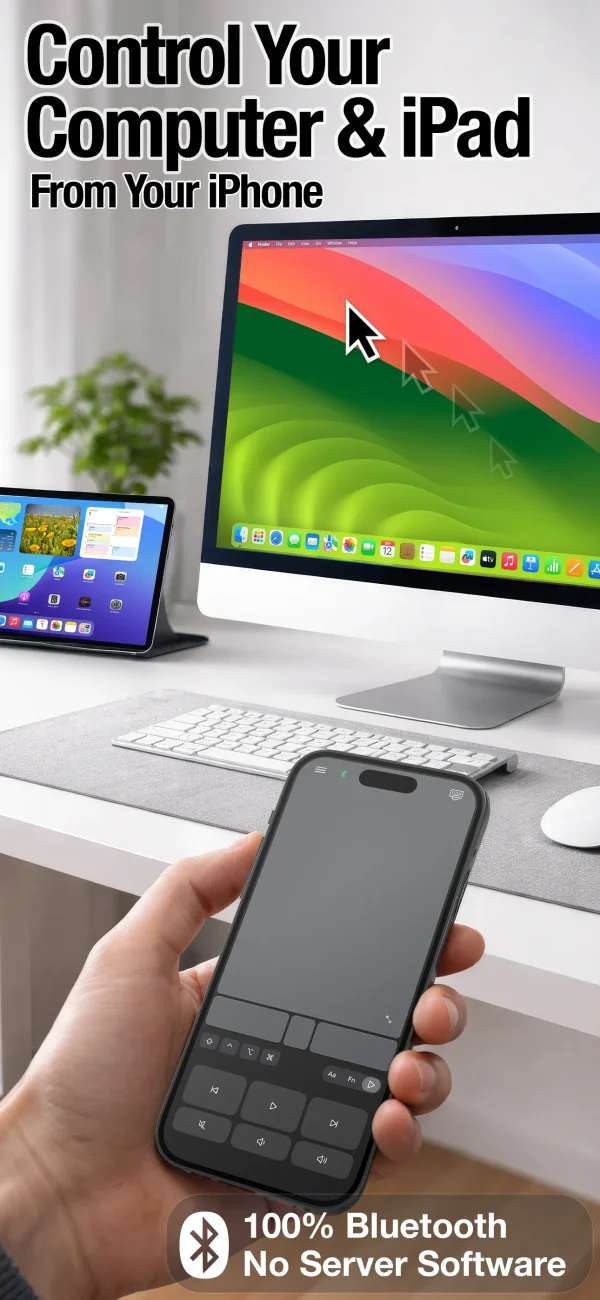
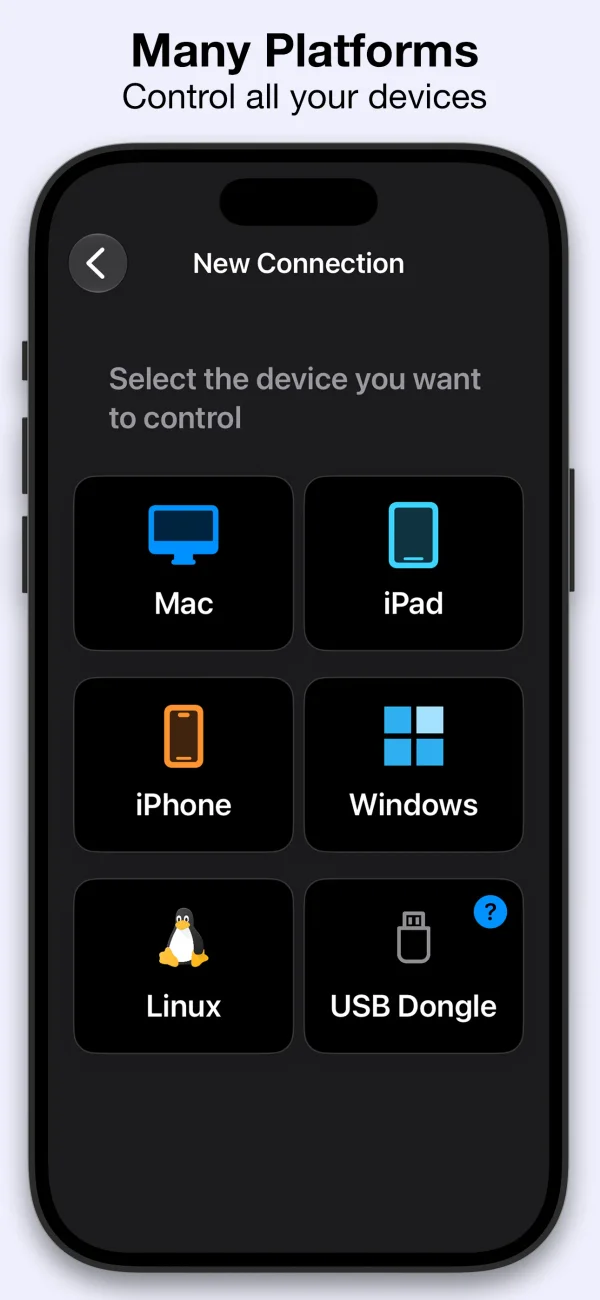
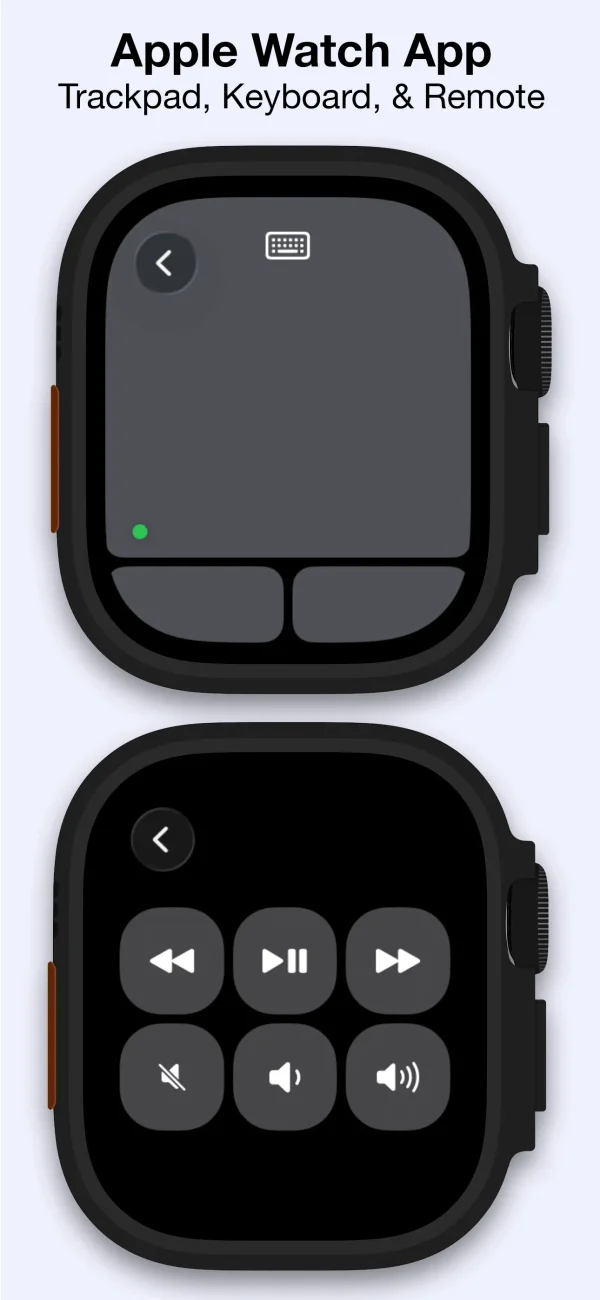
Turn your iPhone, iPad, or Apple Watch into a Bluetooth mouse, wireless keyboard, touchpad, and remote control for your Mac, Windows PC, Linux PC, or iPad.
A paid subscription or lifetime purchase is required to use Mobile Mouse.
Enjoy responsive control wherever you work or play, even without an internet connection. Navigate your computer from the couch, deliver presentations, control music and movies, or travel with one less accessory.
• Connect directly over Bluetooth — No Wi-Fi network, internet connection, or companion server software required on the device you control.
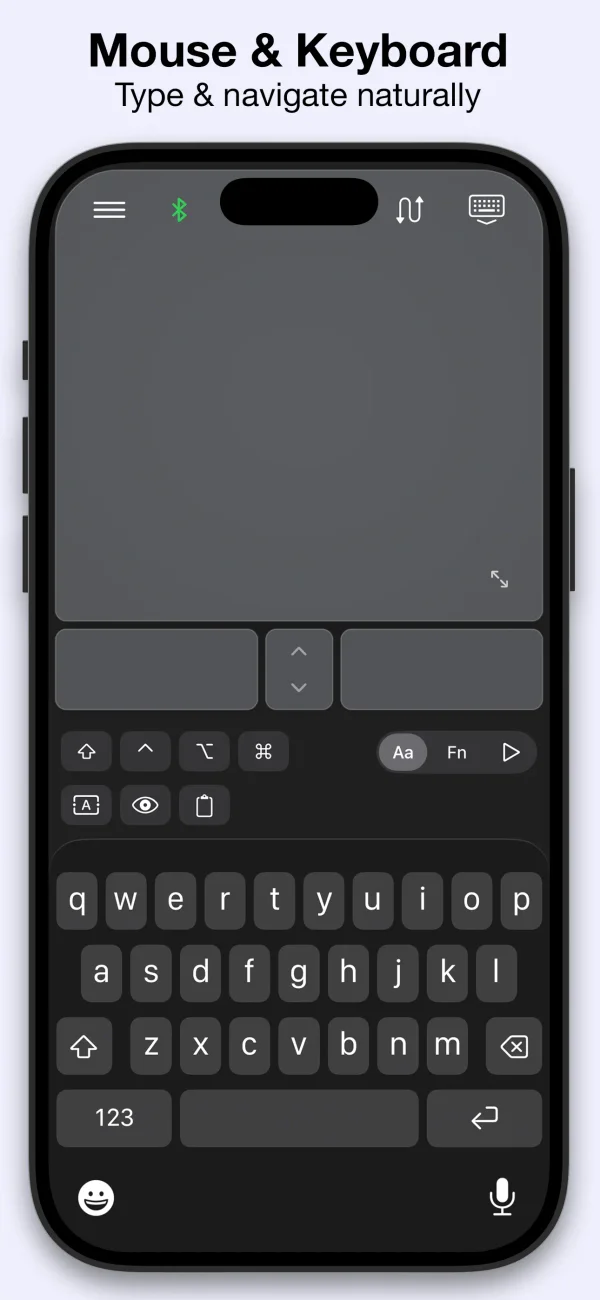
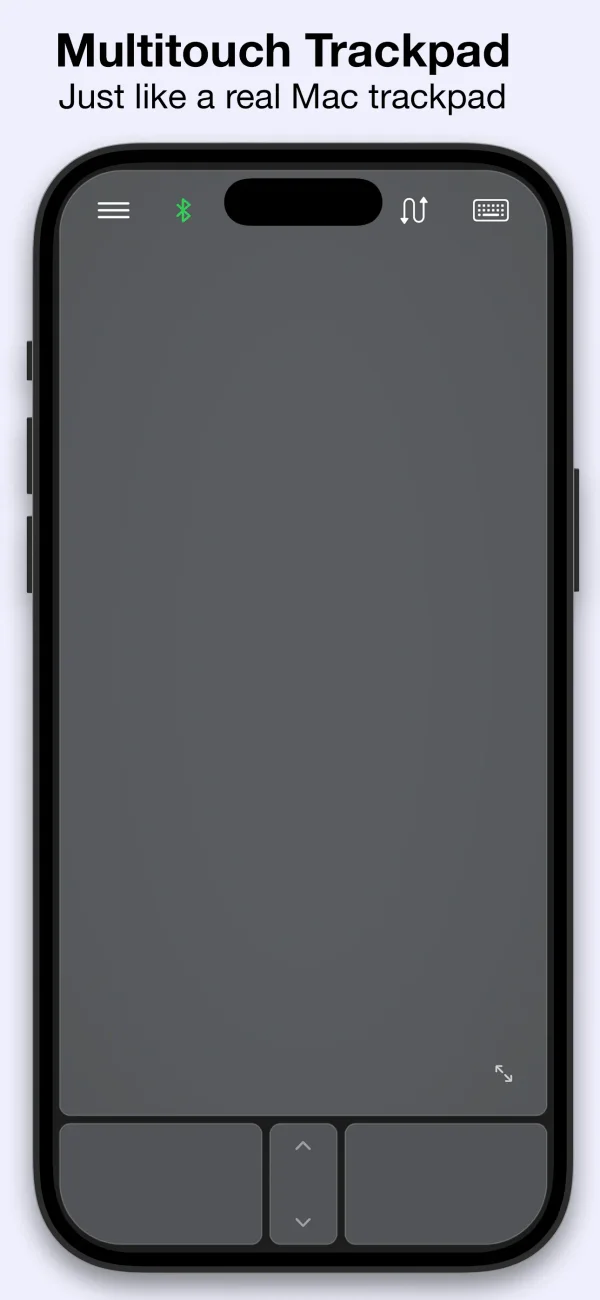
• Multitouch Trackpad — Move the cursor, scroll, swipe, and tap with intuitive touch gestures.
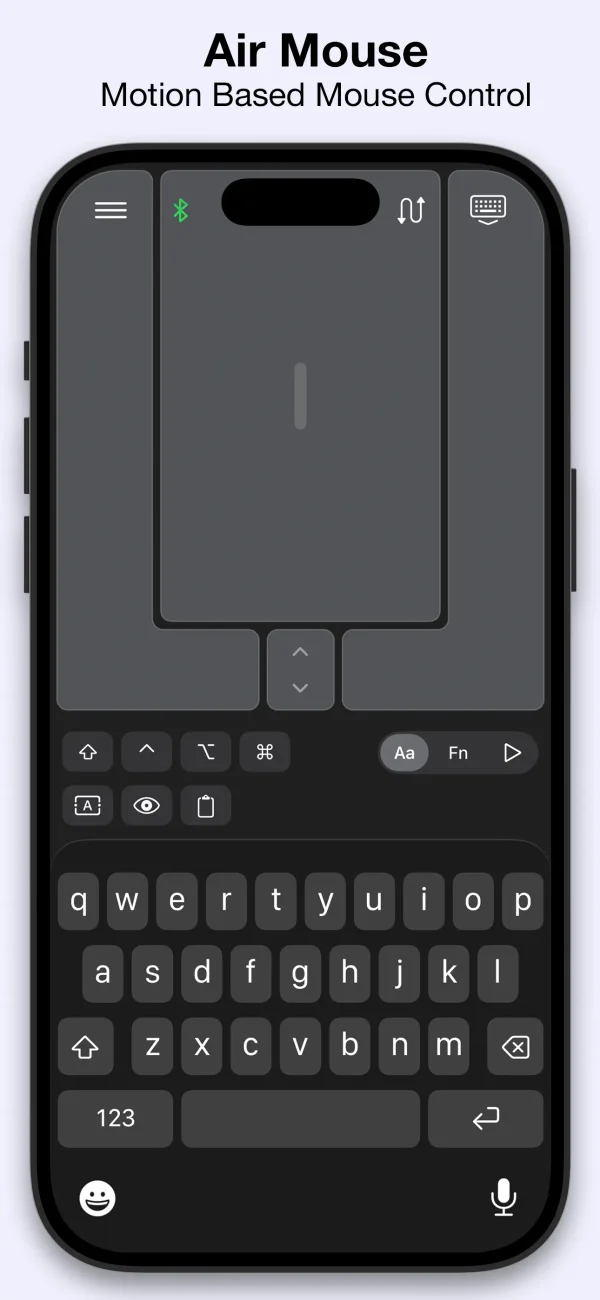
• Air Mouse — Control your cursor by moving your iPhone in the air. Great for presentations and controlling your computer from across the room.
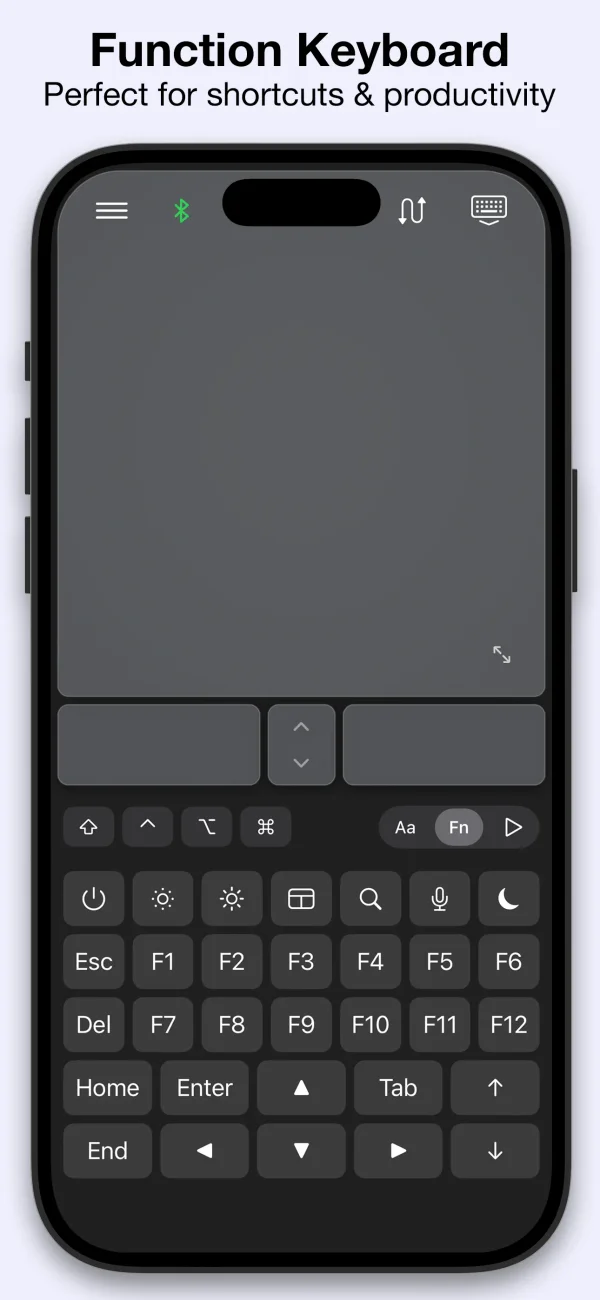
• Full Keyboard & Number Pad — Type wirelessly with standard keys, function keys, modifier keys, and shortcuts for brightness, sleep, and more.
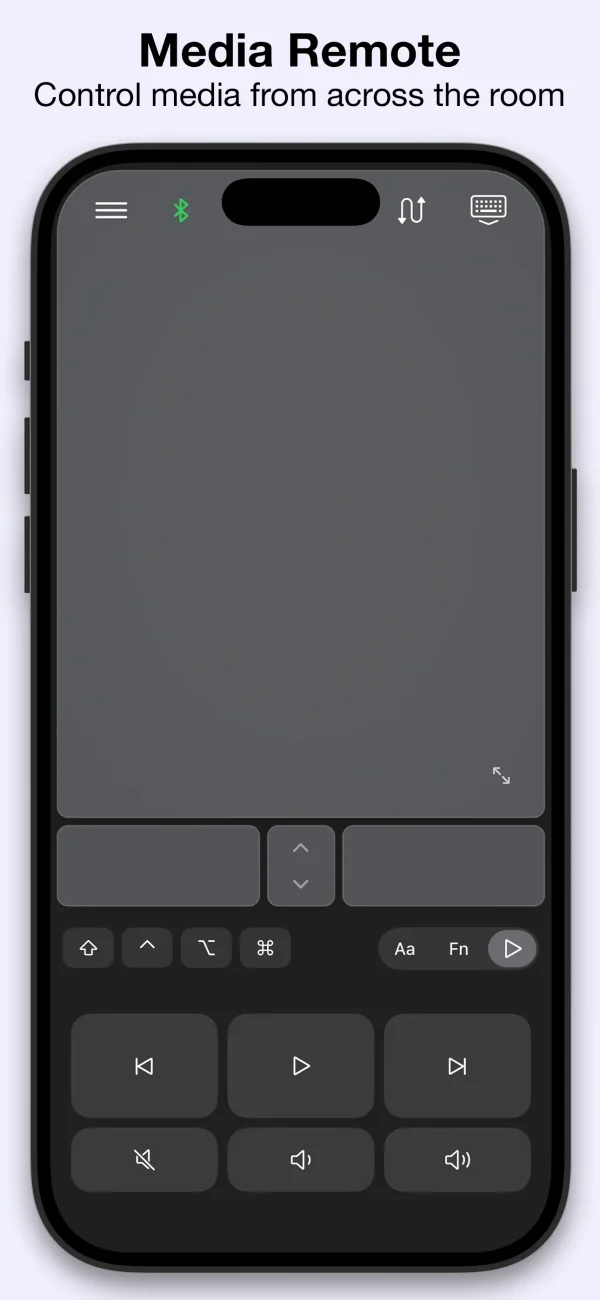
• Media, Presentation & TV Remotes — Play and pause media, skip tracks, adjust volume, and control slides with dedicated remotes.
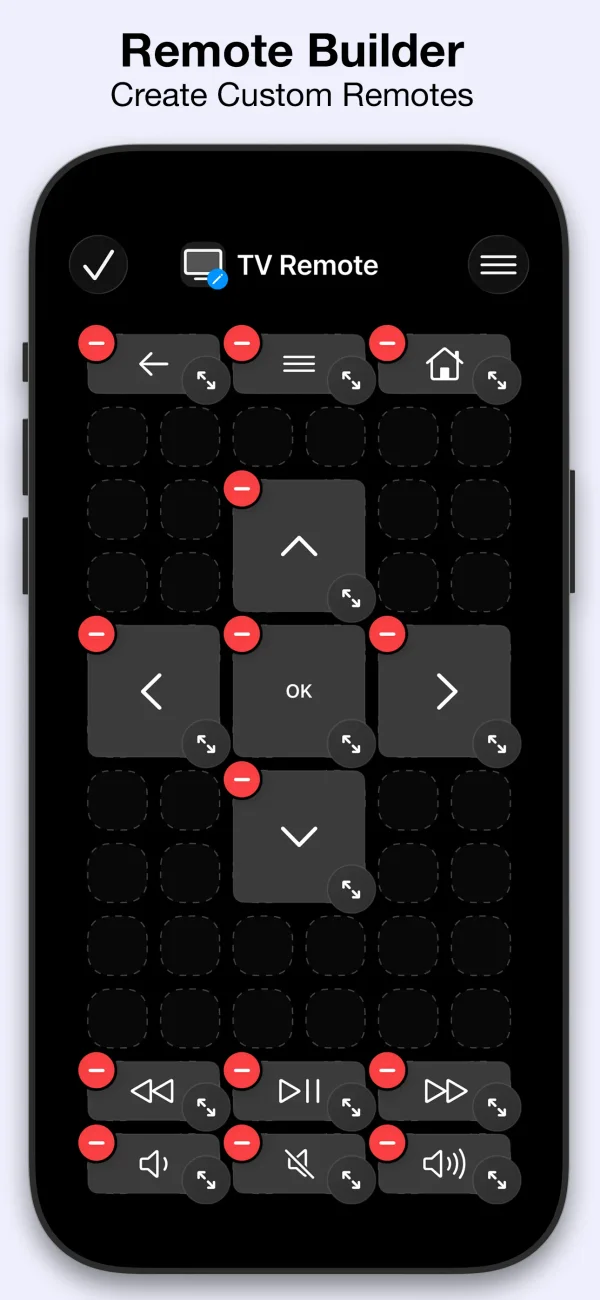
• Custom Remote Builder — Create and share remotes tailored to your favorite apps and workflows. Sync your custom remotes across your devices.
• Mouse Jiggler — Keep your computer awake with automatic mouse movement.
• Multiple Devices — Use one controller with your compatible computers, iPads, iPhones, and Apple TV. Your iPad can serve as either a controller or the device being controlled.
• Text Editor - Compose large messages to send at once. Quick Text lets you save frequently used snippets of text.
• Encrypted Keyboard Input — Type securely over an encrypted Bluetooth connection.
WHY MOBILE MOUSE?
• Works Wherever You Are — Control nearby devices at home, in the office, in a classroom, or while traveling. Mobile Mouse connects directly over Bluetooth, so you don’t need a local area network, private Wi-Fi, or internet access.
• No Companion Software — Nothing to install on the computer you control. Ideal for work or shared computers where you can’t install additional software.
• No Pairing necessary on Apple Devices — Connect to compatible Apple devices without going through Bluetooth pairing. Just connect and take control.
• Independent of Wi-Fi — Keep control when Wi-Fi is unavailable, unreliable, or prevents devices from communicating with each other.
• Ready for Presentations and Travel — Skip the hassle of joining an unfamiliar network or setting up server software. Your mouse, keyboard, and presentation remote are already with you.
• A Backup Within Reach — Mouse batteries dead? Keyboard unavailable? Use your iPhone or iPad to get back in control.
• Nearly Two Decades of Experience — We created the first mobile mouse app in 2009. Since then, we’ve continued to innovate, embracing new technologies and shaping our apps around the needs and feedback of our users.
Use Mobile Mouse with your favorite apps, from YouTube, Netflix, Spotify, and Apple Music to Keynote, PowerPoint, and Google Slides. Browse the web, manage your home theater PC, or keep presentation controls close at hand.
OPTIONAL USB DONGLE
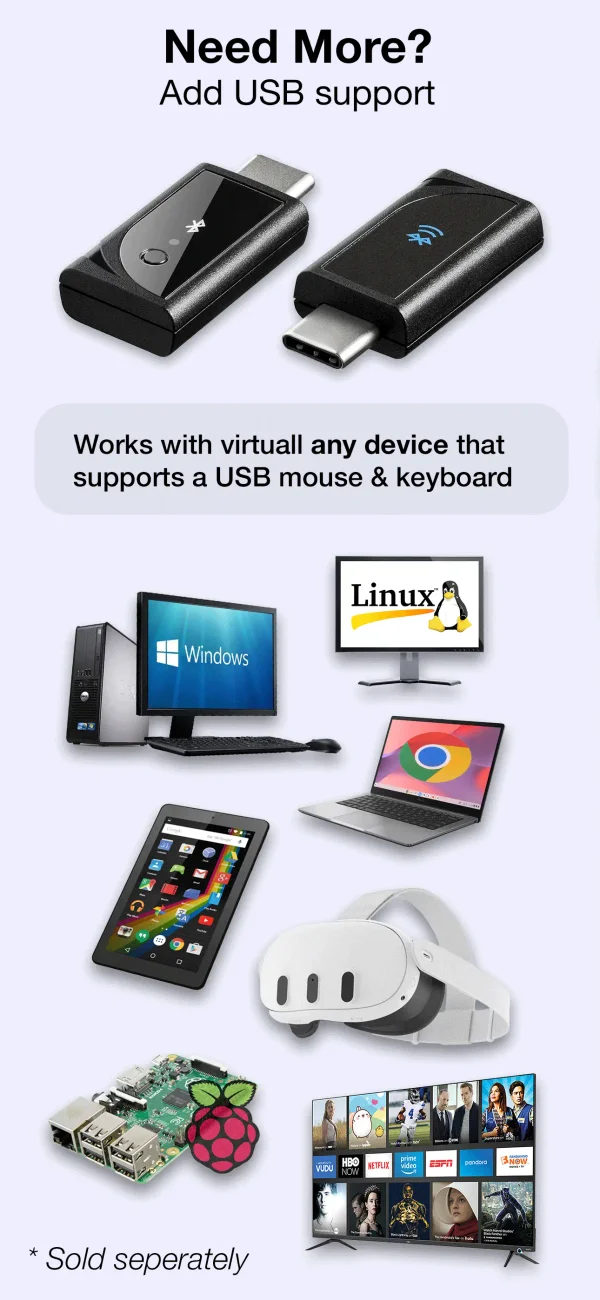
Expand compatibility with the optional Bluetooth USB-C dongle. It receives your controls and acts as a standard USB mouse and keyboard for compatible Windows PCs, Linux systems, Raspberry Pi, Meta Quest, ChromeOS devices, and Smart TVs. On supported systems, the dongle also enables control at login screens, in BIOS/UEFI settings, and before the operating system loads.
Privacy Policy: https://bluetooth.mobilemouse.com/privacy
Terms of Service: https://bluetooth.mobilemouse.com/terms
Yenilikler
Sürüm 2.2.0 · 25.11.2026
• Use the new Navigator Remote to switch apps, move between desktops, show the desktop, or open Mission Control on Mac or Task View on Windows.
• Give a custom remote button different actions for Mac and Windows. The button automatically uses the actions for the connected computer.
• Keep modifier keys held between taps. For example, keep Command or Alt held while you tap through open apps. Choose a release delay from 0.5 to 5 seconds.
• Fixed Command-Tab to cycle through applications
• Type in Persian (Farsi) with five keyboard layouts
Uygulama gizliliği
Bu uygulamanın verileri nasıl işlediği hakkında R.P.A. Tech tarafından App Store üzerinde yapılan beyan.
-
Veri toplanmıyor
Geliştirici bu uygulamadan hiçbir veri toplamıyor.
Gizlilik uygulamaları, örneğin kullandığınız özelliklere veya yaşınıza göre değişiklik gösterebilir.
Bilgiler
- Satıcı
- RPA Tech, INC
- Kategori
- Yardımcılar
- Sürüm
- 2.2.0
- Güncellendi
- 25.11.2026
- Yayın tarihi
- 15.01.2026
- Boyut
- 8,6 MB
- Gereksinim
- iOS 17.6 veya sonrası
- Yaş sınırı
- 4+
- Fiyat
- Ücretsiz
- Uygulama içi satın alma
- Evet
- Diller
- İngilizce
- Telif hakkı
- © RPA Tech, Inc
Bunları da beğenebilirsiniz
-
 HY300 4K Smart Projector GuideYardımcılar
-
 DP Smart ControlYardımcılar
-
 Tracepad - Mouse & TrackpadYardımcılar
-
 BT Remote: Keyboard & TrackpadYardımcılar
-
 Remote, Mouse and KeyboardApple TV, Mac ve PC'yi yönetin
-
 AirBoard: Bluetooth KeyboardYardımcılar
-
 Remote MousePratik bilgisayar kumandası
-
 btkbdevrensel Bluetooth klavye
-
 Projektör KumandasıProjektörü Telefonla Kontrol
-
 Zank Remote for Smart TVs, BoxYardımcılar