- 対象年齢4+
- カテゴリ開発ツール
- 開発元Rayan Khan
- 言語英語
- サイズ5.4 MB
App Storeの公式ページにリンクしています
Download.orgはModel Usageのファイルを一切ホストしていません。ボタンを押すと、Rayan Khanが公開しているApp Storeのアプリページが開きます。ページの最終確認:2026/11/16。
スクリーンショット
概要
開発元はこのテキストをお使いの言語で提供していません。
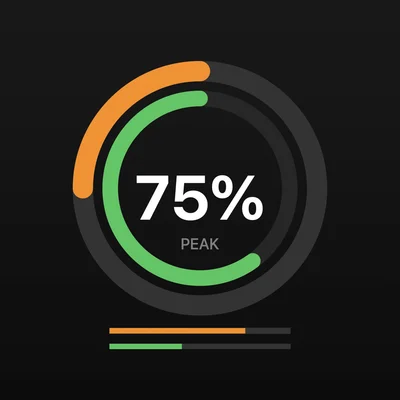
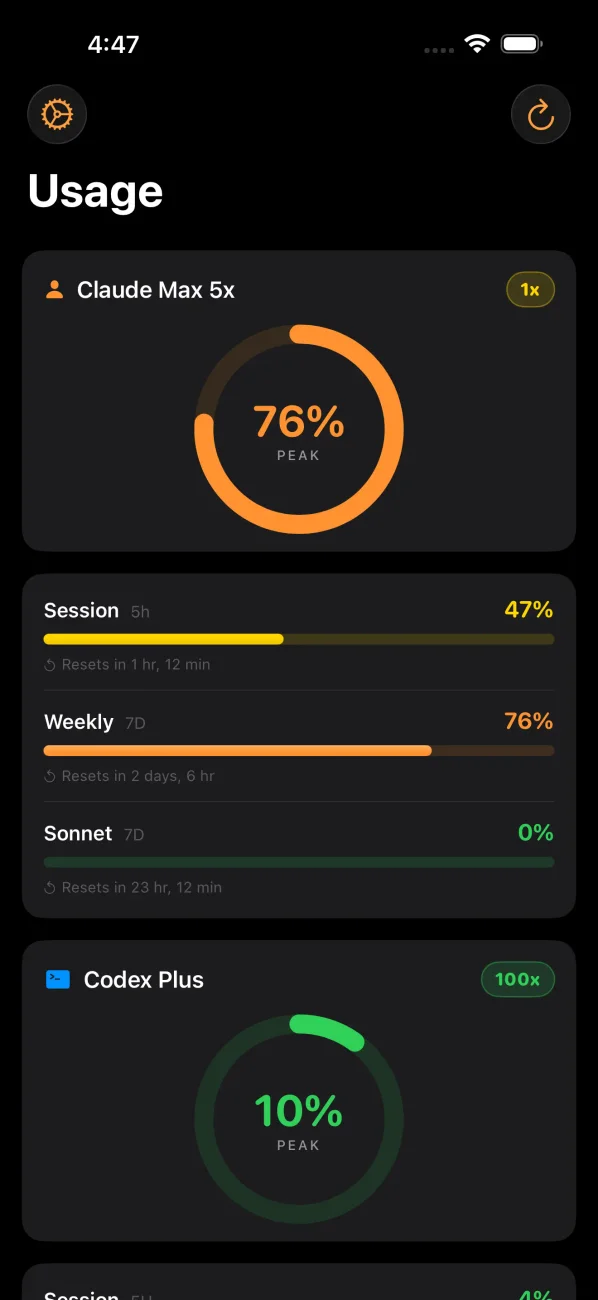
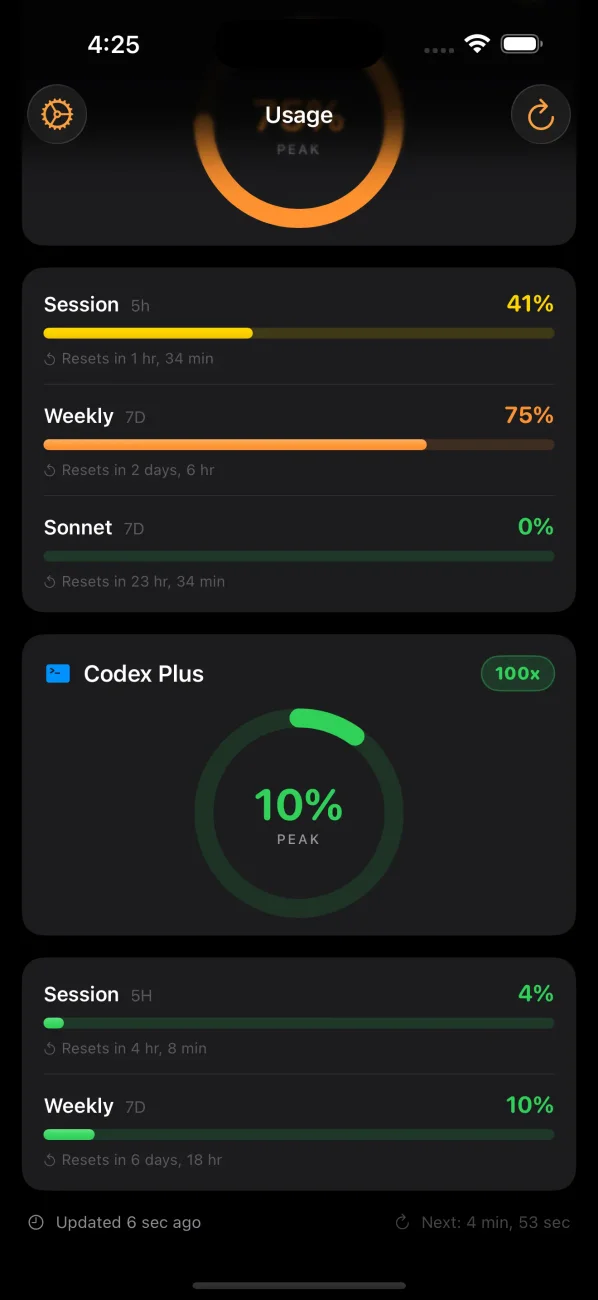
Model Usage is a real time dashboard for your AI coding tool usage. See how much of your five hour window and weekly quota you have used, watch your session tick up live, and get notified before you hit a limit.
HOW IT WORKS
A small client runs on your computer and reads the usage files that your AI coding tools already write locally. It forwards that usage to a server address you control. The apps pair with that server over a QR code or short pair code. No account, no email, no login.
LIVE WHERE YOU ALREADY LOOK
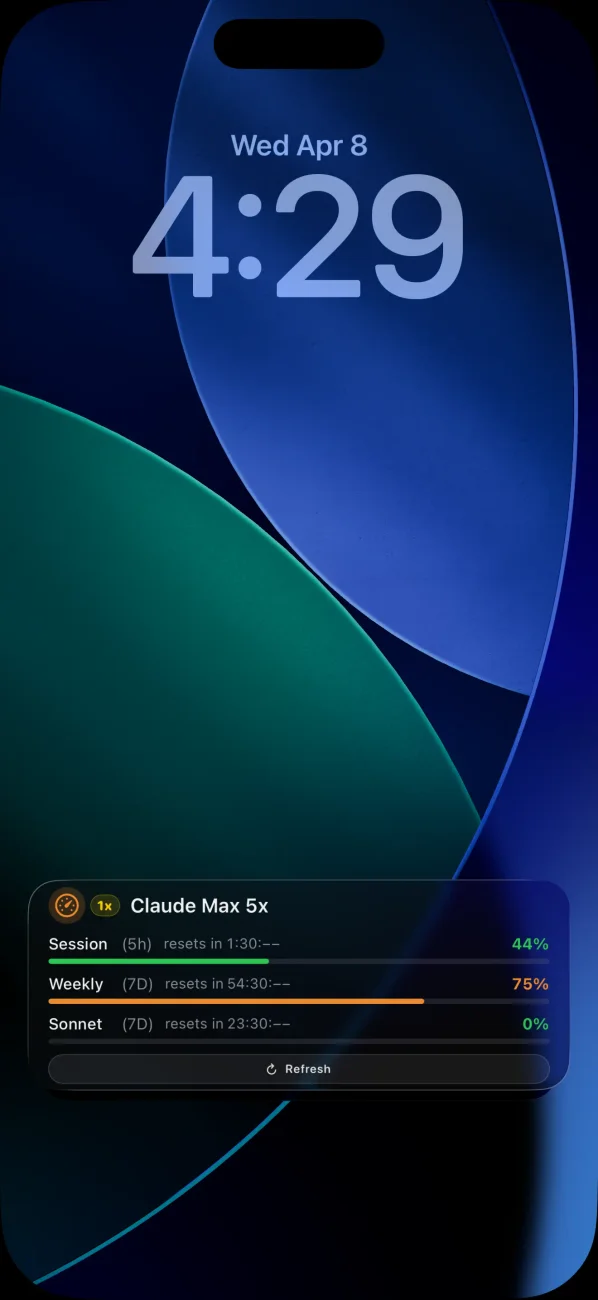
- Live Activity: a glanceable card with your current session and weekly usage, visible on the lock screen and Dynamic Island.
- Home Screen widgets: compact and expanded sizes that show your session, weekly totals, and rate multipliers at a glance.
- Lock Screen widgets: a tiny usage indicator right next to the clock.
PAIRS WITH THE REST OF YOUR DEVICES
Once you are paired on one device, the same setup flows to every companion app automatically. Send a snapshot to anyone in a conversation with the Model Usage messaging app.
PRIVACY BY DESIGN
No analytics. No tracking. No accounts. No advertising SDKs. Your usage data goes from your computer to a server you choose, and then to your own devices. Model Usage never sees it.
FEATURES
- AI coding tool usage tracking, side by side
- Five hour session window and weekly window
- Live Activity with Dynamic Island integration
- Companion apps across every size of screen
- Messaging app for sharing usage snapshots
- Lock Screen and Home Screen widgets in all sizes
- Live rate multiplier awareness. Rate changes are reflected in real time.
- Open pair code or QR flow. No account required.
- Dark mode throughout
SETUP IN UNDER A MINUTE
1. Install the desktop client.
2. Copy the pair code.
3. Enter it in the app.
That is it. The setup guide lives at modelusage.app/setup.
Model Usage is built by a solo developer and does not collect, store, or share any personal data. See modelusage.app/privacy for details.
新機能
バージョン 1.2 · 2026/4/26
Added dynamic iMessage and FaceTime sticker pack with live usage gauges, status badges, and model breakdown cards that reflect your current Claude and Codex usage in real time.
アプリのプライバシー
このアプリのデータの取り扱いについて、Rayan KhanがApp Storeで申告している内容です。
-
データの収集なし
開発元はこのアプリからデータを収集しません。
プライバシーの取り扱いは、ご利用の機能やお客様の年齢などに応じて異なる場合があります。
情報
- 販売元
- Rayan Khan
- カテゴリ
- 開発ツール
- バージョン
- 1.2
- 更新日
- 2026/4/26
- リリース
- 2026/4/16
- サイズ
- 5.4 MB
- 必要条件
- iOS 17.0以降
- 対象年齢
- 4+
- 価格
- 無料
- 言語
- 英語
- 著作権
- © 2026 ModelUsage.app