- 対象年齢4+
- カテゴリ仕事効率化
- 開発元Fatih Ziya Cengel
- 言語英語
- サイズ2.7 MB
App Storeの公式ページにリンクしています
Download.orgはMPV Player Remoteのファイルを一切ホストしていません。ボタンを押すと、Fatih Ziya Cengelが公開しているApp Storeのアプリページが開きます。ページの最終確認:2026/11/12。
スクリーンショット

概要
開発元はこのテキストをお使いの言語で提供していません。
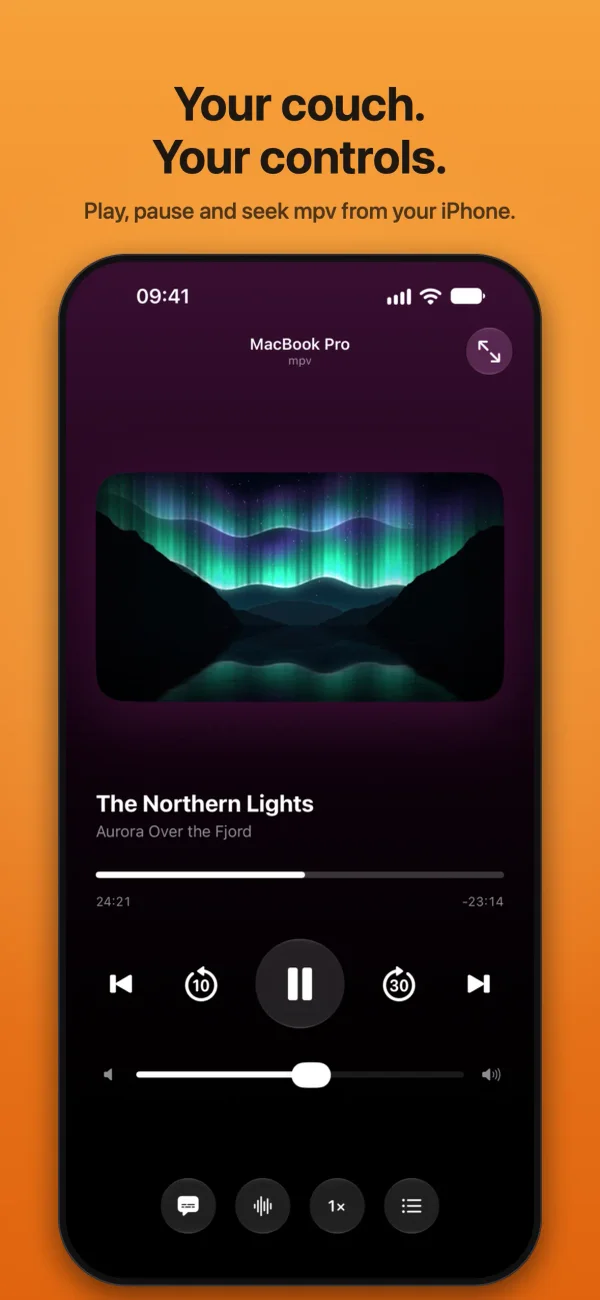
MPV Player Remote turns your iPhone into a remote control for mpv on your Mac. Sit back on the couch and control playback without reaching for your laptop.
FEATURES
• Play and pause, skip back 10 seconds or forward 30
• Drag the progress bar to jump anywhere in the video
• Adjust the volume or mute
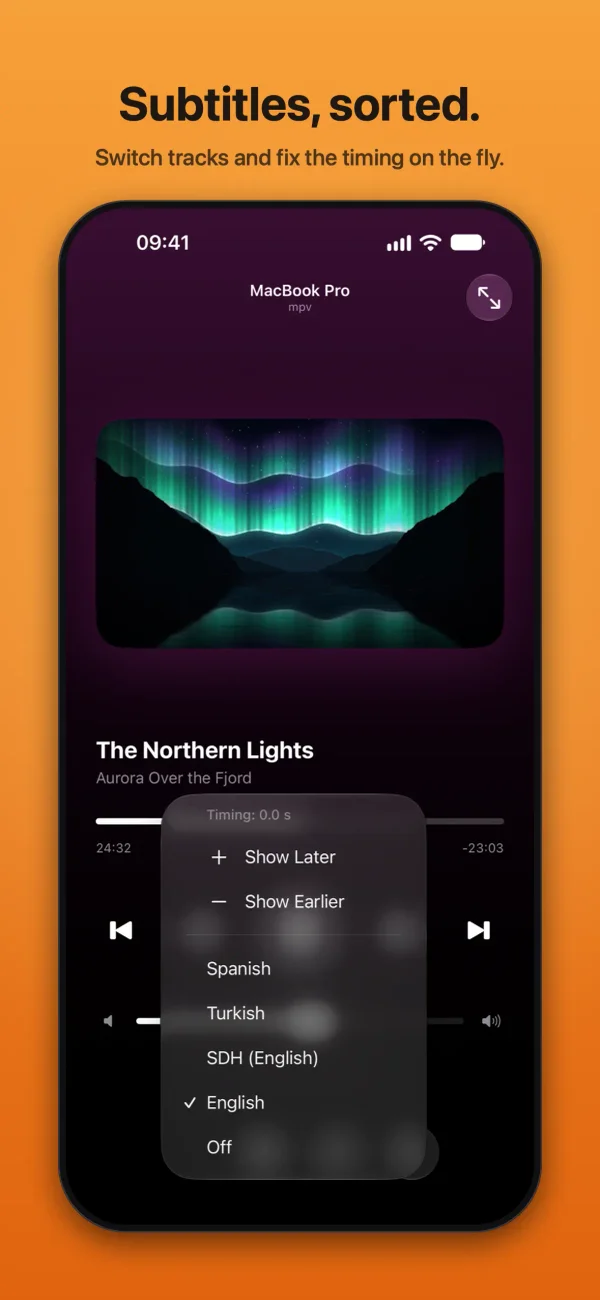
• Switch subtitle tracks, or turn subtitles off
• Nudge subtitle timing earlier or later when it's out of sync
• Choose between audio tracks, like a dub or a commentary
• Change playback speed from 0.5× to 2×
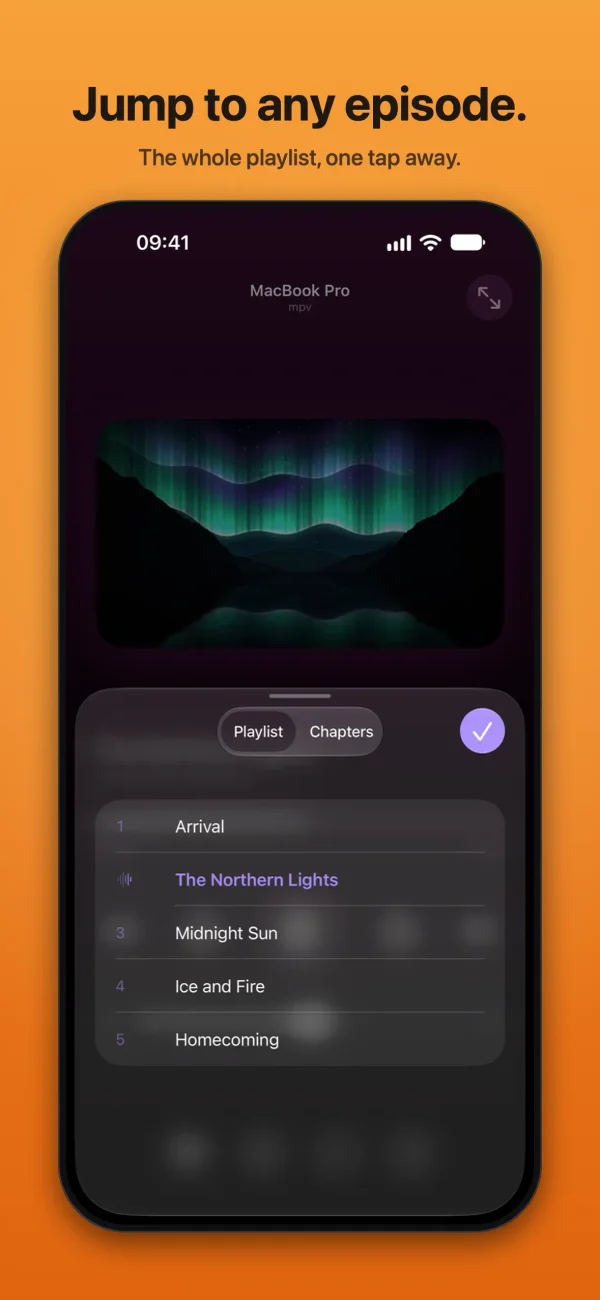
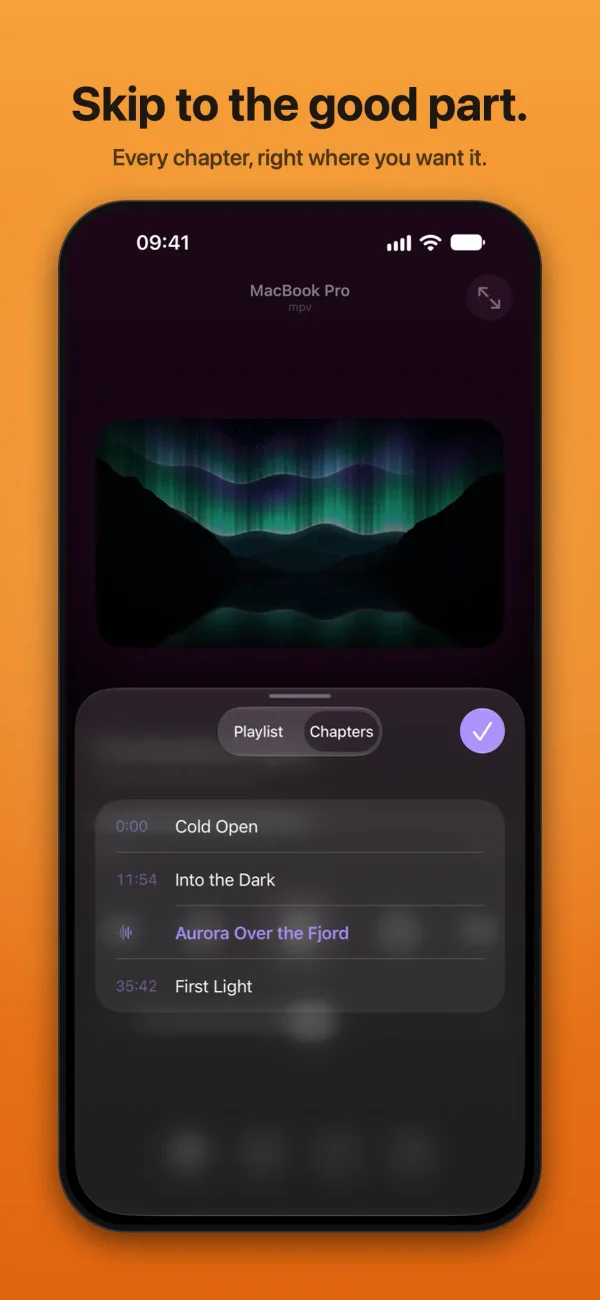
• Browse the playlist and chapters and jump straight to any of them
• Toggle full screen
WORKS WITH
• MPV Player Tiger Version, the Mac player this remote is made with, on the Mac App Store. The companion is built in, so there's nothing else to install.
• Plain mpv, free from GitHub (github.com/mpv-player/mpv) or mpv.io, with the free MPV Remote script from github.com/ryudexter/mpv-remote. You don't need to buy anything to use this remote.
EASY TO SET UP
1. On your Mac, open MPV Player Tiger Version, or mpv with the free MPV Remote script.
2. Open the app. Your Mac shows up automatically on your Wi-Fi network.
3. Enter the 4-digit code your Mac shows. From then on, it reconnects by itself.
The companion talks to mpv through mpv's built-in control socket (the input-ipc-server option), so it works with your existing mpv setup, scripts and settings.
PRIVATE BY DESIGN
Everything happens on your home network, directly between your iPhone and your Mac. There's no account, no cloud service and no data collection. Only phones you've paired with a code can control your player.
REQUIREMENTS
• A Mac running MPV Player Tiger Version, or mpv with the free MPV Remote script
• iPhone and Mac on the same Wi-Fi network
MPV Player Remote is an independent app and is not affiliated with or endorsed by the mpv project.
新機能
バージョン 1.3 · 2026/10/29
• New: an Apple Watch app. Tap to play or pause, swipe to skip 10 seconds, and turn the Digital Crown for volume; subtitles, audio and full screen are a tap away. It uses the Mac your iPhone is set up with, so there's nothing to pair. Not on your Watch yet? Install it from the Watch app on your iPhone.
• See what's playing: with MPV Player Tiger Version on the Mac, the remote shows the picture from mpv and keeps it up to date as you watch.
• Double-tap the right side of the picture to skip ahead 10 seconds, or the left side to go back 10. Keep tapping to skip further.
• A new icon: a striped tiger, matching MPV Player Tiger Version for Mac.
• The setup screen now points to MPV Player Tiger Version on the Mac App Store, or to plain mpv from GitHub with the free MPV Remote script.
アプリのプライバシー
このアプリのデータの取り扱いについて、Fatih Ziya CengelがApp Storeで申告している内容です。
-
データの収集なし
開発元はこのアプリからデータを収集しません。
プライバシーの取り扱いは、ご利用の機能やお客様の年齢などに応じて異なる場合があります。
情報
- 販売元
- Fatih Ziya Cengel
- カテゴリ
- 仕事効率化
- バージョン
- 1.3
- 更新日
- 2026/10/29
- リリース
- 2026/10/19
- サイズ
- 2.7 MB
- 必要条件
- iOS 26.0以降
- 対象年齢
- 4+
- 価格
- 無料
- 言語
- 英語
- 著作権
- © 2026 Fatih Ziya Cengel