- 対象年齢4+
- カテゴリビジネス
- 開発元Mobisys GmbH
- 言語英語ほか1言語
- サイズ27.9 MB
App Storeの公式ページにリンクしています
Download.orgはMSB 3のファイルを一切ホストしていません。ボタンを押すと、Mobisys GmbHが公開しているApp Storeのアプリページが開きます。ページの最終確認:2026/11/12。
スクリーンショット


概要
開発元はこのテキストをお使いの言語で提供していません。
Note:
Please confirm with your IT department, if this is the correct app for your company!
Using the Mobisys MSB 3 App, you can connect SAP applications on an iPhone and iPad, which were created with the Mobisys Solution Builder (MSB) on your SAP system.
The mobile applications have been realized in the SAP system using a graphical screen designer tool (Mobisys Screen Designer) and by means of ABAP programming.
MSB 3 has been optimized to run with MSB Runtime 600 und MSD 5.
It offers Theming, Icon Libraries, modern Fonts, PDF Component, LTA Event and much more.
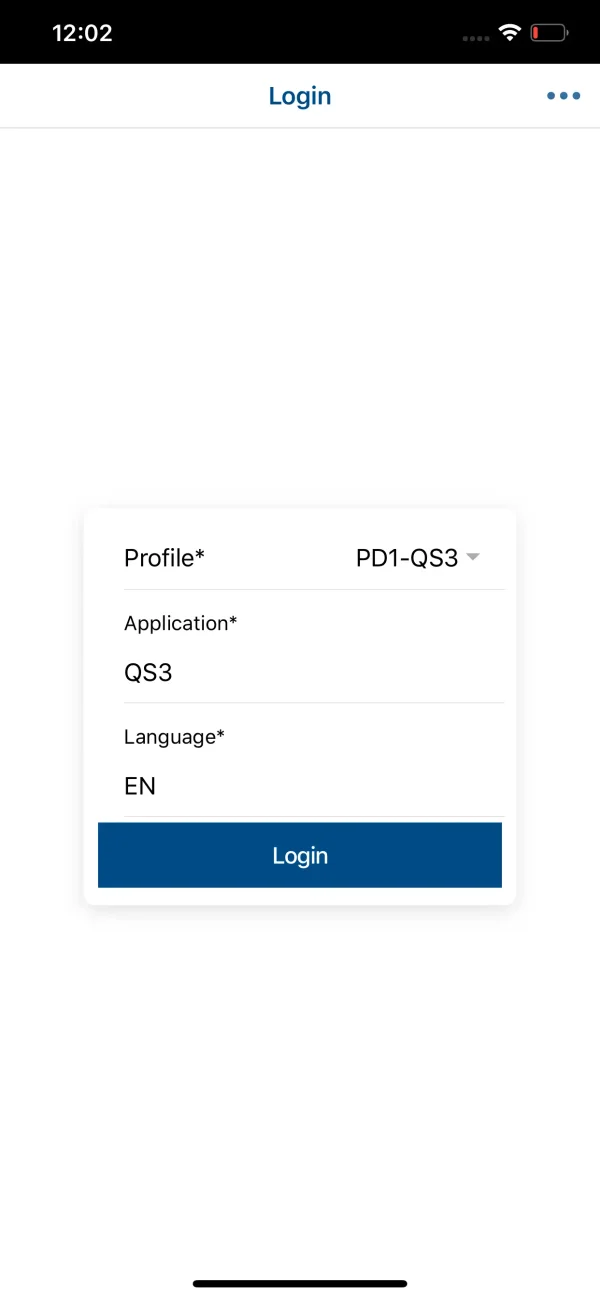
During configuration of the MSB App, the wizard will guide you through the required parameters for the connection to your SAP system.
You log on to the SAP system with your user master data, which must be activated for mobile applications. You will also have to specify the SAP application you would like to use.
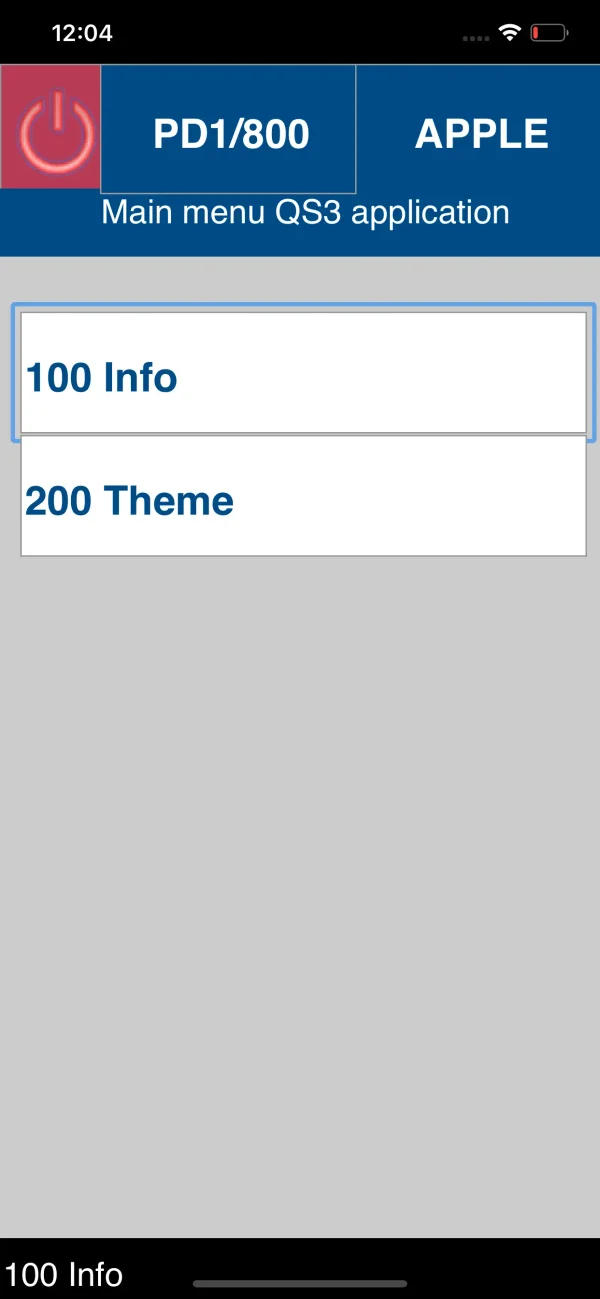
After this, you can use the application-specific menu to call the sub-menus and process individual transactions. The transactions are not limited to the display of data from the SAP system. Instead, the postings and changes made can be carried out individually for each application and according to the authorizations defined in the SAP system.
Besides the display and input elements, the following functions are also supported:
• Scanning of bar codes with the camera
• Output of sounds for errors, warnings or information messages
• Camera function and transfer of photos to the SAP system
• GPS function and transfer of geo-coordinates to the SAP system
If the Mobisys MSB App session is briefly discontinued to call another App or function of the iPhone or iPad, then the MSB App can nevertheless be continued without any problems within the duration specified in the SAP Internet Communication Framework. This means that the session remains active; the same applies if the connection is lost in the interim and needs to be re-established.
Prerequisites:
• The SAP Add-on “Mobisys Solution Builder” (MSB) (6.0 or higher recommended) is installed, configured, and licensed in your SAP system.
• The SAP system is accessible via a wireless LAN or a GSM/UMTS communications connection with TLS 1.2 enabled (for example, via the SAP Web Dispatcher).
• There is at least one mobile MSB application in the SAP system.
• The connection of the iPhone or iPad is licensed and activated in MSB Device Management using the defined device ID.
• The user logging on is activated in the SAP system.
新機能
バージョン 3.18.0 · 2026/8/20
Feature
• Automatic logon when changing profiles
• New key events: __ Copy __, __ Paste __, __ Cut __
• Root detection (jailbreak detection) with warning
Bugfix
• Numeric input mode is not suitable for virtual software keyboards
• Background color in ITS application is not correct
• The incorrect behavior regarding the background color of buttons has
been corrected
アプリのプライバシー
このアプリのデータの取り扱いについて、Mobisys GmbHがApp Storeで申告している内容です。
-
データの収集なし
開発元はこのアプリからデータを収集しません。
プライバシーの取り扱いは、ご利用の機能やお客様の年齢などに応じて異なる場合があります。
情報
- 販売元
- Mobisys GmbH
- カテゴリ
- ビジネス
- バージョン
- 3.18.0
- 更新日
- 2026/8/20
- リリース
- 2020/7/13
- サイズ
- 27.9 MB
- 必要条件
- iOS 16.0以降
- 対象年齢
- 4+
- 価格
- 無料
- 言語
- 英語, ドイツ語
- 著作権
- © 2026 Mobisys GmbH