
- 対象年齢4+
- カテゴリビジネス
- 開発元KeePassium Labs
- 言語英語ほか19言語
- サイズ30.0 MB
App Storeの公式ページにリンクしています
Download.orgはKeePassium for Intuneのファイルを一切ホストしていません。ボタンを押すと、KeePassium Labsが公開しているApp Storeのアプリページが開きます。ページの最終確認:2026/11/17。
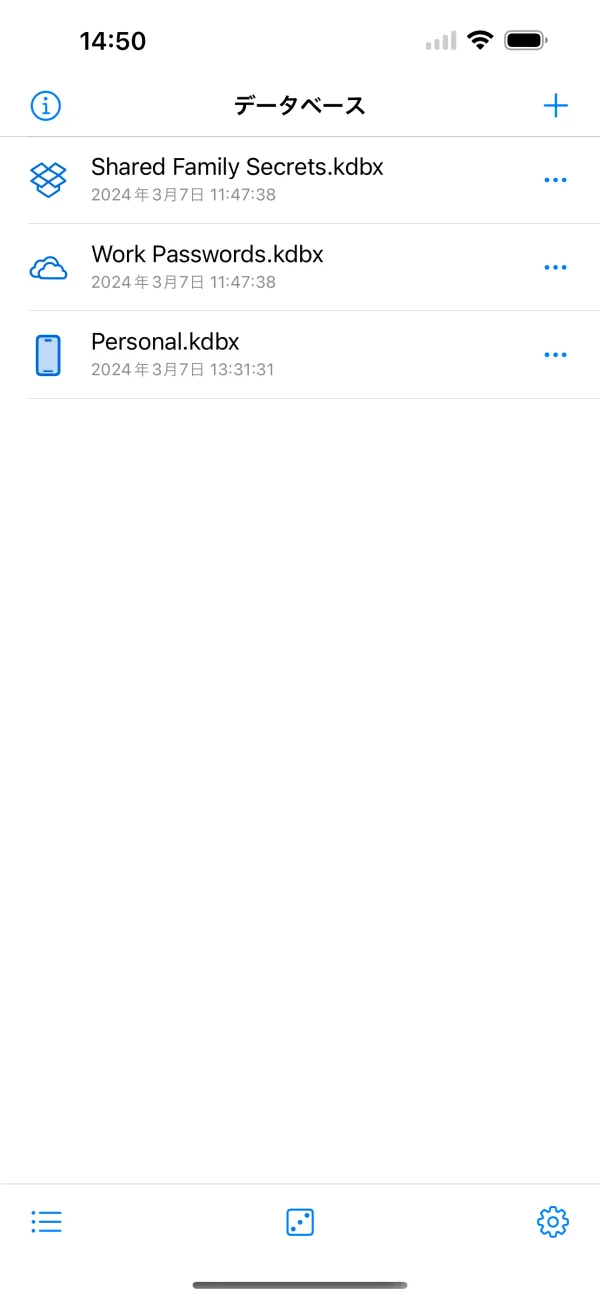
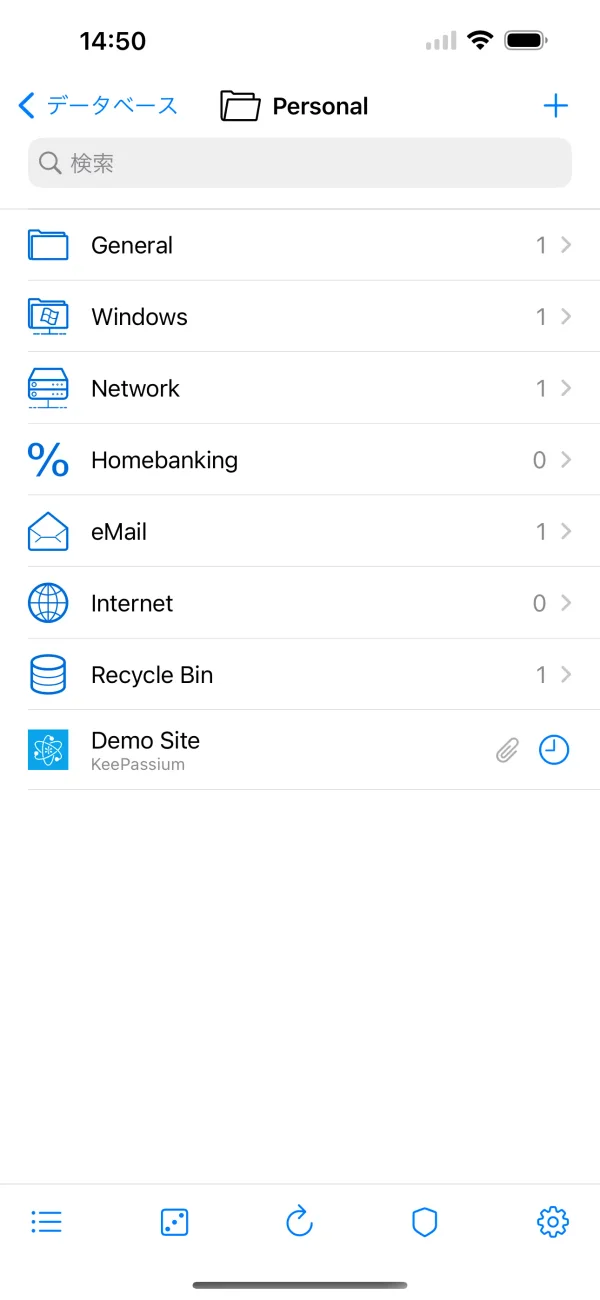
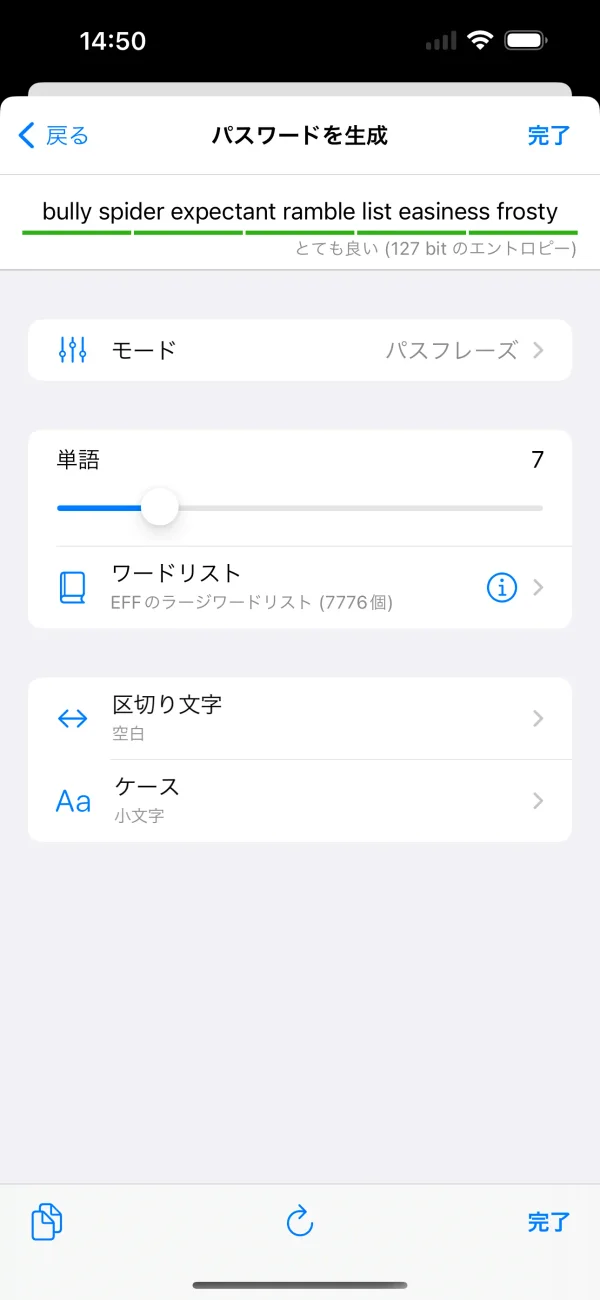
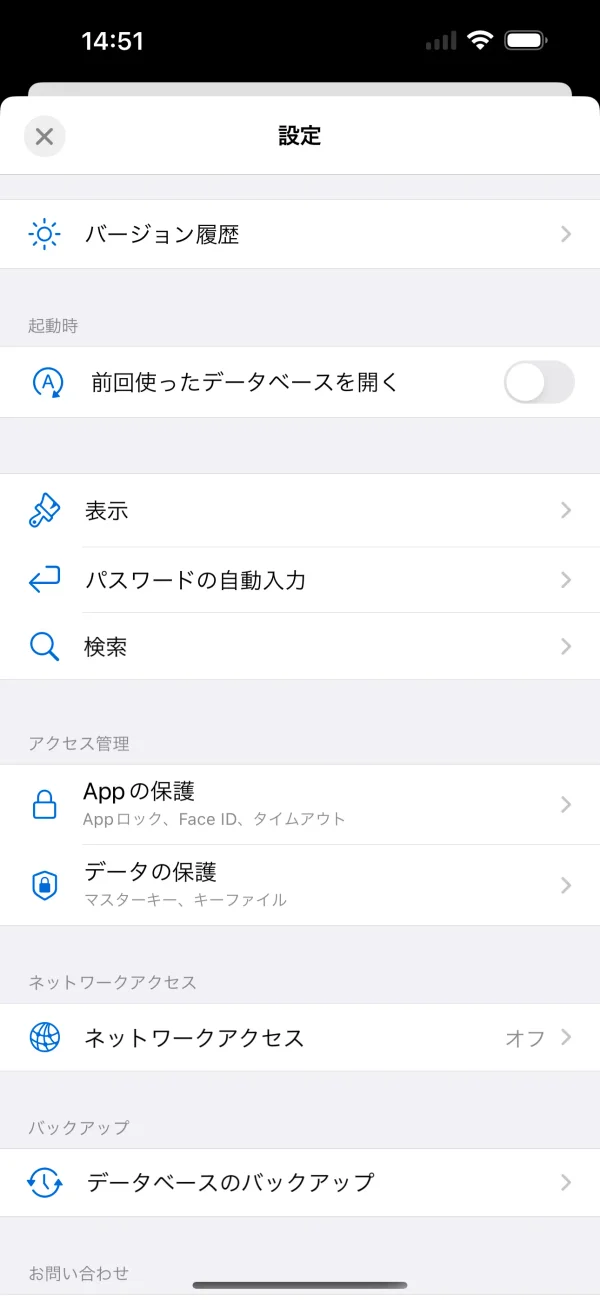
スクリーンショット



概要
KeePassium for Intuneは、Microsoft Intuneが管理する企業、政府機関、学術機関向けのパスワードマネージャーです。 Appの設定とデータ保護ポリシーを適用することで、会社の管理者が企業の情報を保護できるようになります。
一般ユーザー向けのKeePassiumは http://keepassium.app から入手できます。
重要:このAppは会社の仕事用アカウントと管理環境が必要です。一部の機能がすべての国で利用できない場合があります。 このAppに関する問題や質問がある場合は、会社の IT 管理者にお問い合わせください。
新機能
バージョン 2.5 · 2025/12/11
== v2.5
• Improved: Added Cmd+T to copy entry OTP [thanks, GHubbler]
• Improved: Group viewer now indicates which items are expired [thanks, A.E.]
• Improved: Minor UI inconsistencies [thanks, u/SeaRain8212]
• Fixed: Sometimes Cmd+C still copied password instead of selected text [thanks, everyone]
• Fixed: Auto-move entries erroneously created in KDB root group
• Fixed: Org: Applying Intune configuration policies (regression in 2.4)
• Fixed: Org: Removed donations from app settings (regression in 2.4)
• Fixed: Org: Enforcing expired business licenses
== v2.4
• Added: Direct cloud connections with reduced app-folder permissions (OneDrive, Dropbox, Google Drive) [thanks, everyone]
• Added: Reorder and relocate database items by dragging them [thanks, everyone]
• Added: Multi-selection and drag-and-drop import of databases and key files
• Added: Database-specific data protection settings [thanks, everyone]
• Added: You can add extra URLs to an entry (KP2A_URL_*) [thanks, everyone]
• Added: Option to reset the app after N failed app passcode attempts [thanks, O35dE]
• Added: Set up OTP codes using QR codes from images [thanks, vit9696]
• Added: Show entry fields as QR codes [thanks, everyone]
• Added: Possibility to export databases to WebDAV
• Added: Portuguese (Portugal) translation [thanks, abc…xyz1]
• Added: What's New highlights
• Improved: KeePassium can be set as the default app for setting up verification codes (OTPs) [thanks, everyone]
• Improved: When sorted alphabetically, database viewer will show a side index for quick scrolling [thanks, everyone]
• Improved: Simplified setup for popular WebDAV-compatible services
• Improved: Added possibility to edit remote server connections [thanks, everyone]
• Improved: Added "Connect to Server" option for key files [thanks, u/tibutha]
• Improved: Keyboard navigation and selection in group viewer [thanks, everyone]
• Improved: While loading a remote database, progress screen now includes a "Use Local Copy" button [thanks, @jasperweiss and O.S.S.]
• Improved: Press Cmd+E to edit selected entry [thanks, plus-or-minus]
• Improved: Cmd+Shift+U will open entry URL [thanks, Craig]
• Improved: Show number of found items, both in search and smart groups [thanks, u/binroth]
• Improved: WebDAV setup accepts both direct file URL or a folder path
• Improved: Added menu for new custom fields, with frequently used options
• Improved: Show "Retry" option when DB saving fails [thanks, Carsten]
• Improved: Reopening the last Entry Viewer's tab is optional now [thanks, u/gripe_and_complain]
• Improved: Select and delete multiple custom icons at once
• Improved: Added an option to auto-download favicons on entry edit
• Improved: Updated all translations [thanks, everyone]
• Changed: Search switched from depth-first to breadth-first strategy [thanks, everyone]
• Changed: Org: Added app-scoped file provider IDs for AppConfig
• Changed: Org: Updated to Intune SDK 20.9.0 and MSAL 2.4.1
• Fixed: Enforce max history size for entries, if defined (`historyMaxSize` parameter in DB file)
• Fixed: "Clear Master Keys on Timeout" setting no longer affects non-timeout locks
• Fixed: Org: mandatory passcode setup could be dismissed
• Fixed: Device locking interrupted by Face ID prompt [thanks, magebarf]
• Fixed: Detection of external database changes on OneDrive [thanks, Michael]
• Fixed: otpauth URI format for manually configured OTPs [thanks, rasa]
• Fixed: Crash after editing a found entry [thank, Tom]
• Fixed: Smart group update after editing an item [thanks, Doc-Steve]
• Fixed: Crash when OTP secret size does not match the algorithm
アプリのプライバシー
このアプリのデータの取り扱いについて、KeePassium LabsがApp Storeで申告している内容です。
-
データの収集なし
開発元はこのアプリからデータを収集しません。
プライバシーの取り扱いは、ご利用の機能やお客様の年齢などに応じて異なる場合があります。
情報
- 販売元
- KeePassium Labs
- カテゴリ
- ビジネス
- バージョン
- 2.5
- 更新日
- 2025/12/11
- リリース
- 2023/7/19
- サイズ
- 30.0 MB
- 必要条件
- iOS 17.0以降
- 対象年齢
- 4+
- 価格
- 無料
- 言語
- 英語, アラビア語, チェコ語, オランダ語, フランス語, ドイツ語, イタリア語, 日本語, 韓国語, ポーランド語, ポルトガル語, ロシア語 ほか8言語
- 著作権
- © 2025 KeePassium Labs
こちらもおすすめ
-
 OneKeePass - Password Manager仕事効率化
-
 KeePass Touch仕事効率化
-
 Strongbox - Password ManagerKeePass & Password Safe Vault
-
 KeyPass – Passwords Manager仕事効率化
-
 KeePass - Password ManagerPassword Saver and Autofill
-
 Bitwarden Authenticator仕事効率化
-
 Yubico Authenticator仕事効率化
-
 CrowdStrike FalconBreaches Stop Here
-
 KDE Connect仕事効率化
-
 パスワード管理 Proton Pass - パスワードアプリエンドツーエンド暗号化の安全パスワードアプリ