
Net Optimizer : Optimize Ping
Optimize DNS & Wifi Connection
iPhone, iPad, iPod touch向けに設計
無料 · アプリ内課金
- 対象年齢4+
- カテゴリユーティリティ
- 開発元Ali Burak Goncu
- 言語英語
- サイズ61.5 MB
App Storeの公式ページにリンクしています
Download.orgはNet Optimizer : Optimize Pingのファイルを一切ホストしていません。ボタンを押すと、Ali Burak Goncuが公開しているApp Storeのアプリページが開きます。ページの最終確認:2026/11/21。
スクリーンショット



概要
開発元はこのテキストをお使いの言語で提供していません。
What is the benefit of Net Optimizer?
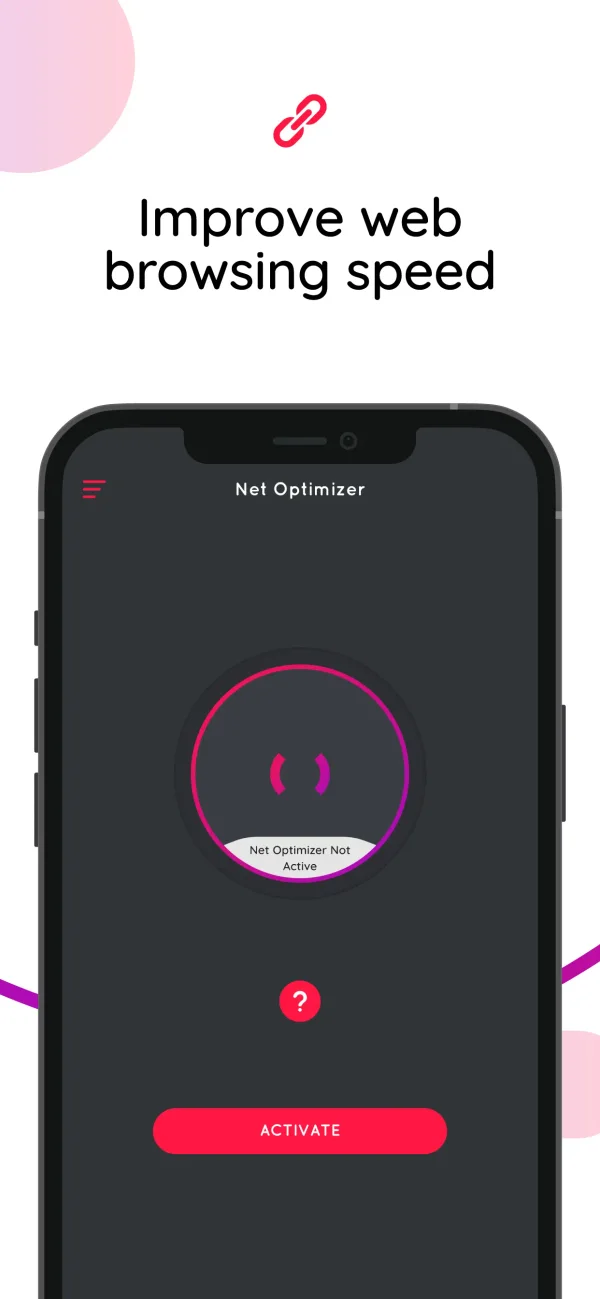
- Find & Connect the fastest DNS server based on your location & network.
- Improve web surfing speed with faster response time.
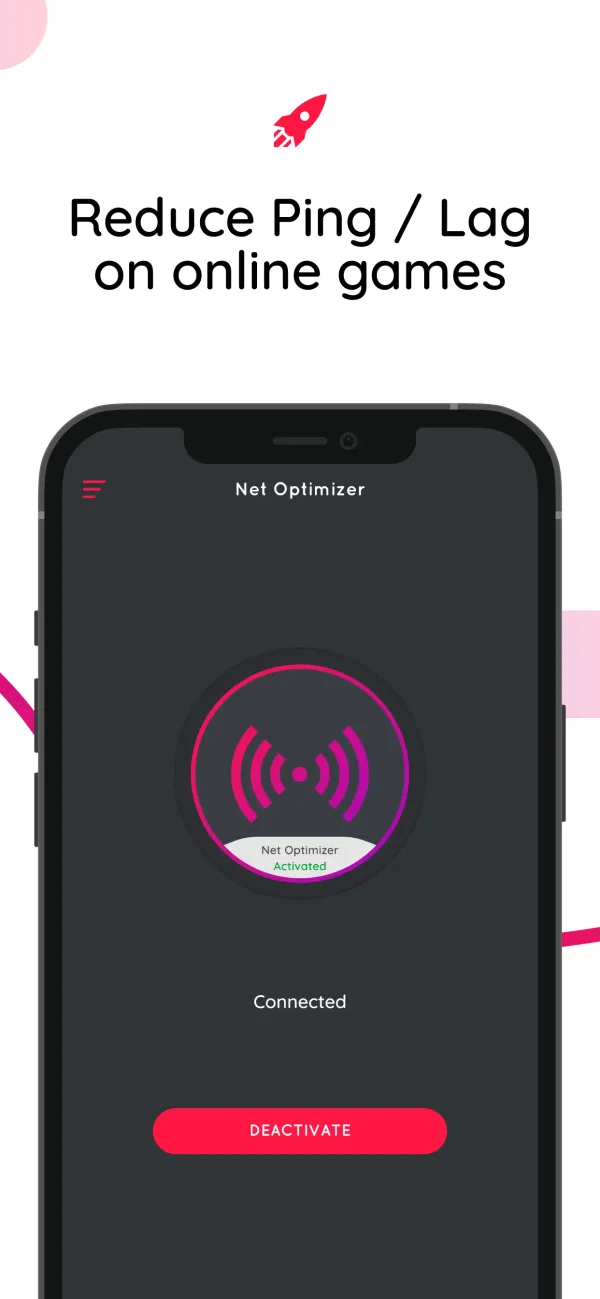
- Fix lag and reduce latency (ping time) on online games for a better gaming experience.
Features
- Just one touch to find & connect the fastest DNS server to improve your connection.
- Automatically detect connection changes and optimize the network.
- Works for both mobile data (3G/4G/5G) and WiFi connection
- Supports many different DNS Servers (Cloudflare, Level3, Verisign, Google, DNS Watch, Comodo Secure, OpenDNS, SafeDNS, OpenNIC, SmartViper, Dyn, FreeDNS, Alternate DNS, Yandex DNS, UncensoredDNS, puntCAT, and more)
How it works?
If you have a high-speed Internet connection but notice that your web browsing speed isn’t all that it’s cracked up to be, then your problem may lie in the DNS. By optimizing your device's DNS records, you can find the fastest routes for your data packets to take when traveling the Internet. It won’t boost to your download/upload speed, but in some cases it can result in quite a noticeable improvement in web browsing time.
At times, you may experience slow hiccups while trying to use the internet from your device. Sometimes, these problems can be attributed to your provider's DNS settings because your ISP may not always have the best DNS server speeds.
Your default DNS server directly affects how fast you’ll be able to connect to a website. So choosing the fastest server according to your location will help speed up browsing.
With Net Optimizer, you can find the fastest DNS server and connect to it with just one touch!
So your browsing speed and gaming experience (ping and latency) can be improved. (But you should remember that DNS settings will not affect your internet download / upload speed but response time)
Results
Test results showed a 132.1 percent improvement from using Google's DNS servers over using the stock DNS servers, but in real world usage, it might not be exactly that much faster. Still, this one tweak might get you finally feeling like you have a blazing connection to the internet!
Privacy Policy: https://apps.bgn.capital/privacy.html
Terms Of Use: https://apps.bgn.capital/terms.html
新機能
バージョン 1035 · 2026/6/11
- Performance improvements
アプリのプライバシー
このアプリのデータの取り扱いについて、Ali Burak GoncuがApp Storeで申告している内容です。
-
ユーザーのトラッキングに使用されるデータ
他社のアプリやウェブサイトを横断してユーザーをトラッキングする目的で使用される場合があります。
- 位置情報
- ID
- 使用状況データ
-
ユーザーに関連付けられたデータ
収集され、ユーザーの識別情報に関連付けられる場合があります。
- ID
-
ユーザーに関連付けられないデータ
収集される場合がありますが、ユーザーの識別情報には関連付けられません。
- 購入
- 財務情報
- 位置情報
- ID
- 使用状況データ
- 診断
プライバシーの取り扱いは、ご利用の機能やお客様の年齢などに応じて異なる場合があります。
情報
- 販売元
- Ali Burak Goncu
- カテゴリ
- ユーティリティ
- バージョン
- 1035
- 更新日
- 2026/6/11
- リリース
- 2021/6/2
- サイズ
- 61.5 MB
- 必要条件
- iOS 13.0以降
- 対象年齢
- 4+
- 価格
- 無料
- アプリ内課金
- あり
- 言語
- 英語
- 著作権
- © Copyright 2026 - Ali Burak Goncu
こちらもおすすめ
-
 ゲーマーとストリーミングのための無制限の高速Wifi最高の無制限の安全なプロキシ
-
 LagoFast Game Booster: Low LagLow Ping & Faster Game Boost
-
 GearUP Router: 低ピンギングHYPEREVおよびルータープラグイン用
-
 DNS Securityユーティリティ
-
 VPN Gaming - Fast & Stableユーティリティ
-
 ExitLag: ping を下げるどこでもラグなしでサクサクプレイ!
-
 DNSecureユーティリティ
-
 NextDNS広告・トラッカー・マルウェアをブロック
-
 Speedify: Bond Satellite + 5G壊れないネットの絆
-
 DNS Optimizer: Server Changerユーティリティ