
Network Toolbox Net security
WiFi Cell LAN scanning tools
iPhone, iPad, iPod touch向けに設計
無料 · アプリ内課金
- 対象年齢17+
- カテゴリ仕事効率化
- 開発元WHATSTICKER APPS SRL
- 言語英語ほか13言語
- サイズ152.5 MB
App Storeの公式ページにリンクしています
Download.orgはNetwork Toolbox Net securityのファイルを一切ホストしていません。ボタンを押すと、WHATSTICKER APPS SRLが公開しているApp Storeのアプリページが開きます。ページの最終確認:2026/11/21。
スクリーンショット
概要
開発元はこのテキストをお使いの言語で提供していません。
*** THE ORIGINAL - NetworkToolbox ***
Read the Manual at: https://www.networktoolbox.de/ios-manual/
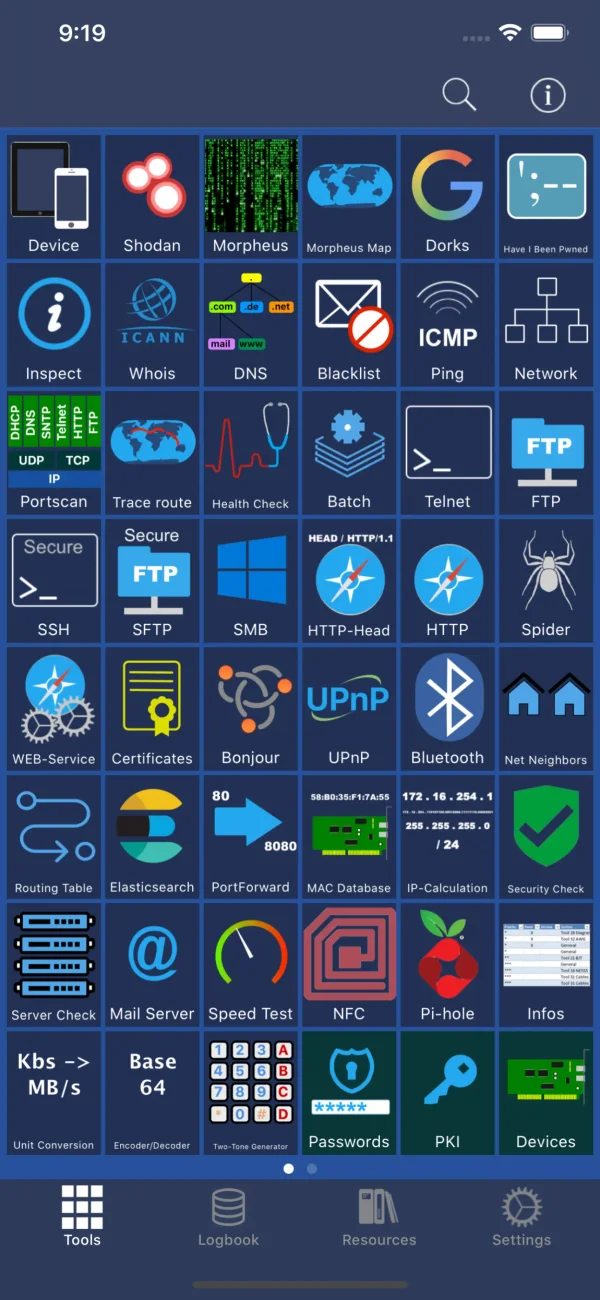
This App with its 50+ individual Tools helps to analyse local or public networks for security issues or wrong configurations.
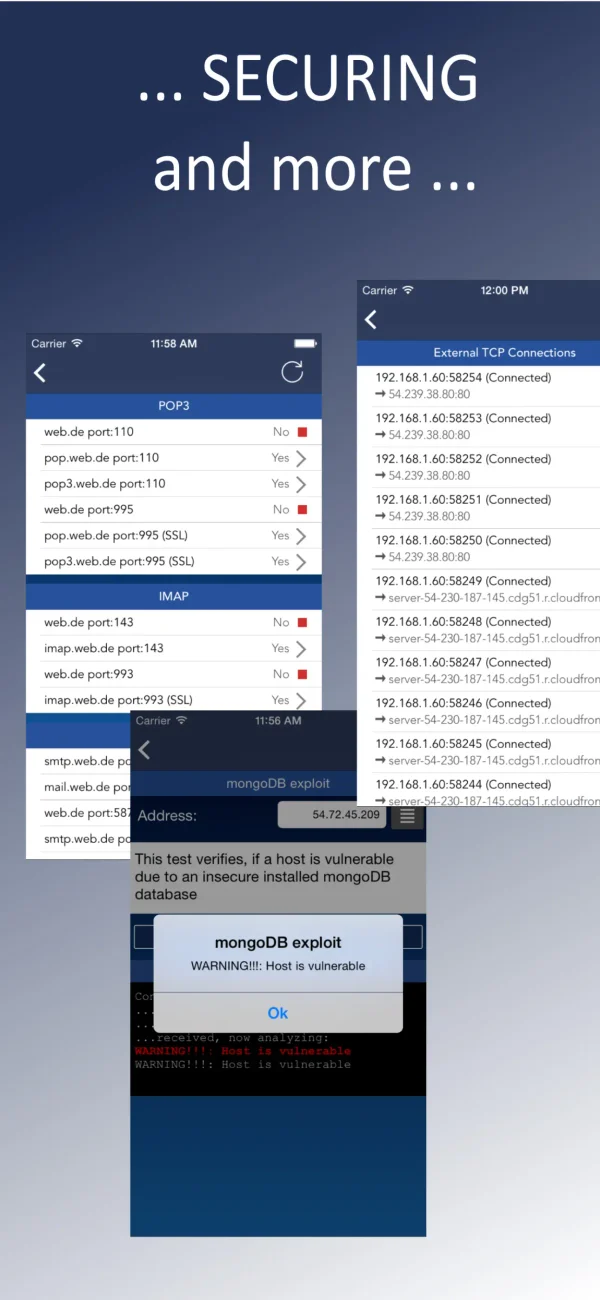
It provides various scanning options such as WiFi Network IP scanning, Port scanning and integrates the SHODAN scan engine, Security exploit tests and more.
Feature summary:
DEVICE INFORMATION
■ Device and public IP Address
■ Network interfaces (WiFi, 3G/4G)
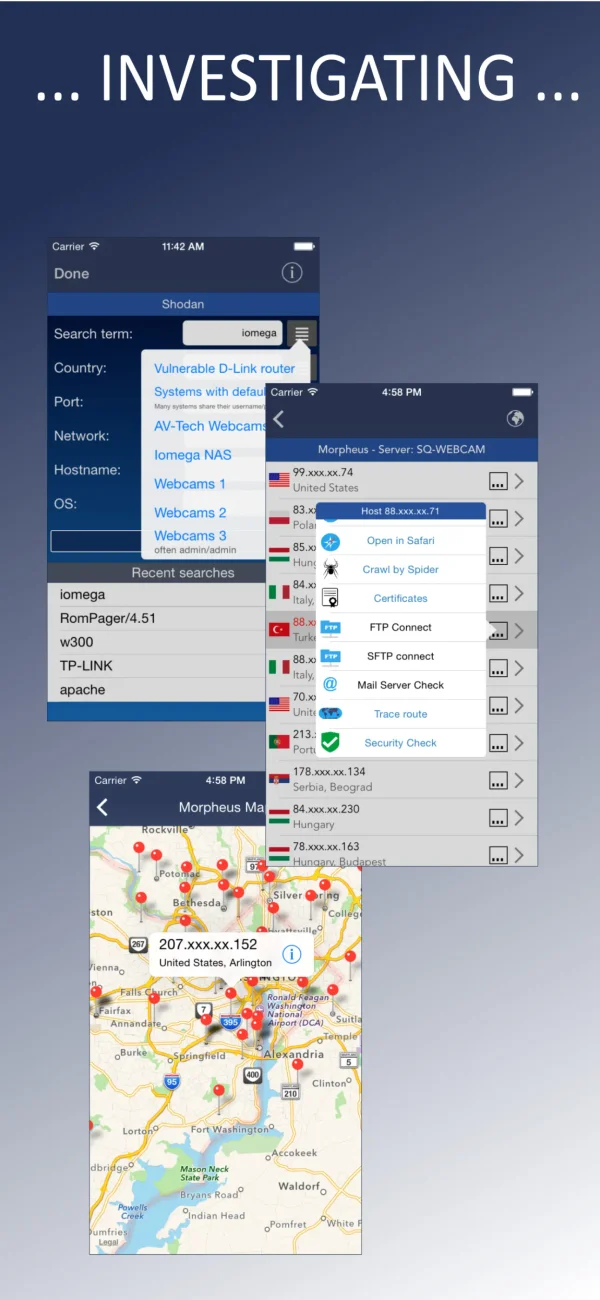
SHODAN AND MORPHEUS SEARCH
■ Expose online devices
■ Search by keyword, country, port, network, hostname
MAP SEARCH
■ Search and expose online devices for on a given location
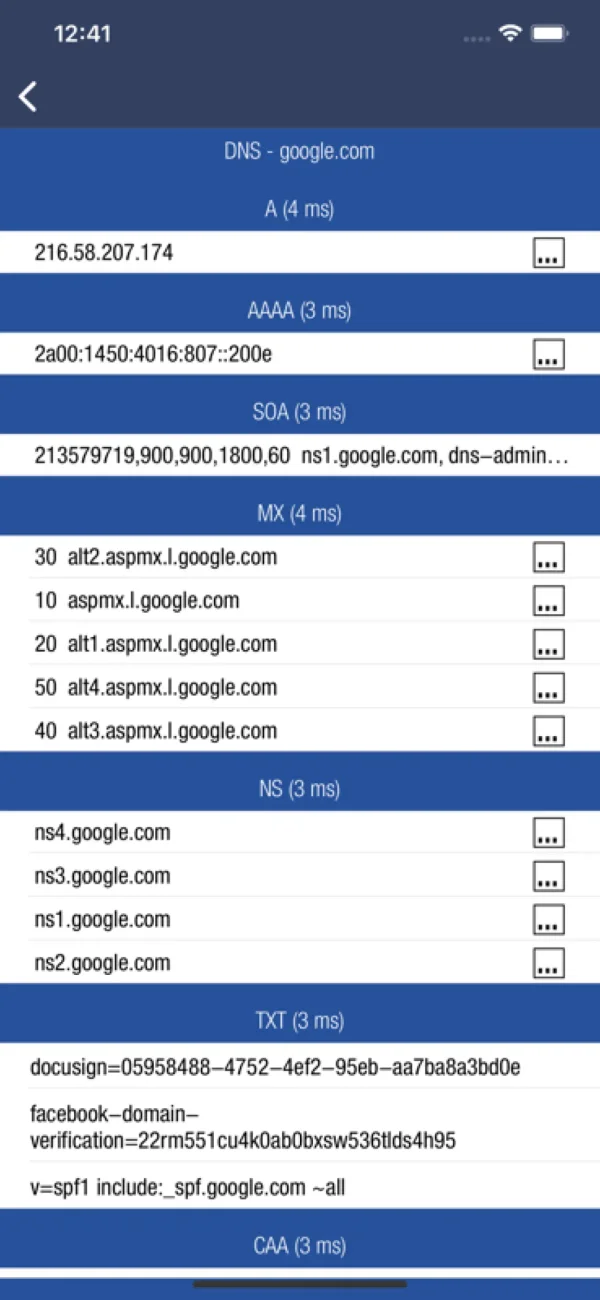
NS-LOOKUP with DOMAIN INFORMATION
■ Provides information for a certain domain or ip
■ Provide information about the number of attacks (ISC)
■ Location of IP or Host display on a map
■ DNS records such as MX, A, TXT etc.
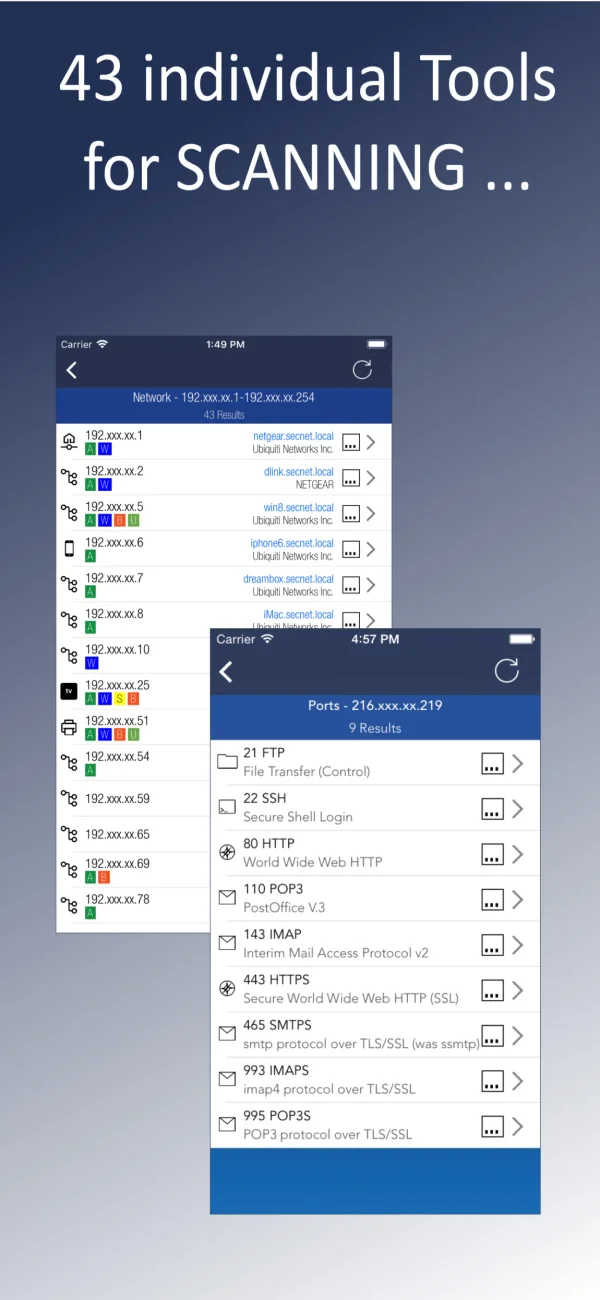
WIFI NETWORK SCAN
■ Discover all devices on your network
■ Including IP, MAC, Vendor, Network Name
PING
■ Ping IP or domain
■ Show Errors and RTT
■ Display results graphically
WHOIS
■ Find out who is behind a certain domain
DNS
■ Query ANY! DNS Server
■ See DNS record information such as A,TXT,CNAME,MX,SOA etc.
■ See and compare DNS Server response times
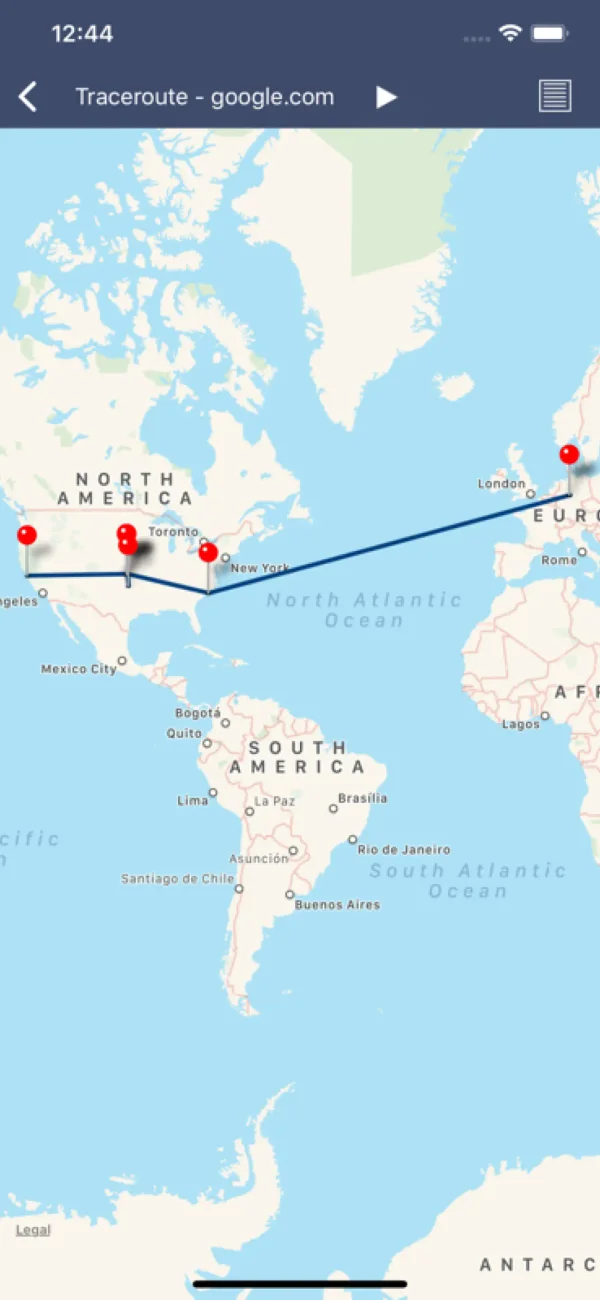
VISUAL TRACEROUTE
■ Analyze how packets get to their destination
SOCKETS
■ Socket analysis and terminal tool
■ Predefined protocols for Telnet, FTP, HTTP, POP3 and IMAP
■ Inspect server responses
■ Send arbitrarily data to the server
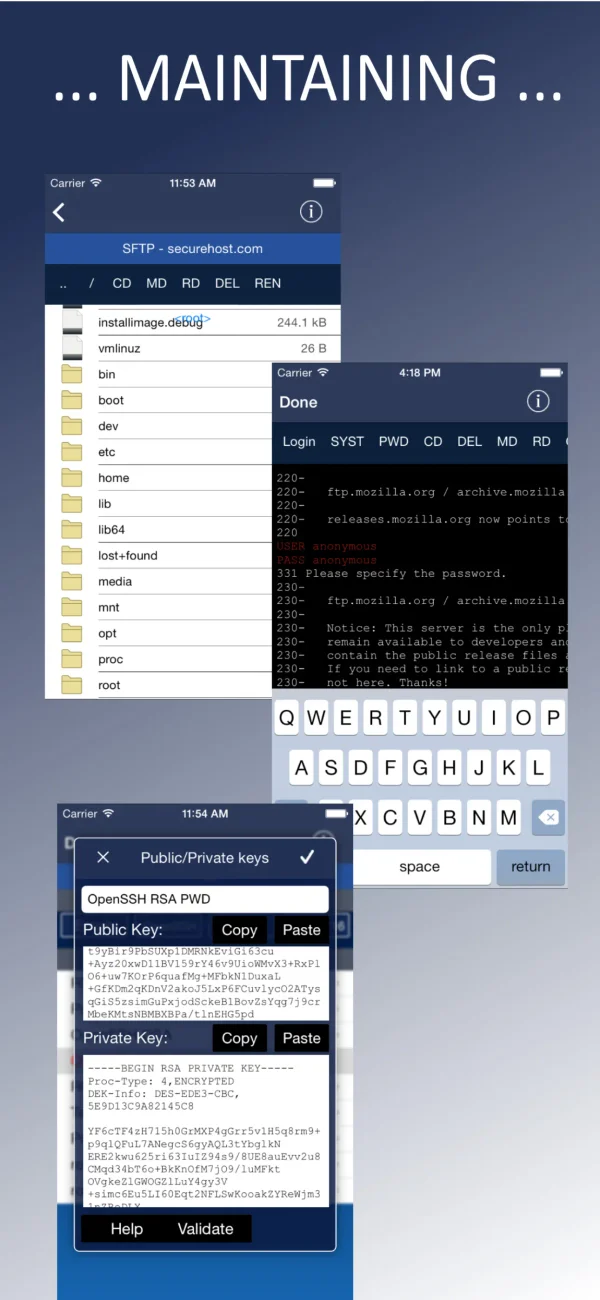
FTP and SFTP CLIENT
■ Browse remote directory tree
■ Direct file viewing
■ File and directory operations
■ Upload and download of multiple files to device
■ Default password list check of FTP server
■ Public / Private Key support (New!)
SSH CLIENT
■ Terminal client for SSL
■ Default password list check of server
SFTP CLIENT
■ Same functionality as FTP
MAC ADDRESS DB
■ Find out which vendor is responsible for which MAC address and v/v
IP CALCULATION
■ Calculate net-masks, first-,last- addresses etc.
HTTP BROWSER
■ Site Default password check
■ Possibility to select user agents from Blackberry over Firefox, IE, Safari and iOS
■ Display source code, plain text or hirachically browse XML
SPIDER
■ Crawl website and collect all contained links
■ Analyze robots.txt
■ Both, websites and disallows robots content can be further analyzed
BLUETOOTH
■ Scan and reveal Bluetooth LE devices
CERTIFICATES
■ Inspect Server (e.g. HTTPS) certificates in a readable format
BONJOUR and UPnP
■ Scan and discover Bonjour or UPnP services
MAIL SERVER CHECK
■ Analyze issues with your mail settings
LOCAL FILES
■ Handle files downloaded via FTP or SFTP or HTTP (New!)
■ File and directory operations
■ File viewer (PDF, Text, Image, HTML)
■ Open files in other apps, installed on your device
■ Send file via E-Mail
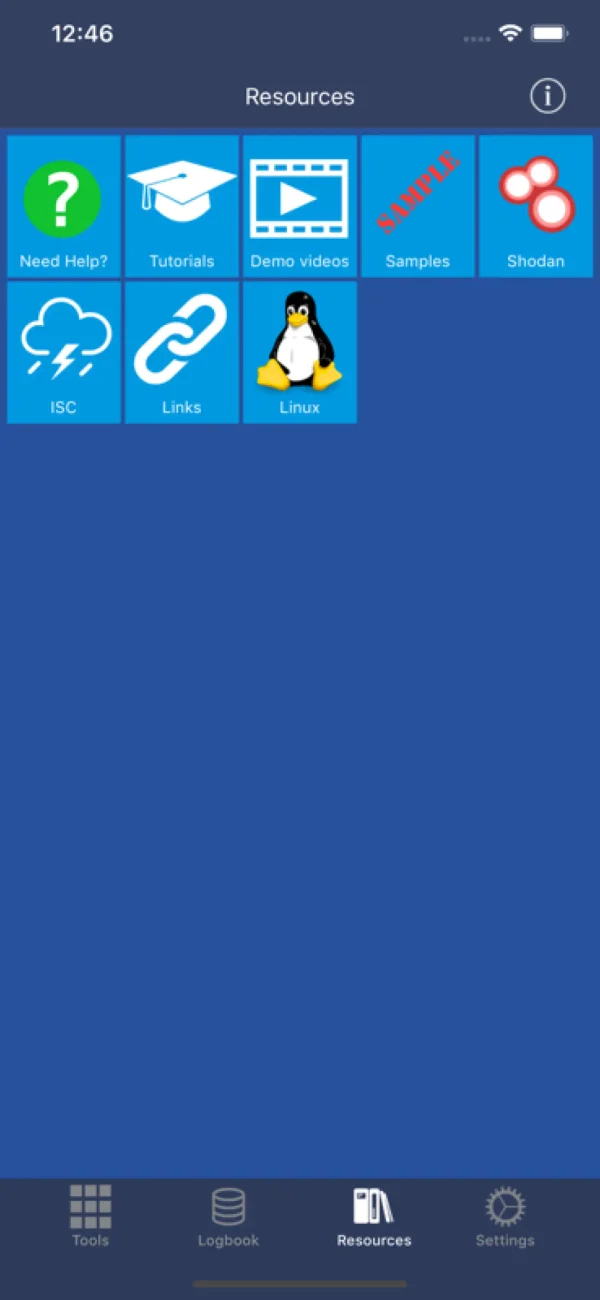
HELP TEXTS
■ Each tool has a detailed description of their purpose and how to use
Subscribe to access to premium app features; subscription details are the following:
• Length: weekly, monthly, yearly
• Your payment will be charged to your iTunes Account as soon as you confirm your purchase
• You can manage your subscriptions and turn off auto-renewal from your Account Settings after the purchase
• Your subscription will renew automatically, unless you turn off auto-renew at least 24 hours before the end of the current period
• The cost of renewal will be charged to your account in the 24 hours prior to the end of the current period
• When cancelling a subscription, your subscription will stay active until the end of the period. Auto-renewal will be disabled, but the current subscription will not be refunded
• Any unused portion of a free trial period, if offered, will be forfeited when purchasing a subscription
Terms of Use: https://www.apple.com/legal/internet-services/itunes/dev/stdeula/
新機能
バージョン 16.7 · 2024/12/16
Stability improvements and bug fixes
アプリのプライバシー
このアプリのデータの取り扱いについて、WHATSTICKER APPS SRLがApp Storeで申告している内容です。
-
ユーザーのトラッキングに使用されるデータ
他社のアプリやウェブサイトを横断してユーザーをトラッキングする目的で使用される場合があります。
- ID
-
ユーザーに関連付けられないデータ
収集される場合がありますが、ユーザーの識別情報には関連付けられません。
- 位置情報
- ID
- 使用状況データ
プライバシーの取り扱いは、ご利用の機能やお客様の年齢などに応じて異なる場合があります。
情報
- 販売元
- WHATSTICKER APPS SRL
- カテゴリ
- 仕事効率化
- バージョン
- 16.7
- 更新日
- 2024/12/16
- リリース
- 2013/6/12
- サイズ
- 152.5 MB
- 必要条件
- iOS 13.0以降
- 対象年齢
- 17+
- 価格
- 無料
- アプリ内課金
- あり
- 言語
- 英語, アラビア語, フランス語, ドイツ語, インドネシア語, イタリア語, 日本語, 韓国語, ポーランド語, ポルトガル語, ロシア語, 簡体字中国語 ほか2言語
- 著作権
- Copyright © 2023 Annalisa Bergonzi
こちらもおすすめ
-
 iNet - ネットワークスキャナ自分のネットワークを知る.
-
 Network Utilities & Analyzer仕事効率化
-
 iWifi - AR speed & signal testARはネットワーク速度とWi-fi信号強度を測定します
-
 PRTG - Monitoring仕事効率化
-
 Fing (フィング) - ネットワークツールオンラインデバイスとネットワークセキュリティ
-
 UTM Remote Virtual Machines仕事効率化
-
 Ekahau Analyzer仕事効率化
-
 Owlfiles - ファイルマネージャーSMB、Web DAV、FTP、S3にアクセスする
-
 All Router Password Manager仕事効率化
-
 BLE Scanner 4.0 – Bluetooth LE仕事効率化