
- 対象年齢4+
- カテゴリ仕事効率化
- 開発元KYLE HASTINGS STEPHENS
- 言語英語
- サイズ8.4 MB
App Storeの公式ページにリンクしています
Download.orgはNunc: Screen Time Controlのファイルを一切ホストしていません。ボタンを押すと、KYLE HASTINGS STEPHENSが公開しているApp Storeのアプリページが開きます。ページの最終確認:2026/11/20。
スクリーンショット
概要
開発元はこのテキストをお使いの言語で提供していません。
Your assignment is clear. Your phone keeps interrupting.
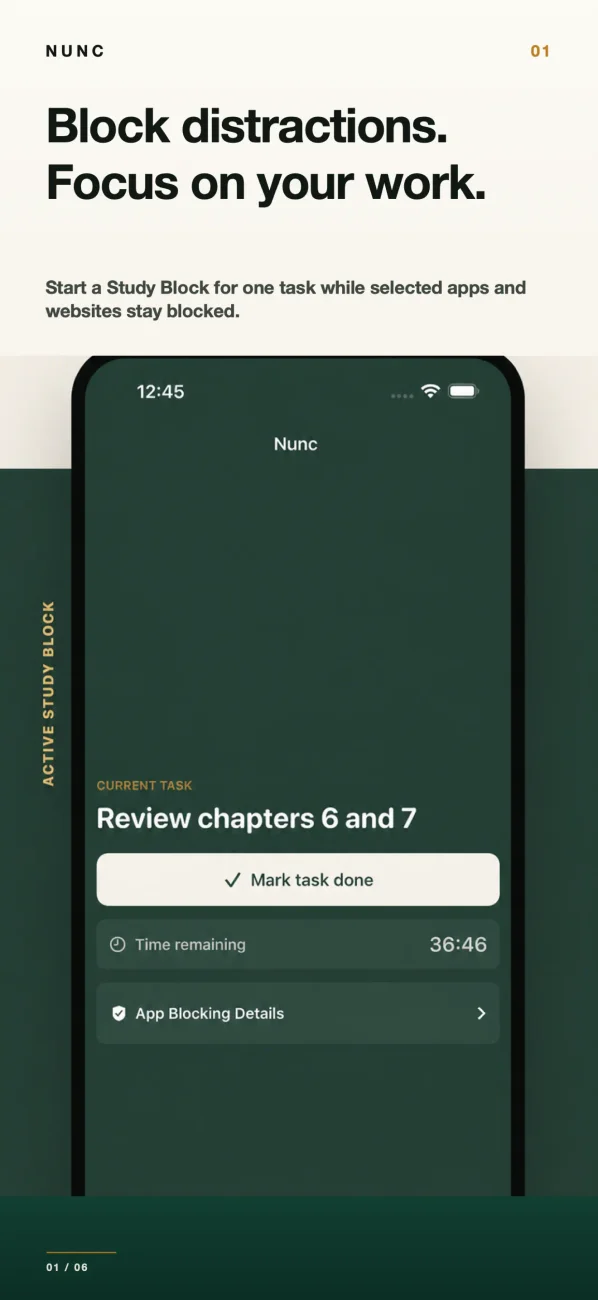
Nunc helps college students protect a Study Block from selected apps, websites, or categories while they focus on one concrete task at a time.
HOW A STUDY BLOCK WORKS
1. Name the task in front of you, such as “Finish problem set 4.”
2. Choose one or more apps, websites, or categories with Apple’s Screen Time picker. One to three selections are recommended for a focused setup; Nunc does not enforce a maximum.
3. Start a timed or Until I’m done Study Block.
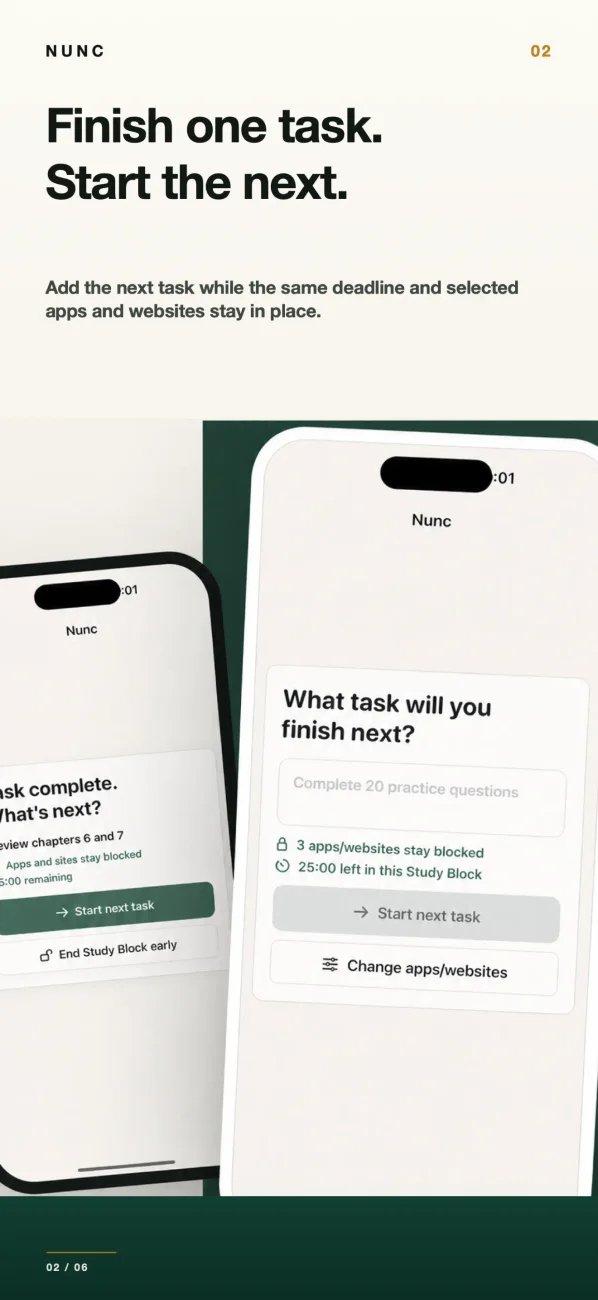
4. Mark the task done and add the next task while the same deadline and shields continue—or deliberately end the Study Block early.
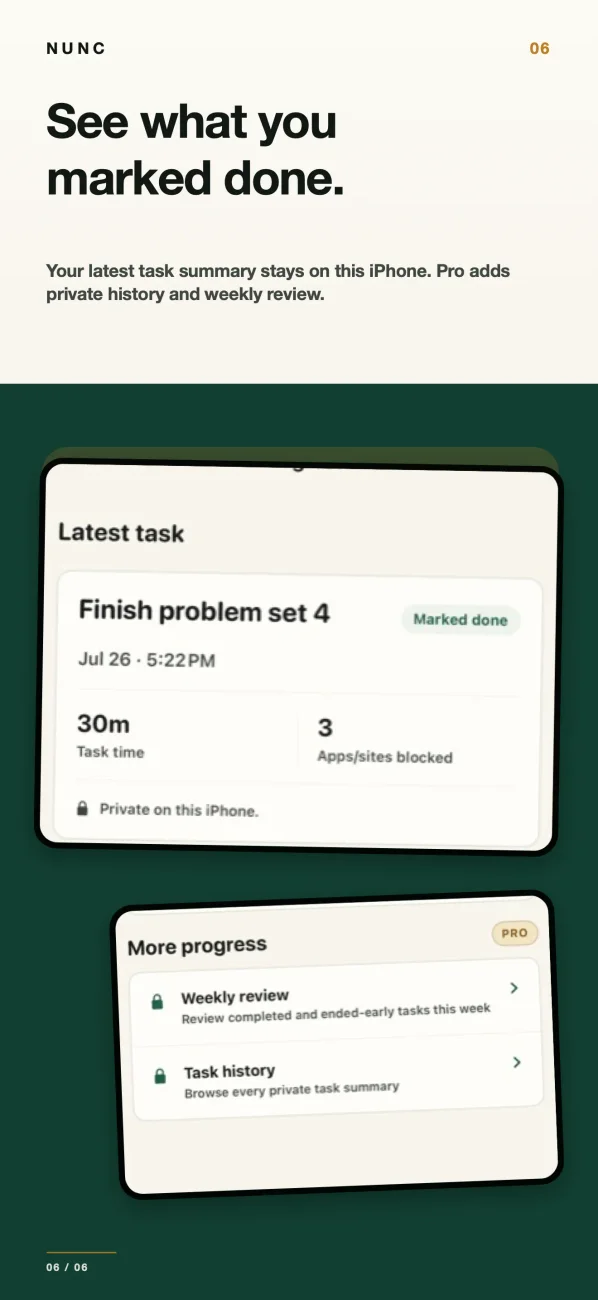
5. Review your latest private, on-device task summary.
WHY NUNC IS DIFFERENT
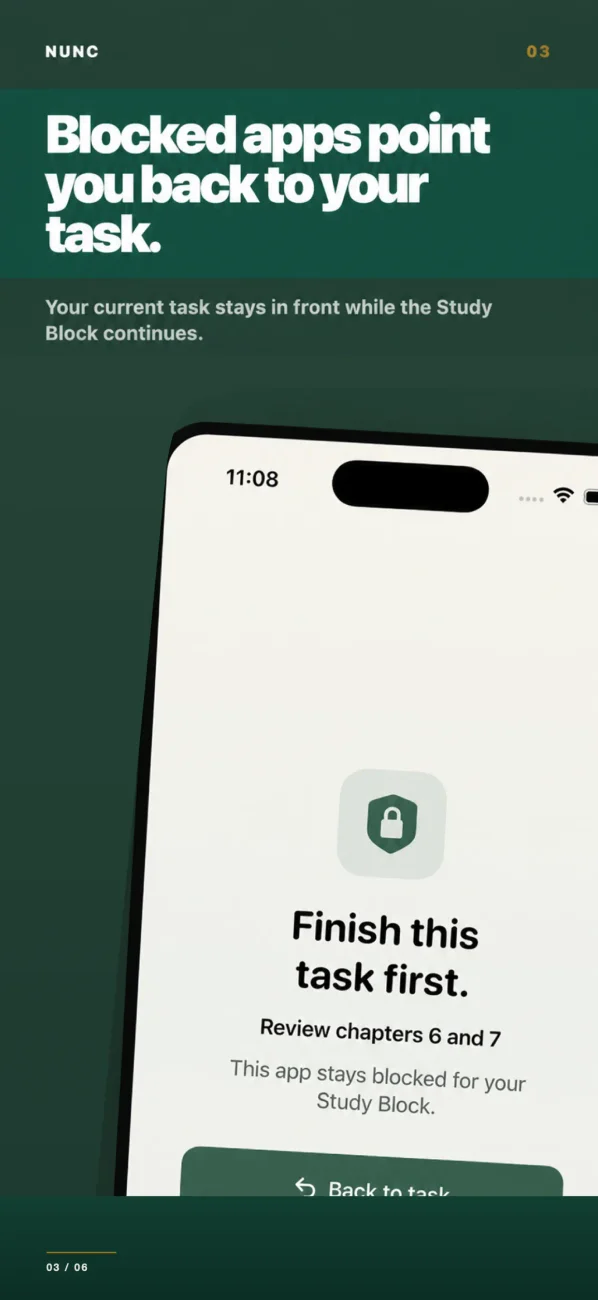
• Your current task stays visible while selected distractions are shielded.
• Finishing a task does not automatically reopen distracting apps during a timed Study Block.
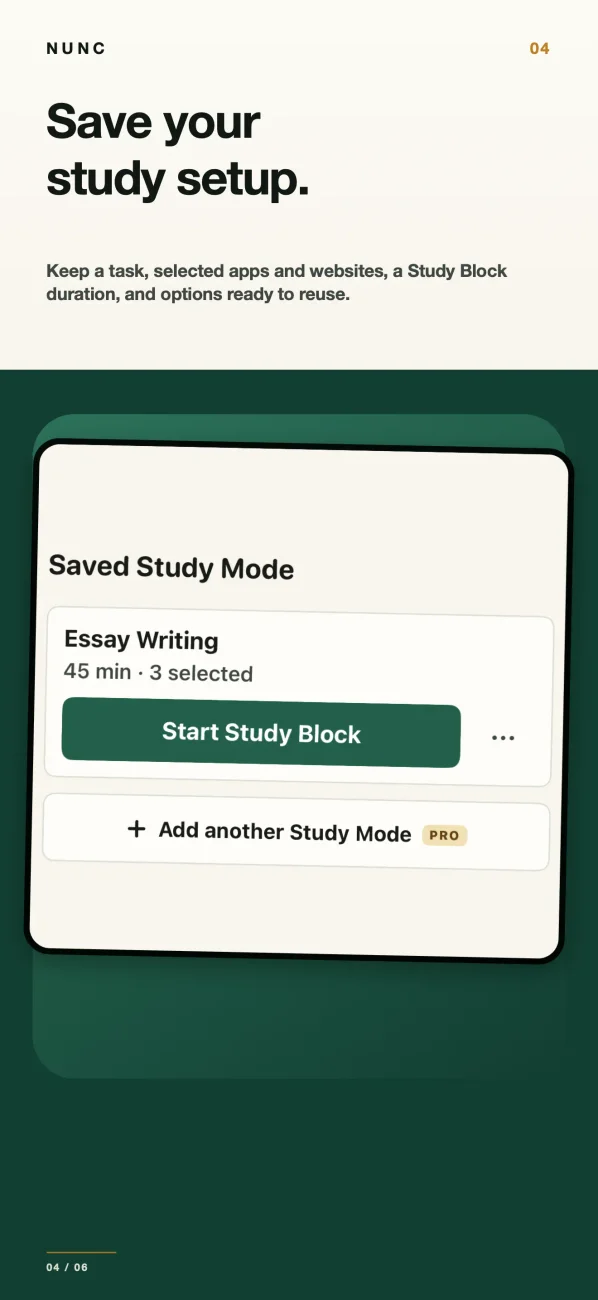
• Study Modes save repeatable task, distraction, duration, and commitment settings.
• Private Progress summarizes the work you declared complete without inspecting what you did inside other apps or websites.
FREE AND PRO
Manual timed and untimed Study Blocks are free and unlimited. Free includes one saved Study Mode and your latest task summary.
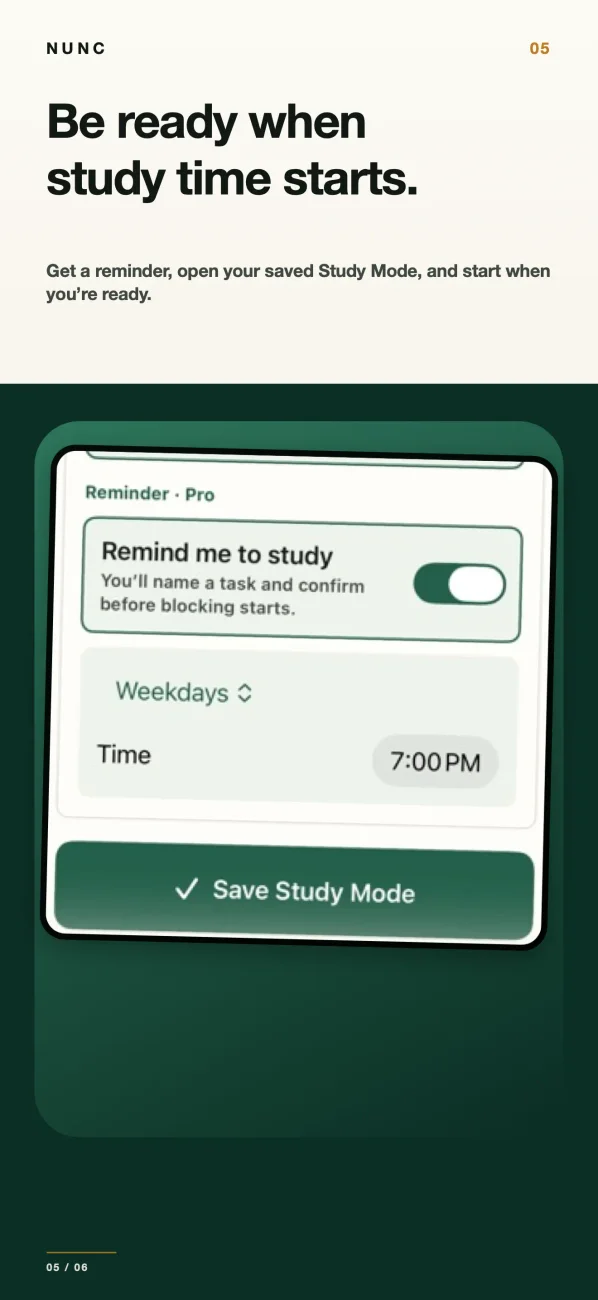
Nunc Pro adds unlimited Study Modes, scheduled study reminders, optional No early ending for timed Study Blocks, full private history, and weekly review. No early ending removes Nunc’s in-app early-end action before the displayed deadline; it does not make blocking unbreakable.
PRIVATE BY DESIGN
No account is required. Task names, Screen Time selection tokens, blocking state, Study Modes, and summaries stay on your device. Nunc cannot read messages, feeds, websites, or schoolwork.
HONEST SCREEN TIME CONTROL
You decide when a task is done; Nunc does not inspect or verify your work. Website and browser coverage can vary. If Screen Time permission is denied or revoked, or blocking becomes unavailable, Nunc reports that state and provides recovery.
Subscription options, trial eligibility, and Restore Purchases are available from the Pro paywall. Purchases and subscriptions are handled by Apple StoreKit.
Terms of Use (EULA):
https://www.apple.com/legal/internet-services/itunes/dev/stdeula/
新機能
バージョン 2.2 · 2026/9/1
Study Block setup is clearer from start to finish. Name your task, review one or more selected apps, websites, or categories, choose a duration, and confirm Screen Time access before blocking. One to three selections are recommended for a focused setup, but Nunc does not enforce a maximum. Active blocking details are also easier to read.
アプリのプライバシー
このアプリのデータの取り扱いについて、KYLE HASTINGS STEPHENSがApp Storeで申告している内容です。
-
データの収集なし
開発元はこのアプリからデータを収集しません。
プライバシーの取り扱いは、ご利用の機能やお客様の年齢などに応じて異なる場合があります。
情報
- 販売元
- KYLE HASTINGS STEPHENS
- カテゴリ
- 仕事効率化
- バージョン
- 2.2
- 更新日
- 2026/9/1
- リリース
- 2026/7/14
- サイズ
- 8.4 MB
- 必要条件
- iOS 18.0以降
- 対象年齢
- 4+
- 価格
- 無料
- アプリ内課金
- あり
- 言語
- 英語
- 著作権
- © 2026 Kyle Stephens
こちらもおすすめ
-
 EbSpace Property Management仕事効率化
-
 Lazy Invite仕事効率化
-
 Forget: ADHD Focus Timer仕事効率化
-
 FocusFirst: アプリ制限・スマホ時間管理集中してアプリの利用時間を貯める
-
 EXO: App Blocker & Focus Timer仕事効率化
-
 Foki: App Blocker仕事効率化
-
 Pomolings - 勉強・集中タイマーかわいい仲間とポモドーロ・学習記録・環境音
-
 Alarmed: Wake Up on Time仕事効率化
-
 TaskLock: やることリスト・アプリ制限・習慣化スクリーンタイムとスマホ依存対策
-
 Translay – 画面翻訳画面に重ねて即時翻訳