- 対象年齢4+
- カテゴリ仕事効率化
- 開発元Oceanoax LLC
- 言語英語ほか2言語
- サイズ117.0 MB
App Storeの公式ページにリンクしています
Download.orgはOaklet Notesのファイルを一切ホストしていません。ボタンを押すと、Oceanoax LLCが公開しているApp Storeのアプリページが開きます。ページの最終確認:2026/11/15。
スクリーンショット


概要
開発元はこのテキストをお使いの言語で提供していません。
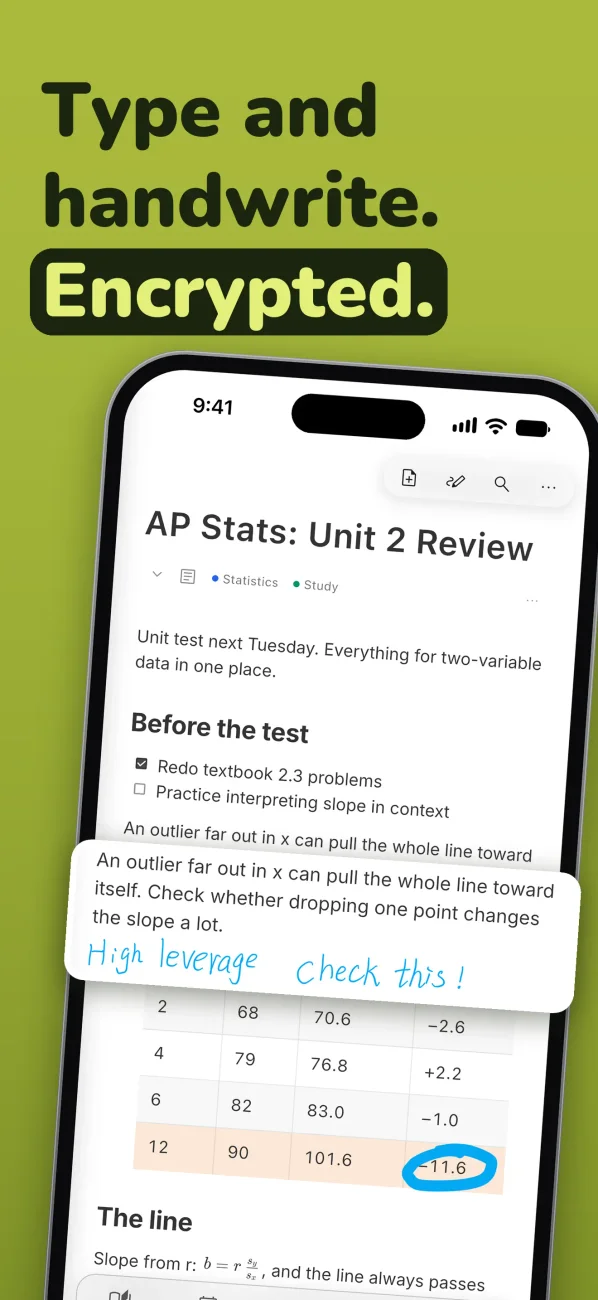
Type and handwrite in the same note. Oaklet Notes puts your writing, Apple Pencil handwriting, whiteboards, tables, and math on one page, and recognizes your handwriting on your device, so search finds what you wrote by hand.
Everything stays in an encrypted vault on your device. No account needed, and it works fully offline.
ONE NOTE, EVERY WAY YOU THINK
• Type with a block editor, then write over it with Apple Pencil — your ink moves with the line it's next to
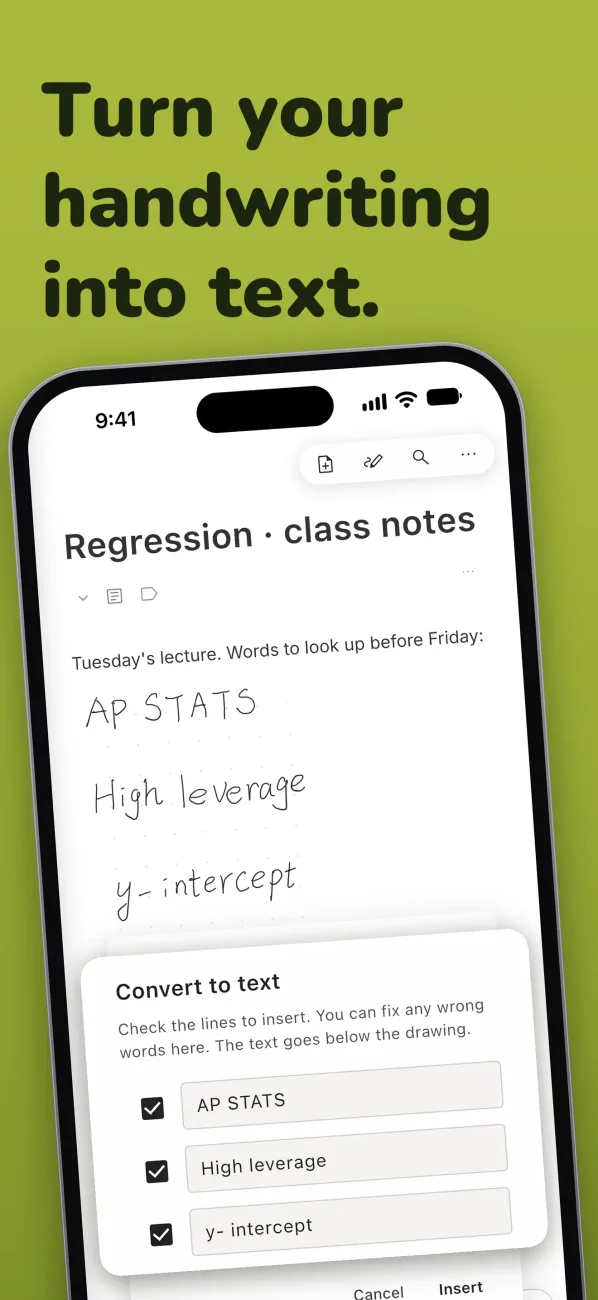
• Handwriting is recognized on your device: search your handwriting, or turn it into typed text
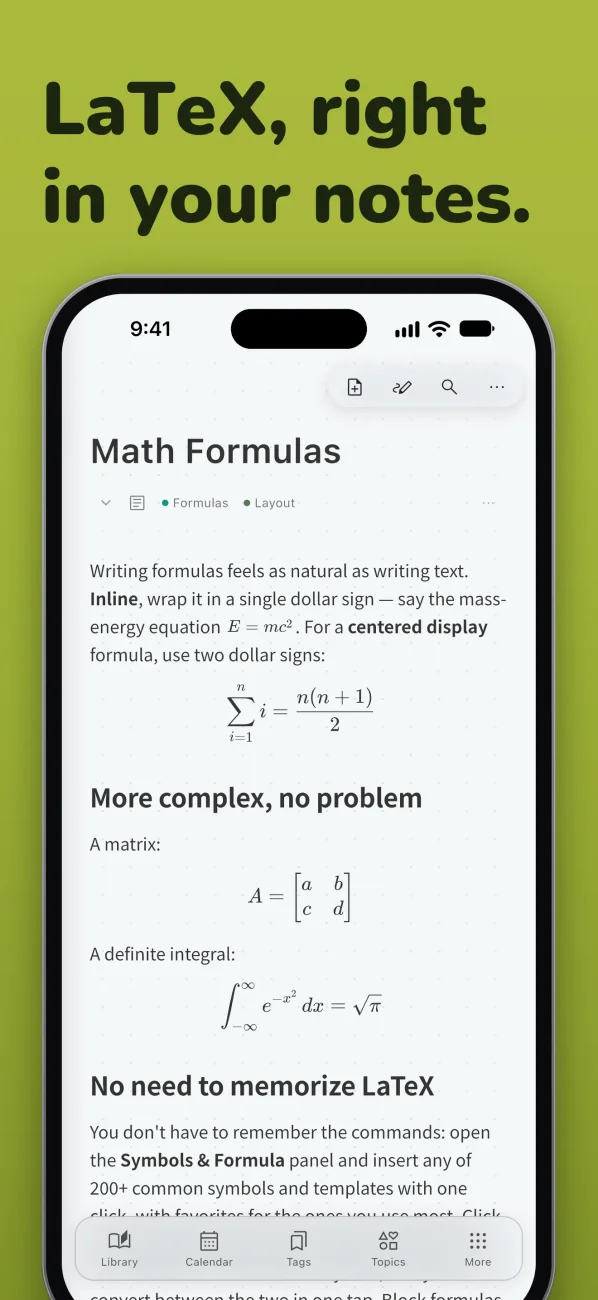
• Whiteboards for mind maps and flowcharts, drawing with layers, tables with formulas, LaTeX math, task lists
• Lay out blocks side by side, or freely as cards connected with lines
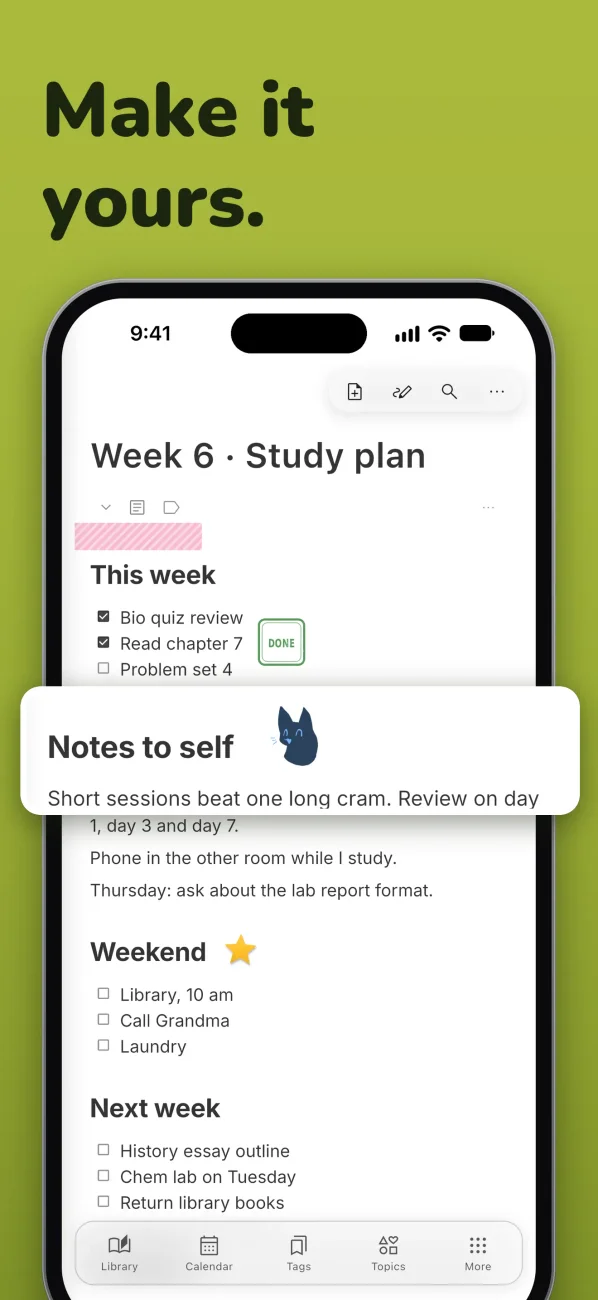
• Decorations — stickers, sticky notes, tape, and stamps
• Read PDF attachments right in the app: page through, zoom, and select text
LOCKED TO YOU
• AES-256-GCM encryption protects every note
• Vault password, plus an optional Note Password for sensitive notes
• Unlock with Face ID or Touch ID
• Auto-lock when you step away
• Works fully offline, and your notes never pass through our servers
• Sign in with Apple is optional and only used to carry a subscription to your other devices. Your notes are never sent to us
CONNECT YOUR NOTES
• [[WikiLinks]] and ![[embeds]] link notes together, with a backlinks panel
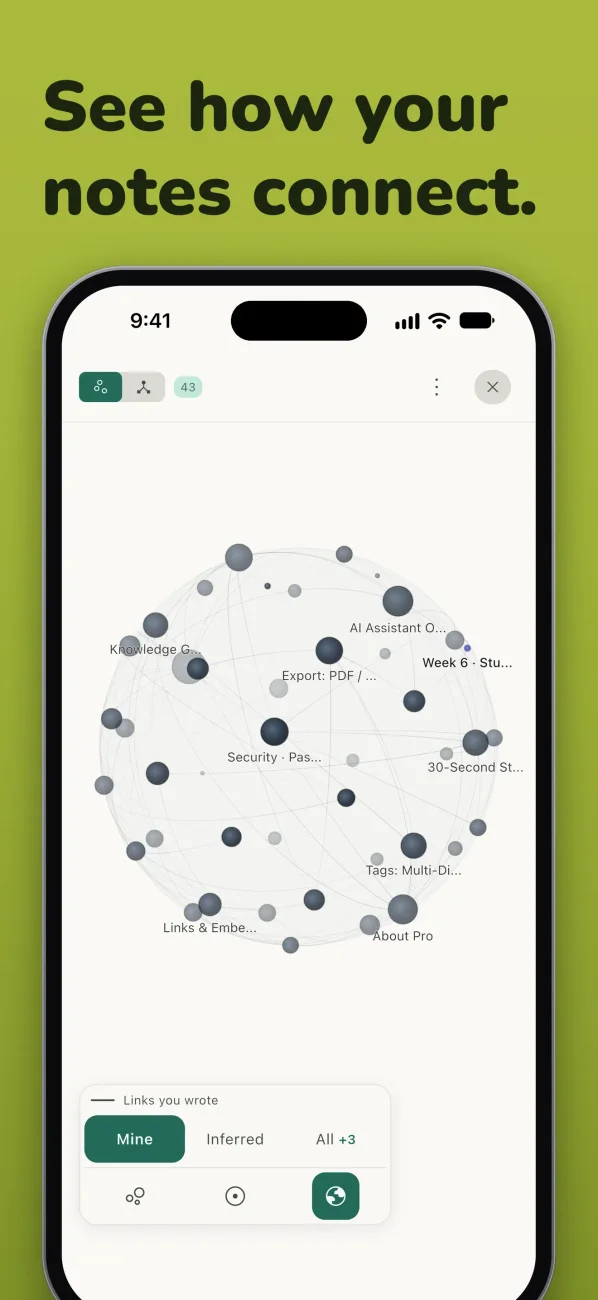
• Interactive knowledge graph that shows how your notes connect
• Hierarchical tags and full-text search
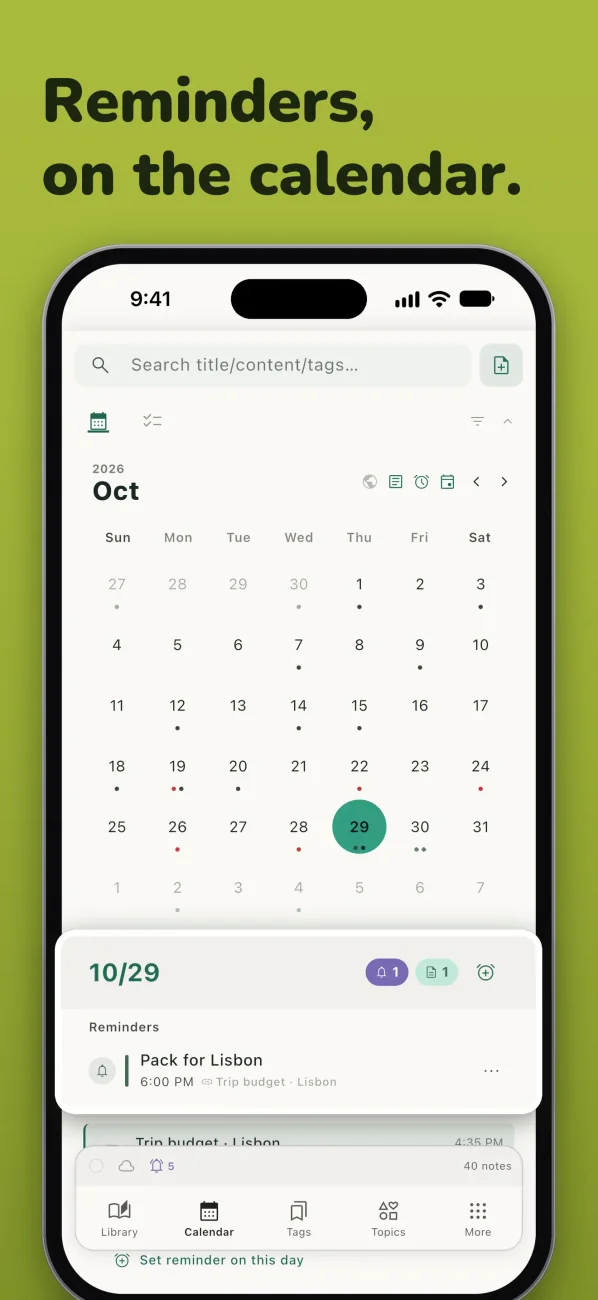
• Calendar view and reminders — browse notes by date, and set a reminder on a note or on its own. By default, notifications show only a generic alert, never your note's title or text
AI IF YOU WANT IT — YOUR MODEL, YOUR KEY
• AI is optional. Connect a local model running on your own computer, or your own cloud provider's key — the app connects to your provider rather than hosting one
• Semantic search with your own model; drafting and rewriting, questions about your notes, and plain-language tool calling
ON MAC, IPAD, IPHONE, WINDOWS, AND LINUX
• Direct Share — send a note straight to a nearby device. Pair once with a code; transfers are encrypted end to end and go straight from one device to the other
• Sync through one of your own computers or your own WebDAV server — the server only ever holds encrypted files
• Notes on your own disk, not a vendor's database. Import and export Markdown anytime; export to PDF, HTML, and Word
• Import notes exported from other notes apps, with their attachments, original dates, and folders as nested tags
Oaklet Notes is free to use. An optional Pro subscription adds sync, the knowledge graph, AI writing tools, PDF, HTML, and Word export, Face ID unlock, and more — try it free for 30 days in the app. Subscriptions are billed through your Apple ID and can be managed in Settings.
Privacy Policy: https://oakletnotes.com/en/privacy
Terms of Use (EULA): https://www.apple.com/legal/internet-services/itunes/dev/stdeula/
新機能
バージョン 1.1.6 · 2026/11/1
This update includes stability improvements and bug fixes.
• Performance: major speedups for vault unlocking, bulk import, large vaults, long notes, and sync.
• Read PDF attachments in the app: page through, zoom, and select text.
• Oaklet Notes is now available in German.
• Import notes exported from other notes apps, with their attachments, original dates, and folders as nested tags.
• Decorations: 70 new stickers, 19 stamps, and 5 tape patterns; duplicate any decoration with one tap.
• iPhone: the long-press menu adds Insert for images, tables, decorations, and more.
• New note button at the top of the iPhone editor.
• Other fixes and improvements.
アプリのプライバシー
このアプリのデータの取り扱いについて、Oceanoax LLCがApp Storeで申告している内容です。
-
ユーザーに関連付けられたデータ
収集され、ユーザーの識別情報に関連付けられる場合があります。
- 連絡先情報
- ID
-
ユーザーに関連付けられないデータ
収集される場合がありますが、ユーザーの識別情報には関連付けられません。
- 購入
プライバシーの取り扱いは、ご利用の機能やお客様の年齢などに応じて異なる場合があります。
情報
- 販売元
- Oceanoax LLC
- カテゴリ
- 仕事効率化
- バージョン
- 1.1.6
- 更新日
- 2026/11/1
- リリース
- 2026/7/9
- サイズ
- 117.0 MB
- 必要条件
- iOS 15.0以降
- 対象年齢
- 4+
- 価格
- 無料
- アプリ内課金
- あり
- 言語
- 英語, ドイツ語, 簡体字中国語
- 著作権
- © Oceanoax LLC