
Oaklet Notes: Encrypted
Handwrite & type. No account.
Projetado para iPhone, iPad, Mac, iPod touch
Grátis · Compras no app
- Classificação etária4+
- CategoriaProdutividade
- DesenvolvedorOceanoax LLC
- IdiomasInglêse mais 4
- Tamanho137,8 MB
Leva à página oficial na App Store
O Download.org não hospeda nenhum arquivo de Oaklet Notes: Encrypted. O botão abre a página do app na App Store, onde Oceanoax LLC o publica. Página verificada pela última vez em 25/11/2026.
Capturas de tela
Sobre
O desenvolvedor não forneceu este texto no seu idioma.
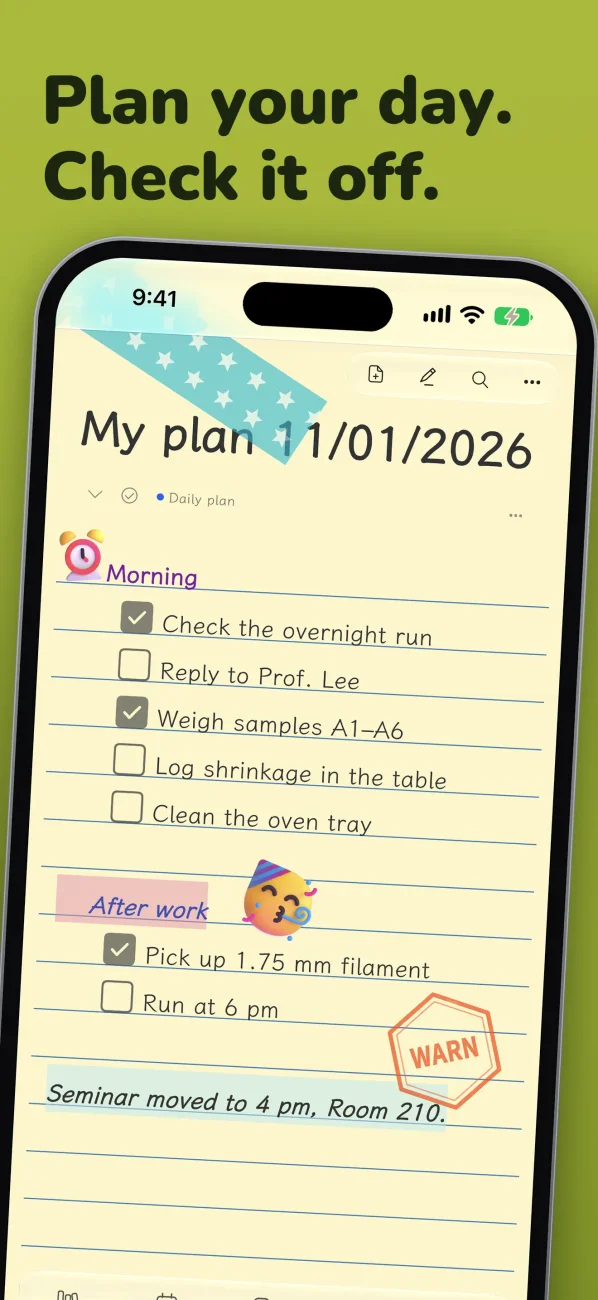
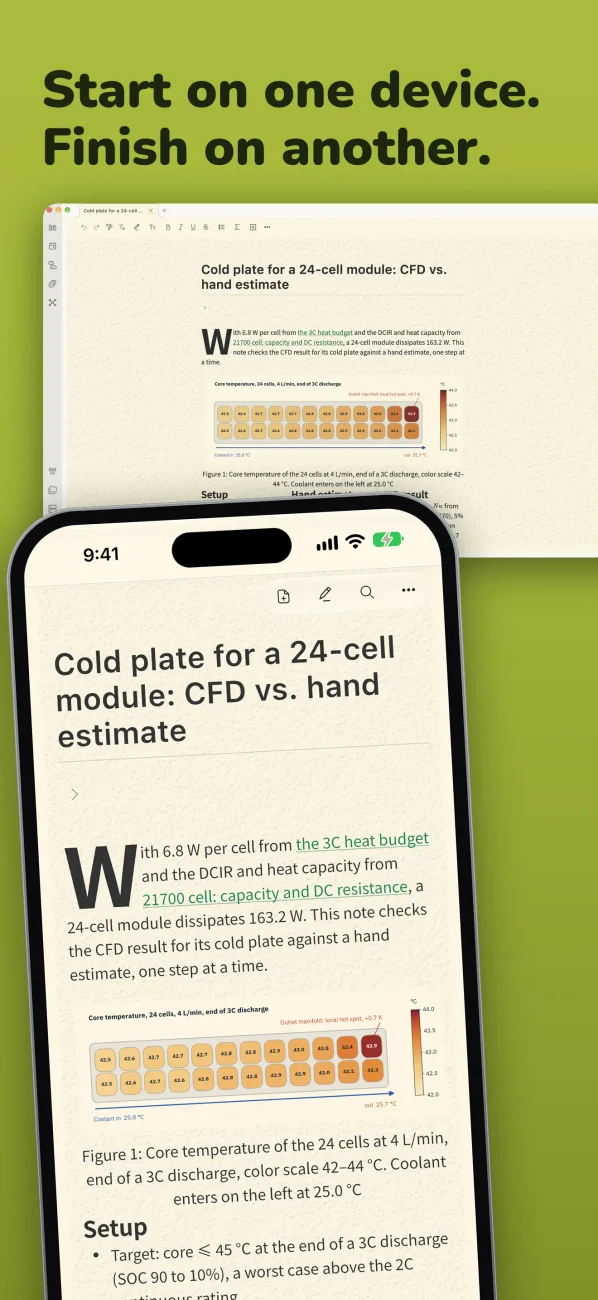
Type and handwrite in the same note. Oaklet Notes puts your writing, Apple Pencil handwriting, PDFs, whiteboards, tables, and math on one page, and recognizes your handwriting on your device, so search finds what you wrote by hand.
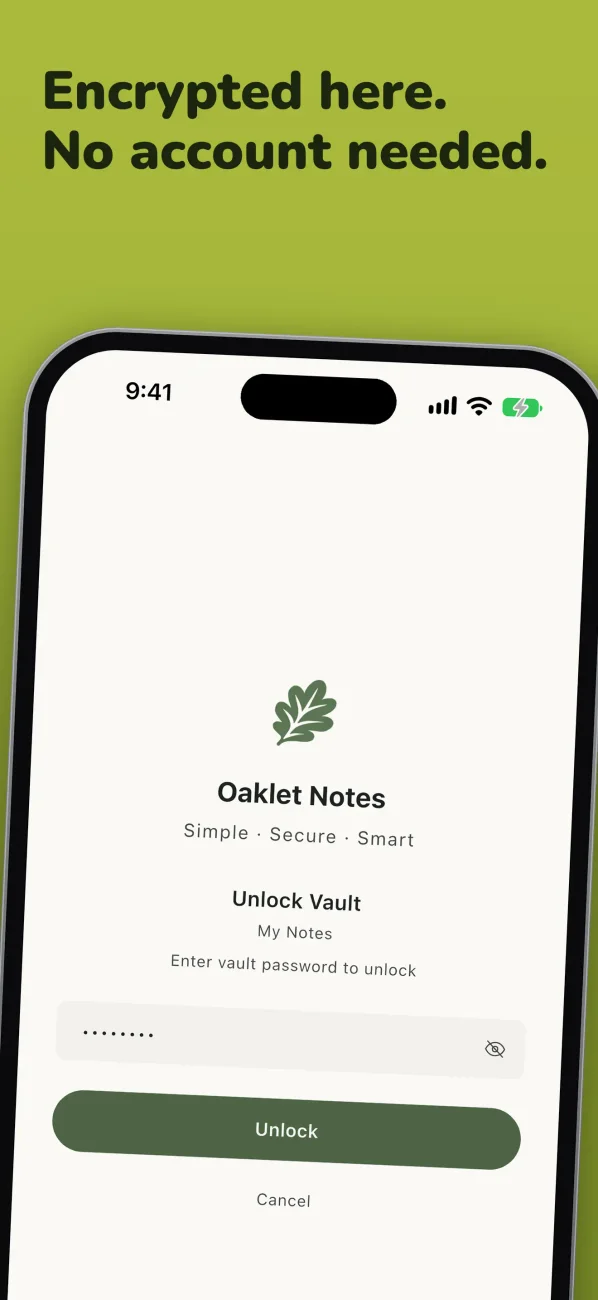
Everything stays in an encrypted vault on your device. No account needed, and it works fully offline. On first launch, start writing right away: no vault password to set up first (your device needs a passcode). Add one later.
ATTUNE (PRO): SEE HOW YOU WORK
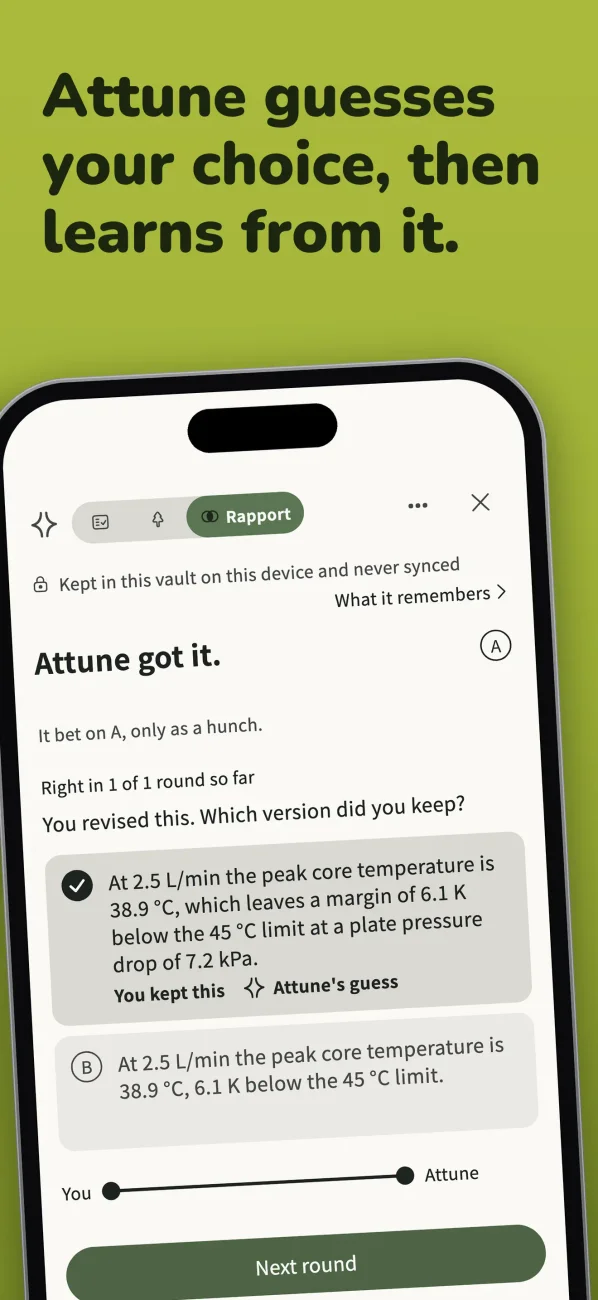
• Attune is an optional feature that learns how you work and decide, then writes judgments about it, plus a self-portrait
• You're in charge: confirm what fits, correct what doesn't. It doesn't grade or rank you. No questionnaires
• Try a quick round where Attune guesses your choice first. Some rounds work without any AI service
• Off until you turn it on. What Attune learns stays in your encrypted vault and is never synced. It writes these statements with the AI service you choose, including Apple Intelligence on supported devices. Any other service receives the material Attune reads
ONE NOTE, EVERY WAY YOU THINK
• Type with a block editor, then write over it with Apple Pencil: your ink moves with the line it's next to
• Turn handwriting into typed text on your device
• Open a PDF attachment and write or draw on the page with the same pen and highlighter tools as in your notes. Add text boxes (Pro), or clear a page's handwriting and undo it
• Whiteboards for mind maps and flowcharts, drawing with layers, tables with formulas (Pro), LaTeX math, task lists
• Lay out blocks side by side, or freely as cards connected with lines
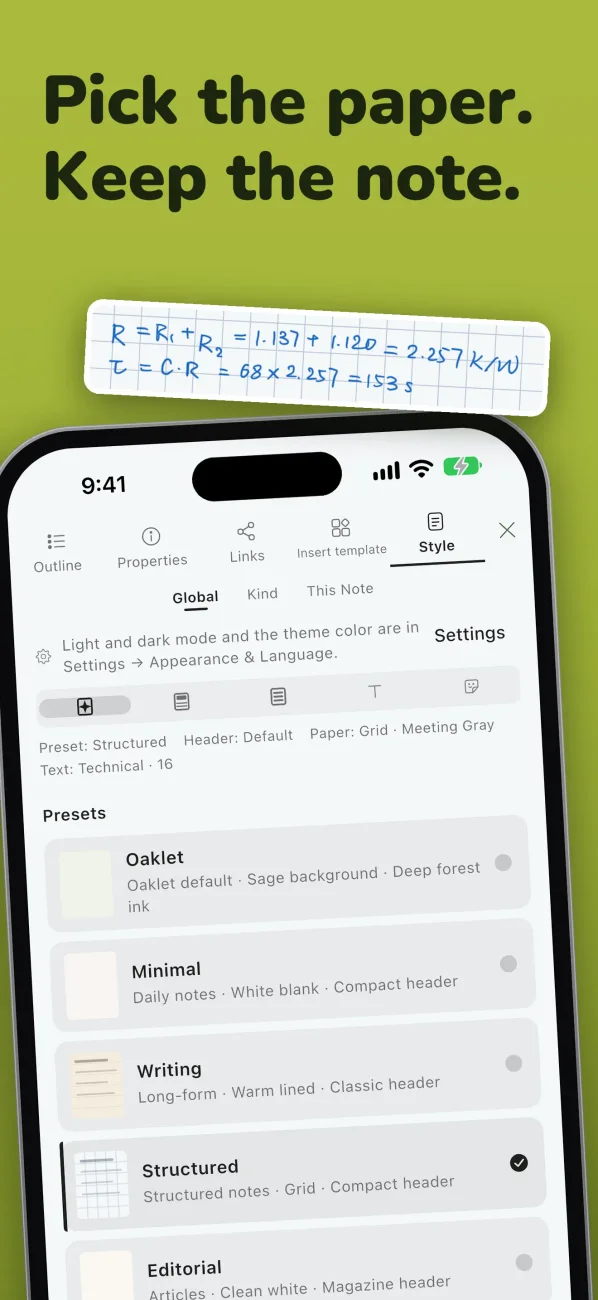
• Paper presets and layouts (Pro) and font pairings (Pro)
LOCKED TO YOU
• Every note is encrypted on disk with AES-256-GCM
• Vault password, plus an optional note password that hides a note even while your vault is unlocked
• Auto-lock after a period of inactivity
• Oaklet never receives your notes. Sync and AI go only to the servers you choose
• Sign in with Apple is optional and only used to carry a subscription to your other devices. Your notes are never sent to us
CONNECT YOUR NOTES
• [[WikiLinks]] and ![[embeds]] link notes together, with a backlinks panel
• Interactive knowledge graph, nested tags, and full-text search
• Topics opens on an Overview: what you edited, what's due, and your week at a glance. Save any week's review as a note
• Calendar view and reminders. By default, notifications show only a generic alert, never your note's title or text
AI IF YOU WANT IT: YOUR MODEL, YOUR KEY
• AI is optional. Connect a local model running on your own computer, or your own cloud provider's key (Pro). The app connects to your provider rather than hosting one
• Semantic search, drafting and rewriting, and questions about your notes
ON MAC, IPAD, IPHONE, WINDOWS, AND LINUX
• Direct Share: send a note straight to a nearby device. Pair once with a code; transfers are encrypted end to end
• Sync through one of your own computers or your own WebDAV server. Notes are encrypted before upload; the server can still see metadata such as file names, sizes, and dates
• Notes on your own disk, not a vendor's database. Import and export Markdown; export to PDF, HTML, and Word
• Import from other notes apps with attachments, dates, and folders as nested tags, plus ChatGPT and Claude conversations with images
Oaklet Notes is free. An optional Pro subscription adds sync, the knowledge graph, AI writing, note Q&A and tool calling, Attune, PDF, HTML, and Word export, Face ID and Touch ID unlock, and more. Try Pro free for 30 days in the app, no payment needed; nothing renews unless you subscribe. Subscriptions renew automatically and are billed through your Apple Account; manage them in Settings.
Privacy Policy: https://oakletnotes.com/en/privacy
Terms of Use (EULA): https://www.apple.com/legal/internet-services/itunes/dev/stdeula/
Novidades
Versão 1.2.0 · 24/11/2026
This update includes stability improvements and bug fixes.
• Attune (Pro): notices how you work and decide, and shows you what it noticed. Off by default; turn it on in Settings.
• Handwriting on PDFs: write and draw right on the page, with Apple Pencil on iPad.
• A new look: hand-drawn icons, Liquid Glass on iOS 26, new paper presets and layouts (Pro), and font pairings (Pro).
• Start writing on first launch, with no vault password to create first. Set one later, any time.
• Topics now has an Overview and Weekly Review: what you edited, what's due, and your week at a glance.
• Tags has a new Folders view: open one level at a time, like folders on your computer.
• Import ChatGPT and Claude conversations with their images and files.
• Now available in French and Spanish.
• Previous Note and Next Note in the ⋯ menu.
• Other fixes and improvements.
Privacidade do app
O que Oceanoax LLC declara na App Store sobre como este app lida com os dados.
-
Dados vinculados a você
Podem ser coletados e vinculados à sua identidade.
- Informações de contato
- Identificadores
-
Dados não vinculados a você
Podem ser coletados, mas não são vinculados à sua identidade.
- Compras
As práticas de privacidade podem variar, por exemplo, com base nos recursos que você usa ou na sua idade.
Informações
- Vendedor
- Oceanoax LLC
- Categoria
- Produtividade
- Versão
- 1.2.0
- Atualizado
- 24/11/2026
- Lançamento
- 09/07/2026
- Tamanho
- 137,8 MB
- Requer
- iOS 15.0 ou posterior
- Classificação etária
- 4+
- Preço
- Grátis
- Compras no app
- Sim
- Idiomas
- Inglês, Francês, Alemão, Chinês simplificado, Espanhol
- Copyright
- © Oceanoax LLC
Você também pode gostar
-
 Pronotes: Notes & PDFProdutividade
-
 Amazing Notes: Lecture & PDFProdutividade
-
 Scribbl: Notes & PDF MarkupProdutividade
-
 Simple5Produtividade
-
 Ghosted Job HelperProdutividade
-
 Lucis - Daily IntentionsProdutividade
-
 LibretoProdutividade
-
 Snapp Notes: Visual MemoProdutividade
-
 ClarifloProdutividade
-
 Mejl: Email, OrganizedProdutividade