OpenDocument Reader - view ODT
LibreOffice documents & PDF
iPhone, iPad, iPod touch向けに設計
無料 · アプリ内課金
- 対象年齢4+
- カテゴリ仕事効率化
- 開発元Stefl und Taschauer OG
- 言語英語ほか15言語
- サイズ12.1 MB
App Storeの公式ページにリンクしています
Download.orgはOpenDocument Reader - view ODTのファイルを一切ホストしていません。ボタンを押すと、Stefl und Taschauer OGが公開しているApp Storeのアプリページが開きます。ページの最終確認:2026/11/22。
スクリーンショット
概要
開発元はこのテキストをお使いの言語で提供していません。
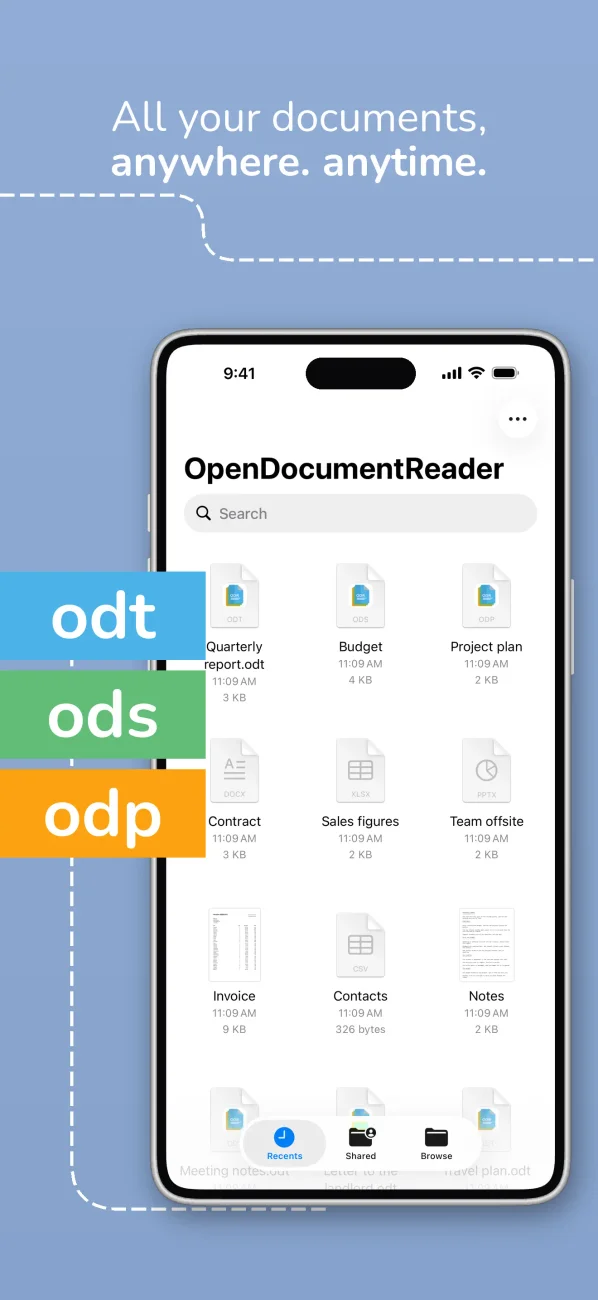
Read documents created using LibreOffice or OpenOffice on the go, wherever you keep them, with the Document Reader!
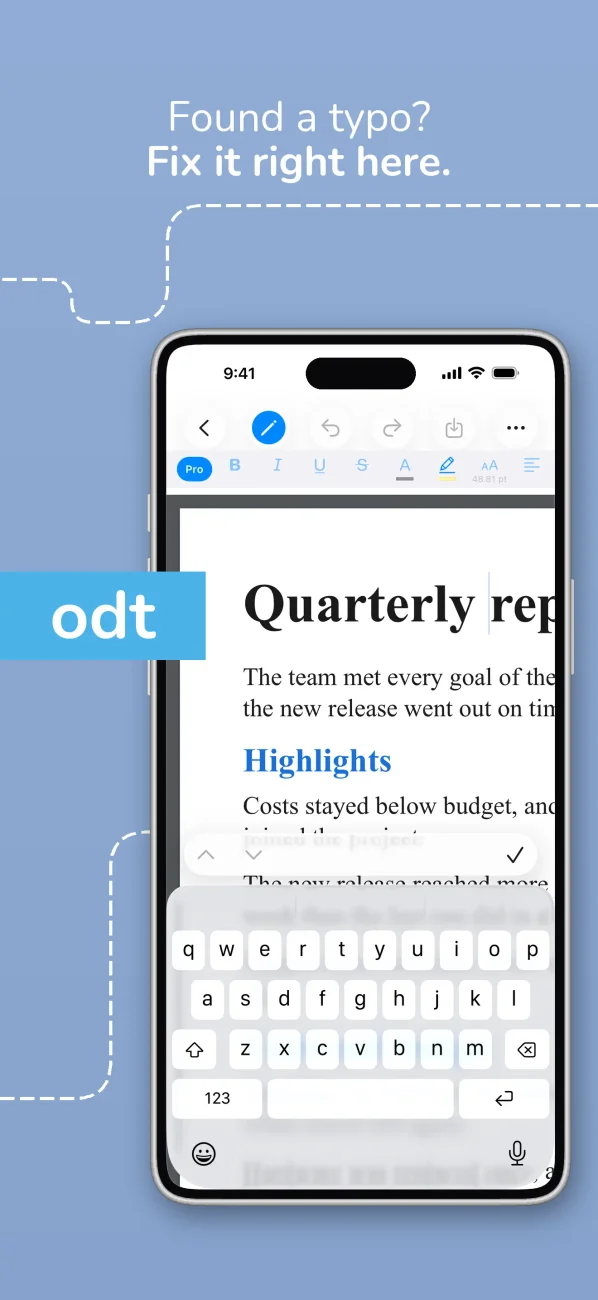
The file reader lets you open files like ODF (Open Document Format) documents created using LibreOffice or OpenOffice wherever you are. In the bus on your way to school wanting to look at your notes before the big exam? No problem! With the Document Reader you can open files wherever you like and read & search through your documents to go in a clean and simple way. There is a text editor in here as well, for the last typo before a document goes out. It is a young one and it does not reach every document yet, so the reader is what this app is for. New paragraphs, text and cell formatting and more ways to mark PDFs come with OpenDocument Reader Pro or with the yearly subscription in the app.
You can open files from ODF (ODT, ODS & many more) that you have created with Libre Office or OpenOffice also from within other apps. Supported apps include GMail, Google Drive, iCloud, OneDrive, Nextcloud, Box.net, Dropbox and lots of others! Or use our integrated file explorer instead to open files on your device.
THE ALL IN ONE DOCUMENT READER
*open files with ODF: ODT (writer), ODS (calc), ODP and ODG without a hassle
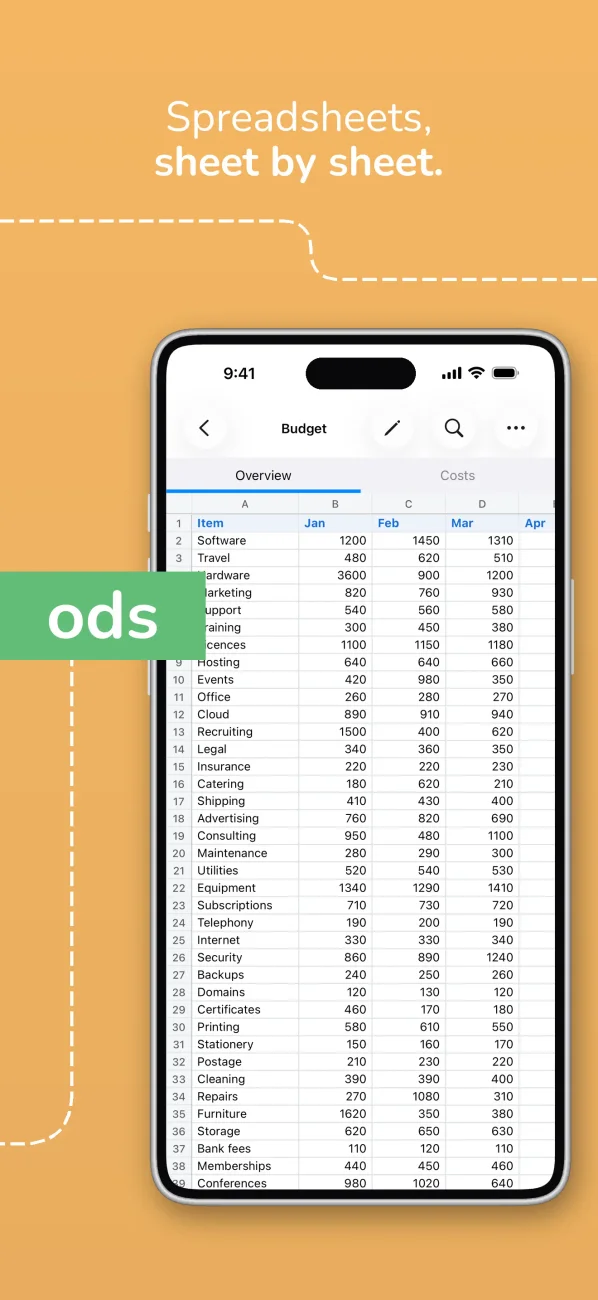
*fix typos, edit and colour spreadsheet cells, and highlight text in documents and PDFs
*securely open password-protected documents
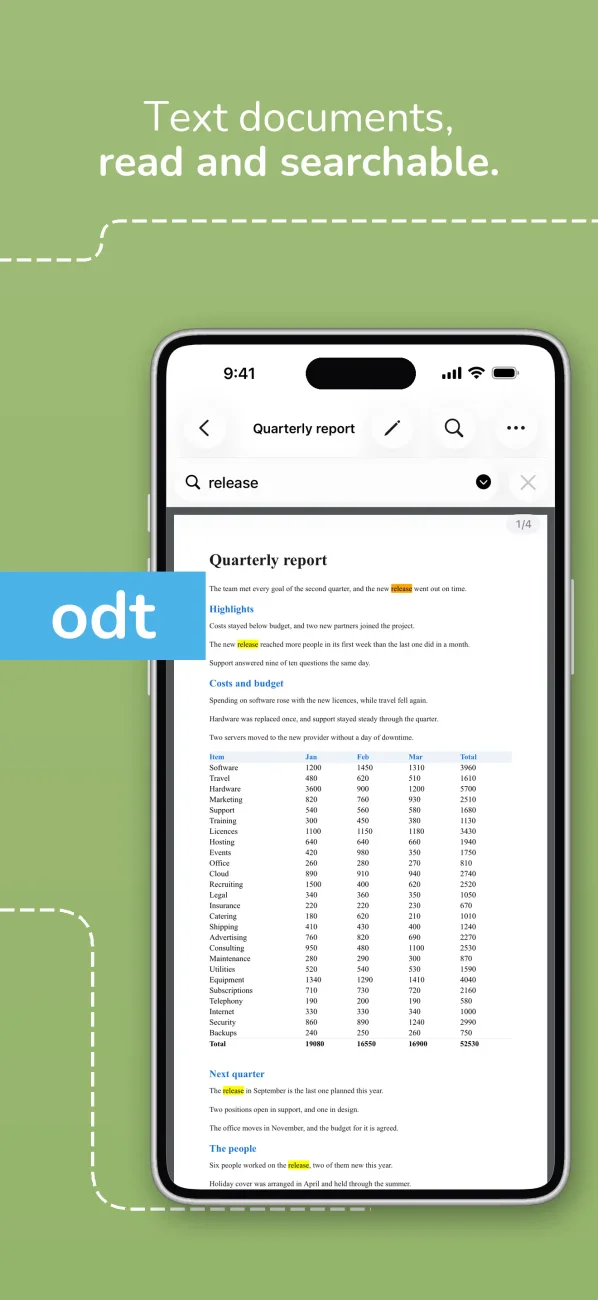
*search for keywords in your ODT (writer), ODS (calc) or ODG and highlight them
*print documents if your device is connected to a printer
*read your documents in fullscreen to avoid distractions
*select and copy text out of your documents
*enjoy your documents even without internet connectivity - fully offline capable
*read out aloud your documents using Text-To-Speech technology
DOCUMENTS TO GO - WHEREVER YOU LIKE
In addition to that, the document reader aims to support various other file formats as well as possible:
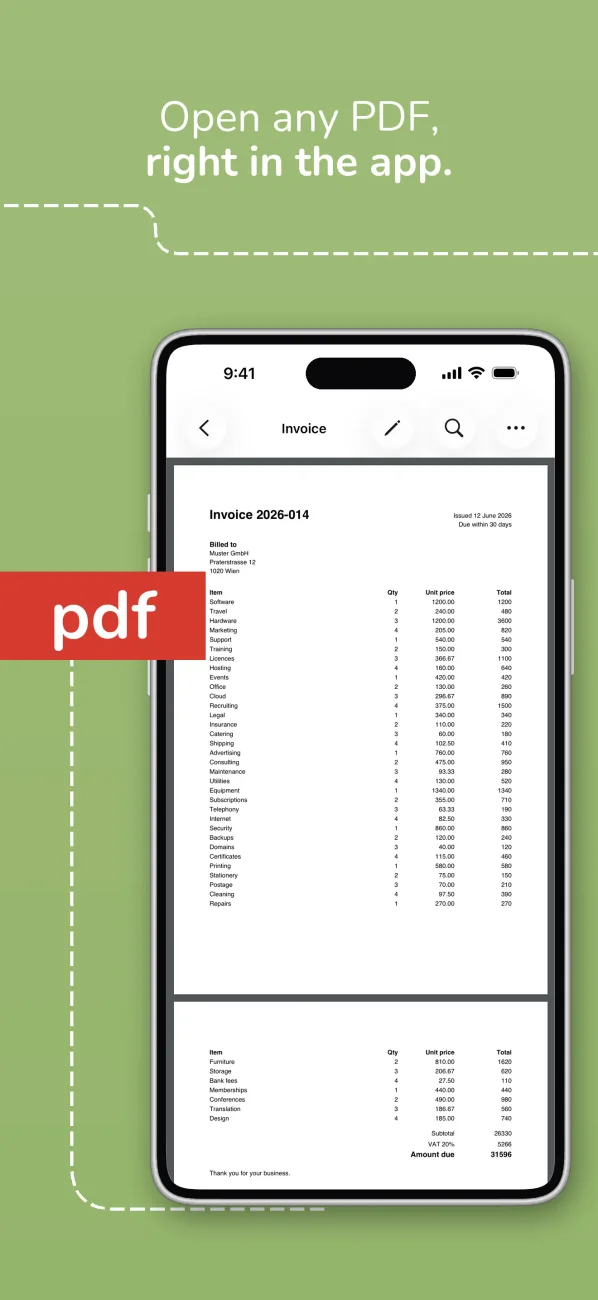
- Portable Document Format (PDF)
- Archives: ZIP
- Images: JPG, JPEG, GIF, PNG, WEBP, TIFF, BMP, SVG, etc
- Videos: MP4, WEBM, etc
- Audio: MP3, OGG, etc
- Text files: CSV, TXT, HTML, MD, RTF
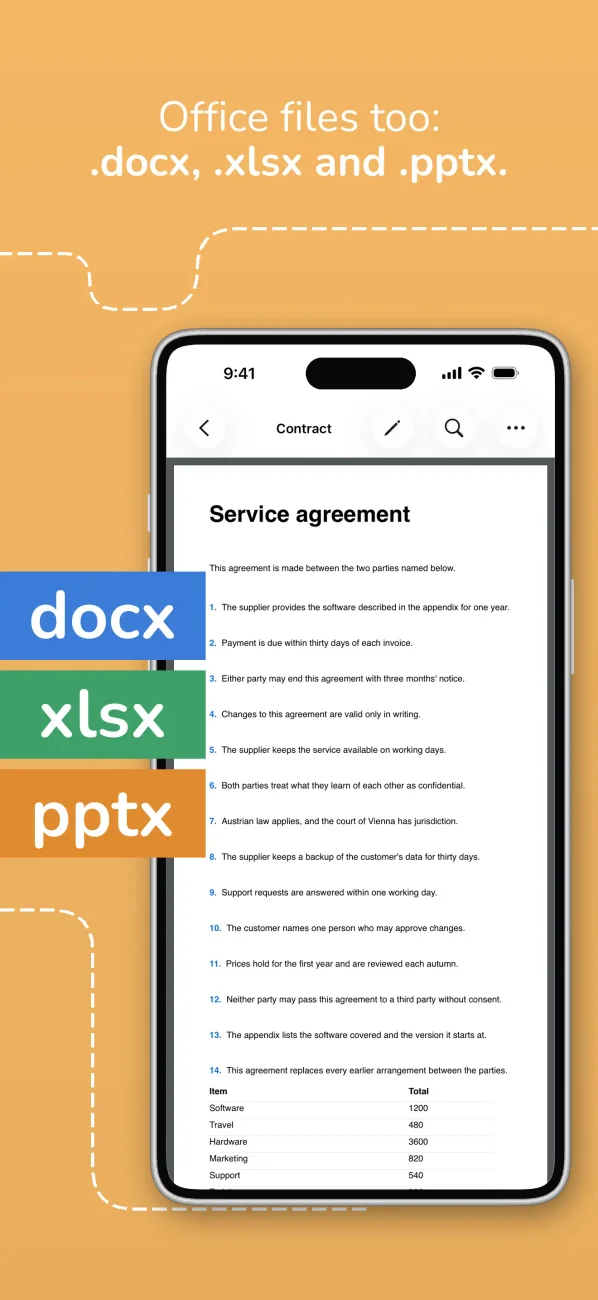
- Microsoft Office (OOXML): Word (DOC, DOCX), Excel (XLS, XLSX), PowerPoint (PPT, PPTX)
- Apple iWork: Pages, Numbers, Keynote
- Libre Office and Open Office ODF (ODT, ODS, ODP, ODG, FODT, FODS, FODP, FODG)
This app is open source. We are not affiliated with OpenOffice, LibreOffice or similar. Made in Austria. Ads support the development of this app. A yearly subscription in the app removes them. We highly appreciate all kinds of feedback via email.
ODF is the format used by office suites like Open Office and Libre Office. Text documents (Writer, ODT), as well as spreadsheets (Calc, ODS) and also presentations (Impress, ODP) are supported, including complex formatting and embedded images. Graphs are no problem either. If you want to secure your data you can even open password-protected documents. Other applications that are using this format are LibreOffice, OpenOffice, NeoOffice, StarOffice, Go-oo, IBM Workplace, IBM Lotus Symphony, ChinaOffice, AndrOpen Office, Co-Create Office, EuroOffice, KaiOffice, Jambo OpenOffice, MagyarOffice, MultiMedia Office, MYOffice, NextOffice, OfficeOne, OfficeTLE, OOo4Kids, OpenOfficePL, OpenOfficeT7, OxOffice, OxygenOffice, Pladao Office, PlusOffice, RedOffice, RomanianOffice, SunShine Office, ThizOffice, UP Office, White Label Office, WPS Office Storm, Libre Office, Collabora Office and 602Office.
Terms of Use (EULA): https://www.apple.com/legal/internet-services/itunes/dev/stdeula/
新機能
バージョン 1.52 · 2026/11/15
- Text documents now show their page headers and footers, and number headings and lists as LibreOffice does
- Shapes and slides now show their gradients, patterns, background pictures, shadows and Fontwork text
- Slides no longer show leftover "Click to edit" placeholder text
アプリのプライバシー
このアプリのデータの取り扱いについて、Stefl und Taschauer OGがApp Storeで申告している内容です。
-
ユーザーのトラッキングに使用されるデータ
他社のアプリやウェブサイトを横断してユーザーをトラッキングする目的で使用される場合があります。
- ID
- 使用状況データ
- 診断
-
ユーザーに関連付けられないデータ
収集される場合がありますが、ユーザーの識別情報には関連付けられません。
- ID
- 使用状況データ
- 診断
プライバシーの取り扱いは、ご利用の機能やお客様の年齢などに応じて異なる場合があります。
情報
- 販売元
- Stefl und Taschauer OG
- カテゴリ
- 仕事効率化
- バージョン
- 1.52
- 更新日
- 2026/11/15
- リリース
- 2020/5/9
- サイズ
- 12.1 MB
- 必要条件
- iOS 15.0以降
- 対象年齢
- 4+
- 価格
- 無料
- アプリ内課金
- あり
- 言語
- 英語, カタロニア語, チェコ語, デンマーク語, フランス語, ドイツ語, アイルランド語, イタリア語, 日本語, ポーランド語, ポルトガル語, ロシア語 ほか4言語
- 著作権
- © 2019 Stefl und Taschauer OG
こちらもおすすめ
-
 Collabora Office仕事効率化
-
 AO Office文書・表計算・プレゼンテーション
-
 ONLYOFFICE Documentsモバイル用のオフィススイート
-
 ポラリスオフィス - ファイル編集,PDF変換View & Edit all kinds of docs
-
 Proton Drive: Cloud Storage仕事効率化
-
 PDFリーダー– PDFelementPDFビューア、PDFに注釈を付ける
-
 PDF Pro - PDF編集、書き込み、PDF書類の管理PDFマークアップ、編集、共有、作業を効率的に
-
 Nextcloud仕事効率化
-
 Foxit PDF Editor仕事効率化
-
 KDE Connect仕事効率化