OpenDocument Reader - view ODT
LibreOffice documents & PDF
Designed for iPhone, iPad, iPod touch
Free · In-app purchases
- Age rating4+
- CategoryProductivity
- DeveloperStefl und Taschauer OG
- LanguagesEnglish+ 15 more
- Size12.1 MB
Links to the official App Store page
Download.org hosts no file of OpenDocument Reader - view ODT. The button opens its official App Store page, published by Stefl und Taschauer OG. Listing last checked on Nov 22, 2026.
Screenshots
About
Read documents created using LibreOffice or OpenOffice on the go, wherever you keep them, with the Document Reader!
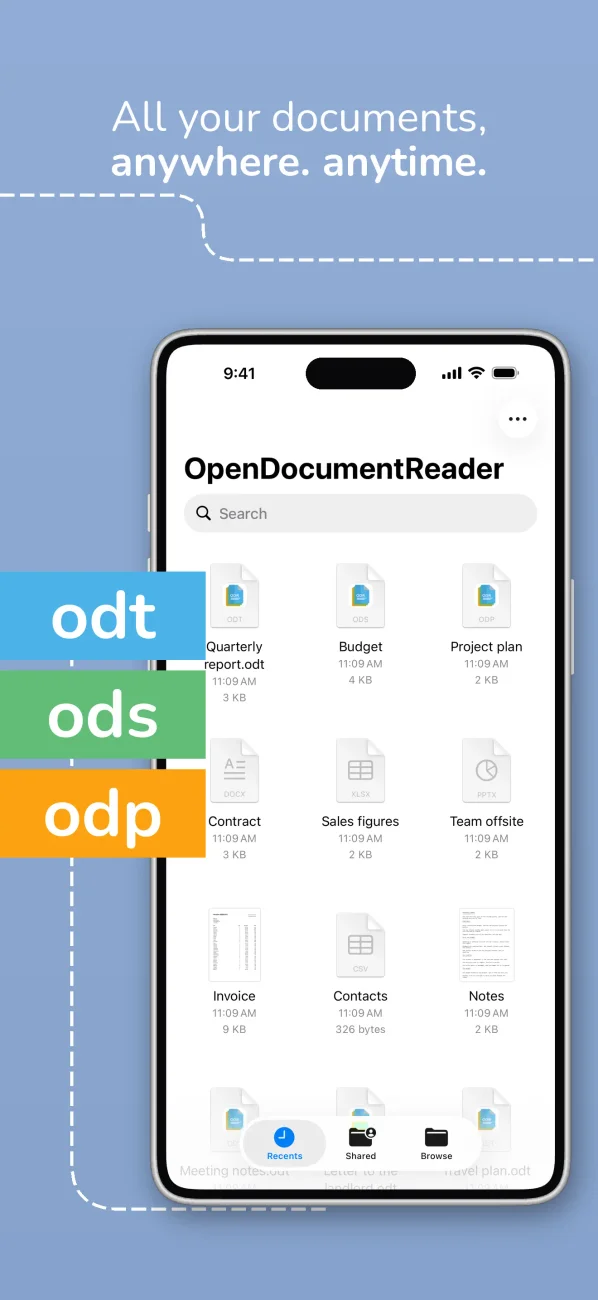
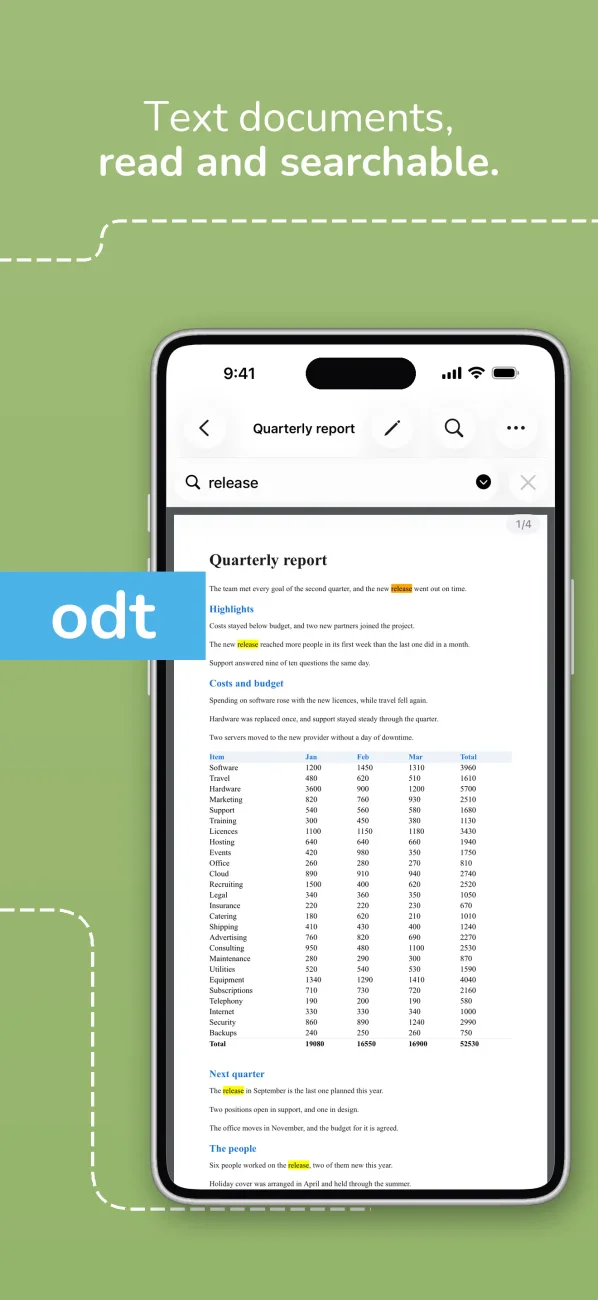
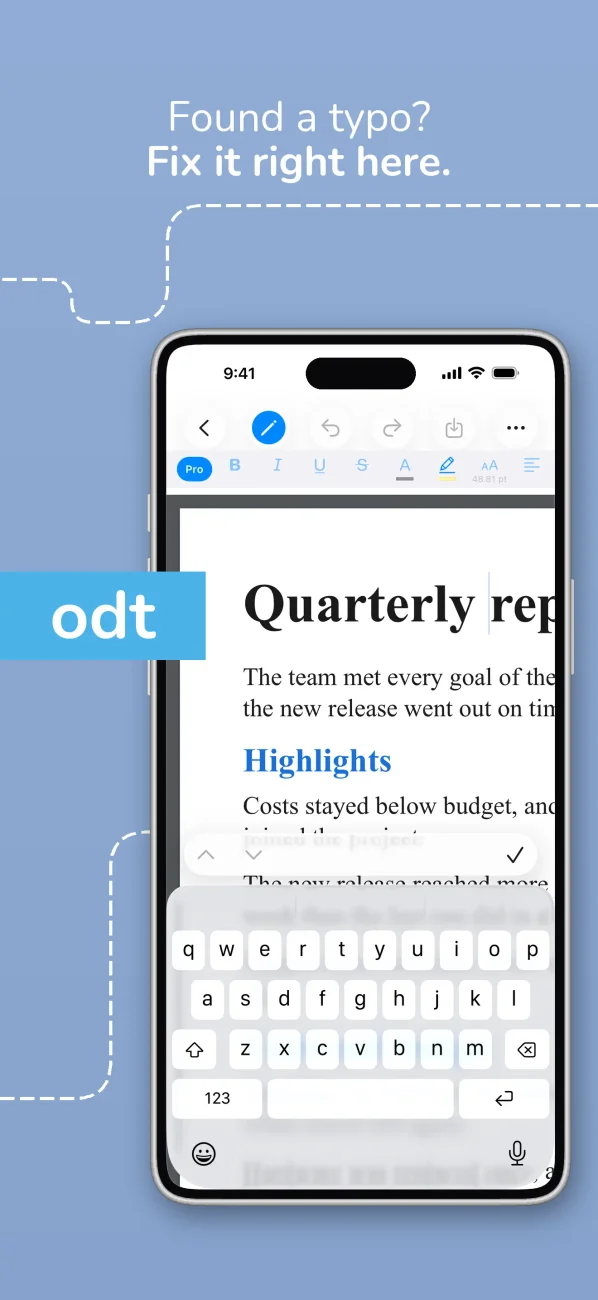
The file reader lets you open files like ODF (Open Document Format) documents created using LibreOffice or OpenOffice wherever you are. In the bus on your way to school wanting to look at your notes before the big exam? No problem! With the Document Reader you can open files wherever you like and read & search through your documents to go in a clean and simple way. There is a text editor in here as well, for the last typo before a document goes out. It is a young one and it does not reach every document yet, so the reader is what this app is for. New paragraphs, text and cell formatting and more ways to mark PDFs come with OpenDocument Reader Pro or with the yearly subscription in the app.
You can open files from ODF (ODT, ODS & many more) that you have created with Libre Office or OpenOffice also from within other apps. Supported apps include GMail, Google Drive, iCloud, OneDrive, Nextcloud, Box.net, Dropbox and lots of others! Or use our integrated file explorer instead to open files on your device.
THE ALL IN ONE DOCUMENT READER
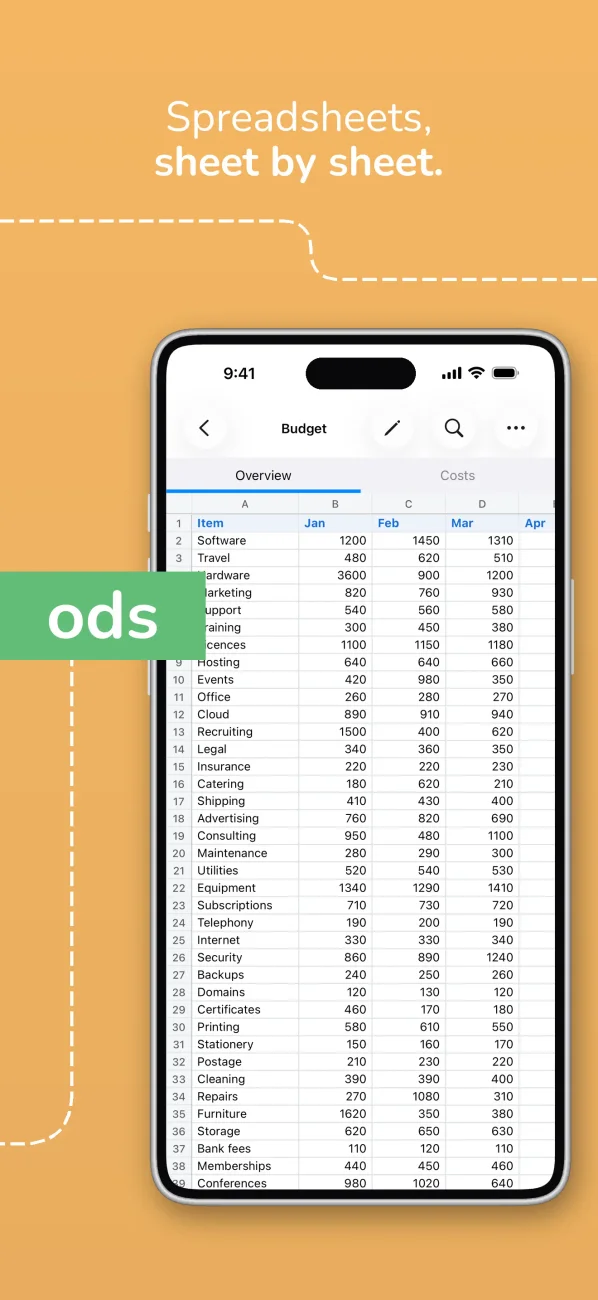
*open files with ODF: ODT (writer), ODS (calc), ODP and ODG without a hassle
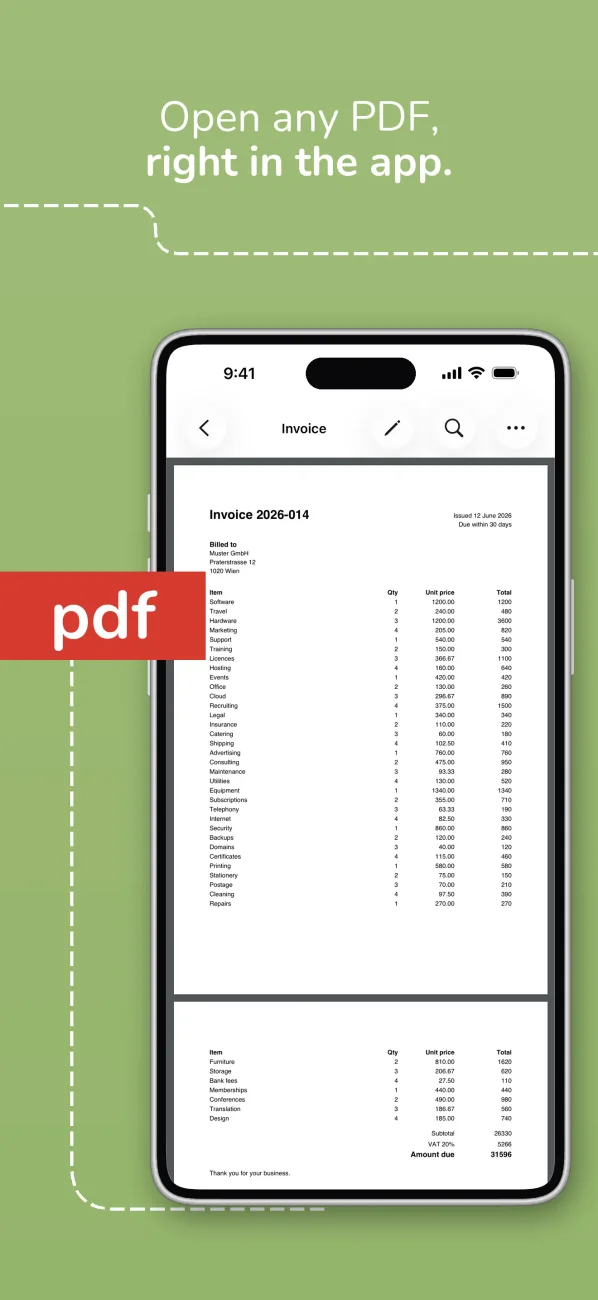
*fix typos, edit and colour spreadsheet cells, and highlight text in documents and PDFs
*securely open password-protected documents
*search for keywords in your ODT (writer), ODS (calc) or ODG and highlight them
*print documents if your device is connected to a printer
*read your documents in fullscreen to avoid distractions
*select and copy text out of your documents
*enjoy your documents even without internet connectivity - fully offline capable
*read out aloud your documents using Text-To-Speech technology
DOCUMENTS TO GO - WHEREVER YOU LIKE
In addition to that, the document reader aims to support various other file formats as well as possible:
- Portable Document Format (PDF)
- Archives: ZIP
- Images: JPG, JPEG, GIF, PNG, WEBP, TIFF, BMP, SVG, etc
- Videos: MP4, WEBM, etc
- Audio: MP3, OGG, etc
- Text files: CSV, TXT, HTML, MD, RTF
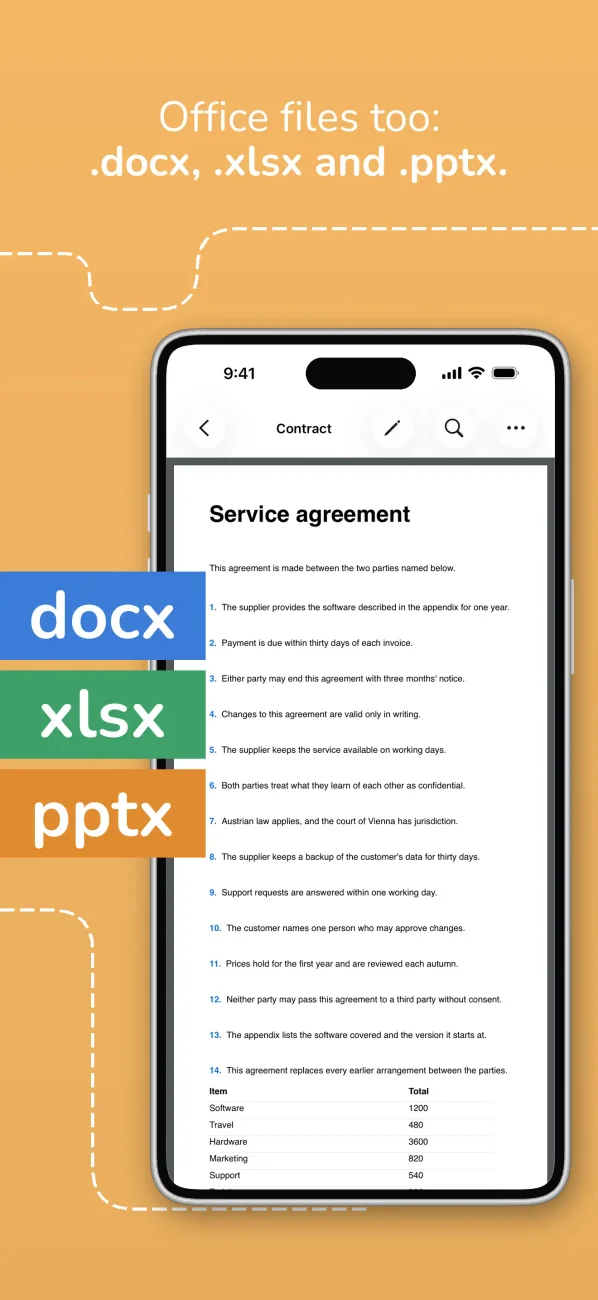
- Microsoft Office (OOXML): Word (DOC, DOCX), Excel (XLS, XLSX), PowerPoint (PPT, PPTX)
- Apple iWork: Pages, Numbers, Keynote
- Libre Office and Open Office ODF (ODT, ODS, ODP, ODG, FODT, FODS, FODP, FODG)
This app is open source. We are not affiliated with OpenOffice, LibreOffice or similar. Made in Austria. Ads support the development of this app. A yearly subscription in the app removes them. We highly appreciate all kinds of feedback via email.
ODF is the format used by office suites like Open Office and Libre Office. Text documents (Writer, ODT), as well as spreadsheets (Calc, ODS) and also presentations (Impress, ODP) are supported, including complex formatting and embedded images. Graphs are no problem either. If you want to secure your data you can even open password-protected documents. Other applications that are using this format are LibreOffice, OpenOffice, NeoOffice, StarOffice, Go-oo, IBM Workplace, IBM Lotus Symphony, ChinaOffice, AndrOpen Office, Co-Create Office, EuroOffice, KaiOffice, Jambo OpenOffice, MagyarOffice, MultiMedia Office, MYOffice, NextOffice, OfficeOne, OfficeTLE, OOo4Kids, OpenOfficePL, OpenOfficeT7, OxOffice, OxygenOffice, Pladao Office, PlusOffice, RedOffice, RomanianOffice, SunShine Office, ThizOffice, UP Office, White Label Office, WPS Office Storm, Libre Office, Collabora Office and 602Office.
Terms of Use (EULA): https://www.apple.com/legal/internet-services/itunes/dev/stdeula/
What’s new
Version 1.52 · Nov 15, 2026
- Text documents now show their page headers and footers, and number headings and lists as LibreOffice does
- Shapes and slides now show their gradients, patterns, background pictures, shadows and Fontwork text
- Slides no longer show leftover "Click to edit" placeholder text
App privacy
What Stefl und Taschauer OG declares on the App Store about how this app handles data.
-
Data used to track you
May be used to track you across apps and websites owned by other companies.
- Identifiers
- Usage data
- Diagnostics
-
Data not linked to you
May be collected but is not linked to your identity.
- Identifiers
- Usage data
- Diagnostics
Privacy practices may vary, for example with the features you use or your age.
Information
- Seller
- Stefl und Taschauer OG
- Category
- Productivity
- Version
- 1.52
- Updated
- Nov 15, 2026
- Released
- May 9, 2020
- Size
- 12.1 MB
- Requires
- iOS 15.0 or later
- Age rating
- 4+
- Price
- Free
- In-app purchases
- Yes
- Languages
- English, Catalan, Czech, Danish, French, German, Irish, Italian, Japanese, Polish, Portuguese, Russian + 4 more
- Copyright
- © 2019 Stefl und Taschauer OG
You might also like
-
 Collabora OfficeProductivity
-
 AO OfficeDocuments, Sheets & Slides
-
 ONLYOFFICE DocumentsA complete mobile office suite
-
 Polaris Office - PDF & DocsView & Edit all kinds of docs
-
 Proton Drive: Cloud StorageDocs, photos & file manager
-
 PDF Reader – PDFelementPDF Editor & Viewer, PDF Maker
-
 PDF Pro - Reader Editor FormsEdit, annotate, view documents
-
 NextcloudPrivate cloud storage
-
 Foxit PDF EditorView, Edit, Convert, and Sign
-
 KDE ConnectCommunication Between Devices