- 対象年齢4+
- カテゴリ教育
- 開発元Everway Opco Ltd.
- 言語英語ほか12言語
- サイズ252.7 MB
App Storeの公式ページにリンクしています
Download.orgはOrbitNoteのファイルを一切ホストしていません。ボタンを押すと、Everway Opco Ltd.が公開しているApp Storeのアプリページが開きます。ページの最終確認:2026/11/18。
スクリーンショット


概要
開発元はこのテキストをお使いの言語で提供していません。
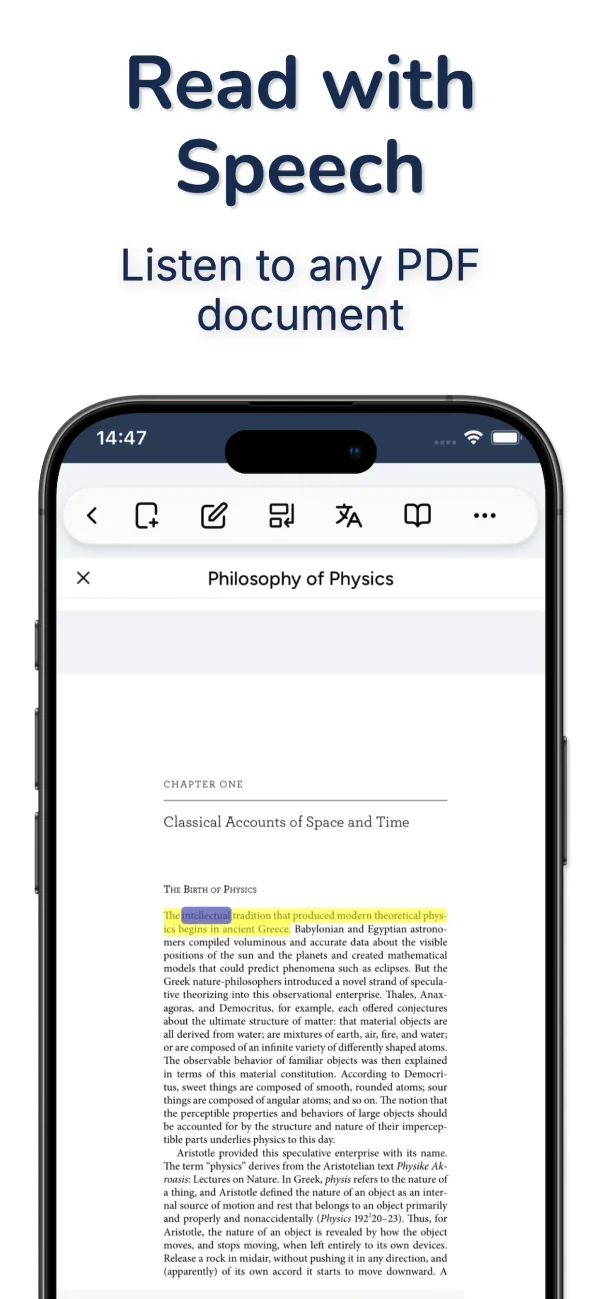
OrbitNote is an accessible, reading and study PDF tool for all. Annotate, mark up, listen to and save PDF files which are then still fully compatible with other popular PDF apps. Have accessible text PDF files spoken back to you with human quality voice & synchronised highlighting. PDF image files or photographs of text can be converted to accessible, searchable PDF files and read in the app.
+ Speech, Productivity and Accessibility
Alongside the full range of iOS system voices, OrbitNote comes with a range of high-quality voices in different languages. A ‘Speak in Background’ option lets you listen to a PDF while viewing another app - great for proofreading PDF files while you’re working in other apps. The ‘Speak on tap’ and ‘Stop on tap’ options make speech easy to control.
+ OrbitNote allows the background colour of the PDF to be changed, and text colour inverted, to enhance readability. OrbitNote fully supports VoiceOver.
+ Annotations, Notes and Comments
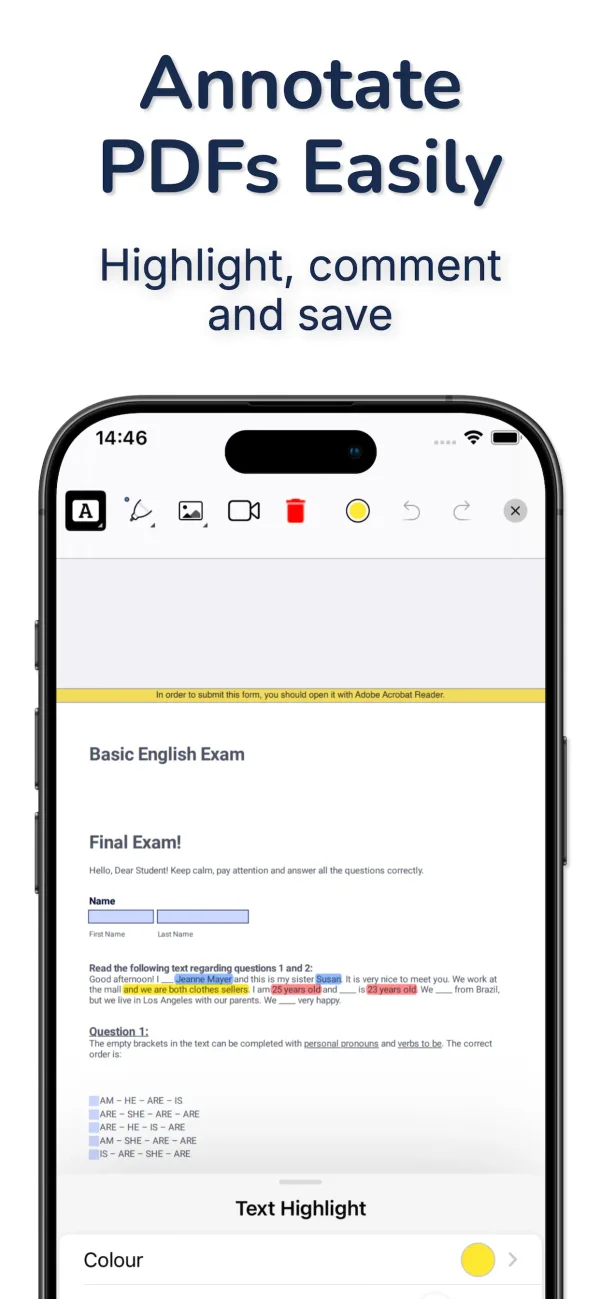
OrbitNote includes a powerful Annotation toolbar that lets you add notes and other comments. These are fully interchangeable with most other popular PDF apps, so your OrbitNote comments will still be there if you open the PDF on another device. Annotations created in another PDF app can also be viewed and edited.
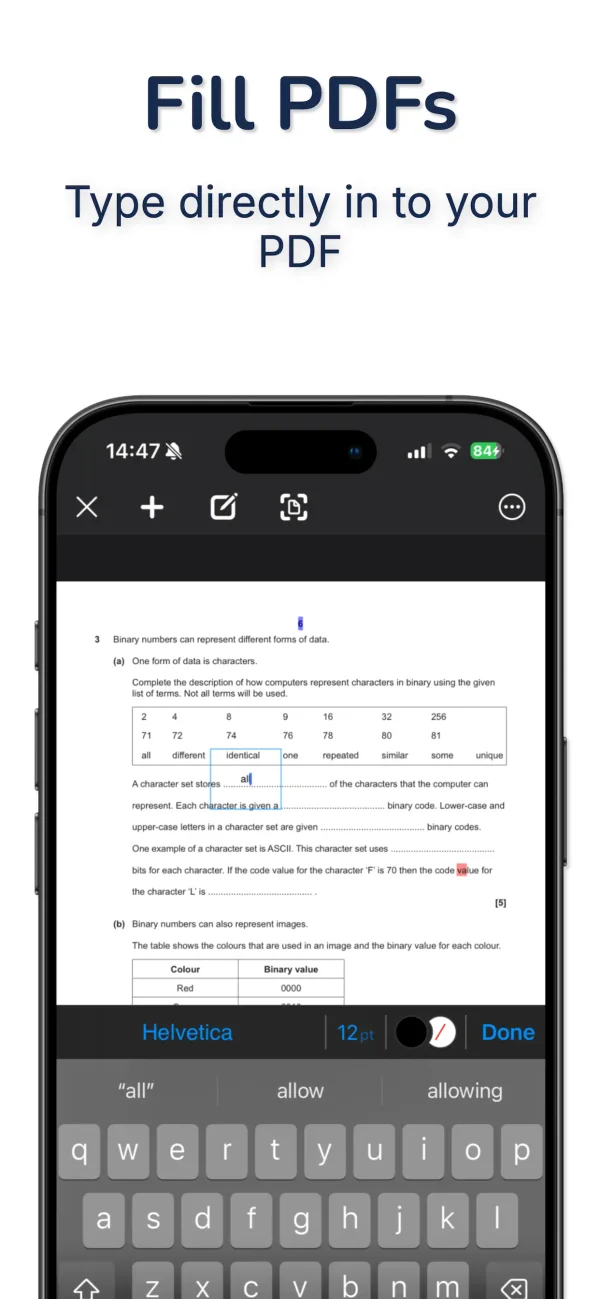
Annotation features include: highlight; underscore; strikeout; notes; free text (type straight into the PDF); free line draw; shapes (circle, square, line - with many options); images (you can even insert photos from your iPad camera or photo library into the PDF file); audio and video.
+ Photos and Image PDF to Text PDF Conversion
You can convert photos and other images to fully accessible text PDF files that can be spoken, searched, copied and highlighted. As well as converting photos, you can also convert any PDF Image file into a fully accessible Text PDF file. Along with making these PDF files accessible and searchable, it will also compress them, reducing file size. Further credit can be purchased in app. Photos and Image PDF to Text PDF Conversion in OrbitNote requires an internet connection.
+ Managing PDF Files
PDF files can be opened in OrbitNote from all other apps, including Mail and Safari. All opened PDF files will be placed in the OrbitNote Documents List for later viewing. You can also open files from Google Drive, OneDrive, or import directly from your device. PDF files can be saved into OrbitNote Documents, OneDrive or Google Drive, sent by email, or opened in other apps that support PDF files.
+ Sync with iCloud
You can sync ClaroPDF with your iCloud account. This lets you store and synchronise your PDF files and annotations across multiple devices. Sync with iCloud can also act as a document backup so you can keep your documents safe.
+ Switch Accessibility
OrbitNote responds to switch or Bluetooth keyboard commands:
1 (~1) Start speech
2 (~2) Stop speech
3 (~3) Turn to previous page
4 (~4) Turn to next page
+ Fullscreen mode
Allows the full document to be seen without toolbars in view. Ideal for smaller screens!
新機能
バージョン 5.1.5 · 2026/11/16
Adds a new option when saving to Google Drive to replace the existing file in Google Drive.
Fixed an issue where the loading spinner in Google Drive search behaved erratically
Fixed a Save to Google Drive bug where “Save as new” did not create a file with an incremented number
Fixed missing localisations
アプリのプライバシー
このアプリのデータの取り扱いについて、Everway Opco Ltd.がApp Storeで申告している内容です。
-
ユーザーに関連付けられないデータ
収集される場合がありますが、ユーザーの識別情報には関連付けられません。
- ユーザーコンテンツ
プライバシーの取り扱いは、ご利用の機能やお客様の年齢などに応じて異なる場合があります。
情報
- 販売元
- Everway Opco Ltd.
- カテゴリ
- 教育
- バージョン
- 5.1.5
- 更新日
- 2026/11/16
- リリース
- 2013/7/19
- サイズ
- 252.7 MB
- 必要条件
- iOS 15.5以降
- 対象年齢
- 4+
- 価格
- 無料
- アプリ内課金
- あり
- 言語
- 英語, アラビア語, デンマーク語, オランダ語, フランス語, ドイツ語, イタリア語, ノルウェー語 (ブークモール), ノルウェー語 (ニーノシュク), ポーランド語, ポルトガル語, スペイン語 ほか1言語
- 著作権
- © 2021, Texthelp Ltd